-
-
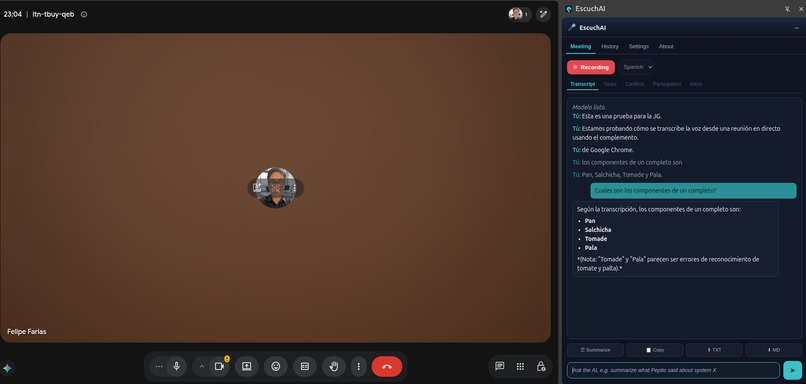
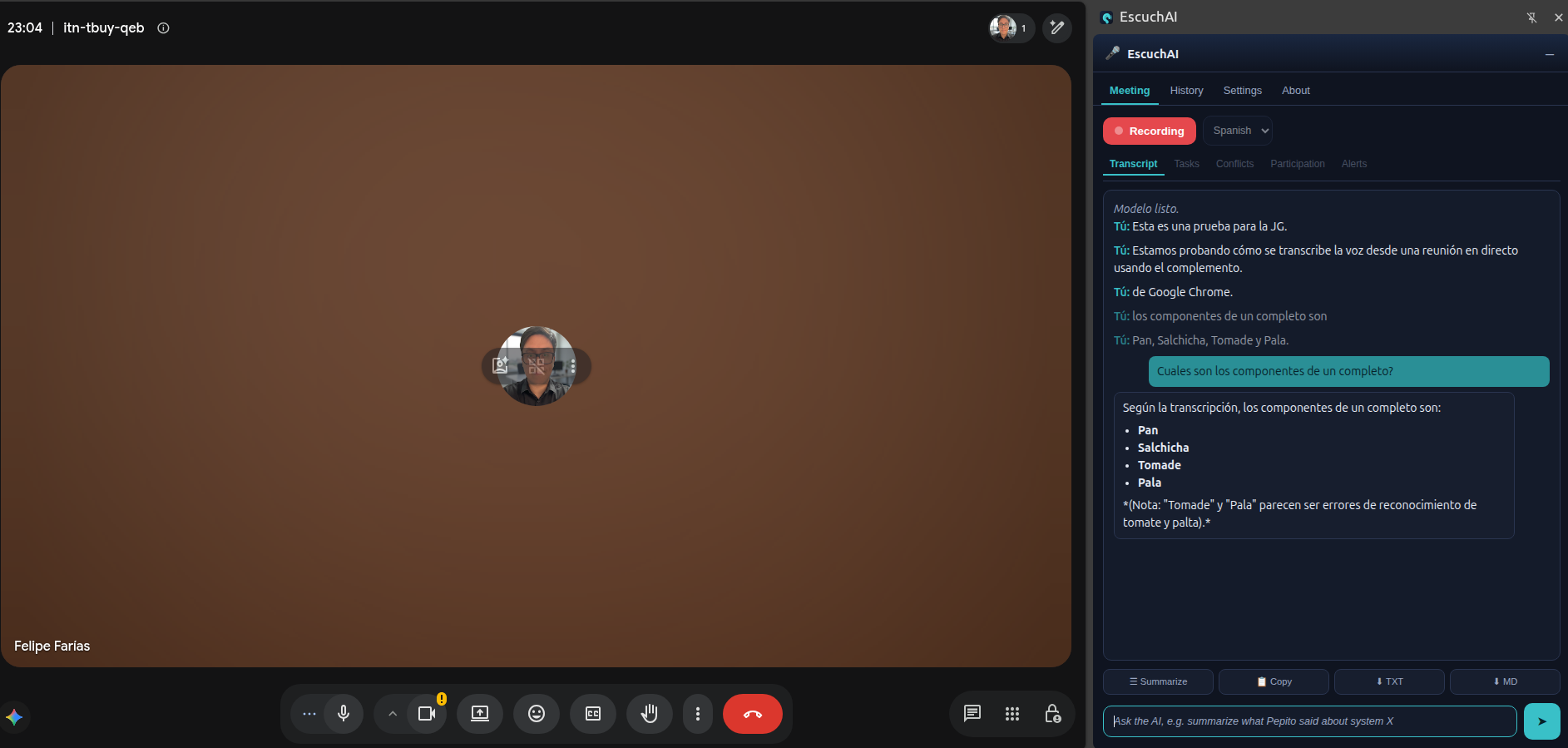
capture test and question with AI
Inspiration
I spend a lot of my week in Google Meet calls, and I kept losing the thread: who said what, what got decided, and what I was supposed to do afterward. Scrolling back through a recording never worked. I wanted something that would transcribe the meeting as it happened and let me just ask questions about it, without shipping the audio off to some server.
What it does
EscuchAI is a Chrome extension that lives in the browser side panel. On a Google Meet tab, you hit record and it:
- Transcribes the meeting in real time, labeling each line with who spoke.
- Keeps all audio on your machine. Transcription runs locally with Whisper; only the text goes to Gemini.
- Lets you chat with the AI about the meeting, using the full running transcript as context, while the call is still going.
How I built it
The core is Manifest V3:
- A side panel for the UI, tabs, transcript, and chat.
- An offscreen document that runs Whisper (via transformers.js) over the captured tab audio.
- A content script on Meet that figures out who is speaking.
- A service worker that wires it all together and manages tab capture.
Whisper handles the first-pass transcription locally, then Gemini acts as a second layer: it polishes each chunk (punctuation, accents, English technical terms) without rewriting it, and it powers the chat. The mic is captured on a separate channel so my own voice shows up, with an echo filter so the same line doesn't get transcribed twice.
I planned it before writing code using the Devpost Learn Skill Pack: the skills interviewed me about the idea, and we produced scope.md, prd.md, and spec.md before building anything.
Challenges I ran into
- Tab capture in MV3.
tabCaptureneeds the extension to be "invoked" on the tab, so opening the panel automatically wasn't enough. I open the panel manually from the icon click to keep the activeTab grant. - The CSP blocked the model. MV3's content security policy blocks loading the Whisper runtime from a CDN, so I had to vendor the ONNX WASM locally and point the runtime at it.
- Latency and accuracy. Real-time local transcription is a tradeoff. Chunking the audio means words get cut at the edges, so Gemini stitches them back using the previous line as context.
- Who is speaking. Meet obfuscates its DOM, so attribution falls back through several strategies: native captions, a single other participant, then the visual speaking indicator.
What I learned
The biggest lesson was planning before building: letting the AI interview me first meant far less wandering and rework later. On the technical side, I learned the sharp edges of MV3, how to run a transformer model locally in the browser, and that the right role for a cloud model isn't always to do the whole job, here it's a correction and Q&A layer on top of local work.
Built With
- chrome
- gemini
- html
- javascript
- kiro
- whisper


Log in or sign up for Devpost to join the conversation.