-
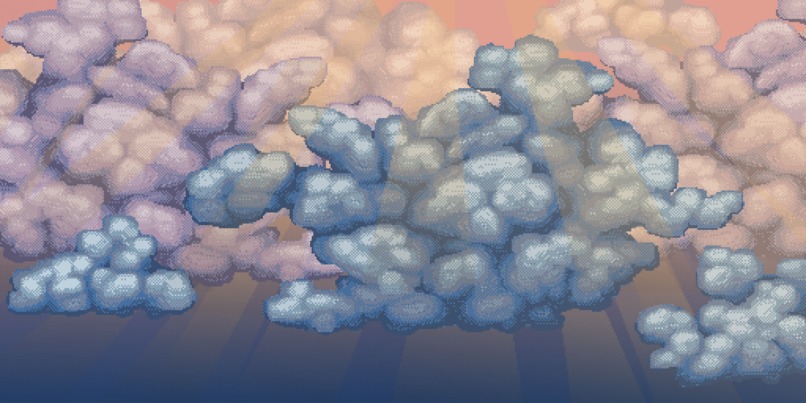
The submission; melancholy sky.
-
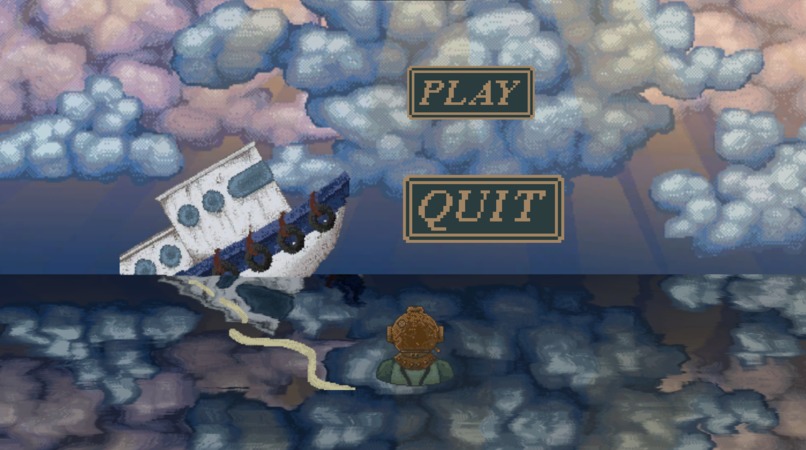
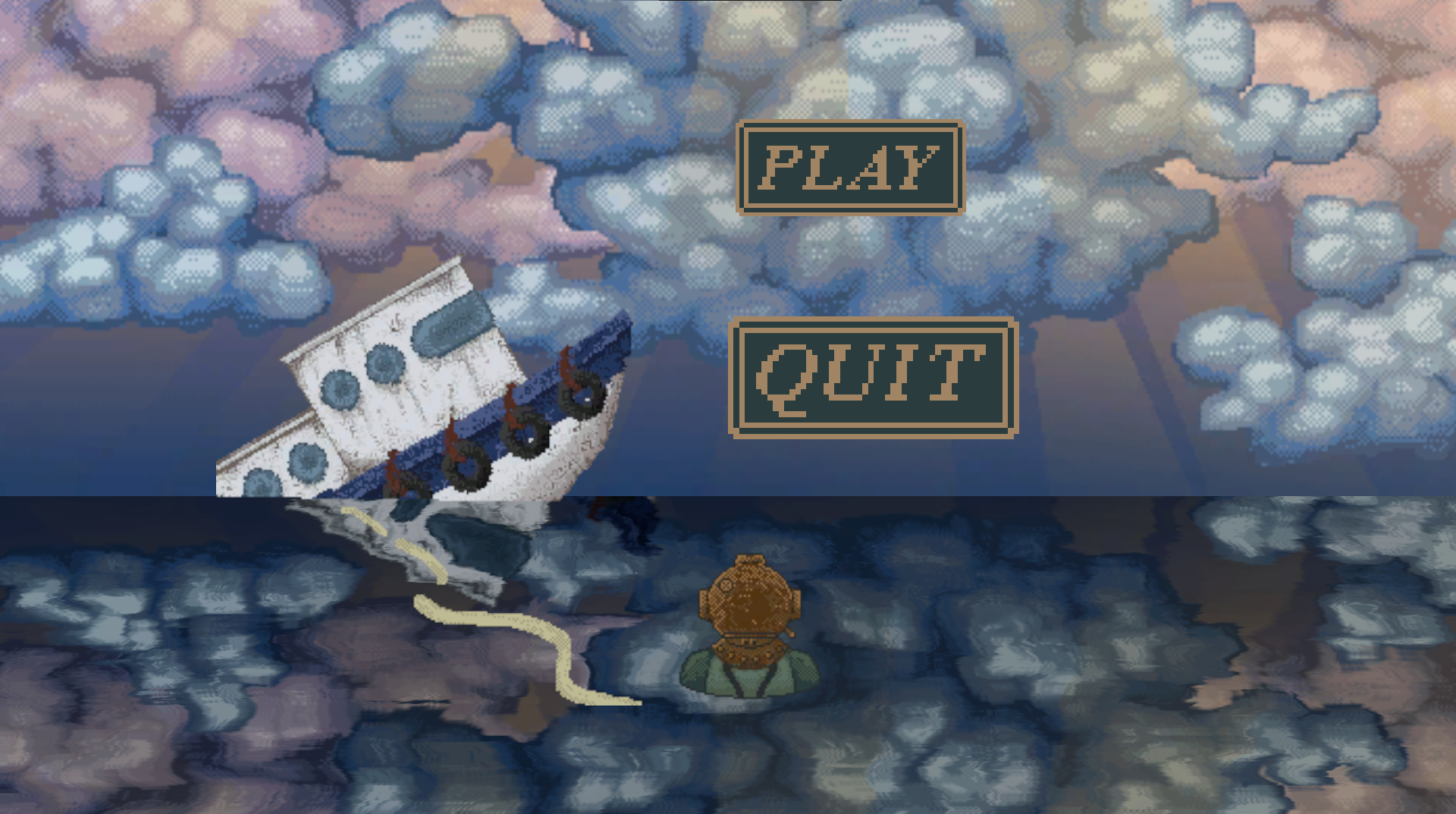
The art's implementation into the game as the win screen.
Art Direction
The game jam style was a cross between 2 styles decided upon by myself and fellow artist on the team Paige Webster, the creatures are reminiscent of vector graphics, whereas everything else is semi-realistic pixel art.
The Process
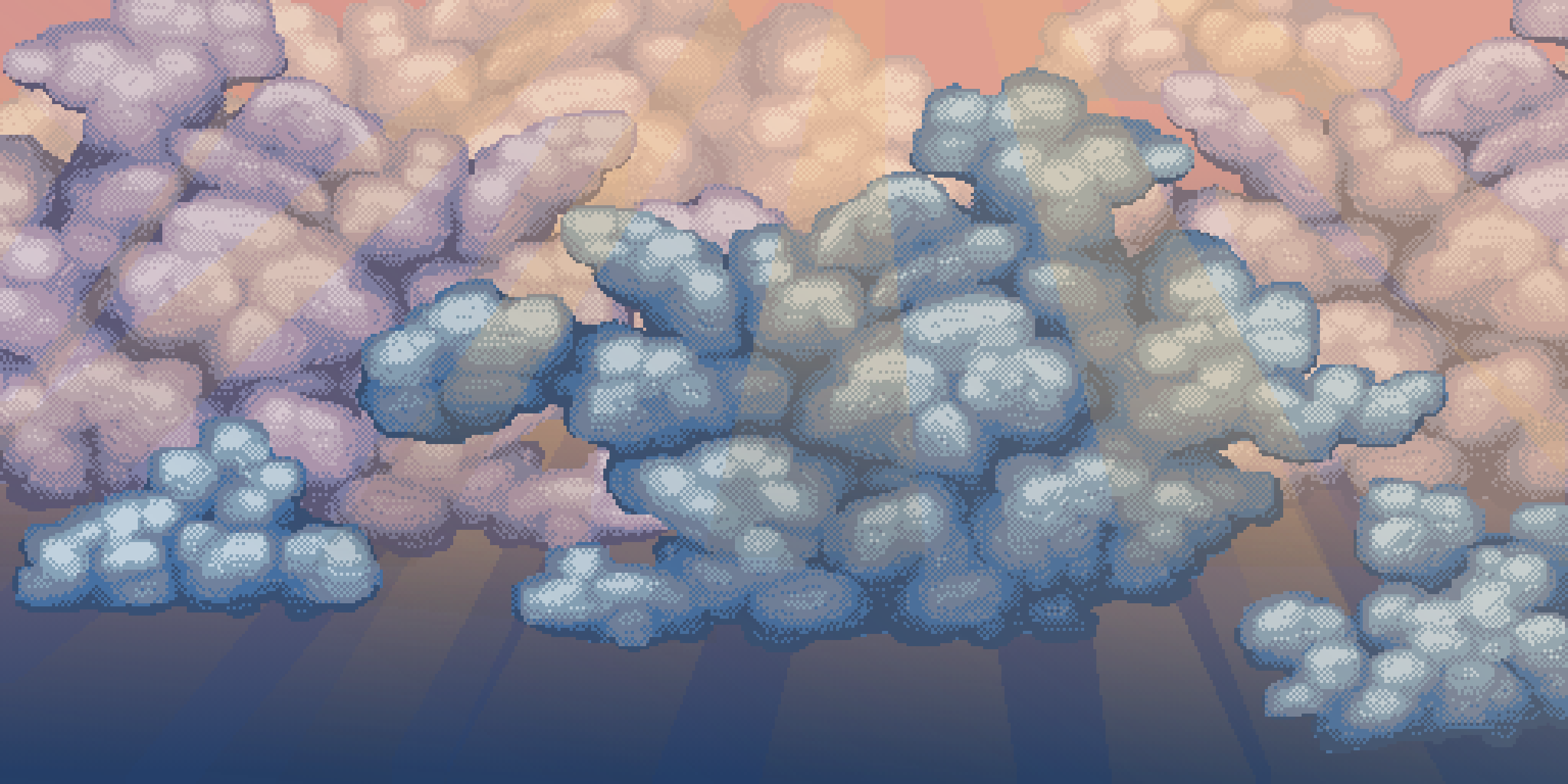
Our game, 'Escape the Deep', needed an winning end screen that pictured the diver breaching the surface of the ocean. I wanted to make the end screen invoke an emotion out of the player, combining the ruined boat, contrasted by the sun shining through the clouds in the sky. I intended to get a full range of colors from dark blue stormy clouds cut up by the yellow sunlight and rose-y illuminated clouds. This was my first attempt at drawing clouds in any capacity, so first I combined some palettes then blocked out the main forms. Keeping with the art direction of the game jam I used limited colors and added a majority of the detail through dithering. I used the gradient tool to first make the sky go from a rose red to a dark cyan, then used it again to add the rays of sunshine.
Implementation
Our programmer on the game jam: Max Miller, implemented a shader in order to reflect the cloud image to imitate the appearance of calm water, and after adding the other sprites I had made, our game jam now had a win screen.
Accomplishments
Every game jam I've participated in I've attempted to try out new styles of pixel art. In my first game jams I'd been worried about my capabilities in order to do enough, fast enough, in order to be useful to the team, so I'd would play it safe by taking on less complicated work. However for this one, partly in due to the implementation of post processing shaders, I decided to make the environmental art higher resolution. I planned to limit the amount of colors I'd be using, then use dithering to blend between them in order to create a stylized yet realistic look. This worked out in my favor as I was able to make several pieces of artwork in this style for the game to use, all in a short amount of time! (compared to my normal workflow).
Built With
- pixilart.com


Log in or sign up for Devpost to join the conversation.