-
-
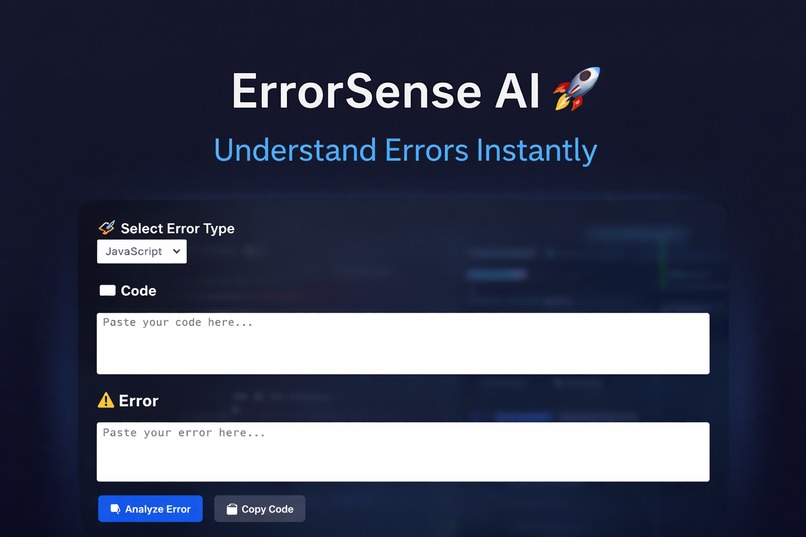
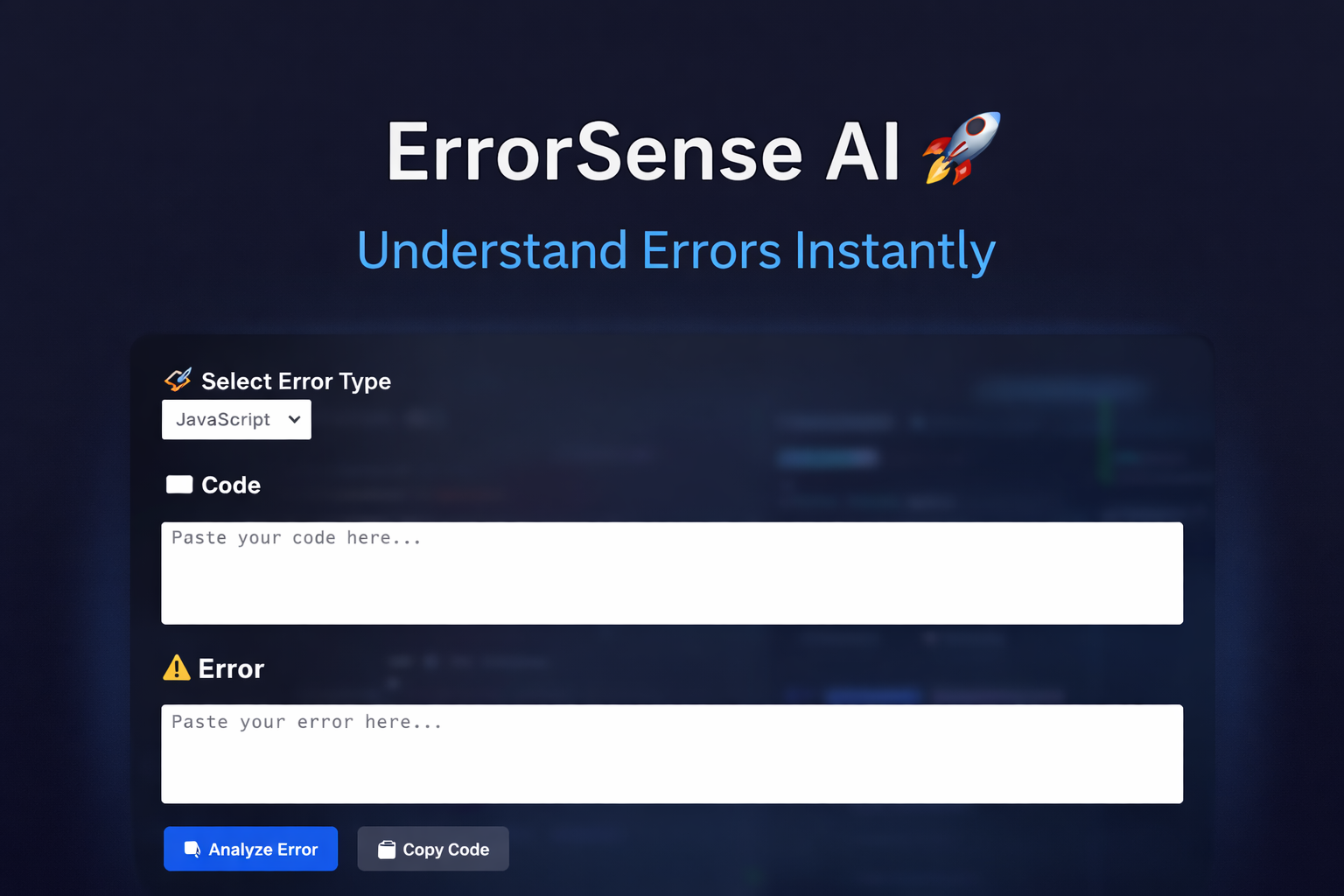
ErrorSense AI - Understand Errors Instantly
Inspiration
Developers often struggle more with understanding errors than writing code. While coding, I realized that error messages are often confusing, especially for beginners. This slows down development and creates frustration.
I wanted to build a tool that doesn’t just fix errors, but helps developers understand why they happen.
What it does
ErrorSense AI is an intelligent debugging assistant that analyzes both code and error messages to provide:
Simple and clear explanation
Root cause identification
Suggested fix with working code
Best practices to avoid similar issues
Automatic error type detection
It transforms complex error messages into easy-to-understand insights.
How I built it
Built the frontend using React with a clean and structured UI
Developed the backend using Node.js and Express
Integrated OpenRouter API (LLM) to analyze errors and generate responses
Designed a system to convert raw AI output into structured sections
Implemented loading states, retry logic, and error handling
Challenges I ran into
Handling inconsistent AI responses and parsing structured data
Managing API errors like authentication and model issues
Fixing CORS issues between frontend and backend
Debugging multiple runtime errors
Ensuring stable responses despite API limitations
What I learned
Integrating AI into real-world developer tools
Handling API failures and improving reliability
Building full-stack applications
Designing user-friendly debugging tools
Thinking from a problem-solving perspective
What’s next
Multi-language support (Python, Java)
VS Code extension
Real-time error detection
Integration with code editors
Impact
ErrorSense AI helps developers:
Debug faster
Understand errors clearly
Improve coding skills
Reduce development time
It is especially useful for beginners learning debugging.
Built With
- css
- express.js
- html
- javascript
- node.js
- openrouter-api
- react

Log in or sign up for Devpost to join the conversation.