-
-
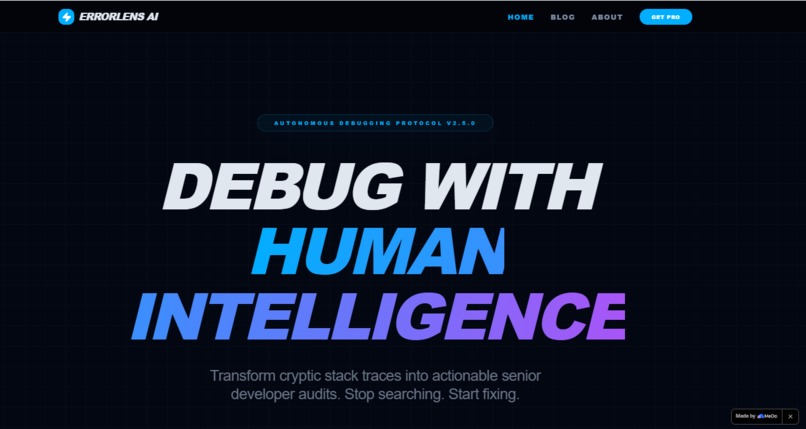
Home Section | Also have Blogs and About page
-
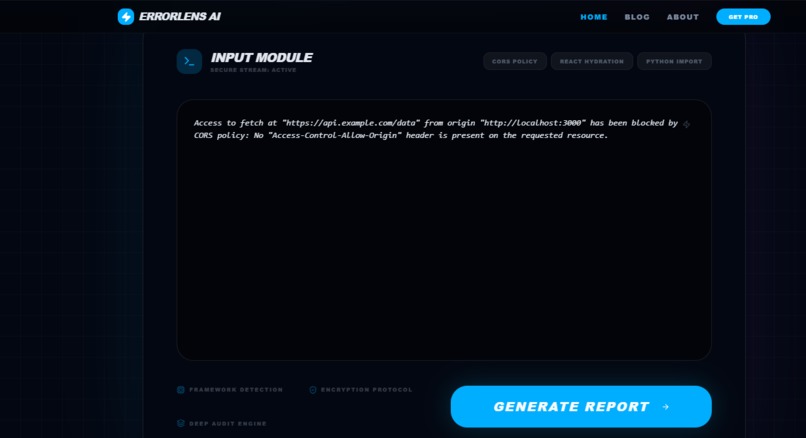
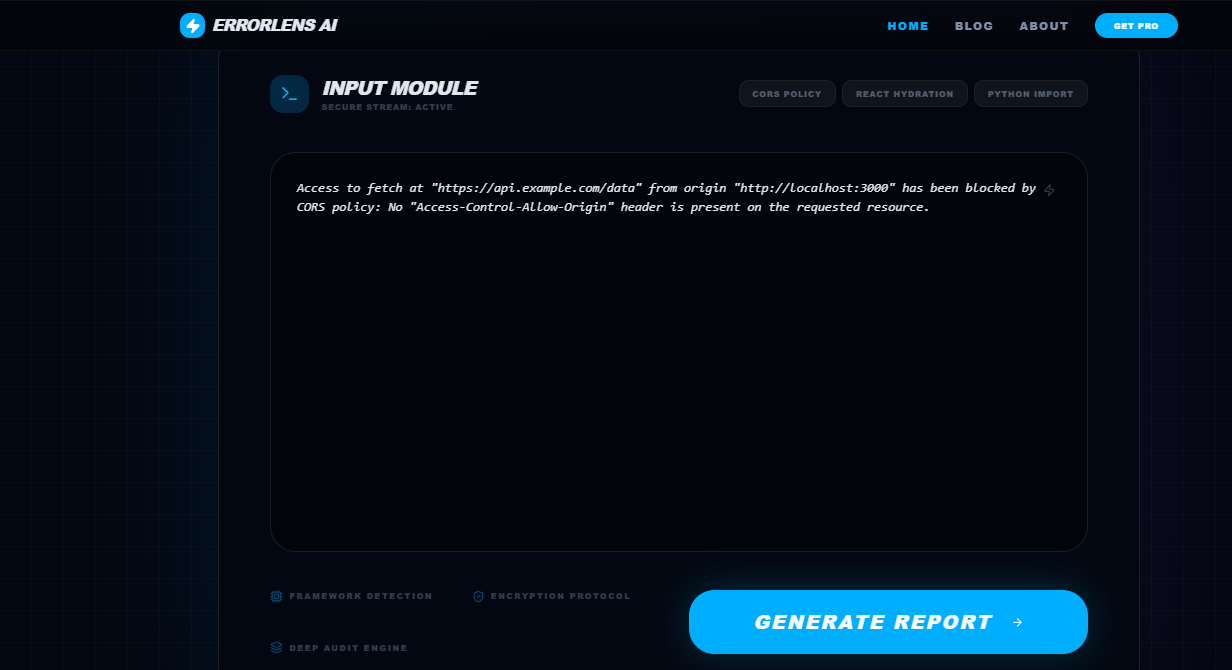
Here you can paste your error code,any bug it will explain and give solution
-
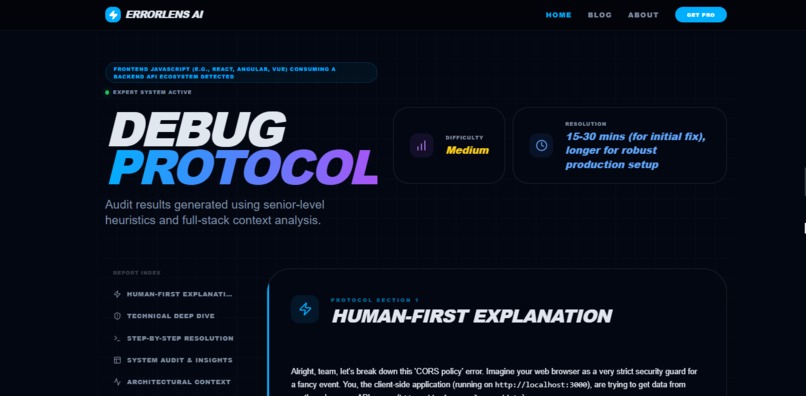
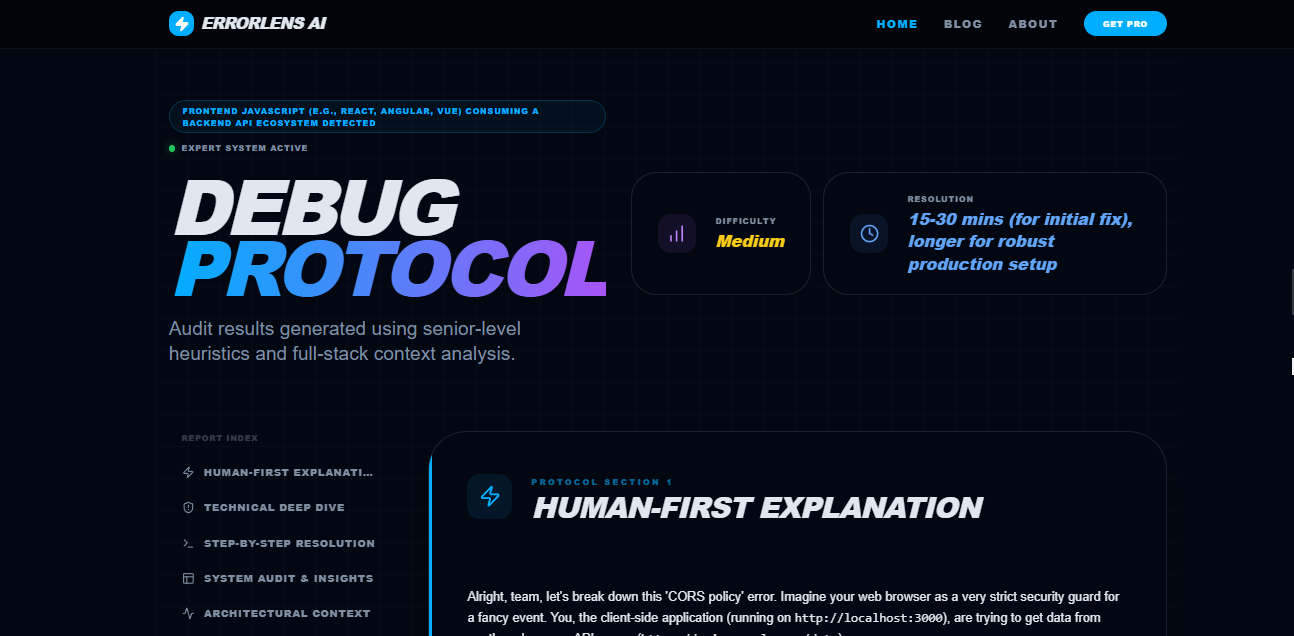
This is the output generated\solution for your bug
Inspiration
As developers, we often waste hours trying to understand technical errors that make no sense to beginners. A single error message can completely stop progress, especially for students and junior developers.
While building my own projects, I personally struggled with deployment issues, Vercel API failures, CORS problems, TailwindCSS configuration bugs, and module resolution errors. Most solutions online were either too advanced, incomplete, or filled with confusing terminology.
That frustration inspired me to build ErrorLens AI.
The goal was simple: create an AI-powered debugging assistant that explains technical errors in human language and provides practical, beginner-friendly solutions instead of overwhelming stack traces.
What it does
ErrorLens AI is an intelligent debugging platform that analyzes developer errors and converts them into structured, understandable diagnostics.
A user simply pastes an error message into the system, and the AI generates:
- A beginner-friendly explanation
- Technical root cause analysis
- Step-by-step fixes
- Common causes behind the issue
- Anti-patterns and mistakes to avoid
- Architectural context
- Future-proofing recommendations
- Related error patterns
- Learning resources and search suggestions
For example, if a user pastes:
Failed to load PostCSS config
Error: Cannot find module 'tailwindcss'
ErrorLens AI explains:
- Why the error occurs
- How Node.js dependency resolution works
- Why Vite fails during CSS processing
- Exact npm commands to fix the issue
- Why localhost sometimes works differently than Vercel
- What developers should avoid doing
The system transforms confusing console logs into actionable developer guidance.
How we built it
We built ErrorLens AI using MeDo's AI application generation capabilities.
The platform was designed with a modern developer-focused interface and structured diagnostic engine architecture.
Main components include:
- AI-powered error interpretation engine
- Structured debugging protocol system
- Frontend UI with multiple diagnostic sections
- Real-time analysis workflow
- Developer-friendly visual hierarchy
- Responsive modern dashboard experience
The application was generated and iterated through conversational AI workflows using MeDo. We continuously refined prompts, improved response formatting, enhanced UI structure, and optimized the diagnostic flow for better readability.
Challenges we ran into
One of the biggest challenges was making AI responses feel genuinely useful instead of generic.
Many AI tools provide shallow explanations that simply restate the error message. We wanted ErrorLens AI to behave more like a senior engineer mentoring a junior developer.
Another challenge was structuring responses into meaningful sections such as:
- Human-first explanation
- Technical deep dive
- Step-by-step resolution
- Root cause audit
- Future-proofing guidance
Balancing technical accuracy with beginner readability was also difficult. The system needed to remain technically correct while still being understandable for new developers.
Accomplishments that we're proud of
We successfully created a system that:
- Converts intimidating errors into understandable explanations
- Provides structured debugging workflows
- Helps beginner developers learn while fixing issues
- Produces professional-quality diagnostic reports
- Delivers a clean and polished UI experience
- Demonstrates practical AI-assisted software problem solving
We are especially proud of the detailed protocol-based response system because it makes the platform feel significantly more advanced than a basic chatbot.
What we learned
During development we learned:
- How AI can improve developer education
- The importance of response structure in debugging tools
- Better frontend UX practices for technical products
- How conversational prompting can guide application generation
- The importance of contextual explanations rather than generic fixes
We also learned that many beginner developers do not need more documentation. They need clearer explanations.
What's next for ErrorLens AI
Future plans include:
- Screenshot-based error detection
- VS Code extension support
- GitHub repository scanning
- Live deployment diagnostics
- AI-generated architecture diagrams
- Multi-language debugging support
- Real-time terminal integration
- Personalized learning recommendations
The long-term vision is to transform ErrorLens AI into a complete AI-powered developer debugging ecosystem.
Built With
- ai
- css3
- html5
- javascript
- medo
- prompt-engineering
- ui/ux
- vercel

Log in or sign up for Devpost to join the conversation.