-
-
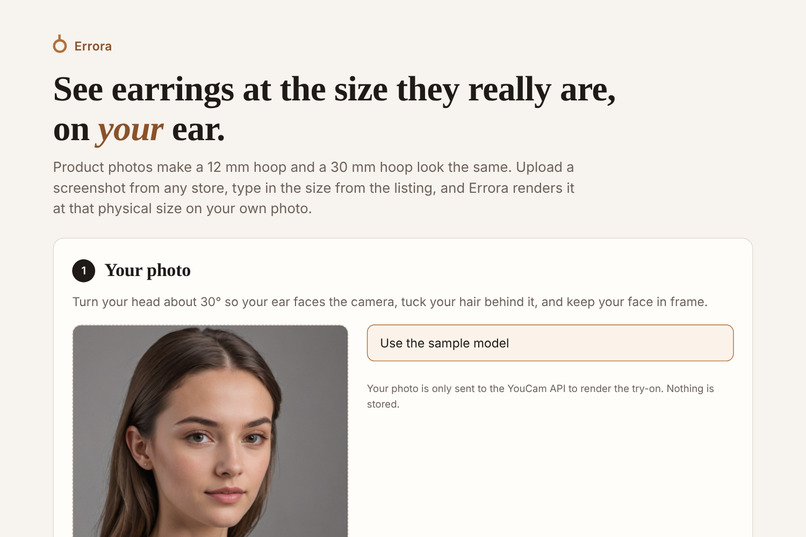
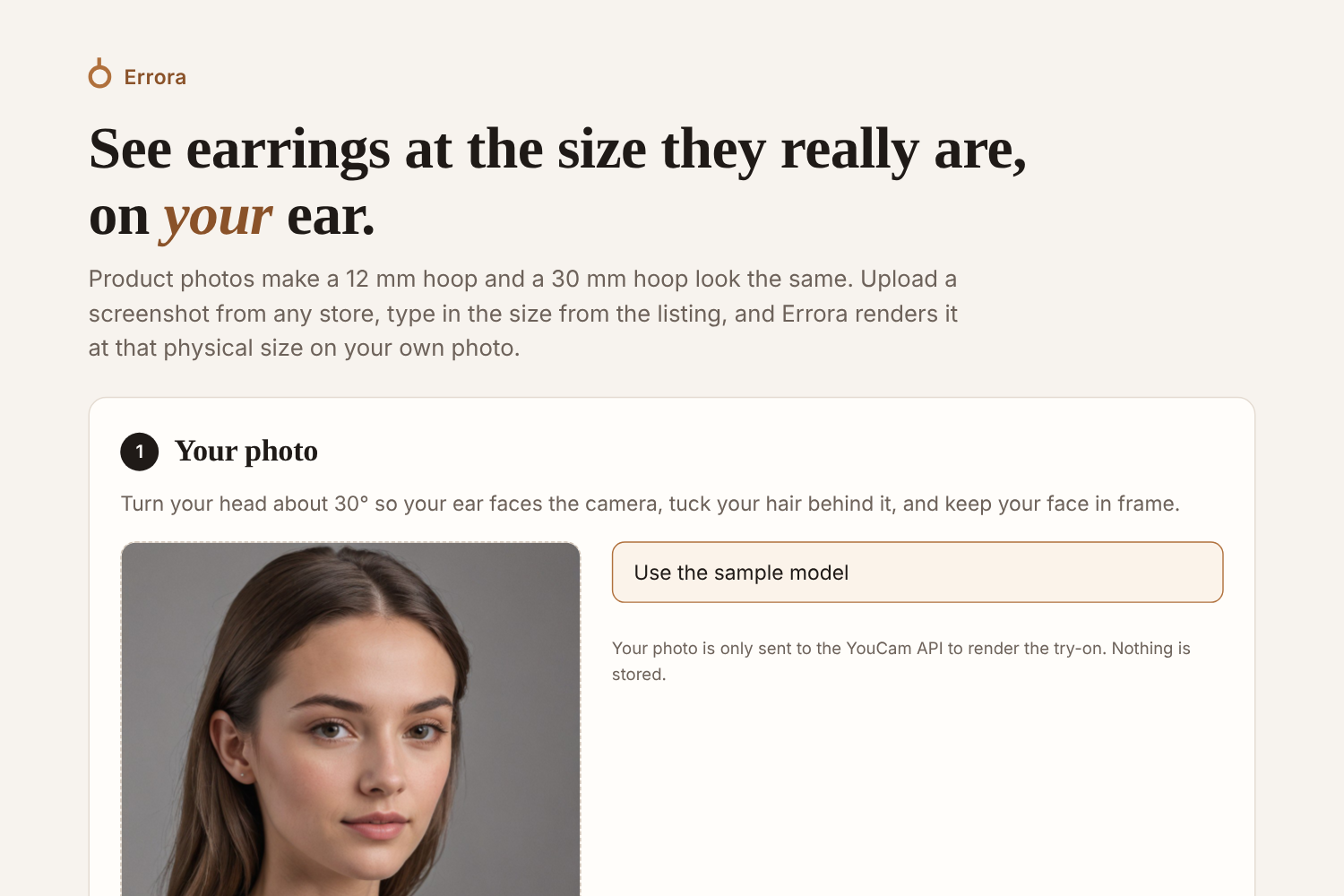
Start with a three-quarter-view photo or the built-in sample model, with your ear visible
-
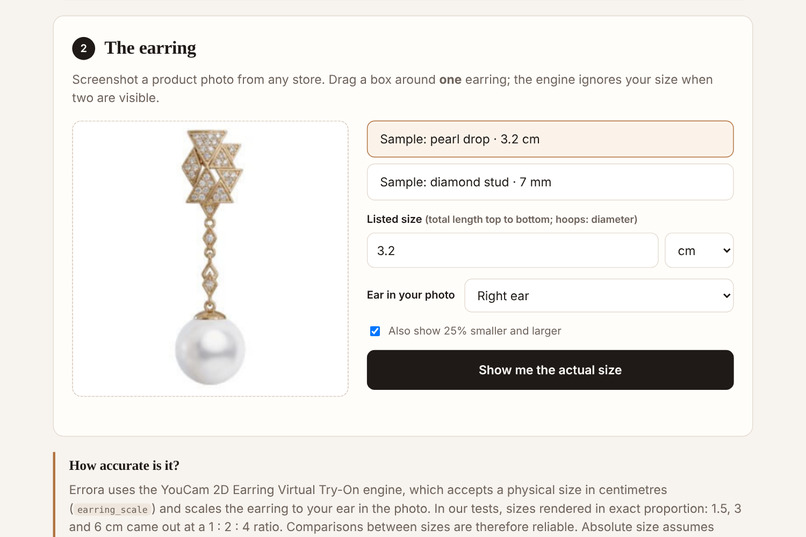
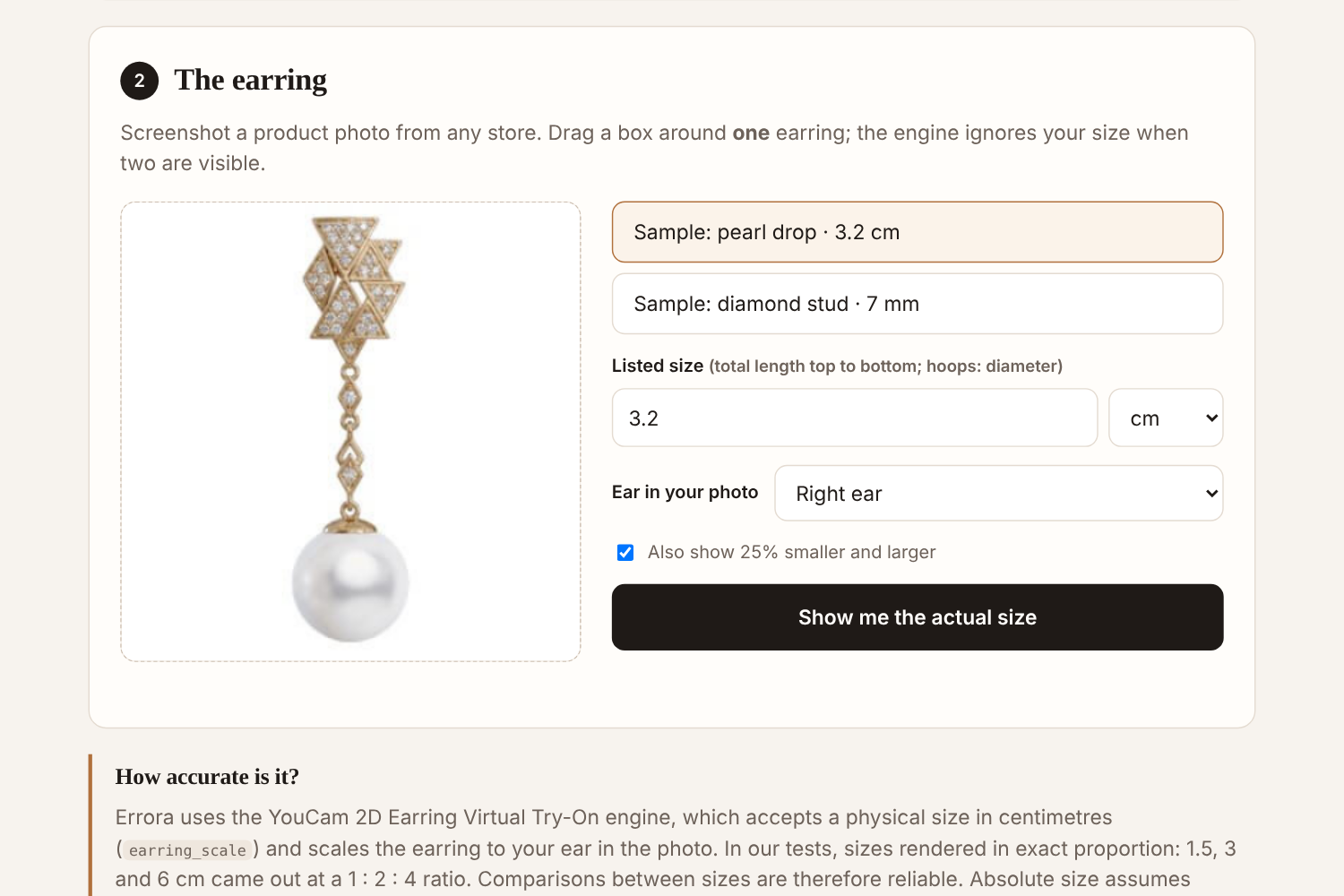
Add an earring from any store, crop it to a single earring, and enter the size from the listing
-
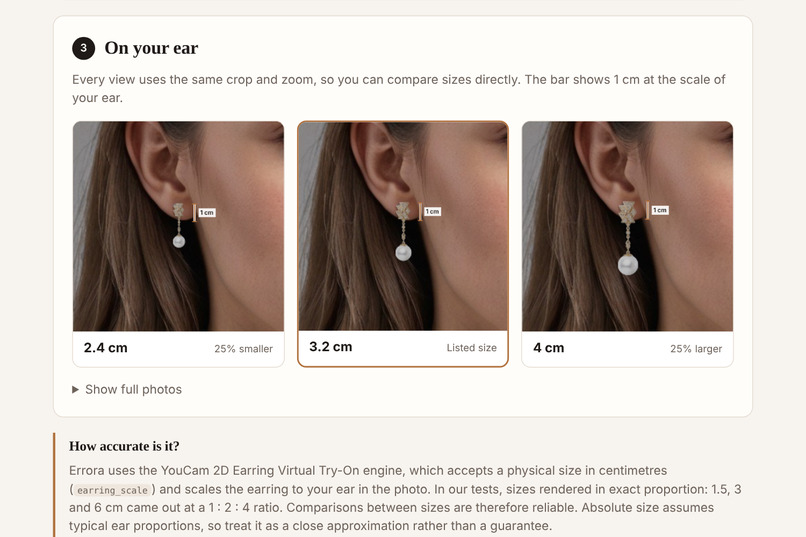
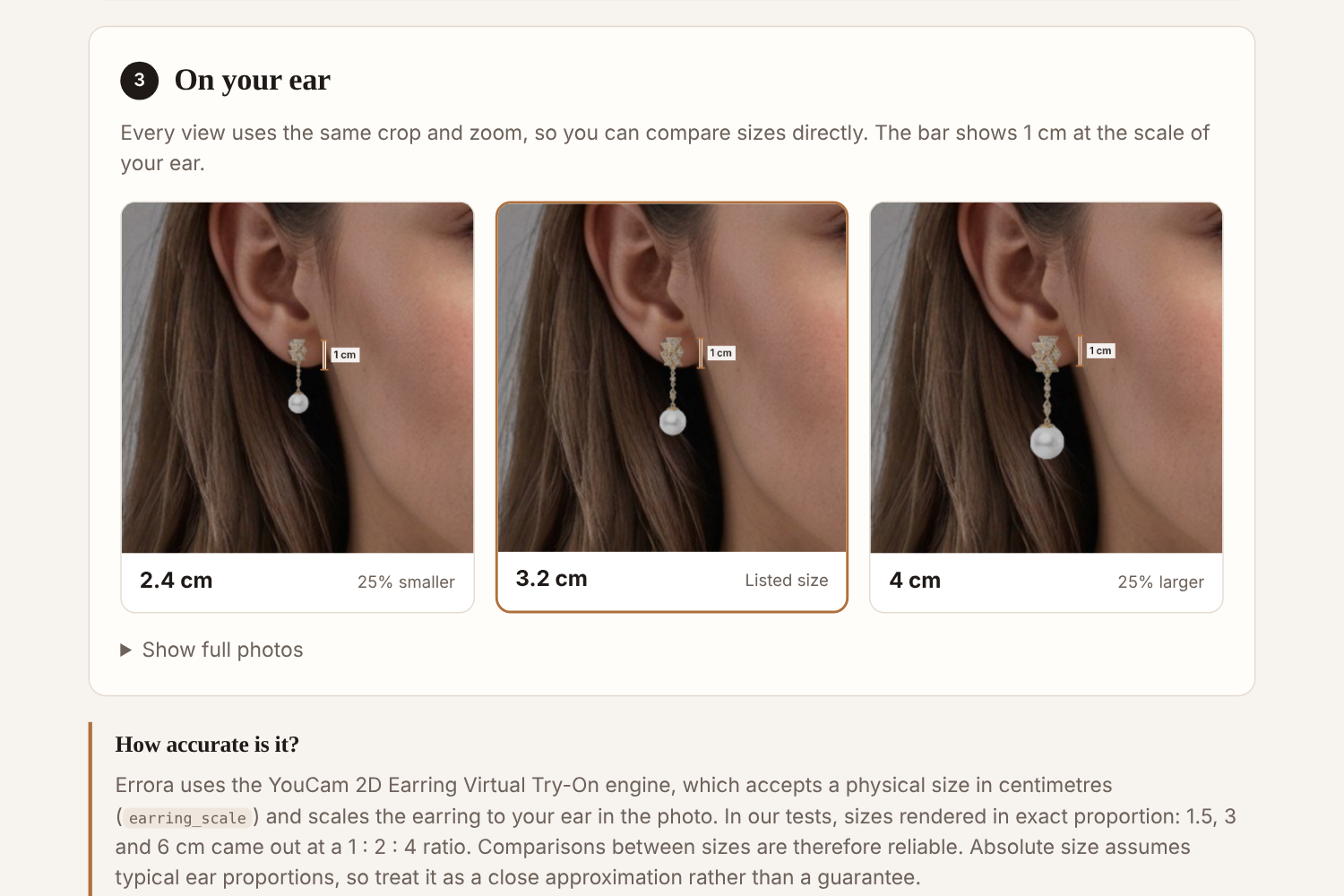
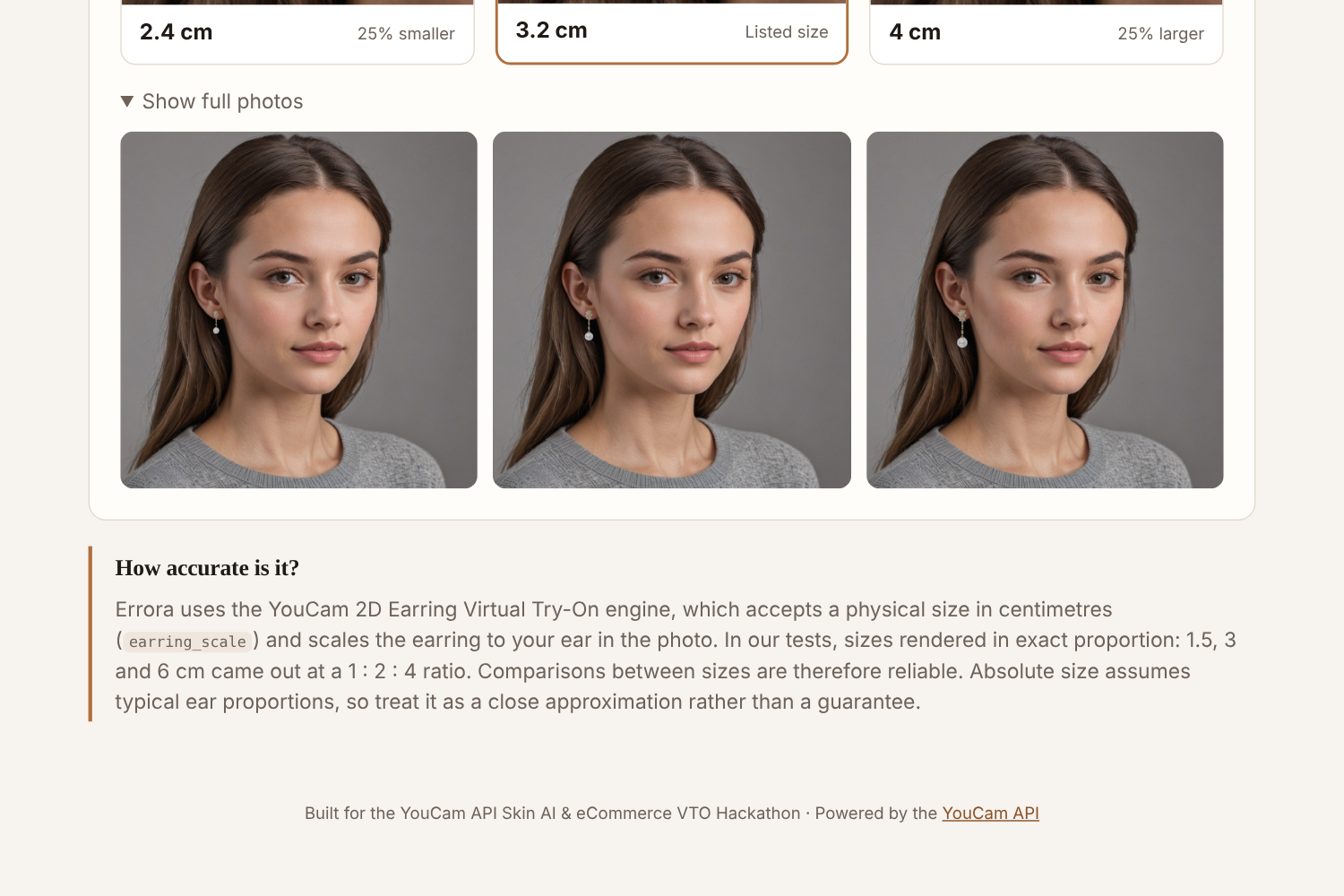
A 3.2 cm pearl drop rendered at its listed size, plus 25% smaller and larger, with a 1 cm scale bar at the scale of your ear
-
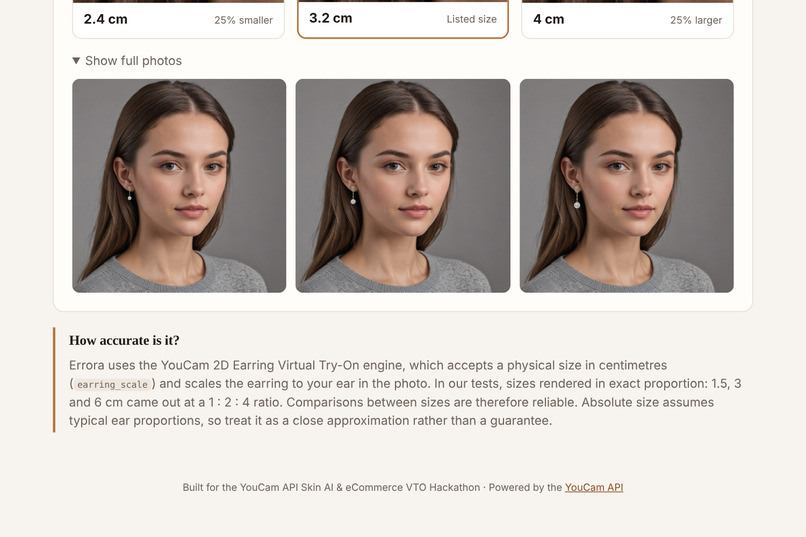
Full photos from the YouCam 2D Earring Virtual Try-On API, each rendered at a physical size in centimetres
-
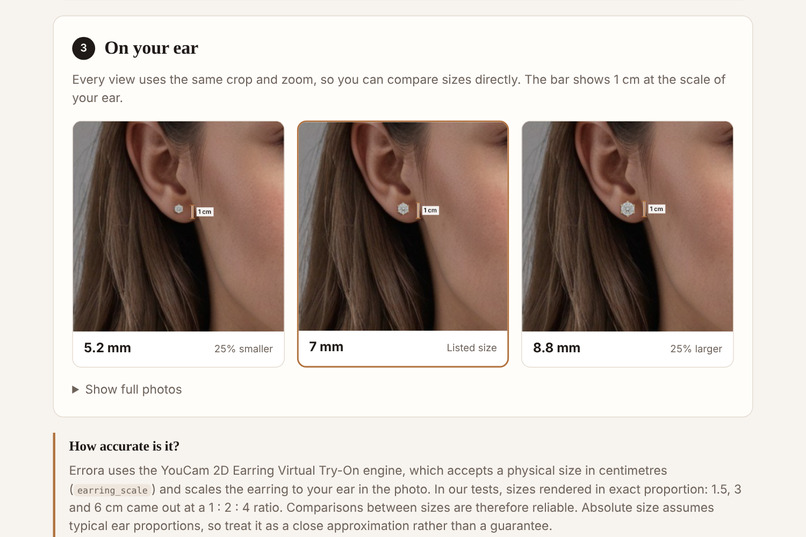
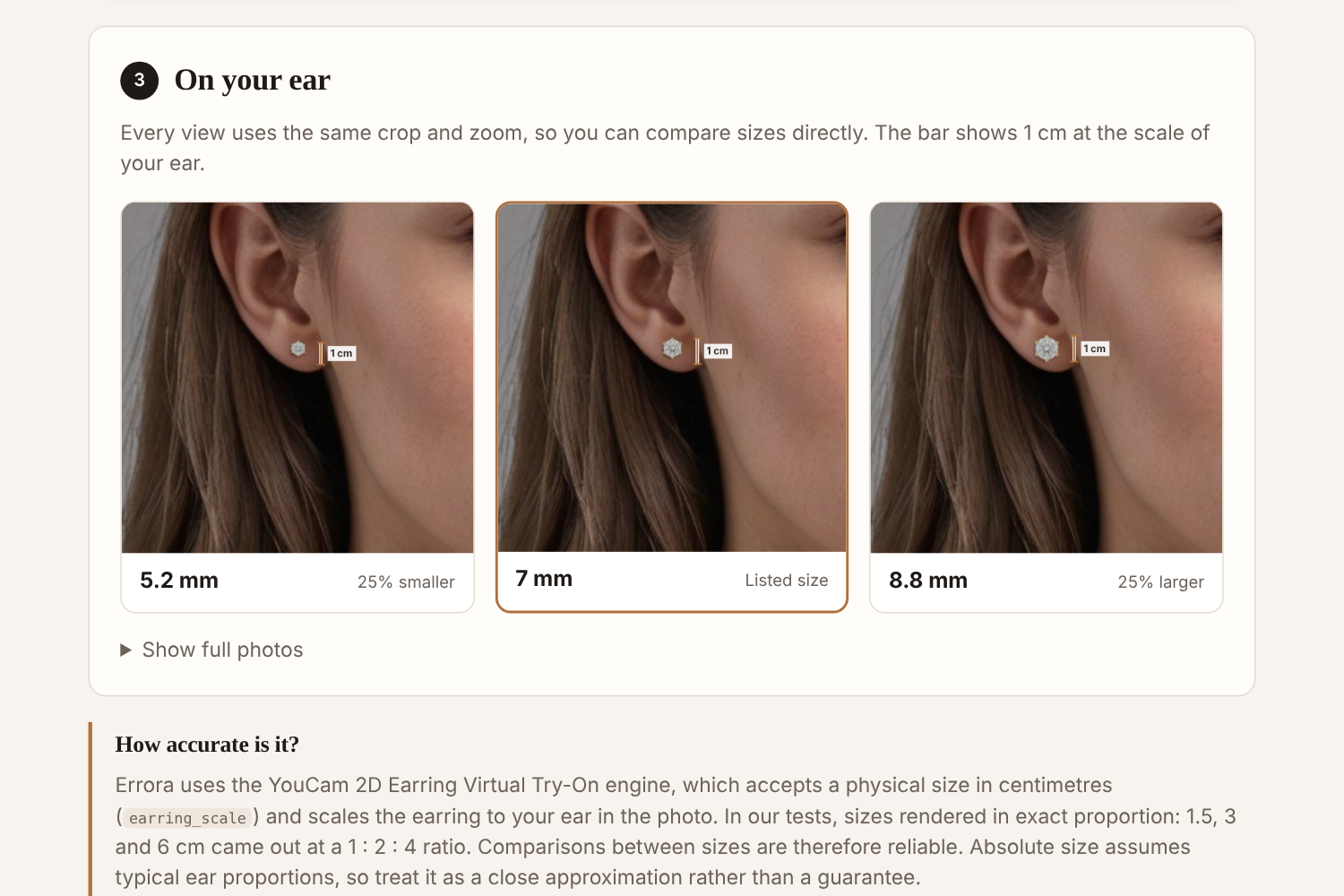
A 7 mm diamond stud on your ear: small pieces are where product photos mislead the most
Inspiration
Earring product photos are cropped and zoomed until every piece fills the frame, so a 12 mm hoop and a 30 mm hoop look identical online. The size is in the listing, but a number like "3.2 cm" means little until it is on you, and "smaller than expected" is one of the most common reasons earrings are returned. While exploring the YouCam API, we found that the earring try-on engine accepts a physical size in centimetres. That one parameter turns virtual try-on from "how does this style look on me?" into "how big is this, really?"
What it does
Errora is a store-agnostic size check for earrings:
- Your photo: upload a three-quarter-view photo with your ear visible (or use the sample model).
- The earring: upload a screenshot of an earring from any online store and drag a box around a single earring (or pick a sample). Enter the listed size in mm, cm or inches.
- On your ear: Errora renders the earring at that physical size on your ear, next to the same earring 25% smaller and 25% larger, all in one shared crop and zoom so the sizes can be compared directly. A 1 cm scale bar is drawn beside each render at the scale of your ear.
Features
- Works with any store: no retailer integration, no scraping, just a screenshot and the listed size
- In-browser crop tool to isolate one earring
- Size entry in mm, cm or inches, for the left or right ear
- Size ladder (0.75×, 1×, 1.25×) with identical framing for side-by-side comparison
- 1 cm scale bar computed from each render
- Built-in sample model and sample earrings, so anyone can try it instantly
- Plain-language error messages when a photo can't be used
Consumer and eCommerce value
- For shoppers: know the real size before buying, instead of discovering it when the parcel arrives.
- For retailers: fewer "not as expected" returns and more confident purchases. Size is one of the main reasons earrings come back, and Errora works on any listing without the retailer having to integrate anything.
- Honest by design: Errora renders the size the listing states, and it is clear about what is exact and what is approximate (see below).
How we built it
- YouCam API used: AI 2D Earring Virtual Try-On (
POST /s2s/v2.0/task/2d-vto/earring), with images uploaded through the YouCam File API. The listed size goes straight into theearring_scaleparameter (centimetres), together withearring_is_right_earand automatic background removal. The sample model photo was generated with the YouCam Text-to-Image API. - Backend: Node.js serverless functions on Vercel keep the API key server-side, upload the images, create one try-on task per size in parallel, and poll for results. A same-origin image proxy, restricted to YouCam's result storage, serves the renders to the browser.
- Frontend: plain HTML, CSS and JavaScript. The browser compares each render pixel by pixel with the original photo to locate the rendered earring, applies one shared crop to all sizes, and draws the scale bar from the earring's rendered height and the requested size.
- Cost: 1 API unit per render, so a typical session (listed size plus the ladder) uses 3 units.
Challenges we ran into
- Docs vs. live API: the earring task needs
source_infoandobject_infos[].parameteralongside the file references, which we worked out from the API's error responses. - Pairs of earrings: the engine ignores the size setting when both earrings are visible, so we built a crop step to isolate a single earring.
- Photo angle: frontal photos are often rejected, so the interface guides users to a three-quarter view and turns engine errors into clear instructions.
- Response size limits: three full-resolution renders exceeded Vercel's response limit, so results are streamed individually through a secure image proxy.
Accomplishments that we're proud of
We validated the core claim before building on it. The same earring requested at 1.5, 3 and 6 cm rendered at 23, 46 and 92 pixels, an exact 1 : 2 : 4 ratio, and the 6 cm render matched the length of a typical adult ear. Errora makes only the claims the evidence supports: comparisons between sizes are exact, and absolute size is a close approximation based on typical ear proportions. Two earlier concepts were dropped after API testing showed they could not deliver what they promised. We are proud that we shipped the one that could.
What we learned
The most valuable capability in an API is not always the headline feature. A single physical-units parameter made a different product possible. We also learned to test assumptions with real API calls before writing product code, and to word accuracy claims as carefully as we write the code.
What's next for Errora
- A one-photo calibration step (wearing an earring of known size) to personalise absolute accuracy
- A browser extension that opens Errora from any product page
- A seller mode that generates honest, size-labelled on-ear photos for listings
- A measured accuracy study across many real ears
Try it: errora.vercel.app · Demo video: YouTube
Built With
- computer-vision
- css3
- html5
- javascript
- node.js
- perfect-corp
- serverless
- vercel
- virtual-try-on
- youcam-api
