-
-
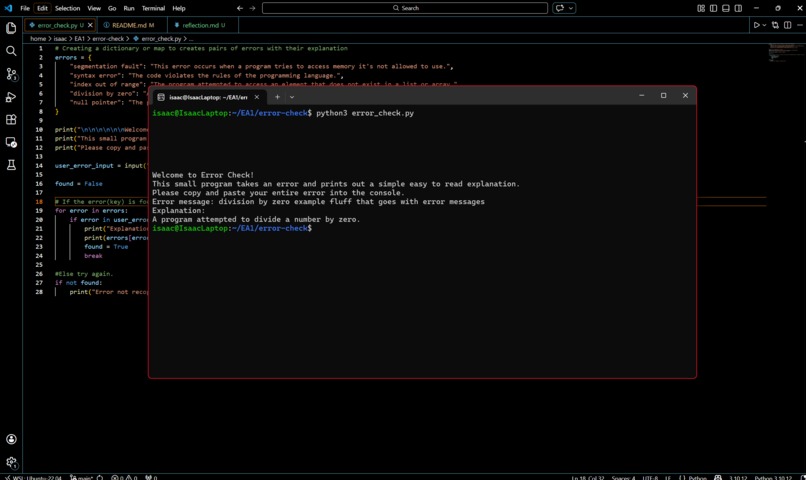
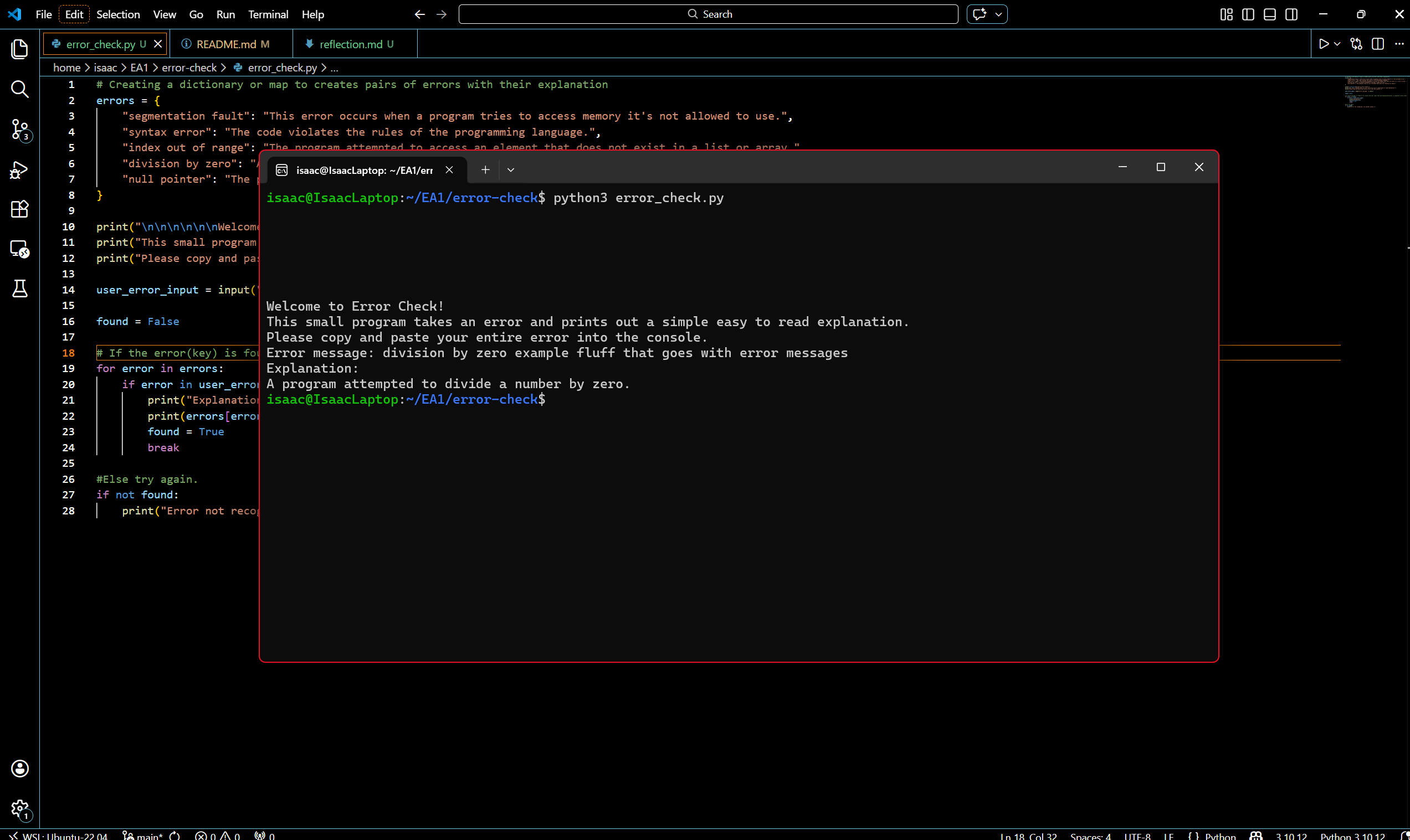
Example use of the program.
Inspiration
Beginner programmers often run into error messages that are difficult to understand, especially when they are first learning how to code. Many errors use technical programming language that can be confusing when one does not yet understand how the programming language works. Error Check was inspired by the idea of creating a simple tool that helps translate common programming errors into clear, beginner-friendly explanations.
What it does
Error Check is a command-line program that explains common programming errors in simple language. A user can paste an error message into the program and Error Check will search the message for known keywords. If a match is found the program outputs a short explanation that helps the user understand what the error means.
How we built it
Error Check was built using Python as a command line tool. The program uses a Python dictionary to map error keywords to explanations. When a user enters an error message, the input is converted to lowercase and the program checks whether any stored keywords appear within the message using substring matching. If a keyword is found the corresponding explanation is displayed.
Challenges we ran into
One challenge was making the program flexible enough to recognize errors without requiring the user to type an exact command. Many real error messages include extra information such as file paths or stack traces. To address this, substring matching was implemented so the program could detect keywords within a larger error message adding incredible flexibility.
Accomplishments that we're proud of
One accomplishment was creating a working tool that can recognize common programming errors and provide helpful explanations. Another accomplishment was building a clean and simple command line interface that allows users to quickly test different error messages.
What we learned
Through this project we gained experience working with Python dictionaries, loops, and conditional logic. We also learned how substring matching can make command-line tools more flexible and user friendly. Additionally, we practiced documenting a software project using GitHub and Markdown.
What's next for Error Check
Future improvements could include expanding the database of supported errors, allowing the program to load error definitions from external files, and supporting multiple programming languages. Another possible improvement would be creating a graphical interface so the tool could be used more easily by beginners.
Built With
- cli
- python

Log in or sign up for Devpost to join the conversation.