-
-
erine multimodal app
Inspiration
People use PDFs, images, screenshots, notes, and documents every single day — but there’s no simple tool that lets anyone upload any file and instantly understand it.
Most tools only do one thing: OCR, summarizing, Q&A, tutoring, or converting to HTML.
I wanted to build one clean interface where a user can upload a document and immediately interact with it using AI — no technical skills, no setup, just drag, drop, and ask.
This became the seed for ERNIE Multimodal Studio.
What it does
ERNIE Multimodal Studio provides a unified interface for intelligent document analysis:
📤 Upload a PDF or image
🔍 Extract content using OCR
💬 Ask questions about the document
📝 Generate summaries
🎓 Get tutor-style explanations, including LaTeX math like:
Quadratic formula:
𝑥
− 𝑏 ± 𝑏 2 − 4 𝑎 𝑐 2 𝑎 x= 2a −b± b 2 −4ac
🌐 Produce semantic HTML pages from document content
⚡ All inside one modern, intuitive, easy-to-use web interface
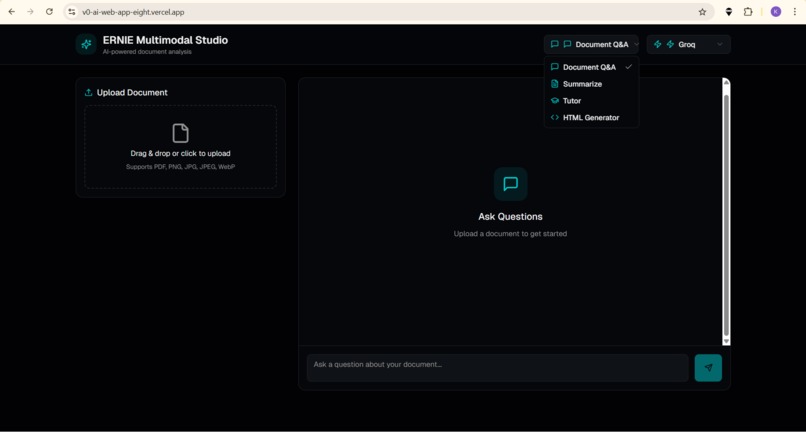
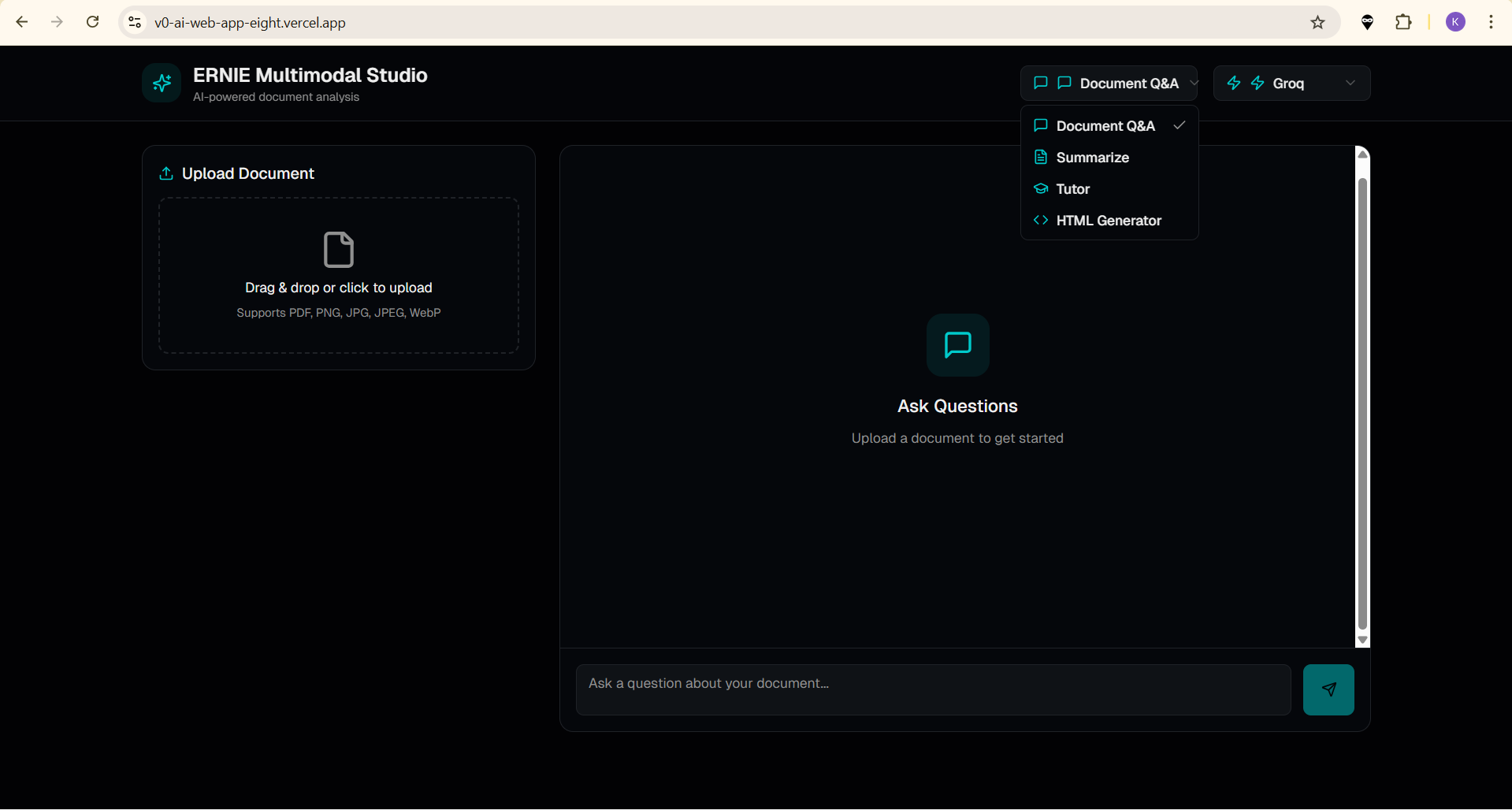
The UI at https://v0-ai-web-app-eight.vercel.app shows the full workflow:
Upload → Analyze → Ask → Receive Insights
How we built it
The project was built using a full-stack architecture combining OCR, LLMs, and web technologies.
Frontend
Next.js / React hosted on Vercel
Clean drag-and-drop uploader
Chat-style question area
Mode selection: summary, tutoring, Q&A, HTML generation
API integration hooks for backend communication
Backend
FastAPI server
PaddleOCR for OCR text extraction
Groq LLaMA 3.1 as primary LLM
HuggingFace Inference API as fallback model
Custom LLM prompts for:
Document Q&A
Summaries
HTML generation
Tutor reasoning (with LaTeX support)
Pipeline
User uploads a document
Backend extracts text using OCR
AI model processes user prompt + extracted text
Response is returned to frontend and displayed in chat UI
Challenges we ran into
Handling inconsistent OCR quality across different document types
Ensuring the frontend connects securely to backend APIs
Keeping API keys safe and away from the browser
Designing prompts that balance accuracy and creativity
Supporting both Groq + HuggingFace as model providers
Building a UI that is simple but powerful across multiple AI modes
Accomplishments that we're proud of
Built a fully functional multimodal pipeline from scratch
Designed an intuitive drag-and-drop AI analysis interface
Integrated OCR + LLM + Web Generation into one tool
Connected multiple free AI providers (Groq + HF)
Made the system accessible to anyone — no logins required
Successfully deployed the platform publicly on Vercel
What we learned
How multimodal systems combine vision + language + reasoning
How to structure OCR output into clean, effective AI prompts
How to securely handle API communication between backend and frontend
How to deploy full-stack AI apps using serverless + free-tier tools
How to format explanations using LaTeX, e.g.:
Accuracy
Correct Predictions Total Predictions Accuracy= Total Predictions Correct Predictions
How users expect simplicity even from complex AI pipelines
What’s next for ERNIE Multimodal Studio (All-in-One Tool)
🔧 Add vector-based RAG for even more accurate answers
🔍 Support tables, charts, and handwriting OCR
🌍 Add multilingual document support
🧠 Introduce AI agent mode for auto-analysis
📤 Export results to PDF, DOCX, HTML templates
🧩 Add new creative tools like slides, study notes, and quizzes
📱 Make a mobile-friendly version
👥 Enable multi-file uploads & project folders
Built With
- api
- backend
- css
- groq
- huggingface
- javascript
- typescript

Log in or sign up for Devpost to join the conversation.