-
-
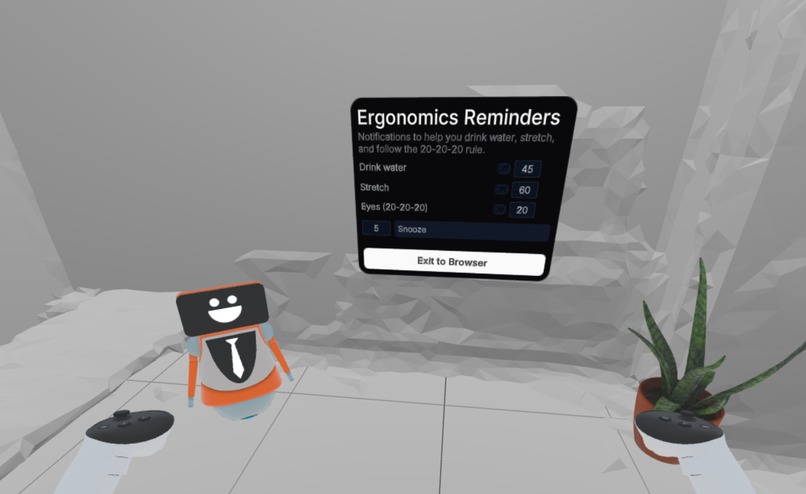
Demo
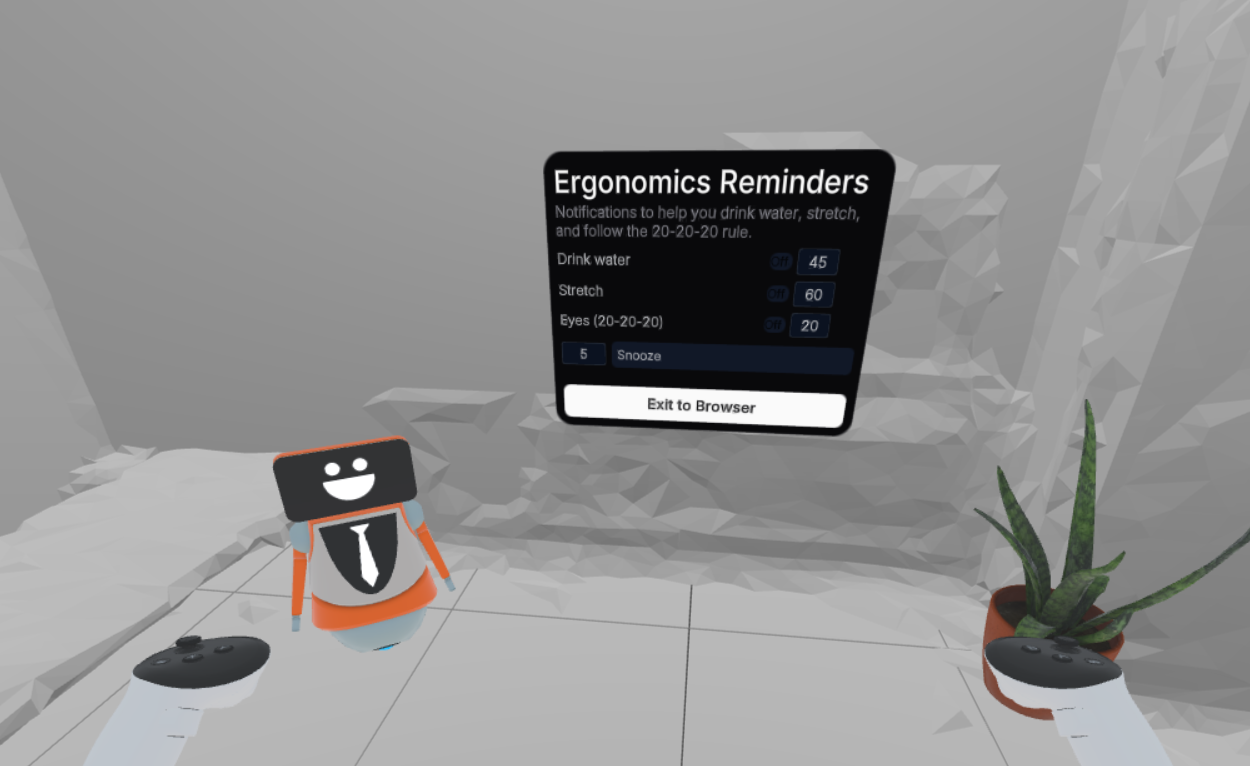
Inspiration
We noticed how many people working long hours at computers forget basic ergonomics—drinking water, stretching, or resting their eyes. With the rise of lightweight wearable AR glasses, we saw an opportunity to make subtle, persistent reminders integrated into a user’s daily workflow.
What it does
Ergonomic Reminder gently notifies users to drink water, stretch, and follow the 20-20-20 rule, all in a spatial, non-intrusive way. Designed for AR, it ensures these habits are maintained without disrupting focus.
How we built it
We used the Immersive Web SDK with WebXR and spatial UI panels to create a lightweight AR interface. Timers and toggles manage reminders, while the UI is minimal and ergonomically placed in 3D space for constant visibility without distraction.
Challenges we ran into
Loading and parsing UIKitML panels correctly for WebXR.
Synchronizing timers and toggles in a persistent AR environment.
Ensuring the interface remains subtle but visible in mixed-reality contexts.
Accomplishments that we're proud of
Successfully implemented real-time reminder timers for hydration, stretching, and eye care.
Built a fully functional spatial UI in AR that could be worn continuously on lightweight glasses.
Created a modular system that can easily scale to more ergonomics reminders or wearable AR features.
What we learned
Designing for persistent, non-intrusive AR notifications is very different from conventional mobile or desktop apps.
Spatial placement and timing are critical to ensure reminders are helpful rather than distracting.
Lightweight AR glasses will likely become a practical platform for daily wellness and productivity apps.
What's next for Ergonomic Reminder
Optimizing for real wearable AR glasses and ensuring cross-platform compatibility.
Adding AI-driven adaptation of reminder intervals based on user activity and attention.
Expanding to more personalized wellness notifications, such as posture alerts or micro-break suggestions.
Built With
- iwsdk
- typescript


Log in or sign up for Devpost to join the conversation.