-
-
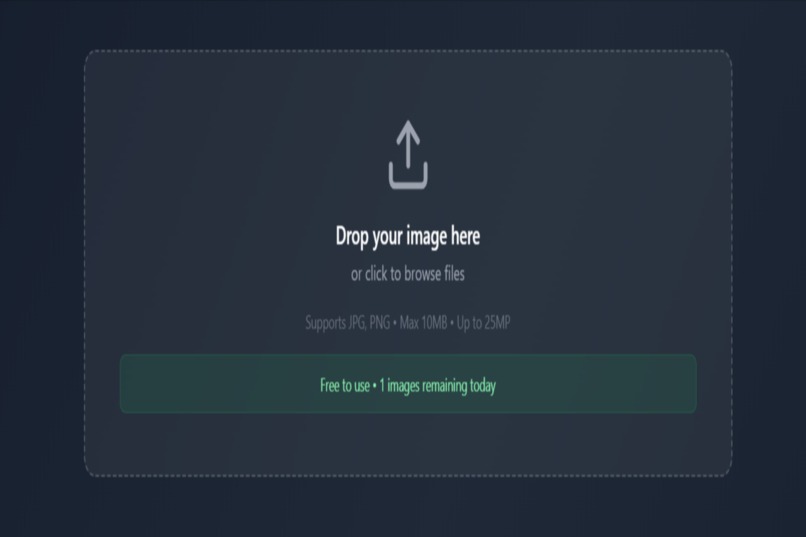
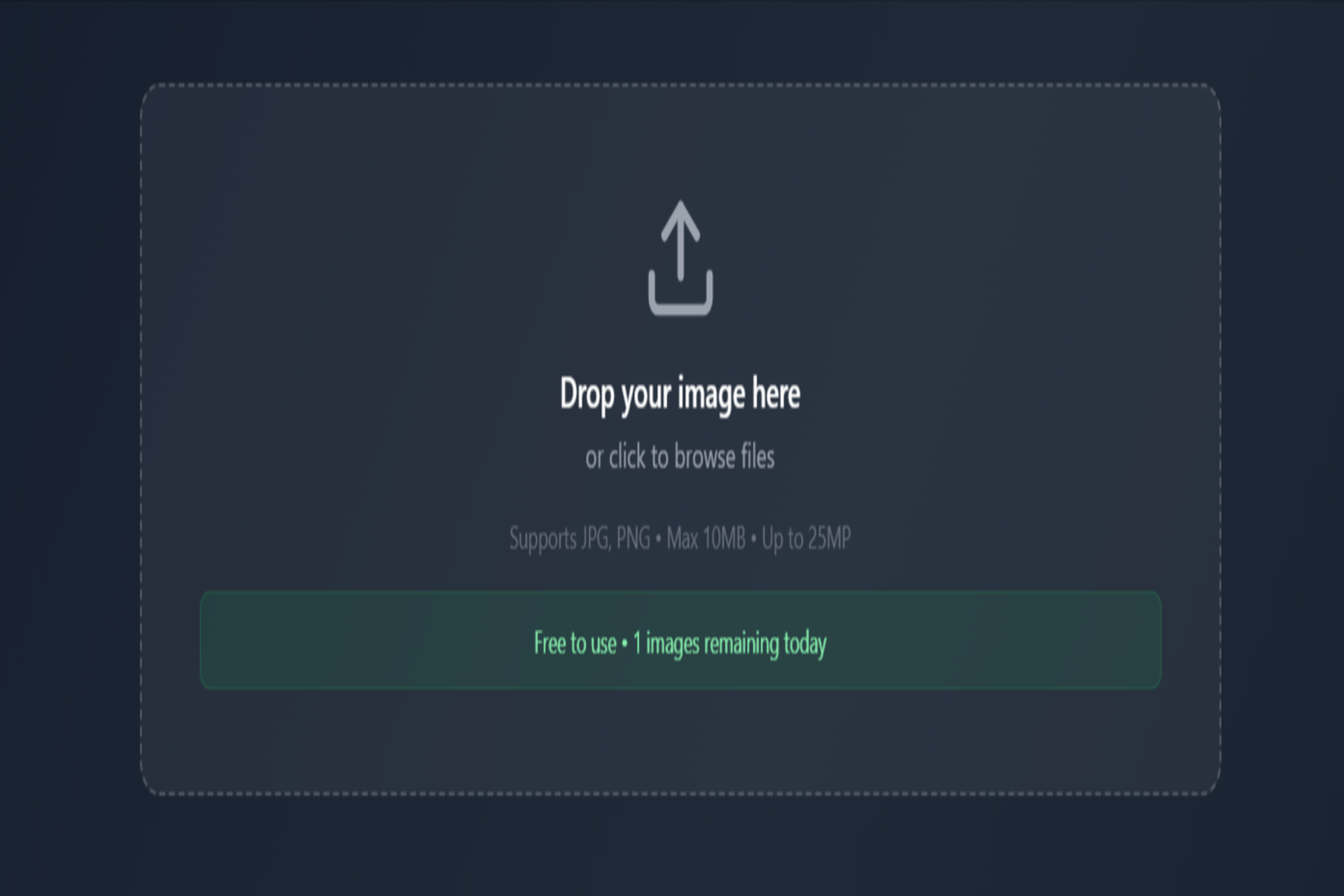
2nd scene where can upload photos
-
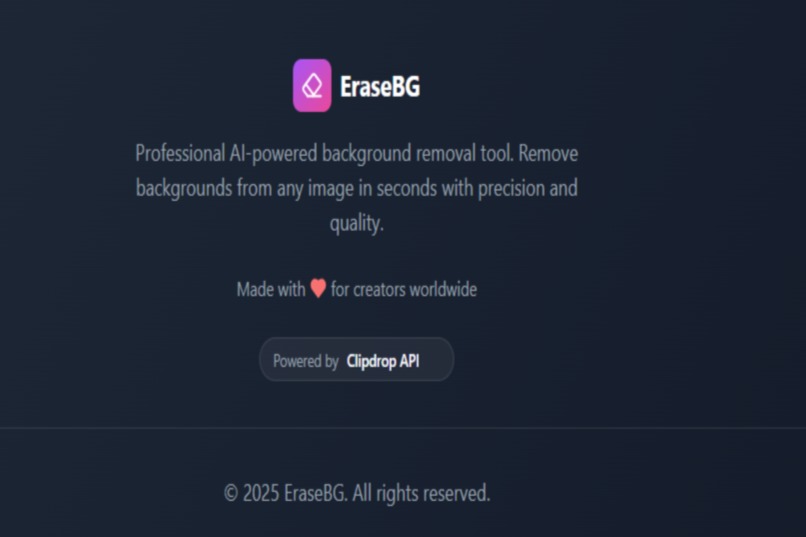
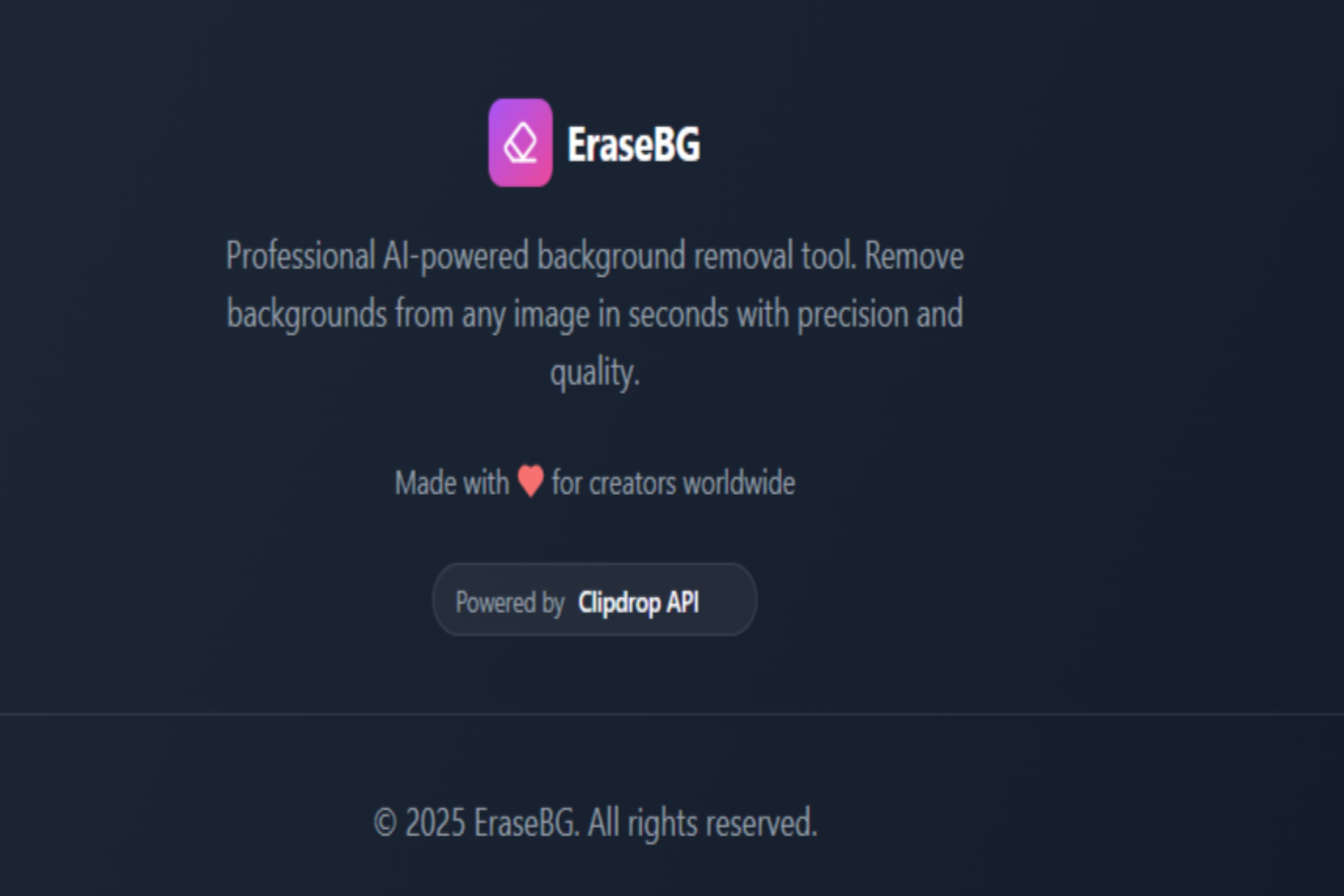
4th scene about app and api used
-
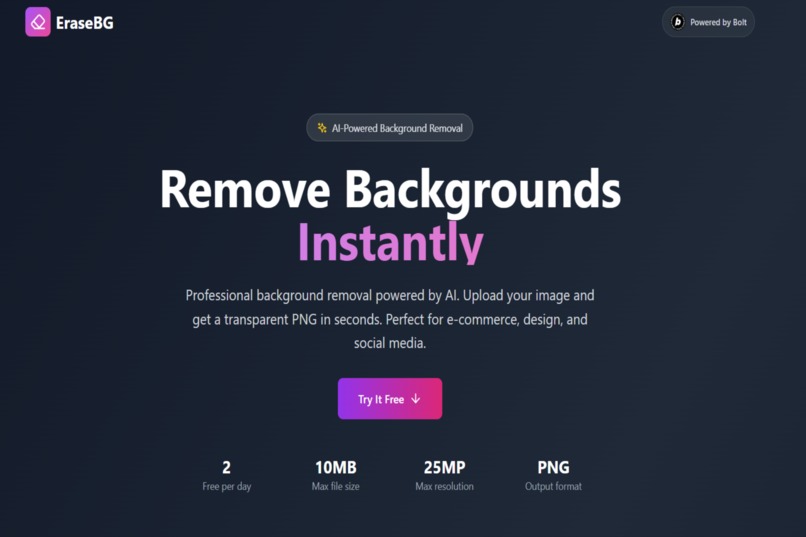
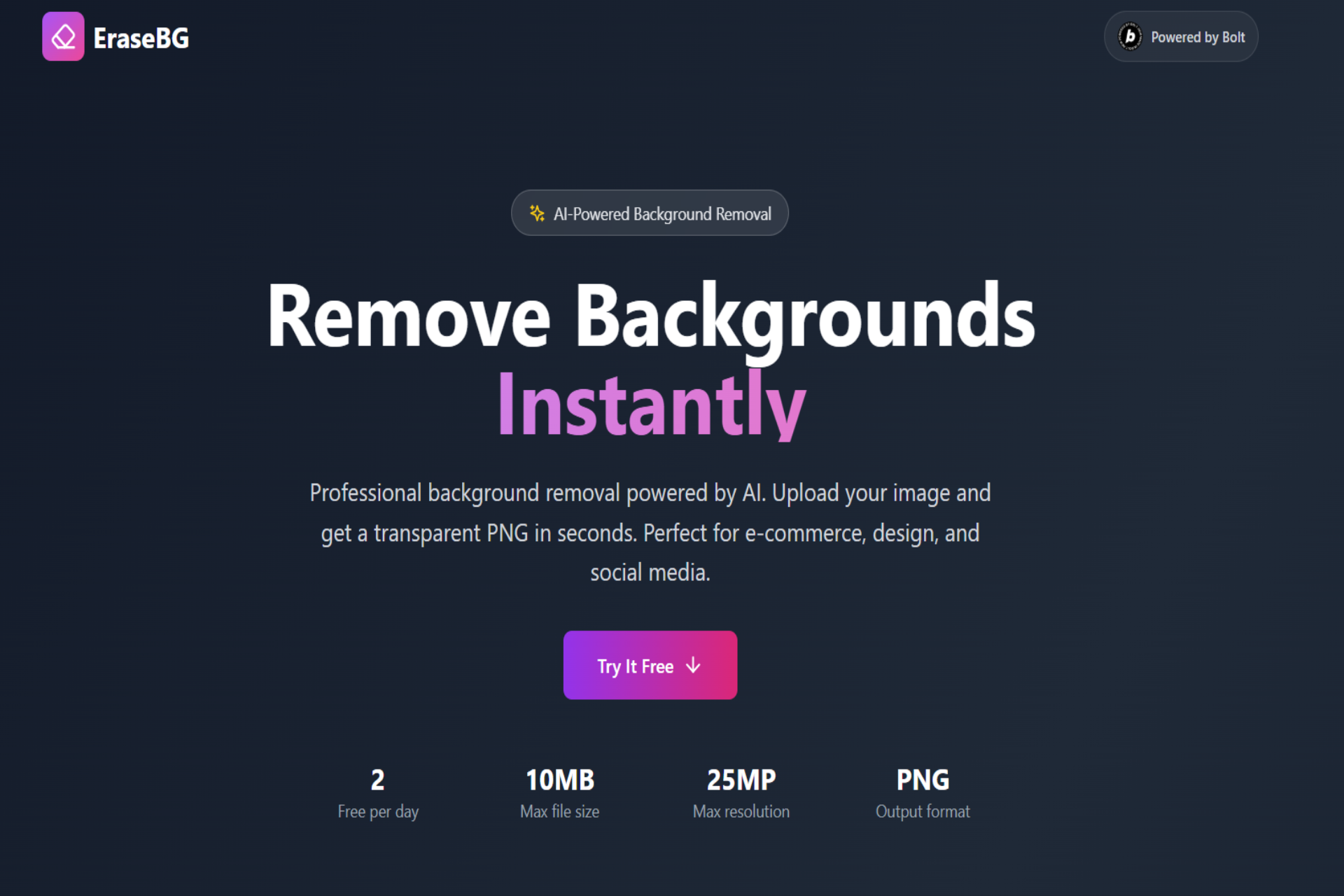
first scene about the app
-
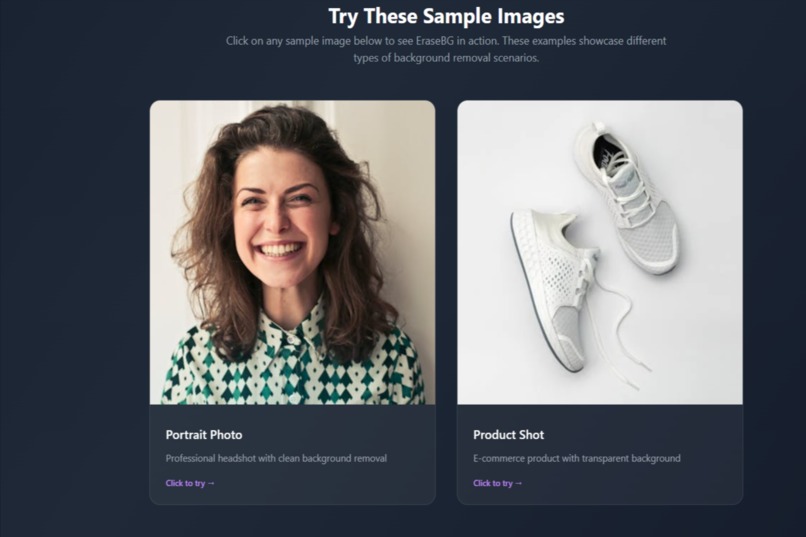
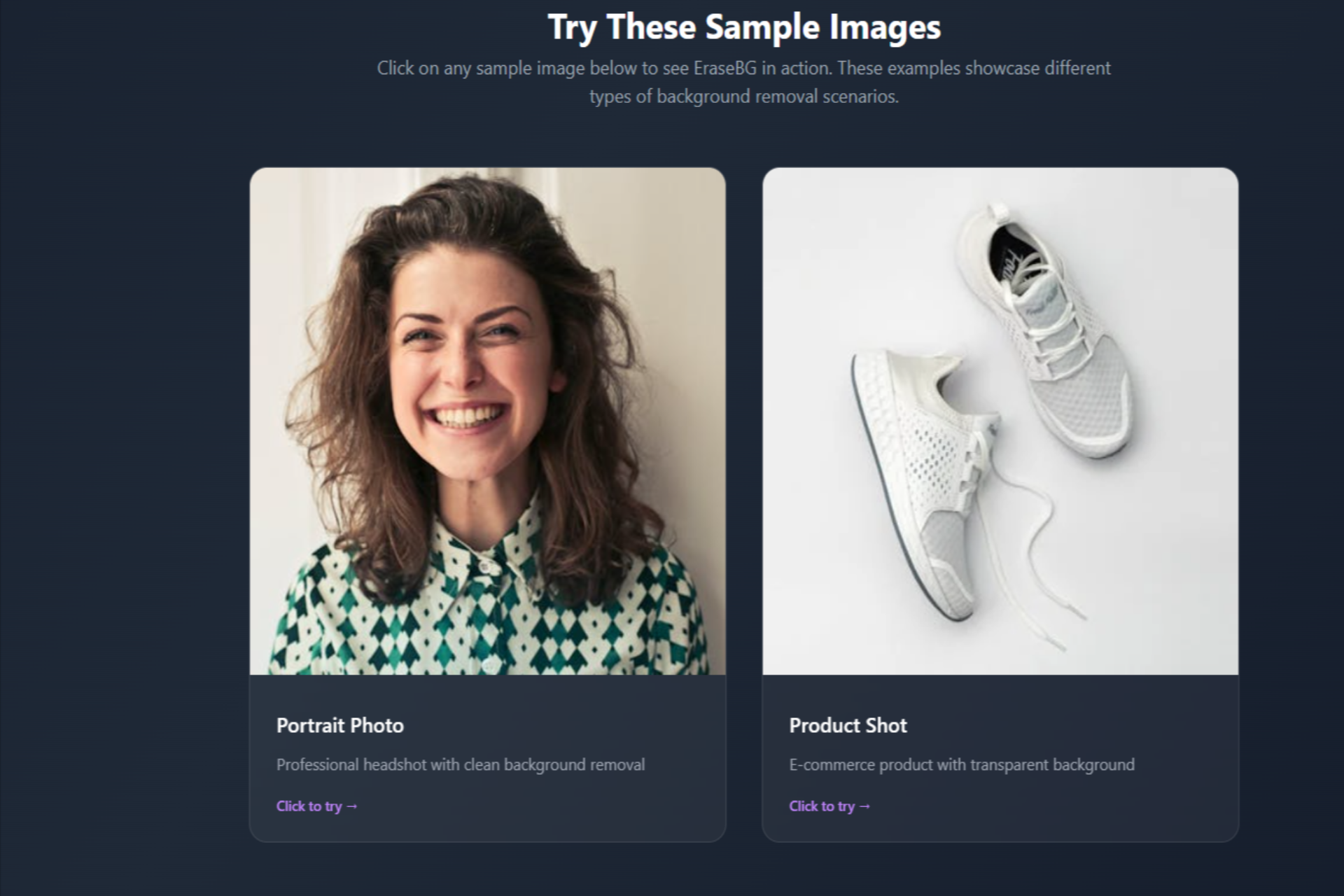
3rd scene try sample images
Inspiration
The idea for EraseBG came from a simple but common frustration — removing backgrounds from images is time-consuming, especially for people with no design skills. As someone who shops online and creates content, I realized how often sellers, designers, and social media managers struggle with messy tools or expensive software just to get clean, transparent PNGs.
What it does
EraseBG is an AI-powered background remover that lets anyone remove the background from an image instantly. Users can: Upload a JPG or PNG (up to 10 MB)
Click one button to remove the background using the Clipdrop API
Download a clean, transparent PNG in seconds
Each user can remove up to 2 images per day, with no sign-up or complicated tools. It’s designed for e-commerce sellers, designers, and social media creators who need professional, background-free images without complex software or editing skills.
Everything happens in a simple, mobile-friendly, no-code app built with Bolt.new — no sign-up or manual editing required!
How we built it
I built EraseBG using Bolt.new, a no-code platform, which allowed me to focus on the user experience and flow without worrying about heavy backend setup.
The core workflow:
Landing page with a clear CTA and two sample images.
Drag-and-drop area to upload JPG or PNG files.
When a user clicks “Remove Background”, the app sends a POST request to the Clipdrop Remove-Background API with multipart/form-data and an API key.
While processing, a progress bar keeps the user informed.
On success, the user sees the processed image and can instantly download the transparent PNG.
On error (like quota limits), a friendly toast explains what happened and how to retry.
I used Tailwind CSS for styling — including dark mode, frosted glass cards, smooth hover and focus states — and designed everything mobile-first for accessibility.
I also implemented simple rate limiting (max 2 removals per IP per day) to stay within fair usage for the API.
Challenges we ran into
One challenge was setting up user authentication and saving image history for each user.
My original plan was to connect Bolt.new to Supabase to handle user sign-ins and store previously processed images, but integrating authentication, database, and storage with a no-code tool turned out to be more time-consuming than expected during the hackathon.
To keep the experience simple and smooth, I decided to remove the sign-in feature and keep EraseBG completely open — users can remove backgrounds without logging in, but they’re limited to 2 removals per day to manage API usage.
Accomplishments that we're proud of
What we learned
No-code tools can be powerful, but you still need to plan logic for API calls, error handling, and rate limits.
Good UX matters: small touches like progress bars, clear toasts, and sample images help build trust.
Connecting to a third-party API securely and processing large files requires thoughtful limits and feedback for the user.
Building for mobile first saves time and ensures a smooth experience on any device.
What's next for EraseBG
In the future, I’d love to:
Bring back sign-in and user history, powered by Supabase or a similar backend.
Add batch uploads — process up to 5 images at once.
Include a “Remove & Replace” feature to fill the background with a custom solid color.
Increase the daily limit — from 2 free removals per day to 10 per day to help more users get value.
Add pricing options — a Free plan, plus affordable Basic and Pro plans for higher daily limits or premium features.
Built With
- bolt.new
- clipdrop-api
- javascript
- netlify
- tailwind-css


Log in or sign up for Devpost to join the conversation.