-
-
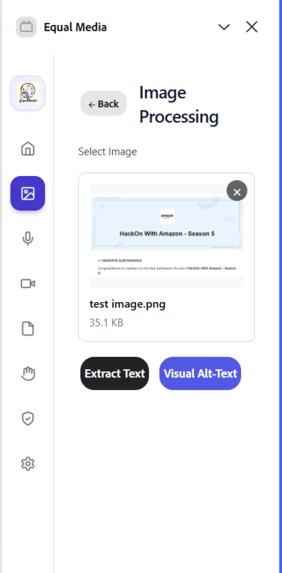
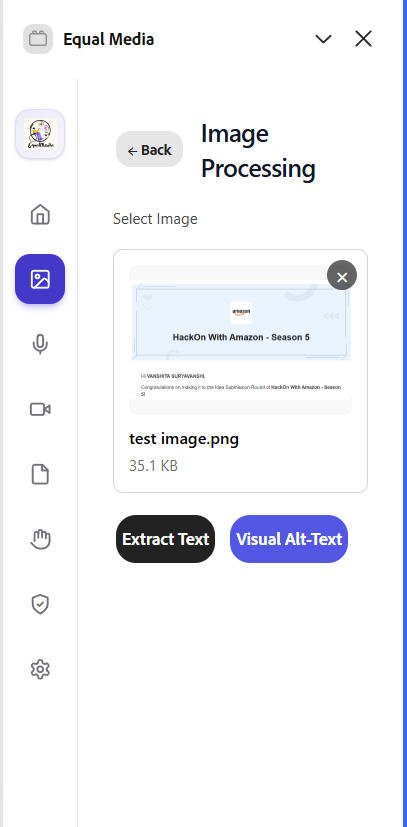
Image -> Text, Alt text
-
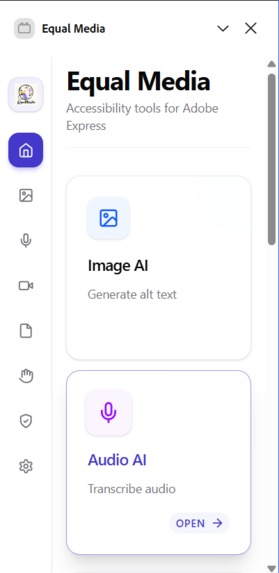
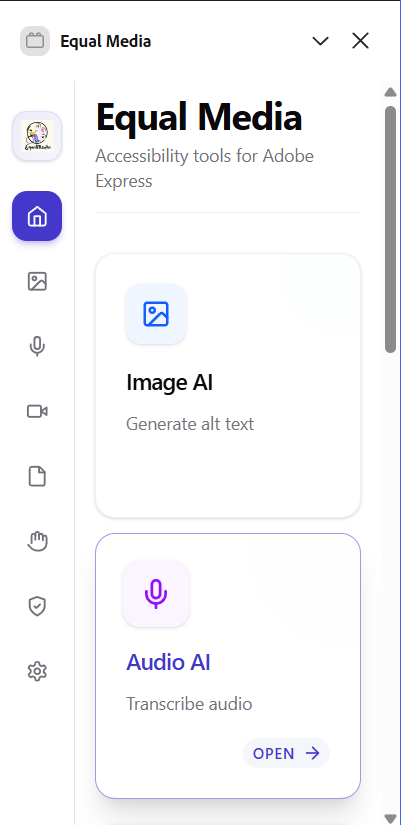
Home Page
-
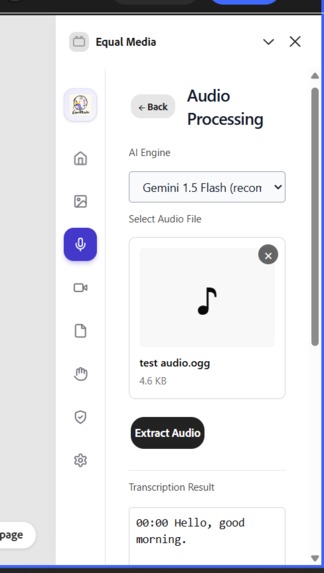
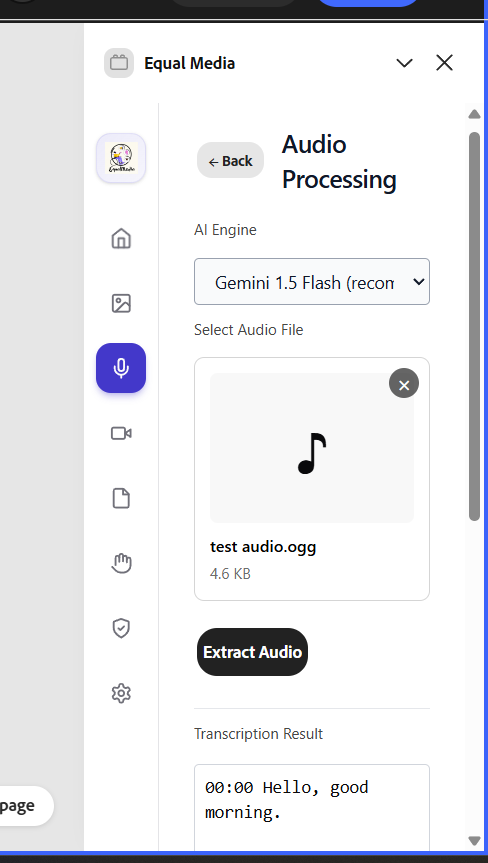
Audio -> Text, Sign Language
-
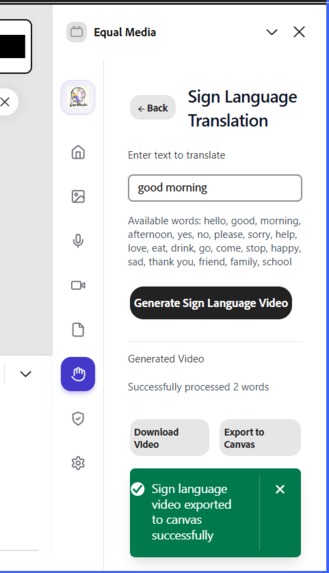
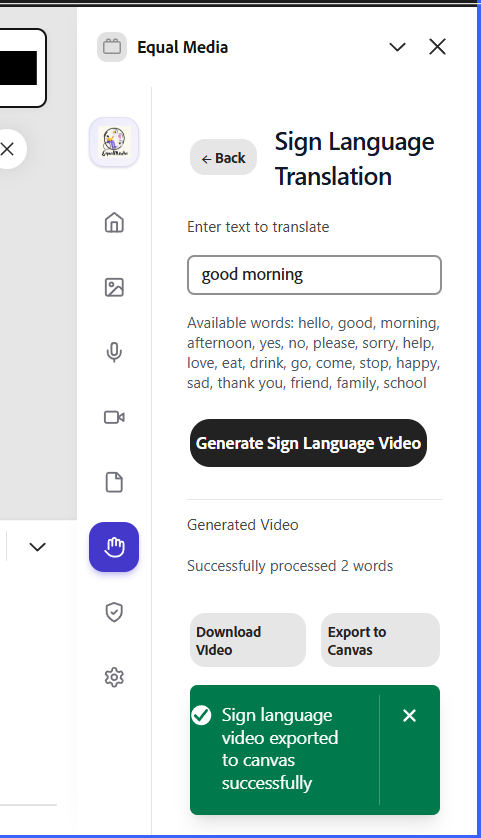
Text -> Sign Language
-
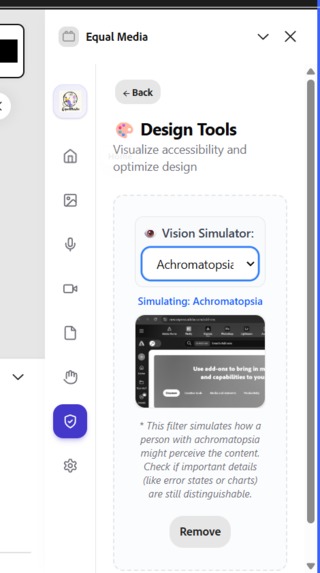
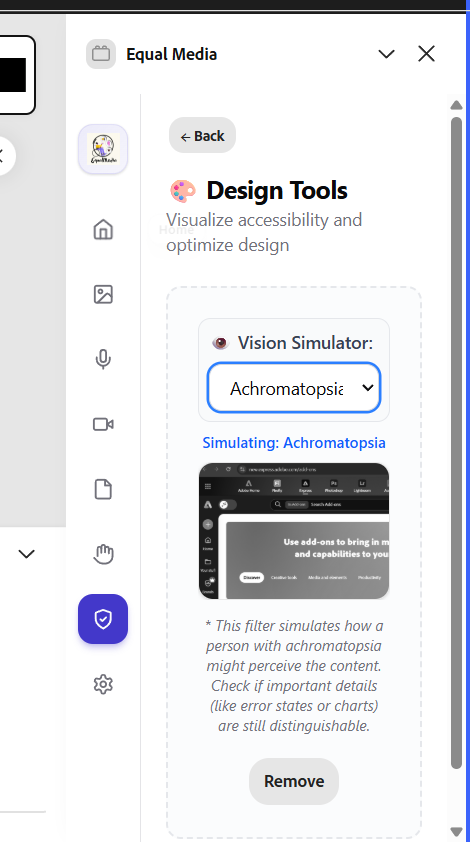
IMAGE→ SIMULATOR for Protanopia, Deuteranopia, and more.
Inspiration
Equal Media was born from a stark reality: the internet is becoming more visual and video-first, yet millions of people are being quietly excluded from it. Over 5% of the world’s population lives with disabling hearing loss, and millions more face visual impairments. Still, most digital content today is published without captions, audio descriptions, or visual accessibility checks.
At the same time, accessibility is no longer just about empathy — it’s becoming a legal and business requirement. Governments are penalizing companies for non-compliant digital assets, and organizations are struggling to keep up using slow, fragmented tools.
We were inspired by this dual pressure: the human need for inclusion and the practical need for compliance. We wanted to build something that doesn’t treat accessibility as a final checklist, but as a native creative ability. Equal Media was designed to make accessibility feel like part of design itself — not something creators have to remember later.
What it does
Equal Media is an Adobe Express add-on that turns regular content into accessible, inclusive media — directly inside the editor.
With Equal Media, users can:
- Upload images, audio, videos, or PDFs for multimodal analysis
- Automatically generate smart captions with timestamps
- Convert text, audio, and video into sign-language videos
- Generate audio narrations for visual accessibility
- Inject editable accessibility layers directly onto the canvas
- Simulate visual impairments like Protanopia and Deuteranopia
- Create intelligent layouts that balance visuals with descriptive content
Instead of exporting files between tools, creators stay inside Adobe Express while Equal Media handles accessibility in the background.
How we built it
Equal Media is built as a full Adobe Express add-on using a UI + Document Sandbox architecture.
The UI layer handles:
- AI orchestration (Gemini, Hugging Face, ElevenLabs)
- Media processing with FFmpeg.wasm
- Caption parsing, sign-language generation, and workflows
The sandbox layer handles:
- Injecting captions and accessibility reports
- Creating overlays, layouts, and structured compositions
- Placing generated assets directly onto the canvas
We designed a modular service layer to route tasks between AI models, manage transcripts, stitch videos, and burn captions — while keeping document manipulation isolated and secure.
A lightweight backend proxy is used only where necessary (for example, Hugging Face transcription), but the heavy work — video processing, concatenation, caption burn-in — happens entirely in the browser.
Challenges we ran into
One of the biggest challenges was working within Adobe’s sandbox environment. The strict separation between UI logic and document APIs forced us to carefully design how data, captions, and layouts flow into real documents.
Running FFmpeg fully in-browser introduced challenges around performance, memory, and long-running tasks, especially when handling videos.
Another major challenge was AI reliability. Transcripts are not instantly usable. We had to build parsing layers, validation logic, and fallback systems to turn raw AI outputs into real design elements.
Sign-language generation was also complex. Mapping language to real sign assets, handling missing vocabulary, and producing smooth stitched video required a custom media pipeline.
Finally, designing something that is not just “AI-generated” but actually accessible and usable forced us to think deeply about contrast, layout, readability, and real user needs.
Accomplishments that we’re proud of
- Building a working Adobe Express add-on, not just a mockup
- Creating a real sign-language generation engine
- Running full video processing in the browser with FFmpeg.wasm
- Injecting editable captions and layouts into live documents
- Successfully orchestrating multiple AI providers
- Supporting images, video, audio, and PDFs
- Turning accessibility into a creative workflow, not an export step
Most importantly, Equal Media already works. This is a functional accessibility system, not just a concept.
What we learned
We learned that accessibility is not a single feature — it’s a system-level design problem.
We gained deep experience working with:
- Platform-level architecture
- AI orchestration and reliability engineering
- In-browser media pipelines
- Creative-tool integrations
- Accessibility-first UX thinking
We also learned that AI alone is never enough. Real products are built in the space between AI outputs, user experience, and technical constraints.
What’s next for Equal Media
Next, we want to evolve Equal Media from an accessibility add-on into a real-time, global accessibility platform.
Our roadmap includes:
Multilingual support Auto-translated captions, localized narration, and global accessibility layers.
Context-aware sign-language generation Moving beyond word-to-word stitching toward sentence-level, meaning-aware sign communication.
Live and real-time accessibility Real-time captions and sign-language generation for live classes, workshops, and events.
We want Equal Media to support not just content creation, but education, live communication, and global collaboration.

Log in or sign up for Devpost to join the conversation.