-
-
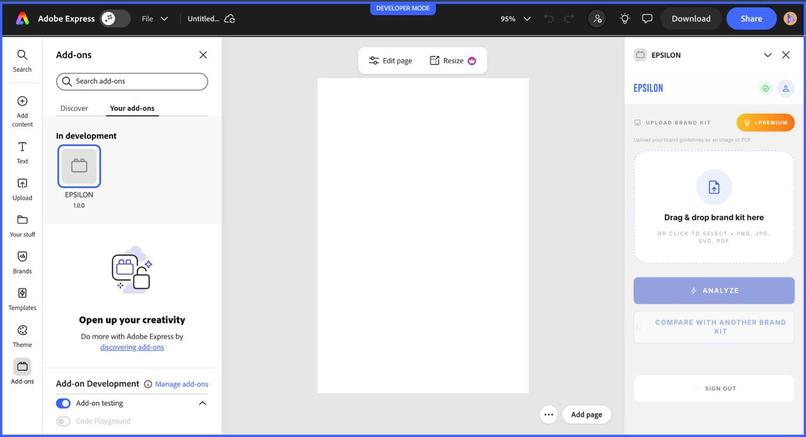
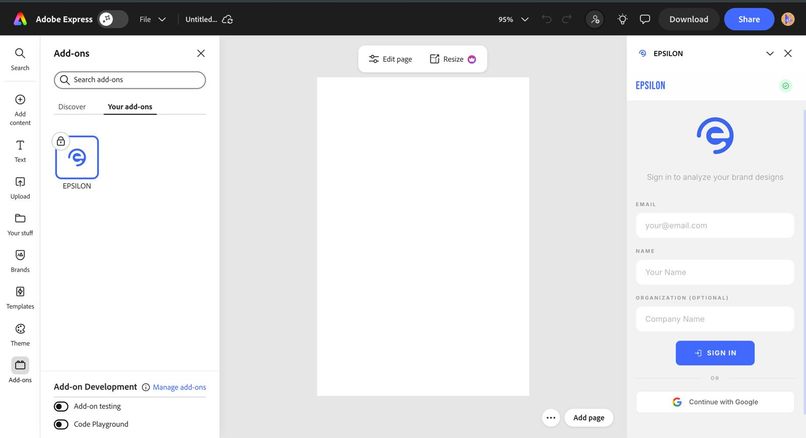
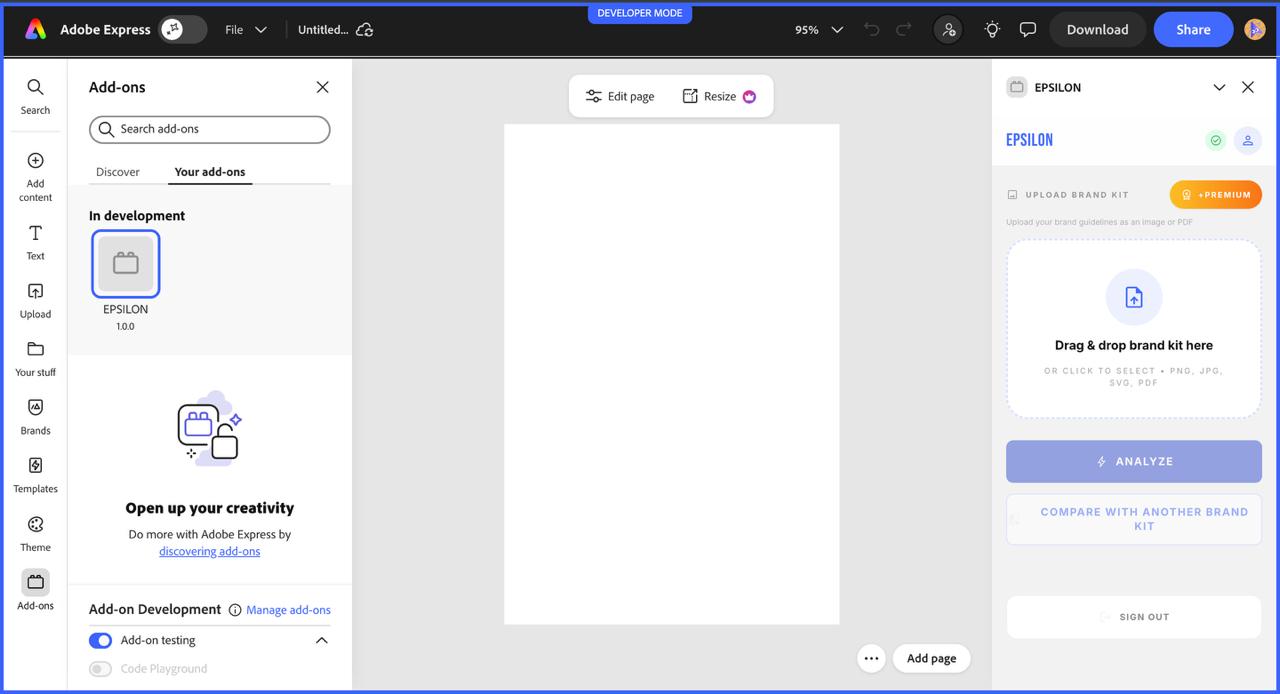
Add on UI
-
-
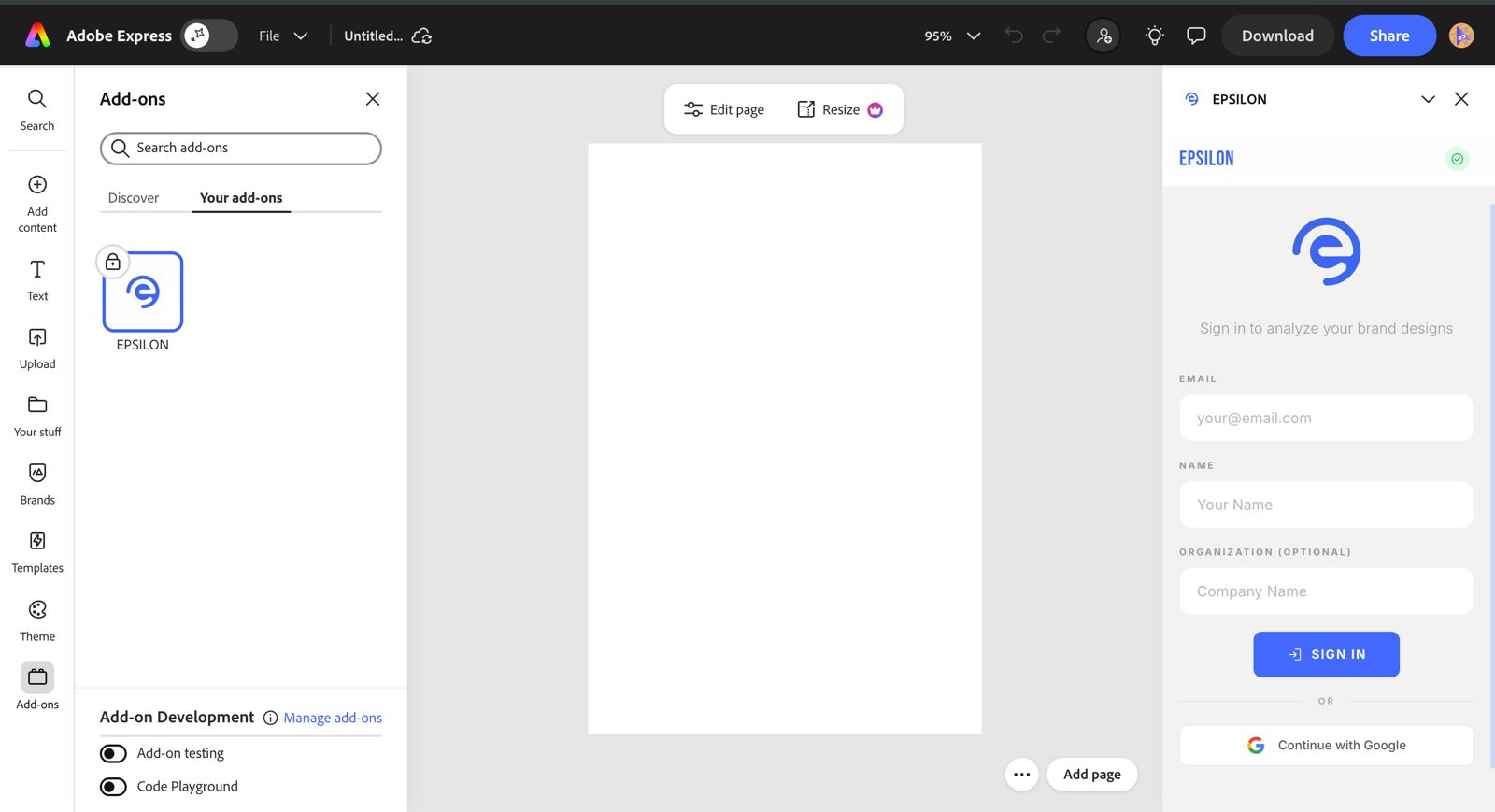
## About the Project — EPSILON

### Inspiration

The idea for EPSILON came from something we kept seeing again and again while working on design projects. Brand guidelines are usually well documented, but once real people start designing, those rules are easy to miss. Designers often find out about brand mistakes only at the final review stage, which leads to last-minute fixes, wasted time, and frustration on both sides.

At the same time, we noticed another problem: many brands in the same industry end up looking very similar. There is no clear way to measure that similarity or understand *why* two brand kits feel alike. We wanted to build a tool that helps teams stay consistent **and** understand how their brand compares to others.

---

### What EPSILON Does

EPSILON focuses on two main things.

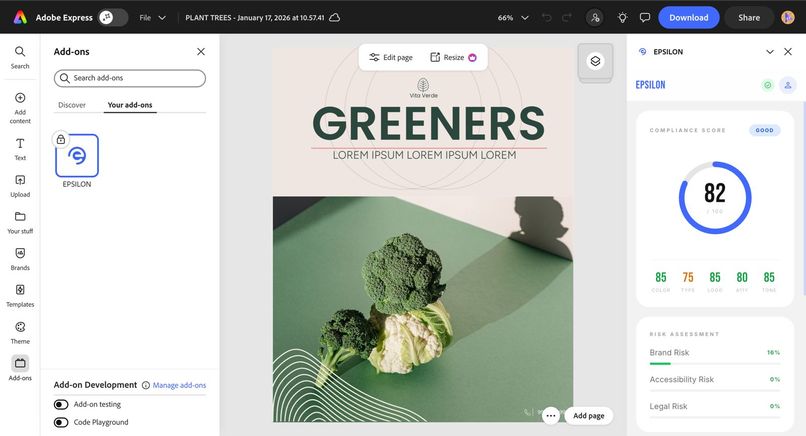
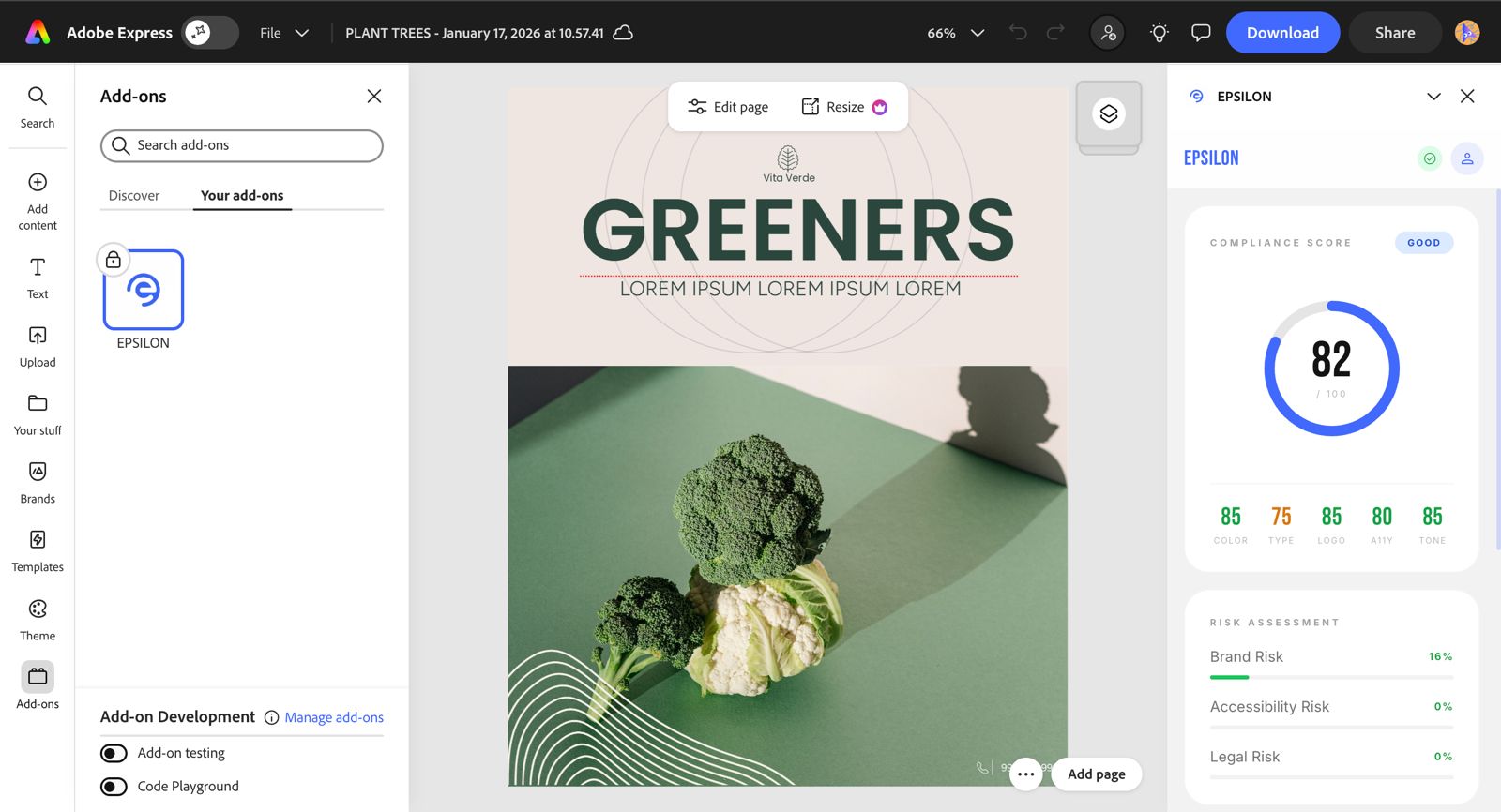
First, it checks whether a design actually follows a given brand kit. It looks at colors, fonts, logos, and accessibility rules, then generates a compliance score. Instead of just saying something is wrong, it explains *what* the issue is and *why* it matters. For premium users, EPSILON can also fix common issues directly inside Adobe Express.

Second, EPSILON compares two brand kits. It calculates a similarity score and shows which elements are common between them, such as typography or color choices. It also suggests ways a brand kit could be adjusted to feel more distinct. The goal here is not to force changes, but to give teams clear insight into where their brand overlaps with competitors.

---

### How We Built It

We built EPSILON using the **MERN stack** and designed it around real workflows.

The **Adobe Express add-on** is where designers interact with EPSILON. It reads basic design information like fonts and colors from the canvas and sends that data to the backend.

The **backend**, built with Node.js and Express, does the heavy lifting. It stores brand kits, runs compliance checks, compares brand kits, and generates scores and reports.

The **web dashboard**, built with React and Tailwind CSS, is meant for brand and marketing teams. This is where they manage brand kits, view analytics, and review comparison reports.

To keep things simple and explainable, we used rule-based logic for scoring. For example, compliance and similarity are calculated as a percentage of rules satisfied:

\[
\text{Score} = \frac{\text{Rules followed}}{\text{Total rules}} \times 100
\]

This makes the results easy to understand and trust.

---

### What We Learned

Working on EPSILON taught us that brand consistency is not just a design issue—it’s a communication and workflow issue. Designers need feedback early, and that feedback needs to be clear and helpful. We also learned that comparing brand kits is harder than it sounds, because small details like font choices or spacing can have a big impact on how similar two brands feel.

Building an Adobe Express add-on also helped us understand the importance of keeping the frontend lightweight and pushing all intelligence to the backend.

---

### Challenges We Faced

One of the biggest challenges was extracting useful design information without slowing down the design experience. Another challenge was finding the right balance between automation and control—deciding when EPSILON should suggest changes and when it should leave decisions to the user.

We also had to be realistic about scope, making sure the system stayed useful and understandable within hackathon constraints.

---

### Final Thoughts

EPSILON is our attempt to make brand guidelines practical instead of theoretical. By checking compliance during design and offering clear insights into brand similarity, it helps teams create consistent work while making more intentional branding decisions. Instead of treating brand rules as static documents, EPSILON turns them into something teams can actually use every day.

Log in or sign up for Devpost to join the conversation.