

This project was born not in a lab or tech hub, but in the real world — during my journey to become a qualified Domestic Energy Assessor (DEA). While sitting in training rooms, taking notes on outdated materials, and struggling with practical tasks like sketching floor plans and gathering EPC data, I had a lightbulb moment:
“There has to be a better way to learn this. A smarter way to work. And a simpler way to teach it.”
I realized I wasn’t just learning a skill — I was mapping out a blueprint for transformation. That’s when HomeEnergy Pro came to life.
What started as a personal project to help me revise the course content turned into a mission: to reimagine the entire DEA learning and working experience using modern tools — AI, smart forms, camera tech, interactive modules, and intuitive design. I wasn’t just studying anymore. I was creating.
With no team, just vibes and late nights, I pushed forward — coding, designing, testing, failing, learning, and rebuilding. My biggest motivation? Knowing how many other students and professionals were facing the same frustrations I had. If I could fix that — even a little — it was worth it.
💡 What I Built
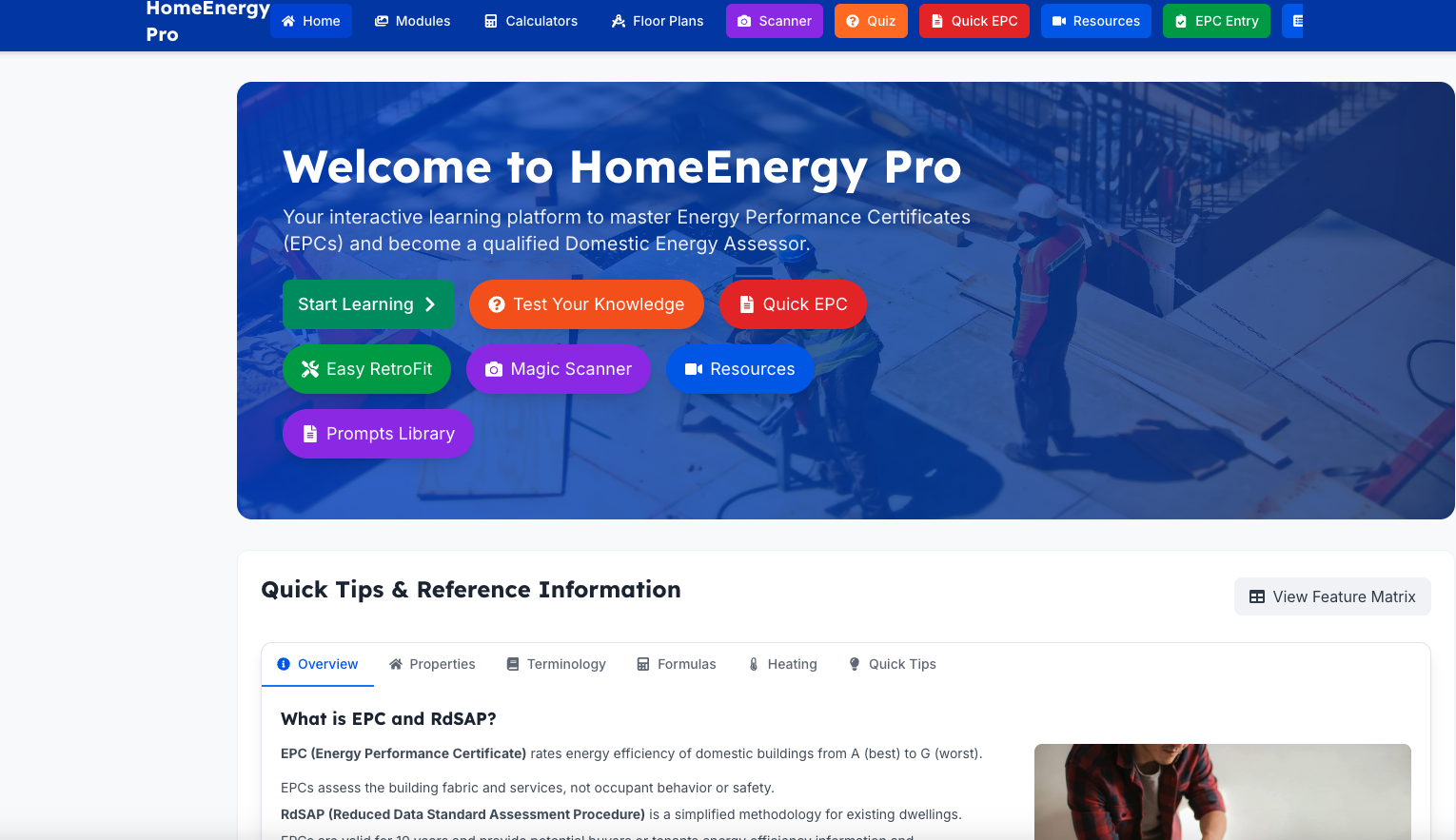
HomeEnergy Pro is a digital platform that combines AI-powered learning, visual tools, and mobile-first design to support DEAs at every stage — from learner to licensed professional.
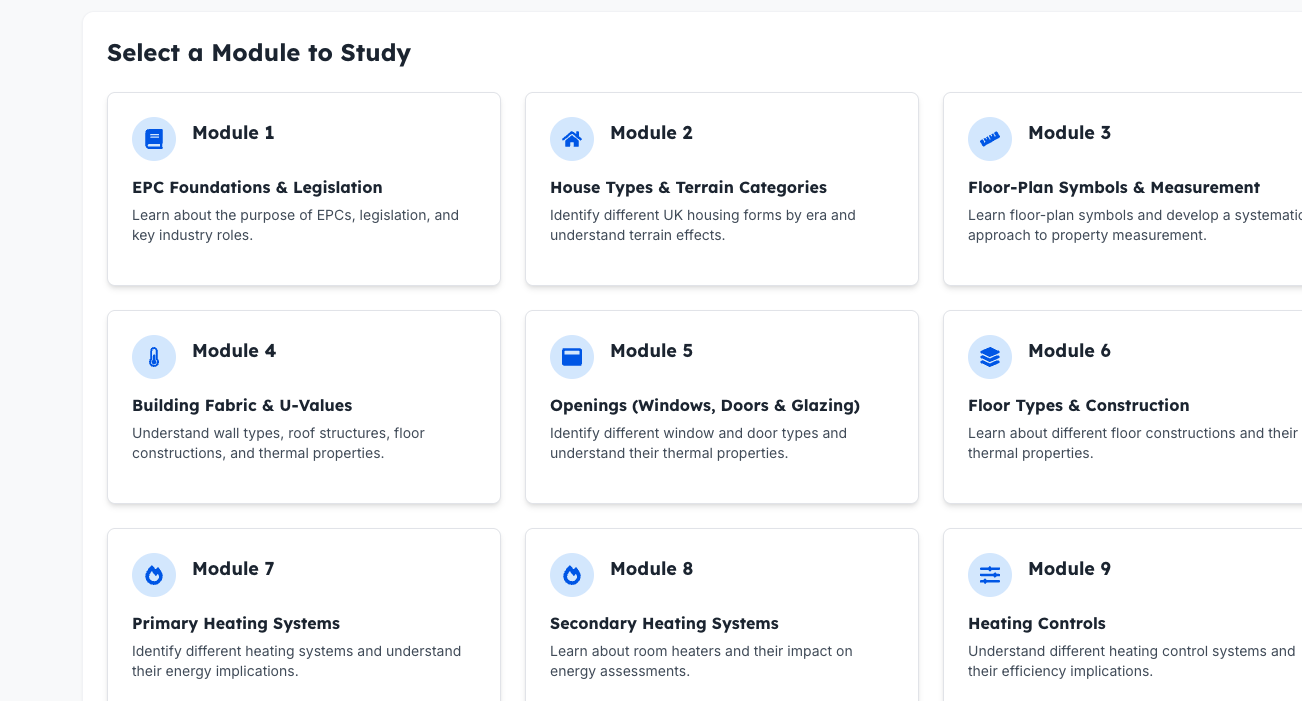
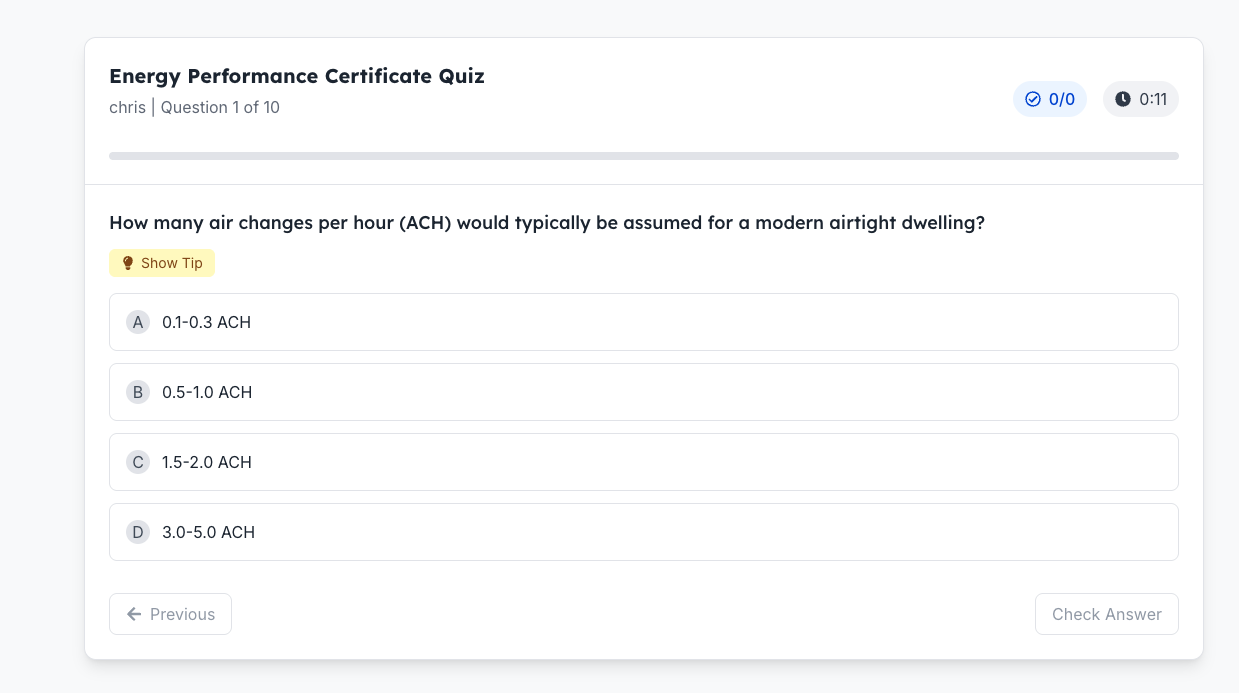
Core Modules: ✅ Interactive Learning Hub – 11+ DEA modules explained in plain language, with AI-generated summaries and quizzes.
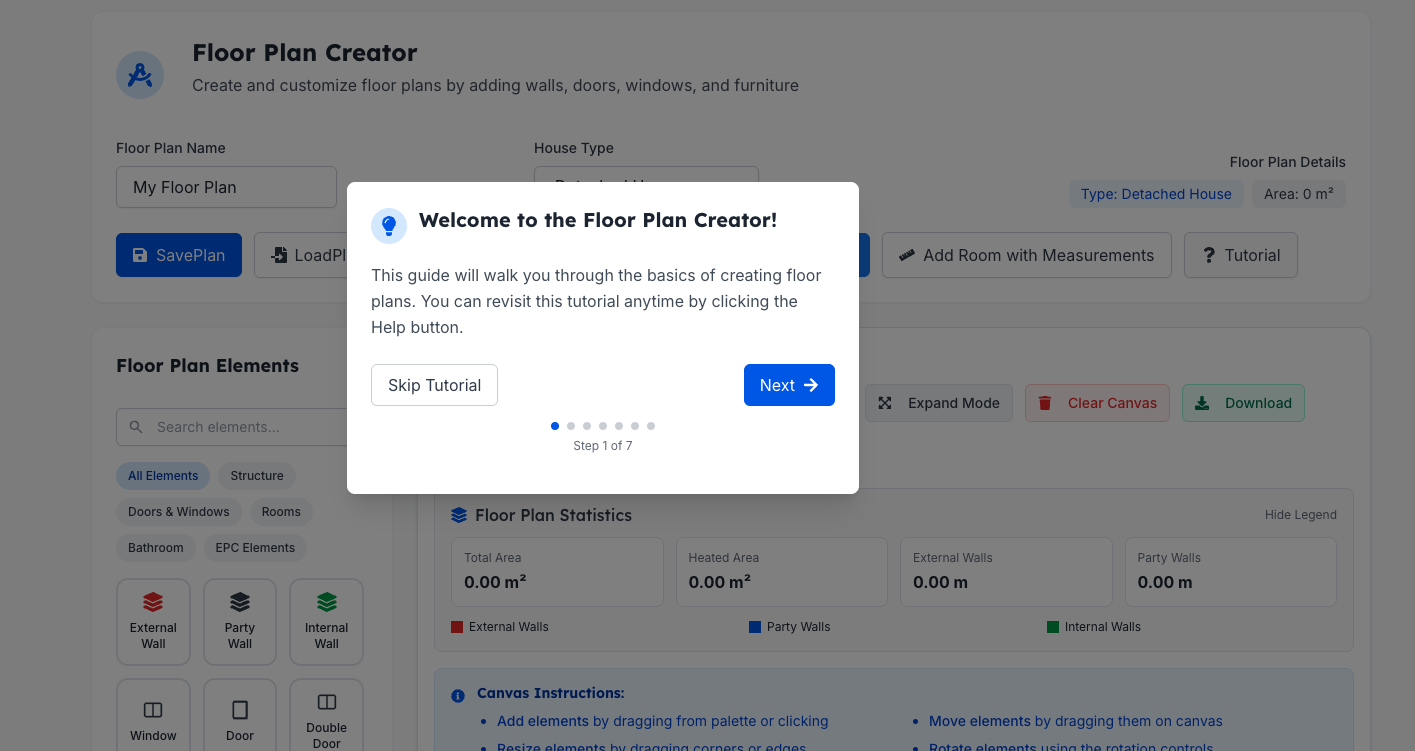
✅ Floor Plan Creator – Drag-and-drop floor plan builder for mock assessments.
✅ Magic Room Scanner – Uses your phone's camera to estimate room dimensions (WIP).
✅ Quick EPC Form Generator – Auto-filled forms with image upload and speech-to-text (WIP).
✅ Data Collection Checklist – All the things a DEA needs to collect, simplified and mobile-optimized.
🧪 Technologies Used Notebook LM – to auto-summarize training content and generate flashcards.
Google Gemini – for AI interactions, property lookups, and image analysis.
Superbase – for cloud storage, progress tracking, and quiz data.
Vibe Coding – low-code logic tools for fast prototyping.
Custom JavaScript & React – used for UI, form logic, and integration with mobile features.
Suno . A touch of music for my video
Challenges I Faced Running Out of API Credits – Using Gemini and Notebook LM ate up tokens fast.
iPhone Camera Permissions – Limited camera access made AR testing difficult.
Integration Headaches – Syncing Superbase with front-end tools created unexpected bugs.
Solo Dev Struggles – No team, no backup. I wore every hat, from product to QA.
Keeping It Simple – Turning complex DEA topics into clear, beginner-friendly lessons took multiple drafts and rewrites.
🚀 What’s Next? Build out scenario-based simulations for mock EPC assessments.
Refine the Magic Room Scanner to detect and record room data in real time.
Add collaborative features like peer feedback and file sharing.
Launch a beta program with real DEA learners and professionals.
Secure a mentor or partner from the industry to help scale.
🌟 Final Thoughts HomeEnergy Pro isn’t just about passing an exam — it’s about changing how professionals prepare and perform in the real world. I believe learning should feel like creating, and working should feel like flowing — not like wrestling with forms and guesswork.
This platform is my personal story of turning frustration into innovation. It’s for everyone who’s ever said, “There has to be a better way.”
And thanks to AI, creativity, and some serious late nights... now, there is. Thanks to Eric the CEO as i know i kept harassing him when my credits run out or i had Bolt Bugs lol
Built With
- javascript
- openai
- superbase

Log in or sign up for Devpost to join the conversation.