-
-
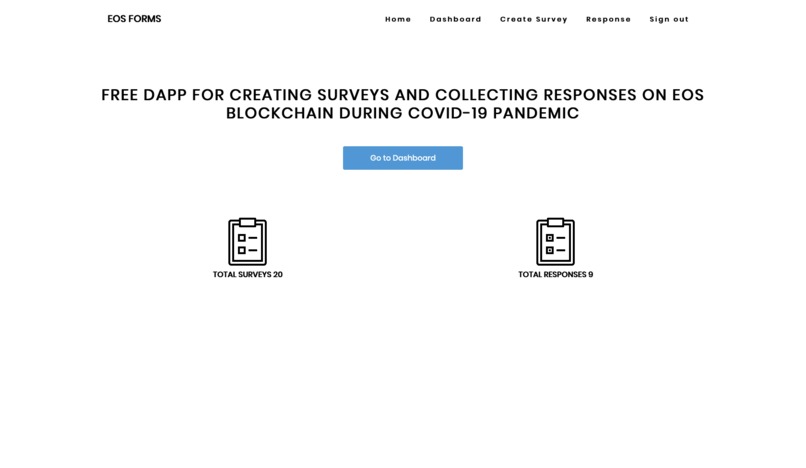
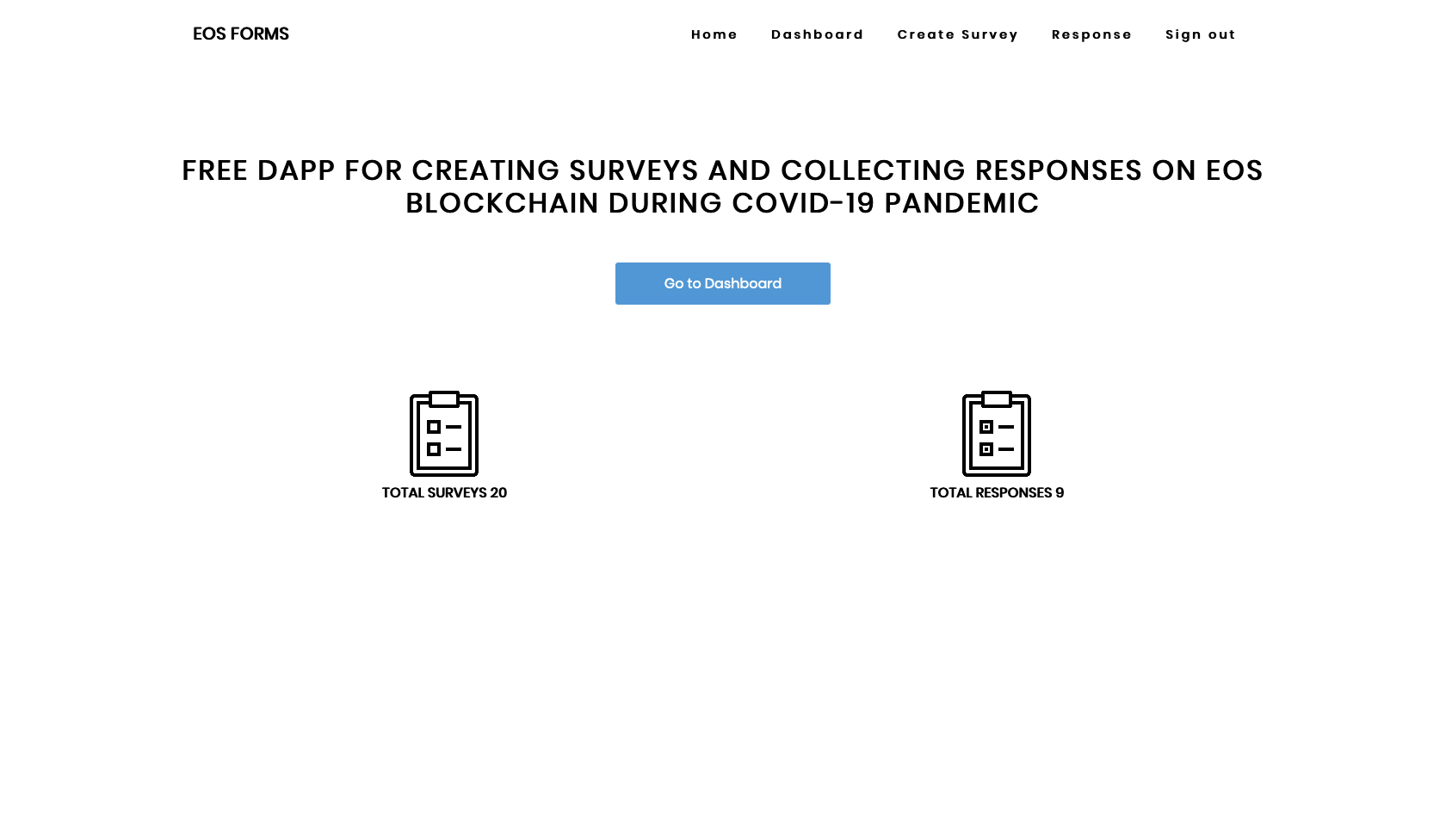
landing page
-
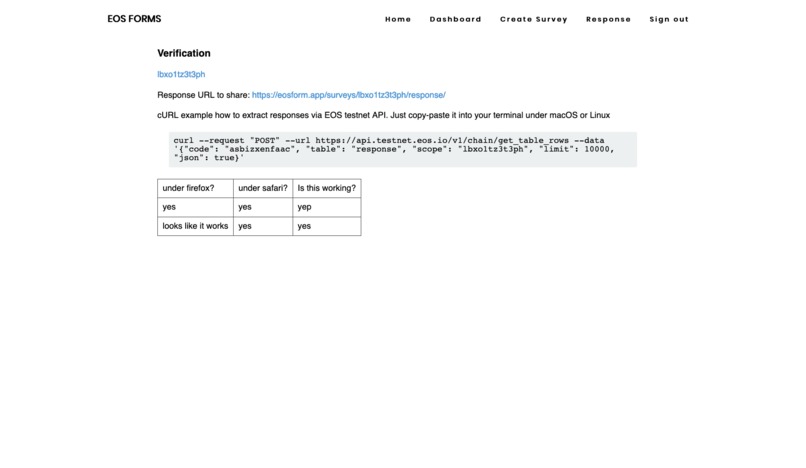
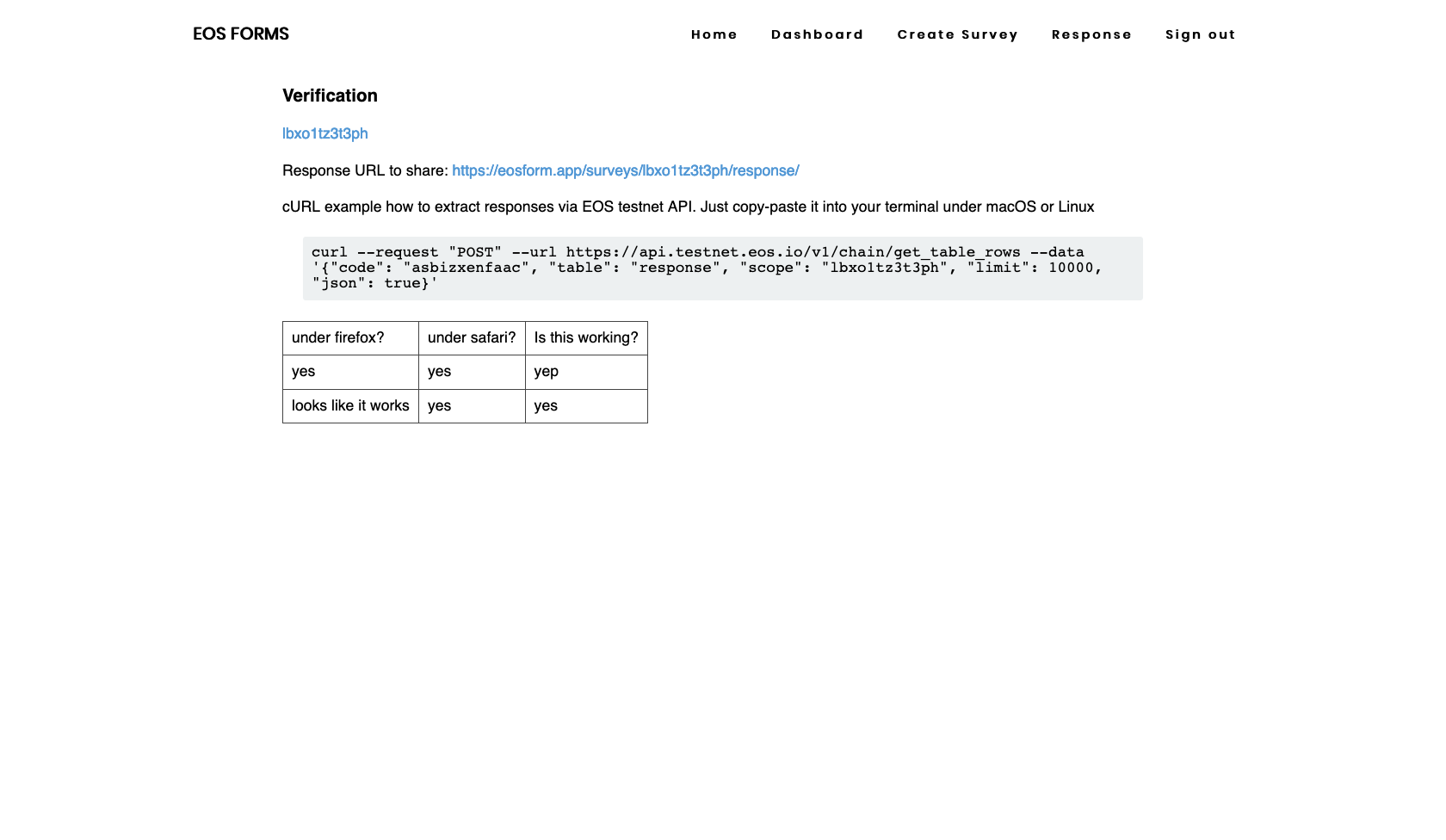
survey that displays data stored in the EOS blockchain and how to retrieve data with curl
-
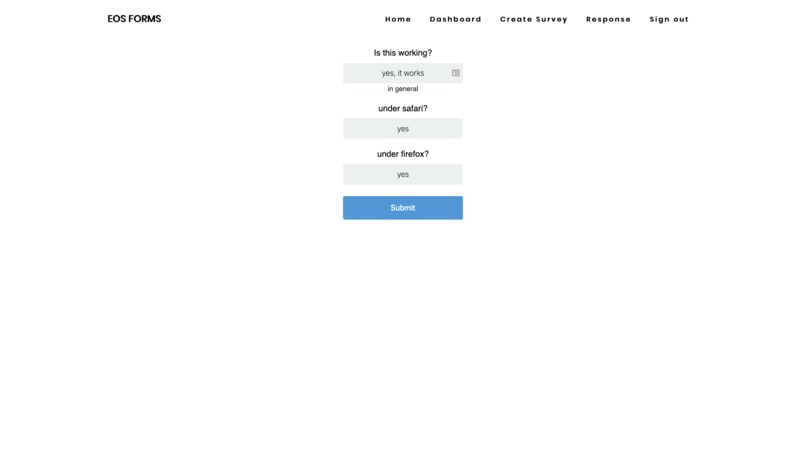
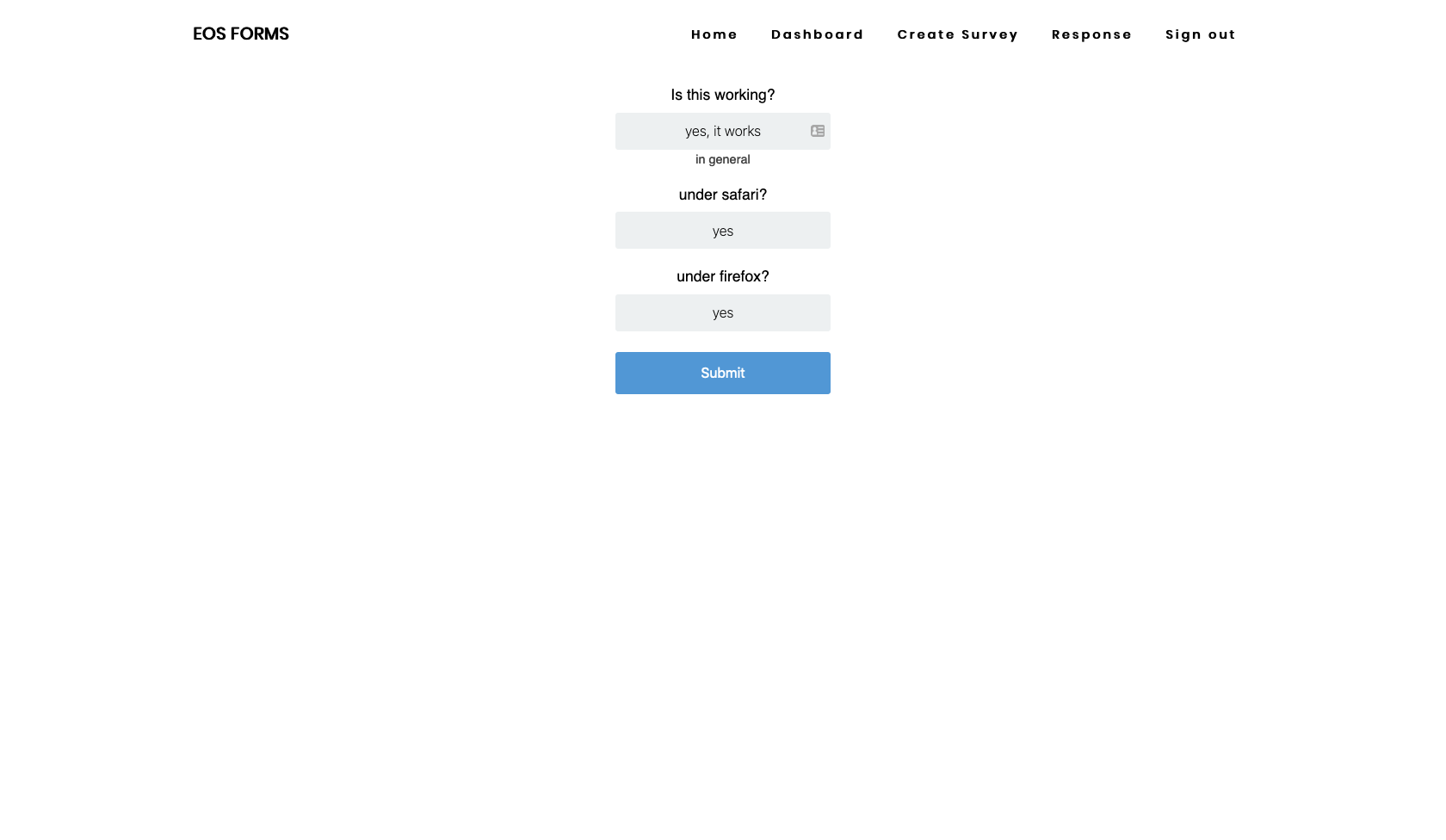
preparing the response
-
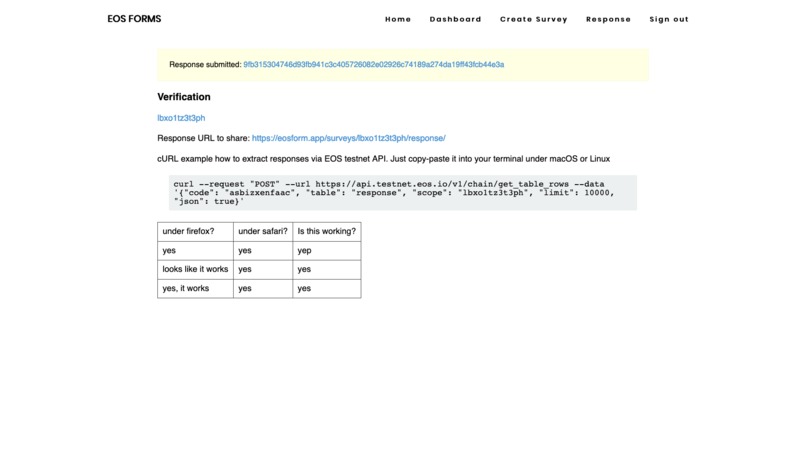
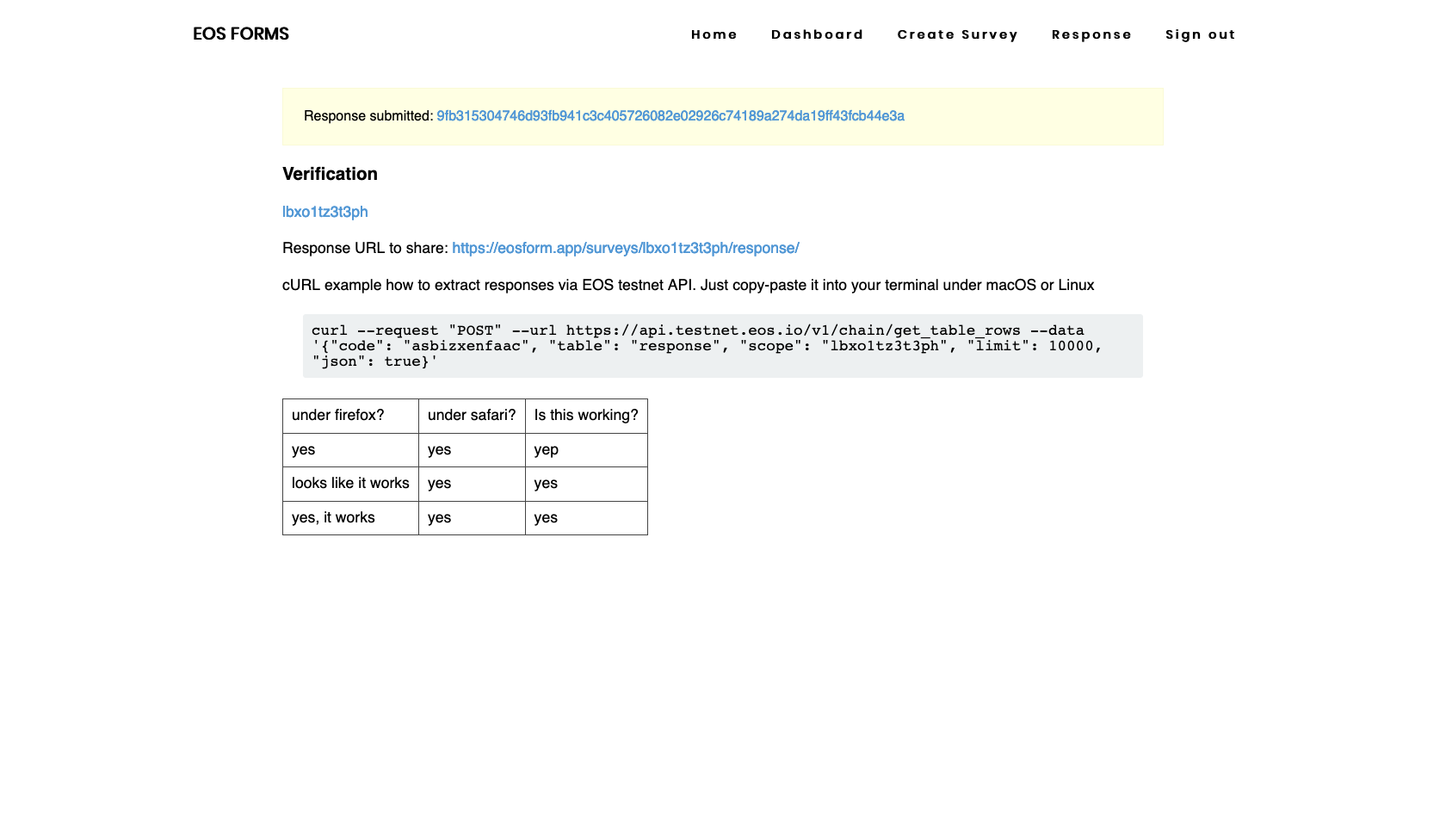
when submitted the user receives the link to the blockchain transaction at eos testnet
Inspiration
Source data is an important part of the research. Pandemic COVID19 showed us that we need trustful independent data. We believe and prove that blockchain can solve the problem to trust data.
What it does
Anyone can signup, create surveys, and give or gather responses. Our service shows all the responses given to the survey and how to retrieve that data using EOS Node API as json using cURL.
How we built it
We store surveys and responses in EOS blockchain smart contract tables.
There are 2 tables: form and response. Each survey (form) has its questions set. Smart contract verifies the answers are given to all the questions from the survey.
We have implemented a server-side rendering site (python / django / plain javascript). Background tasks are run by celery service.
To send data to the EOS smart contract, we wrote a separate microservice called eos-gate (nodejs, eosjs) that takes the request (to create, delete survey or submit response), signs, and sends it as a signed transaction to the EOS Node via Nodeos RPC API.
This way anyone can check surveys and responses submitted to the smart contract through the transactions and also the data as it is available in public as smart contract tables. Data is not encrypted.
Challenges we ran into
- interaction with blockchain
- data validation
- resources management with EOS
- microservices interaction
- covering EOS smart contract with unit tests
Accomplishments that we are proud of
It works
People can use it in day-to-day work and research
We are proud of how the site works and looks (inspired by block.one site)
What We learned
- Smart contracts with EOS
- eosjs
- microservices interaction via API
- how to integrate blockchain into the website
- how to interact with the blockchain using Python, JavaScript
What's next for EOS-open-registry
- Gather more statistics
- SDK for R, Python, Julia, etc.
- History of my responses (transaction id history to check it out)
- Show the last responses in real-time
- Realtime data about responses
- Support different types of input (checkboxes, radio buttons, dropdowns, etc.)
- Split survey questions to the pages (survey wizard)


Log in or sign up for Devpost to join the conversation.