
Inspiration
The inspiration came from the iconic design and user experience of the classic Macintosh System 7, which revolutionized personal computing in the early 1990s. We wanted to recreate the nostalgic feel of the original Mac OS interface while showcasing modern web development capabilities.
What it does
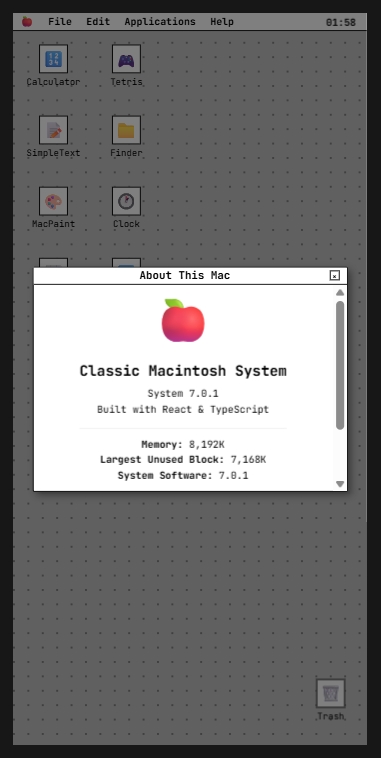
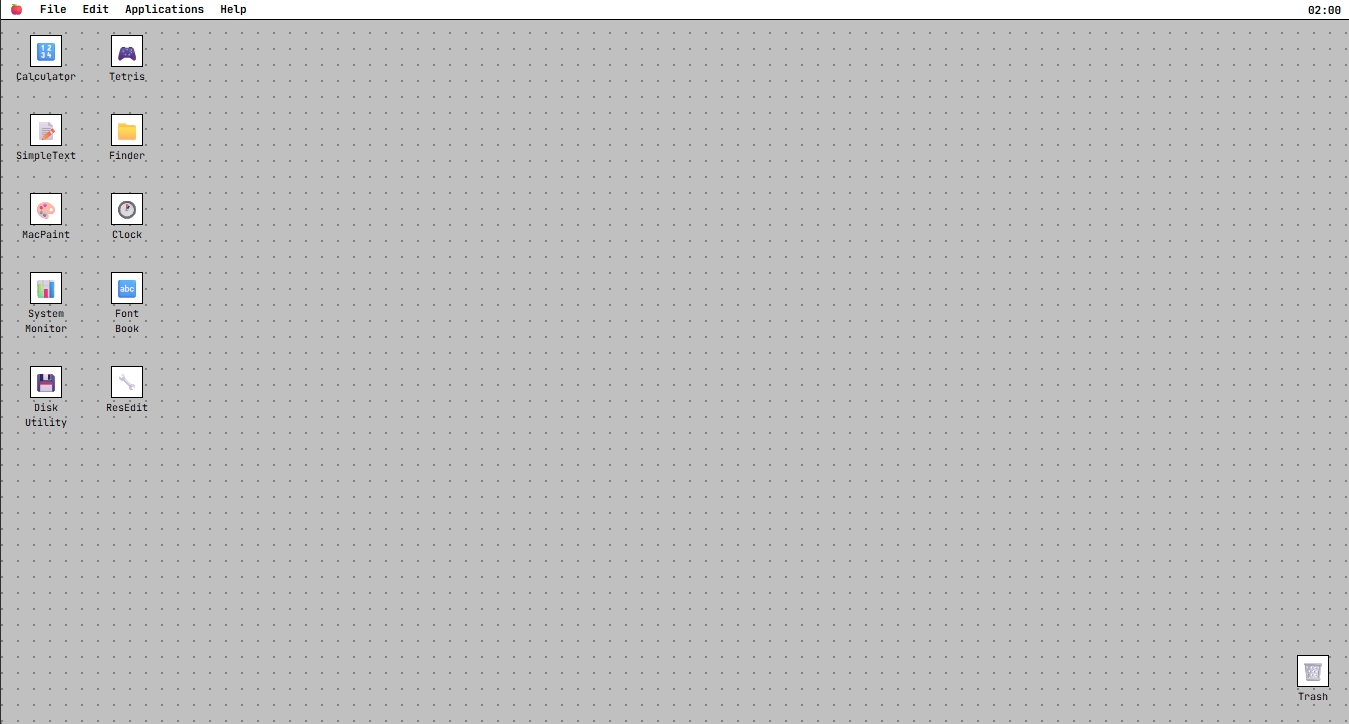
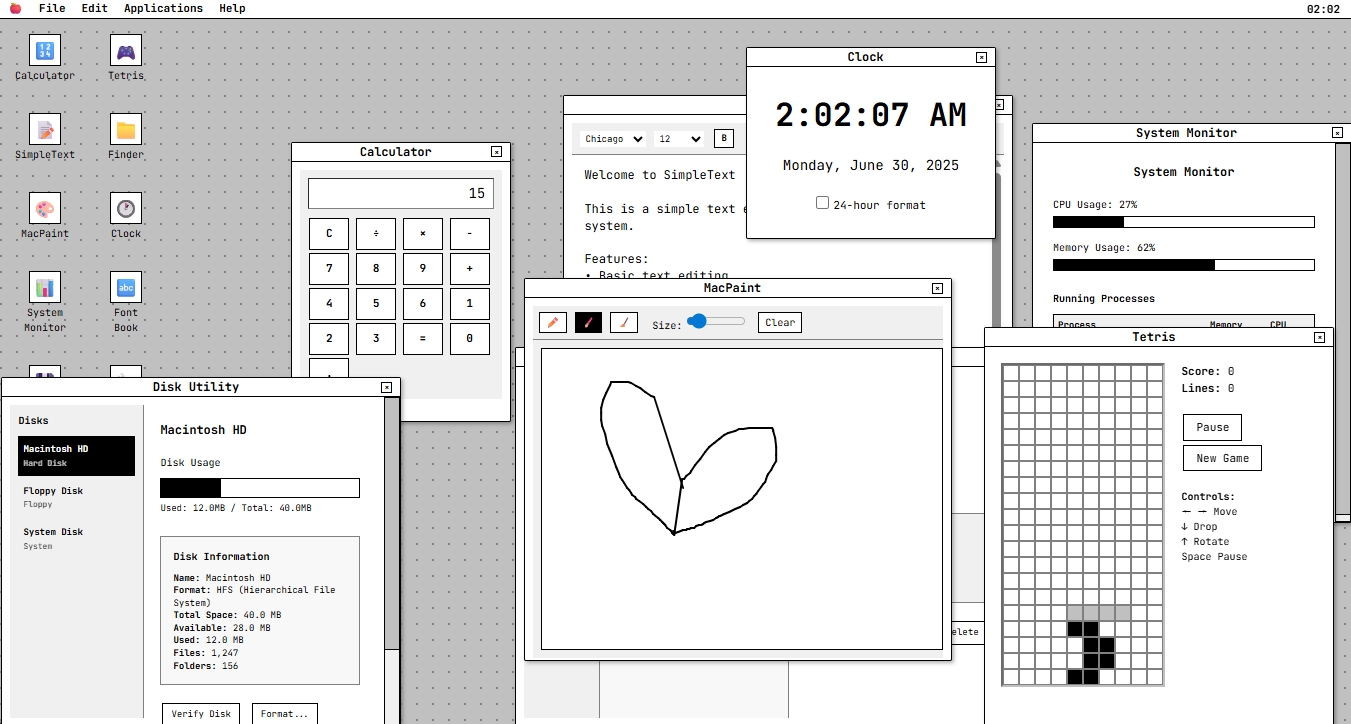
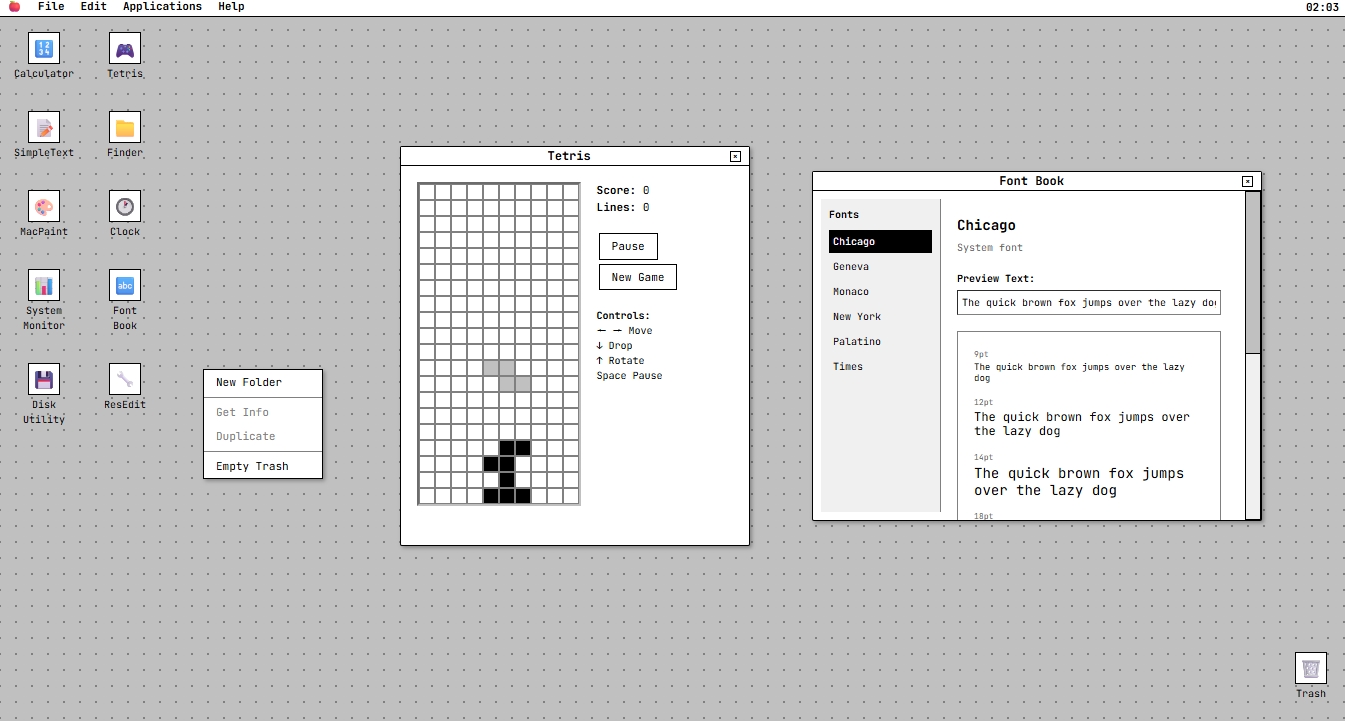
This project is a fully functional Classic Macintosh System Simulator that recreates the authentic Mac OS 7.0.1 experience in a web browser. It features: Complete desktop environment with menu bar, system clock, and trash Multiple working applications (Calculator, Tetris, SimpleText, MacPaint, etc.) Window management system with drag, resize, and focus capabilities System modals and dialogs following classic Mac design patterns Authentic sound effects and visual feedback Context menus and keyboard shortcuts
How we built it
We built this simulator using modern web technologies while maintaining the classic aesthetic: React 18 with TypeScript for component architecture Custom CSS to recreate the authentic Mac OS visual style Web Audio API for system sounds and audio feedback Canvas API for the MacPaint drawing application Modular component design for scalable window management Custom hooks for system functionality like sound effects
Challenges we ran into
Pixel-perfect recreation of the classic Mac interface required extensive CSS work Window management system needed complex state management for focus, positioning, and resizing Game logic implementation for Tetris with proper collision detection and line clearing Audio synthesis using Web Audio API to create authentic system sounds Responsive design while maintaining the fixed-resolution aesthetic of classic Mac Performance optimization for smooth animations and interactions
Accomplishments that we're proud of
Successfully recreated the authentic Mac OS 7 look and feel Built a fully functional window management system from scratch Implemented multiple working applications with real functionality Created smooth animations and transitions that feel native Achieved pixel-perfect design consistency across all components Integrated system sounds that enhance the nostalgic experience
What we learned
Deep understanding of classic UI/UX design principles Advanced CSS techniques for creating retro interfaces Complex state management patterns for window systems Web Audio API for creating custom sound effects Canvas manipulation for drawing applications The importance of attention to detail in recreating historical interfaces
What's next for Classic Macintosh System Simulator
Additional Applications: HyperCard, MacDraw, and more classic Mac software File System: Implement a virtual file system with save/load capabilities Network Features: Add classic Mac networking and file sharing Extensions: System extensions and control panels Games: More classic Mac games like Brickles and Crystal Quest Customization: Wallpapers, themes, and system preferences Mobile Support: Optimize for touch devices while maintaining authenticity
Built With
- .
- canvas-api
- css
- eslint
- mono??
- postcss
- react-18.3.1
- tailwind-css-3.4.1
- typescript
- vite-5.4.2
- web-audio-api
- web-audio-context


Log in or sign up for Devpost to join the conversation.