-
-
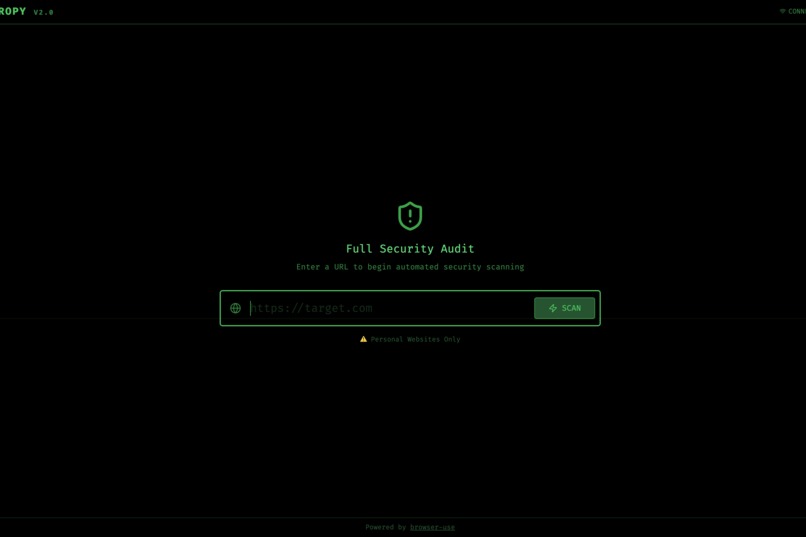
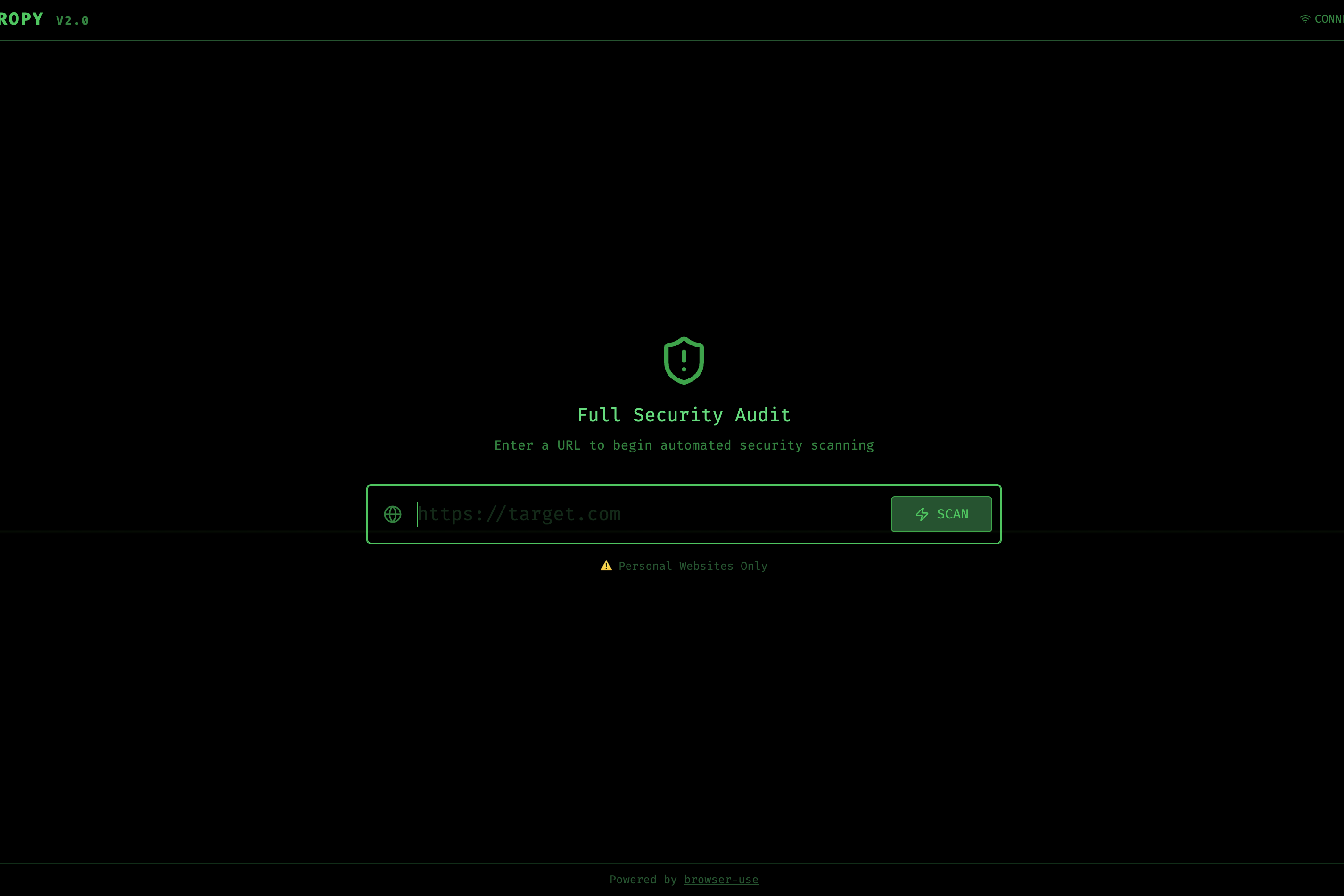
Front page of Entropy App
Inspiration
I saw that Cybersecurity education has a very steep learning curve and may be boring at times. Students read about various attacks, such as XSS and SQL injection, but never get to see them live in action. Real-world security tools are also very complex and can be overwhelming for beginners. I built Entropy to address this gap. It is an AI-powered learning tool that demonstrates real-world vulnerability testing in real time, making security concepts more real and understandable.
What it does
Entropy is an interactive security education platform, as a simple-to-use website. All users have to do is paste a URL and watch as an AI agent does these tasks.
Visually navigates the website. Students see exactly how an attacker might explore a website, looking for possible attacks. The AI highlights input fields, forms, and interactive elements, identifies common attacks, and performs XSS and SQL injection tests with payloads. At the end, it generates educational reports, explaining what was tested, why it matters, and how to fix vulnerabilities
The live terminal view also shows every step the AI takes, acting as a teacher explaining a lesson on web security.
How we built it
Frontend: React 19 + Vite + Tailwind CSS v4 for the ui Backend: Python FastAPI to help prompt and navigate the AI agent AI Agent: Google Gemini 2.5 Flash using an autonomous browser navigation via the browser-use library. Real-time Streaming is used with Firebase Firestore, as it streams live logs so students can follow along step-by-step Educational Output: Structured reports are provided at the end that explain vulnerabilities in plain language, with advice on how to fix them and how to look out for them.
Challenges we ran into
Making AI behavior more transparent and easier to understand: We wanted students to understand why the agent was taking each action, so we built a step-by-step logging terminal with action descriptions. Handling model Automation and education: Just feeding the HTML to an AI is boring and doesn't show the steps for looking for vulnerabilities. Students often miss the lesson or lose interest, so using a live browser shows each step in an easy-to-follow view. Handling rate limits: Gemini's API quotas forced us to optimize prompts and add retries to certain steps, while avoiding loops and limiting steps, and also the Gemini Vision input. Parsing AI output: The agent's responses needed easy-to-parse, structured content to make the report easier to understand and more consistent.
Accomplishments that we're proud of
We created a tool that makes security ideas visual and interactive, rather than really abstract Built an experience where students see real attack techniques demonstrated safely and step by step Designed a report that explains vulnerabilities at a level easy for beginners to understand Achieved no setup required, making it very simple for students to start learning Developed a clean UI that makes cybersecurity feel more accessible and not a very complicated tool
What we learned
How to create educational tools and focus on learning. The importance of showing real-time logs and how that can transform a black-box tool like LLMs into a more understandable and educational experience. How security professionals view vulnerability discovery and finding issues with sites. Techniques for making AI agents behave more predictably and have structured and consistent outputs.
What's next for Entropy
More explanation: Add inline tips for each attack type as it occurs, providing live narration. A challenge Mode: Let students try to see what vulnerabilities the agent found before showing the results AI Vision: More use of Gemini Vision so the AI can approach the site more visually, making the explanation more detailed. Safe Practice examples: Create packages or websites that intentionally include vulnerabilities to teach specific concepts.


Log in or sign up for Devpost to join the conversation.