-
-
homepage
Inspiration
Online fashion shopping is often disconnected from the person buying the clothes. Shoppers see individual products, but not how an outfit, jewellery, and makeup will work together on their own appearance, occasion, budget, and preferences.
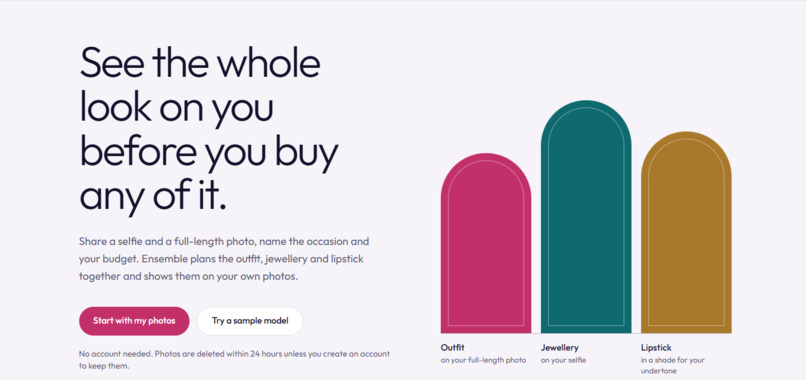
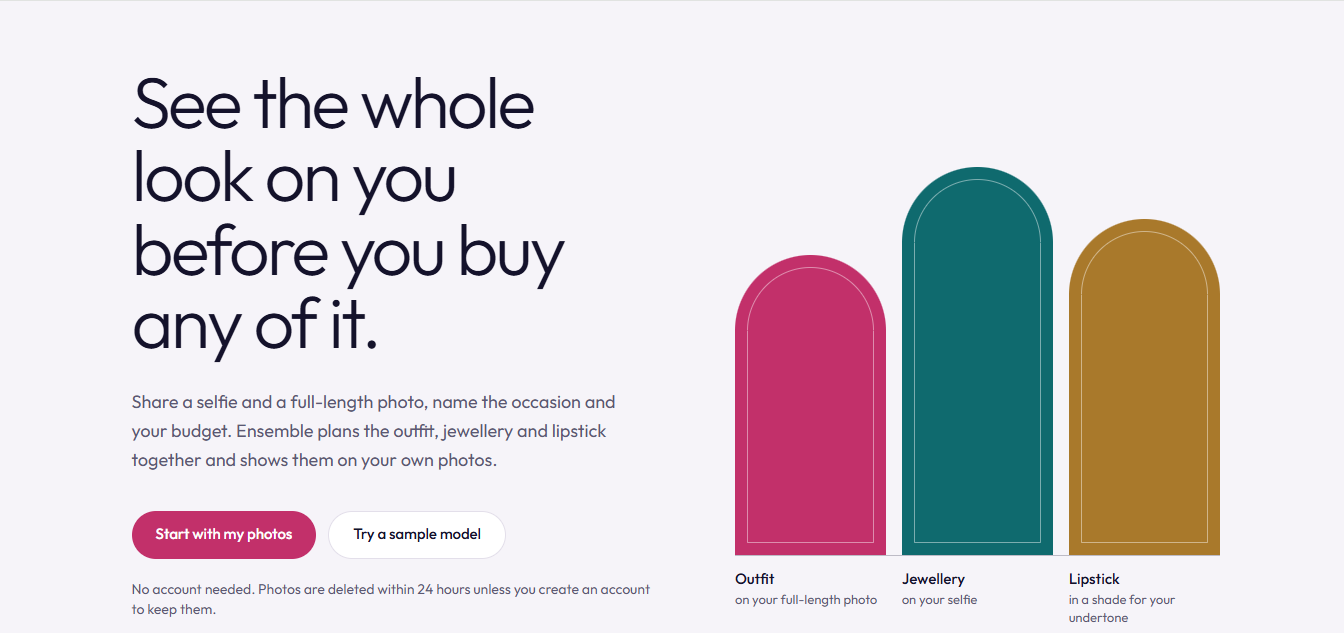
We built Ensemble to make styling more personal and practical. Instead of browsing endless products, a shopper provides a selfie, a full-body photo, an occasion, and a budget. Ensemble creates complete, coordinated looks and shows them on the shopper’s own photos.
What it does
Ensemble combines:
- AI skin-tone analysis using the YouCam API
- Deterministic, budget-aware outfit planning
- Virtual try-on for clothing, earrings, necklaces, and lipstick
- Natural-language look refinement, such as “make it less formal” or “use warmer lipstick”
- Side-by-side look comparison
- Shareable look links
- Optional shopper accounts
- Retailer catalog uploads with CSV/JSON validation
- Retailer dashboards with anonymous product usage analytics
- Usage limits, cost tracking, privacy controls, and automatic data cleanup
The planner is intentionally deterministic. It selects products using explicit style, colour, occasion, skin-tone, jewellery, and budget rules. The language model does not make uncontrolled product decisions; it only converts a shopper’s request into validated refinement operations.
How we built it
The frontend is built with React, Vite, Tailwind CSS, and React Router. The backend uses Node.js, Express, MongoDB, and Mongoose. Product and shopper images are temporarily stored in Cloudinary.
YouCam API calls are managed through a queued gateway with rate limiting, retries, unit tracking, caching, and session/global spending caps. Rendering happens in stages: clothing is applied to the full-body image, while jewellery and lipstick are applied to the selfie. Results are cached so repeated operations do not unnecessarily consume API units.
Retailers can create accounts, upload catalogs, review import errors, manage products, create store links, and see anonymous usage counts without accessing shopper photos or personal data.
Challenges we faced
The biggest challenge was coordinating multiple AI and image-processing steps while keeping the experience predictable and affordable. We had to handle asynchronous rendering, failures, retries, rate limits, API-unit costs, and partial results without losing completed work.
We also designed the privacy lifecycle carefully. Photos and generated results are stored temporarily, share links expire, sessions can be permanently deleted, and the cleanup process retries failed deletions instead of silently abandoning them.
What we learned
We learned that AI-powered shopping experiences need more than a model call. Reliable orchestration, deterministic business rules, transparent cost tracking, validation, graceful error handling, accessibility, and privacy are equally important.
Ensemble taught us how to combine AI analysis and virtual try-on with explainable application logic, so shoppers receive results that are not only visually useful but also understandable and constrained by their real preferences and budget.
Built With
- React
- Vite
- Tailwind CSS
- Node.js
- Express
- MongoDB
- Mongoose
- YouCam API
- Cloudinary
- Render
- Vercel
- JavaScript
- Zod
Try It Out
- Source code
- website: https://ensemble-lemon.vercel.app/
- youtoube: https://youtu.be/B4eOY8lKkmU
Built With
- cloudinary
- express.js
- javascript
- mongodb
- mongoose
- node.js
- react
- tailwind
- vercel
- vite
- youcam
