Inspiration
AI tools are powerful, but long workflows often break for one simple reason: context gets lost.
This happens all the time when people use AI for real work. A chat becomes too long. A job posting gets separated from the conversation that helped prepare the resume. Important reasoning, files, decisions, and next steps end up scattered across different tools.
For students, builders, immigrants, newcomers, and job seekers, this is more than an inconvenience. It can mean losing progress, repeating work, and starting from zero again and again.
Engram was built around one idea:
preserve the thread of work.
I wanted to build something that does not just export a chat, but helps users carry their progress from one place to the next.
What it does
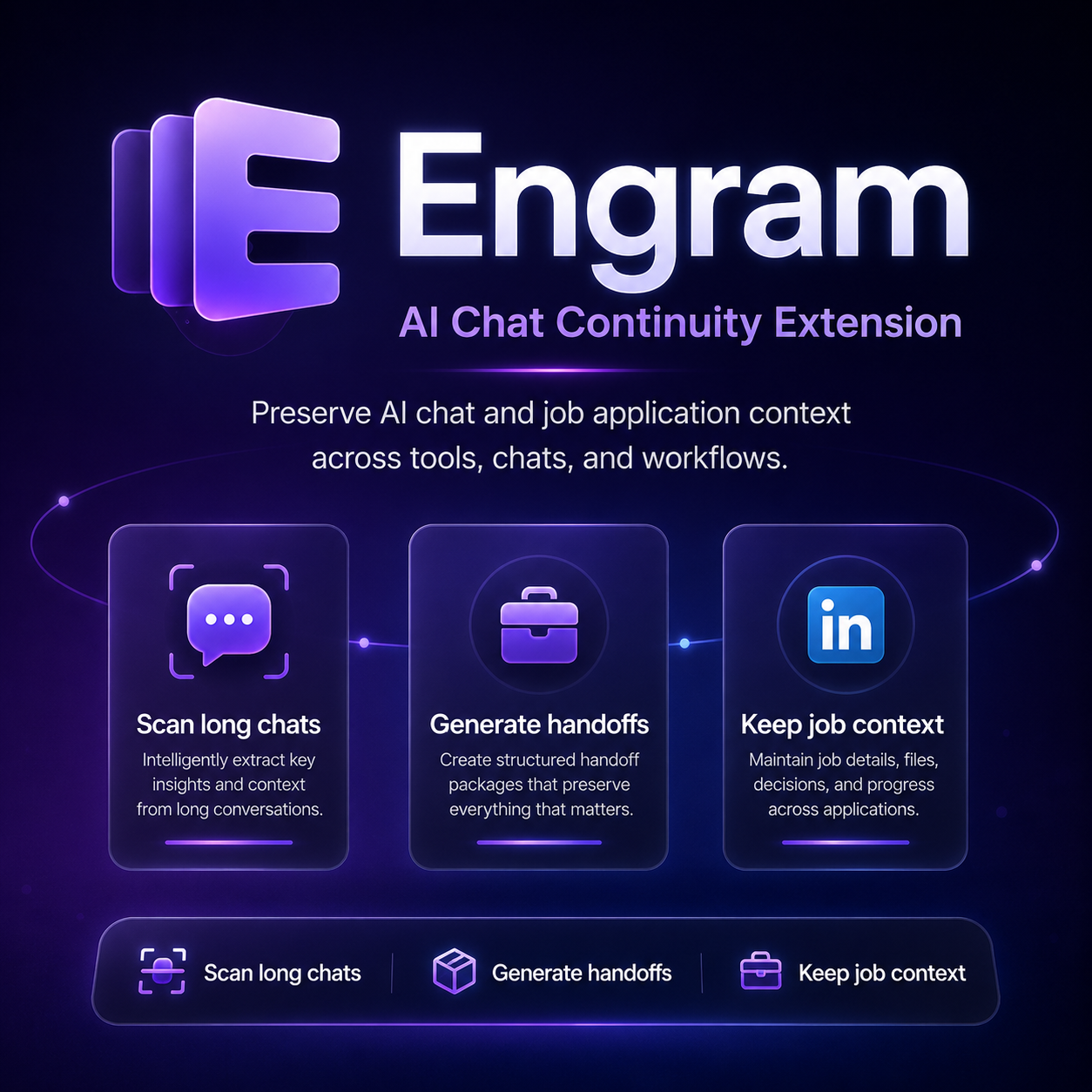
Engram is a browser extension that acts as a continuity layer for AI-assisted workflows.
It focuses on two connected areas:
AI Chat Continuity
Engram helps users scan long AI conversations and generate structured handoff packages.
Instead of manually copying random parts of a conversation, users can create a cleaner continuation package that captures:
- the current state of the work
- important decisions
- useful context
- code snippets or technical notes
- what should happen next
This makes it easier to continue in a new chat or another AI tool without starting from zero.
Job Context Continuity
Engram also supports LinkedIn Jobs as a job source.
It can detect LinkedIn job pages, save job details, organize them in a Job Archive, and generate an AI-ready job package for resumes, cover letters, interview preparation, and application tracking.
This matters because job search work is rarely contained in one place. A user might find a job, ask AI for help, revise their resume, compare requirements, and return later. Engram helps keep that context connected.
How I built it
I built Engram as a Firefox browser extension using:
- JavaScript
- HTML
- CSS
- WebExtensions APIs
- DOM parsing
- local browser storage
The prototype includes:
- extension popup interface
- in-page widgets
- ChatGPT chat scanning prototype
- Claude.ai chat continuity support
- LinkedIn Jobs detection
- saved Job Archive
- AI Job Package generation
- migration / handoff package generation
- landing page with embedded demo video
The product is structured around two layers:
- AI Chat Continuity for long conversations.
- Job Context Continuity for job-search workflows.
LinkedIn Jobs is treated as a job source, not as an AI platform.
Challenges I ran into
The hardest part was working with dynamic web applications.
AI chat platforms and job pages do not always expose clean structured data. Messages can load dynamically, page layouts can change, and newer content may only exist in the visible DOM.
This made scan reliability much harder than expected.
Another challenge was handling long conversations. Some information can come from stored snapshots, while newer messages may only appear on the page. To make Engram useful, I had to think carefully about scan sessions, message counting, persistence, and handoff generation.
I also had to balance the scope of the project. Engram started as a chat continuity idea, but it grew into a broader workflow tool that connects AI conversations with real job application context.
Accomplishments that I am proud of
I am proud that Engram became more than a simple chat exporter.
It now connects two workflows that usually stay separate:
- long AI conversations
- job application context
That connection makes the product more practical. It is not only about saving text. It is about preserving progress.
I am especially proud of the LinkedIn workflow because it connects directly to real users: students, immigrants, newcomers, and job seekers who rely on AI to prepare stronger applications but often lose track of the reasoning and materials behind each job.
What I learned
I learned that context is one of the most valuable parts of AI-assisted work.
The problem is not only getting better answers from AI. The bigger problem is helping users preserve progress across tools, platforms, and sessions.
I also learned how difficult browser extension development can be when the product depends on fast-changing websites. Building on top of ChatGPT, Claude, and LinkedIn required careful DOM handling, storage design, and platform-specific logic.
Most importantly, I learned that a useful AI product does not always need to be another chatbot. Sometimes the better product is the layer that helps people carry their work from one place to the next.
What's next for Engram
Next, I want to improve ChatGPT scan reliability, polish the handoff generation system, and make the export flow more stable.
I also want to expand Engram beyond the current prototype by supporting more AI platforms, more job sources, and a cleaner self-hosted backend option for users who want to connect their own AI API keys safely.
The long-term goal is to turn Engram into a personal context continuity layer for students, builders, and job seekers who use AI every day.
Built With
- chatgpt-parser-prototype
- chrome/firefox-extension-apis
- claude.ai-integration-layer
- css
- dom-parsing
- github
- html
- javascript
- linkedin-jobs-parser
- local-browser-storage
- vercel
- webextensions-api


Log in or sign up for Devpost to join the conversation.