-
-
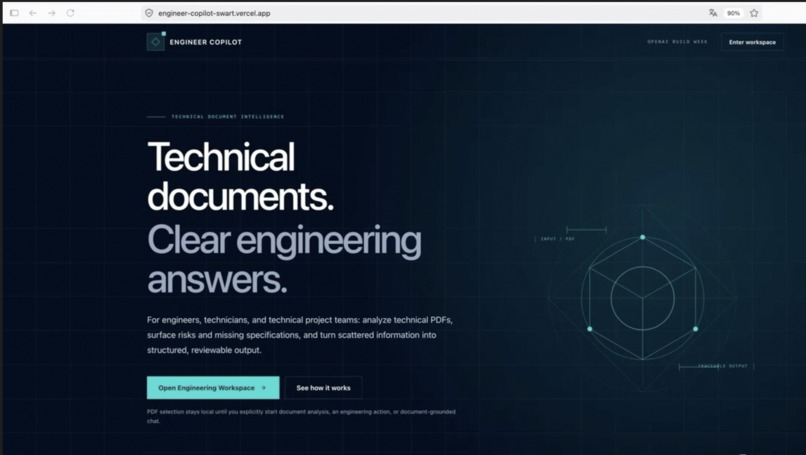
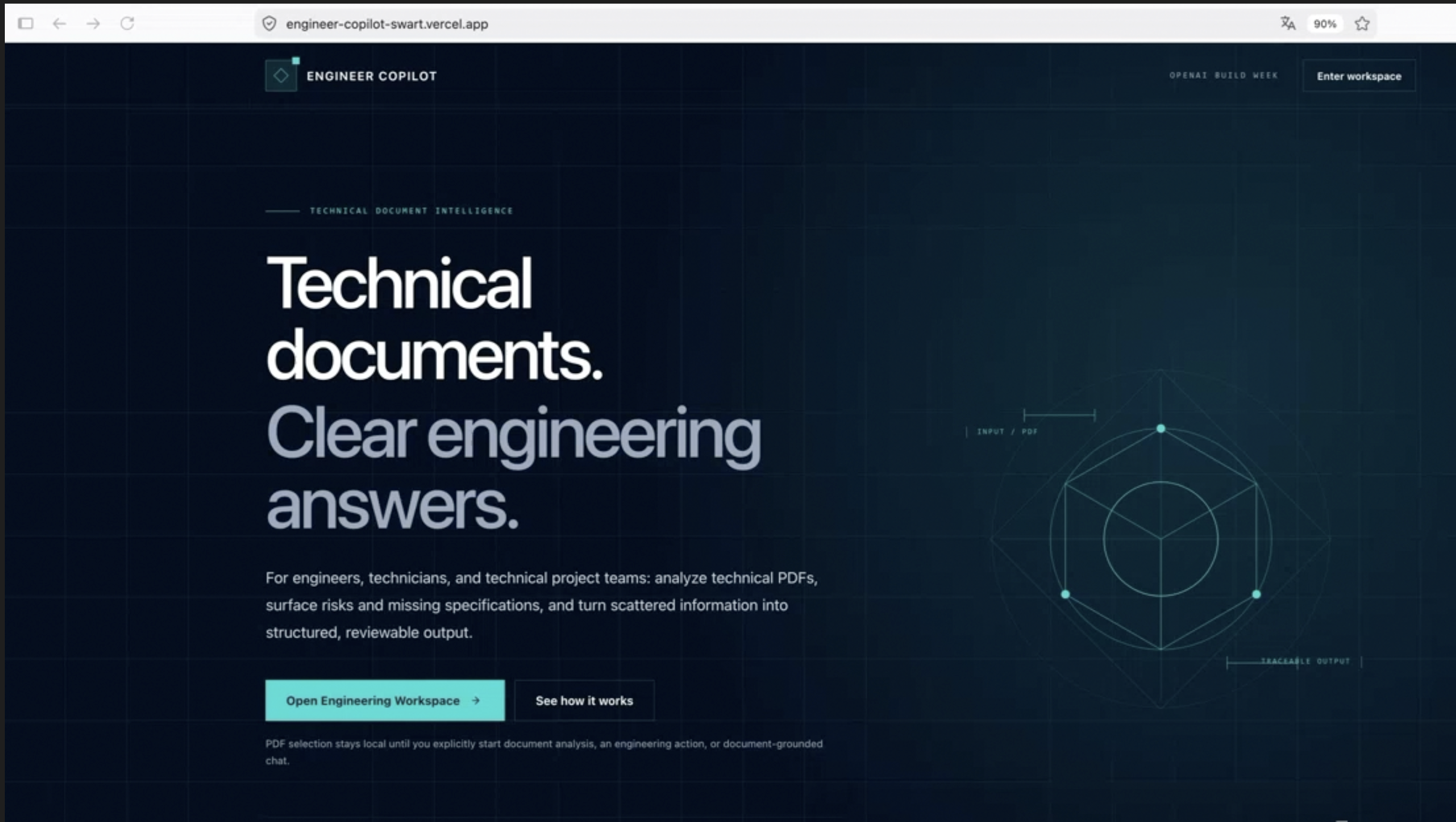
Engineer Copilot
Inspiration
Engineers, technicians, and technical project teams often spend significant time searching through drawings, data sheets, specifications, and assembly documents. The information they need may be present, incomplete, ambiguous, or distributed across a technical PDF.
A conventional AI summary can make this problem worse if it presents assumptions as confirmed facts. Engineer Copilot was created to make technical document review faster while keeping evidence, uncertainty, and professional responsibility visible.
What it does
Engineer Copilot turns a technical PDF into a structured engineering review draft.
Users can:
- select and preview one technical PDF locally in the browser
- deliberately start AI processing only through an explicit action
- generate a structured document analysis
- separate document facts from assumptions and uncertain information
- run five focused engineering actions
- ask document-grounded follow-up questions
- review warnings, confidence information, and page references where reliably available
The five engineering actions are:
- Summarize document
- Detect components
- Find risks and open points
- Generate assembly instructions
- Create purchasing list
The document-grounded chat can answer direct questions, identify missing information, and explain contradictions without maintaining a persistent server-side conversation.
In the public demo, Engineer Copilot reviews a synthetic drawing of a turned chess pawn. It identifies the specified material, calculates a three-millimetre contradiction between an 85 mm dimension chain and an 82 mm overall height, and correctly states that surface roughness is not specified.
How we built it
Engineer Copilot is built with Next.js, React, TypeScript, Tailwind CSS, the OpenAI JavaScript SDK, Zod, and Vercel.
The application uses the OpenAI Responses API and Files API with GPT-5.6. Technical PDFs are temporarily uploaded only after an explicit user request. Responses are constrained through Zod schemas so that facts, assumptions, uncertain items, warnings, and engineering-action results can be rendered consistently in the interface.
The processing flow is:
- The PDF is selected and previewed locally.
- The user explicitly starts an analysis, action, or chat request.
- The server validates the file again.
- The file is temporarily uploaded to OpenAI.
- GPT-5.6 processes the visual and textual document content.
- The response is validated against a structured schema.
- The temporary file is deleted on a best-effort basis.
- The result is returned without exposing internal OpenAI file or response identifiers.
Response storage is disabled with store: false. The application has no database, user accounts, browser persistence, or permanent document history.
How we used GPT-5.6
GPT-5.6 provides visual and textual understanding of technical PDFs. It can interpret drawing content, dimensions, notes, title blocks, and document structure while producing schema-constrained responses.
It is used for:
- technical document analysis
- fact and uncertainty extraction
- component detection
- engineering risk and open-point review
- assembly-instruction drafts
- purchasing-list drafts
- document-grounded follow-up questions
The interface is intentionally designed so that model output remains reviewable instead of being presented as an automatic engineering approval.
How Codex accelerated the project
Codex supported the project throughout a phased and human-directed implementation process.
It accelerated:
- component and workspace implementation
- responsive user-interface refinements
- server-side file validation
- OpenAI Files and Responses API integration
- Zod Structured Output schemas
- document-analysis, action, and chat routes
- error handling and cancellation behavior
- automated tests
- security and repository checks
- deployment preparation
Key architectural, safety, and product decisions remained under continuous human direction and review.
Challenges
One major challenge was preventing unsupported model output from appearing equivalent to documented evidence. The solution was to make document facts, assumptions, uncertain items, and warnings separate first-class interface elements.
Another challenge was handling technical PDFs without creating permanent document storage. Engineer Copilot therefore uses temporary file processing, disabled response storage, best-effort cleanup, and session-only React state.
Technical drawings also contain visual information that may not be available as ordinary extracted text. GPT-5.6 was therefore used for combined visual and textual document understanding.
Accomplishments
Engineer Copilot is a functioning, publicly deployed prototype with:
- structured technical PDF analysis
- five specialized engineering actions
- document-grounded chat
- explicit uncertainty handling
- temporary and deliberate document processing
- server-side validation
- responsive desktop and mobile layouts
- 101 automated tests
- successful lint, TypeScript, and production-build checks
- a live Vercel deployment
- a public MIT-licensed GitHub repository
What we learned
Structured Outputs are especially valuable when AI results must be transformed into a dependable review interface.
We also learned that uncertainty should not be hidden in a disclaimer at the bottom of a page. It should be represented directly beside facts and recommendations so that users can understand what comes from the document, what is inferred, and what still requires clarification.
What's next
Possible next steps include multi-document comparison, exportable engineering-review reports, improved table extraction, controlled team workspaces, and more advanced document-reference verification.
Engineer Copilot is not an approval or production-release system. Confidential documents should not be uploaded to the public demo, and every result remains a draft requiring qualified engineering review.
Built With
- api
- codex
- css
- files
- gpt-5.6
- next.js
- openai
- react
- responses
- tailwind
- typescript
- vercel
- vitest
- zod

Log in or sign up for Devpost to join the conversation.