-
-
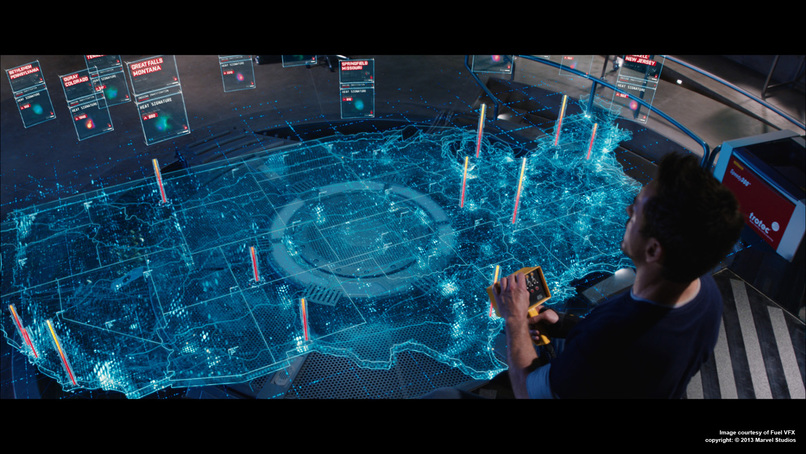
Tony Stark and his holograms
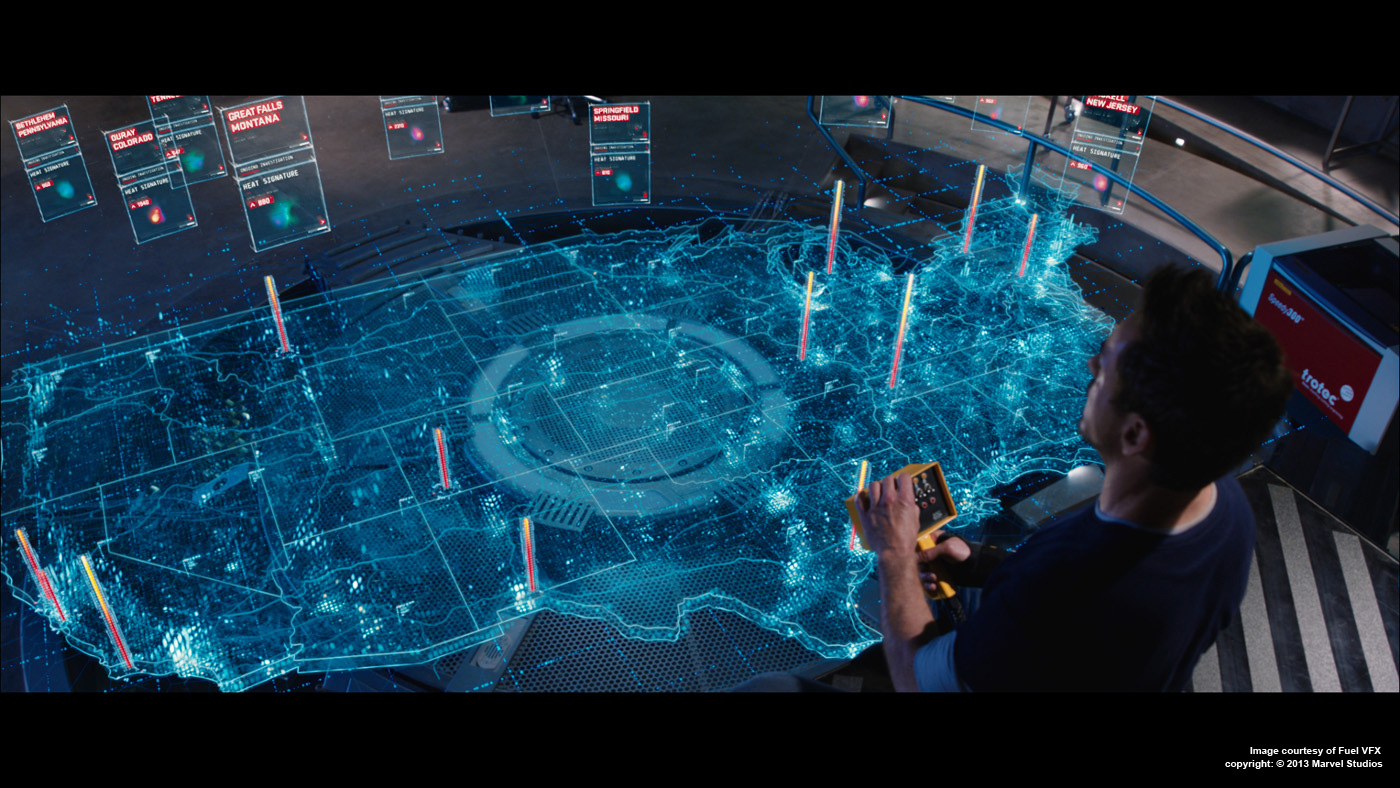
Inspiration
Remember watching Tony Stark casually swipe through holographic blueprints in his lab? We wanted to bring that same intuitive, hands-on engineering experience into the real world—but with actual building blocks you can grab, snap together, and sculpt ideas with your hands.
What it does
Our MR workspace lets you grab colorful modular blocks in mixed reality and build whatever you can imagine—sculptures, prototypes, complex assemblies. As you build, the system silently watches and learns. When you're done, it automatically generates step-by-step instructions so anyone can recreate your design. It's like having an AI assistant that documents your creative process in real-time, making it easy to share, teach, and iterate on ideas.
How we built it
We built this in Unity for the Quest 3, combining Meta's XR SDK with custom C# snapping logic. Each block has intelligent connection points that track every snap independently. Gemini 2.5 Flash powers the instruction generation, analyzing your build sequence and creating clear, visual guides.
Challenges we ran into
As first time builders, making digital objects feel real was harder than we expected. Getting blocks to snap satisfyingly without feeling floaty or jittery took countless iterations. We wrestled with physics collisions, hand tracking precision, and the quirks of Meta's XR framework. The learning curve was steep—MR development is still young, and documentation is scattered. We spent days debugging issues that would've been trivial in traditional 2D interfaces.
Accomplishments that we're proud of
We built something genuinely fun. There's this moment when you grab a block mid-air, snap it into place with a satisfying click, and step back to admire what you've created—it feels like painting in 3D space. We got the snapping physics to feel natural, implemented hand tracking that actually works, and created an AI pipeline that understands spatial relationships well enough to teach someone else your build process.
What we learned
3D interaction design is an art form. Making objects align intuitively, detecting connections reliably, and handling physics smoothly requires a completely different mindset from traditional UI/UX. We learned that in MR, even simple things—like picking up an object—demand careful thought about depth perception, hand ergonomics, and visual feedback. We also discovered the power of rapid prototyping: testing early, testing often, and iterating based on what feels right, not just what looks right on paper.
What's next for EZ-Build XR
This is just the beginning. Imagine a platform where you can design a structure, save it to the cloud, and share it with anyone—like GitHub for 3D creations. Friends could collaborate in real-time from different locations, building together in the same virtual space. Teachers could use it for spatial reasoning lessons. Engineers could prototype assembly sequences. Artists could create immersive installations. We want to expand the component library, add multiplayer collaboration, support more complex physics interactions, and build a community where creativity is as easy as reaching out and building with your hands.

Log in or sign up for Devpost to join the conversation.