Inspiration
Every child deserves an encyclopedia that talks back. I grew up flipping through heavy books, wishing the pictures could move and someone could explain things in a way I'd actually understand. With the rise of multimodal AI, I realized we could finally build that — an encyclopedia that listens to your voice, speaks back, and generates images and videos on the fly for anything you ask about.
What it does
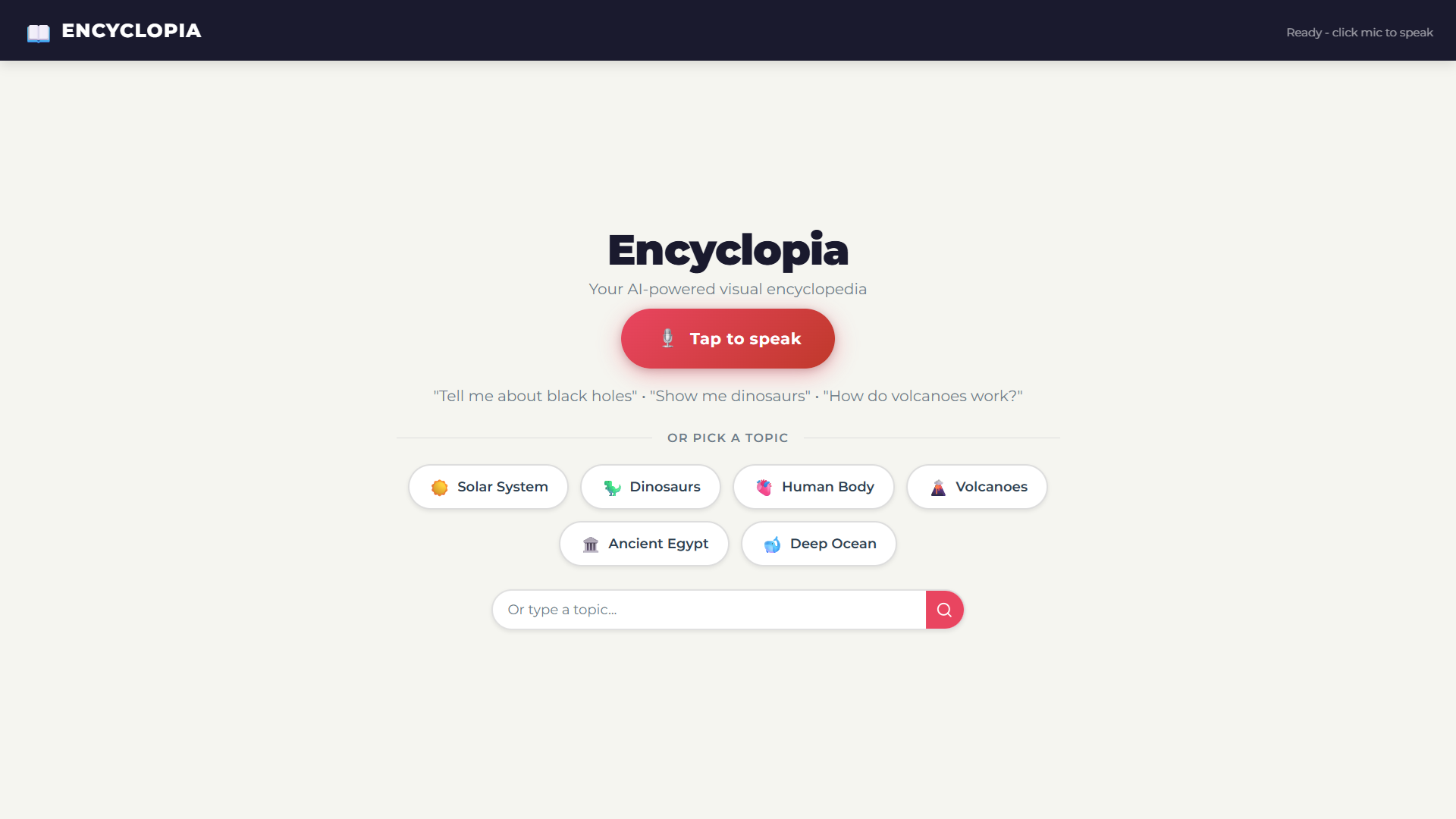
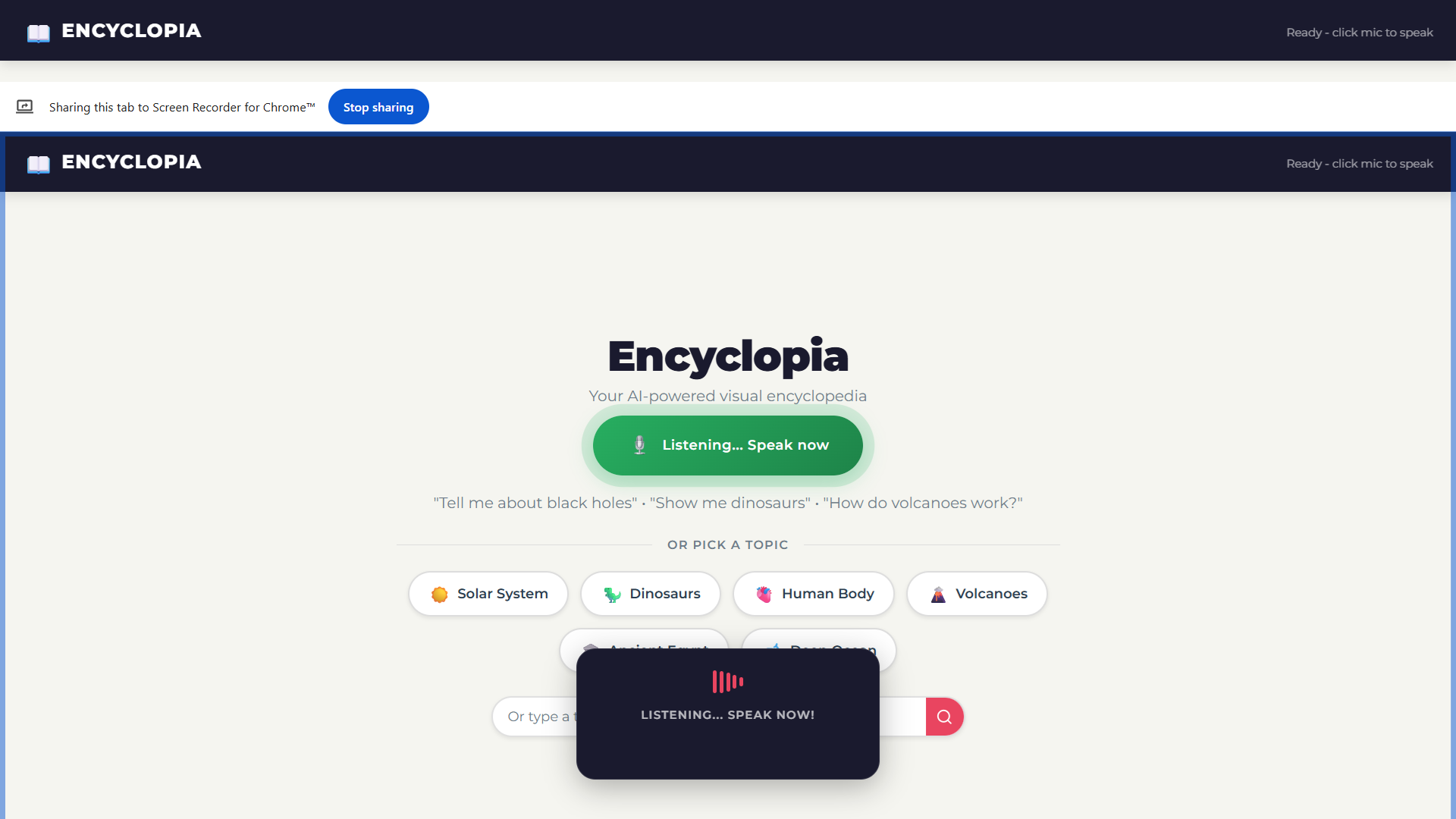
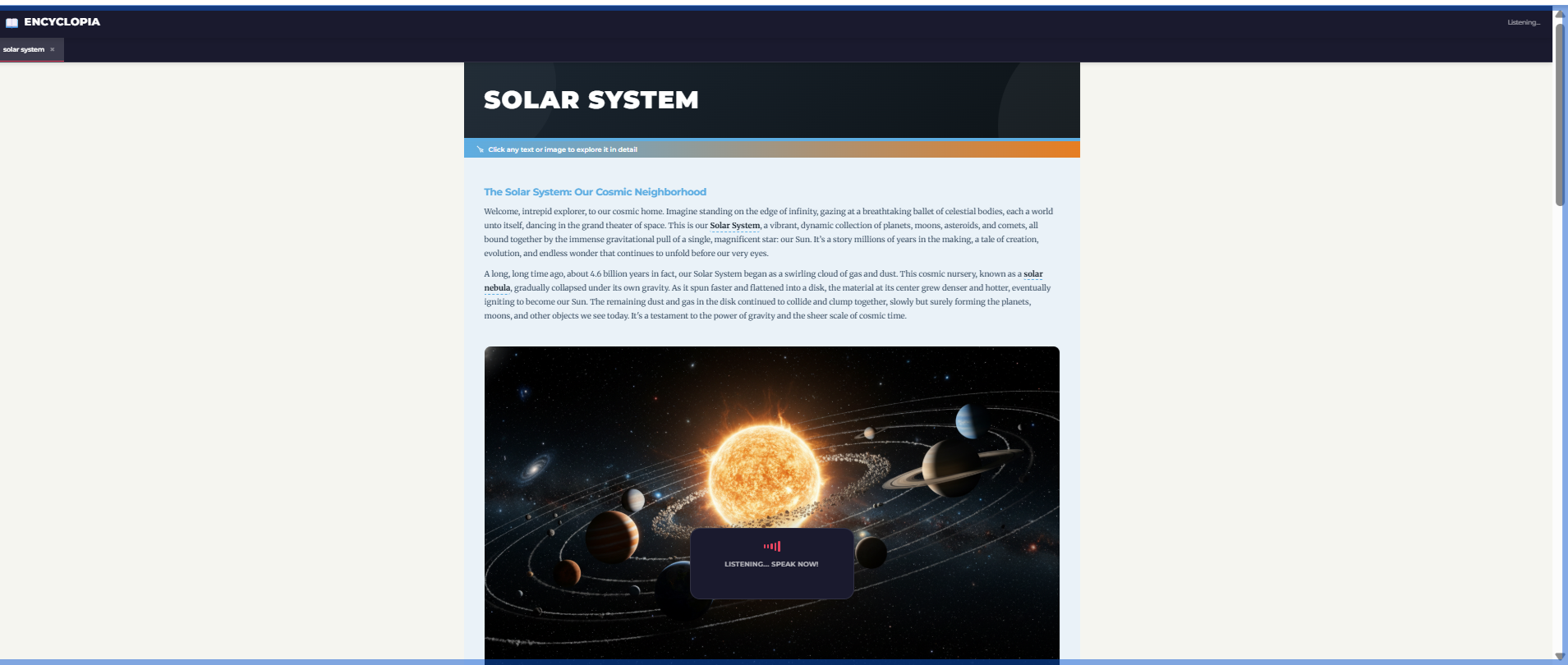
Encyclopia is a voice-first AI encyclopedia. You speak a question — "Tell me about black holes" or "Show me how volcanoes erupt" — and the app:
- Listens via real-time voice streaming (Gemini Live API)
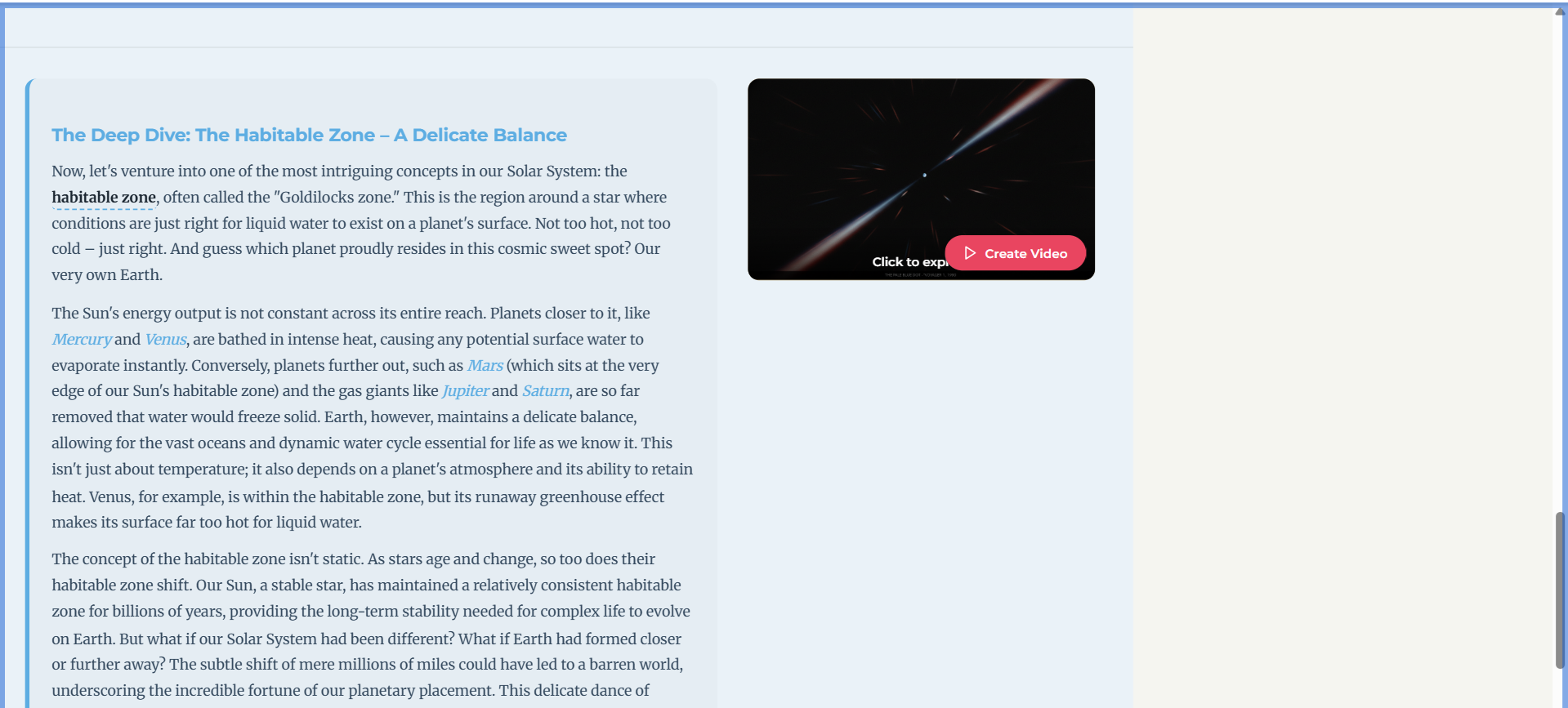
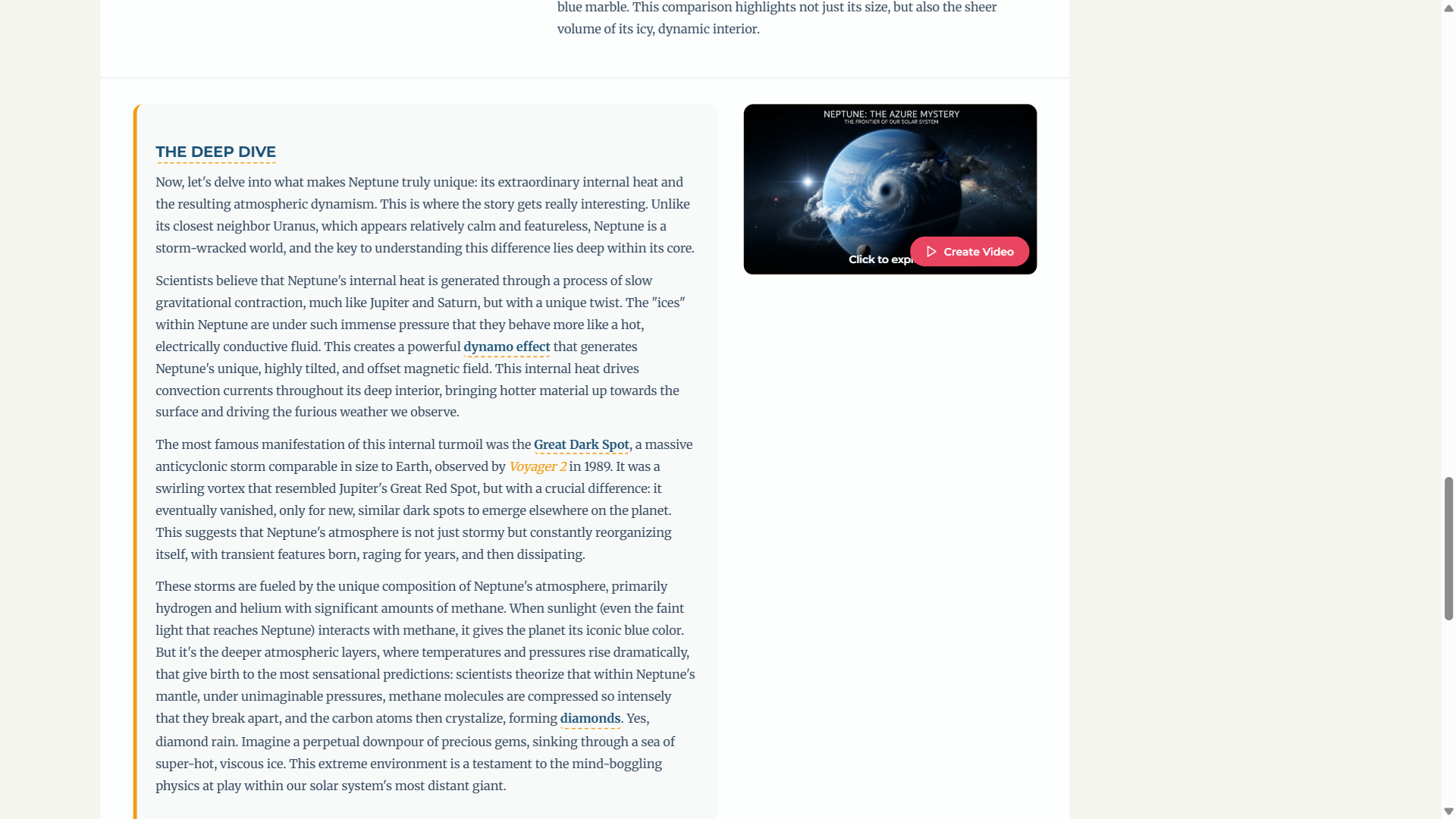
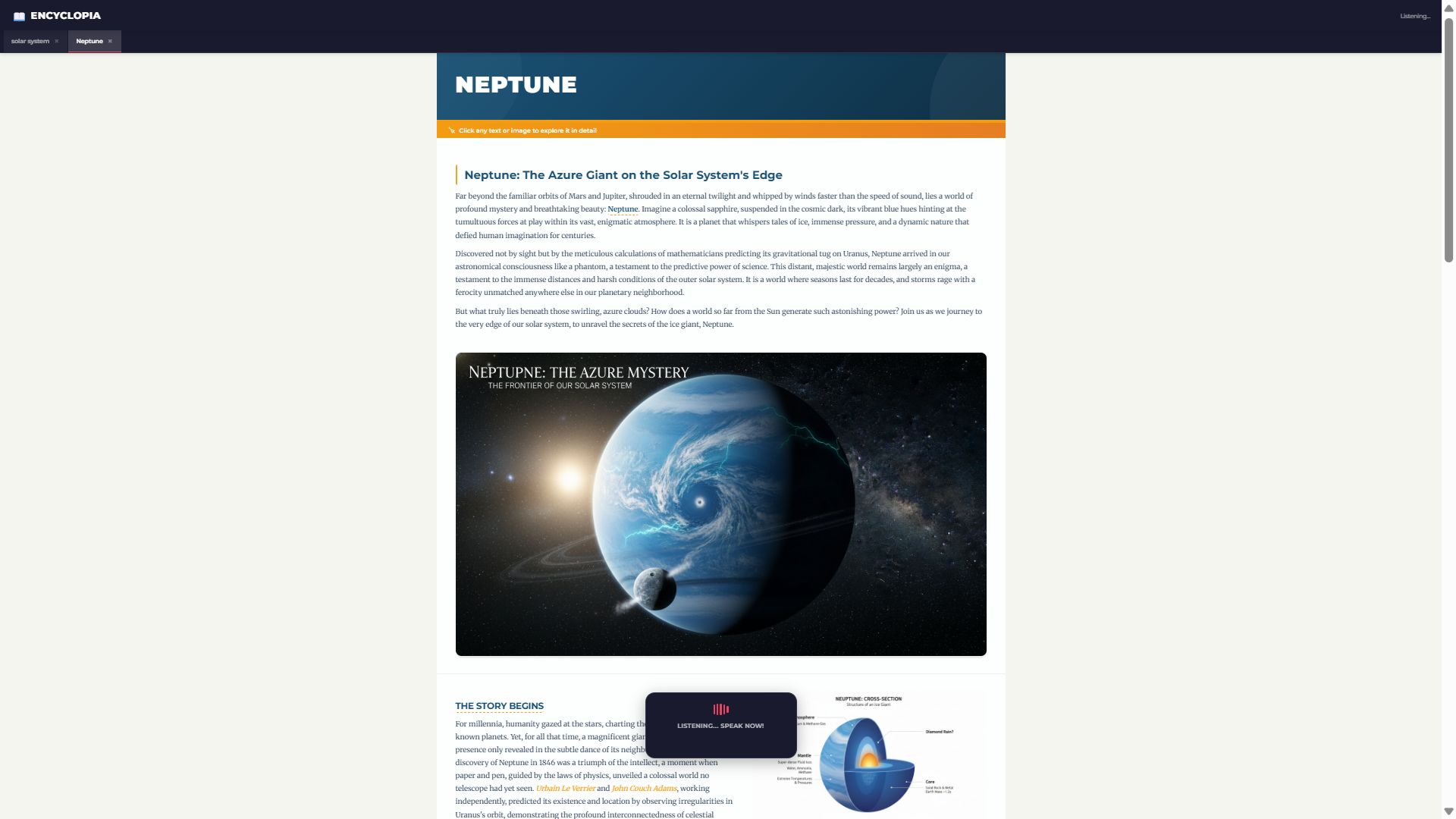
- Generates a rich, narrated encyclopedia page with AI-written content
- Creates custom images and videos (via Imagen & Veo) to illustrate every topic
- Reads aloud the content with natural voice narration
- Lets you explore — click any bold keyword to dive deeper into a new topic
It's like having a personal narrator, artist, and professor — all in one tab.
How I built it
The architecture follows a two-model bridge pattern:
- Backend: Python with FastAPI, powered by Google's Agent Development Kit (ADK). A Gemini agent orchestrates content generation, calling sub-tools for image generation (Imagen), video generation (Veo), and structured encyclopedia page creation.
- Frontend: Vanilla HTML/CSS/JavaScript with a custom tabbed interface. Voice input uses the WebSocket-based Gemini Live API with AudioWorklet for low-latency bidirectional PCM audio streaming.
- Voice Pipeline: The user's speech is captured at 16kHz, streamed to Gemini Live via WebSocket, and responses are played back in real-time — creating a truly conversational experience.
- Content Rendering: A dynamic renderer turns structured JSON responses into beautiful, interactive pages with click-to-explore navigation and background preloading of related topics.
Challenges I faced
- Bidirectional audio streaming — Getting real-time voice input/output working with PCM audio buffers and AudioWorklet was the hardest part. Browser audio APIs are unforgiving.
- Model coordination — The Live API model (for voice) and the content model (for pages/images) are separate. Bridging them seamlessly so the user feels like they're talking to one entity required careful prompt engineering.
- Video generation latency — Veo videos take time. I built a background loading system with tab-based navigation so users can keep exploring while videos render.
- Filtering agent reasoning — Raw model output includes internal reasoning. I had to filter transcript content to show only clean, user-facing text.
What I learned
- How to build real-time voice applications with WebSocket audio streaming
- Google's ADK agent framework and how to compose multi-tool AI agents
- The power (and complexity) of multimodal generation — combining text, image, video, and voice in one coherent experience
- That the best UIs get out of the way — voice-first interaction removes friction entirely
What's next
- Multi-language support — ask questions in Arabic, Spanish, or any language
- Offline caching — save explored topics for later
- Collaborative mode — classrooms where a teacher and students explore together
- Mobile app — a dedicated experience optimized for on-the-go learning
Built With
- audio
- audioworklet
- css
- fastapi
- gemini-live-api
- google-adk
- google-gemini
- html
- imagen
- javascript
- python
- veo
- web
- websocket

Log in or sign up for Devpost to join the conversation.