-
-
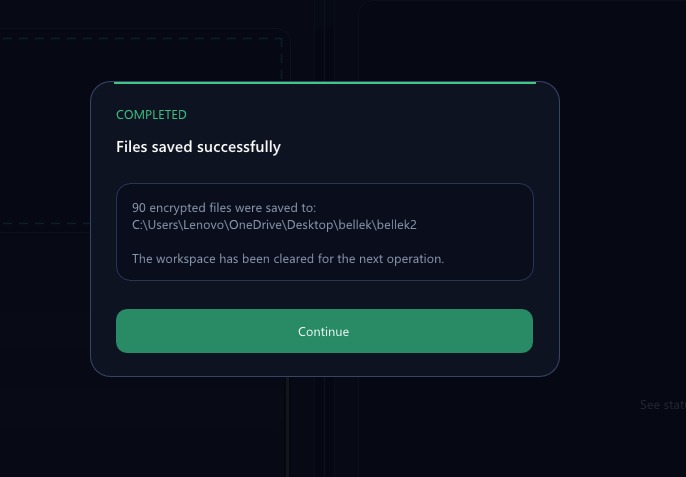
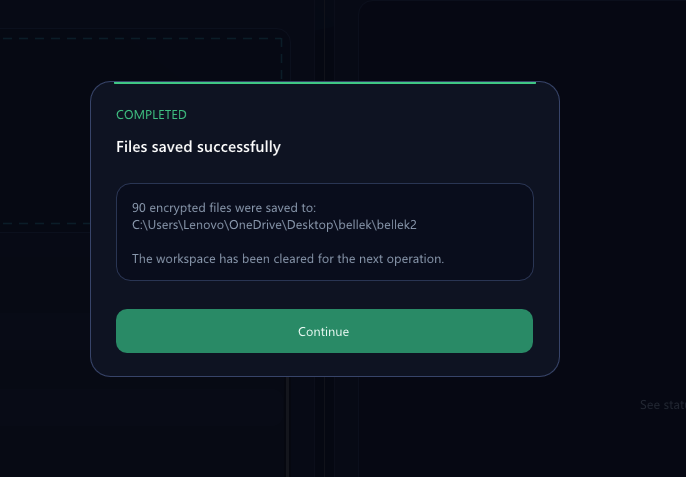
alert screen
-
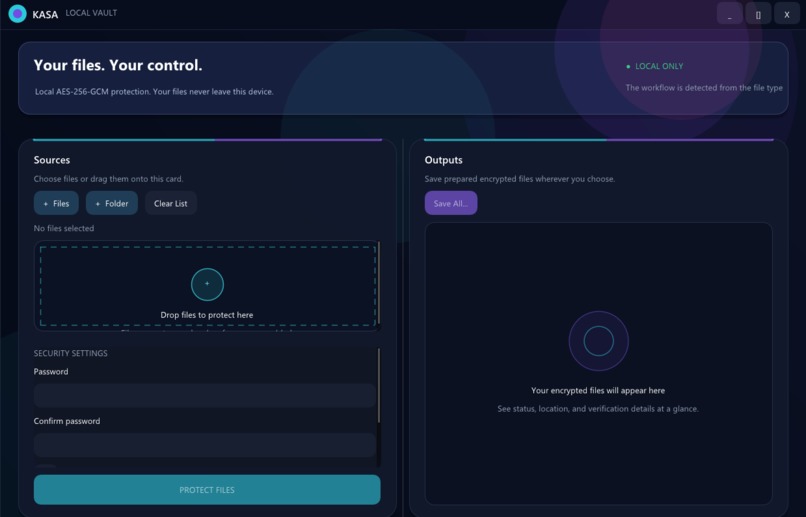
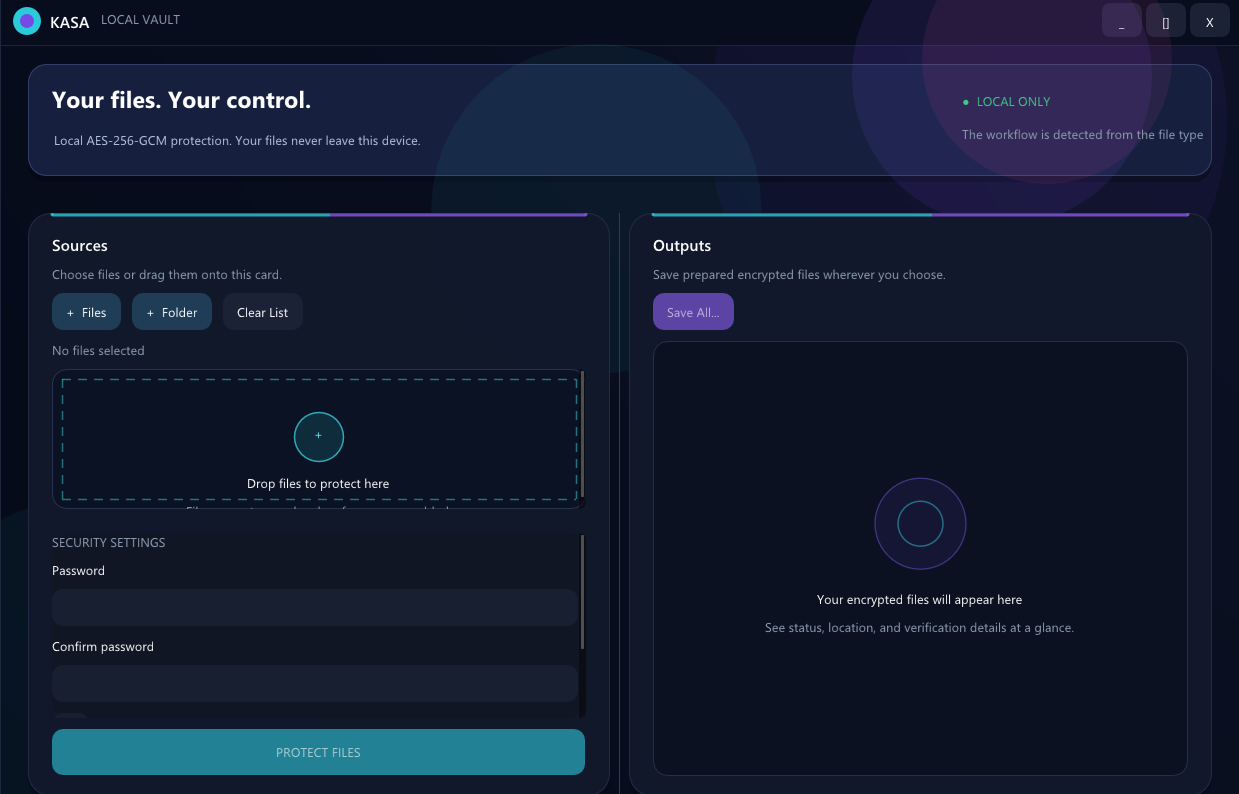
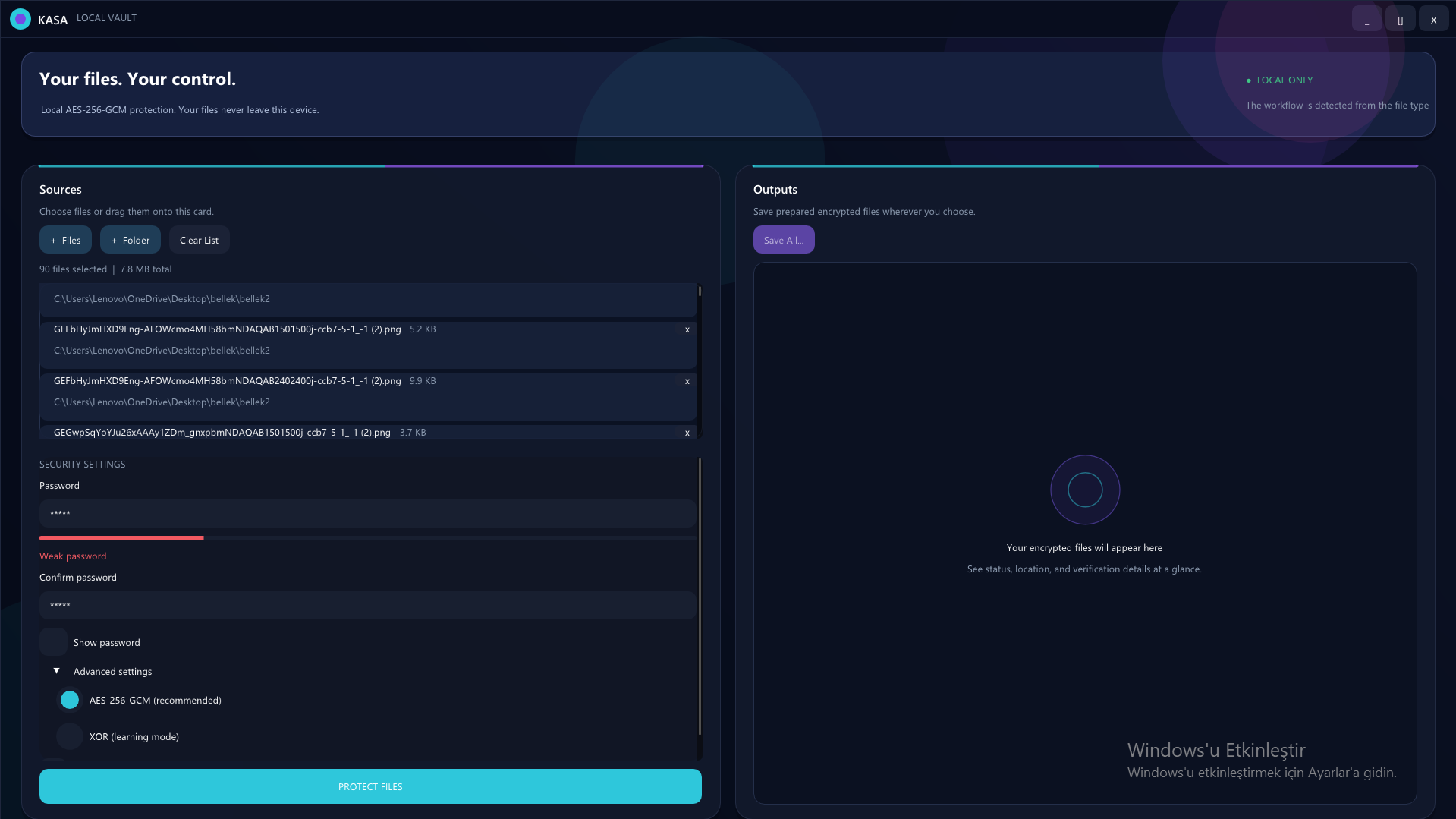
main screen
-
-
-
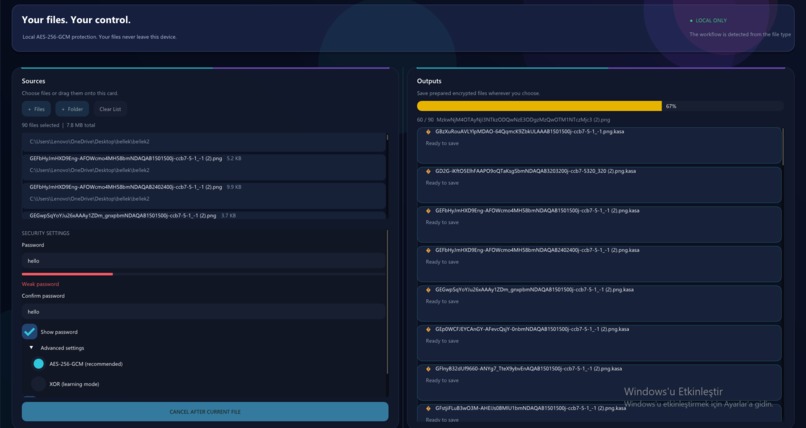
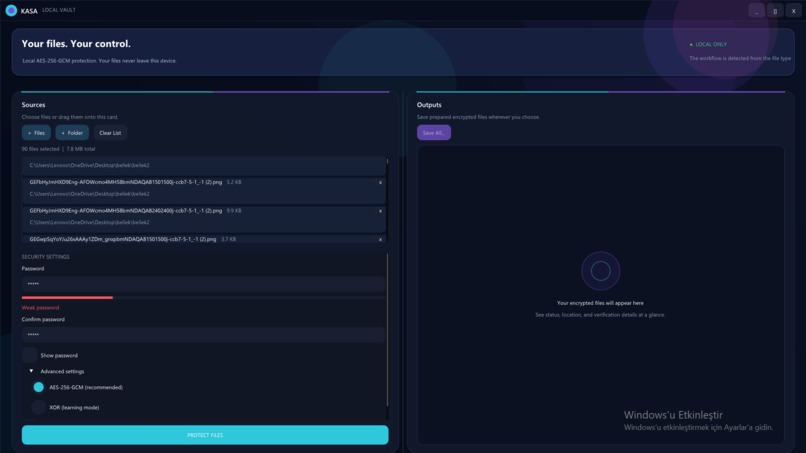
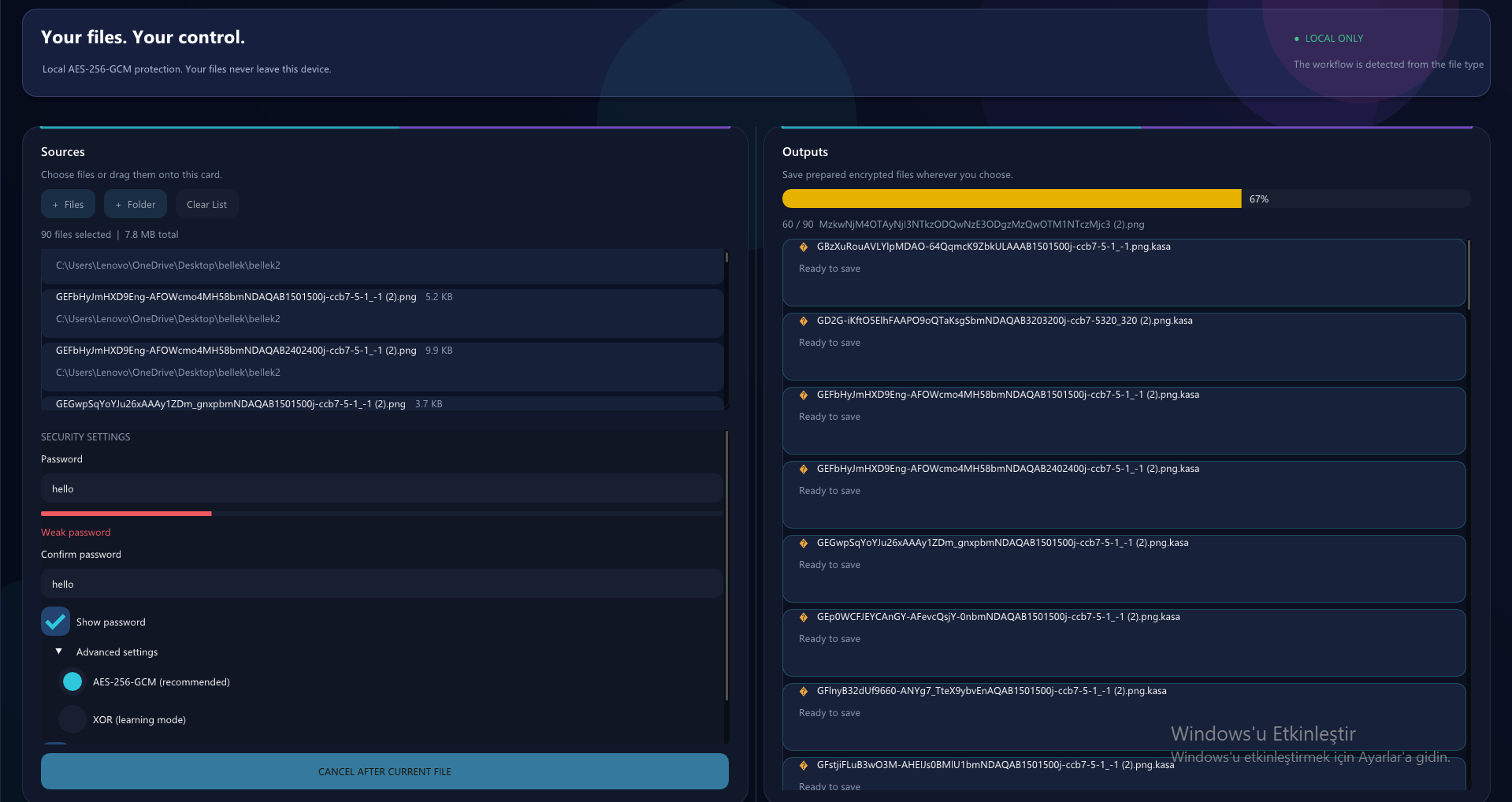
encryption screen
-
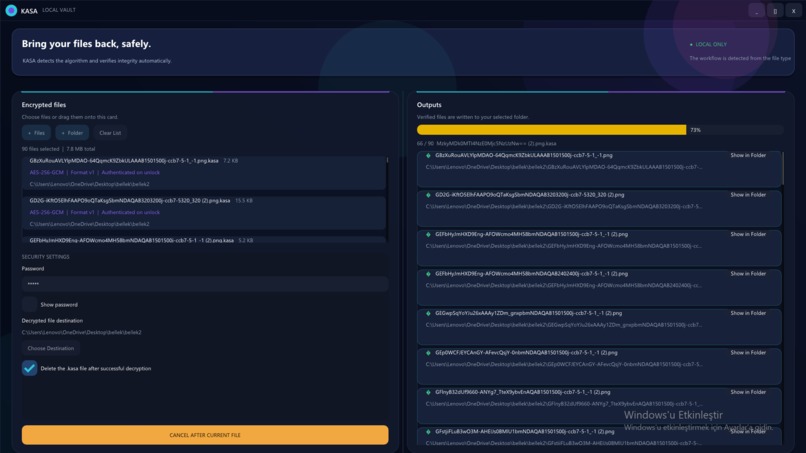
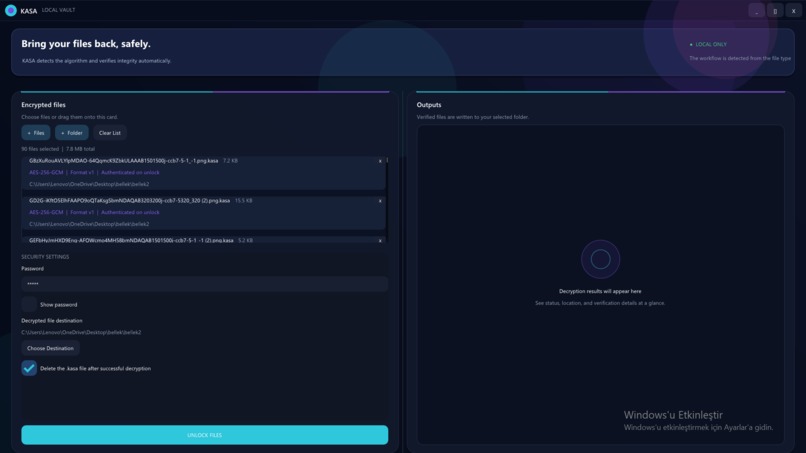
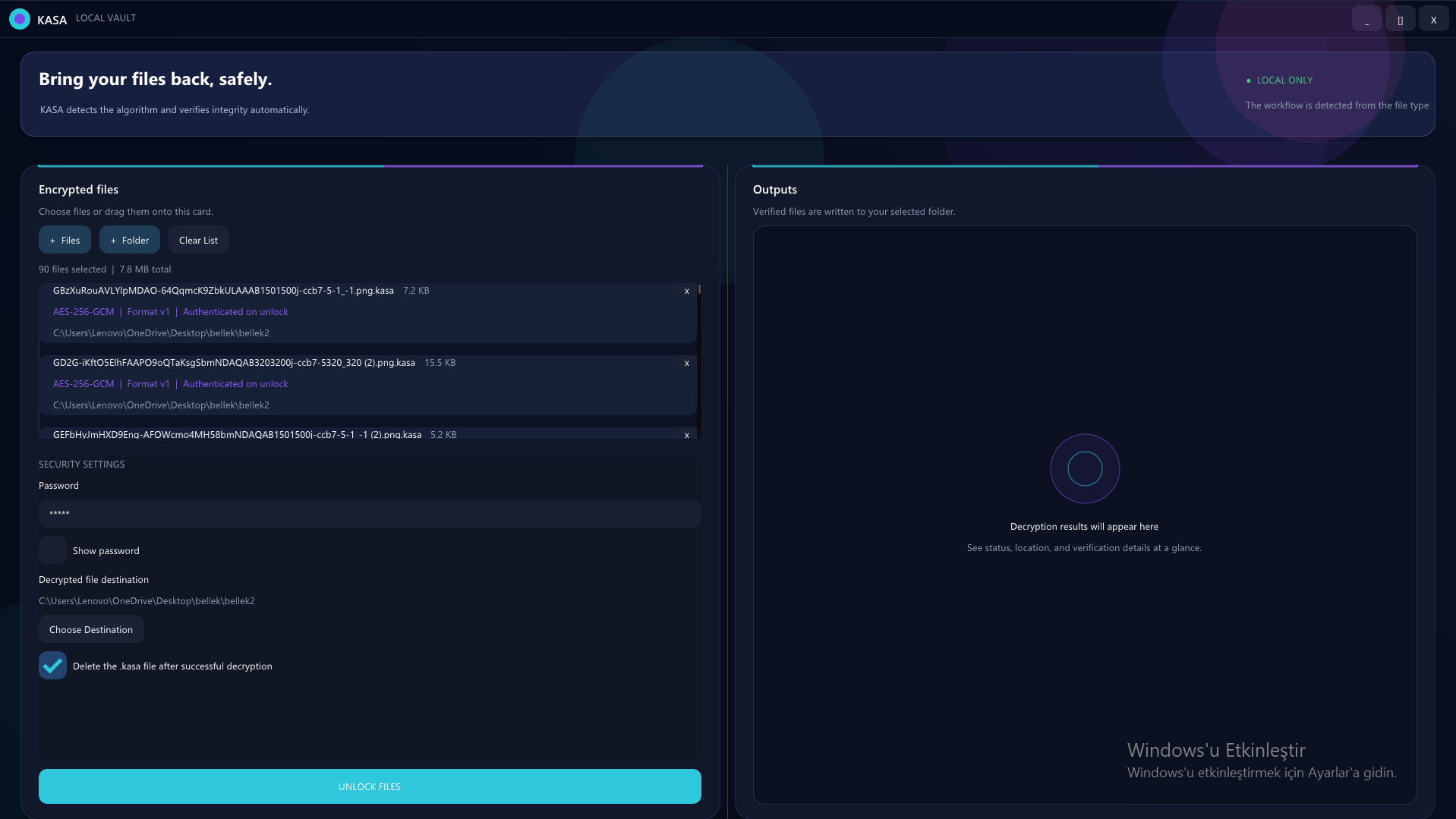
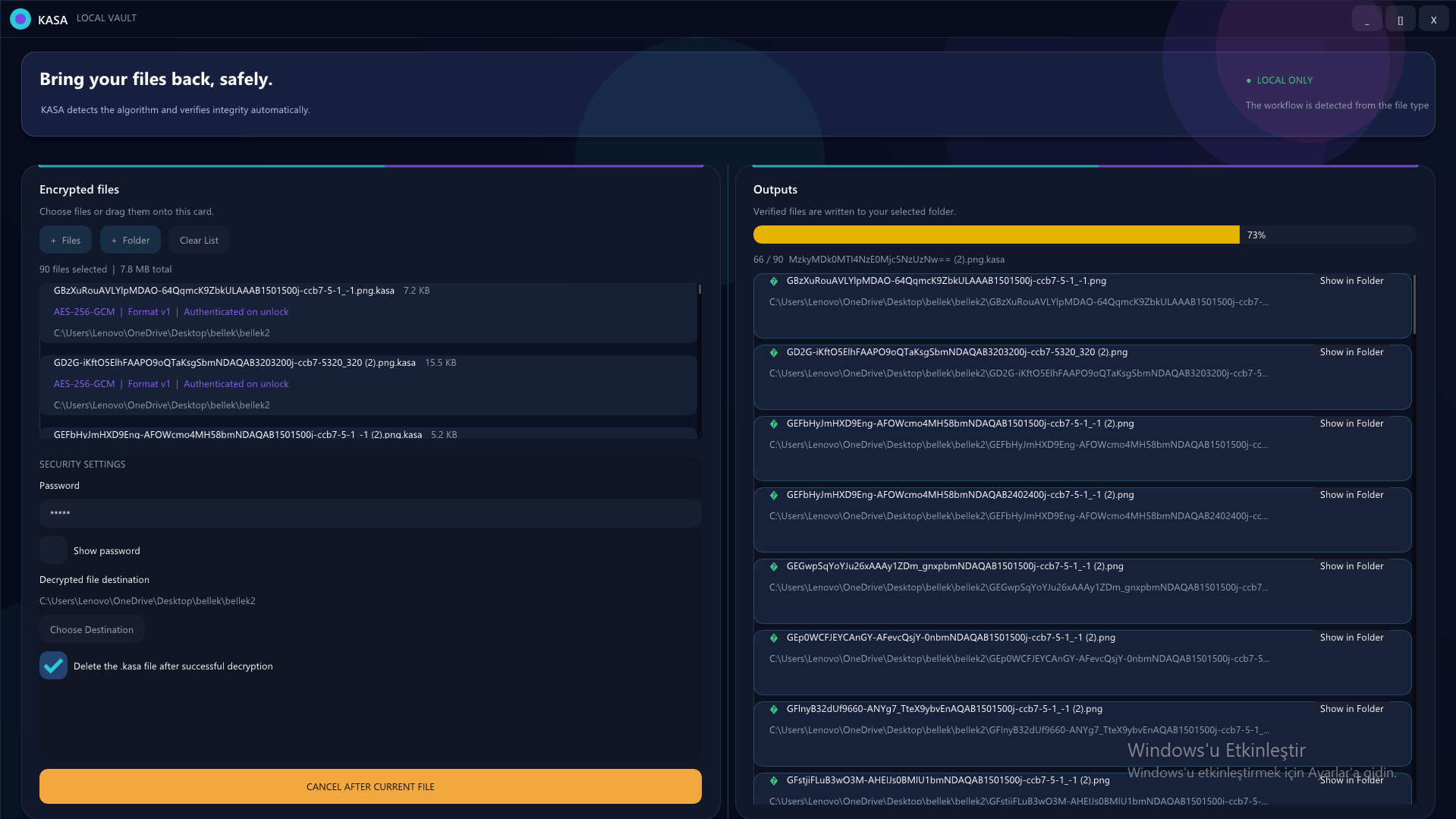
dencryption screen
Inspiration
I made it to hide my own private files, and because I did not want to use third-party applications for security reasons, I wanted to make my own encryption application. I also made it so my friends could use it.
What it does
KASA is a local-first Windows desktop application for protecting files and folders.
Users can browse for files, add folders, or drag files into the interface. KASA protects normal files with AES-256-GCM and produces authenticated .kasa outputs at a destination selected by the user.
When encrypted files are added, KASA automatically reads their versioned metadata, identifies the cipher, and switches to the unlock workflow. Wrong passwords, modified ciphertext, unsupported formats, and invalid authentication tags are rejected without exposing partial decrypted output.
The interface provides:
- File and recursive folder processing
- Automatic
.kasaformat and cipher detection - Password-strength and confirmation feedback
- Selected-file count and total-size information
- Per-file operation results
- Explicit output destinations
- Safe deletion options that run only after successful processing
- A fully local workflow with no file uploads
How I built it
KASA is written in C++20 and uses:
- OpenSSL 3 for AES-256-GCM, PBKDF2-HMAC-SHA256, secure randomness, and HMAC
- Dear ImGui for the custom two-panel interface
- GLFW, OpenGL, and GLEW for rendering and window management
- CMake, CTest, and vcpkg for builds, dependencies, and automated tests
- Inno Setup for the Windows installer
- Codex with GPT-5.6 as a collaborative engineering partner
The AES workflow derives a 256-bit key from the password using PBKDF2-HMAC-SHA256 with a random salt. Every encryption operation also receives a random 96-bit nonce.
KASA uses a versioned file format containing the information required to identify the correct decryption path. Output is first written to a temporary file and is accepted only after the complete operation succeeds. During decryption, the GCM authentication tag must be valid before recovered plaintext is published.
How Codex and GPT-5.6 accelerated development
I used Codex with GPT-5.6 throughout the main development process, not only for final documentation.
Codex helped me review the original file-processing architecture, reason about streaming and memory usage, replace unsafe in-place operations with temporary-output workflows, design authenticated file metadata, implement and refine the desktop interface, diagnose native Windows and Dear ImGui crashes, and create automated security regression tests.
The most valuable part of the collaboration was reasoning through engineering decisions: understanding why encryption also needs authentication, deciding which metadata must be authenticated, ensuring wrong-password failures never leave accepted plaintext, and keeping the product fully local instead of adding an unnecessary online dependency.
Challenges I ran into
- Safely detecting wrong passwords and modified ciphertext
- Ensuring failed operations never overwrite source files or publish partial output
- Keeping large file lists responsive
- Combining a custom modern interface with native Windows behavior
- Packaging the application and its runtime dependencies for other computers
- Handling false-positive antivirus detection for an unsigned encryption utility
Accomplishments that I am proud of
- Authenticated AES-256-GCM file protection
- Automatic cipher and format-version detection
- Wrong-password and tamper detection
- Temporary-output and safe-finalization workflows
- Automated tests covering binary files, empty files, wrong passwords, modified ciphertext, invalid footers, and round trips
- A responsive two-panel Windows interface
- Portable and installer-based Windows releases
What I learned
I learned that working with memory operations is difficult, and that encryption processes are very serious and must be implemented with strict controls because any vulnerability could lead to data loss or theft in the future.
I also learned that creating a desktop application involves much more than writing the core algorithm, and that testing processes have great importance in project development.
What's next for KASA
- Preserve complete directory structures and optionally package folders as a single vault
- Add cancellation inside individual large-file operations
- Introduce a memory-hard password KDF in a future format version
- Add code-signed Windows releases
- Improve accessibility and keyboard navigation
- Commission an independent security review before recommending production use
- Create my own file system and a dedicated disk partition
- Automatically encrypt everything placed in that disk space
- Require a password to access the encrypted disk area

Log in or sign up for Devpost to join the conversation.