-
-
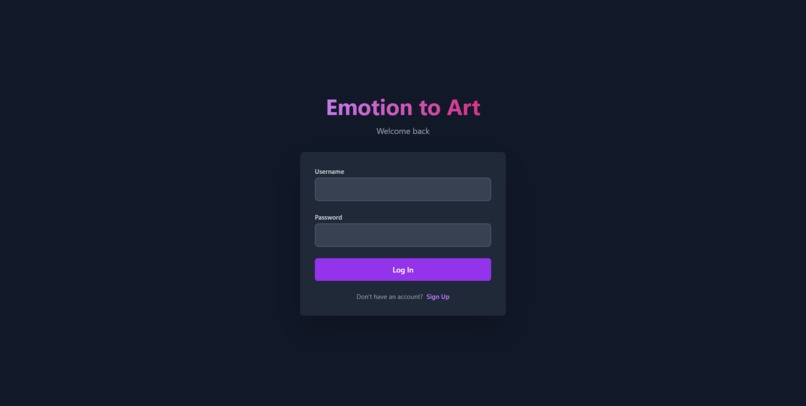
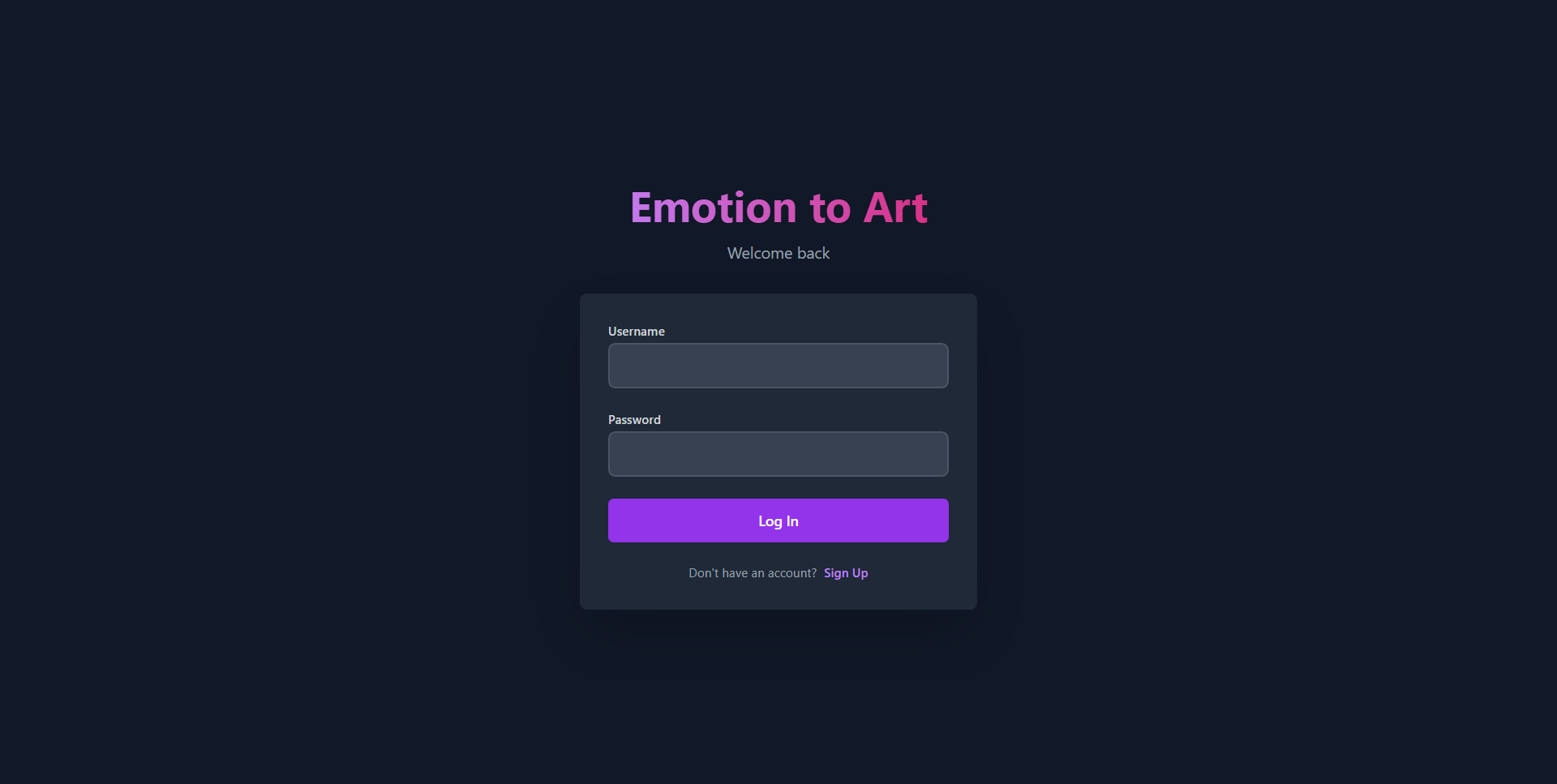
Login Page
-
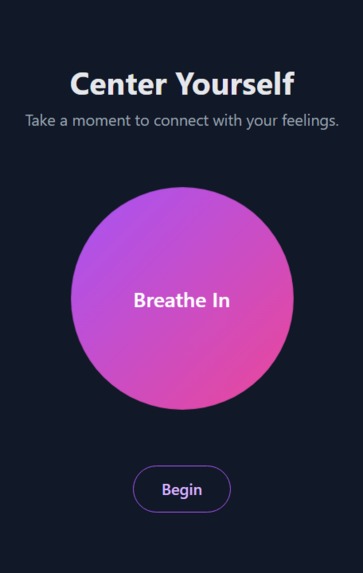
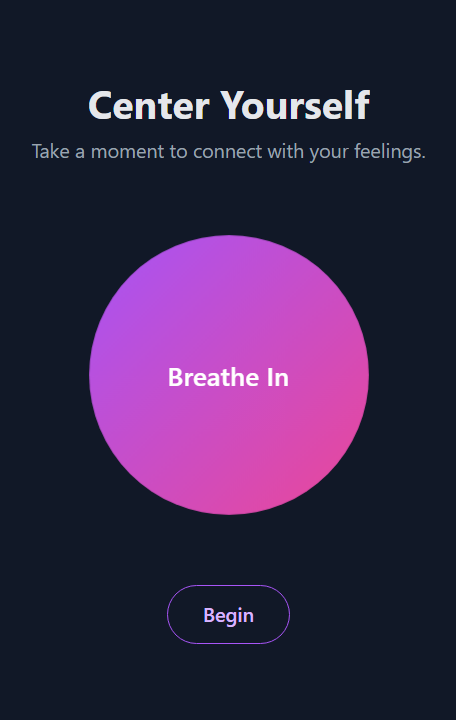
Breathing Exercise
-
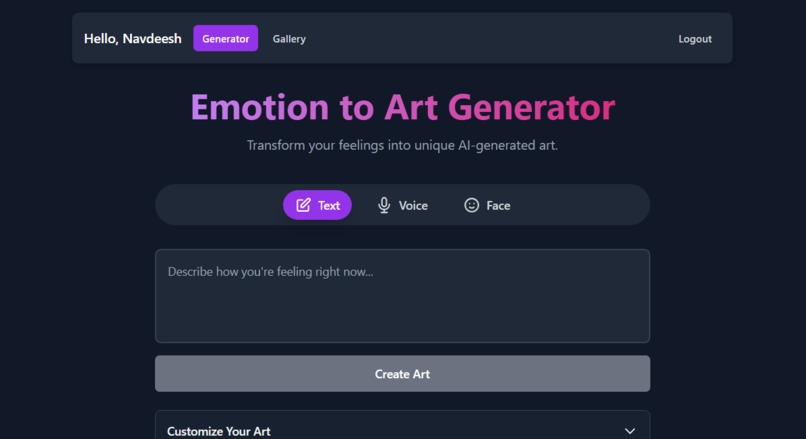
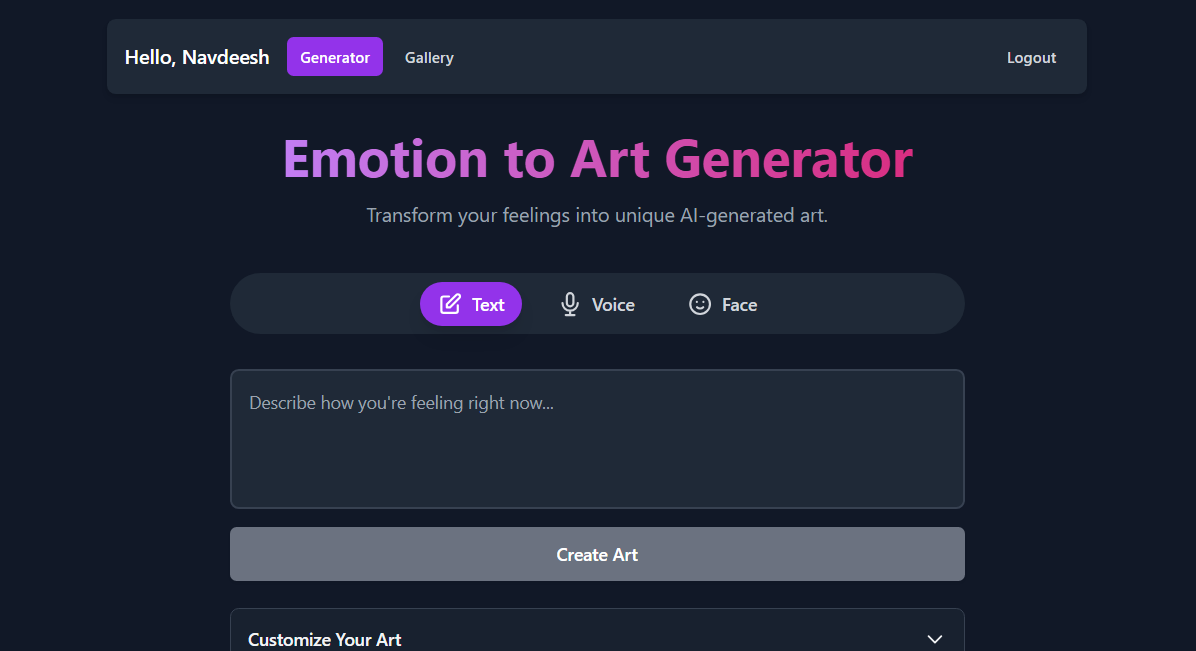
Home Page
-
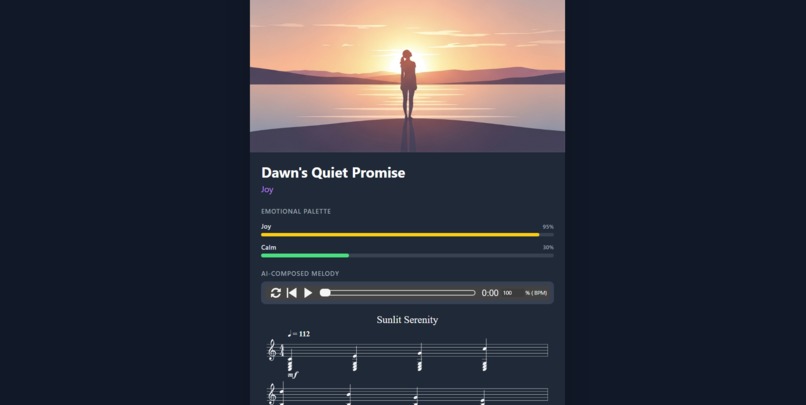
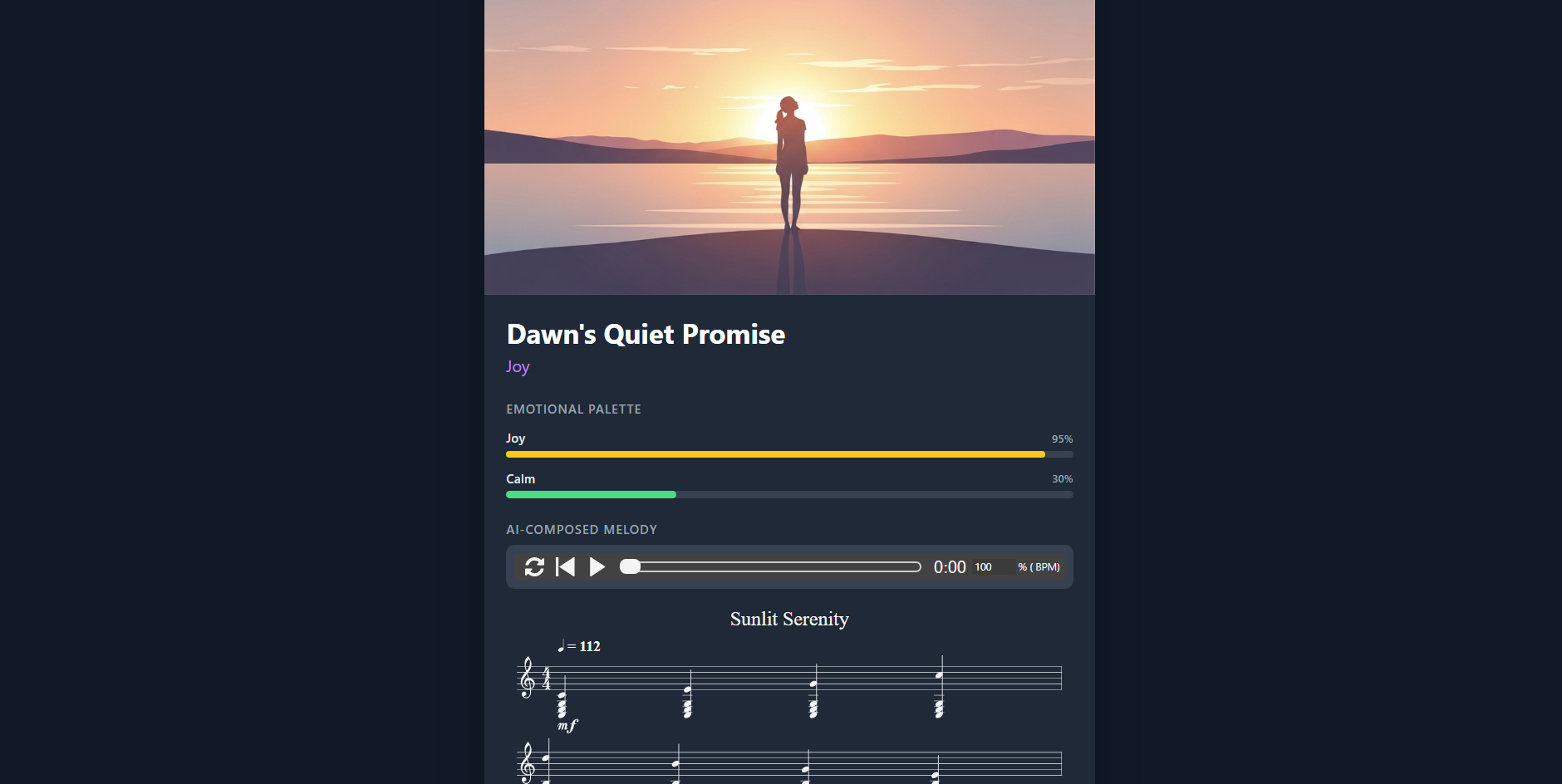
Melody and Image Generation
Inspiration
Our inspiration came from the intersection of human emotion, technology, and art. In a world that's increasingly digital, we wanted to create a tool that encourages genuine self-reflection and provides a new, beautiful language for our inner feelings. We were fascinated by the idea of translating something as abstract and personal as an emotion into a tangible piece of art. The "Mindful Intro" breathing exercise was inspired by a desire to create a calm, centered space for users to connect with themselves before they even begin the creative process.
What it does
Emotion to Art Generator is a multi-modal AI-powered web application that transforms your feelings into a unique, composite work of art. It allows you to express your emotions in three ways: Text: Write down how you're feeling. Voice: Record yourself speaking about your emotions. Facial Expression: Use your device's camera to capture your expression. The application then uses the Google Gemini API to perform a sophisticated analysis, generating a complete artistic package that includes: A unique image representing the emotional palette. A poetic title for the artwork. An original, short musical melody composed to match the mood. A detailed breakdown of the detected emotions and their intensity. Creations are automatically saved to a personal, user-specific gallery where you can revisit, edit, and even regenerate them with different artistic styles or keywords.
How we built it
This project is a modern web application built with a focus on a clean user experience and powerful AI integration. Frontend Framework: We used React with TypeScript for a robust, type-safe, and component-based architecture. AI Integration: The core of the application relies on the @google/genai SDK to interact with various Google AI models: gemini-2.5-flash is the workhorse for all language, logic, and structured data tasks. We use it for detecting emotions from text and images (using a JSON schema for reliable output), transcribing audio, generating the detailed art prompts, creating poetic titles, and composing music in ABC notation. imagen-4.0-generate-001 is leveraged for its high-quality image generation capabilities, turning the AI-crafted prompts into visual art. Styling: TailwindCSS was used for rapid, responsive, and modern UI development, allowing us to build a sleek, dark-mode interface. Browser APIs: We integrated the navigator.mediaDevices.getUserMedia API to access the user's camera and microphone, along with the MediaRecorder API to handle audio capture. Music Playback: The abcjs library was used to parse the AI-generated ABC music notation and render an interactive MIDI player directly in the browser. Authentication & Storage: We implemented a simple but effective user authentication system using localStorage to manage user sessions and store their personal art galleries, making the experience persistent across visits.
Challenges we ran into
AI Prompt Engineering: Crafting prompts that could consistently guide Gemini to produce high-quality, structured output was a major challenge. This was especially true for the music generation, where we had to instruct the model to return only valid ABC notation with specific elements like key signatures, chords, and dynamics. Handling Multi-Modal Inputs: Managing the data flow from the camera and microphone—from getting user permissions to capturing data (image snapshots, audio blobs) and converting it to Base64 for the API—required careful handling of asynchronous browser events and promises. Ensuring a Smooth User Experience: The AI generation process involves multiple, sequential API calls, which can take several seconds. We focused on creating a good UX by implementing clear loading states, animations, and immediate feedback to keep the user informed and engaged, preventing the app from feeling slow or unresponsive. API Output Variability: AI models can sometimes be unpredictable. We had to build in fallbacks and validation, for example, in the music player component to ensure the app wouldn't break if the ABC notation returned by the model was slightly malformed.
Accomplishments that we're proud of
We are incredibly proud of creating a holistic and multi-sensory artistic experience. The application doesn't just generate an image; it produces a complete "art package" with a title and a unique musical score. This turns a simple emotional input into a rich, personal artifact. We're also proud of the interactive "Edit & Regenerate" feature in the gallery, which empowers users to continue their creative exploration and iterate on their emotional art.
What we learned
This project was a deep dive into the practical application of large language and image generation models. We learned a great deal about sophisticated prompt engineering, the importance of using JSON schemas to get reliable data from the AI, and how to structure a React application to handle complex, asynchronous state from multiple sources (user input, browser APIs, and AI services). It reinforced the idea that the user experience is paramount when building AI-powered tools.
What's next for Emotion to Art
We see a lot of exciting potential for the future. Our next steps could include: Video Generation: Integrating a model like Veo to generate short, animated video clips that bring the user's emotions to life. Live Conversational Mode: Using the Gemini Live API to create a real-time, voice-based conversational experience where users can talk about their feelings and see art generated dynamically. Enhanced Social Sharing: Building features to allow users to easily share their complete art package (image, title, and a music clip) on social media. Cloud Backend: Migrating from localStorage to a proper cloud backend (like Firebase) to enable users to access their galleries from any device.
Built With
- abcjs
- canvas-api
- css
- gemini-api
- html
- localstorage
- mediarecorder-api
- react
- tailwind-css
- typescript
- web-apis


Log in or sign up for Devpost to join the conversation.