-
-
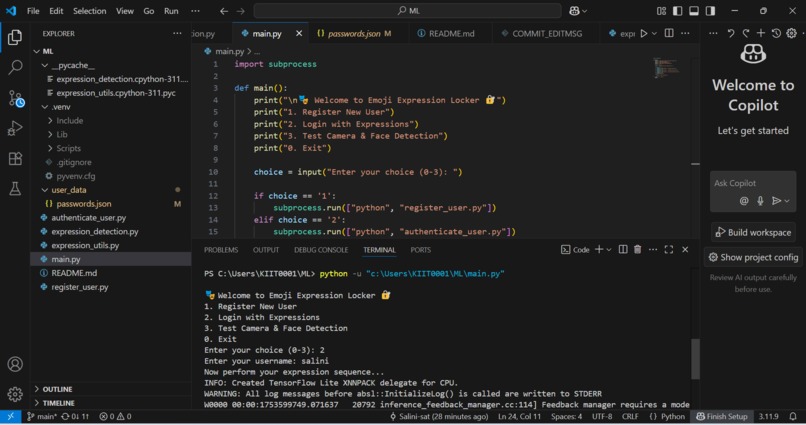
main terminal
-
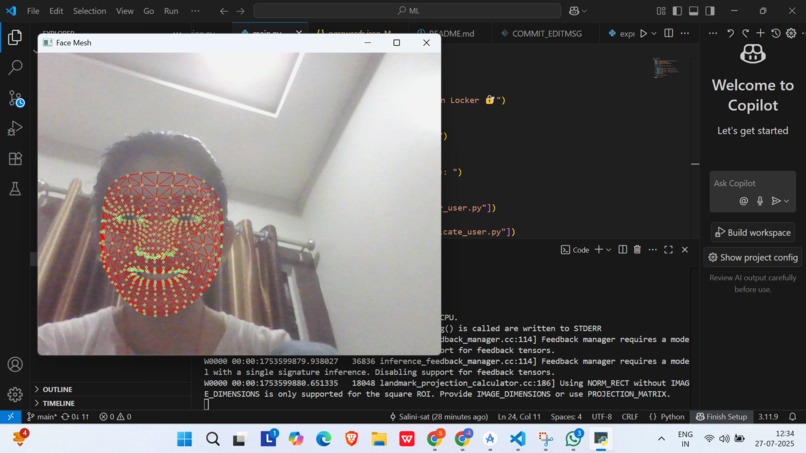
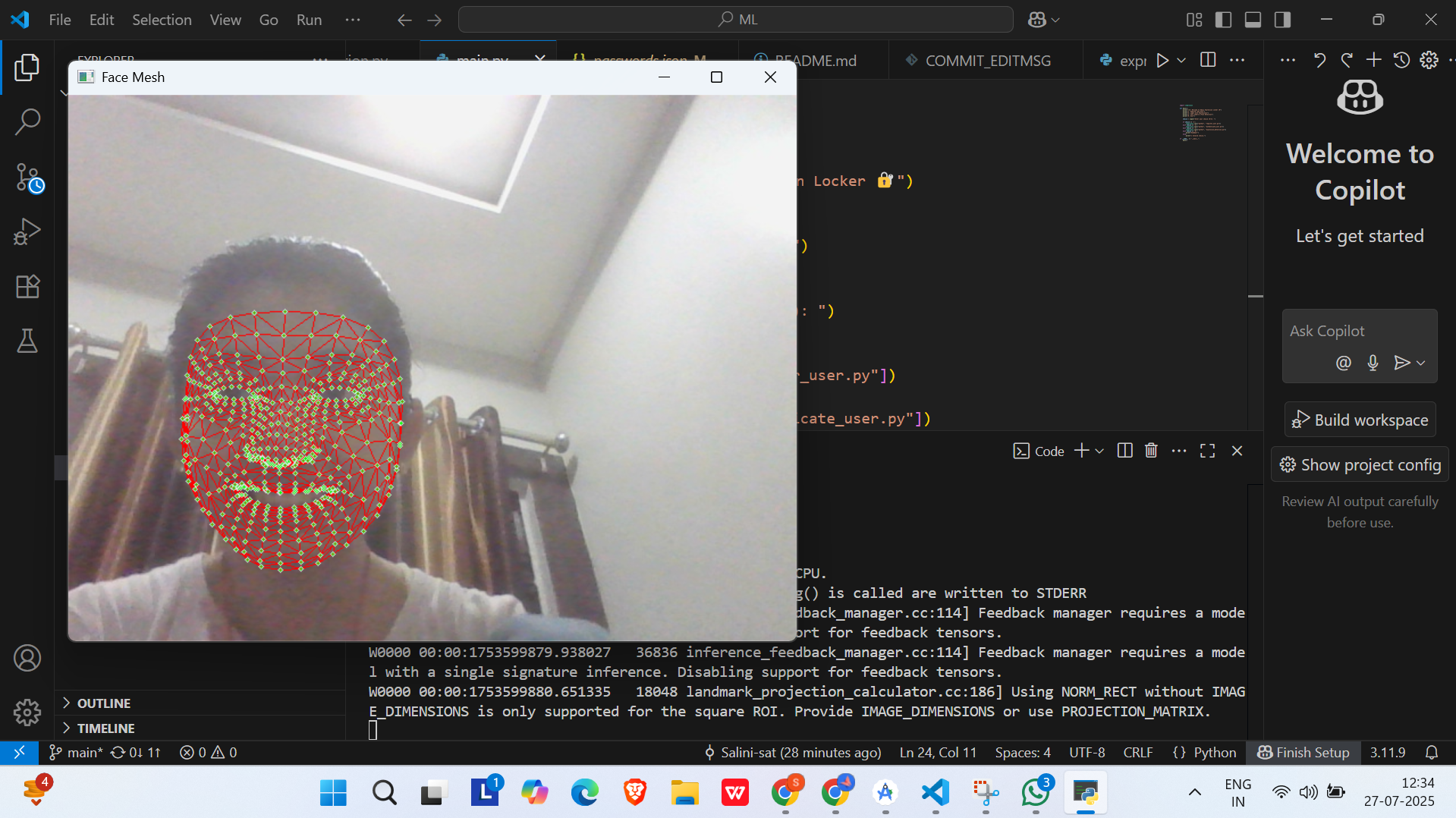
face mesh
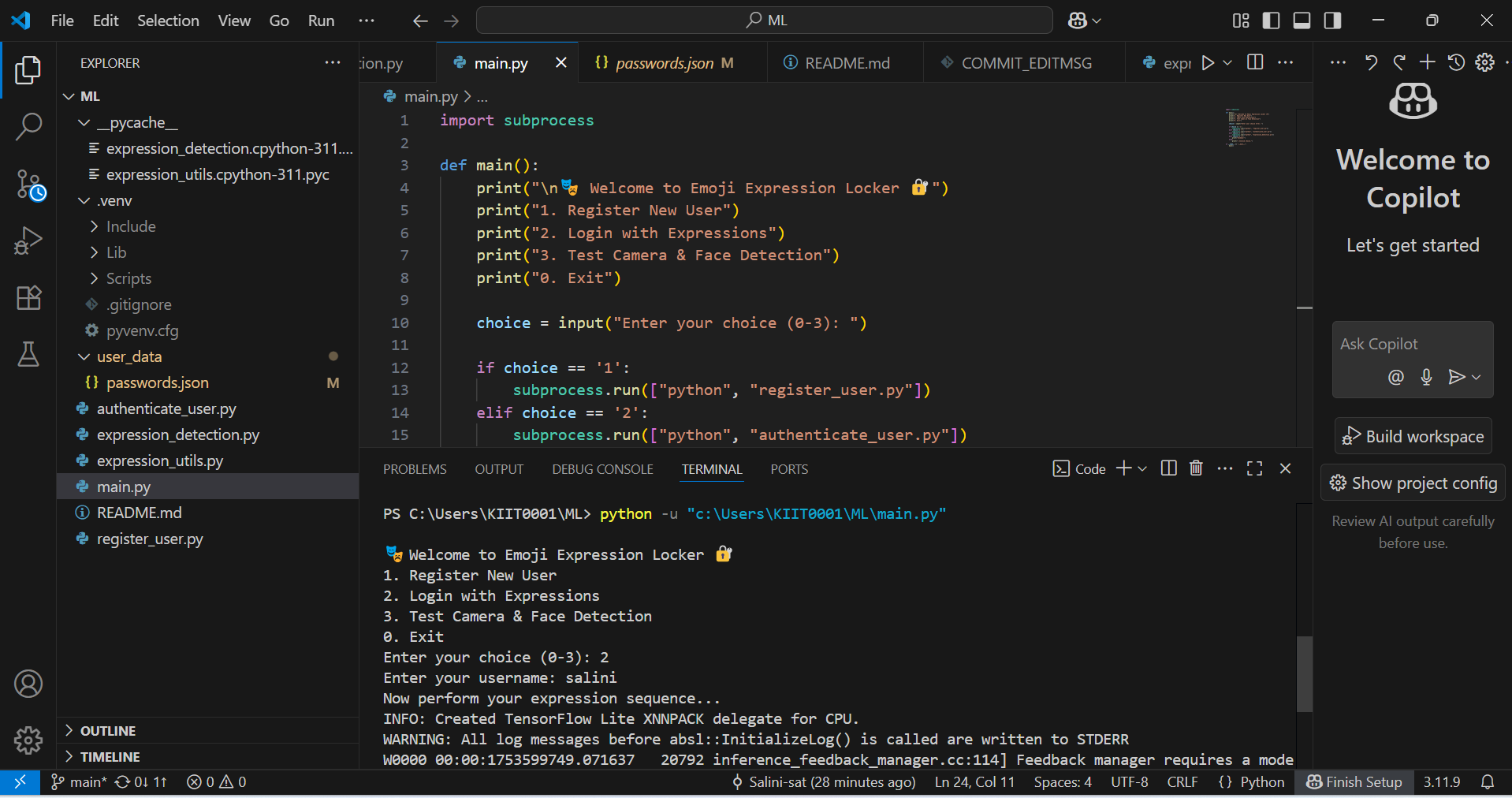
Inspiration
Tired of typing passwords every time? We were too!
EmojiLock is inspired by the idea of transforming authentication into something more natural, fun, and secure. Instead of remembering complicated passwords, why not just use your face?
In a world full of emojis and expressions, we thought: "Why not smile to login?"
What it does
EmojiLock allows users to:
- Register by making a specific emoji-like facial expression via webcam.
- Authenticate later using the same expression instead of typing a password.
- Receive feedback instantly on whether their expression matched.
Example: You register with a smile, and next time you want to unlock, you smile again to gain access.
How we built it
The project is built using:
- Python
- OpenCV – for real-time video capture and face detection.
- MediaPipe – for detecting facial landmarks and expressions.
- Custom vector math – to compare live expressions with registered ones.
📁 Key Modules:
main.py– CLI-based controller.register_user.py– Captures & saves expression as "password".authenticate_user.py– Matches live expression with stored one.expression_detection.py– Detects and visualizes facial landmarks.expression_utils.py– Core utility functions.user_data/– Stores registered user expressions (securely offline).
Challenges we ran into
- Designing a method to accurately compare expressions despite lighting and angle changes.
- Ensuring expression uniqueness to avoid false positives.
- Installing and managing dependencies like
mediapipe, which can be tricky with newer Python versions.
Accomplishments that we're proud of
- Turned a simple idea into a working security prototype.
- Achieved smooth expression-based login in real-time.
- Built the entire project without any GUI/frontend — 100% terminal-based.
What we learned
- Advanced use of MediaPipe for real-time face mesh detection.
- Structuring Python projects for modularity and reusability.
- Balancing fun + security in an authentication system.
What's next for EmojiLock
- Add support for multi-user expression registration.
- Introduce expression-based 2FA (e.g., smile + wink).
- Integrate with IoT devices (e.g., unlock a smart door).
- Optional Flask API version to allow web or mobile interface.

Log in or sign up for Devpost to join the conversation.