-
-
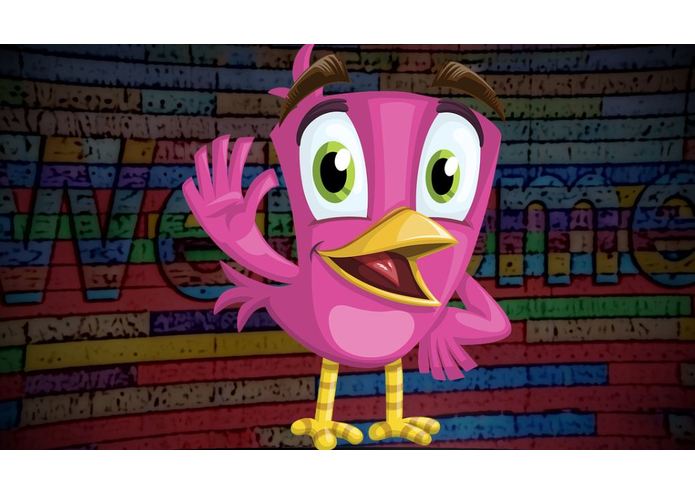
Opening screen
-
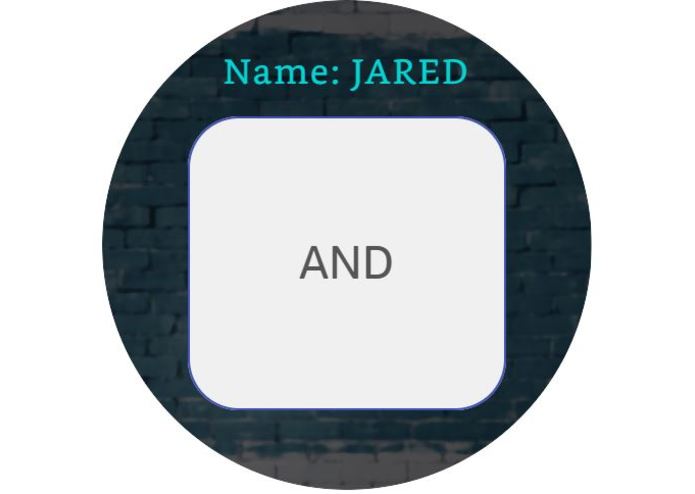
Game Screen - small
-
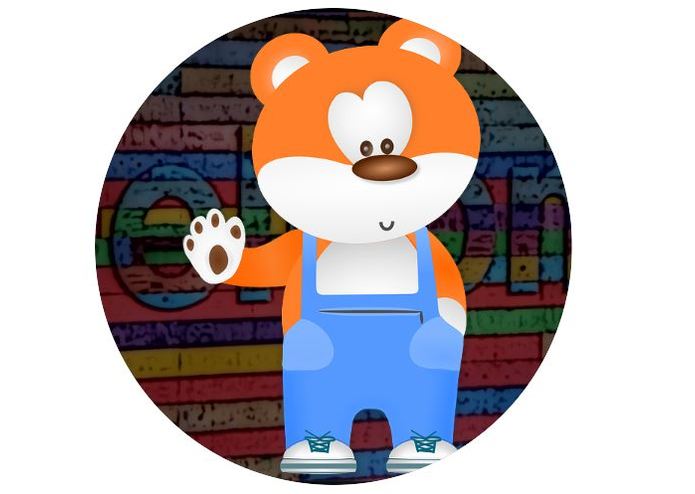
Opening Screen - small
-
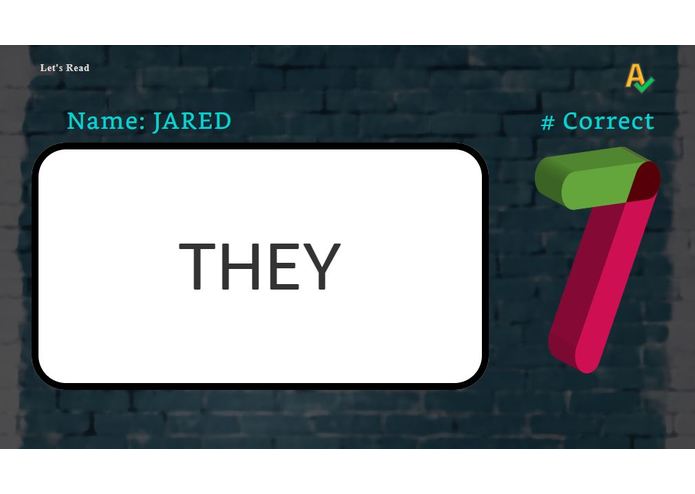
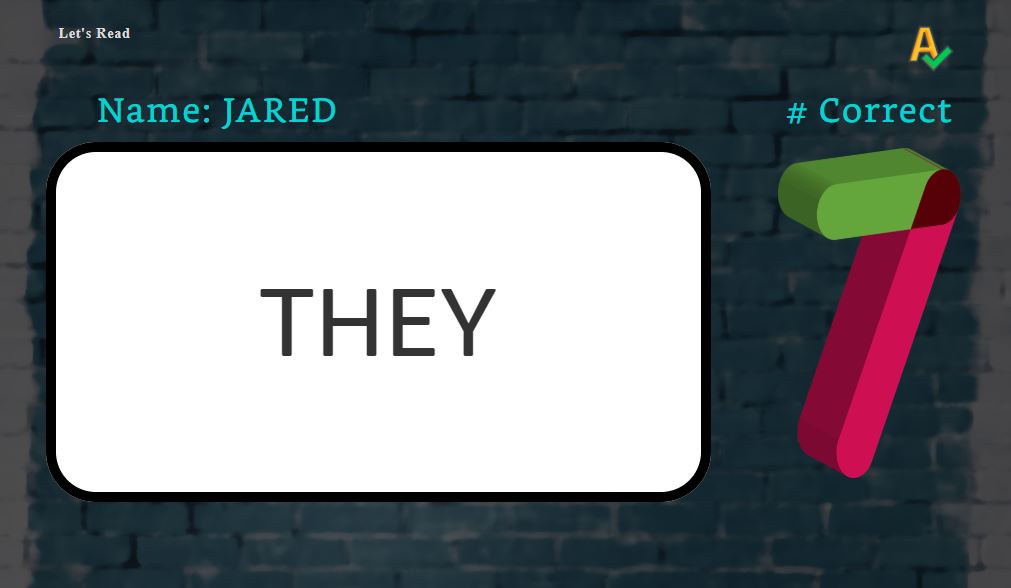
Game Screen
-
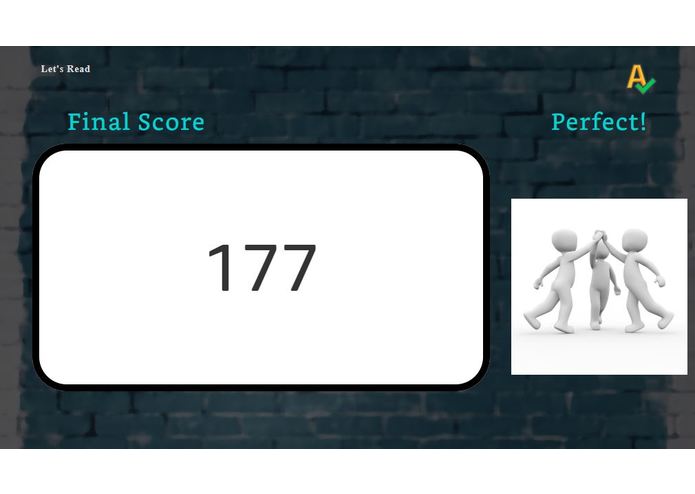
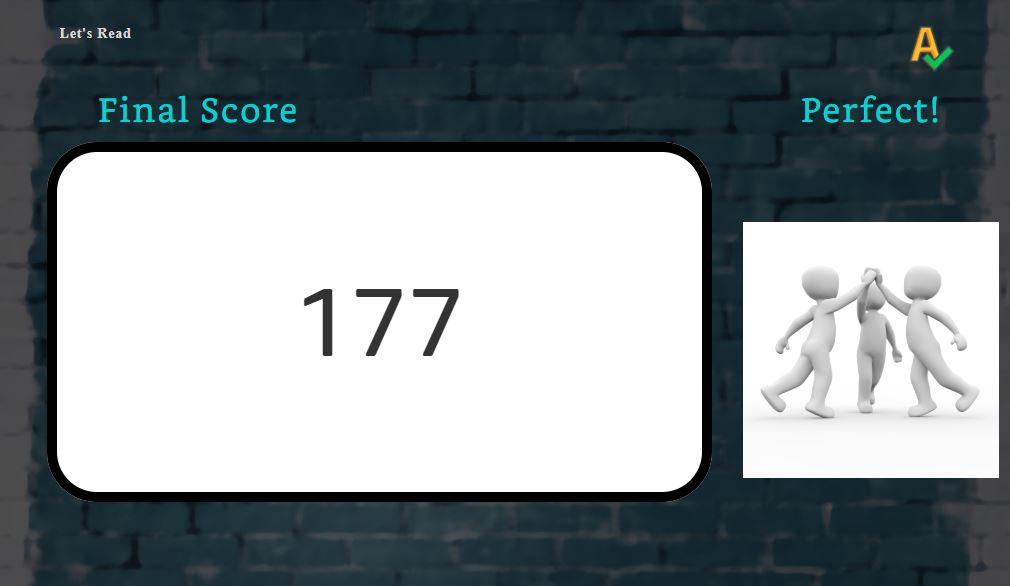
Ending Screen With Score
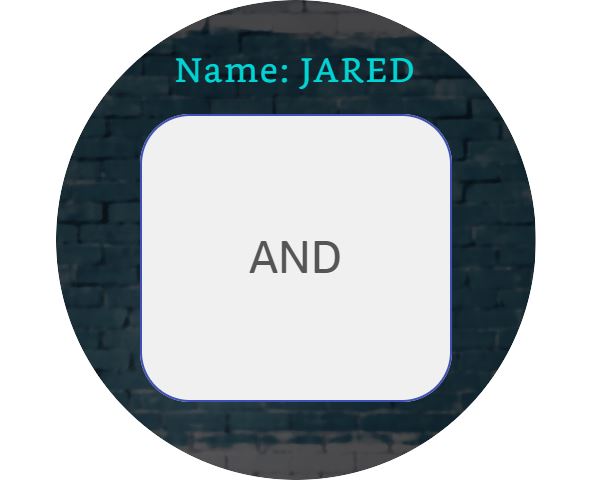
Let's Read
Inspiration
Let's Read started as a small game that I was building with my girlfriend's son to introduce him to coding (he's six years old). Although he's a little too young to understand fully what we were doing, he enjoyed adding phrases and helping me test the skill as we worked on it. He also really liked that he was able to practice spelling using Alexa. His sister (four years old), of course, immediately started trying to read too and even shared some ideas to make it better. She had some great input on things Alexa could say to help other kids feel good about their answers. Originally, I didn't plan on including any visual elements as this was just a side project and I wasn't even sure I that I was going to release it to the public; but as I continued to work on this project, I sensed that it could really be used to help teach children how to read.
Thankfully, APL made it pretty painless to create the UI for the skill, and I'm pretty pleased with the results. I would really love to see this getting used in classrooms in the future!
What it does
It walks the user through a brief introduction and then pulls ten words from a list of almost 1,000, spells the words, one at a time, aloud and prompts the user to guess each word. If the user has a display, words will appear on a flash card, bigger displays will even keep track of how many guesses each user got correct. Tries to use fun phrases and sounds to keep children invested in learning.
How I built it
Built with the Alexa SDK for Node.js.
Challenges I ran into
It was difficult to get Alexa to recognize one word answers as guesses and not get confused with some other intents. I also had to try to creatively find a way to lead children to properly triggering the correct intents. Also had to think about children saying unexpected things and how to handle that.
Accomplishments that I'm proud of
I learned APL to do this. Certainly, this is the most robust skill I've created to date. I'll be really proud if I start hearing stories about this helping kids learn to read or learn their site words or be used in a classroom.
What I learned
I learned that all the things that make us really good at what we do as developers are hidden in the mistakes we make as developers.
What's next for Let's Read
- Create better ending screen, especially for a perfect score (Current one is beyond bland)
- Review words and assist Alexa with interpretations (i.e. the word is "wood", user says "wood", but Alexa interprets as "would"
- Create a global daily High Score list
- Continue to add variety to questions, responses, images, and sounds"

Log in or sign up for Devpost to join the conversation.