-
-
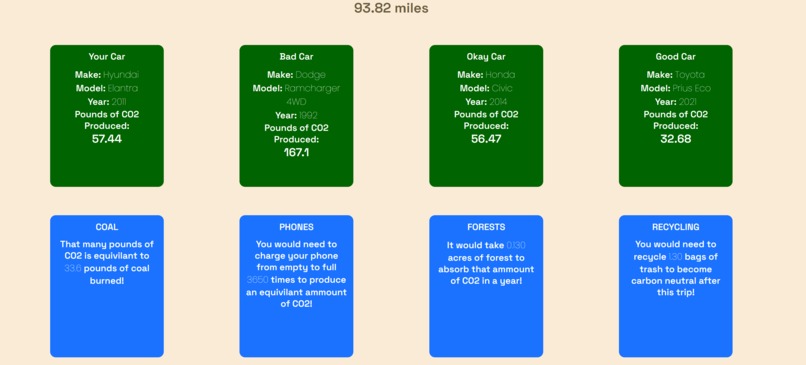
Getting carbon emissions data
-
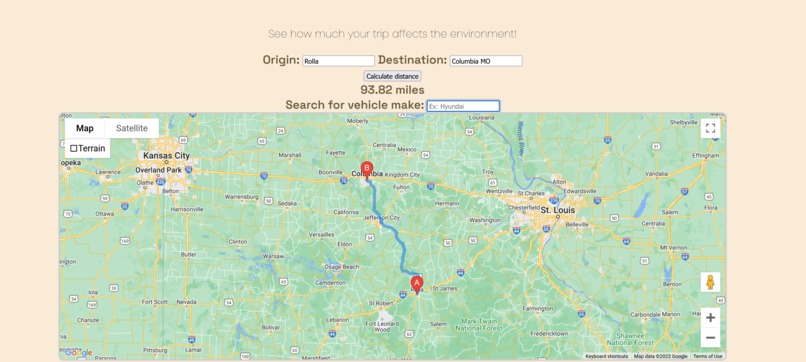
Getting the distance between two points
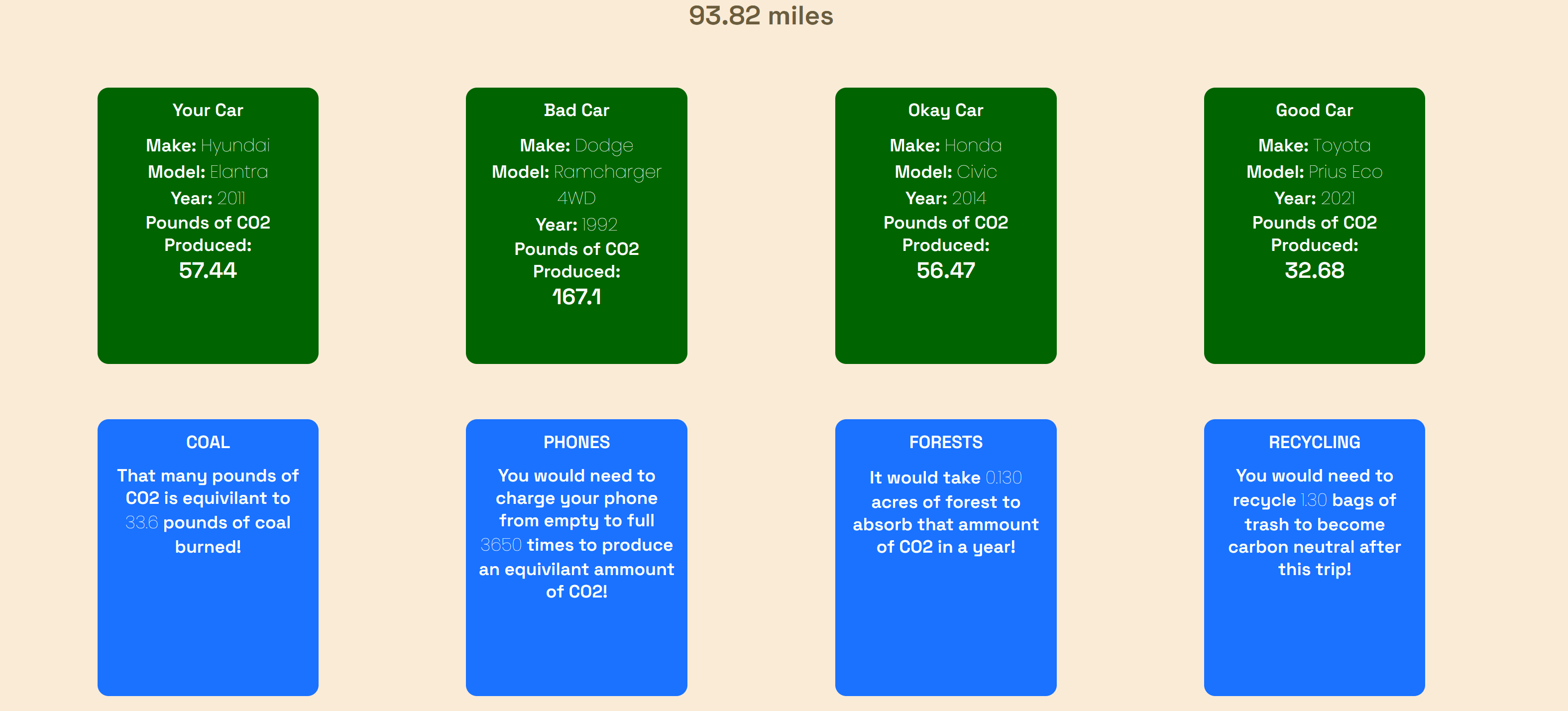
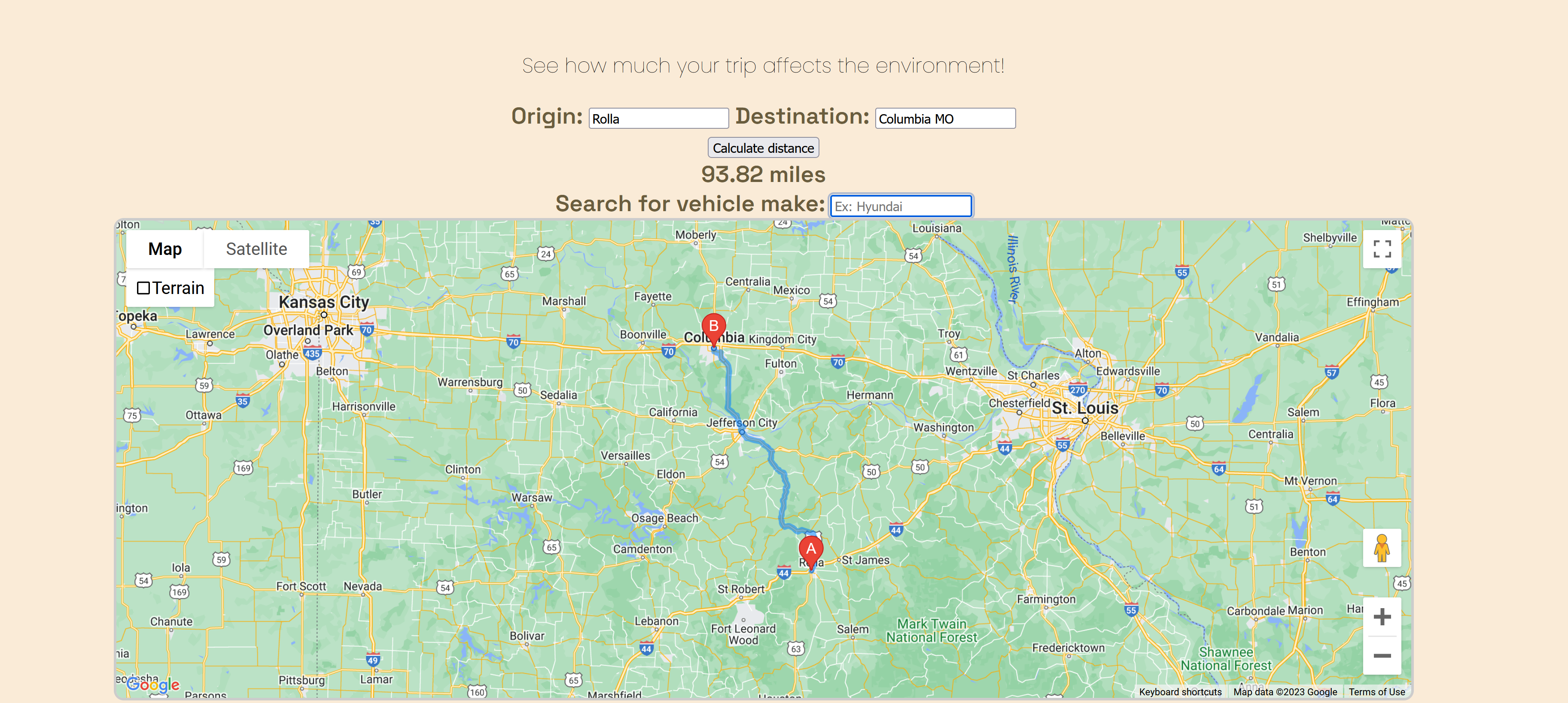
What it does
The main functionality of the website prompts the user for a starting location and a destination. The app then uses the Google Maps API to get the distance between the two locations as well as displaying the route on an embedded map.
The user will then be prompted for their vehicle information (make, model, year). This will then construct an API request to Carbon Interface to get an emission estimate based on the vehicle information and the travel distance.
How we built it
We used HTML and CSS for the website layout and styling, and we used JavaScript for the logic behind the HTML.
We decided to get the two main API calling functions out of the way (maps and vehicle data), and once we were finished, we stitched the two functions together and created a fleshed out CSS styled HTML website around it.
Challenges we ran into
We attempted to use Flask to run our project, but eventually decided against it, opting to code in pure HTML and JavaScript. By the end, there were lots of issues with handling things that a backend can handle easily, such as website hosting and secret handling with environment variables.
Accomplishments that we're proud of
We are proud of the base functionality and getting the API's to talk with each other and create useful information for the end user. We are also proud of the website layout, and the care that was put into making it look modern.
We are most proud of the many things we were able to learn over the course of Pickhacks and working on our project.
What we learned
We learned that we shouldn't rush into web development thinking things might be straightforward or easy. There is a lot of research that needs to be done before jumping in feet first and trying to develop a web app.
What's next for eMission
eMission will probably be dissected more thoroughly and used as a jumping pad for our group-members' learning about web dev.
Built With
- carbon-interface
- css
- google-maps
- html
- javascript

Log in or sign up for Devpost to join the conversation.