Background
EMFS is inspired by the realization that many of today's cloud storage services charge your for a service that you already have, often at rates far above the market value of the storage itself. By leveraging email accounts as its medium of storage, EMFS solves a number of the problems that plague cloud storage providers. It eliminates the need for a custom user account for the storage service, as EMFS is entirely self-hosting and self-contained within the tree of their email inbox. EMFS can also utilize the revision control mechanisms of IMAP, further reducing the need for in-house syncing and collision mediation/resolution. Finally, EMFS is secured end-to-end by standard email encryption techniques like STARTTLS, again eliminating the need for a custom security/privacy system.
How it works
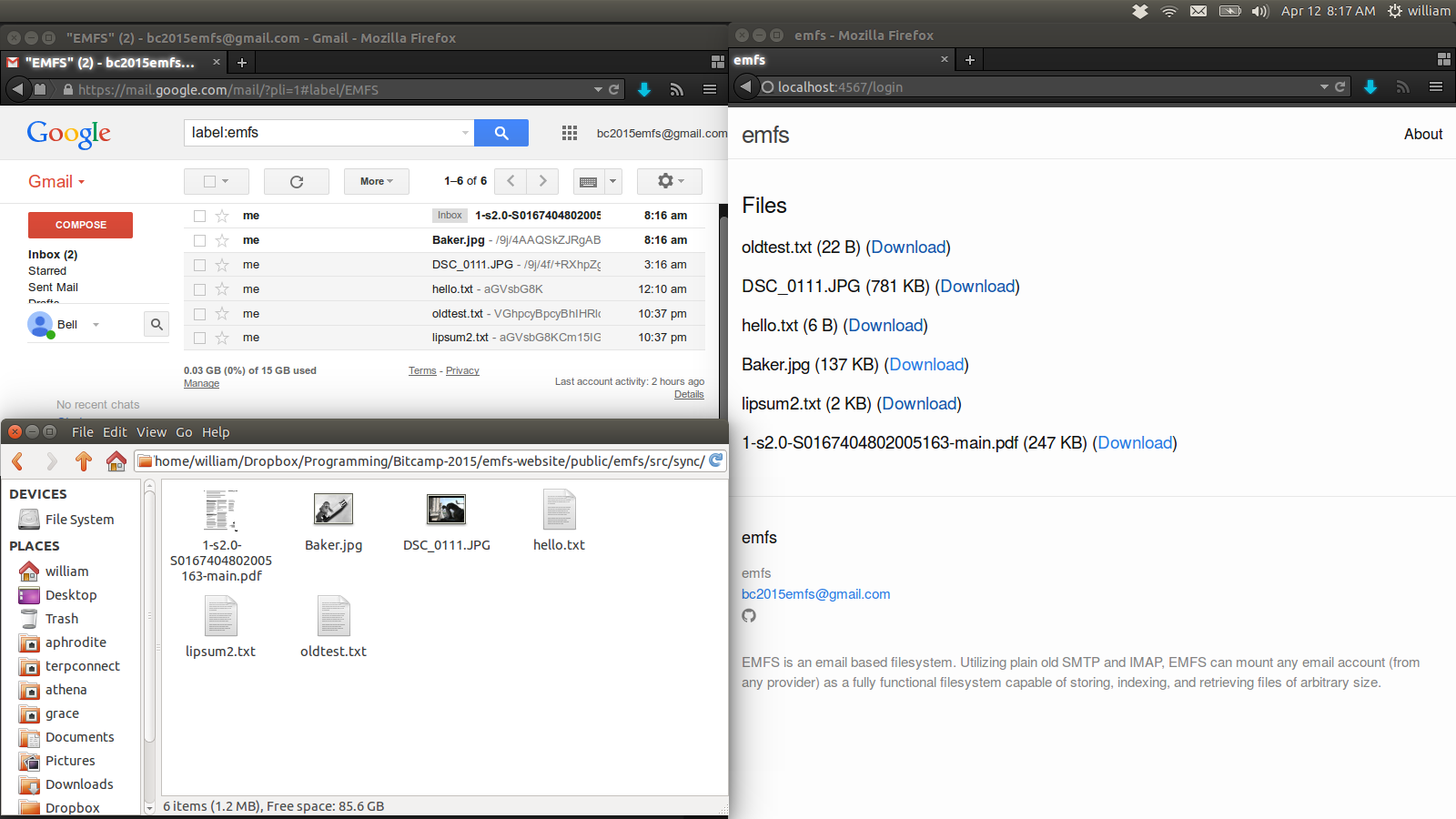
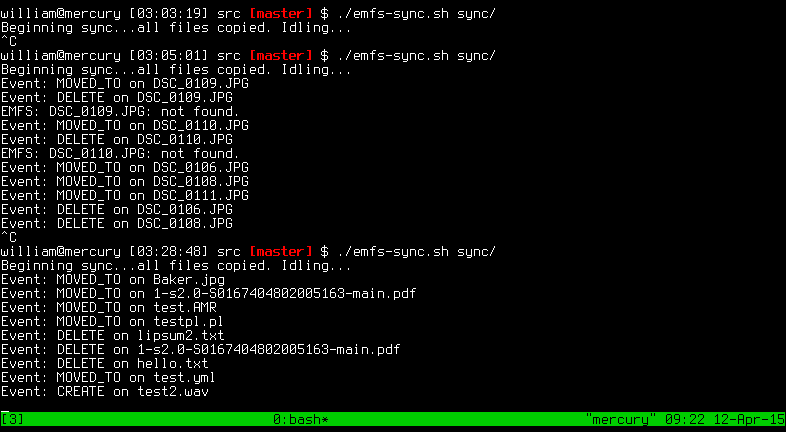
EMFS stands for "EMail File System," as EMFS mimics a standard filesystem in its operation. From the user's perspective, EMFS is just another disk or directory on their system, as well as a web interface. As the user adds, modifies, or deletes files from the EMFS interface, the EMFS synchronization daemon fires file change events back to the EMFS core, which is responsible for applying the required change to the actual "filesystem" - the user's email account.
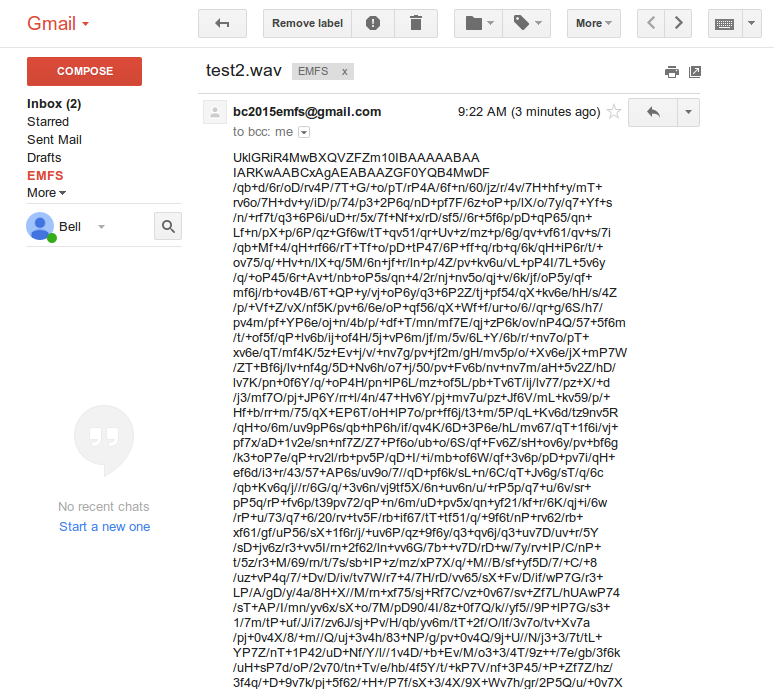
File creation events: When a file is created, EMFS encodes it for storage on the email server, opens an IMAP connection, and writes the encoded file to the "EMFS" label as a new message. The subject of that message is the filename of the uploaded file, and the contents of the original file are steganographically included in the message. Once the IMAP message is created, the file can be propagated to every syncing client.
File deletion events: When a file is deleted, its message on the IMAP server is simply marked with the "\Deleted" tag and the "EMFS" label is expunged. This can then be propagated to the clients.
File modification events: When a file is modified, a secure SMTP connection is used to upload the modified, encoded version of the file. An IMAP connection then routes the modified file to the "EMFS" label, where it is merged with its like-named predecessor. Once the merge is complete, the predecessor is deleted and the new file is propagated.
Challenges
One of the biggest challenges with EMFS was reconciling the differences between IMAP's structure and the structure of an actual filesystem. IMAP identifies messages (files for EMFS's purposes) by UID, meaning that EMFS must create and maintain a table of UIDs to message subjects (filenames for EMFS's purposes) in order to retrieve the correct file and avoid clobbering others.
Another big challenge was the implicit modification of messages by SMTP and IMAP during transaction, which caused problems for the formatting of plain-text files. This was solved by encoding all messages in base 64 on the IMAP server.
Accomplishments
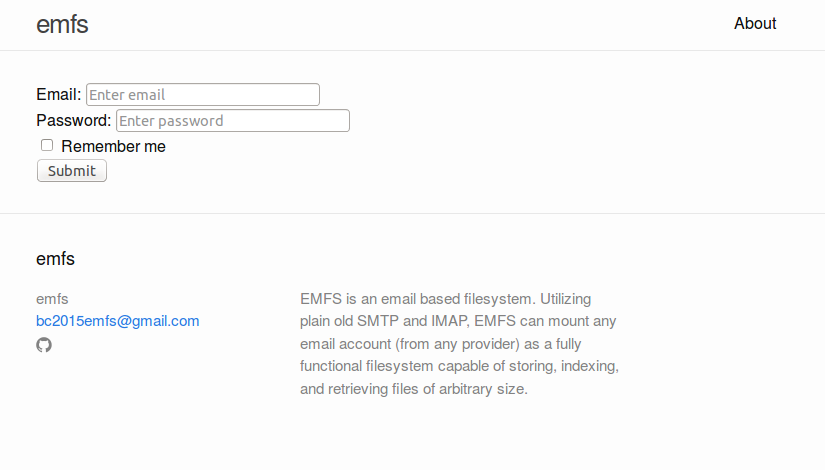
The end result of EMFS is simple. With just a username and password for an email account from virtually any email provider a user can treat an email server as a personal cloud, storing arbitrary files without impeding the actual functionality of their email.
What's next for emfs
Right now, EMFS uses IMAP for server-side message negotiation. We intend to add POP3 support soon, allowing users to use POP3 accounts for cloud storage as well. EMFS also has a fully native FUSE client capable of mounting the email storage as a filesystem. That FUSE client is currently read-only, but write support is possible and will be added soon.
Built With
- c
- curl
- imap
- libcurl
- openssl
- raspberry-pi
- ruby
- sinatra
- smtp


Log in or sign up for Devpost to join the conversation.