Inspiration: This idea started from a simple but scary question I kept asking myself: what if help doesn’t come in time? I’ve seen ambulances trapped in traffic, heard sirens fading into the distance, and wondered what the person on the other side of that sound is going through. It bothered me that I can order food or a ride in seconds, but in a real emergency people still lose precious minutes just explaining where they are. This project is my attempt to turn that anxiety into action and see if technology can help give people a better chance.
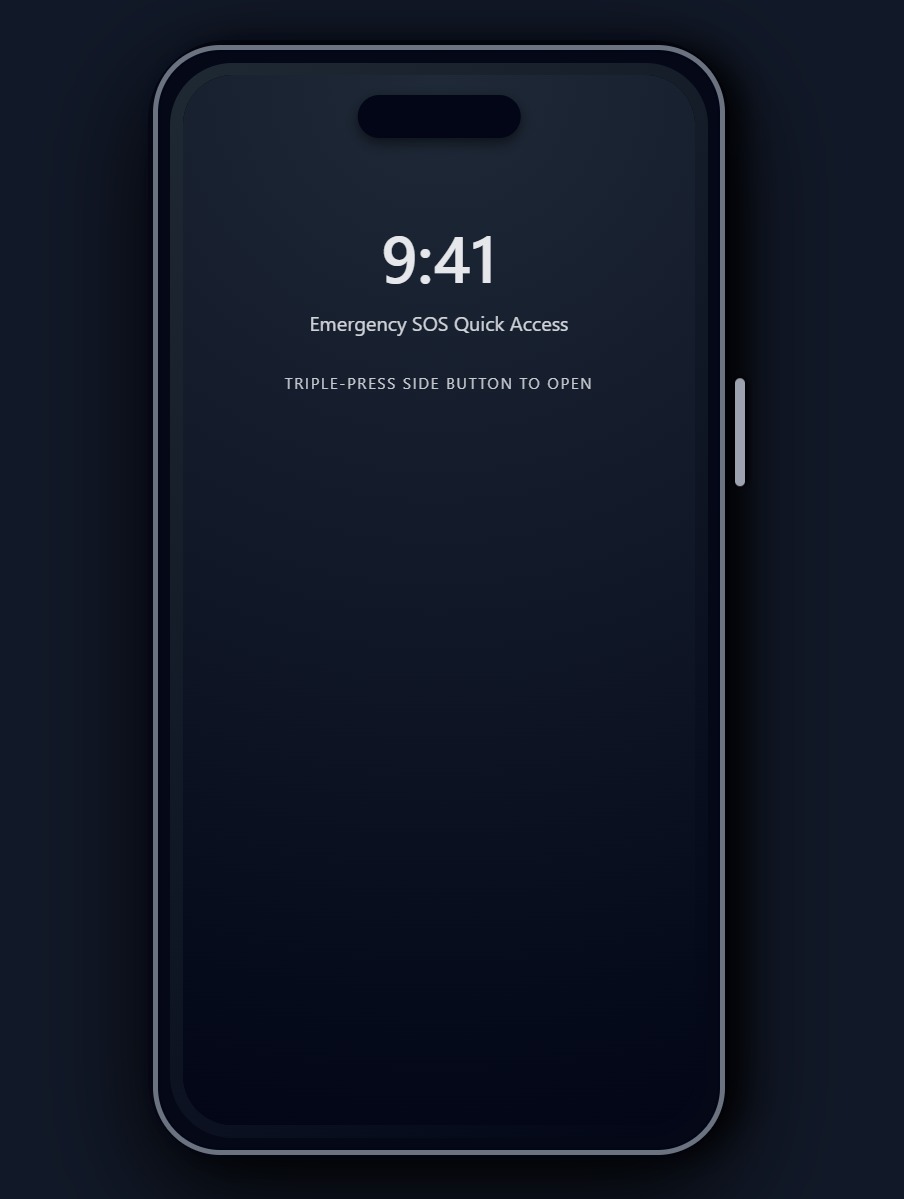
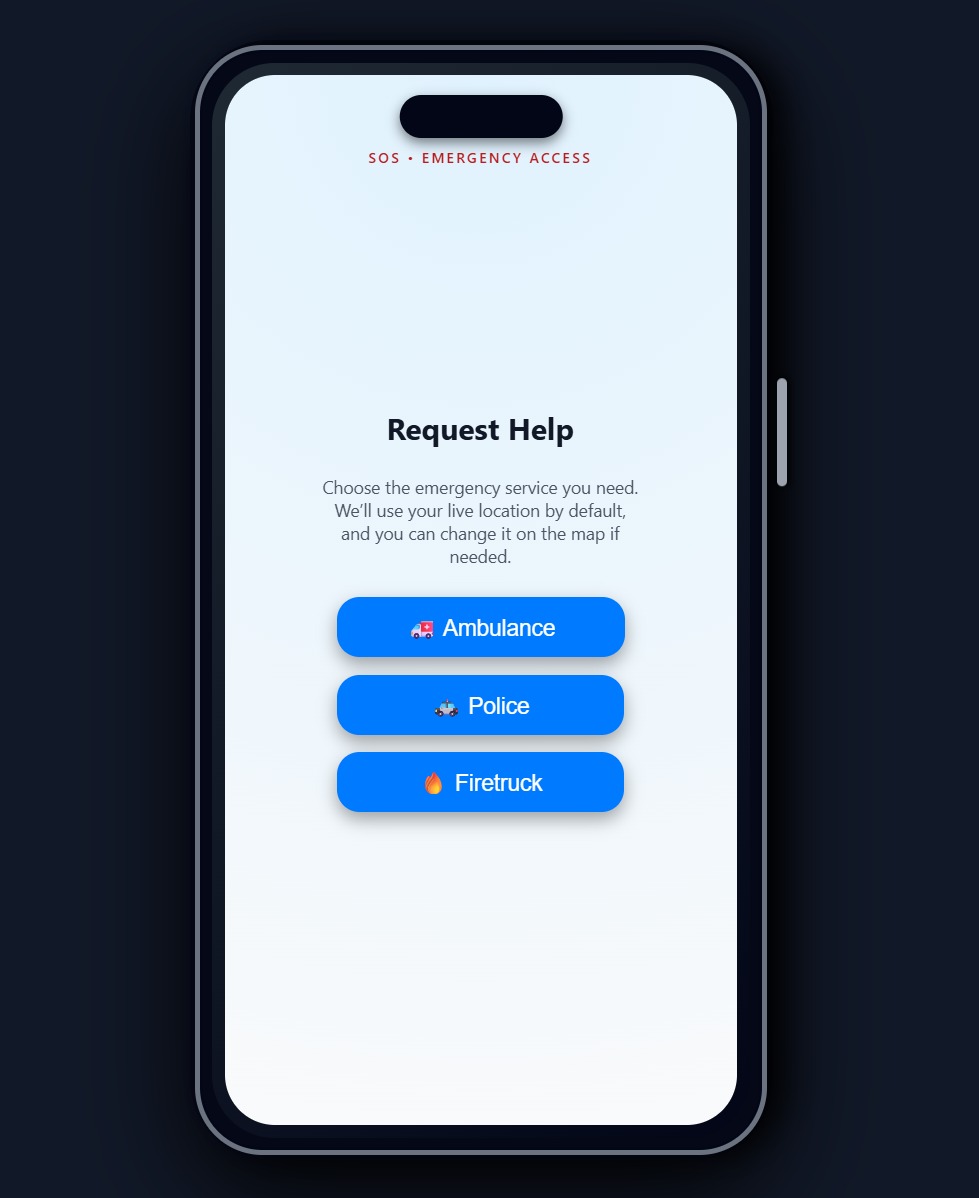
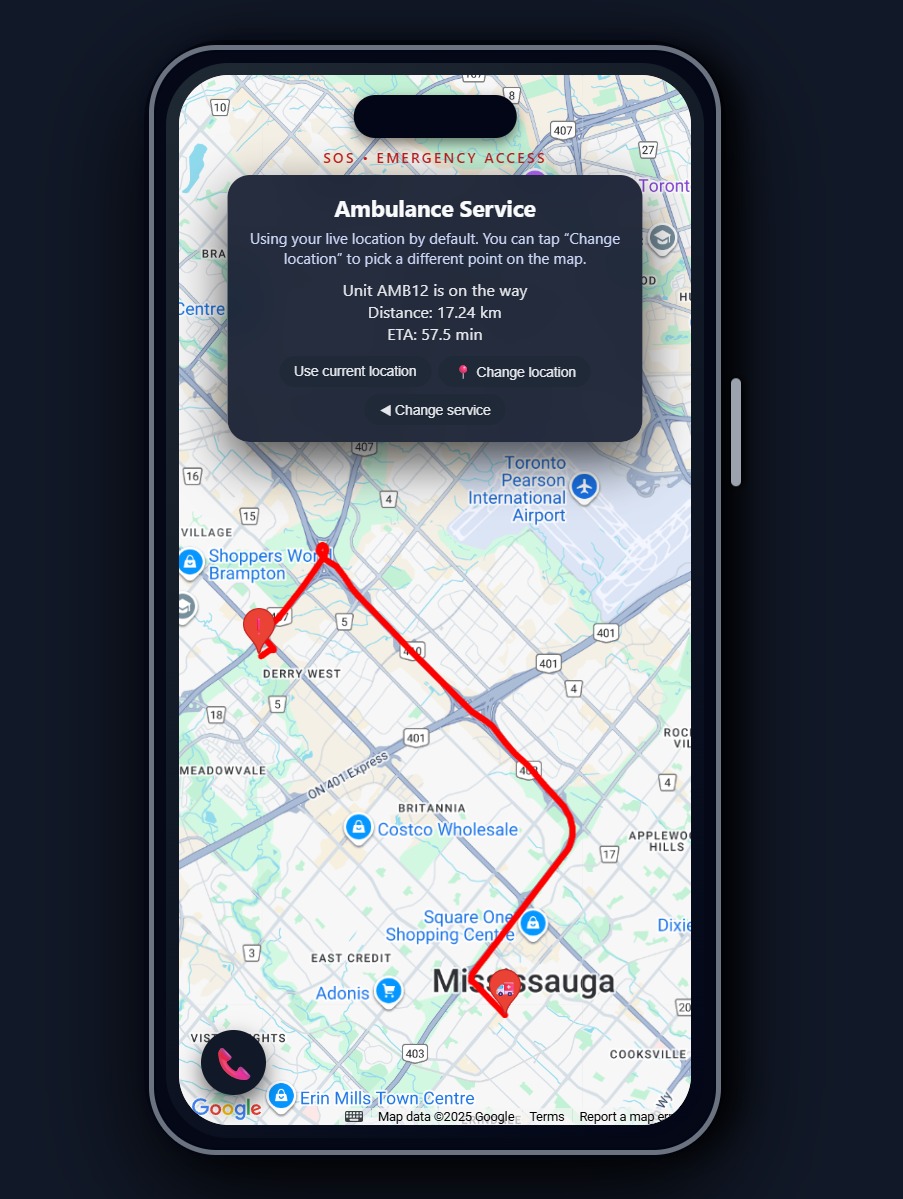
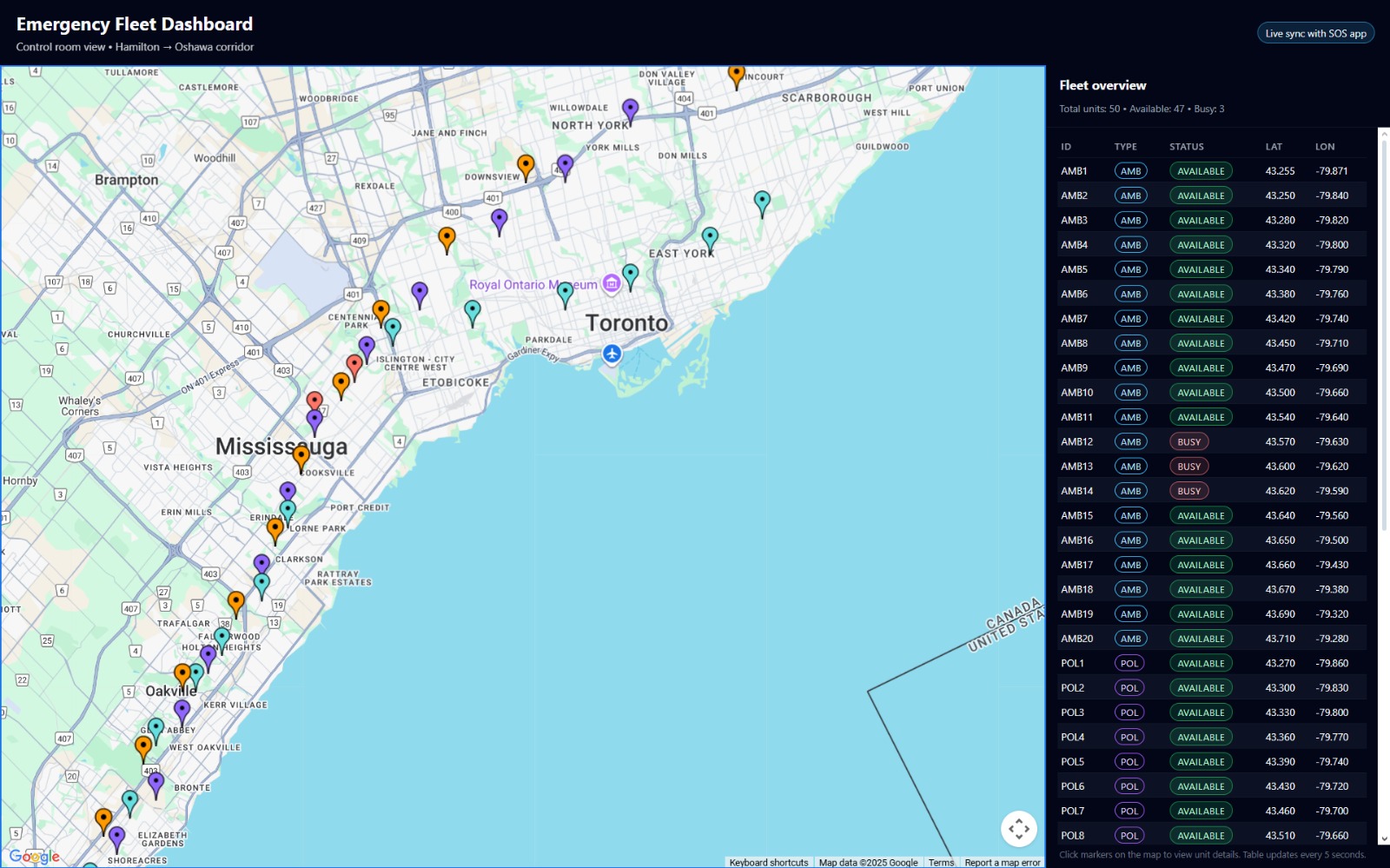
What it does: The system lets someone request ambulance, police, or fire services with a single tap on an phone SOS screen. It automatically uses their live location (with the option to change it on the map), finds the closest available vehicle, and shows a real driving route, distance, and ETA using Google Maps. On the other side, a dispatcher dashboard shows every vehicle from Hamilton to Oshawa, color-coded with live status, so the control room can see how the entire fleet is positioned in real time. Behind the scenes, a local optimization step pre-positions vehicles at stations based on risk factors like region and expected call volume.
How we built it: I built a Flask backend that reads vehicle, station, and scenario data from CSV files and exposes APIs for dispatching and listing vehicles. The frontend has two perspectives: sos.html as a mobile-style look with animations, Geolocation, and Google Maps routing, and dashboard.html as a control room map and table that polls the backend. A separate script, optimize_allocation.py, uses AI to assign vehicles to station locations based on capacities and high-risk regions, then writes an optimized vehicles_optimized.csv that the backend automatically uses.
Challenges we ran into: I originally tried to use the Gemini API to “AI-optimize” fleet placement, but I ran into model/version issues and then hard rate limits that made it unreliable for a live hackathon demo. Though this isn't a major issue, it limits the number of daily requests we can make. Debugging CORS errors, port conflicts, and Google Maps API quirks also cost time. Another challenge was making the interface not just functional, but feel real, from the fake iPhone shell to the SOS animation, while still keeping the code understandable and maintainable.
Accomplishments that we're proud of: I’m proud that this isn’t just a UI mockup; there is a real end-to-end flow: request, dispatch, routing, fleet visualization, and optimized pre-positioning. The iPhone-style SOS screen with the triple-click animation and the live-updating dashboard together tell a complete story from both the citizen’s and dispatcher’s perspectives. I’m also proud that when the AI route ran into quota issues, I didn’t give up; I redesigned the optimizer to be fully local and deterministic, which actually makes the project more robust for demos.
What we learned: I learned how tricky real-world integration can be: APIs, quotas, model names, CORS, and ports can all break your “perfect” idea. I also learned a lot about how to design a system from both the UX side and the backend logic side so they reinforce each other. And maybe most importantly, I realized that even without fancy models, you can still build something meaningful with thoughtful heuristics and good design.
What's next for Emergency Response Optimization System: Next, I’d like to plug in real historical incident data to learn actual hotspots, and use real travel times (for example, Distance Matrix) to optimize based on ETA instead of straight-line distance. I’d also like to add simulated emergencies on the dashboard (a replay mode) to show how different strategies affect response times. Long term, this could be extended to work with real dispatch centers, hospital capacity data, and more advanced machine learning, but for now this project is a first step toward smarter, faster, and more humane emergency response.


Log in or sign up for Devpost to join the conversation.