## Inspiration
Emergencies rarely happen under ideal conditions. Internet access may be slow, unavailable, or too unreliable to depend on, while stress makes it difficult to search through long articles for the right action.
We created Emergency Pocket to provide calm, clear, step-by-step safety information that remains available when connectivity disappears. Our goal was to make emergency preparedness feel approachable before a crisis and actionable during one.
## What it does
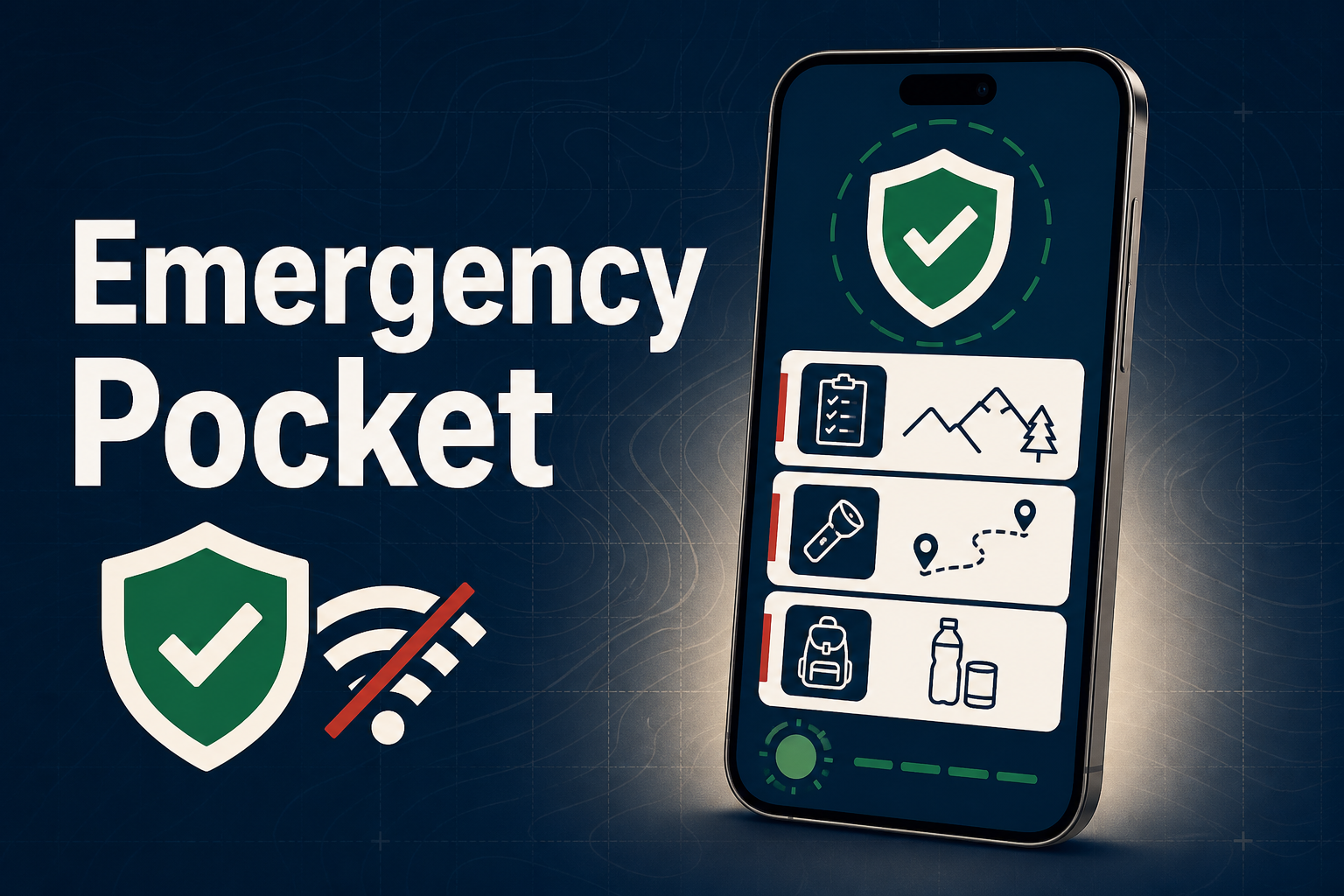
Emergency Pocket is an offline-first emergency preparedness and response companion.
It includes:
- 28 structured emergency and survival guides
- A focused Emergency Mode with immediate step-by-step actions
- Offline access to guides and essential application pages
- Local search across emergency topics
- A personal “Pocket” for saving important guides
- Interactive preparedness checklists
- A private, device-only emergency profile
- Region-aware emergency contact information
- Mobile-friendly navigation designed for stressful situations
The application does not require an account, backend, or internet connection for its core features. Personal information stays on the user’s device and is never uploaded.
Emergency Pocket is an educational aid and does not replace emergency services, trained dispatchers, professional medical advice, or certified safety training.
## How we built it
We built Emergency Pocket with Next.js, React, and TypeScript and deployed it on Vercel.
Every guide and Emergency Mode page is statically generated so it can be prepared in advance. We use a service worker powered by Serwist to cache the application shell, emergency pages, guides, and essential assets.
The interface uses Tailwind CSS and Lucide icons, while saved guides, checklist progress, emergency-profile details, and user preferences are stored locally in the browser.
We also created a real offline-setup experience that reports the service worker lifecycle as the device connects, saves guides, activates offline support, and becomes ready. This makes the feature’s state visible instead of displaying an artificial loading message.
## Challenges we ran into
The biggest challenge was making offline support reliable across both desktop and mobile browsers.
A Progressive Web App can appear to work correctly online while still failing when the service worker installs or activates. During development, conflicting duplicate assets in the precache manifest prevented offline setup from finishing on some phones.
We traced the complete service-worker lifecycle, corrected the cache manifest, removed conflicting entries, and added recovery behavior for stale registrations. The final production worker precaches approximately 90 application routes and assets without duplicate cache entries.
We also had to balance the amount of information shown on screen. Emergency guidance must be detailed enough to help but short enough to understand quickly under pressure. That led us to separate full educational guides from the action-focused Emergency Mode.
## Accomplishments that we're proud of
We are proud that Emergency Pocket is more than a collection of emergency messages. It is a functional offline application with structured content, local search, saved resources, checklists, private personalization, and dedicated emergency flows.
We are especially proud that:
- The core experience works without an account or cloud database
- All 28 guides have offline-capable routes
- Emergency Mode prioritizes immediate actions
- User information remains on the device
- The interface adapts to phones and desktops
- The offline status reflects real application progress
## What we learned
We learned that offline-first development requires thinking beyond the visible interface. Cache versions, service-worker activation, generated routes, browser storage, update behavior, and recovery states are all part of the user experience.
We also learned that designing for emergencies means reducing cognitive load. Clear language, strong visual hierarchy, large touch targets, visible status feedback, and predictable navigation can matter as much as the underlying technology.
## What's next for Emergency Pocket
Next, we want to:
- Review the guidance with qualified safety and medical professionals
- Add additional languages and regional resources
- Test the experience across more devices and assistive technologies
- Improve installation guidance for iOS and Android
- Add optional export and backup for preparedness information
- Establish a regular process for reviewing official source material
Our long-term vision is for Emergency Pocket to become a trustworthy, privacy-conscious safety companion that people can prepare today and depend on when connectivity is unavailable.


Log in or sign up for Devpost to join the conversation.