-
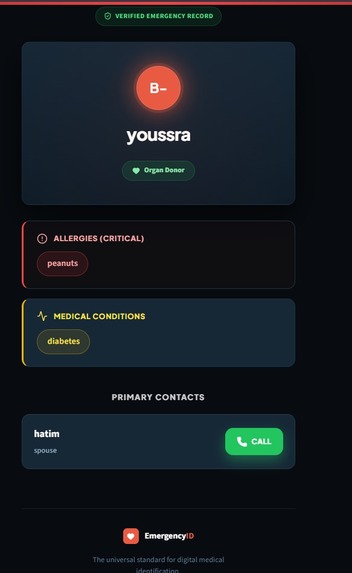
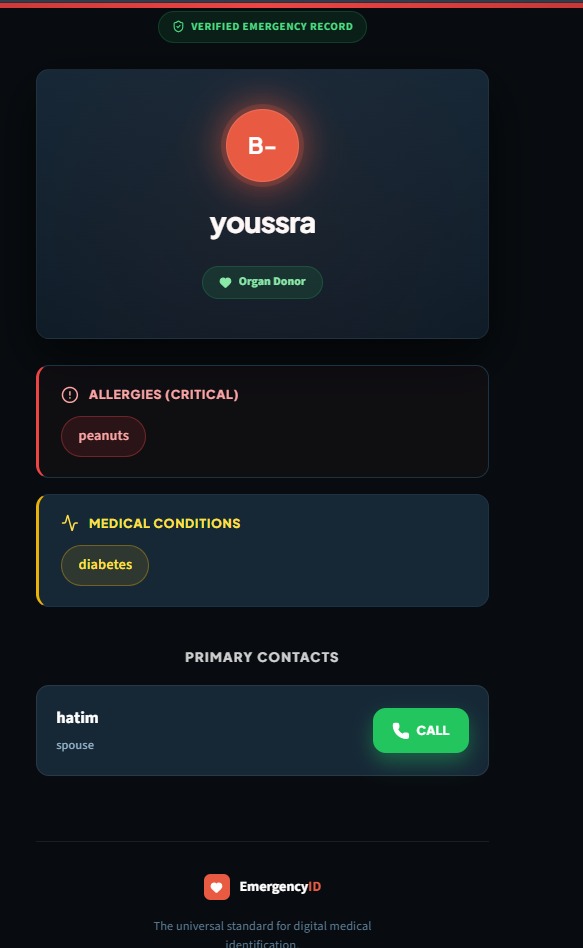
Preview
-
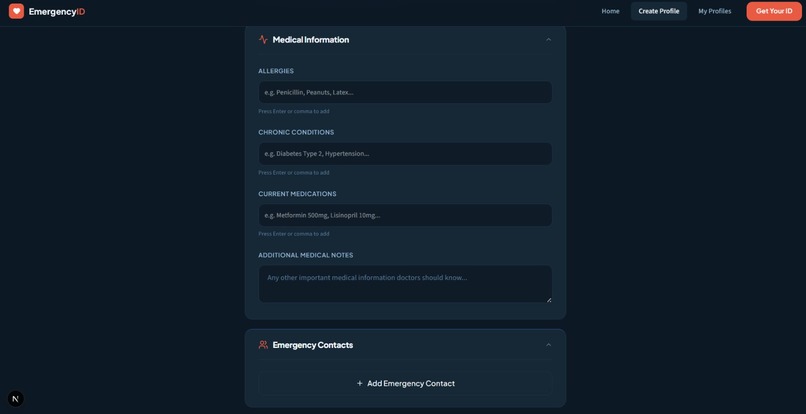
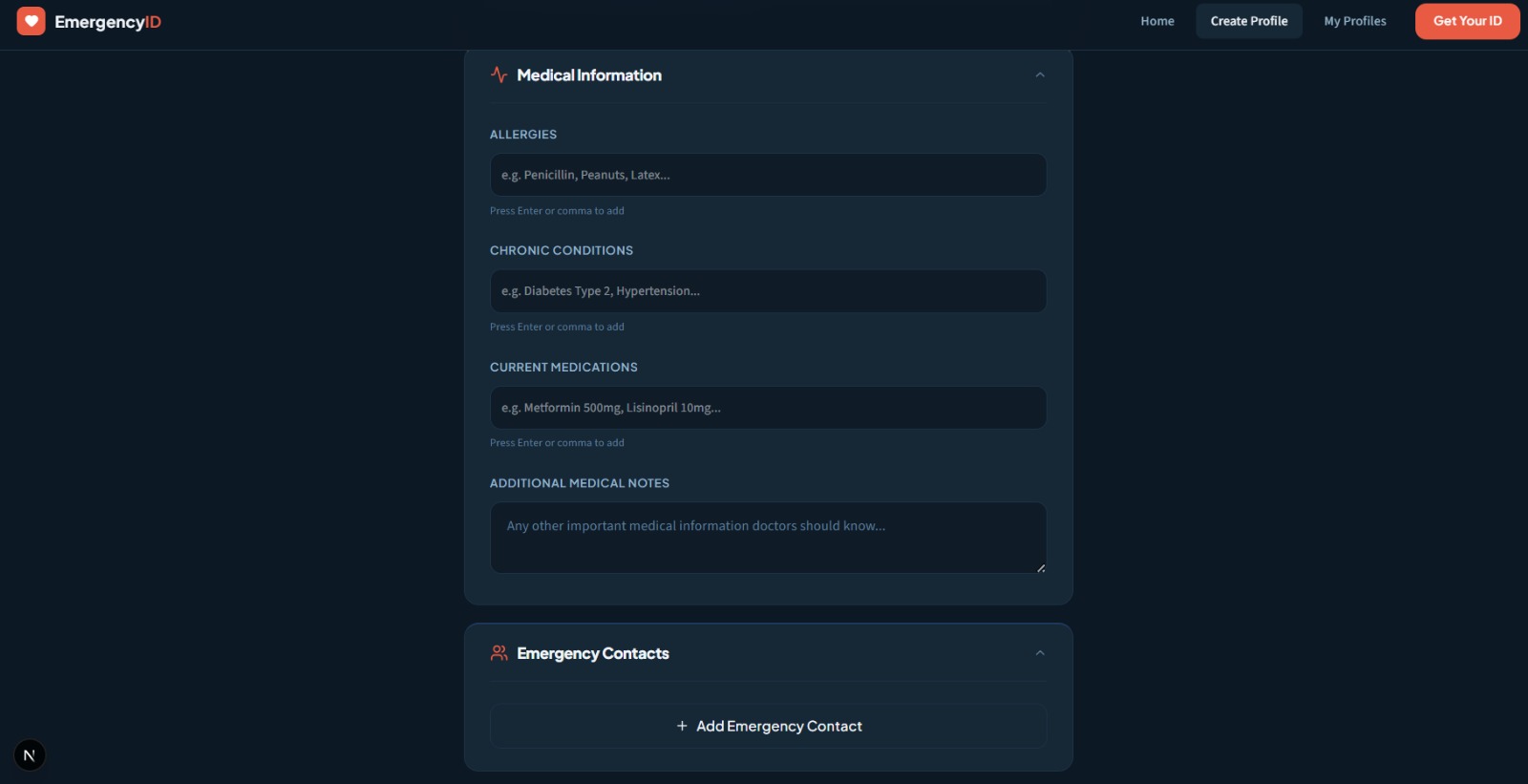
Medical informations
-
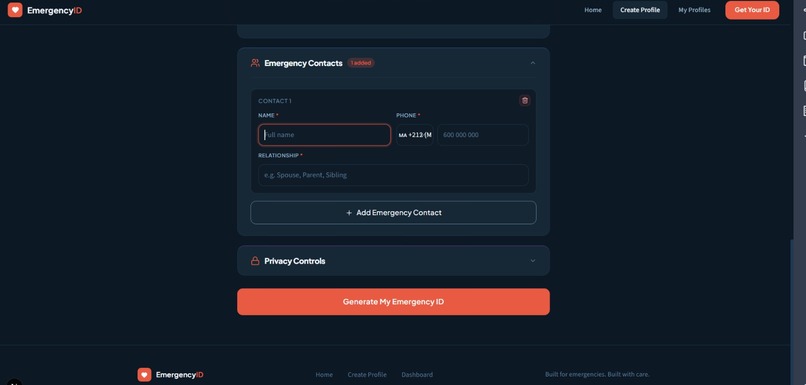
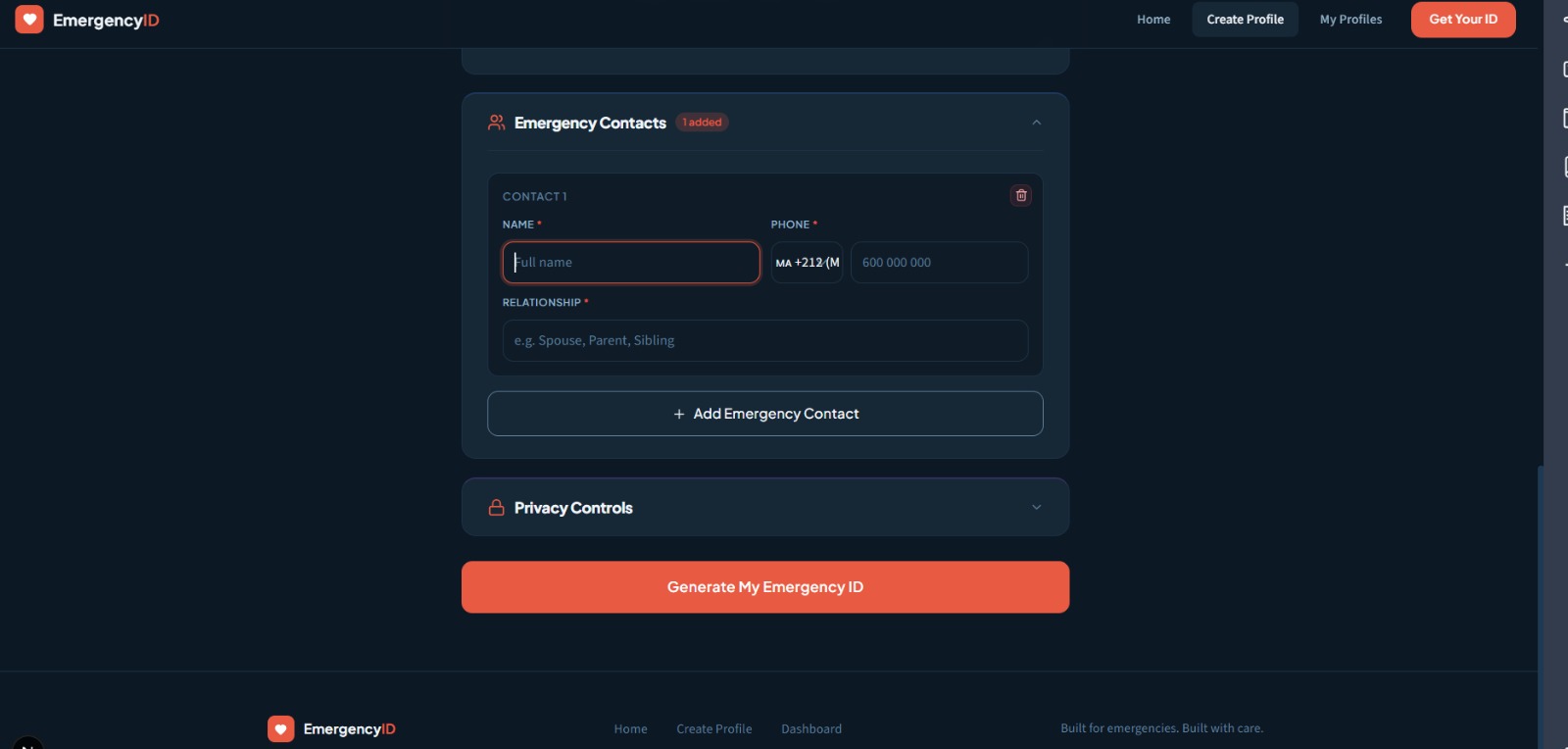
Emergency contacts
-
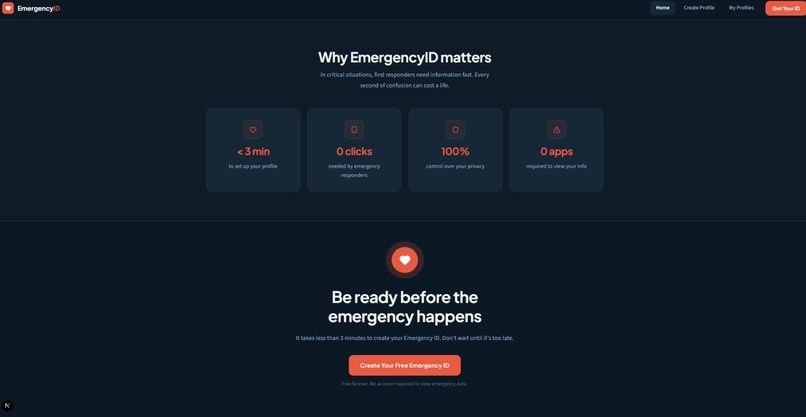
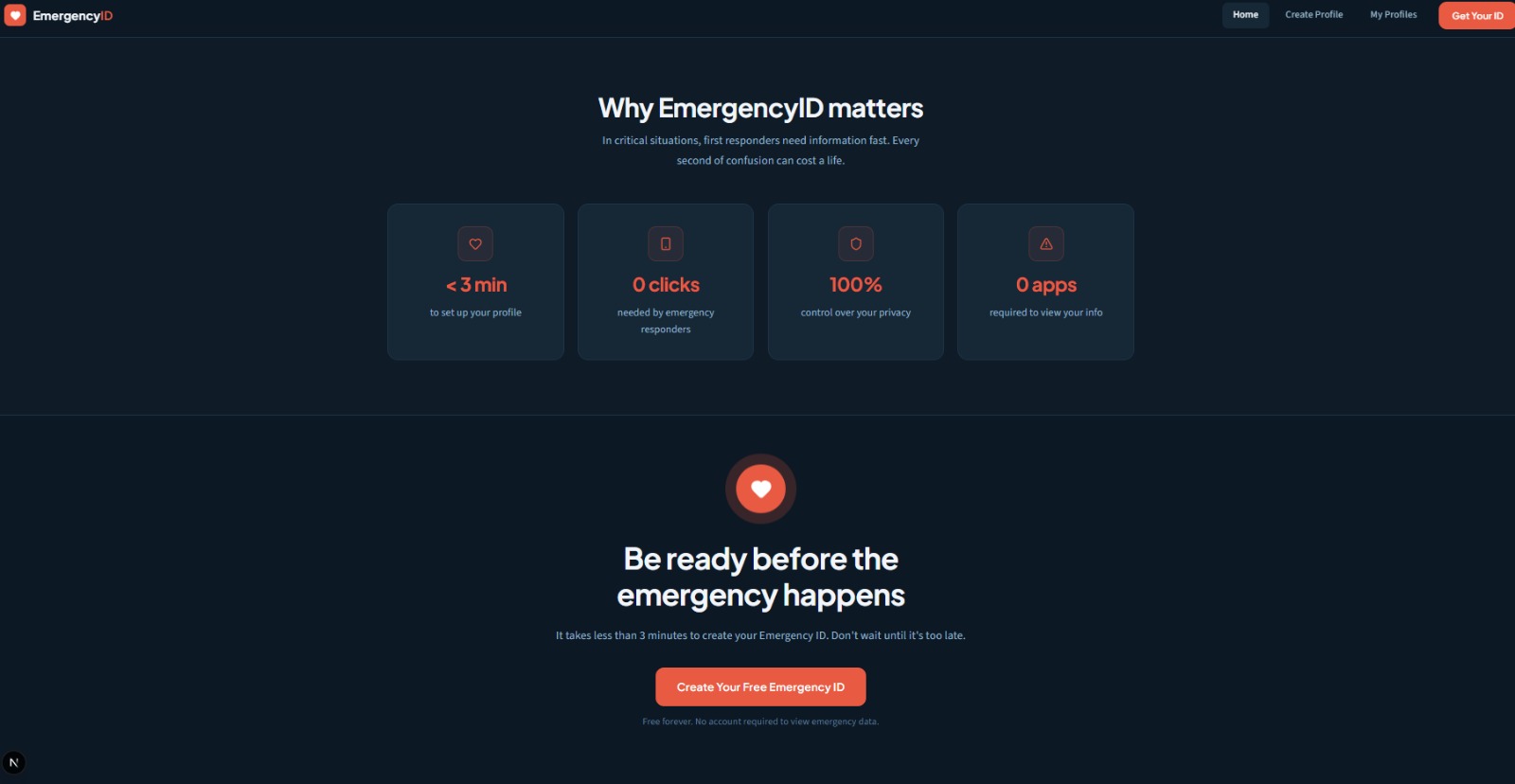
Why EmergencyID matters
-
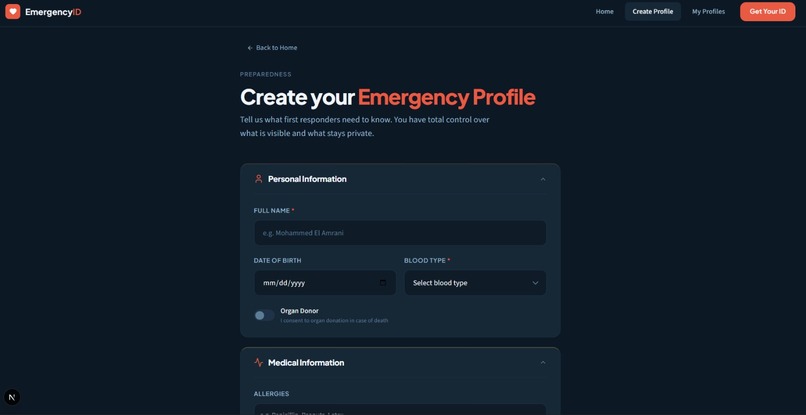
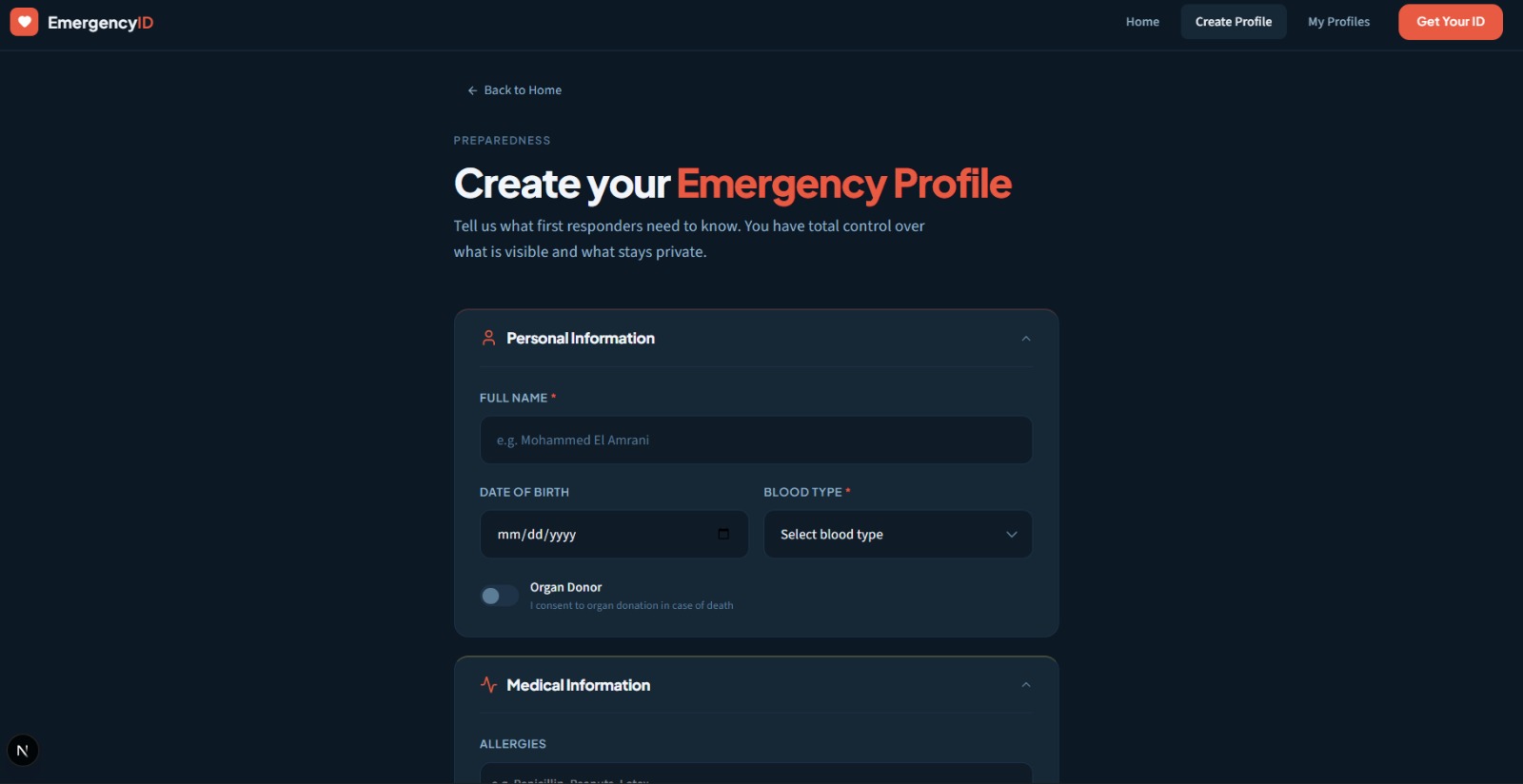
Emergency profile form
-
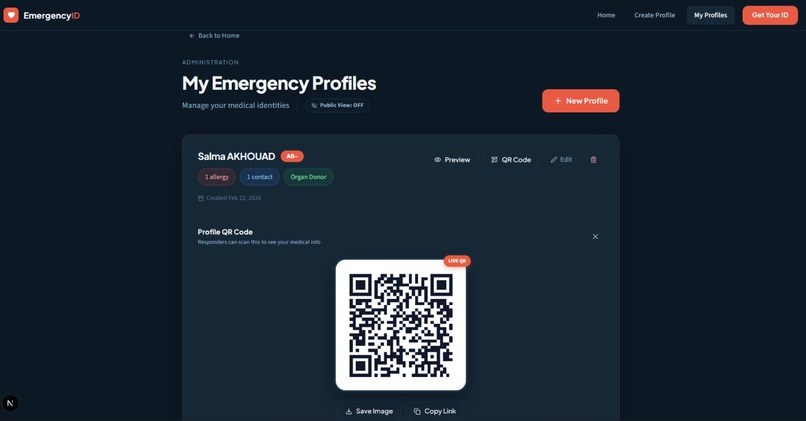
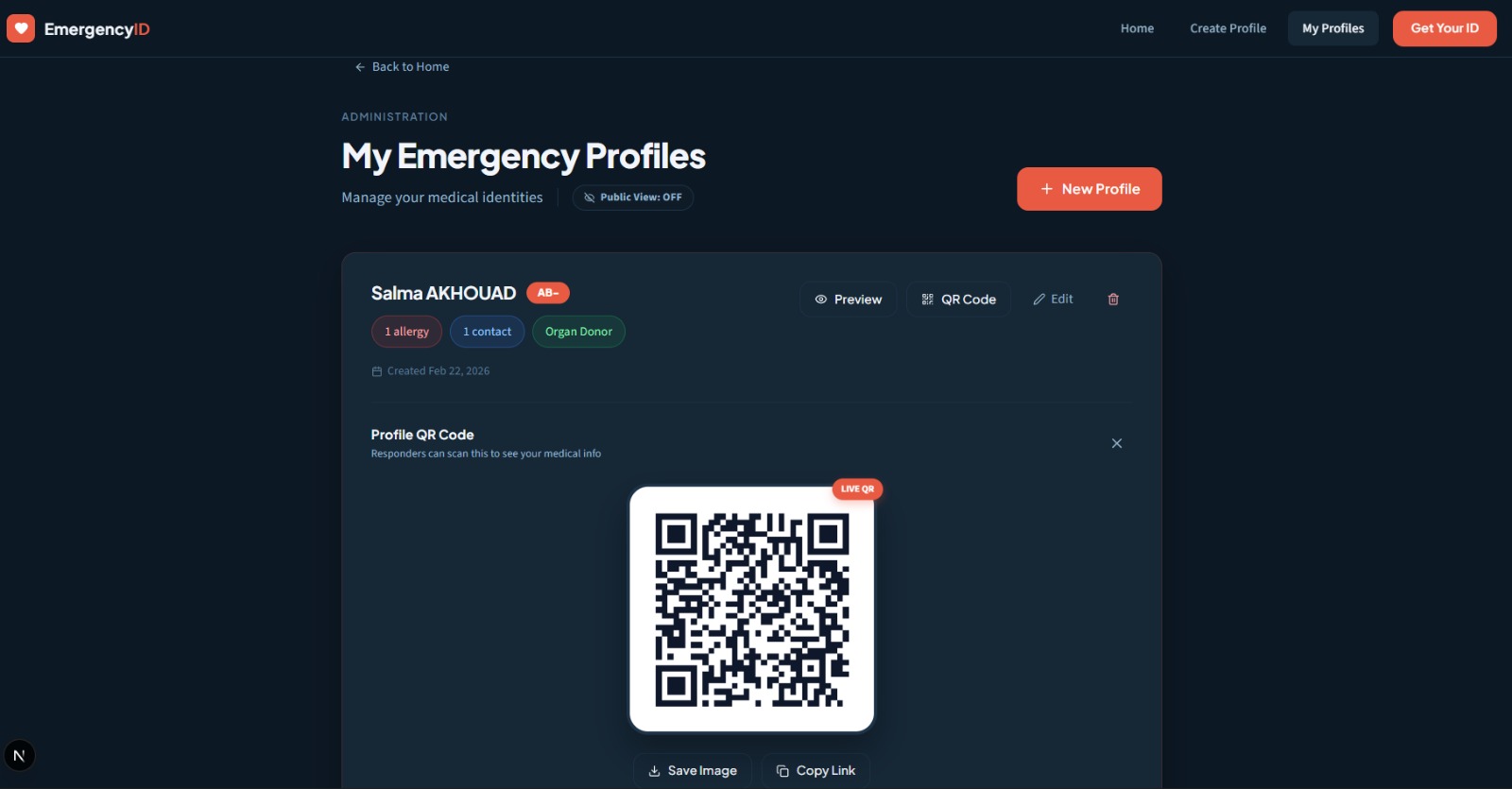
Dashboard / QR code
-
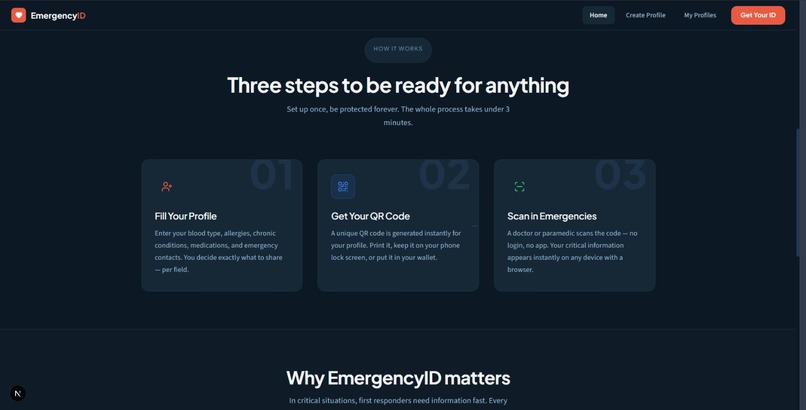
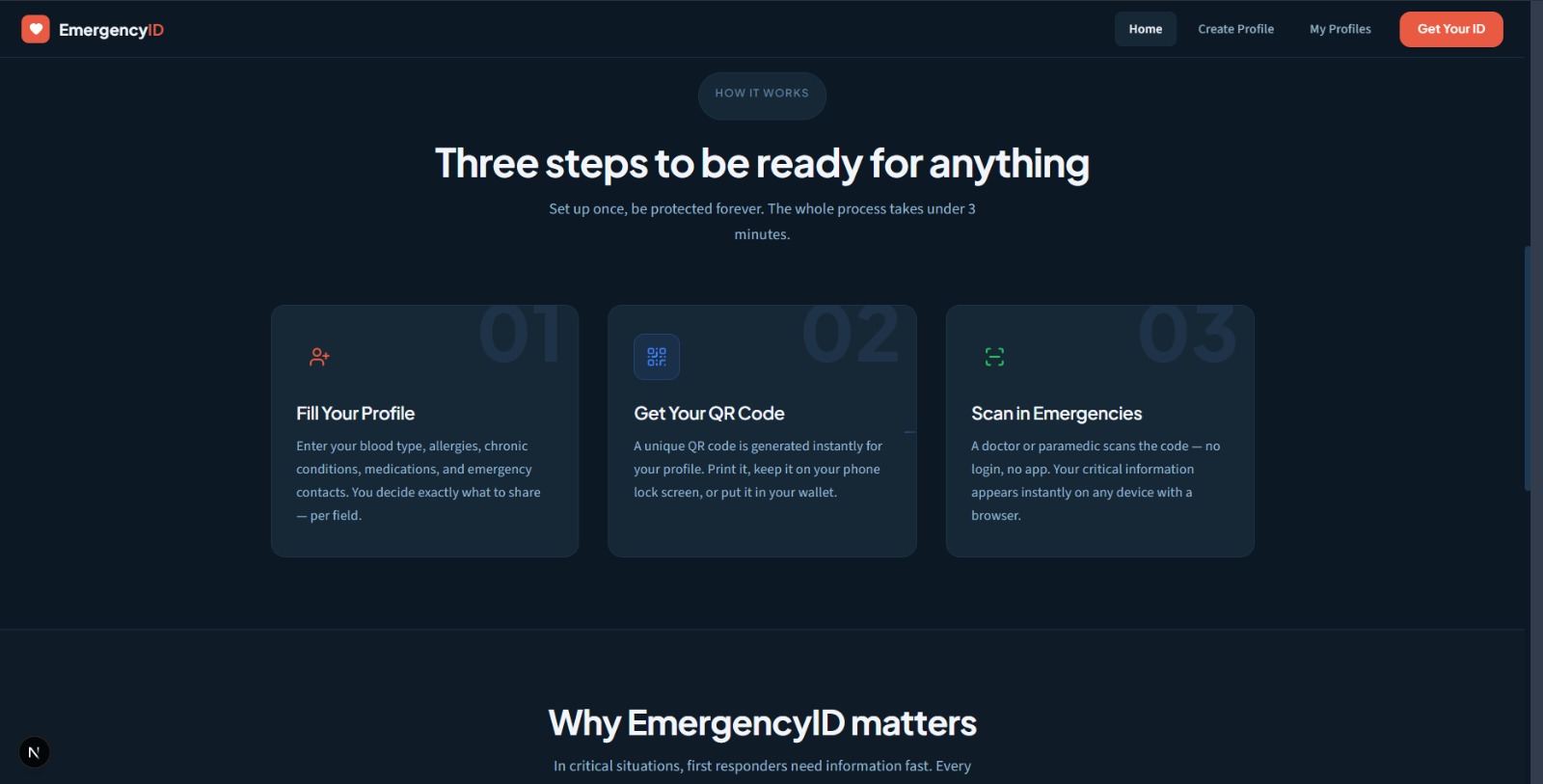
How it works
-
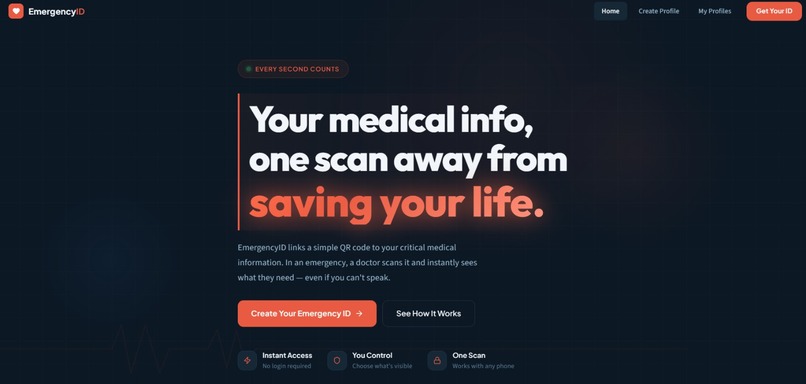
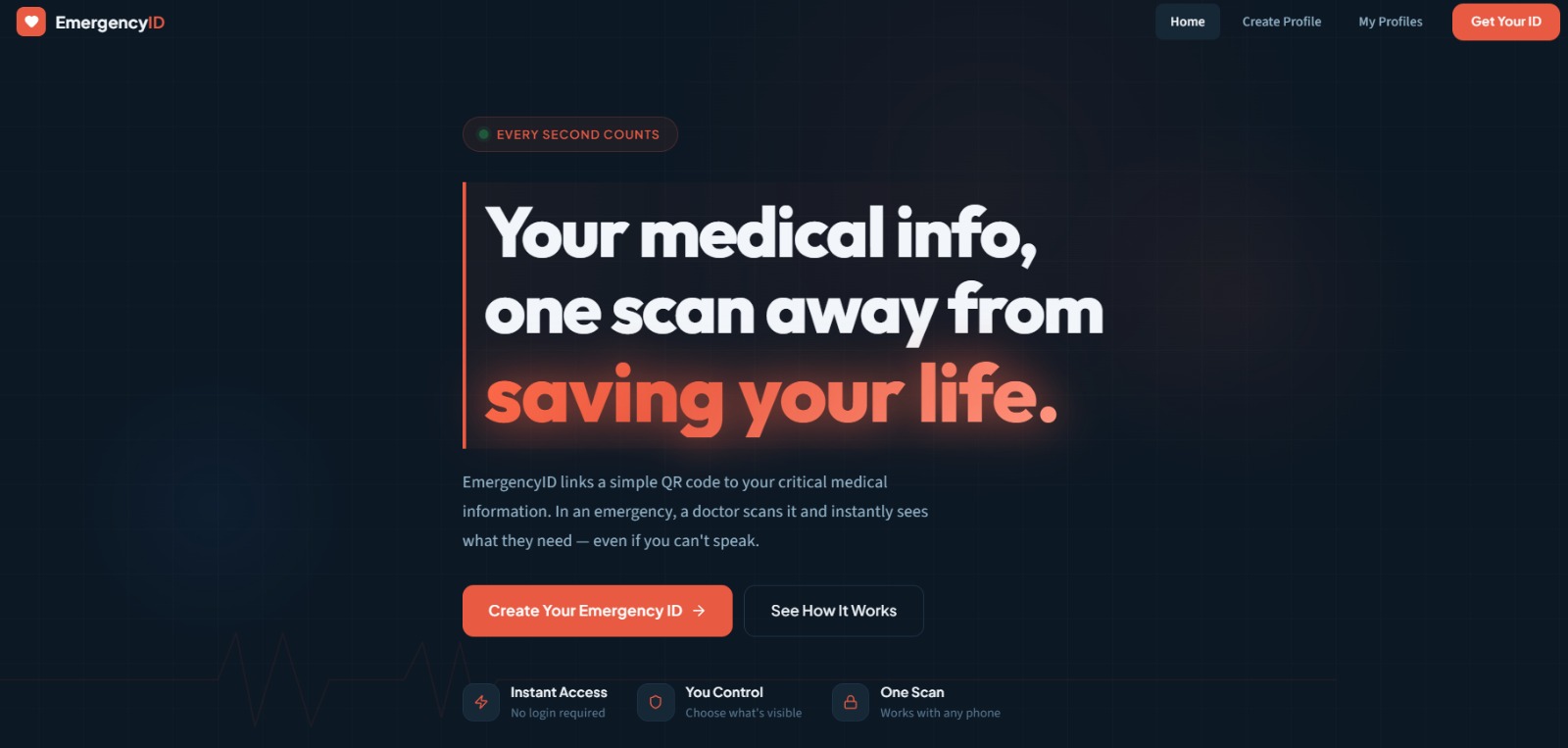
Home page
EmergencyID 🫀
Your medical identity, instantly accessible when it matters most.
EmergencyID is a web platform that links a QR code to a compact medical profile containing critical health information. In an emergency, a doctor or paramedic simply scans the code — no login, no app, no waiting — and sees what they need to save your life, even if you're unconscious.
The Problem
When someone is unconscious, unable to speak, or in critical condition, first responders are often working blind. They don't know if the patient is allergic to a drug they're about to administer, whether they have a chronic condition that changes the treatment protocol, or who to call. Every second spent searching matters.
The Solution
EmergencyID gives everyone a digital medical card in QR format. You fill it in once, print the QR code or save it to your phone, and it's there whenever it's needed — for you or for the people treating you.
The person who creates the profile decides exactly what is visible. All data is stored securely and only the fields you explicitly make public will appear on the emergency page.
Features
Medical Profile
- Full name and date of birth
- Blood type (A+, A−, B+, B−, AB+, AB−, O+, O−)
- Allergies — multiple entries, prominently highlighted in red
- Chronic conditions
- Current medications with dosages
- Organ donor status
- Free-text medical notes for anything else a doctor should know
- Emergency contacts with name, phone number, and relationship
Privacy Controls
Every field has an individual visibility toggle. You choose what appears on the public emergency page and what stays private. The data is stored either way — it's simply not shown if you mark it hidden.
QR Code
Each profile gets a unique QR code that links directly to its public emergency page. You can download it as a PNG to print, copy the shareable link, or display it on your phone's lock screen.
Emergency View
The public page at /emergency/:id is designed to be read fast under pressure. No login is required, no account, no app download. It works on any phone or tablet with a browser. Blood type is shown prominently, allergies are highlighted in red, and emergency contact phone numbers are tappable.
Dashboard
A personal dashboard lets you view all your profiles, toggle QR code display, preview the public emergency page, edit any profile, and delete profiles you no longer need.
Tech Stack
| Layer | Technology |
|---|---|
| Framework | Next.js 15 (App Router) |
| Language | TypeScript |
| Styling | Tailwind CSS + custom CSS design system |
| Database | MongoDB |
| ORM | Prisma |
| QR Generation | qrcode |
| Form Handling | React Hook Form + Zod |
| Icons | Lucide React |
Project Structure
emergencyid/
├── app/
│   ├── api/
│   │   └── profiles/
│   │       ├── route.ts              # GET (list) + POST (create)
│   │       └── [id]/route.ts         # GET, PUT, DELETE single profile
│   ├── create/page.tsx               # Profile creation flow
│   ├── dashboard/page.tsx            # Profile management dashboard
│   ├── edit/[id]/page.tsx            # Edit existing profile
│   ├── emergency/[id]/page.tsx       # Public emergency view (no auth)
│   ├── globals.css                   # Design system + CSS variables
│   ├── layout.tsx                    # Root layout
│   └── page.tsx                      # Landing page
├── components/
│   ├── Footer.tsx
│   ├── HeroSection.tsx
│   ├── HowItWorks.tsx
│   ├── Navbar.tsx
│   ├── ProfileForm.tsx               # Full form with collapsible sections
│   ├── QRDisplay.tsx                 # QR canvas + download/copy actions
│   └── TagInput.tsx                  # Chip-style multi-value input
├── lib/
│   ├── prisma.ts                     # Prisma client singleton
│   ├── token.ts                      # Browser token for profile ownership
│   ├── types.ts                      # Shared TypeScript interfaces
│   └── validations.ts                # Zod schemas
├── prisma/
│   └── schema.prisma                 # MongoDB data model
├── .env.example                      # Environment variable template
├── README.md                         # This file
└── SETUP.md                          # Full setup and deployment guide
How Ownership Works
There is no user account system. When you create a profile in a browser, a random token is generated and stored in localStorage. That token is sent as a header with every API request. Profiles are associated with the token that created them, and only requests carrying that token can edit or delete them.
This means:
- No sign-up friction for a hackathon demo
- Profiles persist in MongoDB across sessions as long as you use the same browser
- Clearing browser storage will disconnect you from your profiles (the data remains in the DB, but management access is lost)
- This is intentionally simple and straightforward to replace with a proper auth system in a future iteration
Roadmap
- Authentication (NextAuth or Clerk) to replace the localStorage token approach
- PDF card export for printing a wallet-sized card
- Multi-language support (Arabic, French, etc...)
- Profile sharing via WhatsApp or SMS
- QR code sticker ordering integration
- Offline-capable PWA mode
- Add MOSIP signin
Built With
- mongodb
- mosip
- nextjs
- prisma
- tailwind


Log in or sign up for Devpost to join the conversation.