Inspiration
I was inspired to create this app after noticing my lecturers receiving calls from home while teaching classes, unsure if they were emergencies or not. This sparked the idea for an app that could help differentiate between emergency and non-emergency calls.
What it does
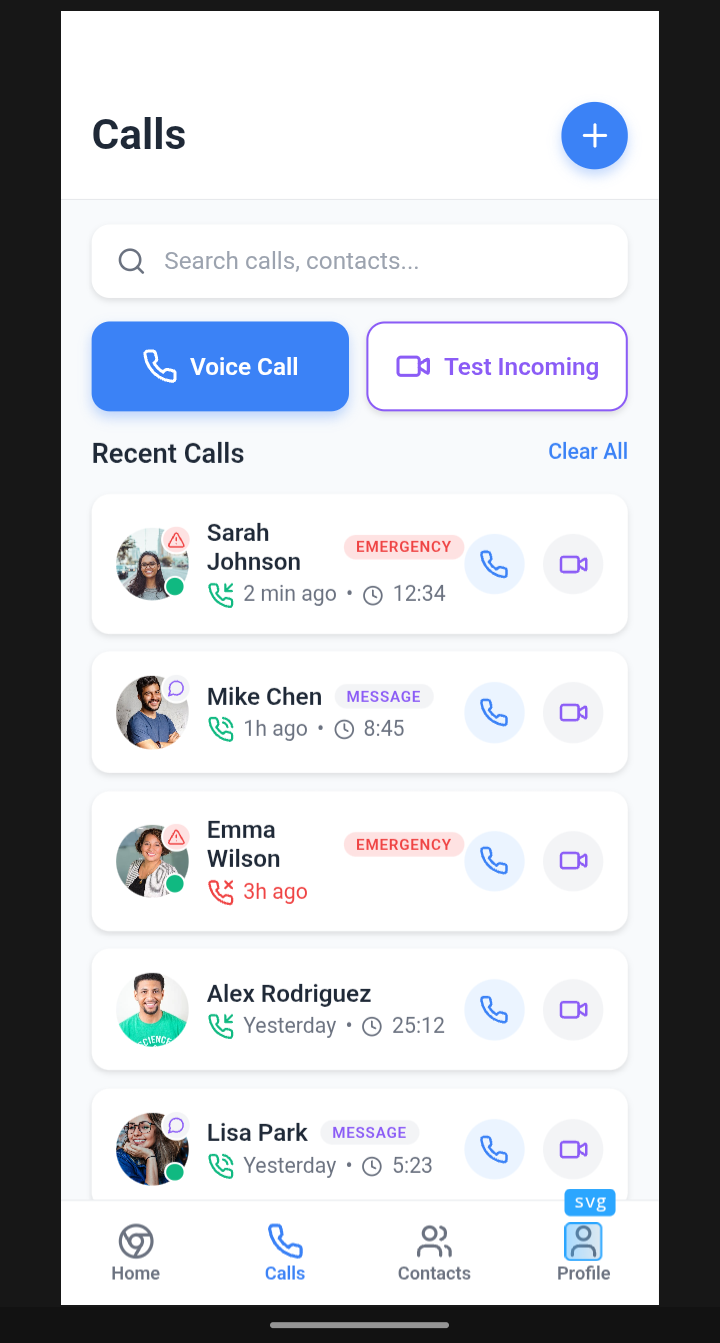
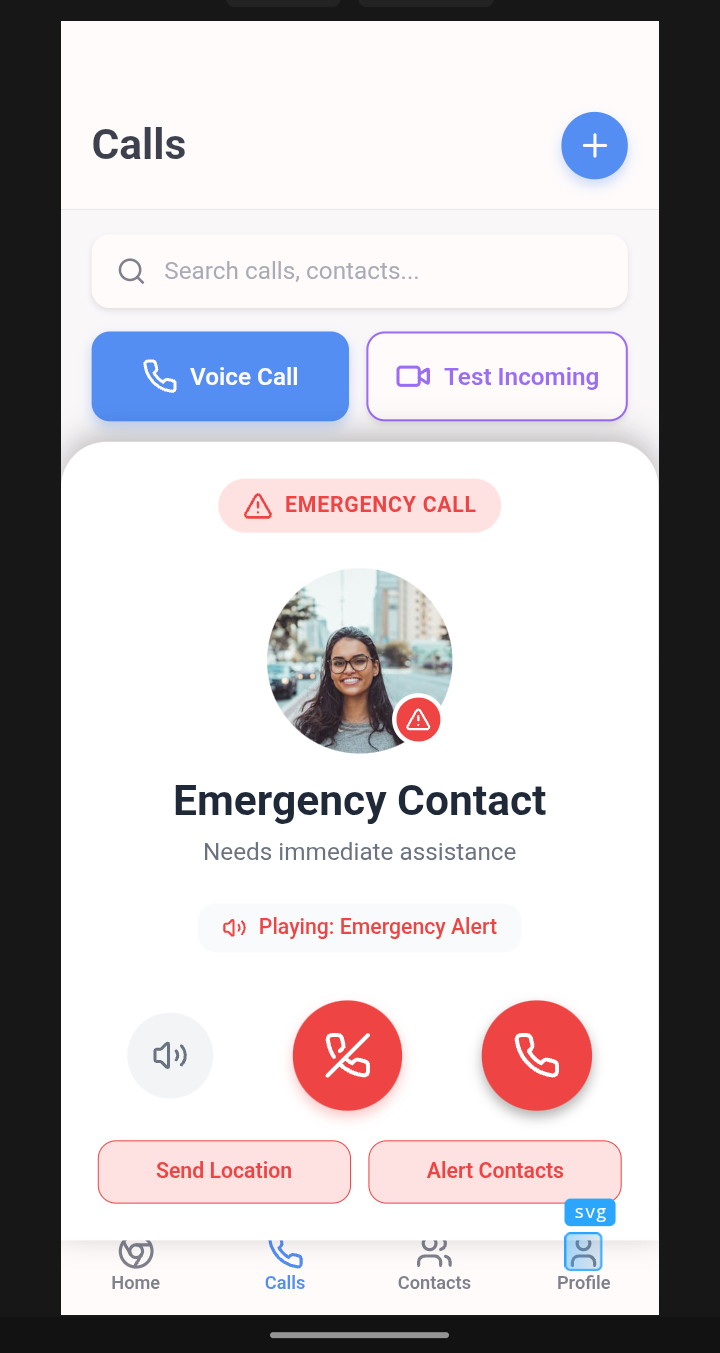
When someone calls through my app, they're required to select an option like "Urgent Msg," "Emergency," "Accident," or "Medical Emergency." This selected option is then displayed on the incoming call interface, allowing the recipient to see the purpose of the call and decide whether to answer or not.
How we built it
The app is built using TypeScript, React, and JavaScript. As a beginner, I faced challenges in implementing call functionality, but my idea drove me to learn and overcome obstacles.
Challenges we ran into
As a beginner, I struggled to implement outgoing and incoming call functionality. However, I'm determined to make my idea a reality.
Accomplishments that we're proud of
I'm proud of creating an innovative solution that can help people prioritize emergency calls and manage their time more efficiently. My app's concept has great potential to make a positive impact.
What we learned
Through this project, I learned about the importance of clear communication in emergency situations and the need for efficient call management. I also gained experience in TypeScript, React, and JavaScript, and I'm excited to continue learning and improving my skills.
What's next for Emergency Call App
To make the app fully functional, I plan to:
- Implement outgoing and incoming call functionality.
- Add custom ringtones for emergency-tagged calls.
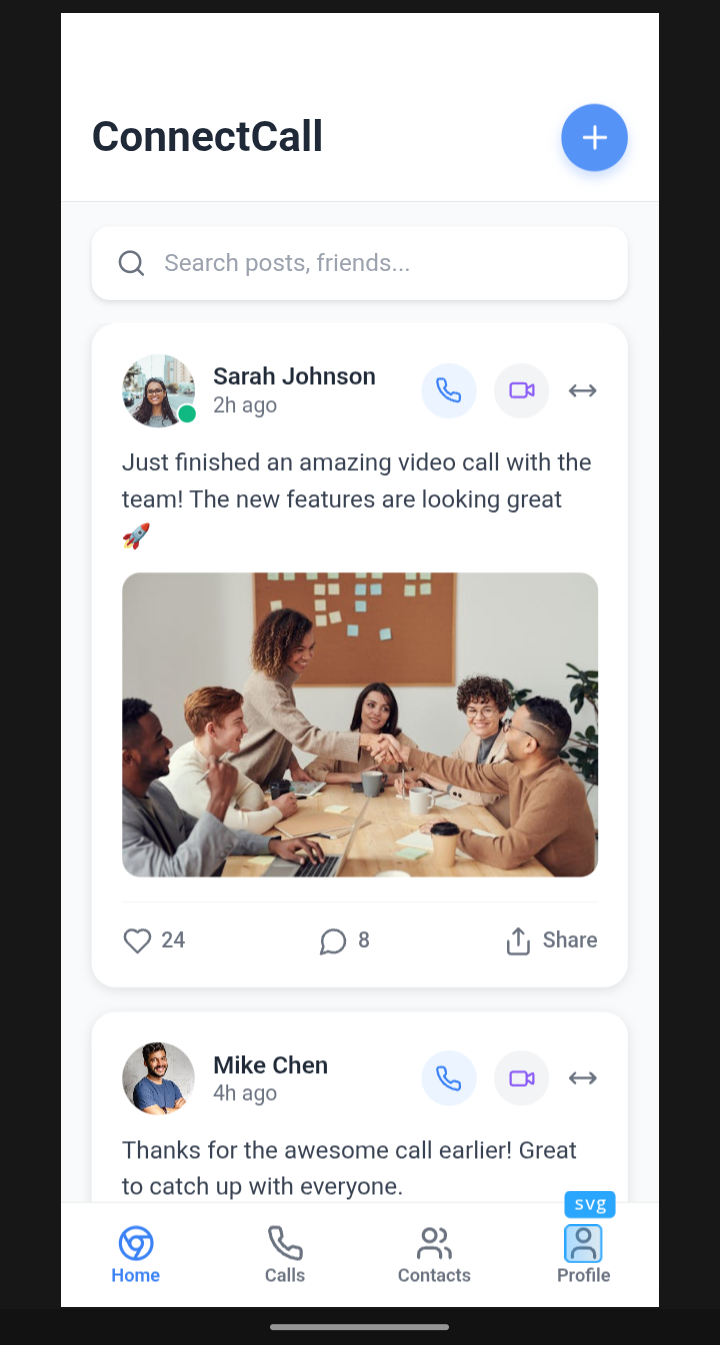
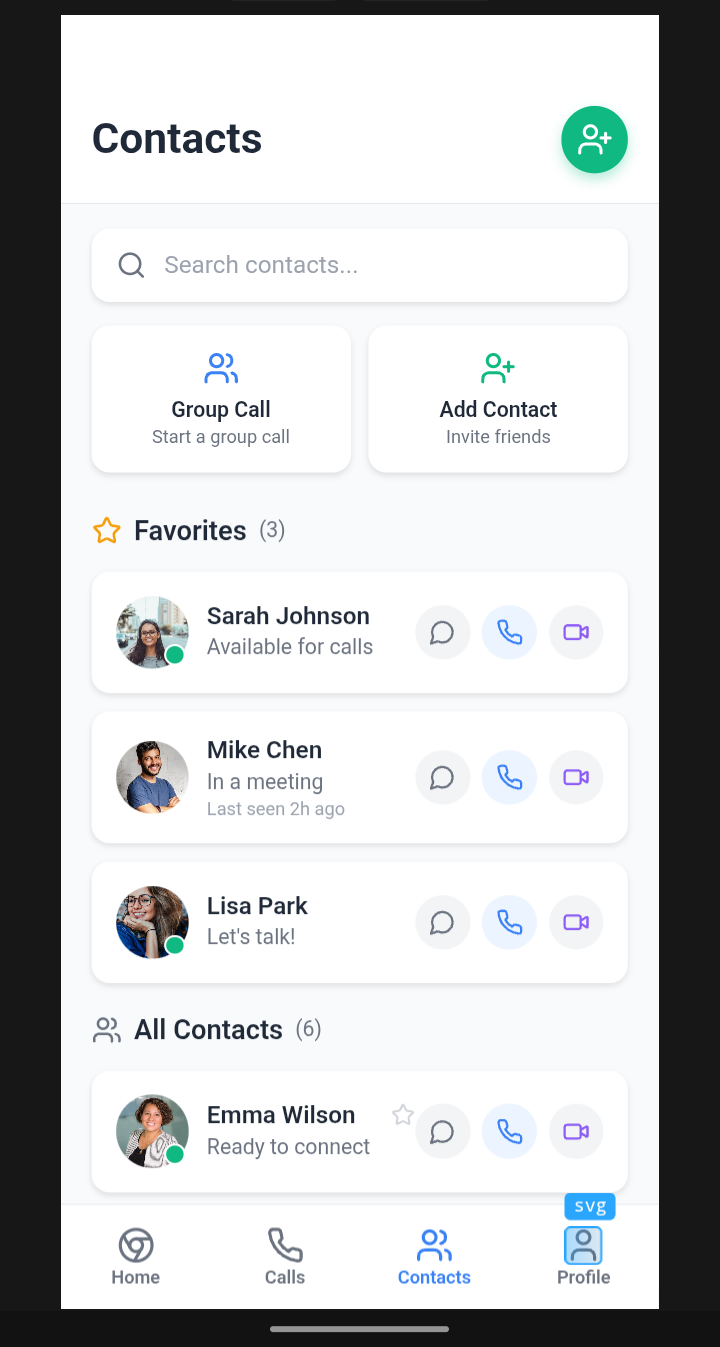
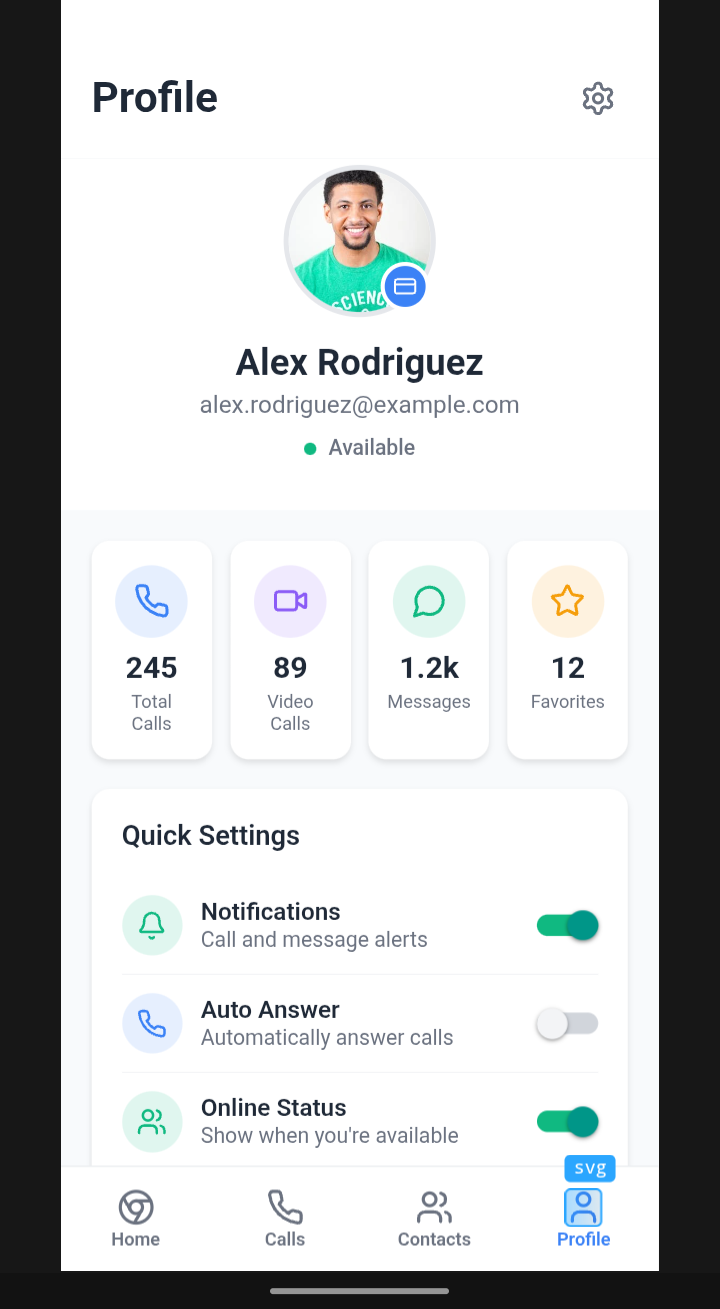
- Enhance the user interface for a seamless experience.
- Expand the app's features to cater to various user needs.
I'm excited to take the next steps and turn my idea into a reality!


Log in or sign up for Devpost to join the conversation.