-
-
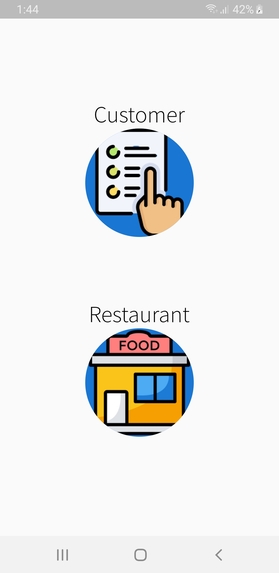
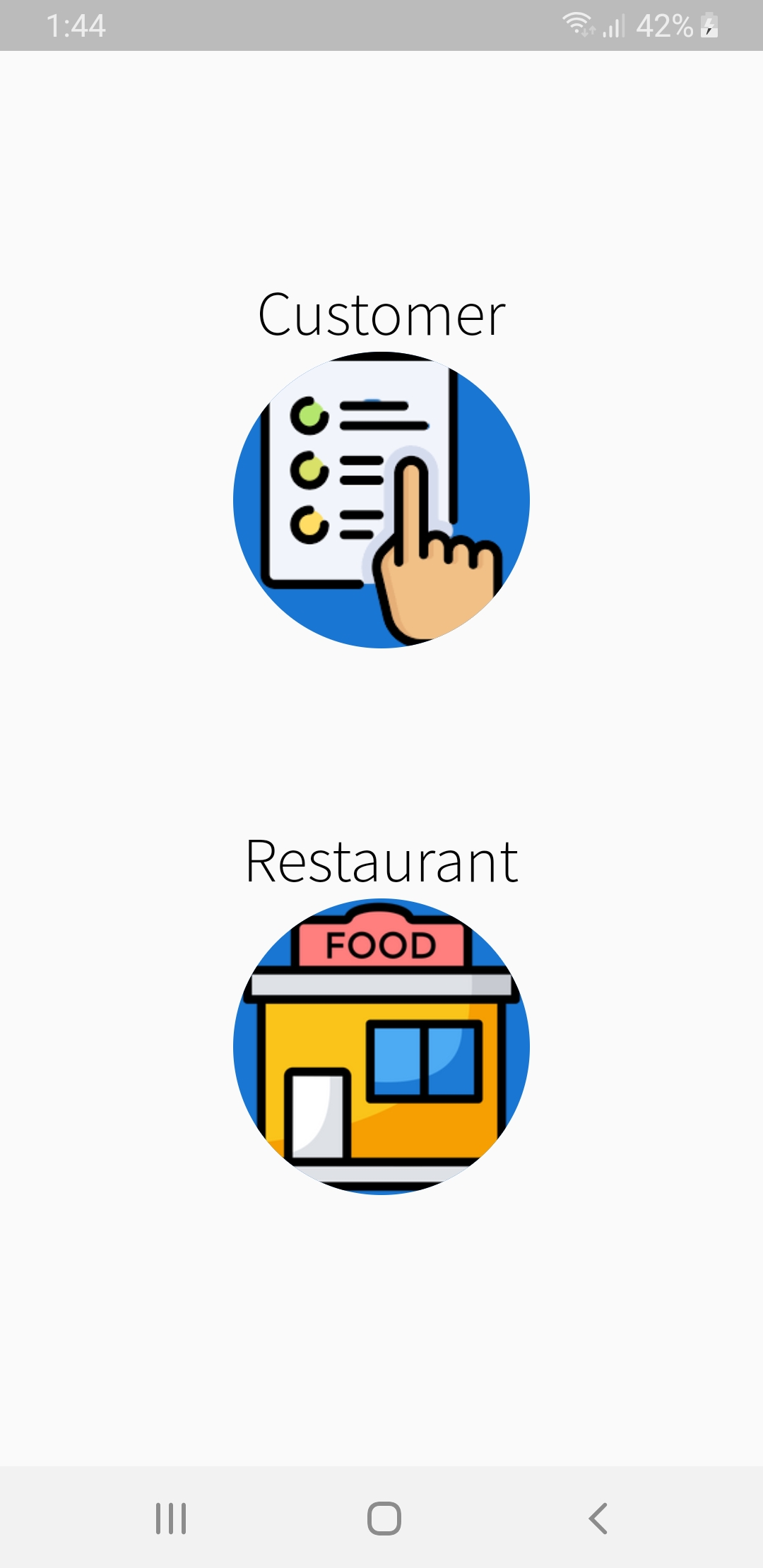
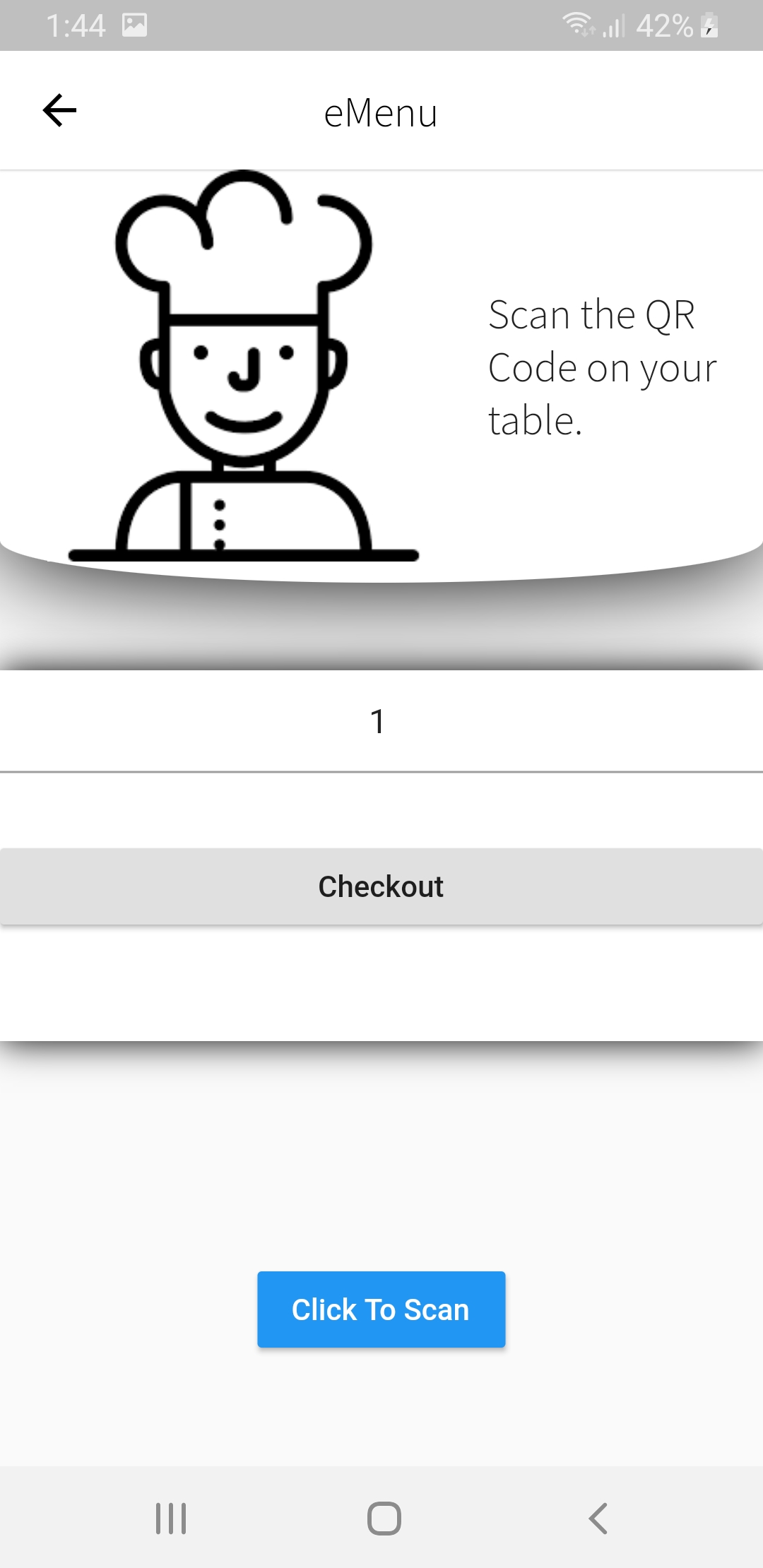
Start Screen
-
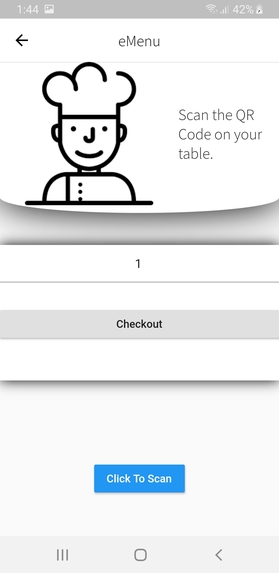
Customer Start Screen
-
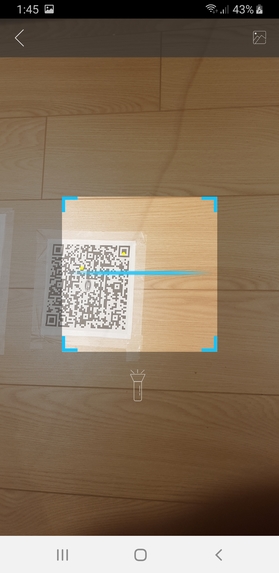
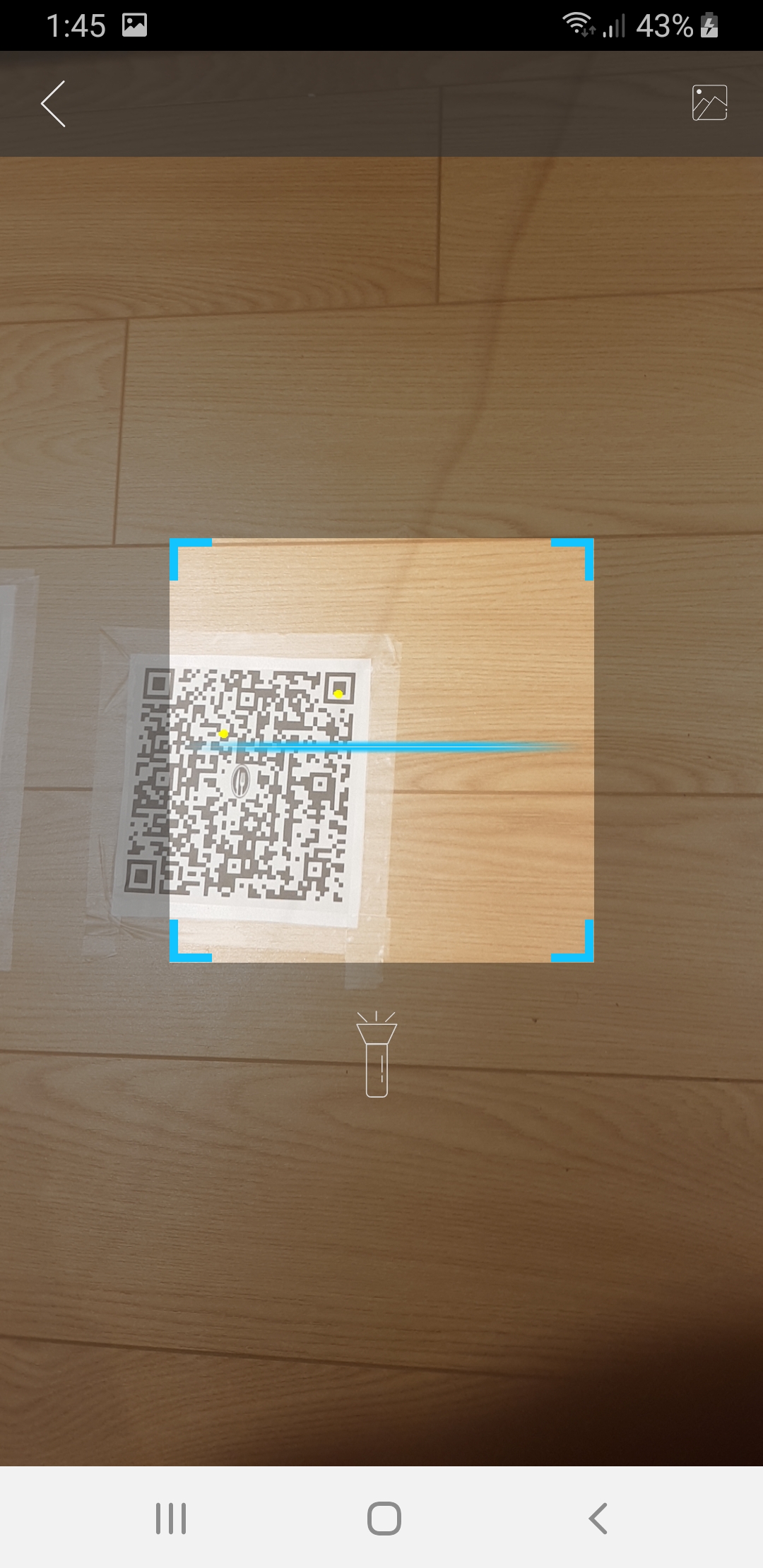
QR Scan
-
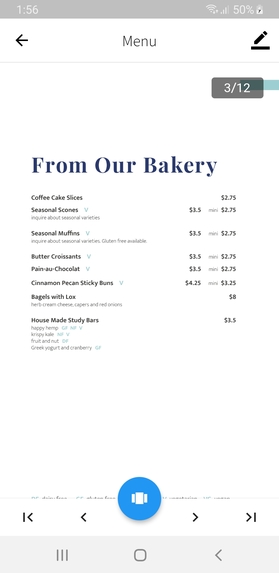
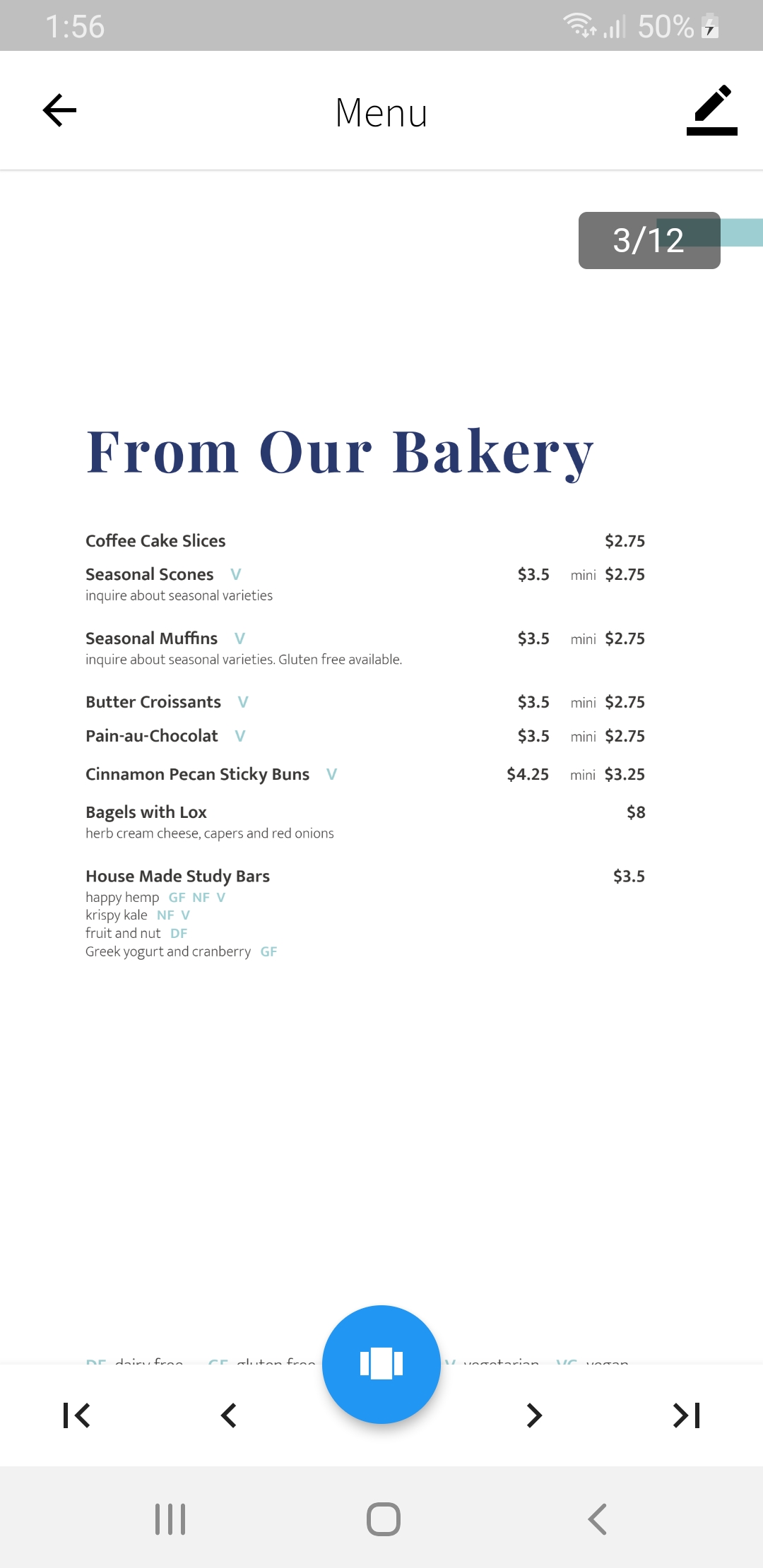
PDF Menu
-
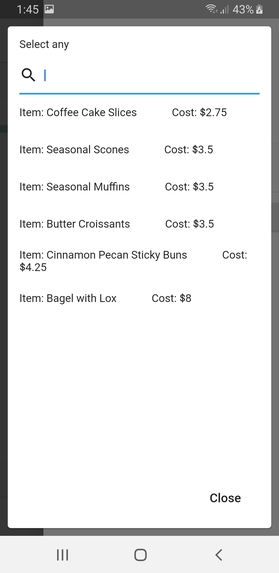
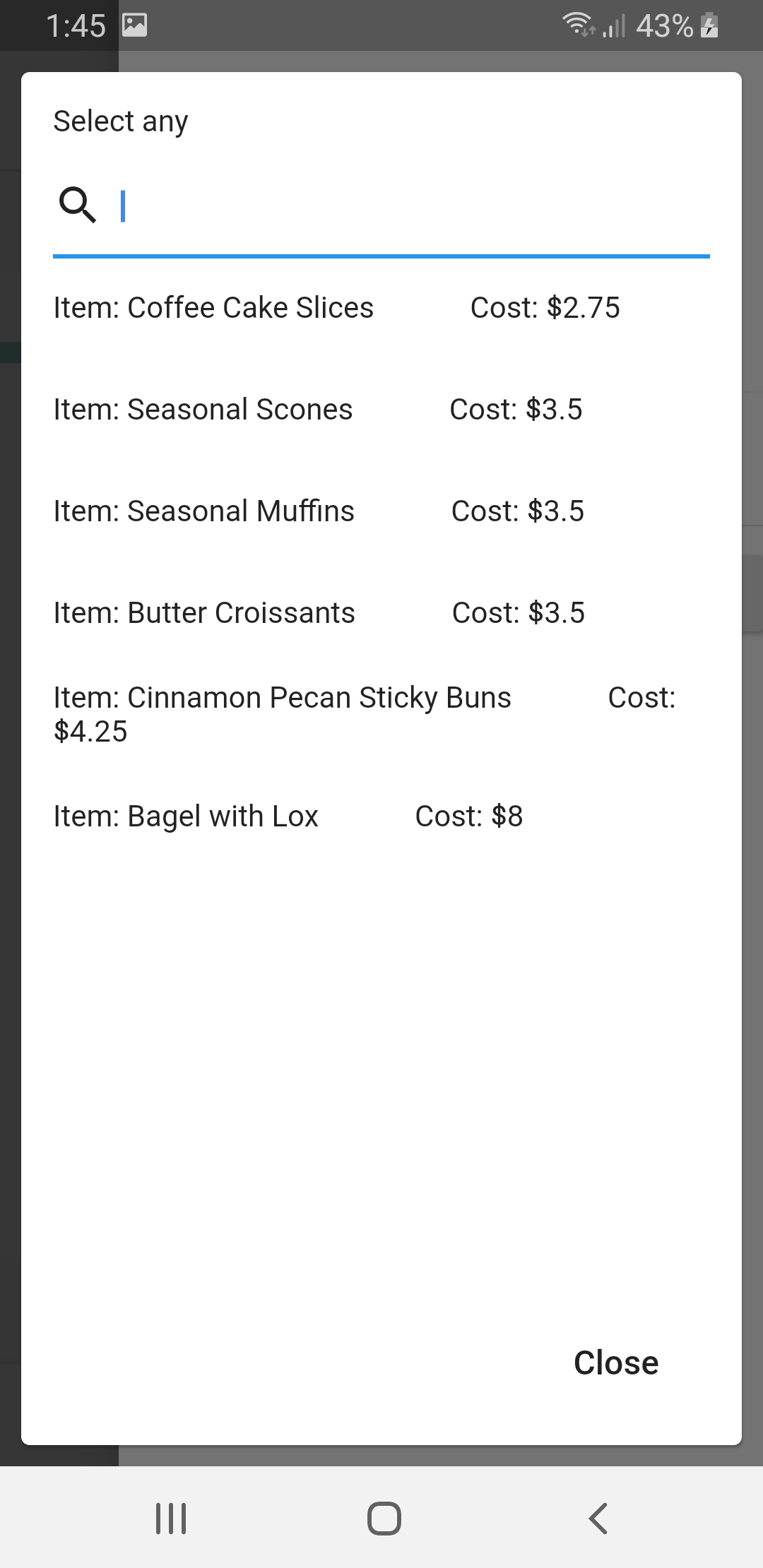
Orderable Items
-
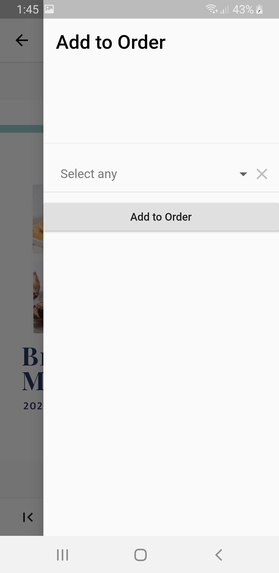
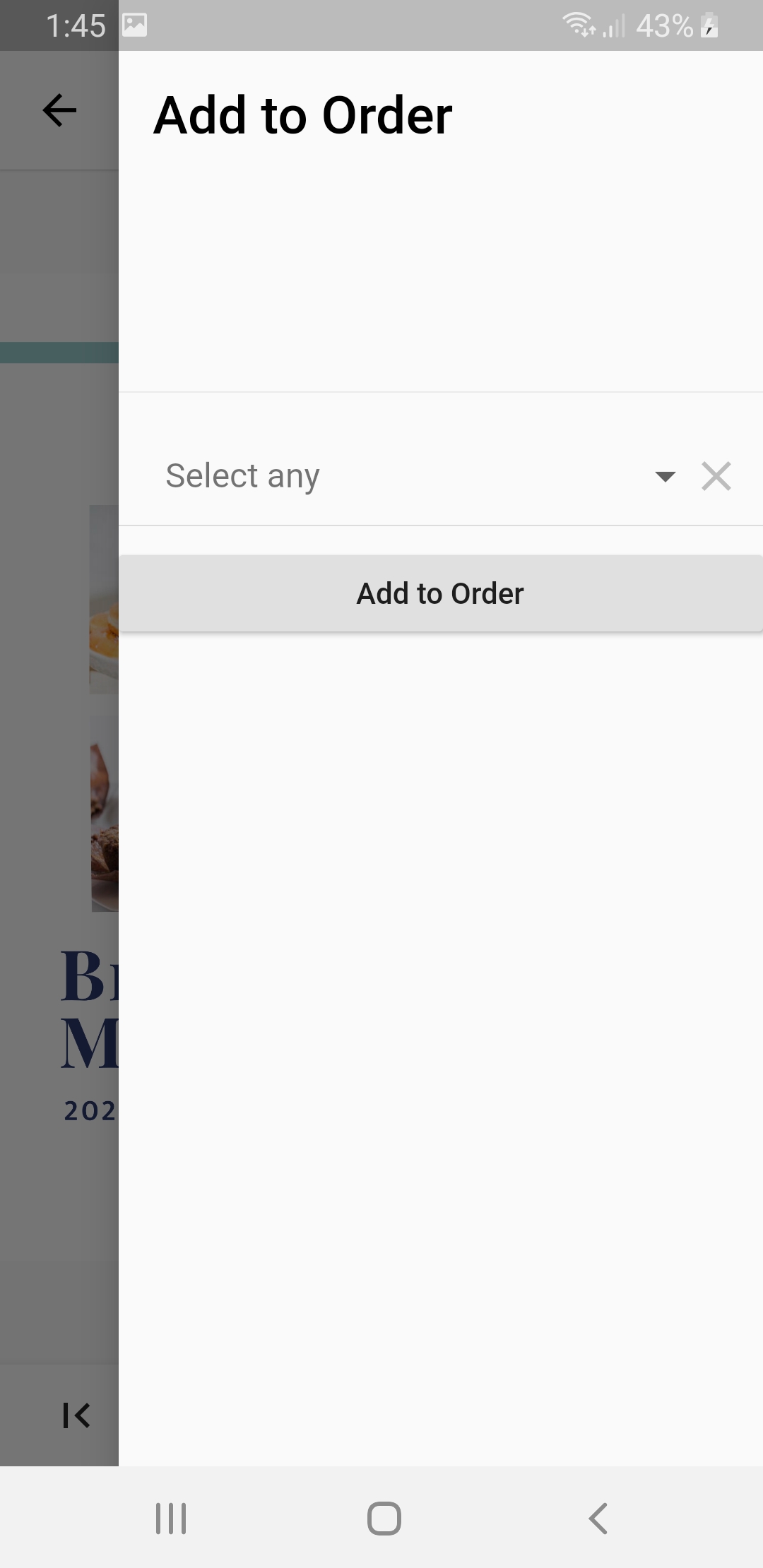
Add to Order
-
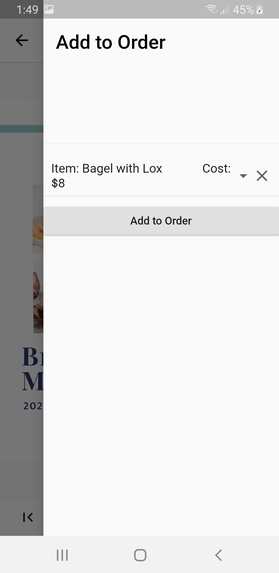
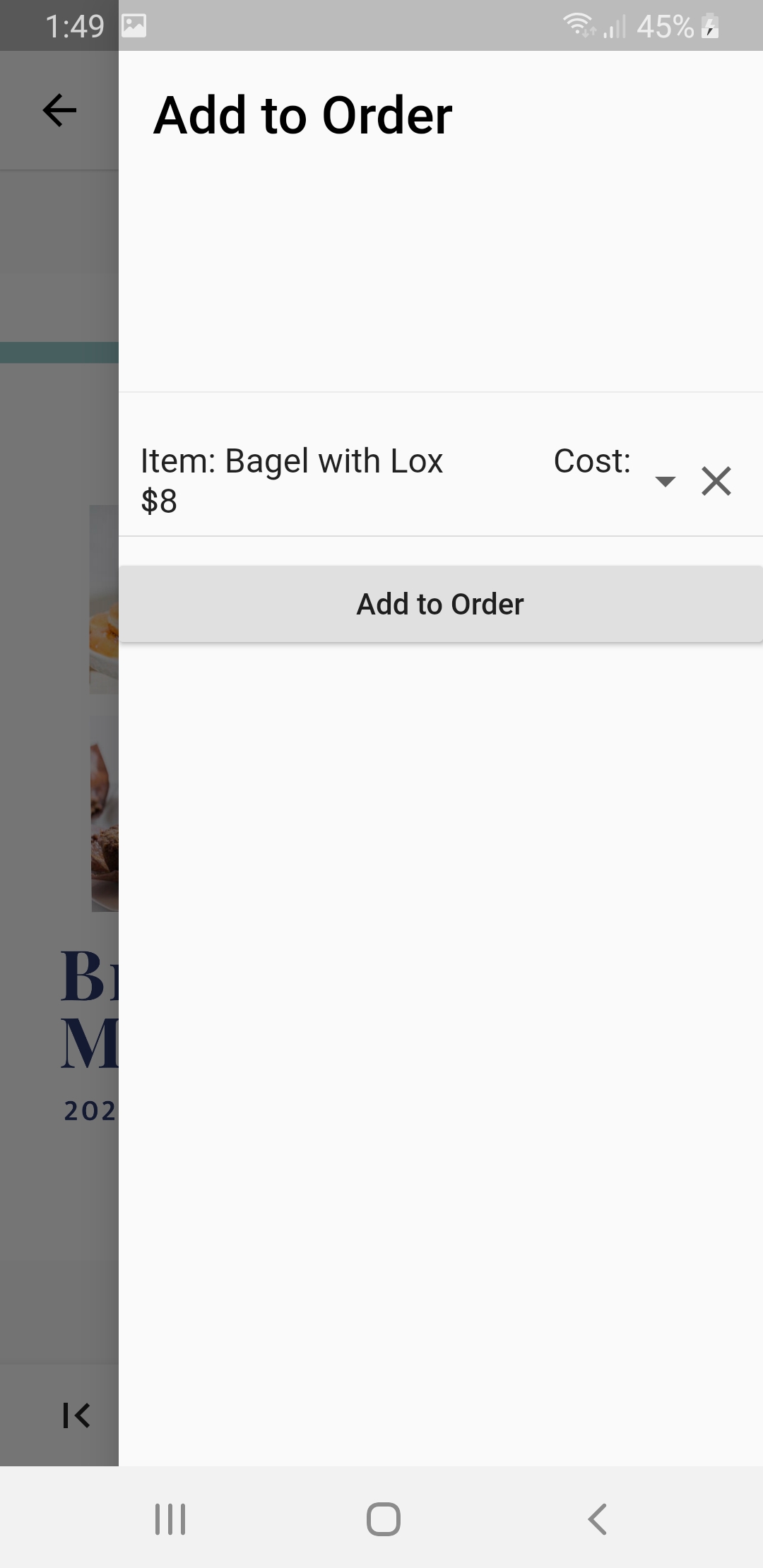
Added to Order
-
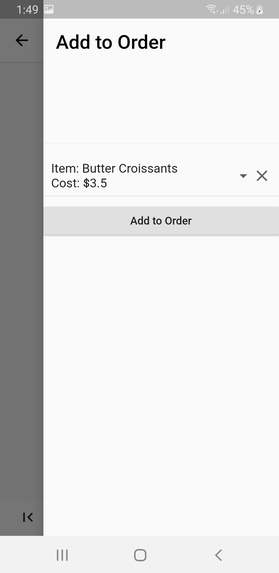
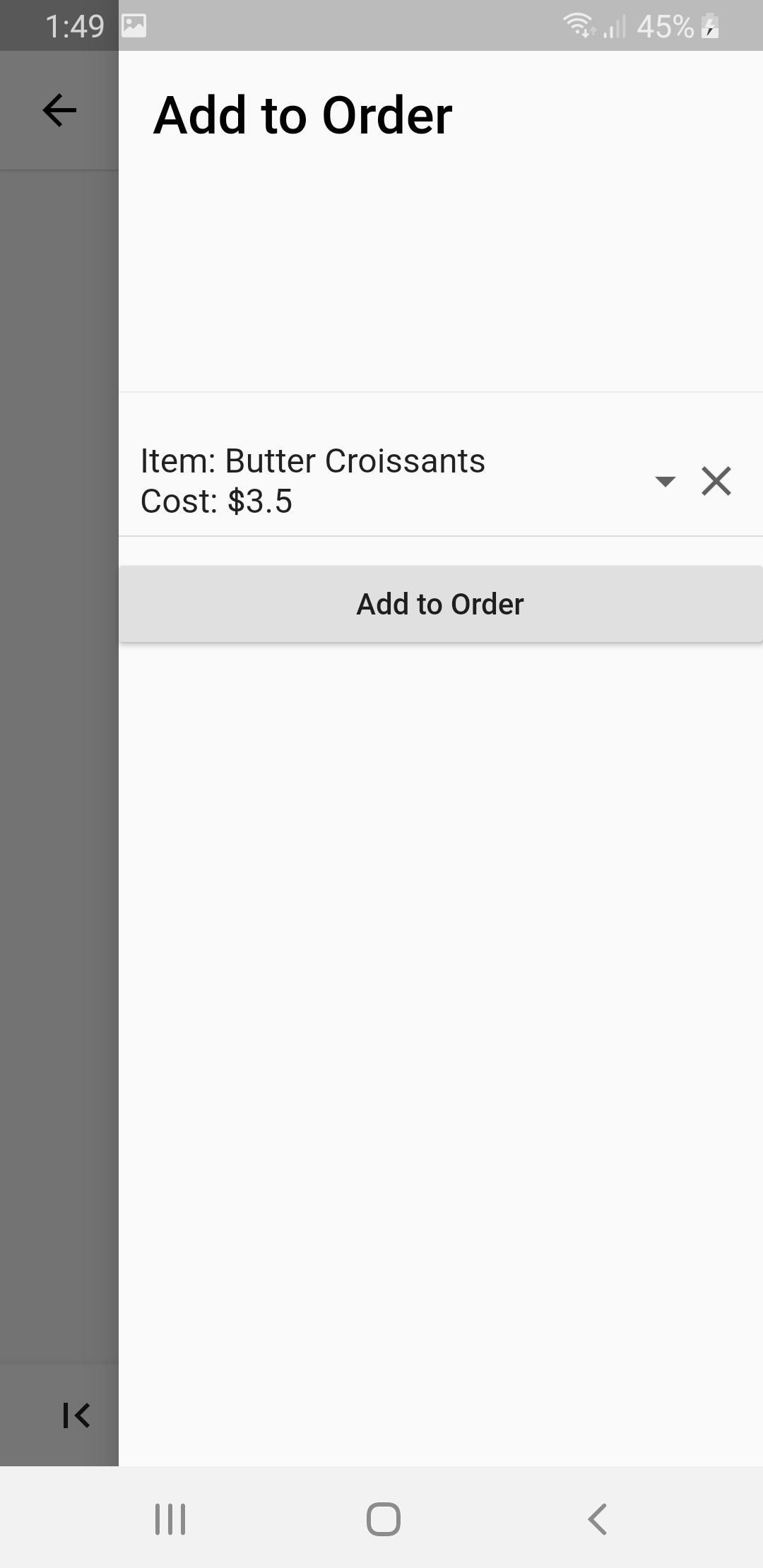
Added to Order
-
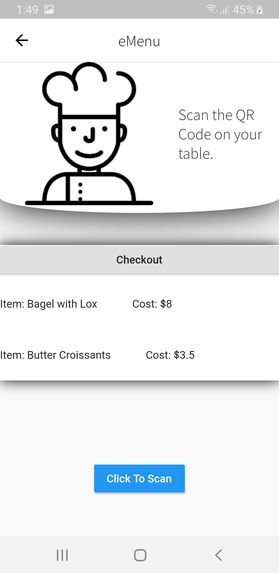
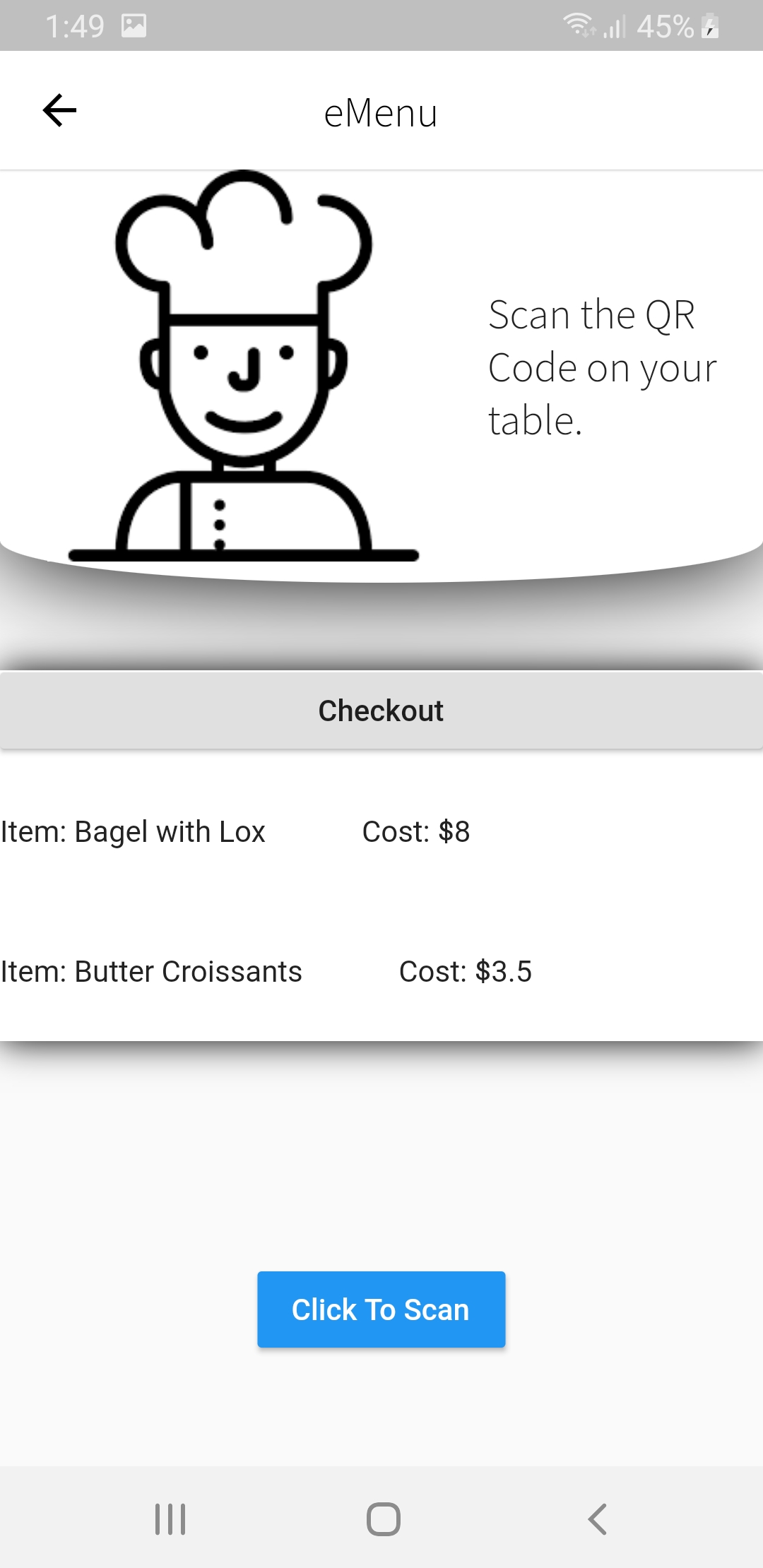
Start Checkout
-
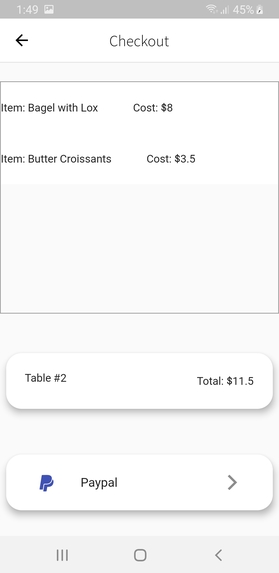
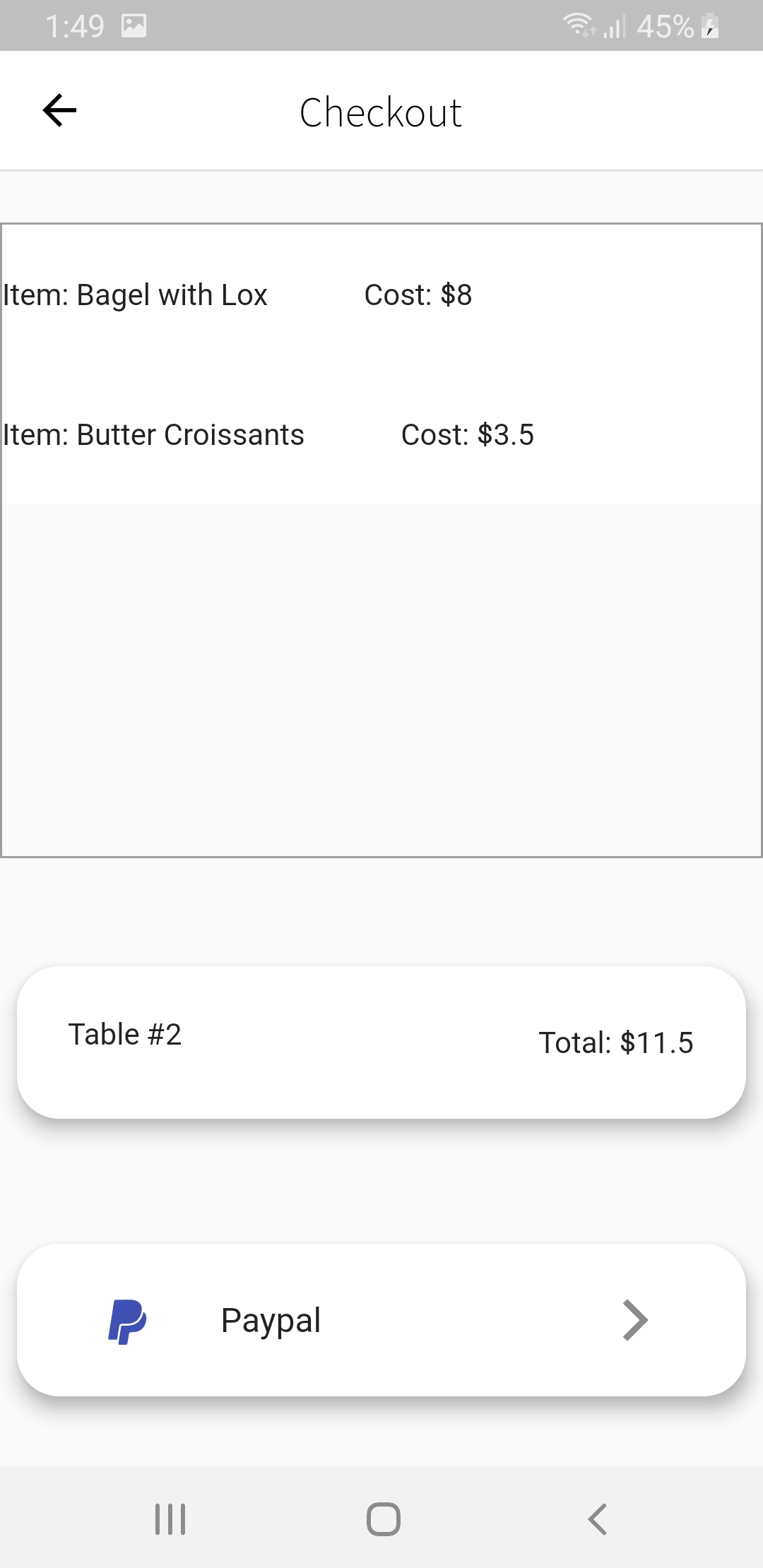
Checkout
-
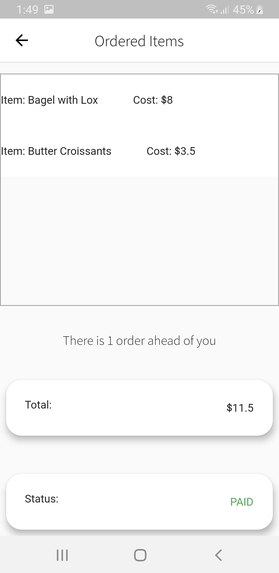
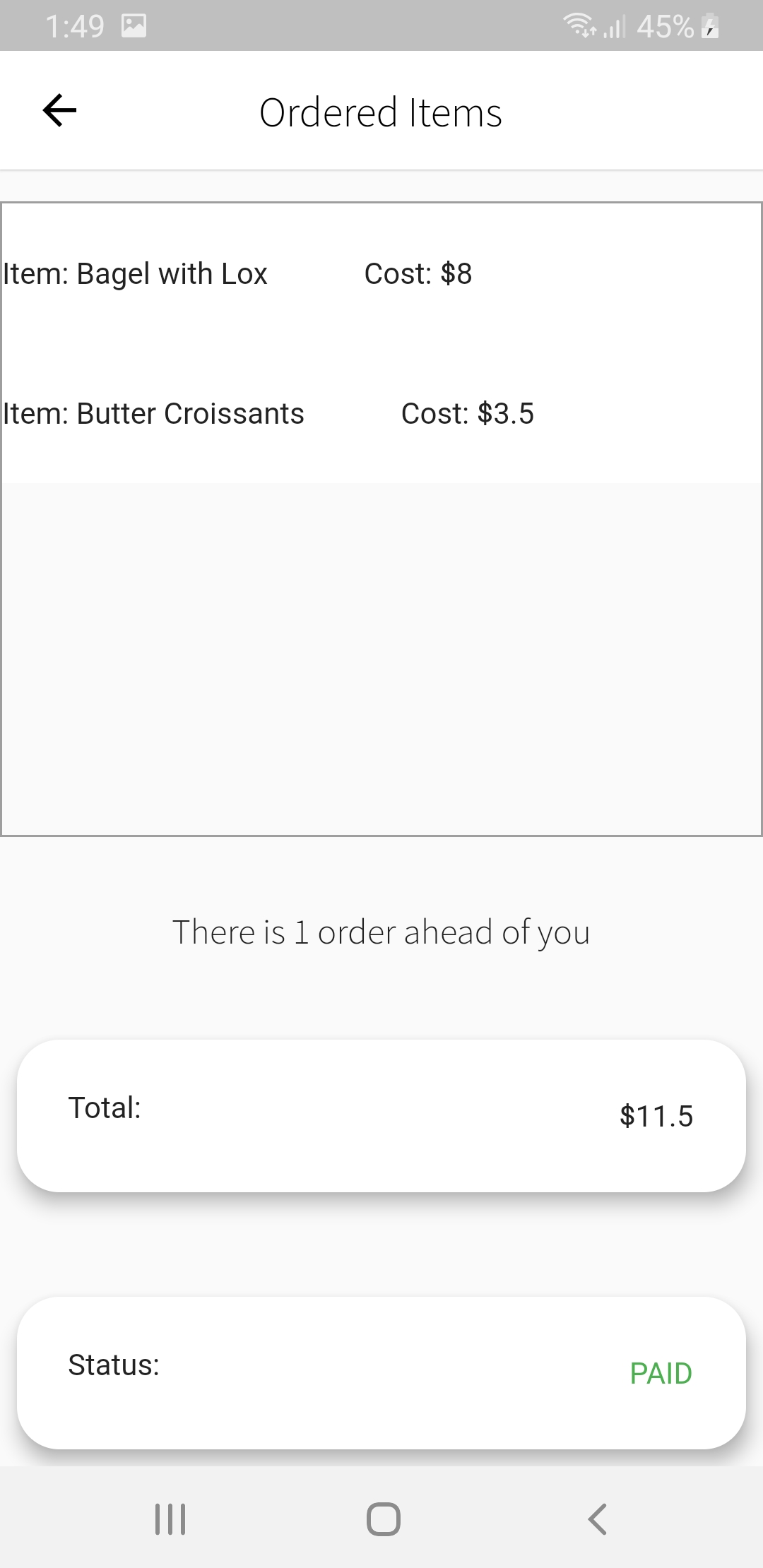
Order Processed
-
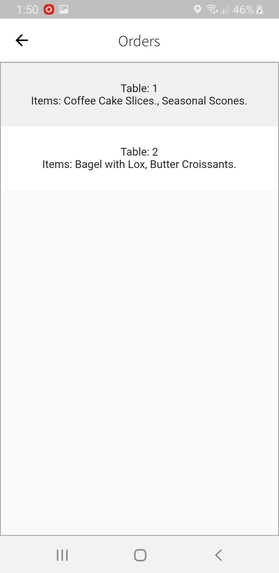
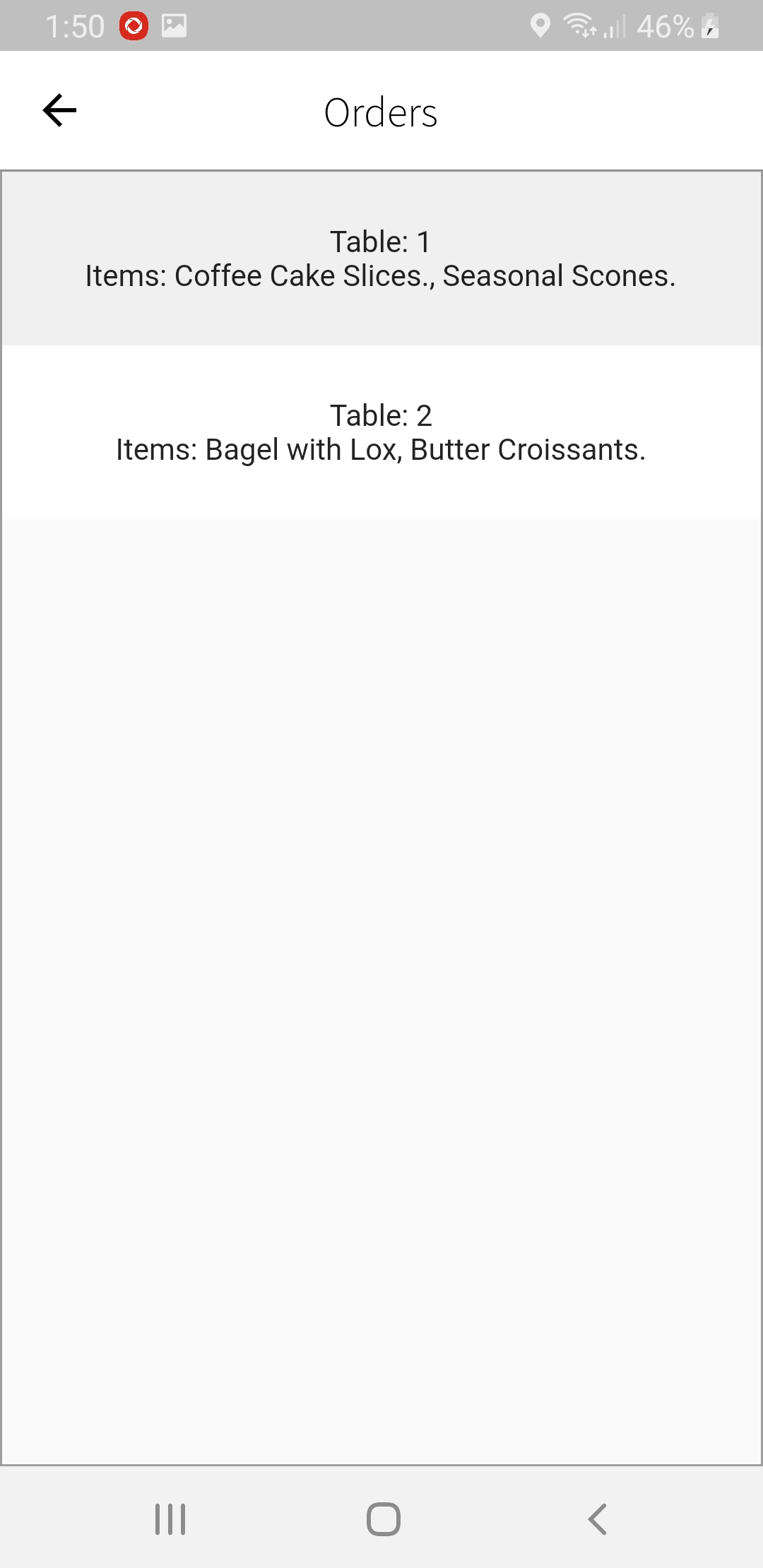
Restaurant Current Orders
-
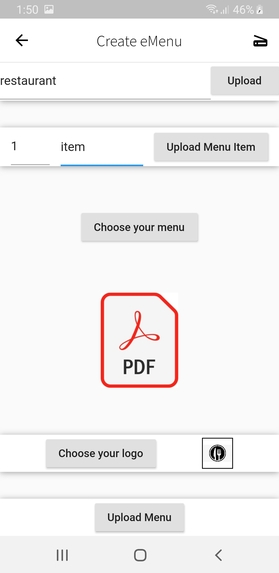
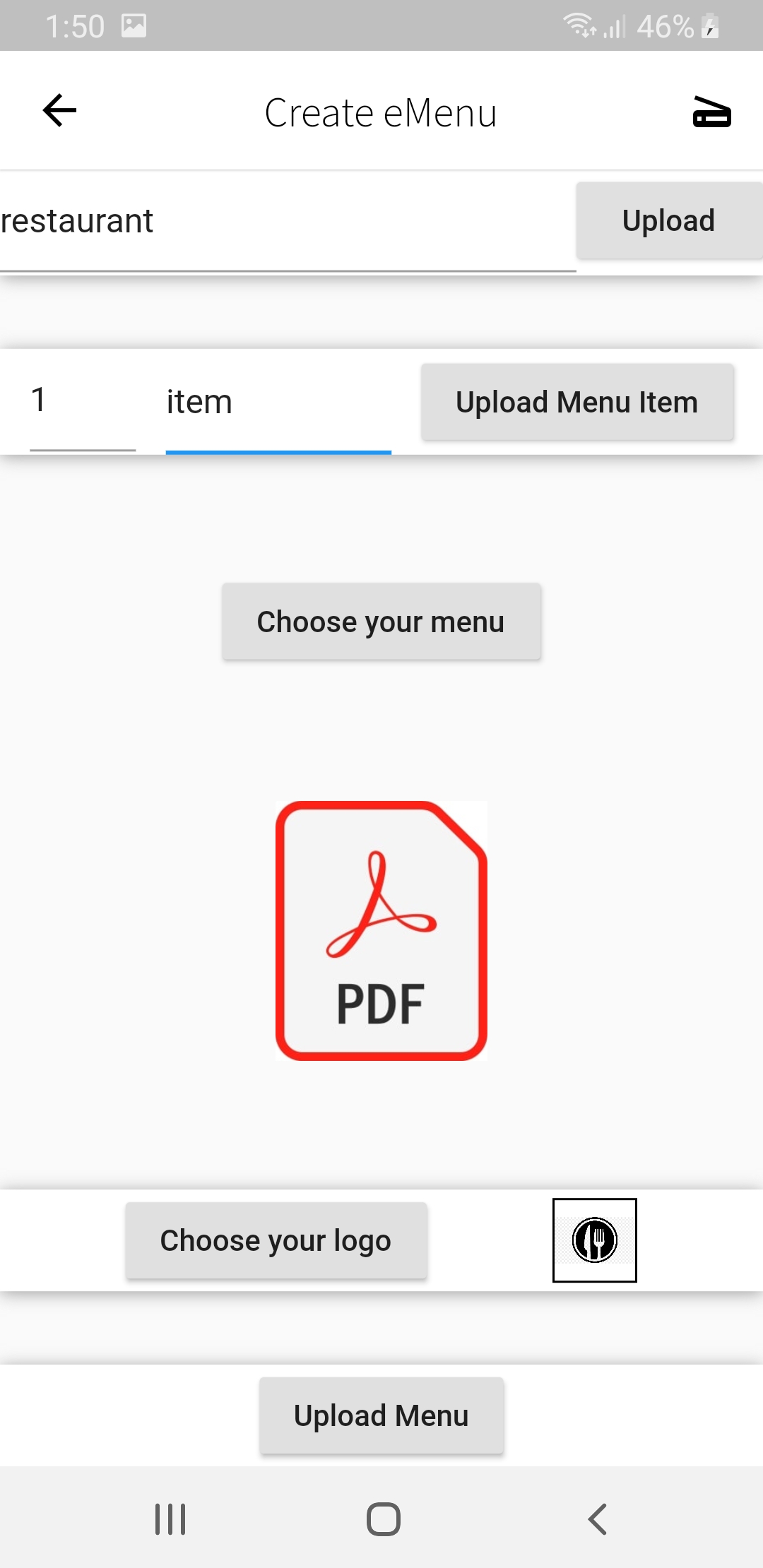
Restaurant Start Screen and Entered Values for QR Code Creation
-
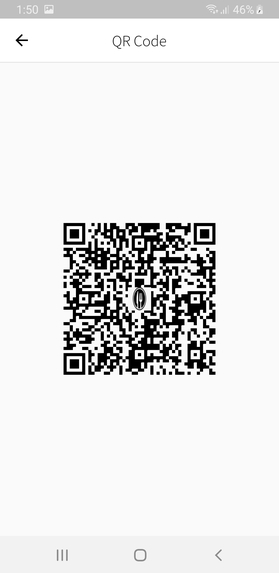
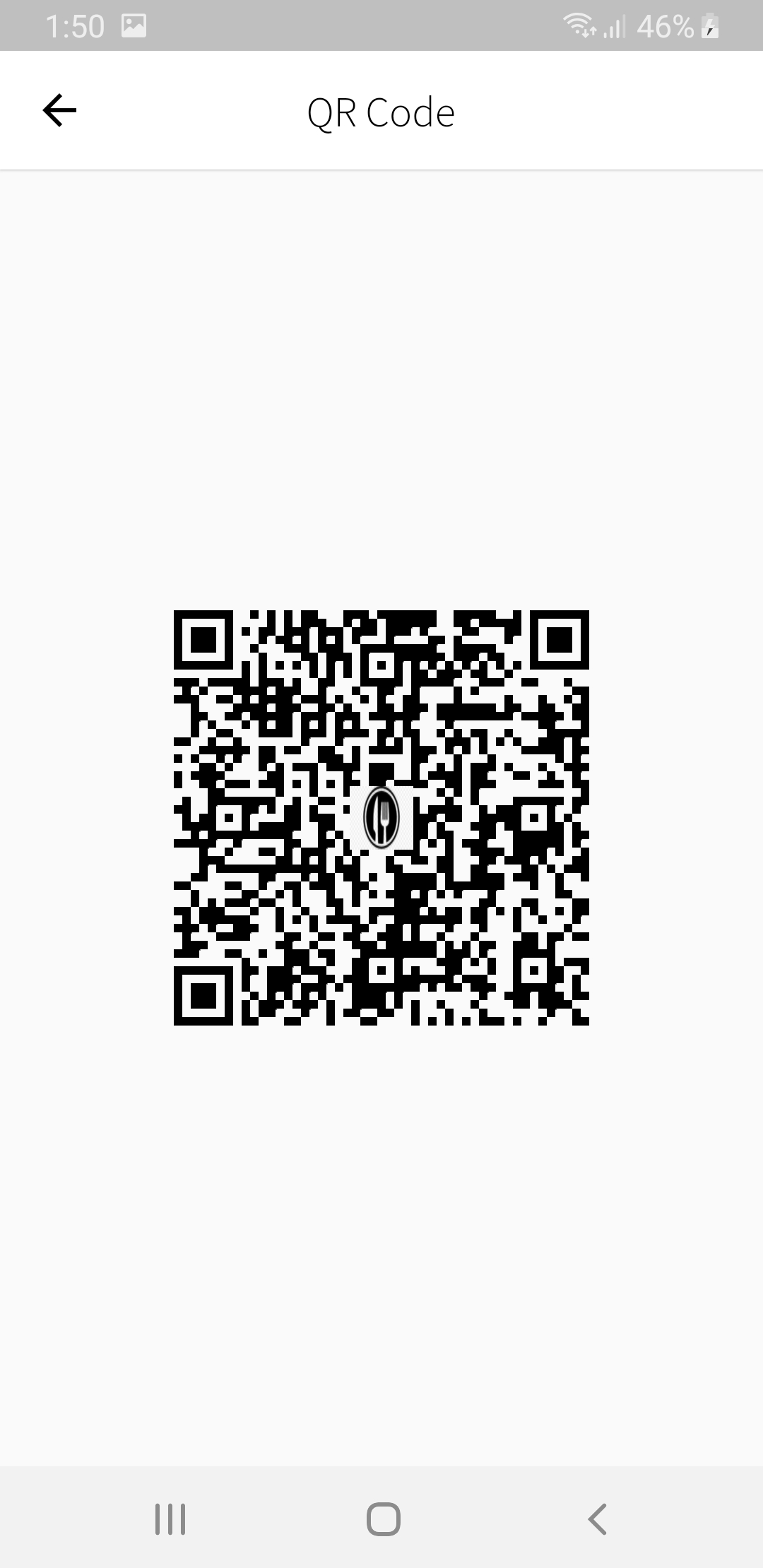
QR Code Linked to Menu and Items
-
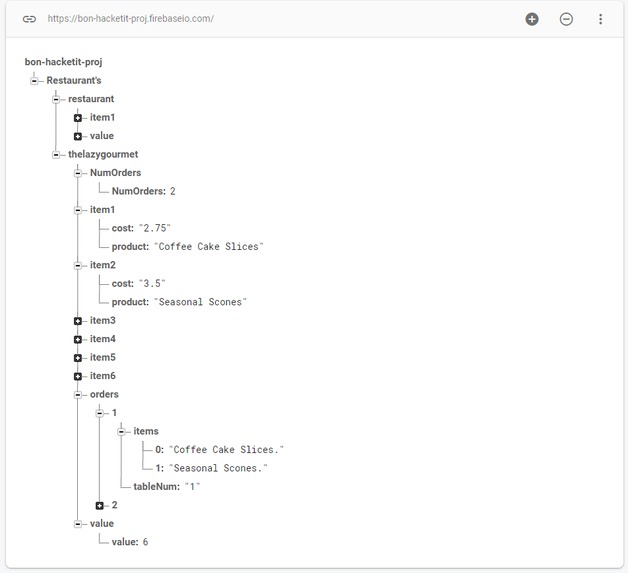
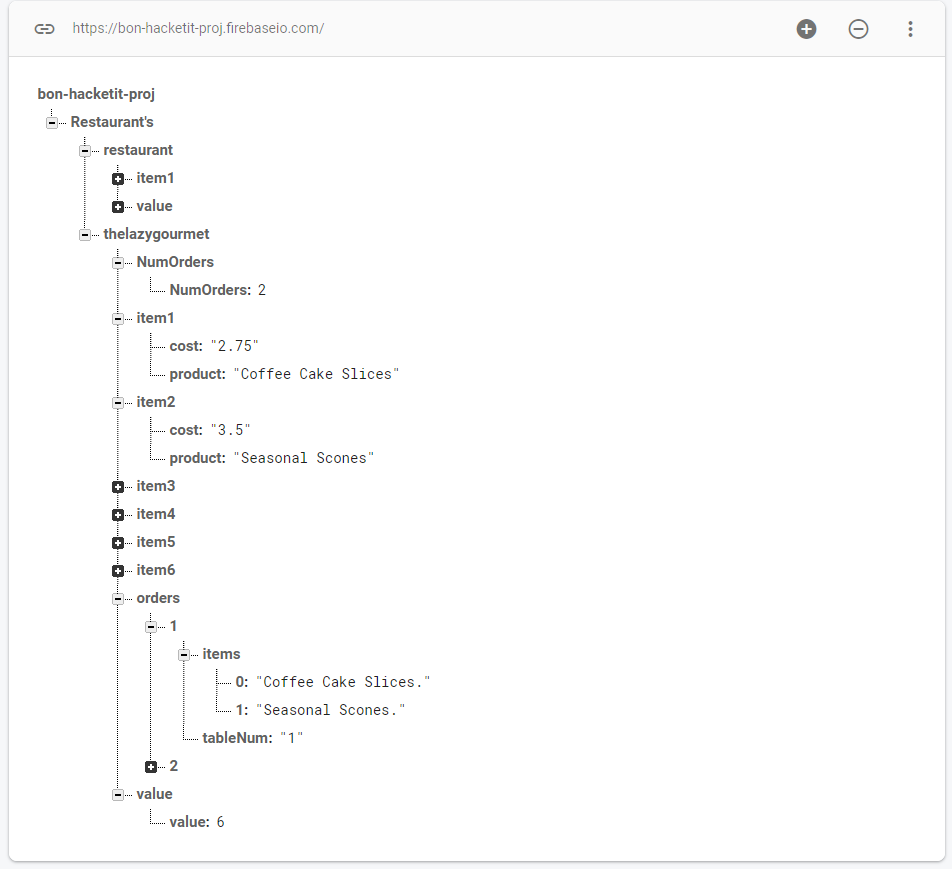
Firebase Realtime Database (Two Restaurants)
-

Firebase Firestore (Two menus)

Inspiration
Before Covid-19 hit Canada, I loved to go out to restaurants with the fellas and watch the basketball game on the TV while munching on some food. Unfortunately, that is not possible right now due to Covid-19 and the looming second wave. I also realized that many people will most likely not visit a restaurant for a while even after Covid-19 is over. I think that this is a major problem, many local restaurants will continue losing money unless they can attract customers with a safe system. This is how I came up with eMenu. With eMenu, people will be able to feel safe while eating at restaurants and I will be able to watch basketball games with the fellas again ;).
What it does
Customer: When a customer walks into a restaurant that uses eMenu, they will see table numbers and QR Codes on all of the tables. The customer can then sit down at a table, open the eMenu app, insert their table number, and scan the QR Code to open the restaurant's menu in a PDF format. The customer can then take a look at the menu and add items to their order straight from the menu screen (you can also search for specific items from the menu which will make ordering easier and faster). After adding all of the items they would like, they can then checkout and pay for their order through PayPal. The order is then sent to the kitchen and will be arriving at your table shortly!
Restaurant Owner/Manager: To generate a QR Code attached to your menu and menu items, you must upload the name of your restaurant and all of the menu items manually, you must then upload your menu in a PDF format and you may upload your restaurant's logo to be on the QR Code, then you can generate a QR Code! To view customers' orders, scan your restaurant's QR Code by clicking the scanner on the top right of the restaurant main page, it will automatically update to show new orders :).
How I built it
The app is build using Flutter and Dart
I used the Firebase Realtime Database for the database
I used Firebase Firestore to store the restaurants' menus
Challenges I ran into
This was my first time using any Firebase product, it was difficult to get the hang of at first but as I continued working with it, it continued to become easier and I started to understand it more. I feel comfortable working with Firestore and Firebase's Realtime Database.
Accomplishments that I'm proud of
I am proud of the UI that I created. I consider myself more of a backend programmer as Python is my best language so I am not very used to creating user-friendly and nice-looking UI's. But, I feel that the UI I created is quite nice looking and easy to use. I am proud of myself for this.
What I learned
Firebase Realtime Database
Firebase Firestore
Enhanced my knowledge in Dart and Flutter
What's next for eMenu
Automatically upload menu items instead of manually uploading each item
Editing orders
Password protected order viewing




Log in or sign up for Devpost to join the conversation.