-
-
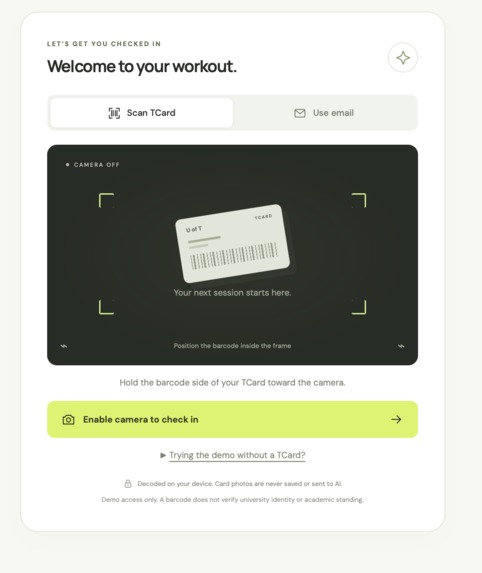
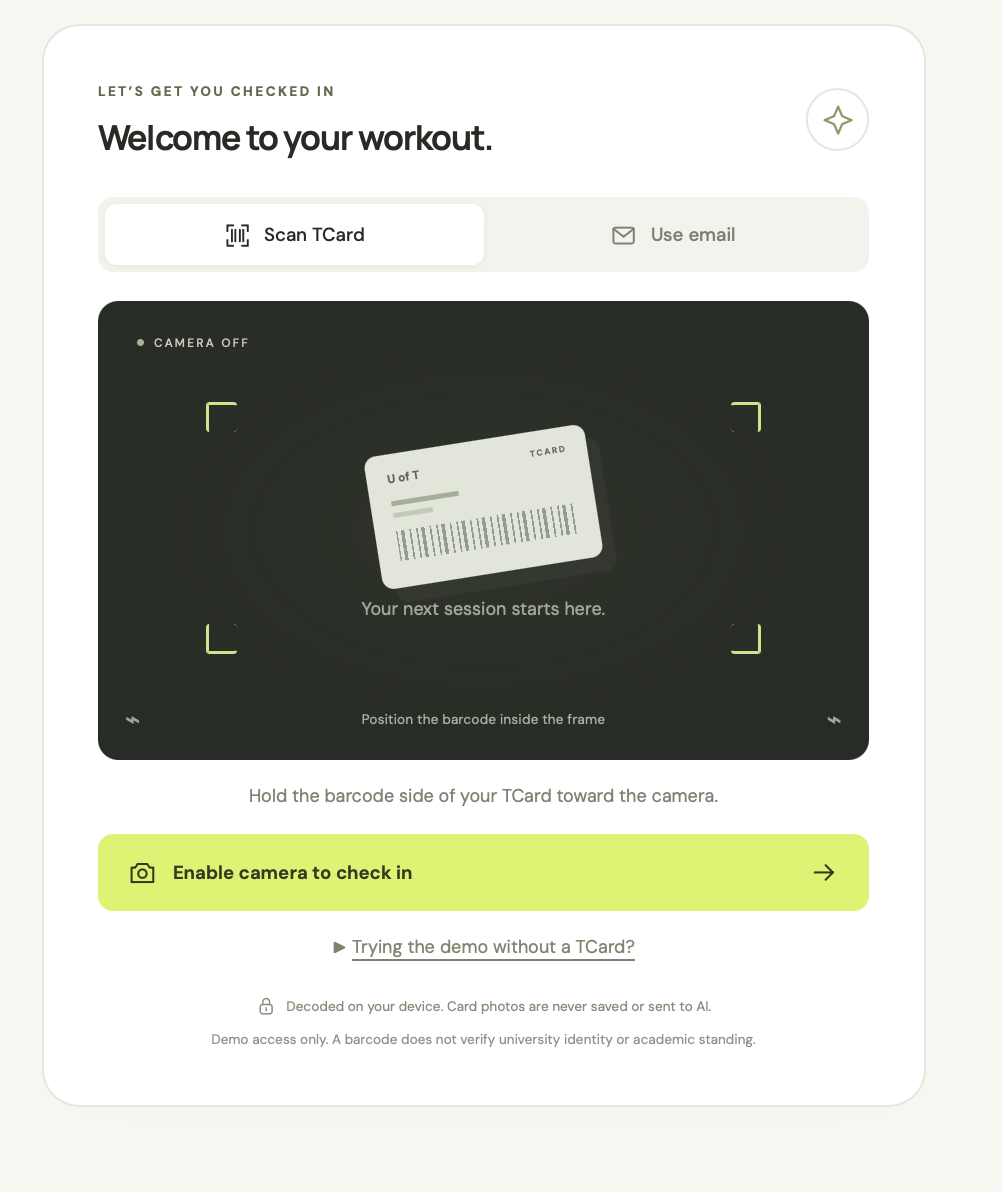
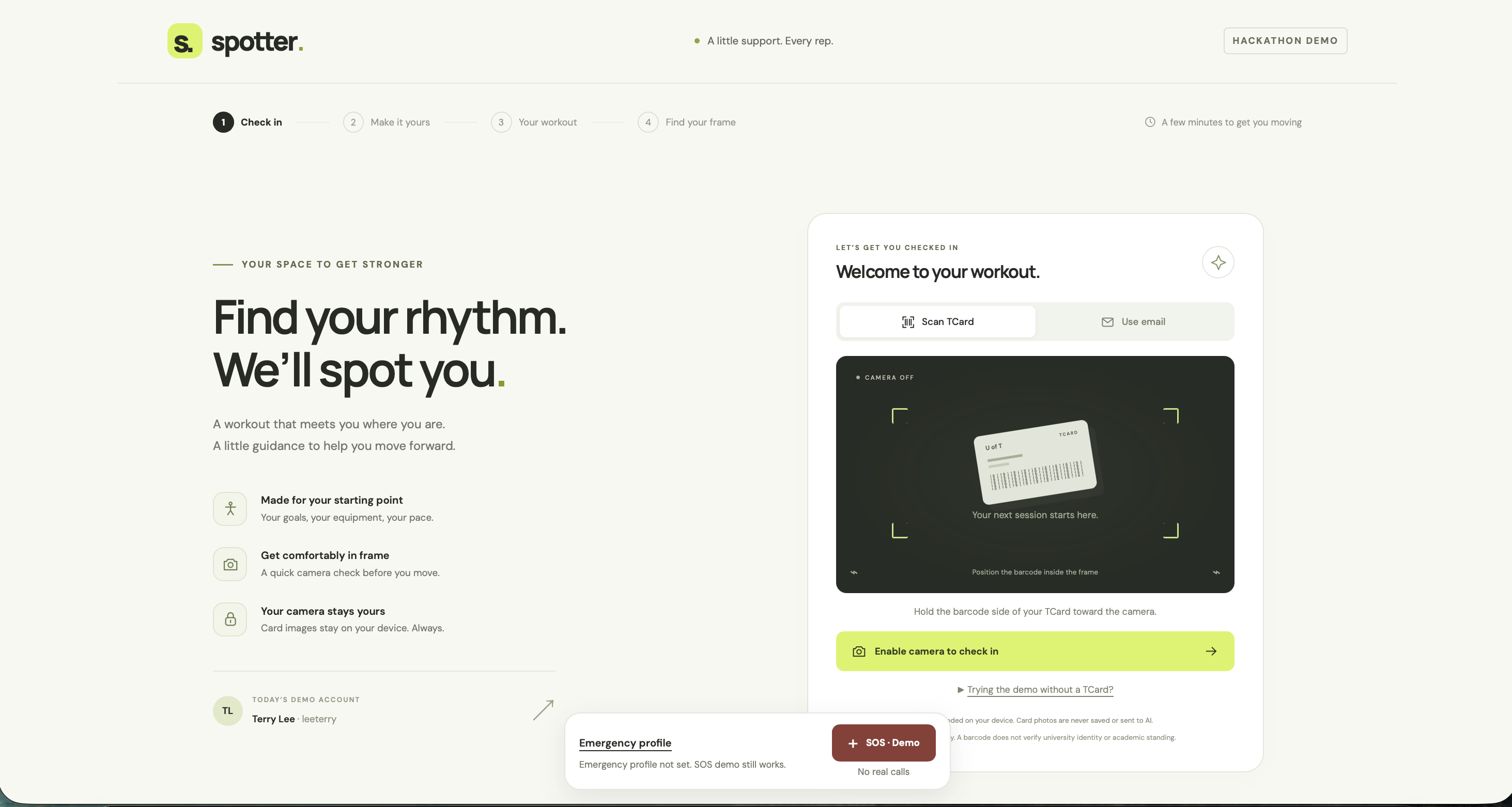
Login using T-card/Email
-
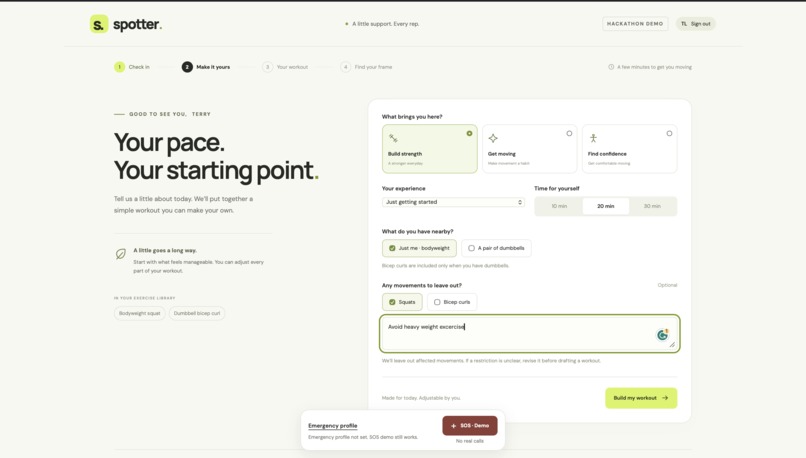
Landing Page
-
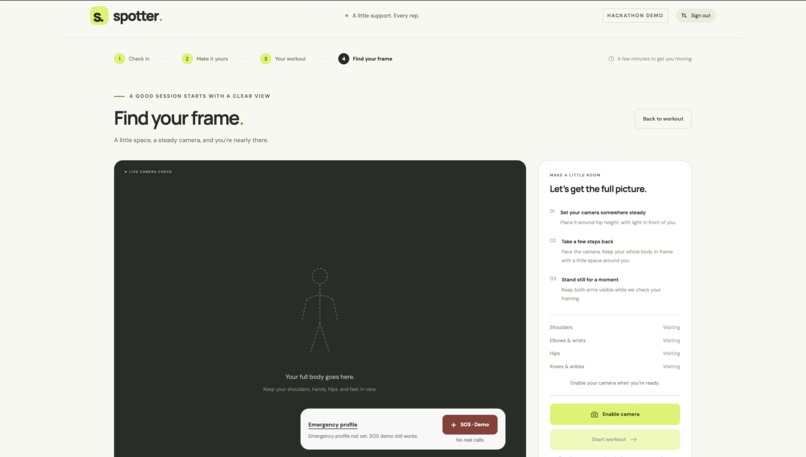
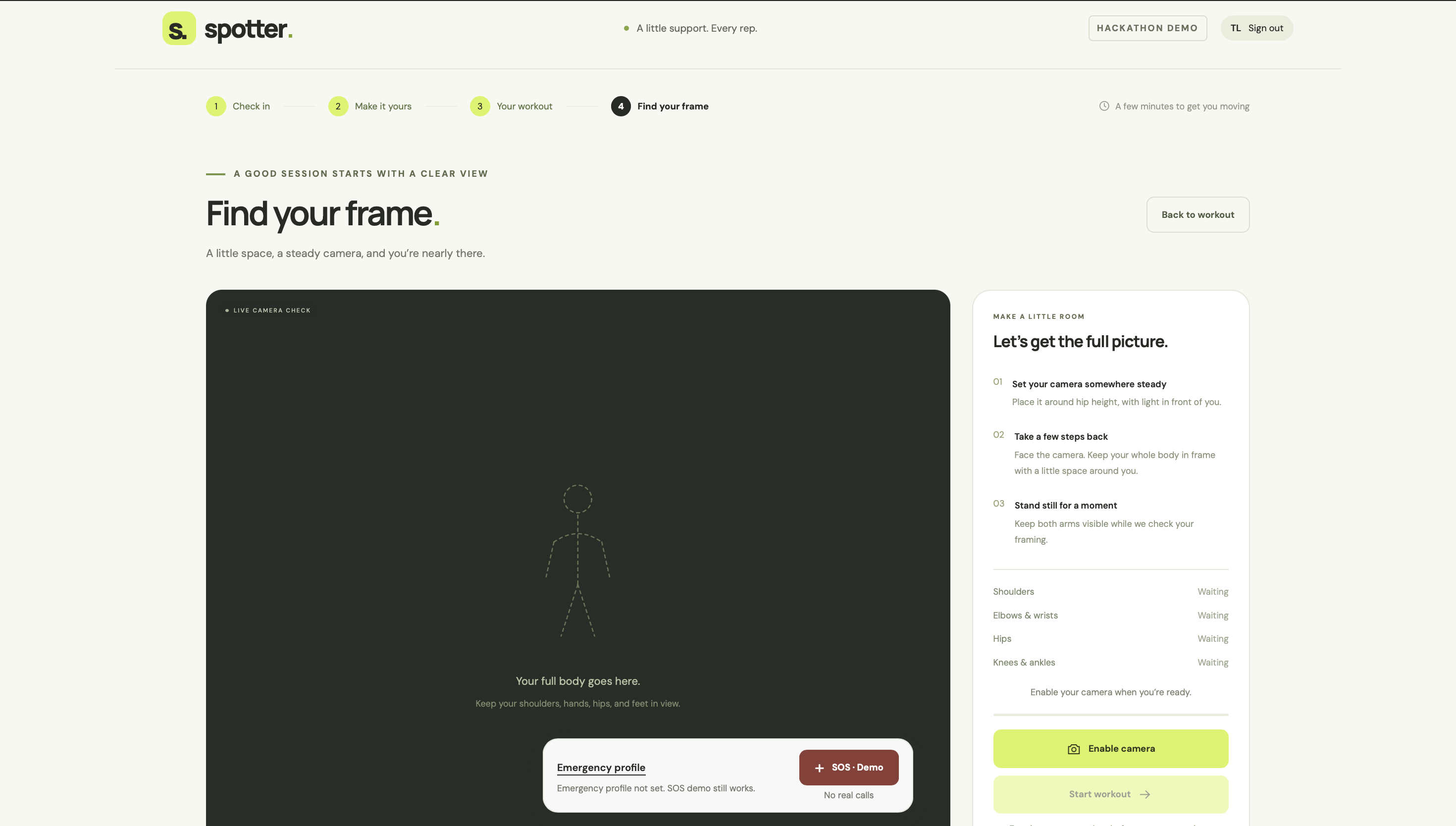
Main workout instruction page
-
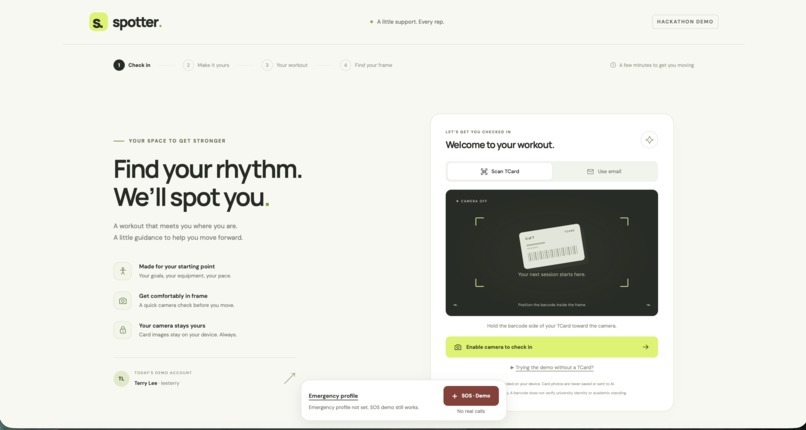
Login Page
-
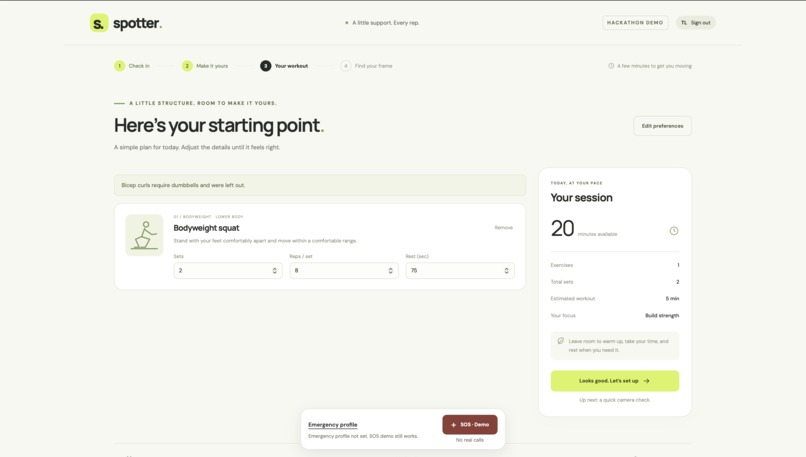
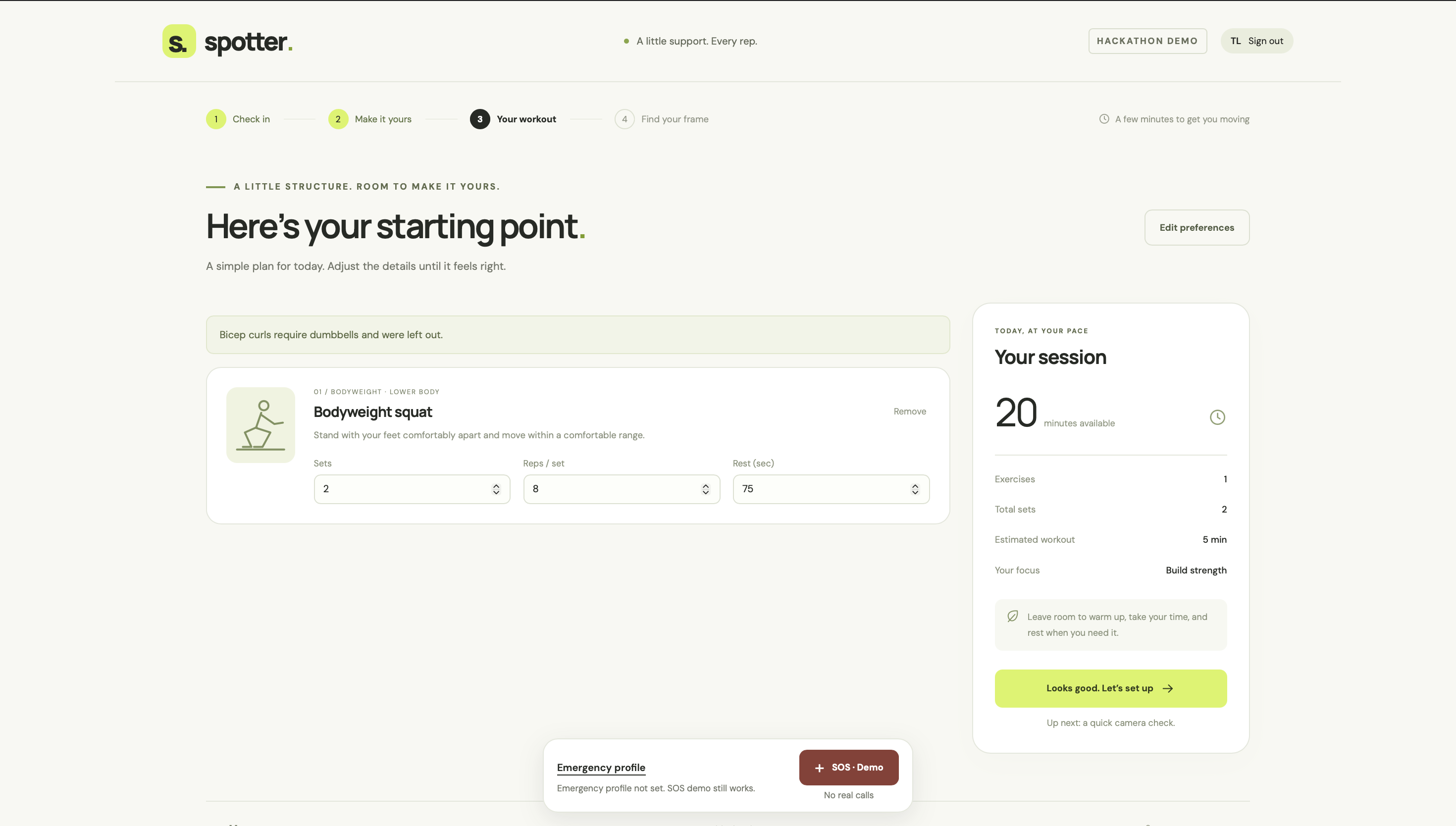
Workout selection Page
-
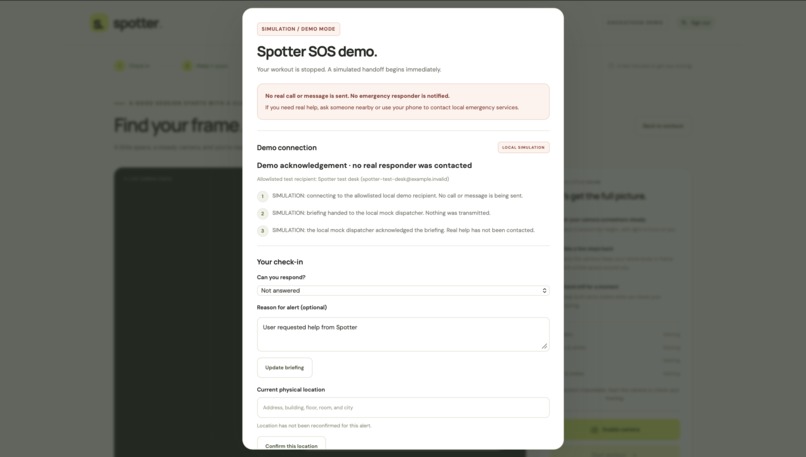
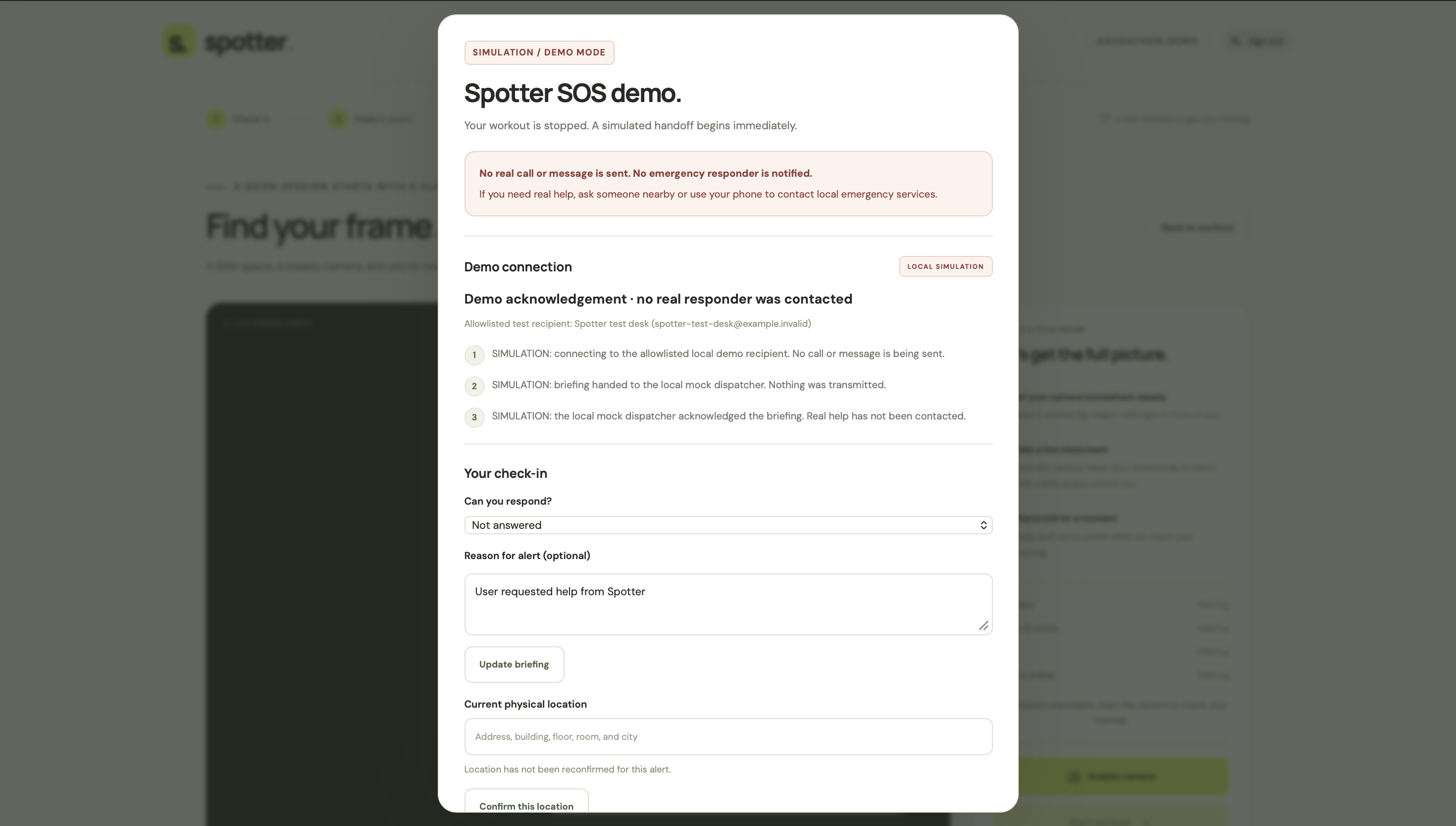
SOS Page
Inspiration
Starting a workout can bring a lot of uncertainty: What should I do? Am I completing the movement? Should I adjust the next set?
We wanted to make that experience more approachable, especially for students and beginners exercising independently. That idea became Spotter: a browser-based workout companion that combines webcam movement tracking, spoken guidance, and optional AI feedback.
Our goal is simple: a little support, every rep.
What it does
Spotter guides users from check-in to a complete workout review.
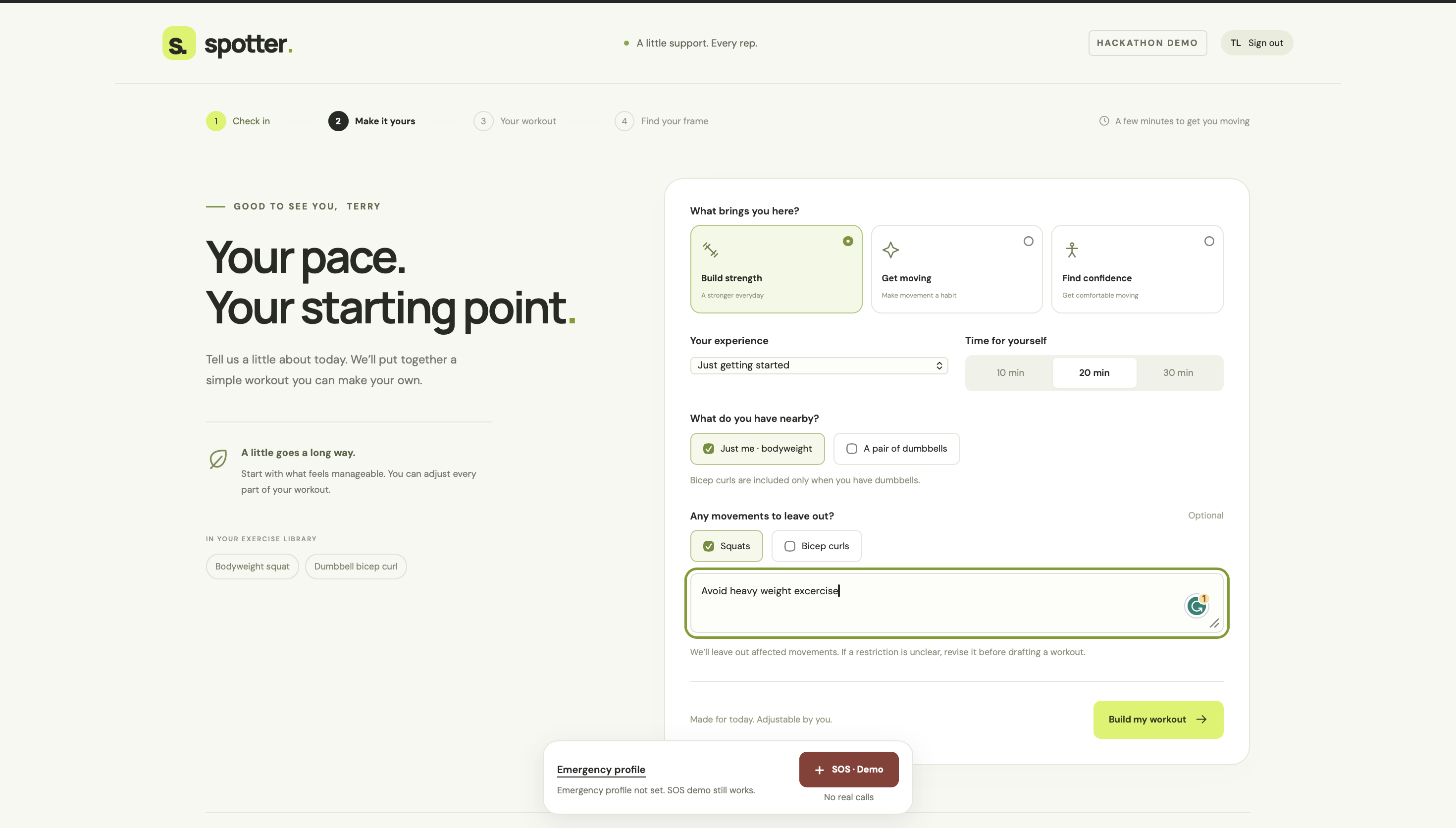
Users begin with a TCard-style demo check-in, then choose their goals, experience level, available time, equipment, and movements to avoid. Spotter drafts an editable routine from its current exercise catalog: bodyweight squats and dumbbell bicep curls.
After checking camera framing, Spotter tracks repetitions and estimates joint angles locally in the browser. It displays movement phases, rep counts, timers, and feedback about range of motion, uneven movement, and cadence. Short spoken cues help users follow along without constantly watching the screen.
After each set, users can report how it felt and optionally request a Gemini review. That review combines a selected workout image, measured movement data, and the user's feedback to produce a concise summary, two tips, and encouragement.
Separate local rules propose adjustments to the next set's repetitions and rest time. Users decide whether to accept them. Reporting pain immediately stops the current exercise without waiting for an AI response.
Optional voice commands support actions such as pausing, resuming, requesting more rest, and reporting discomfort. At the end, a session summary brings together completed reps, active workout time, form trends, and self-reported effort, with a replay of selected still-image highlights.
We also built an SOS simulation that demonstrates an immediate workout stop and a structured briefing using an optional emergency profile. It is clearly marked as a demo and does not contact emergency services or send messages.
How we built it
We built the backend with Python and Flask, and the interface with HTML, CSS, and JavaScript.
MediaPipe Pose Landmarker estimates body landmarks in the browser. Our movement engine calculates joint angles from three-dimensional landmarks and follows each exercise through its movement phases to count completed repetitions.
ZXing supports barcode scanning for the demo check-in. Browser speech synthesis delivers spoken cues, while optional speech recognition enables voice commands.
For post-set coaching, Flask sends an explicitly submitted workout image and supporting data to the Google Gemini API. Pydantic validates the response structure, and Pillow validates images and removes metadata before submission. If Gemini is unavailable, the application provides clearly labeled local guidance.
Card scanning and live pose processing stay on-device. Workout images are sent for AI review only when the user requests it.
Challenges we ran into
Turning changing pose estimates into reliable application behavior was a major challenge. We added stable-framing checks, movement thresholds, and timing rules so jitter, incomplete movements, and lost visibility would not produce extra repetitions.
Selecting the right review image was another challenge. We paired measurements with the exact frame used for inference and retained a representative image from the completed rep with the highest form-fault score.
We also had to coordinate cameras, microphones, spoken cues, and asynchronous AI requests. Pausing, leaving the page, or reporting pain must cancel the right work, and a delayed coaching response must never revive an interrupted session.
Accomplishments we're proud of
We connected workout planning, live tracking, feedback, adaptation, and session review into one working flow.
We also built 411 passing automated tests covering movement logic, API validation, voice controls, cancellation, privacy boundaries, and the emergency simulation.
What we learned
We learned that useful coaching requires both movement evidence and the user's own experience. Camera estimates alone cannot tell us how a set felt.
We also learned how much real-time applications depend on handling interruptions well. Clear fallback states, explicit consent, and predictable pause-and-resume behavior are central to the experience.
What's next for Spotter
Our next priorities are testing across more devices, camera positions, and lighting conditions; refining movement thresholds through evaluation; and expanding the exercise catalog.
We would also like to explore optional saved progress with clear retention controls and improve voice support across browsers. The current movement feedback remains a prototype, and the SOS feature remains a simulation.


Log in or sign up for Devpost to join the conversation.