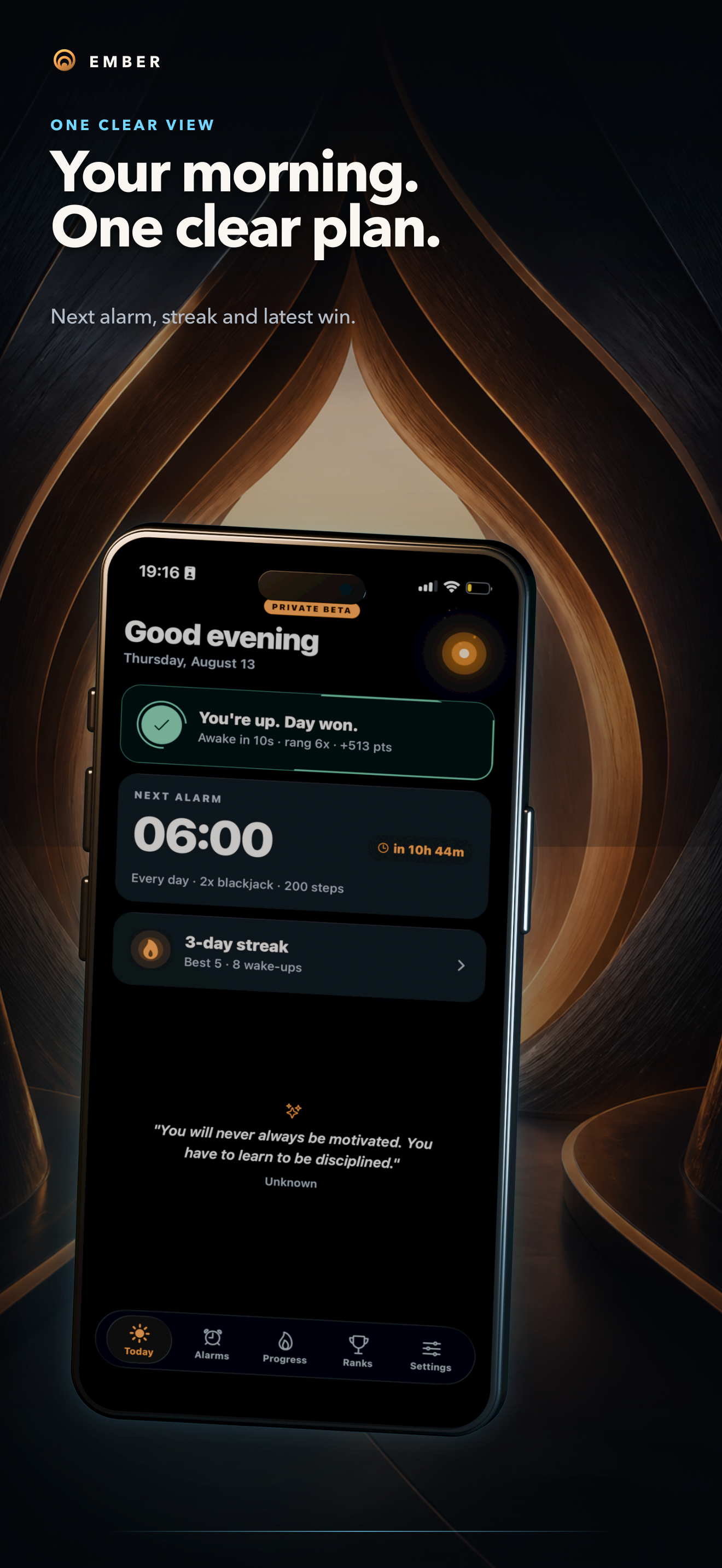

Ember: the alarm that does not give up
Inspiration
I built Ember because I could silence a normal alarm without ever becoming properly awake. Sometimes I would snooze it repeatedly. Other times I would press a volume or lock button, fall back asleep, and barely remember doing it.
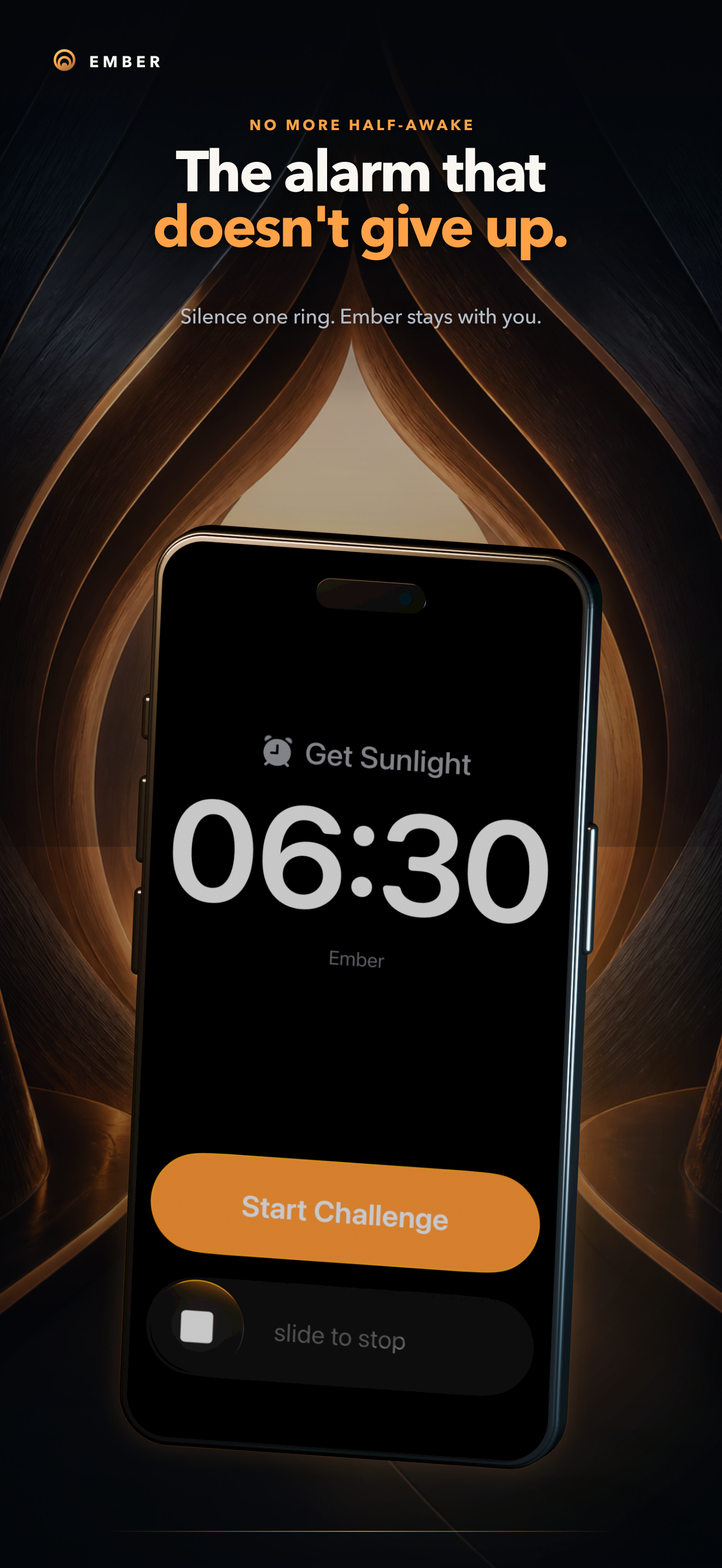
Existing challenge alarms proved that stronger wake-up checks can help, but they often feel stressful, dated, or unnecessarily punishing. I wanted an alarm that was difficult to ignore while still feeling calm, thoughtful, and rewarding to use.
That led to Ember: a wake-up system that keeps trying until you prove you are awake.
What Ember does
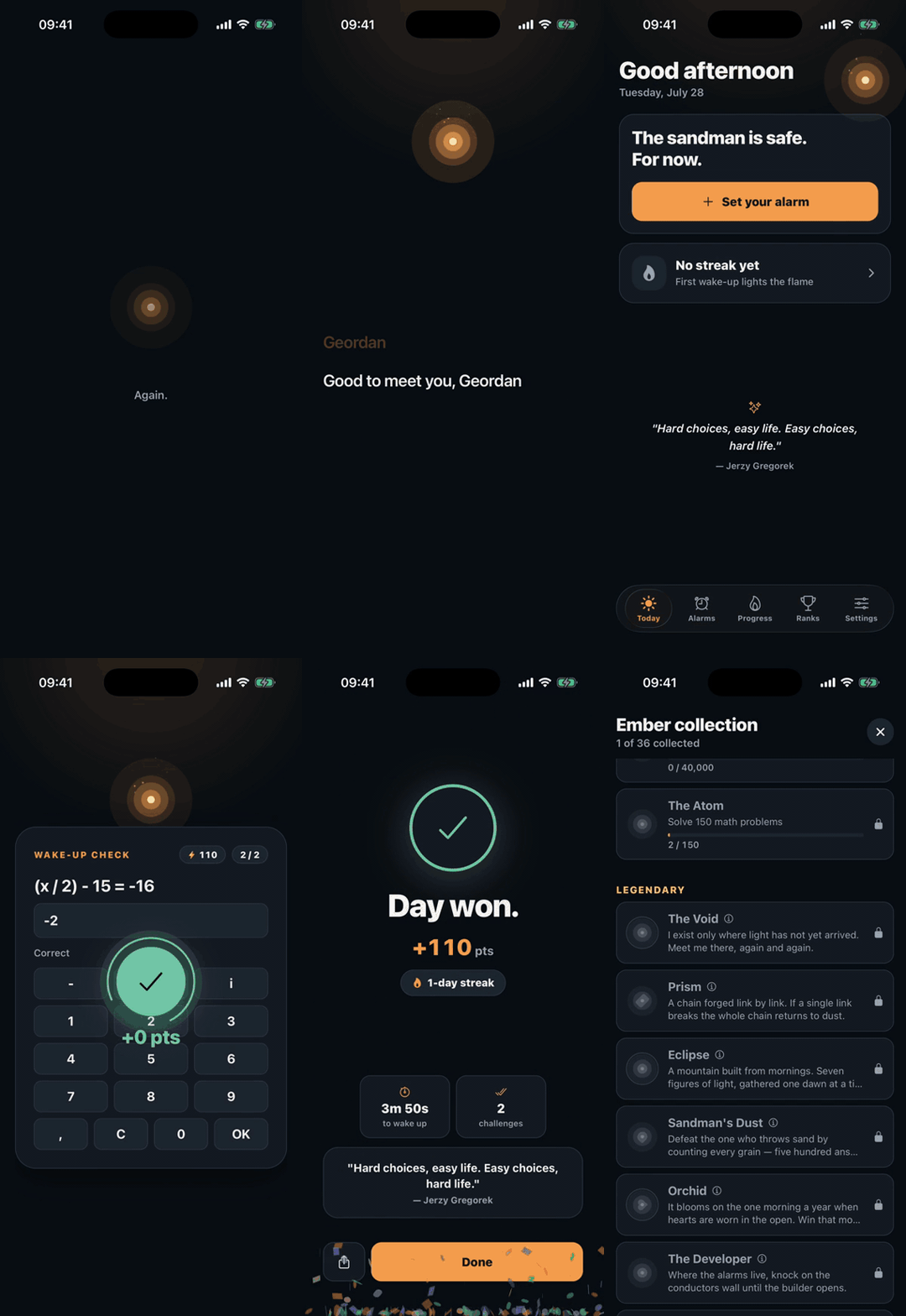
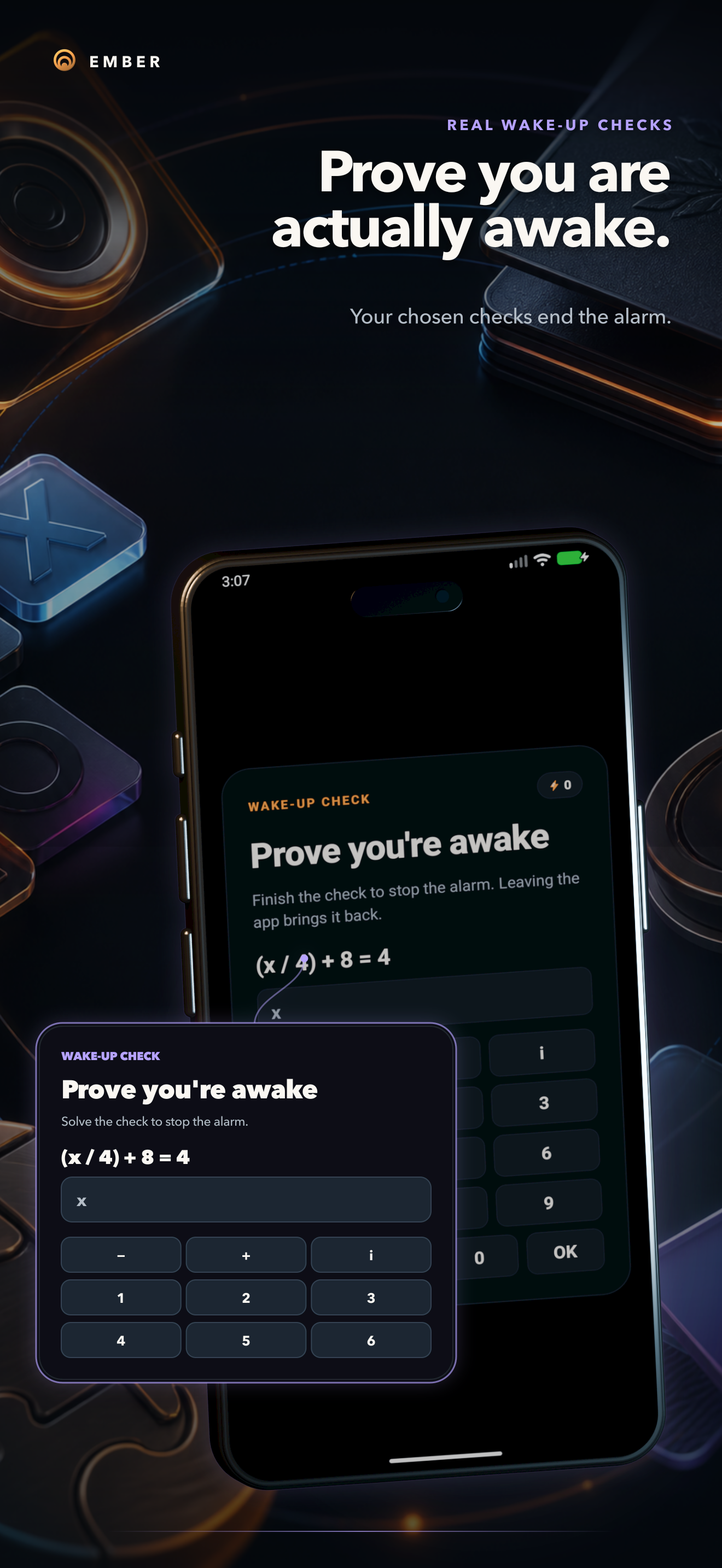
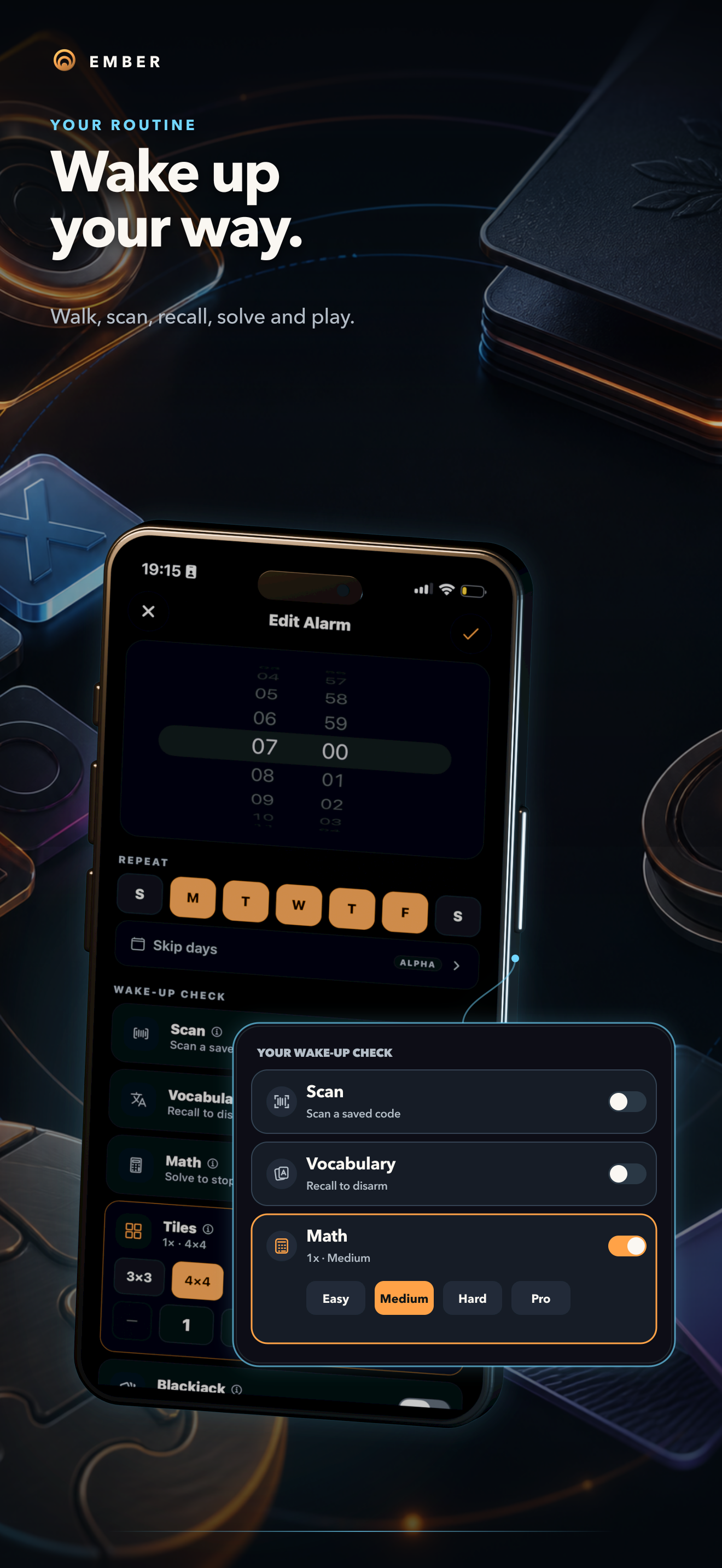
Each alarm can have its own wake-up routine. Users can scan a saved QR code, recall vocabulary, solve a math problem, complete a tile puzzle, play blackjack, or walk a chosen number of steps.
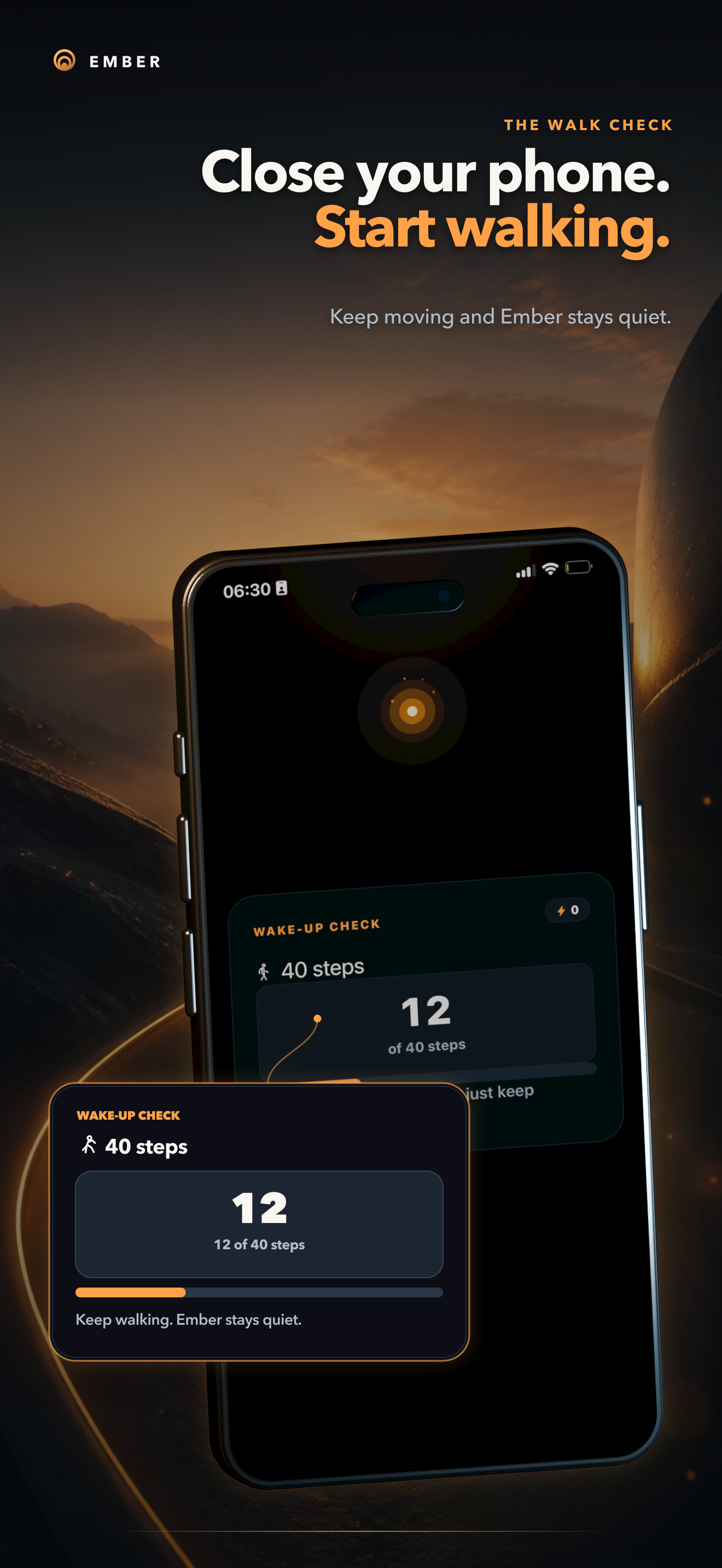
The walking challenge became one of Ember's defining features. You can lock your phone and start walking. As long as Ember detects recent movement, it stays quiet. If you stop before completing the challenge, the alarm returns.
Ember also watches for inactivity while a challenge is open. It first asks whether you are snoozing, then resumes the alarm if there is no response. Silencing a ringing alarm with the lock or volume button does not end the wake-up session.
To make better mornings feel rewarding, Ember includes:
- Multiple alarms with individual schedules and wake-up checks
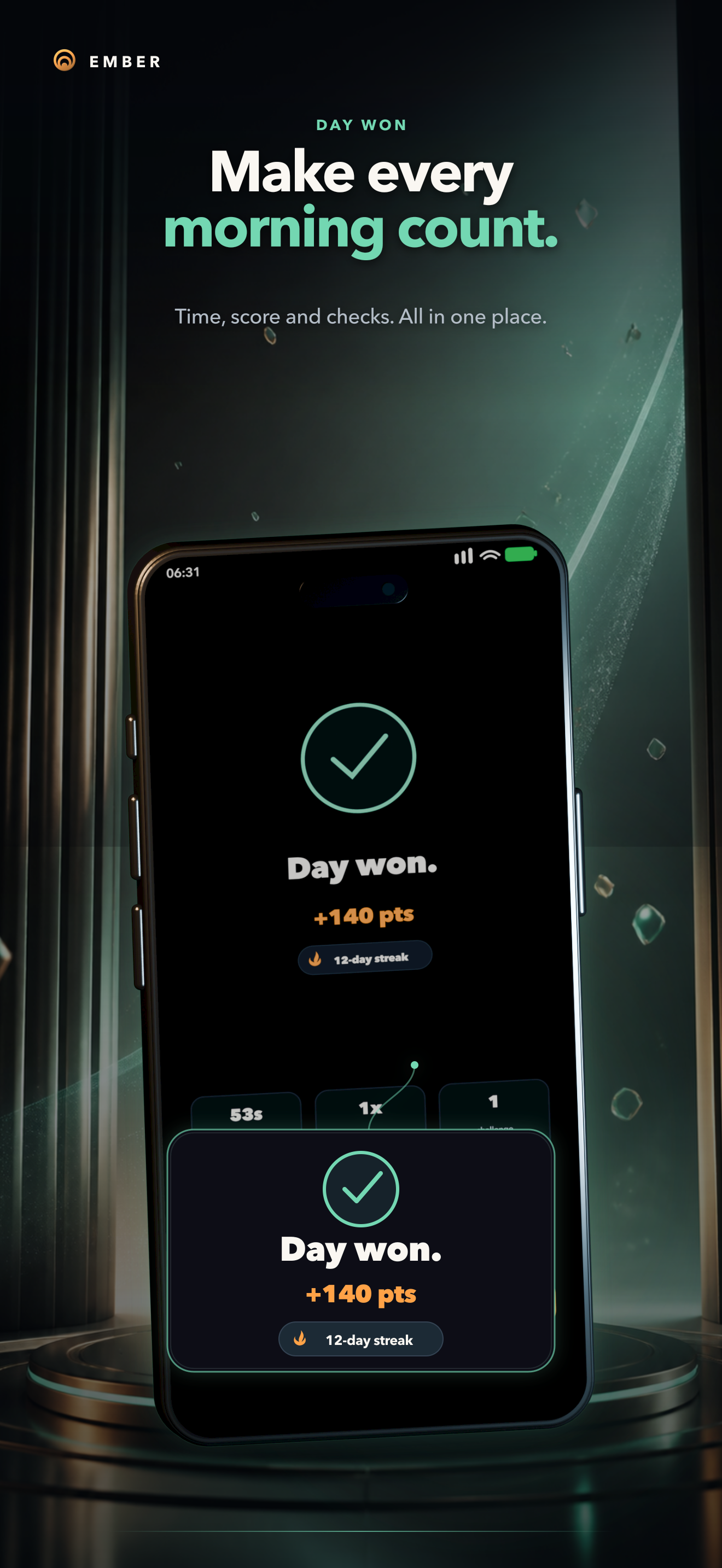
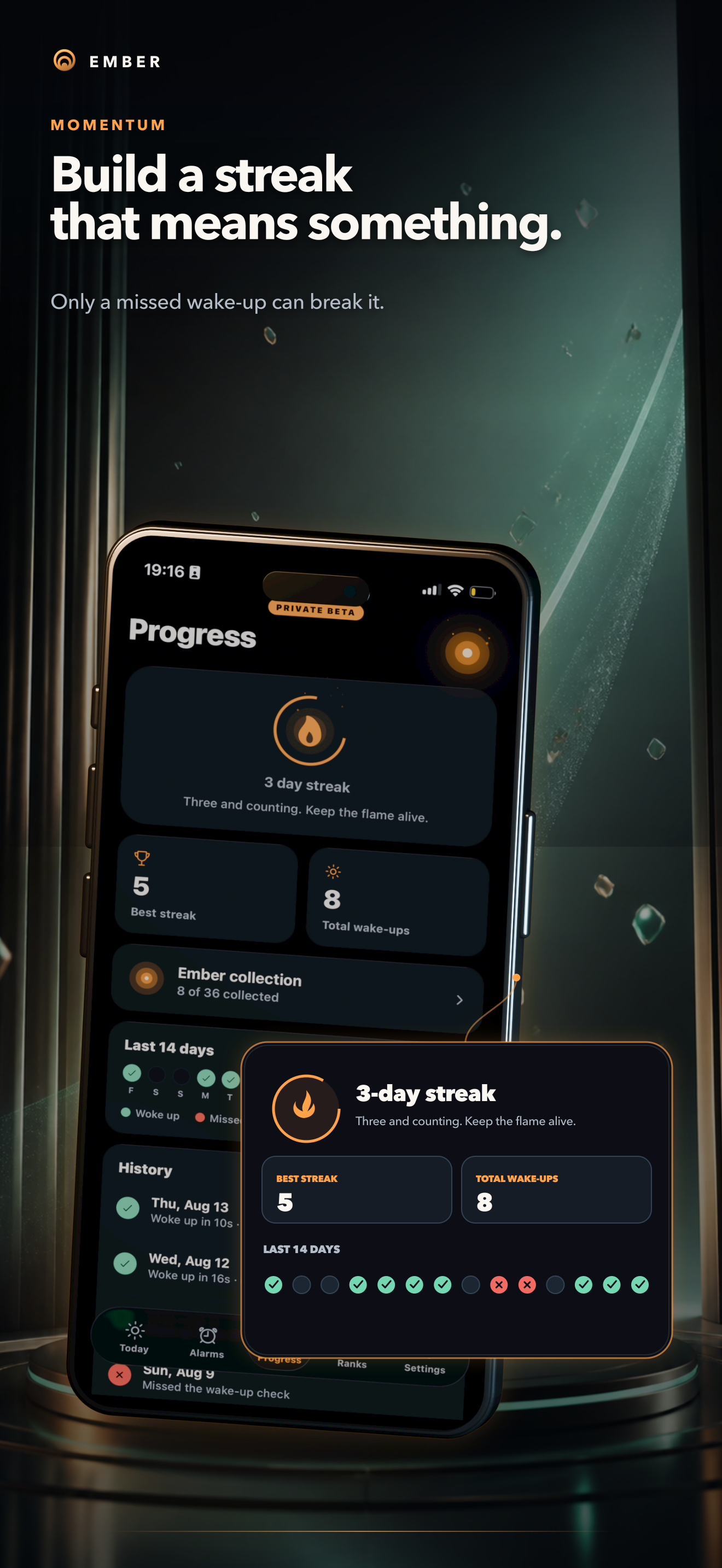
- Streaks that only break when a scheduled wake-up is missed
- Balanced scores based on challenge difficulty and completion time
- Weekly and all-time rankings with friends
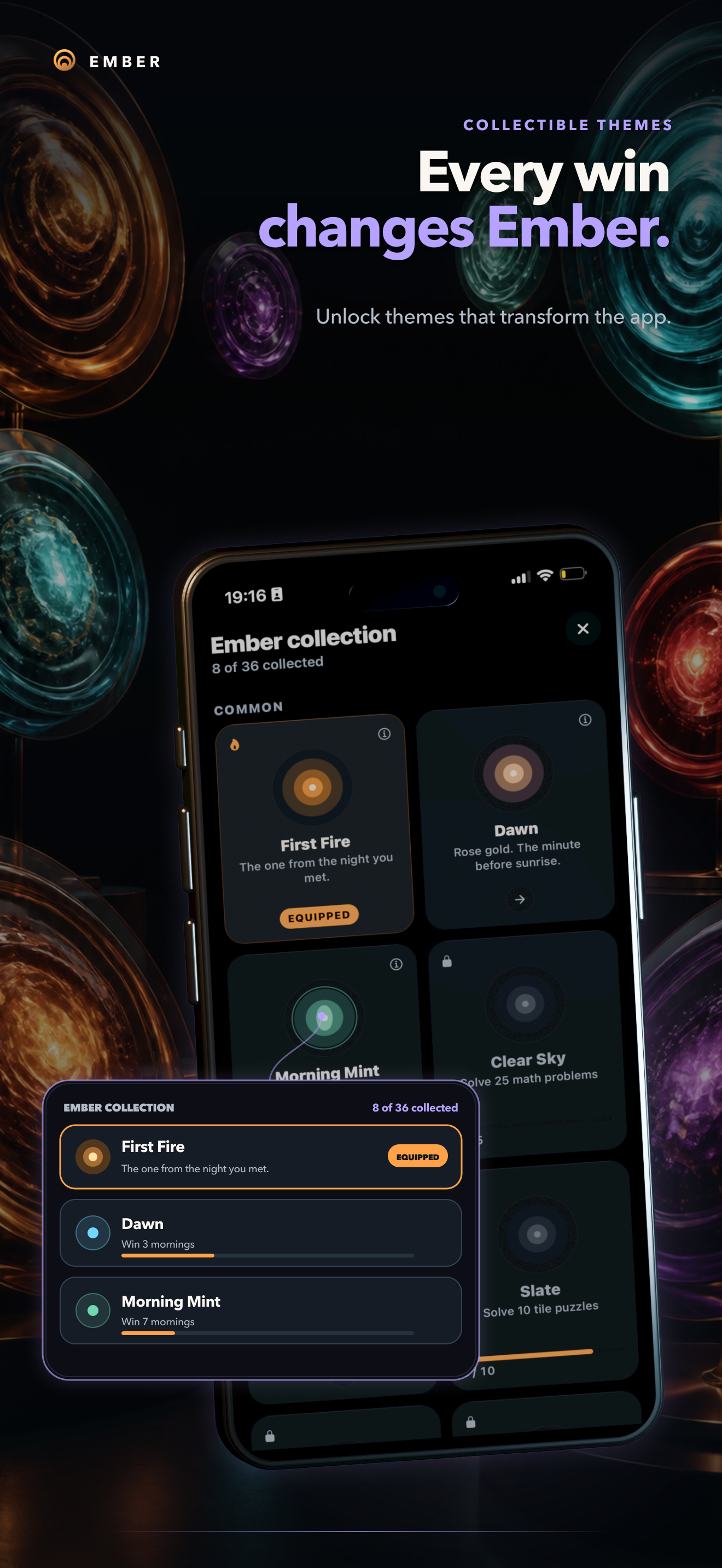
- Collectible Ember themes that change the appearance of the app
- Optional accounts for backup and social features
- English and German localization
Ember is currently available through a closed beta on iOS and Android.
How I built it
The shared app is built with React Native, Expo, and TypeScript. Alarm reliability could not depend on JavaScript timers, so the critical behavior lives in native Swift and Kotlin modules.
On iOS, Ember integrates with AlarmKit and native motion APIs. On Android, it uses exact alarms, full-screen alarm handling, and hardware step sensors. Custom Expo plugins keep these native capabilities reproducible across local, CI, and EAS builds.
A persisted wake-session state machine connects the native alarms to the challenge flow. It tracks whether an alarm is scheduled, ringing, being challenged, completed, or missed. Sessions survive app restarts and operating-system suspension.
The app is local-first. Alarms and active challenge state remain available without an account or network connection. Supabase adds optional authentication, encrypted cloud synchronization, friend connections, rankings, beta access, and wake-up history. Row-level security keeps each user's private data isolated.
Pear provides the packaged JavaScript update layer for the mobile app, allowing shared application changes to be distributed across iOS and Android while the native alarm foundations remain stable.
Challenges I faced
The hardest part was not making an alarm ring once. It was making the entire wake-up flow remain reliable when the operating system suspends the app, the screen is locked, or the current alarm is muted with a hardware button.
iOS and Android expose very different alarm and background-execution models. I had to design one consistent user experience on top of two separate native implementations.
Walking introduced another challenge. Step detection must continue while the app is backgrounded, suppress unnecessary alarm bursts while the user is moving, preserve progress across restarts, and reliably resume the alarm when movement stops.
State synchronization also required care. Alarm completion must remain authoritative even if the device goes offline, the app is reinstalled, or the user signs in on another device. The solution combines local persistence, immutable wake-session records, deterministic merging, and narrowly scoped cloud backup.
Finally, scoring very different challenges fairly required separate calibration data rather than one universal formula. Those values live outside the UI so they can be adjusted as beta feedback arrives.
What I learned
I learned that alarm reliability is primarily an operating-system and lifecycle problem, not a timer problem.
I also learned that proving someone is awake should not always mean forcing them to stare at a screen. Movement can be a stronger and less frustrating signal than another puzzle.
Most importantly, reliability and good UX are not opposites. A persistent alarm can still feel considerate when it understands activity, explains what is happening, preserves progress, and rewards the user for following through.
What is next
The closed beta is focused on real-world reliability, scoring balance, onboarding, and learning which wake-up checks work best for different sleepers.
Next, I plan to expand the challenge library, improve friend competitions, refine collectible themes, and prepare Ember for its public release.
Built With
- alarmkit
- android-exact-alarms
- android-sensor-api
- apple-sign-in
- asyncstorage
- core-motion
- eas-build
- expo-camera
- expo.io
- github-actions
- google-sign-in
- i18next
- kotlin
- next.js
- pear
- postgresql
- react
- react-native
- revenuecat
- row-level-security
- supabase
- swift
- typescript
- vercel

Log in or sign up for Devpost to join the conversation.