-
-
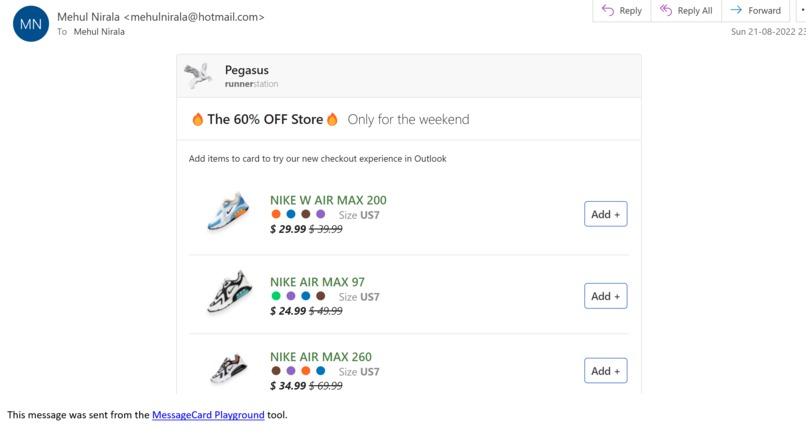
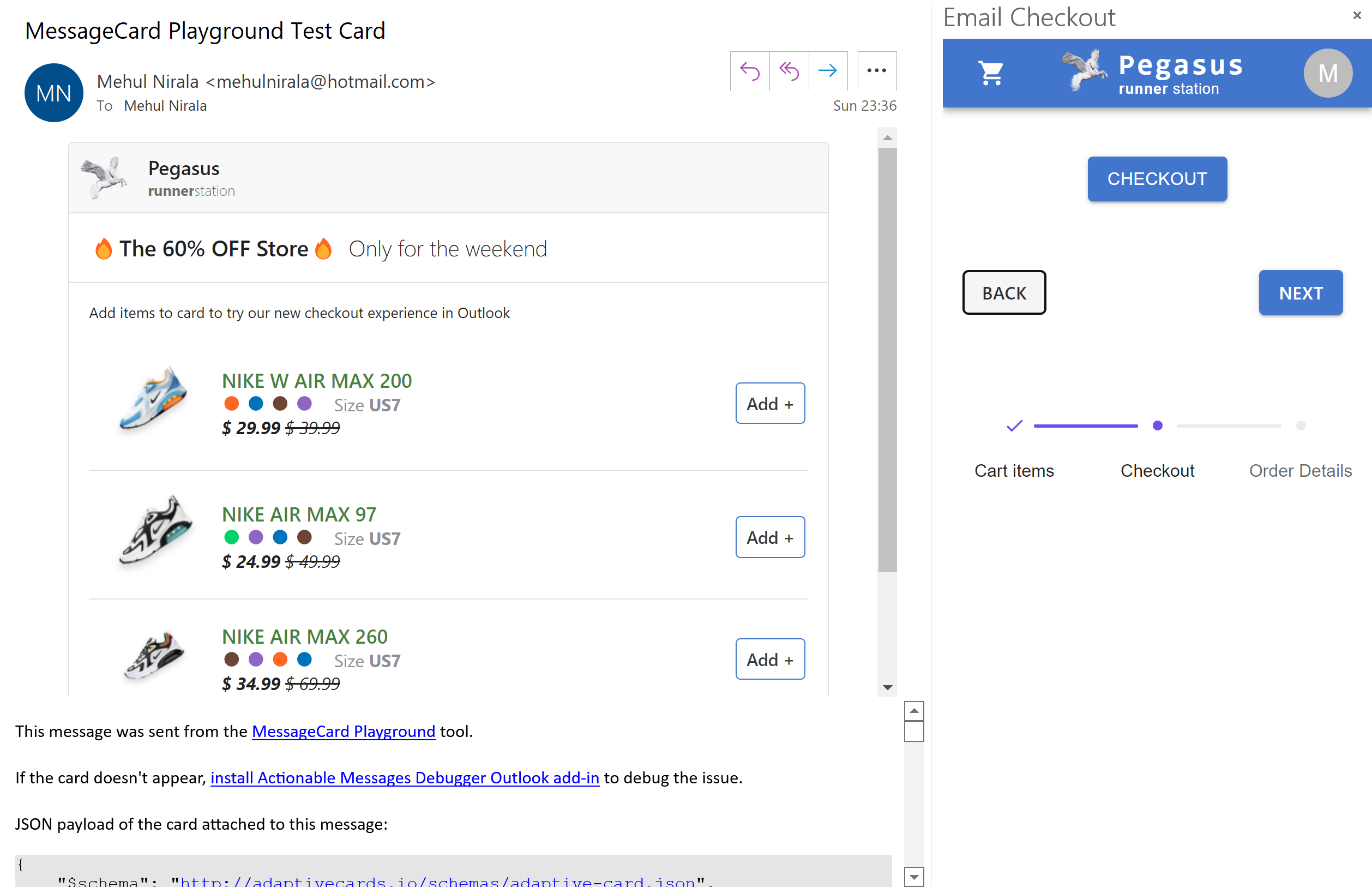
Recommendation card in email
-
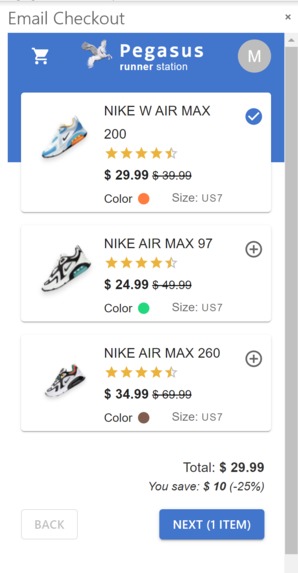
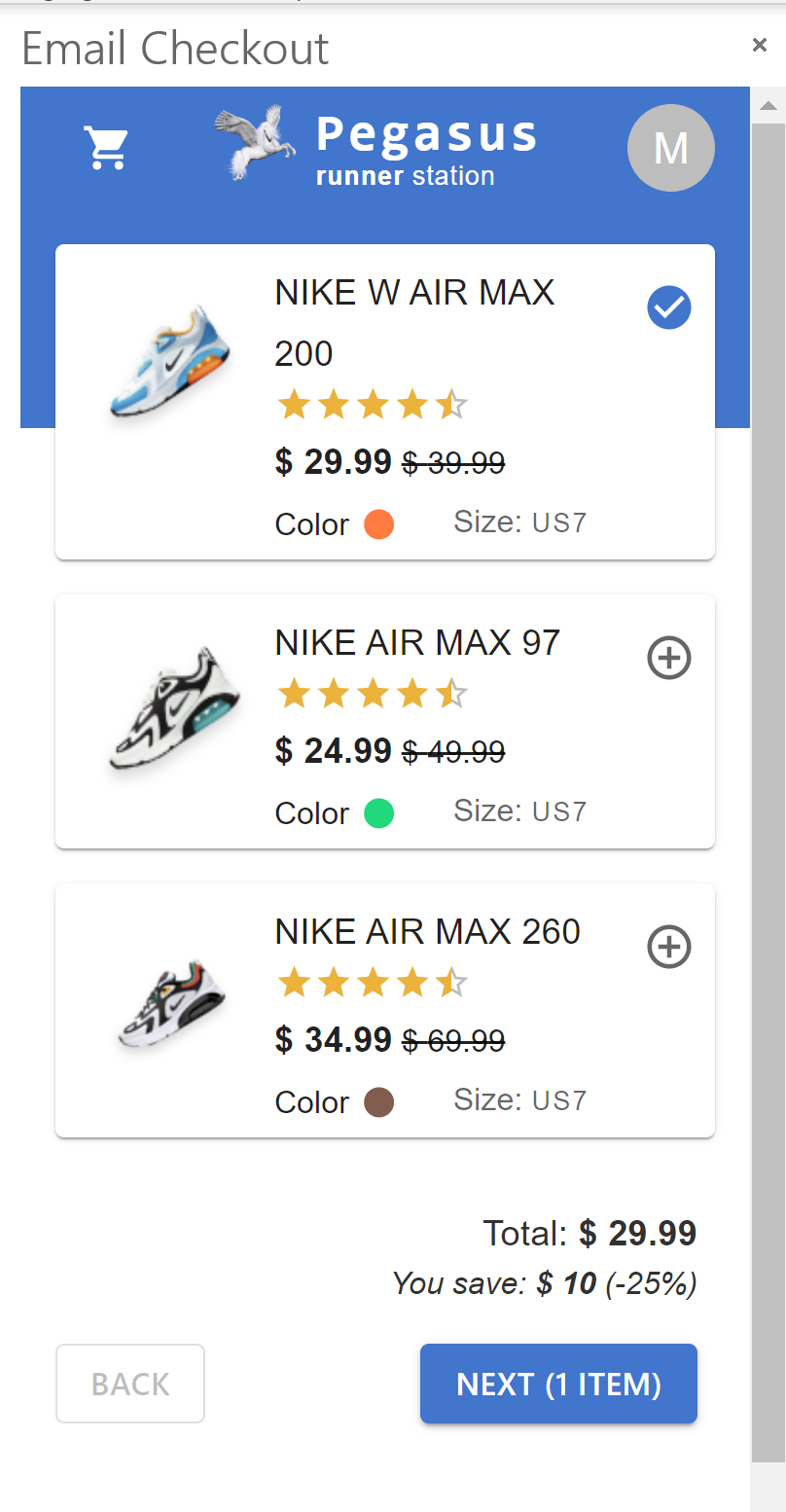
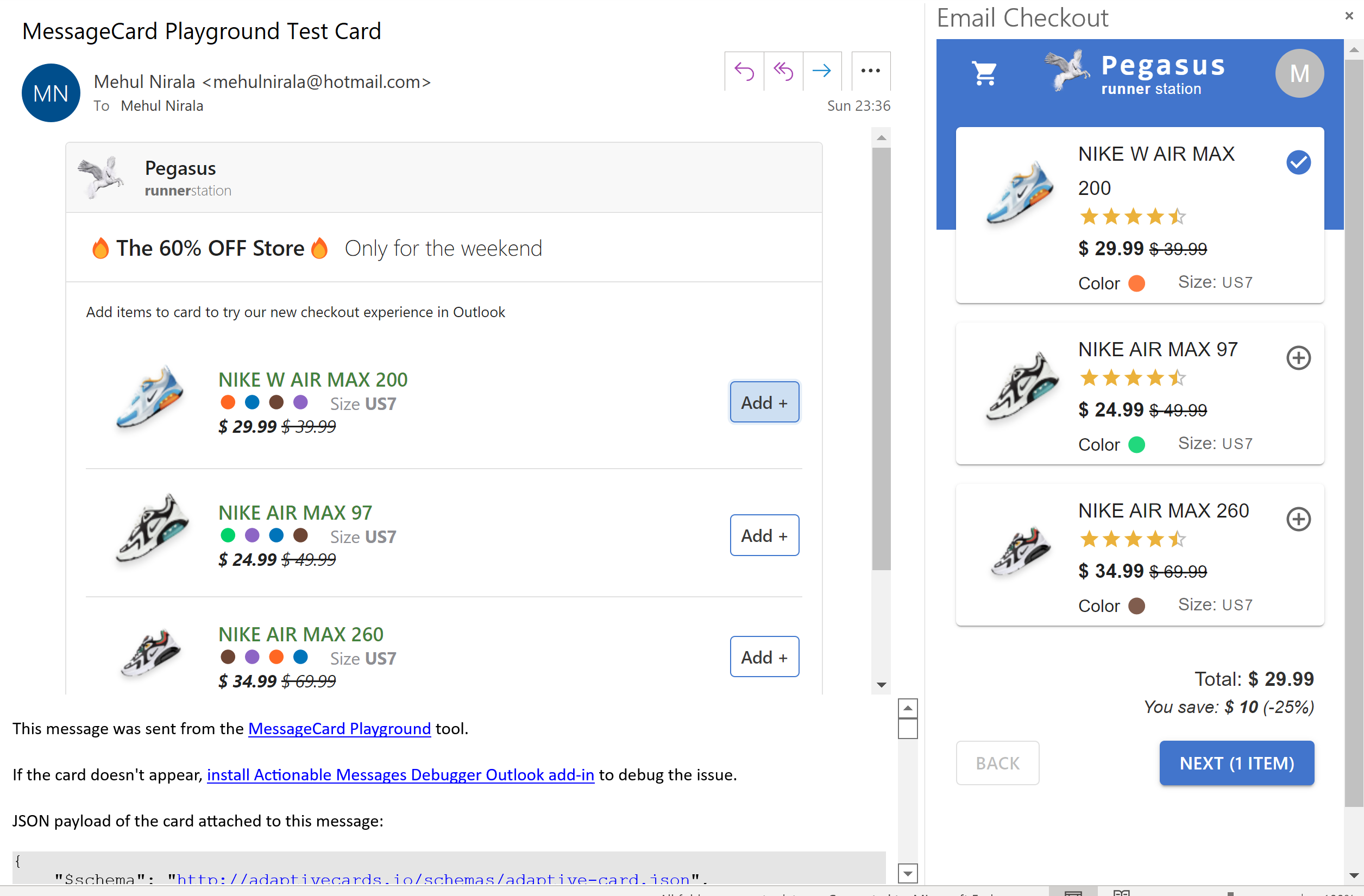
Checkout kart
-
-
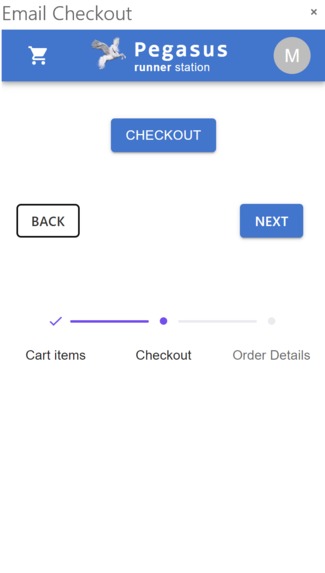
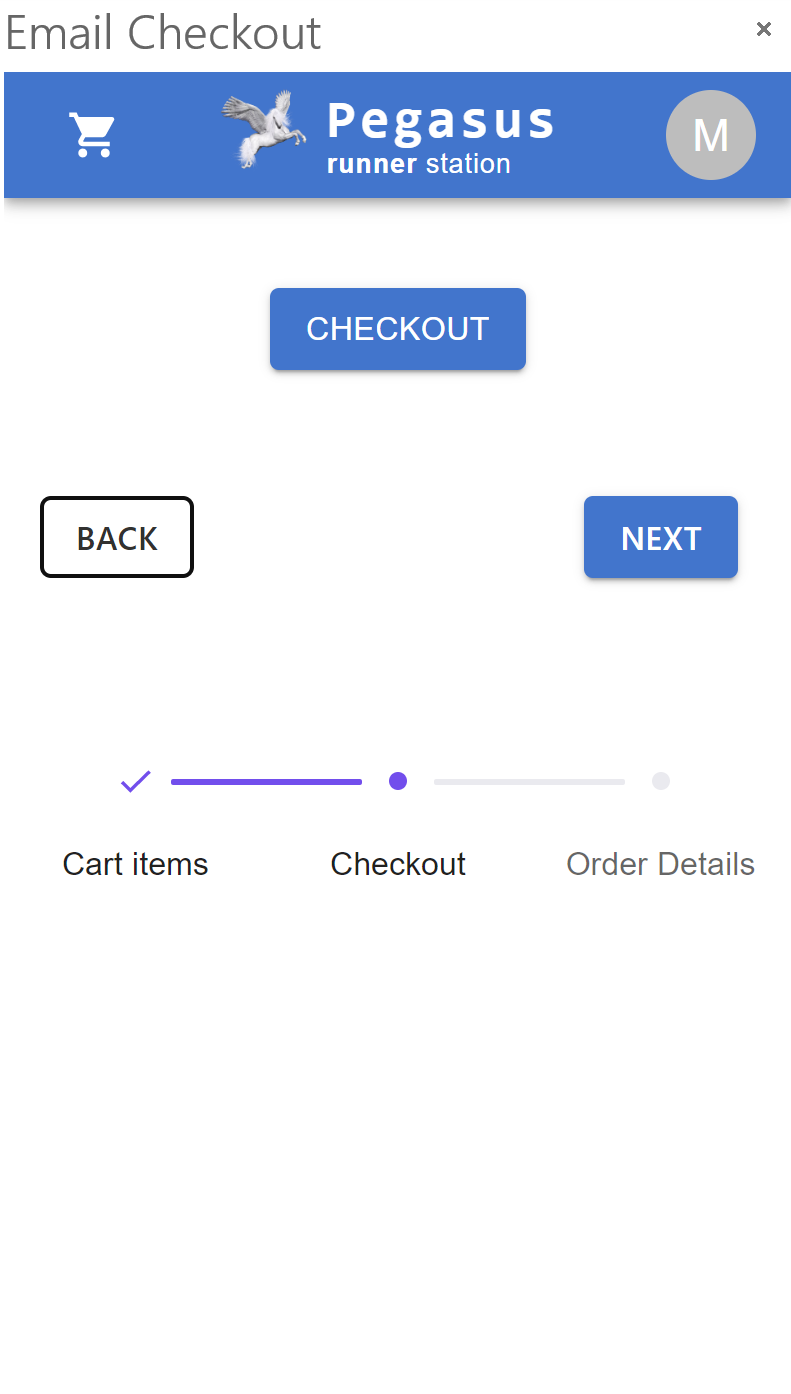
Checkout Creation Button
-
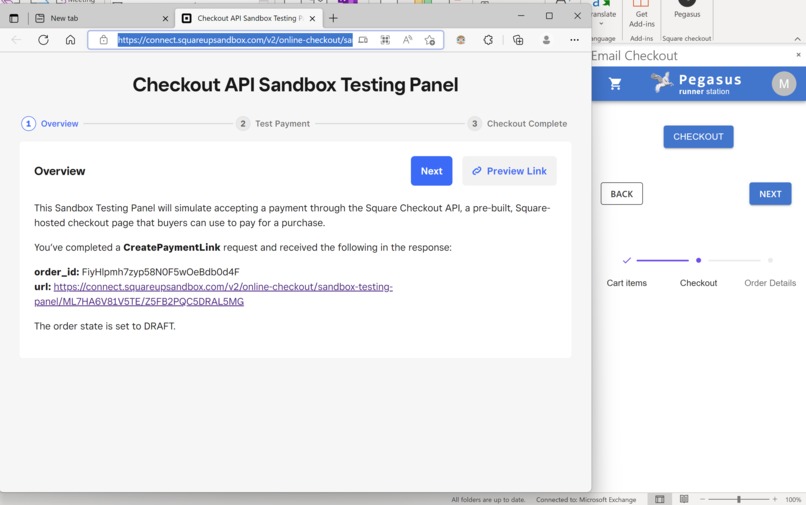
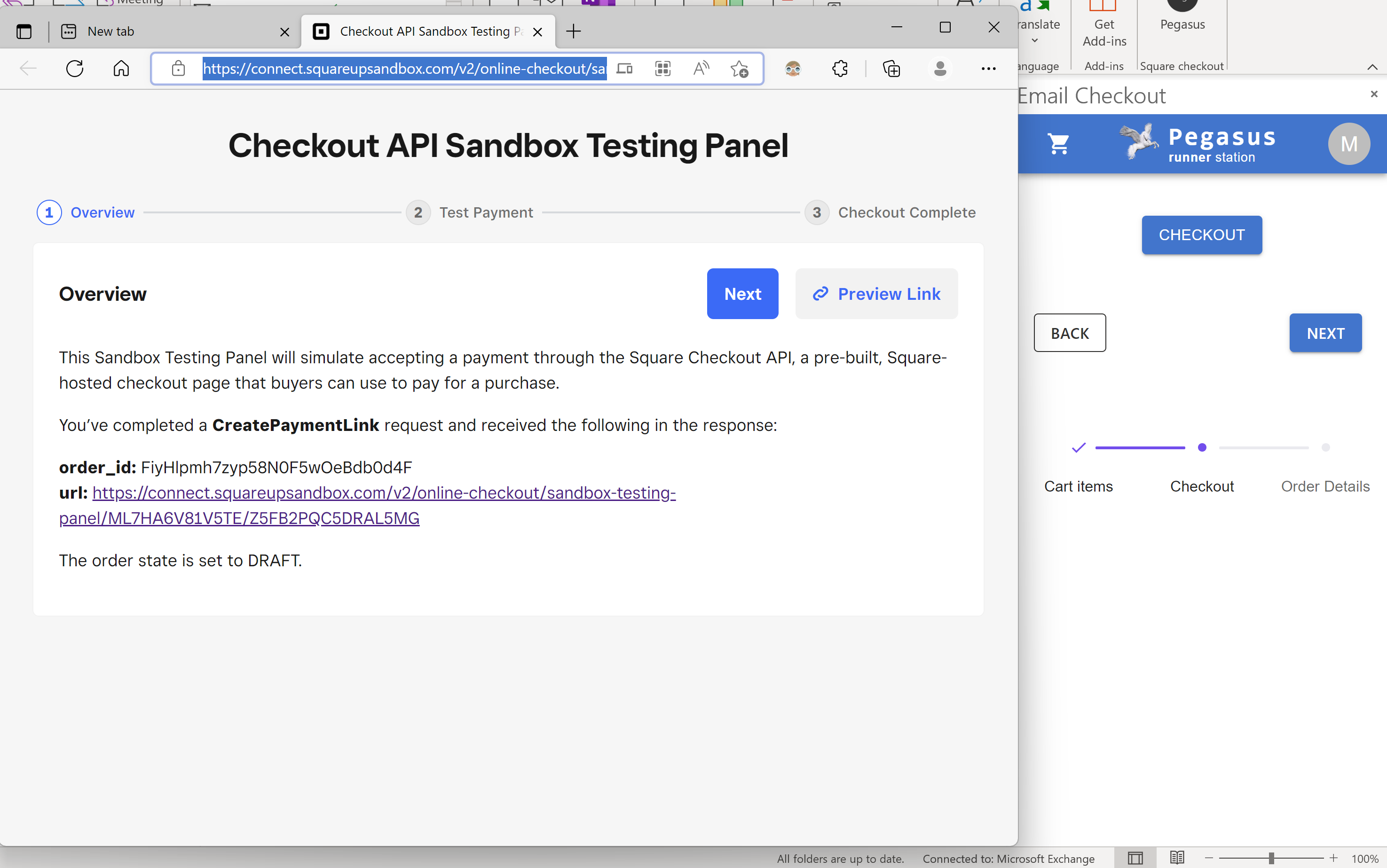
Square Checkout API
-
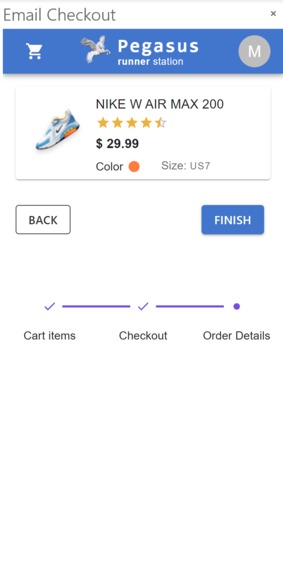
Order summary
-
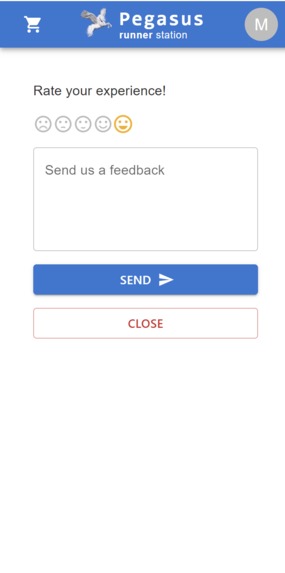
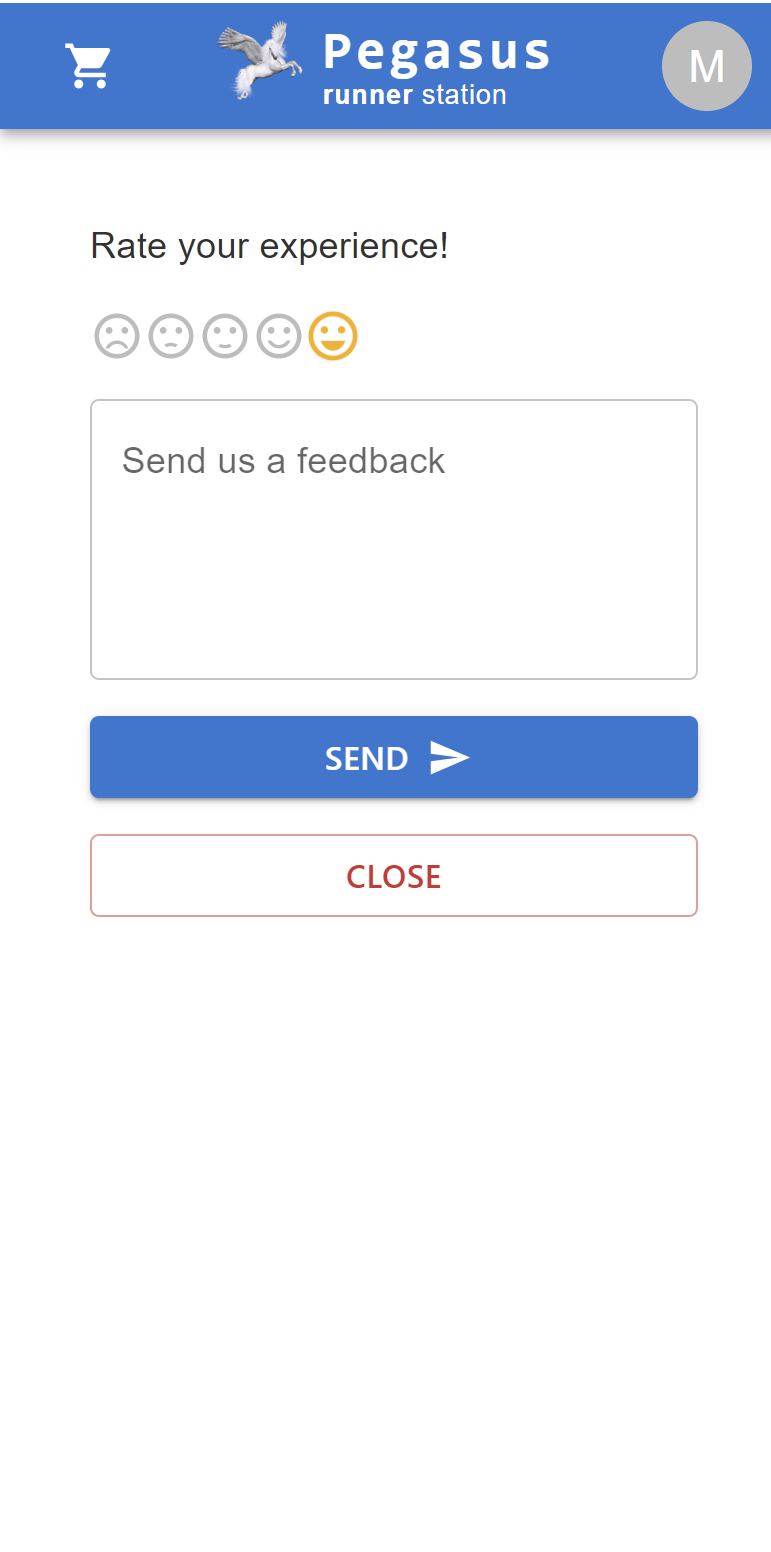
Feedback on checkout experience
-
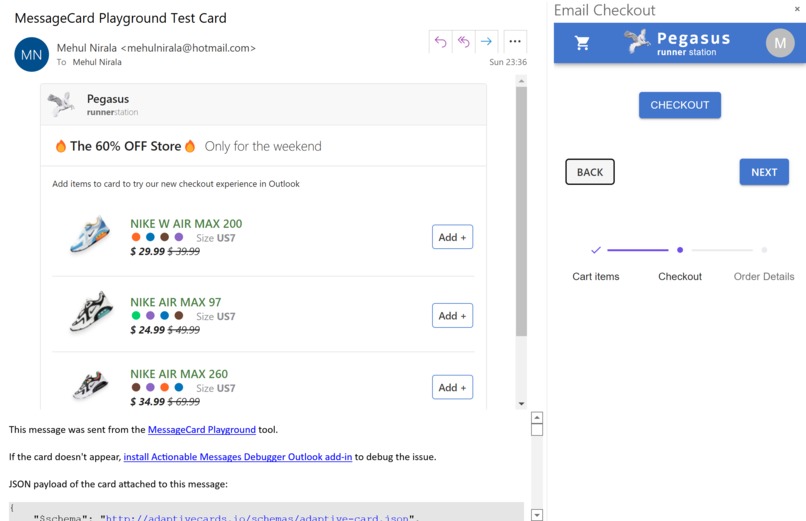
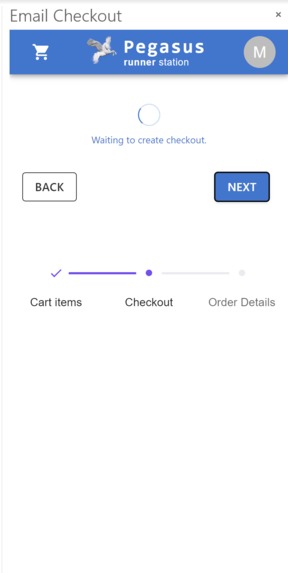
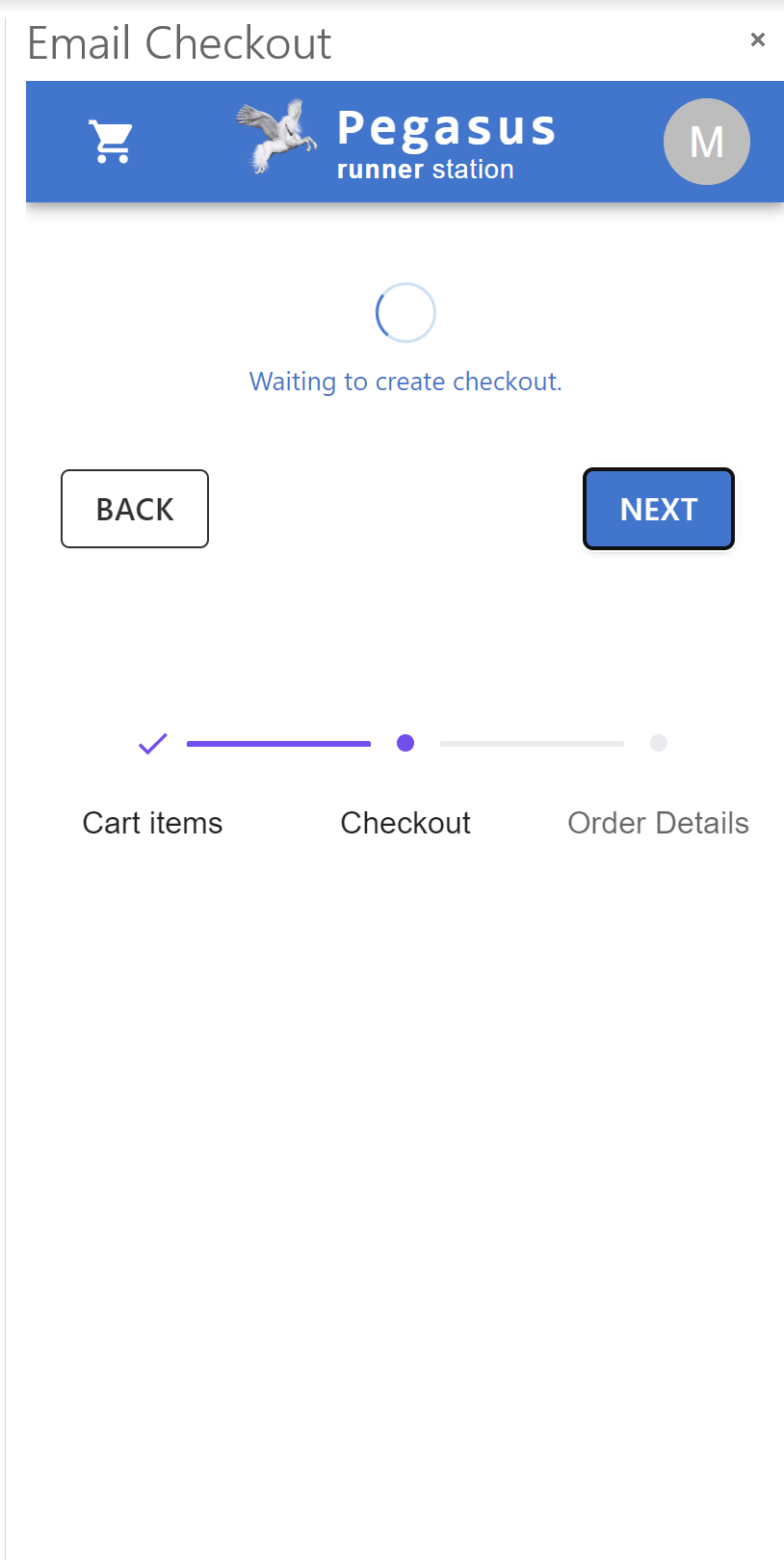
Checkout Creation
-
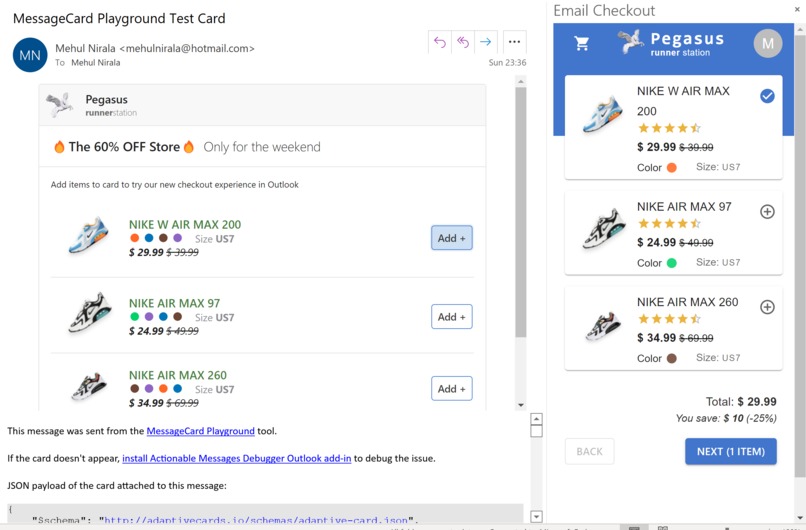
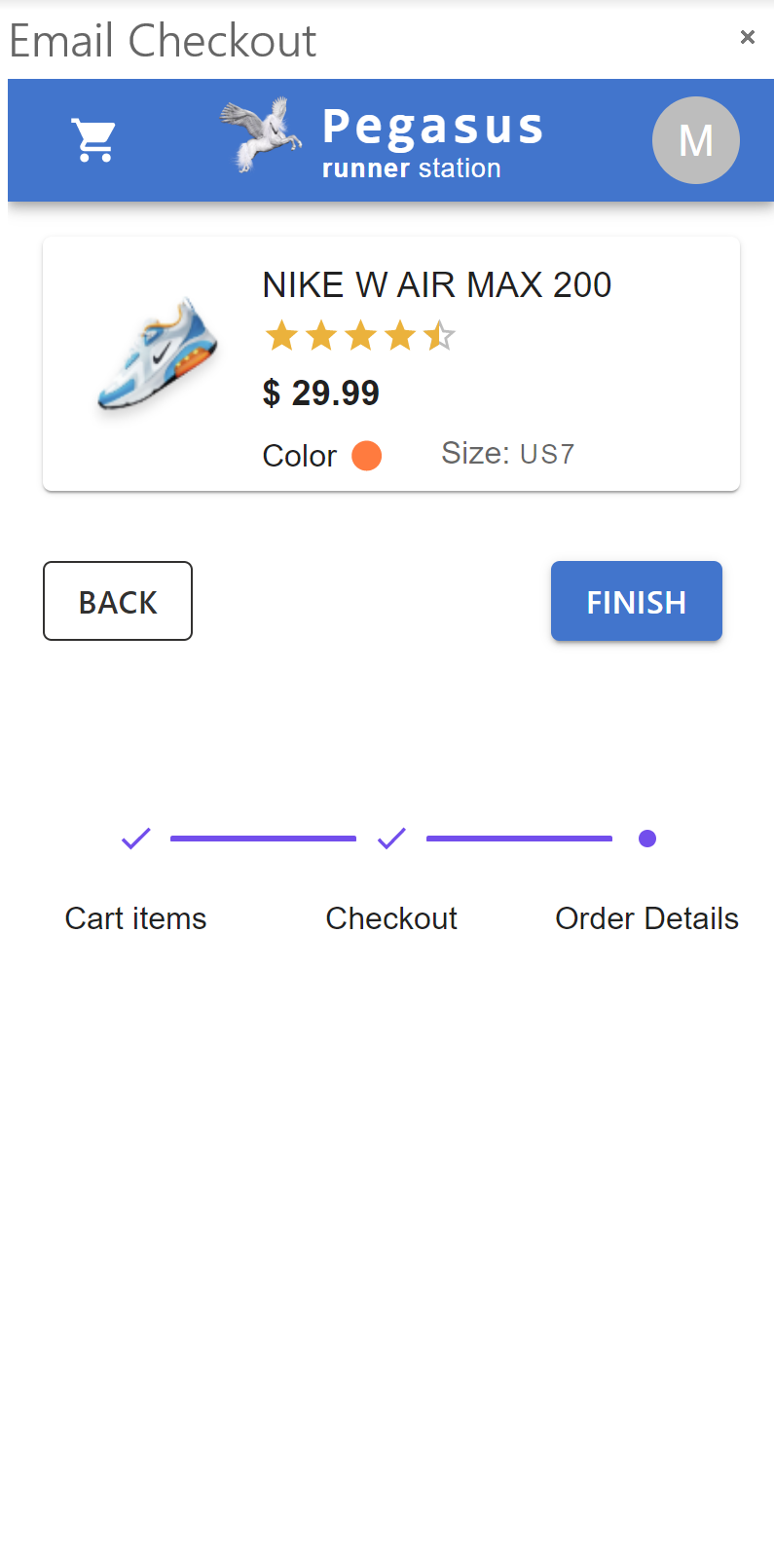
Checkout kart
-
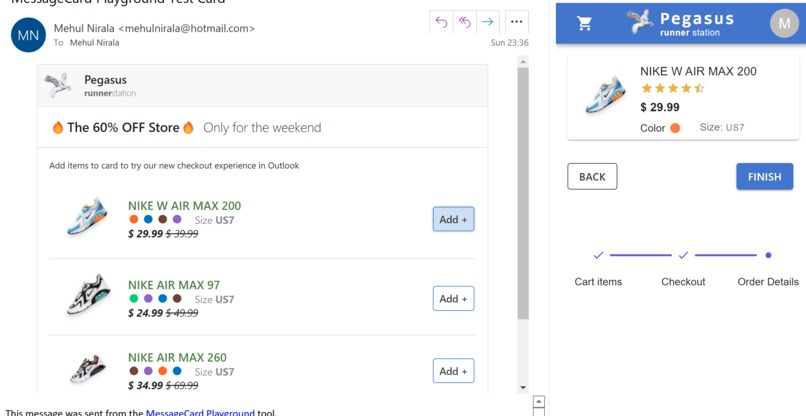
Order summary
-
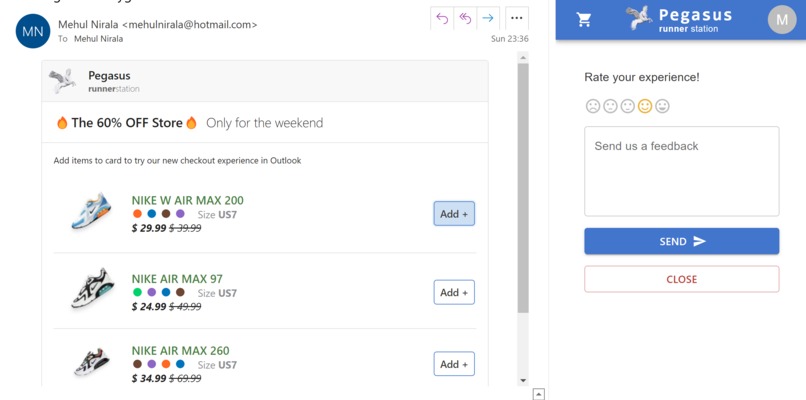
Feedback on checkout experience
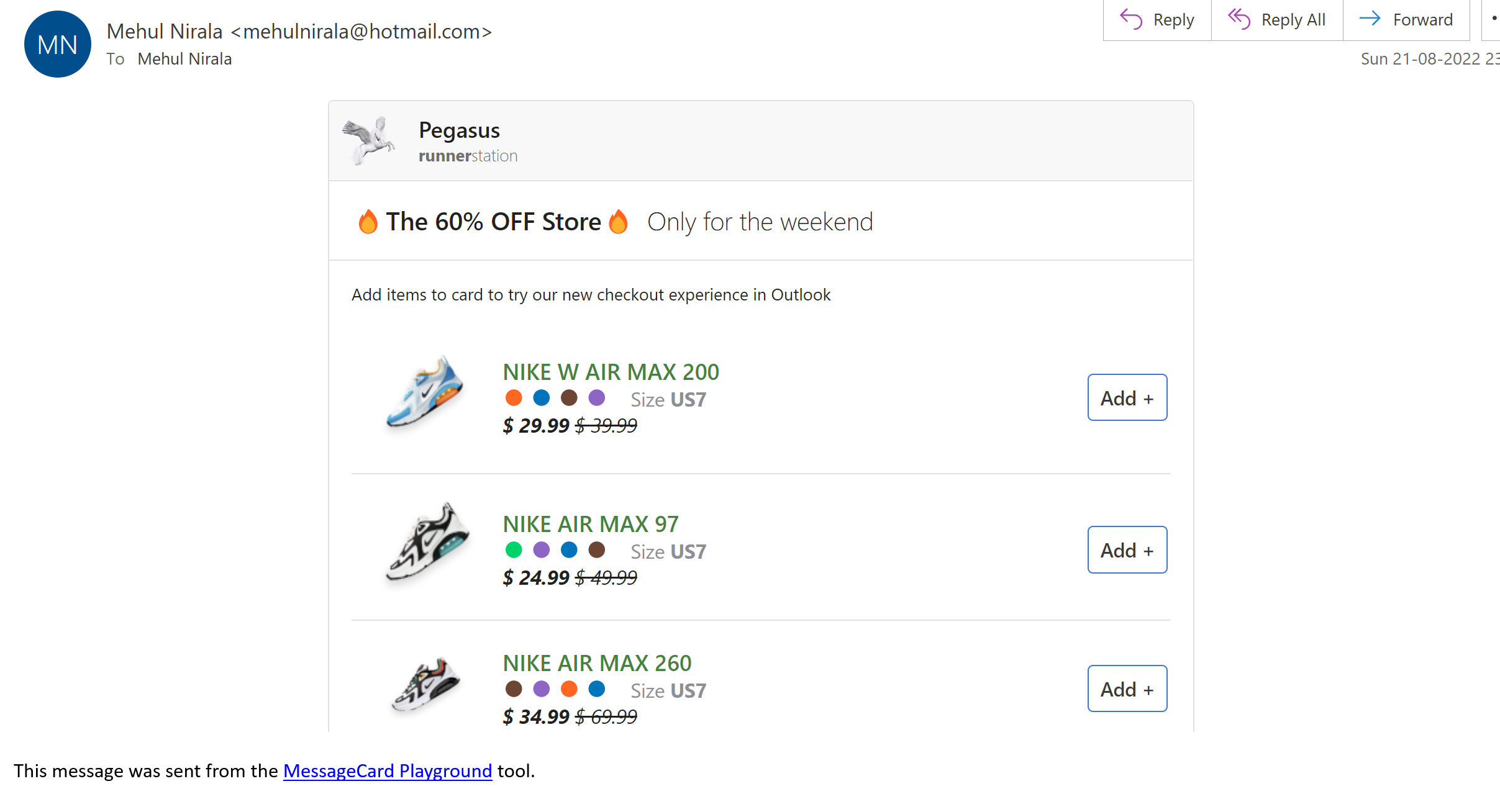
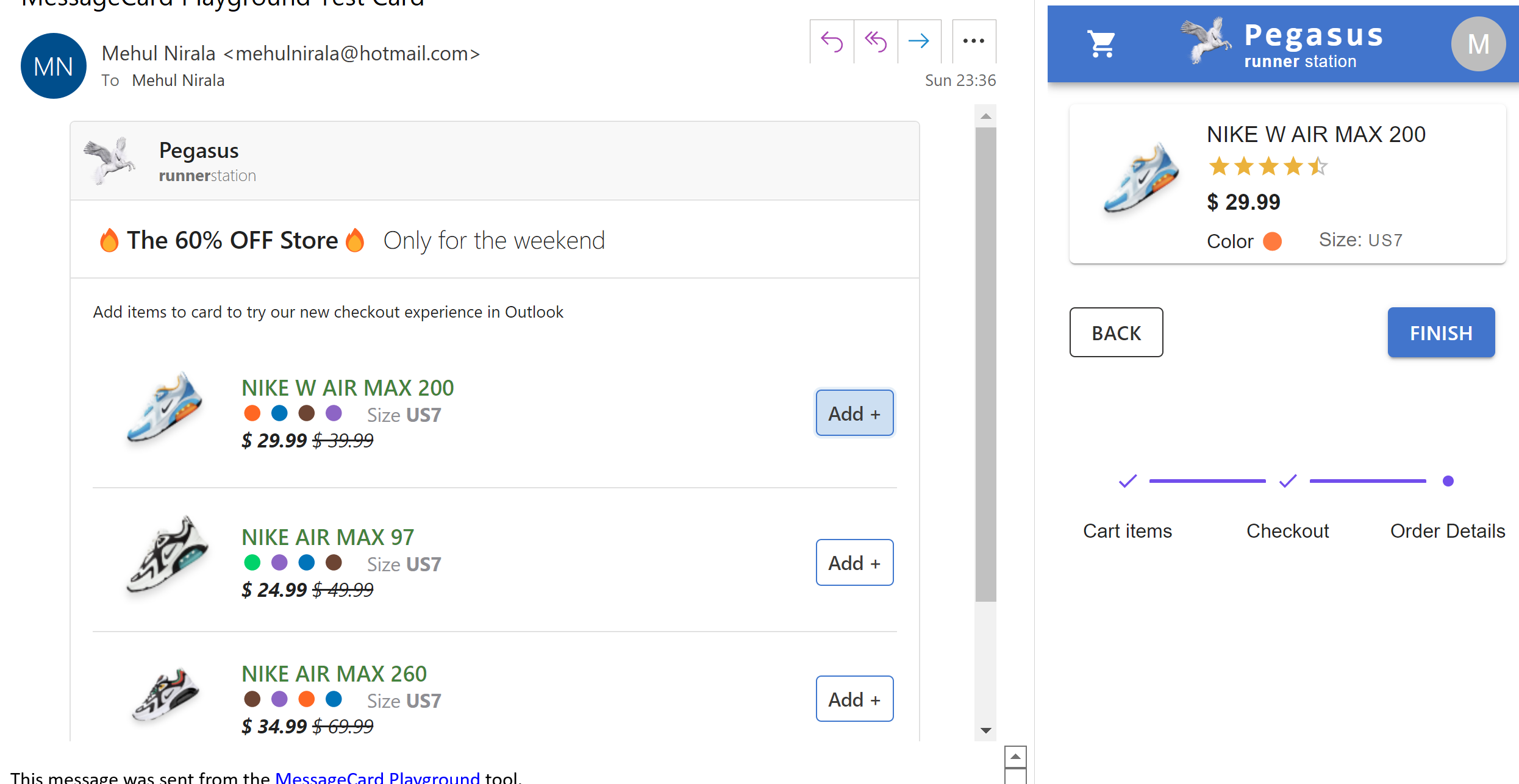
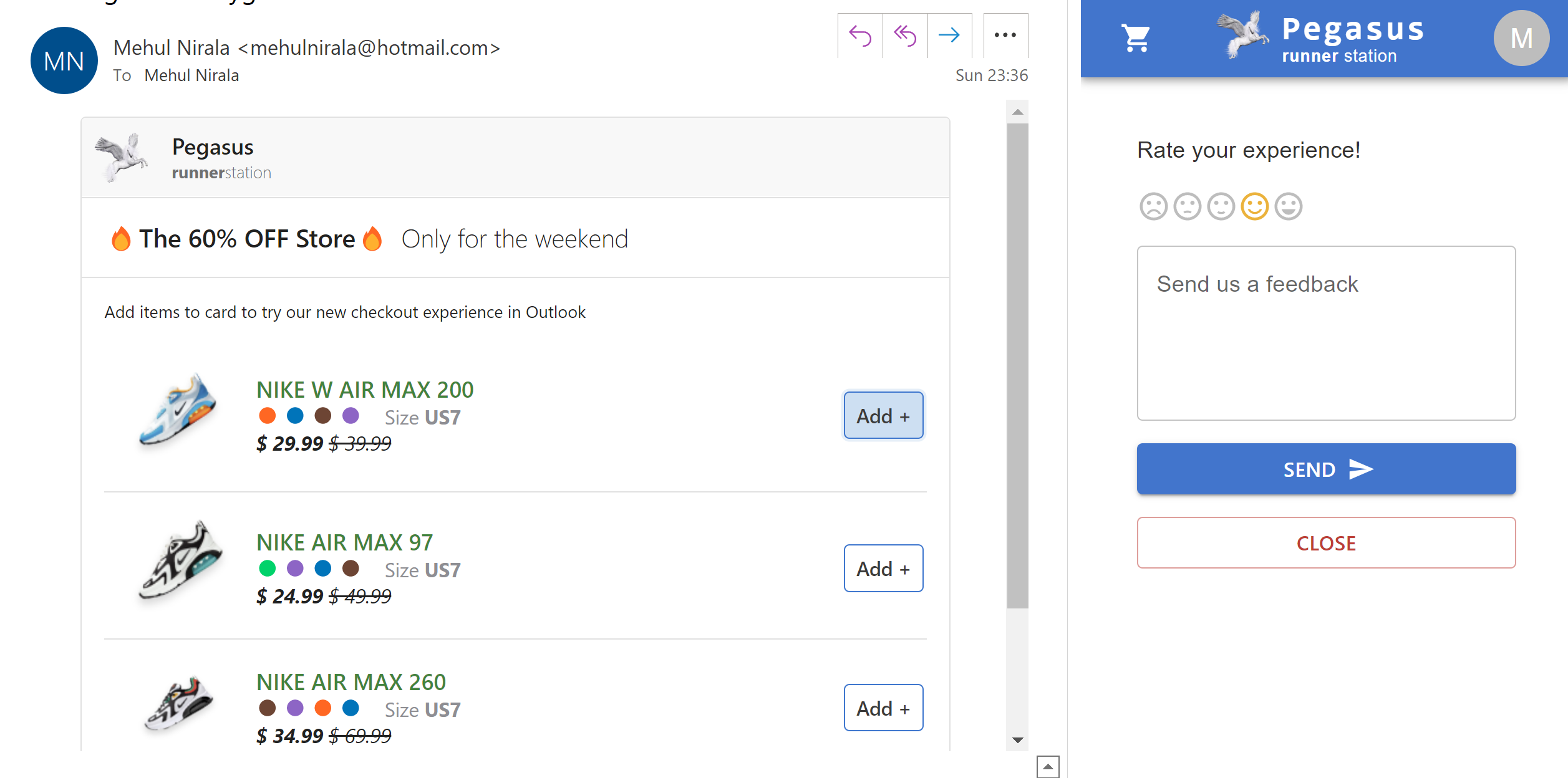
Email checkout
An idea 💡to help e-commerce integrate checkout experience inside email recommendations/promotions campaigns.
Inspiration 🥇
Email marketing can help businesses reach a wider audience, drive sales, recover abandoned carts, and further develop their relationship with customers. The user gets redirected to a website guiding them to checkout.
With Square checkout API and using Email add-ins(add-ons) would help bring the checkout experience to where the user is currently, without requiring a context switch.
Run
- Getting the recommendations email
- Use message playground to send yourself an example email of product recommendation.
- Paste the JSON from https://outlook-checkout.herokuapp.com/actionable-message.json into the editor and send yourself the card (requires login).
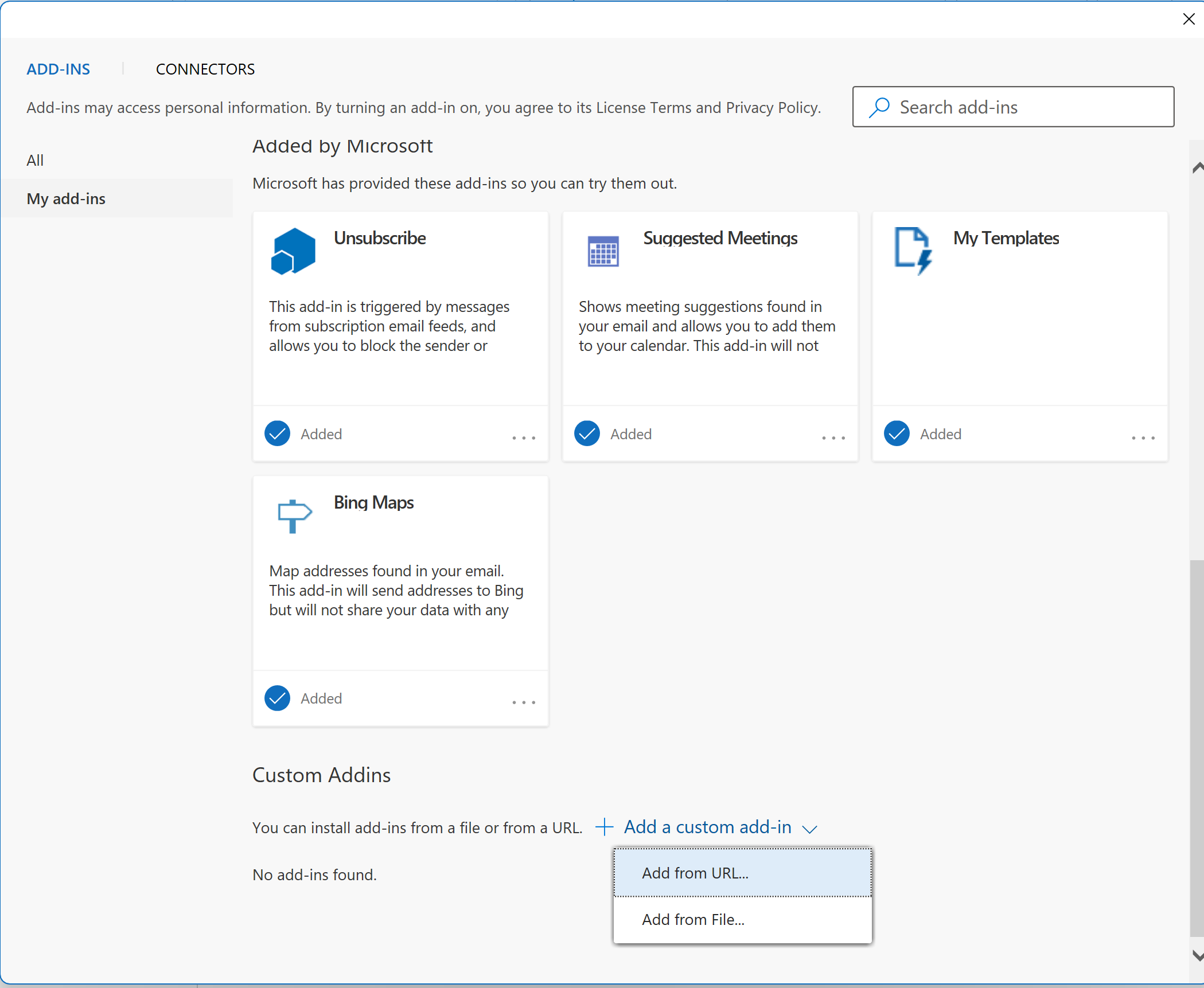
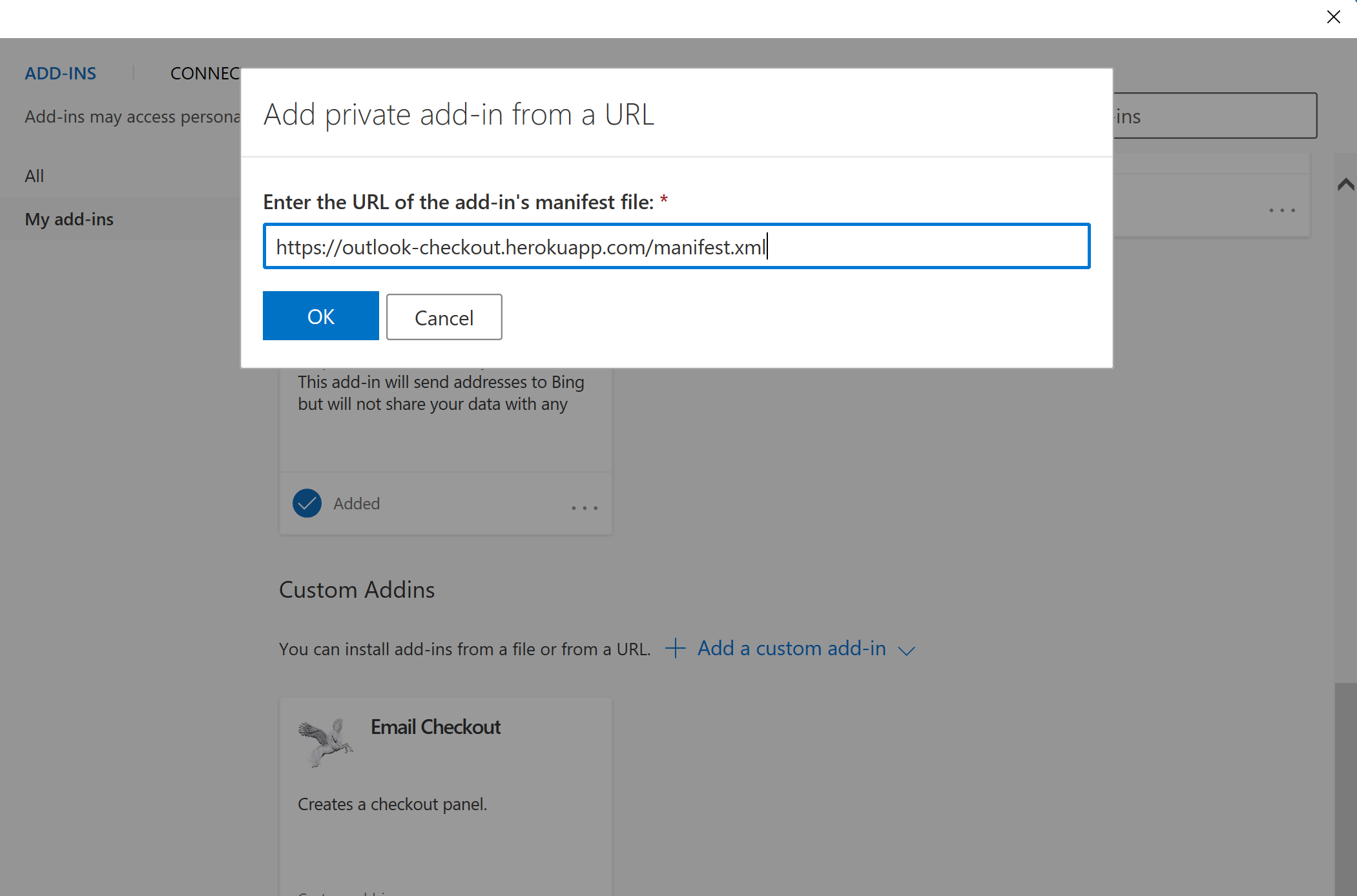
- Add your add-in to the Outlook desktop following the steps below
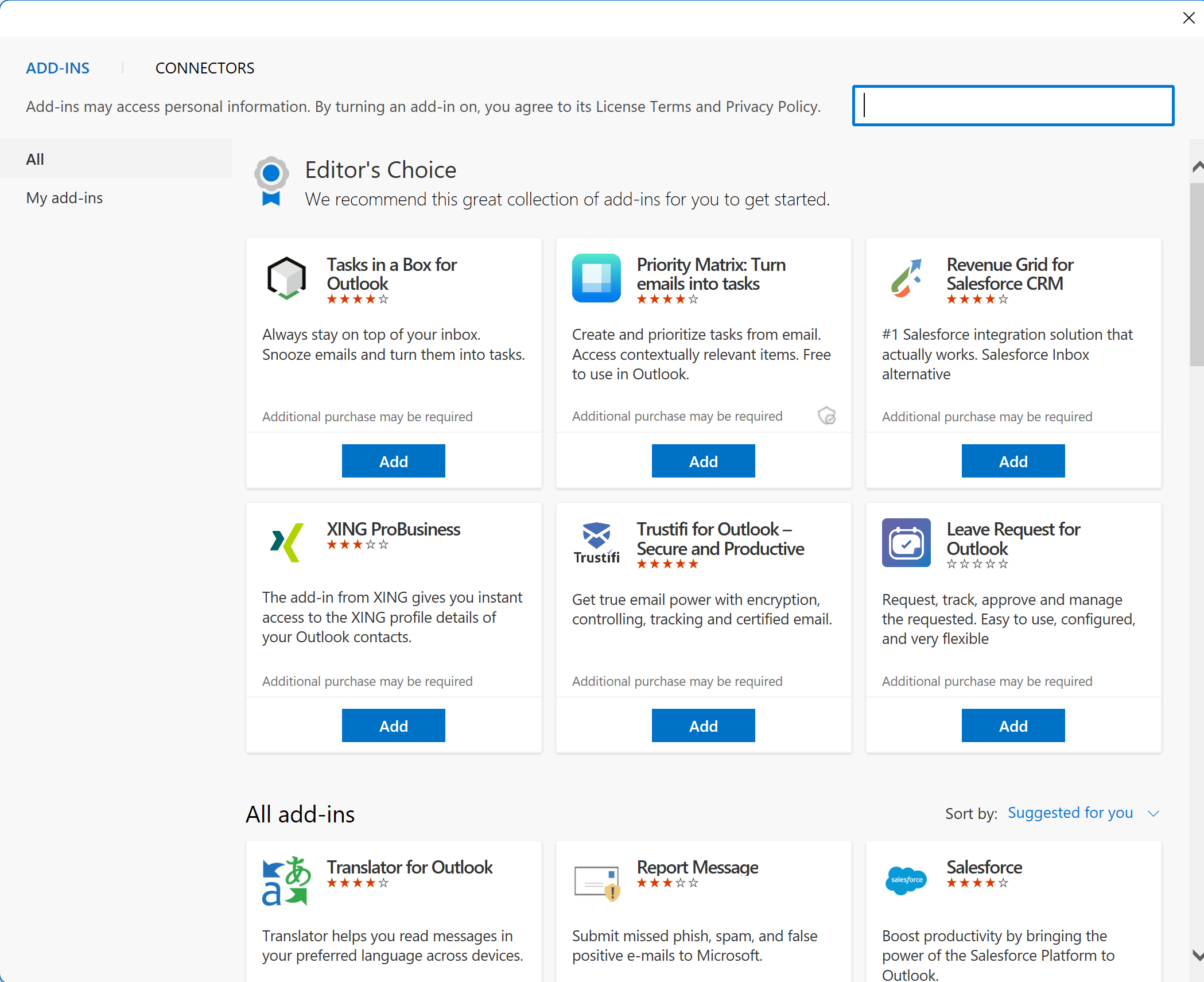
- Click on GetAddins -> My Addins
- Select Addin from URL and paste the URL https://outlook-checkout.herokuapp.com/manifest.xml
- Click on install
- Click any item in the actionable message that you sent yourself in the first step.
- Enjoy the checkout experience 🎉
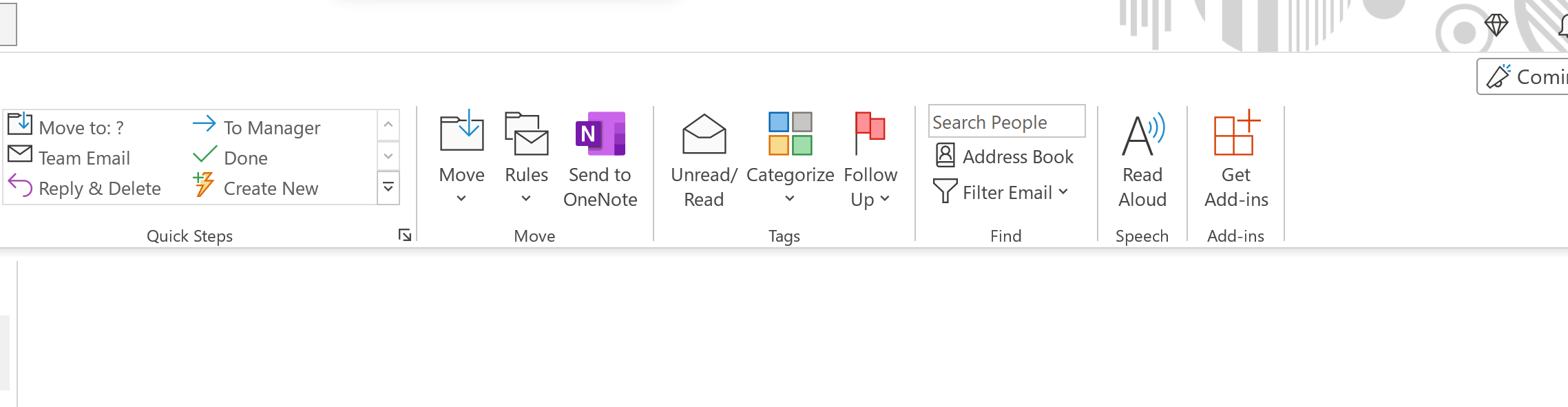
Build and Run
Set the debug variable in email-checkout\src\taskpane\utilities.ts to true
Building the project
 $ git clone
 $ cd email-checkout
 $ npm install
 $ cd ../server
 $ npm install
Running the project Open a new terminal and go to the project root.
 $ cd email-checkout
 $ npm start
In another terminal/cmd prompt
 $ cd server
 $ npm run dev
After the installation is done, try the checkout experience by following the Run section above.
How can it help? ⛑️
Email checkout is an add-in that helps customers check the recommended (advertised) items directly from the email app (e.g. Outlook).
- It all starts with e-commerce sending customers recommended /abandoned cart products as a card in promotional emails.
- The user can select the items from recommendations (promotions) and are presented with a checkout page without leaving the email client 💻.
How we built it 🔧
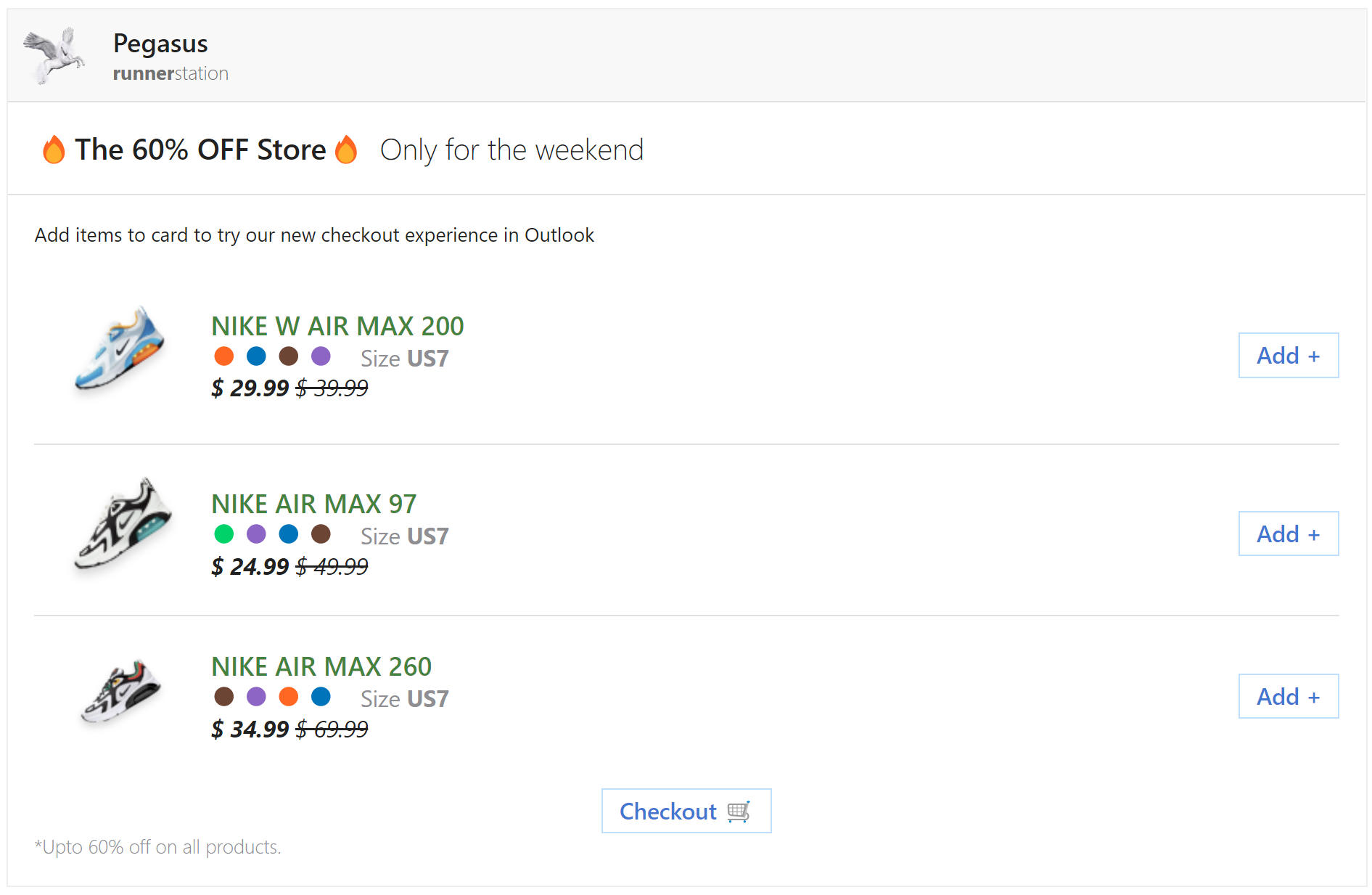
- The first stage is to design an adaptive card containing product cards that are used to trigger the email add-in checkout.Card Designer
- The email add-in is built using React.js and Office.js, which renders the Checkout experience.
- The server uses node.js needed to run the add-in and serves as CDN for HTML and images.
Below is an example card for shoe e-commerce recommendations card.
Challenges we ran into
The spark began with the idea of embedding checkout experience in email recommendations/promotions, however using iframe inside the email body is not supported by many email providers due to security concerns. This problem was difficult to solve given the closed nature (private source code) of various apps. The idea of using add-ins (add-ons) is a breakthrough to finally achieve email checkout.
Accomplishments that we're proud of
I am really happy that I was able to create a solution that helps e-commerces enable their customers to use the checkout experience from the email client itself.
What's next for Email checkout ⏭️
Other important features that I would enjoy adding are:
- Adding various payment methods besides IN Visa.
- Creating an onboarding setup to help customers understand the value of email checkout.
- We would also like to extend the email checkout experience to the GMail addon
Hope you enjoyed the project 😃.
A sincere thanks to Square and Devpost for creating an opportunity to learn through the Hackathon.
Have a beautiful day 😊.


Log in or sign up for Devpost to join the conversation.