-
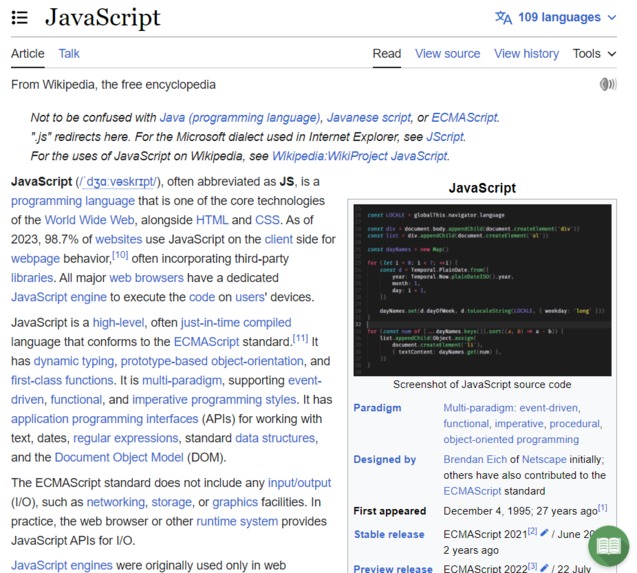
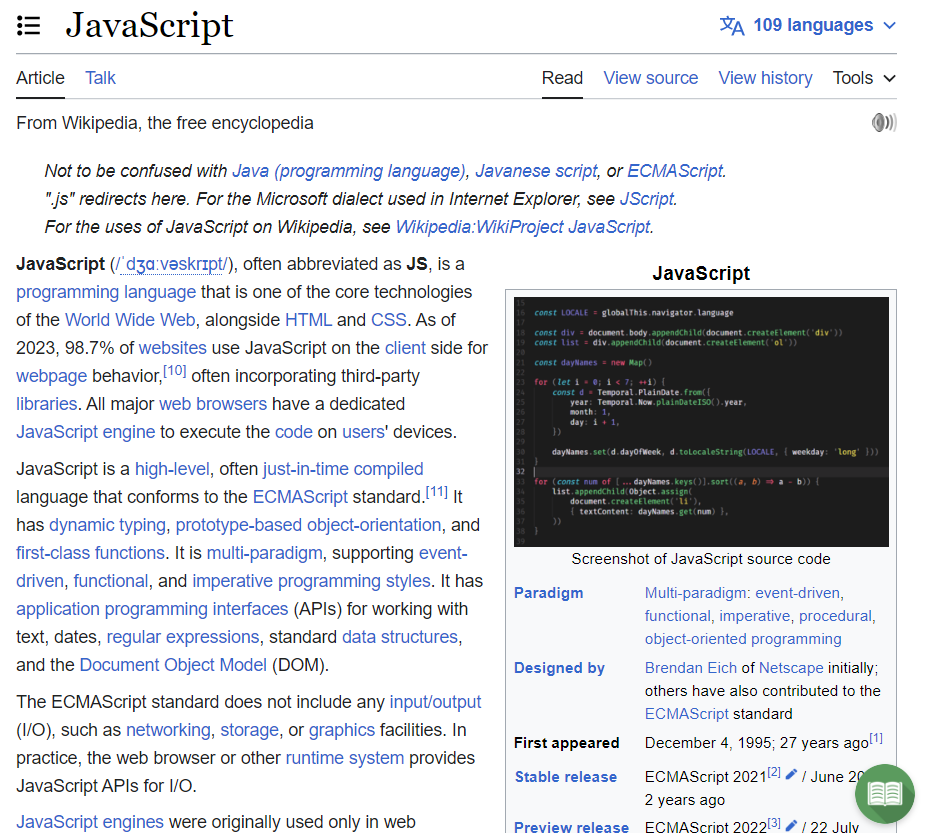
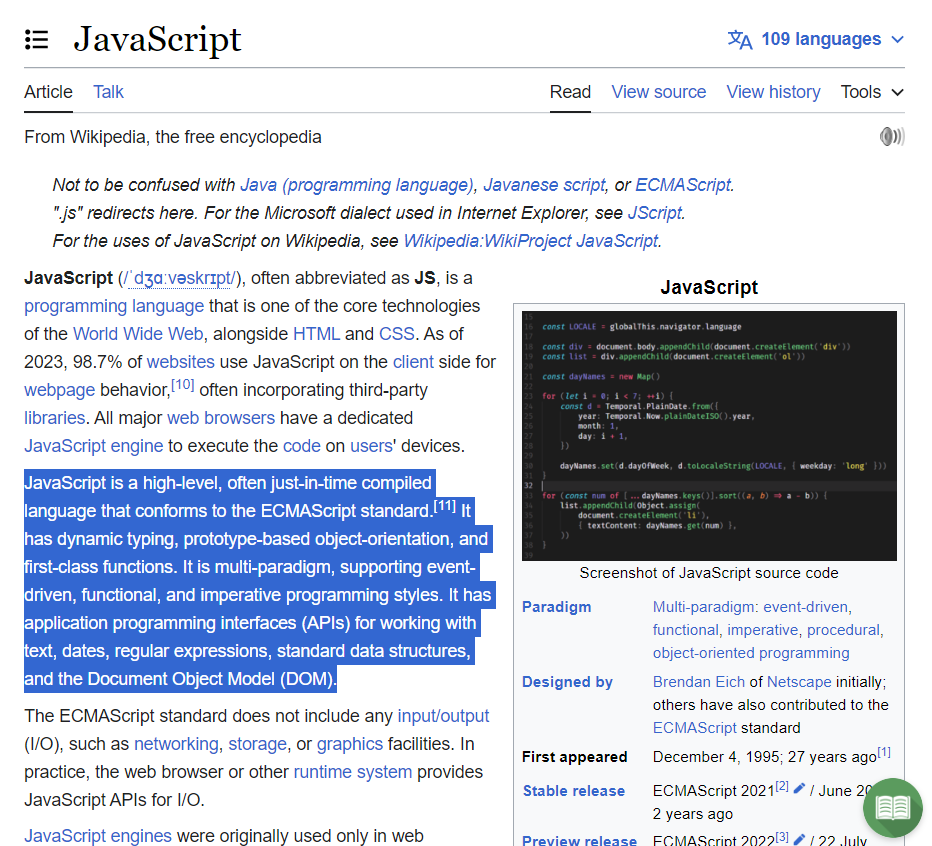
A Wikipedia page with our extension installed
-
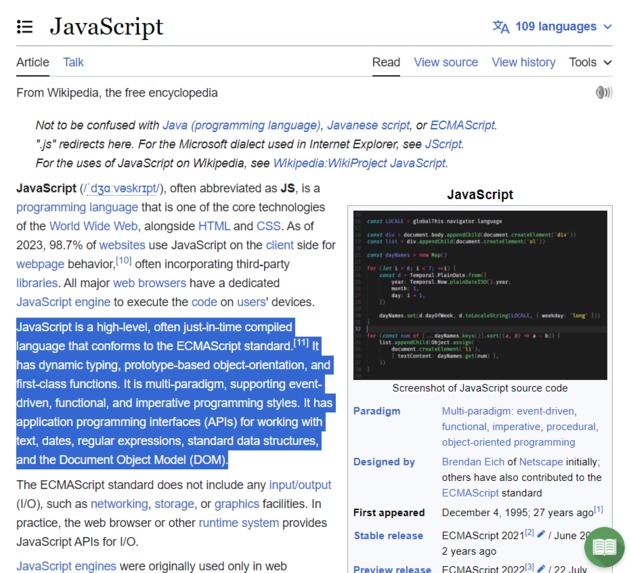
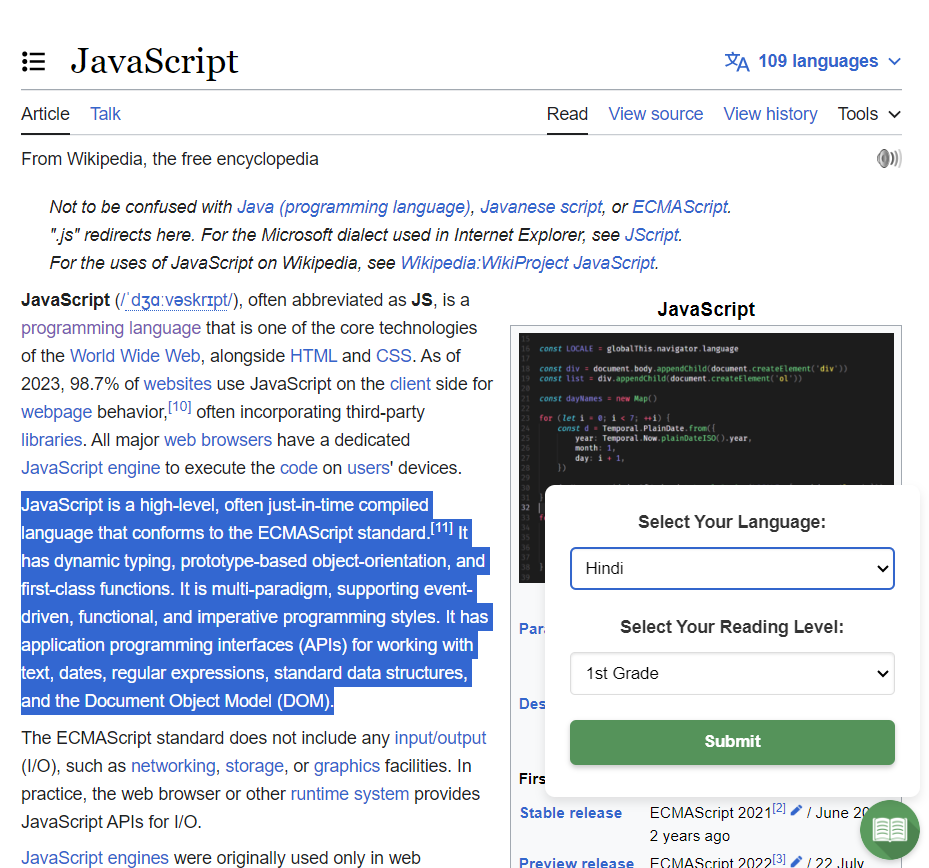
Selecting the text
-
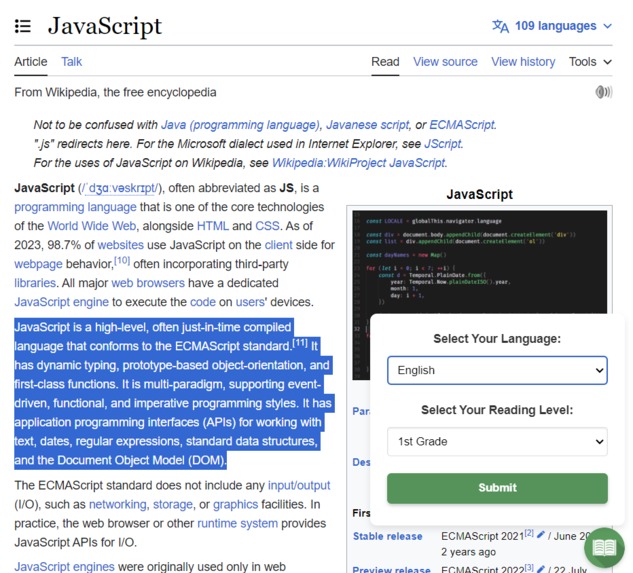
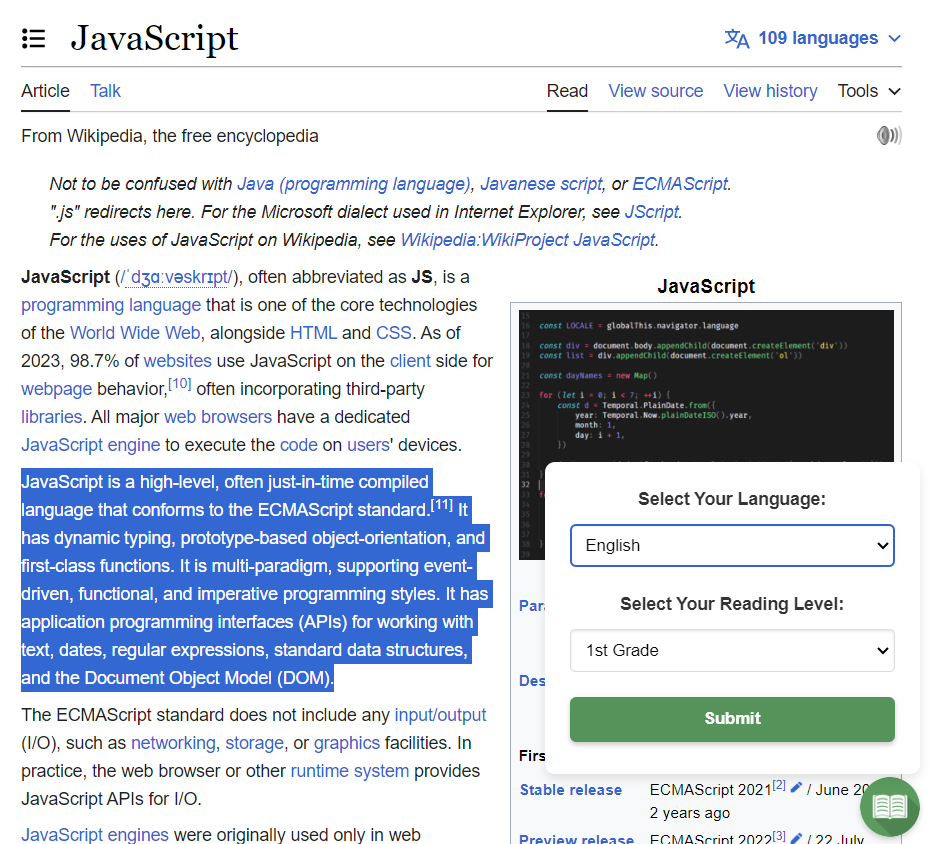
Opening our extension
-
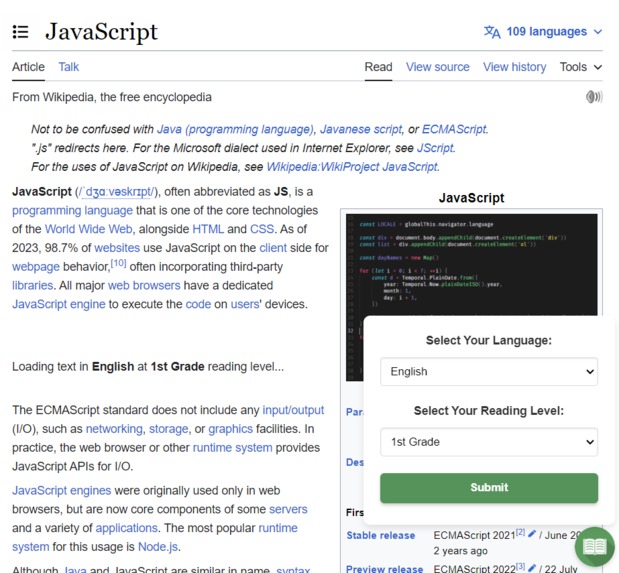
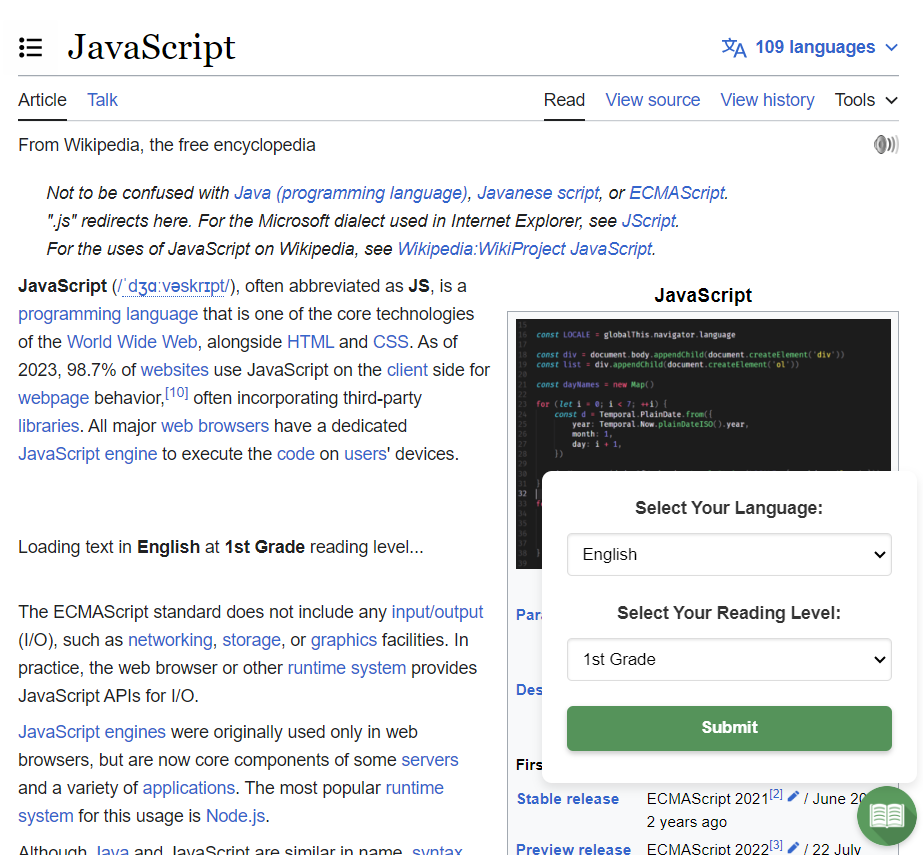
Changing the text
-
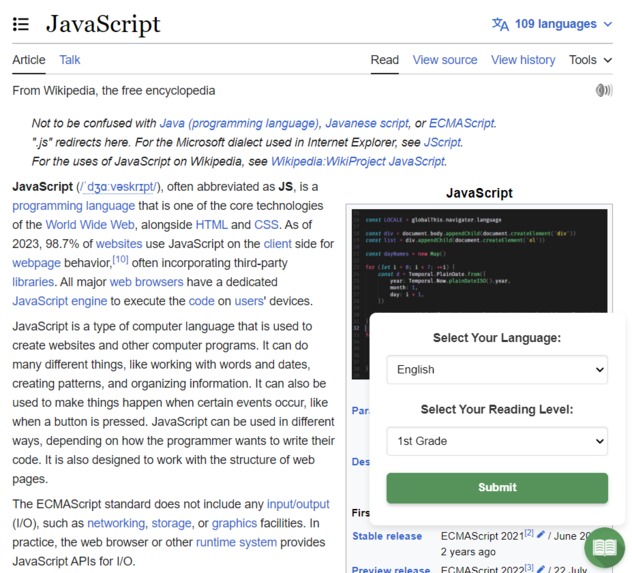
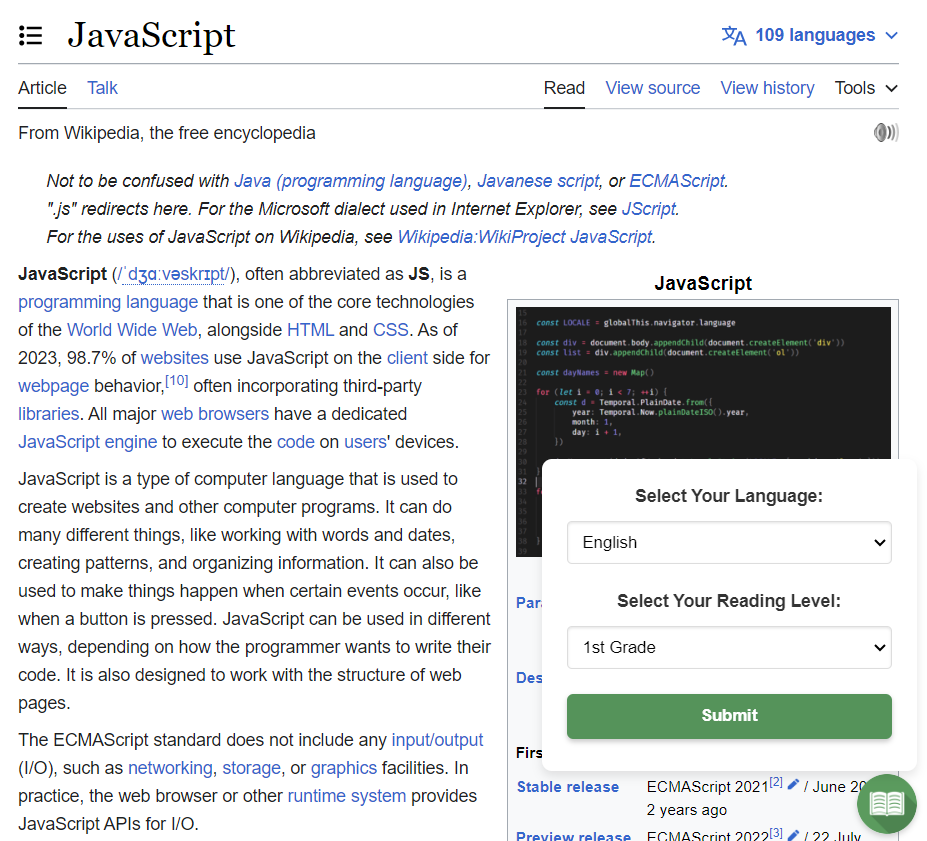
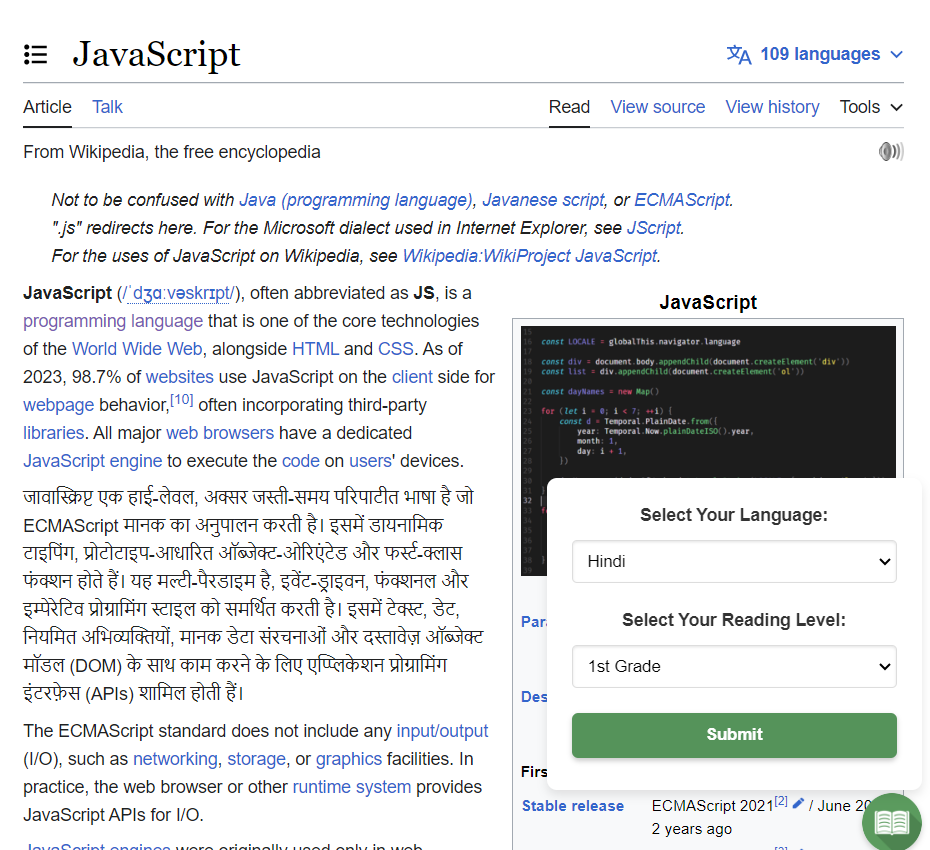
Changed text
-
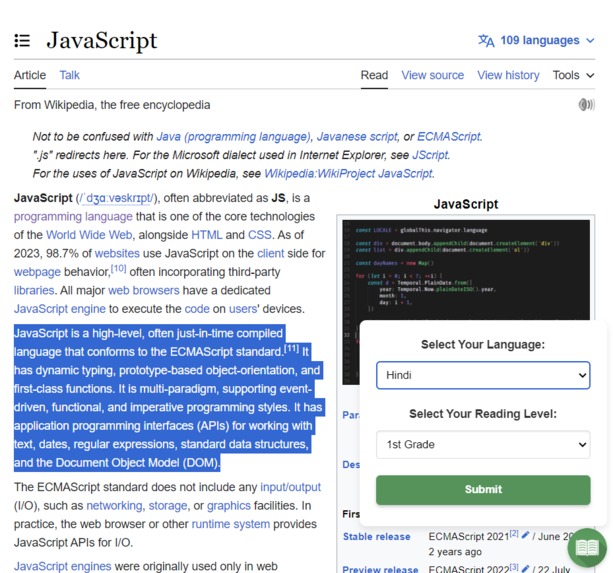
Choosing to translate to Hindi
-
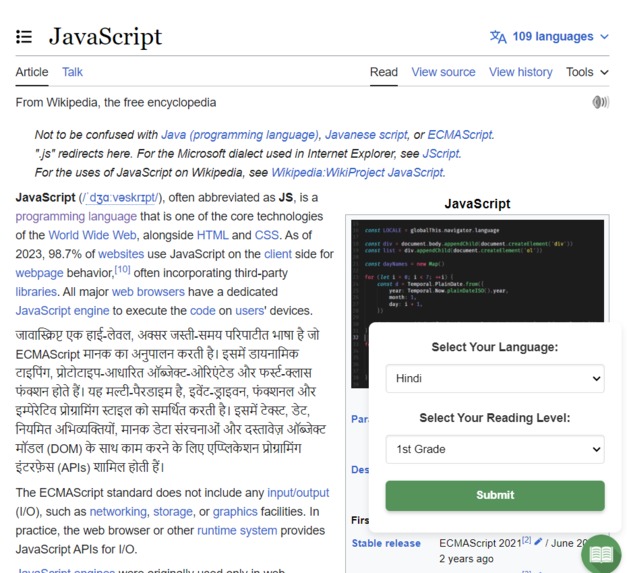
Text change to Hindi
Inspiration
The web can be an inaccessible place.
Reading and learning online can be a very difficult process when text content includes formal or technical language. As it stands, over one billion individuals are completely illiterate globally. Further, of those who can read and write, many do not professional-level reading abilities. In this sense, much of the internet, including news, educational resources, and even social media, can be out of reach for those who cannot comfortably read the text content.
While reading text in one's own language may be difficult enough, trying to interpret a foreign language can be even tougher. In order to learn another language, individuals must learn by reading increasingly more difficult passages suited to their current proficiency. However, if one were to engage with the web in a foreign language, most text is likely written with fully proficient individuals in mind.
What it does
Elucidate is an AI-powered Chrome Extension that can
- Modify the reading level of user-selected text in place.
- Translate user selected-text to another language, at the desired reading level.
Elucidate can be used to help an individual learn a new language and to change the reading level of text.
Elucidate features an intuitive user interface, enabling users to quickly modify selected text in place.
How we built it
We built Elucidate using the Chrome developer API, the OpenAI API, Node.js, HTML, and CSS. Elucidate works by using Chrome developer tools to interface with the DOM of the user's active tab. Through various background/injected scripts, the Elucidate extension has permission to modify the source HTML of the given website and can see necessary user behavior (e.g., selected text). Elucidate features a seamless integration of the OpenAI API through its use of the GPT 3.5 endpoint.
We engineered multiple specific prompts such that we could achieve the desired output for each combination of reading level and languages. We ensure that Elucidate operates in a timely fashion my limiting the text length of model inputs (i.e., the number of tokens), as well as the output length. Since model runtime tends to be proportional to both input and output size, this guarantees that a user can generally modify their text within 2 seconds after they click the button.
Challenges we ran into
This was our first time building a new Chrome Extension and using the OpenAI API. As such, we ran into numerous problems attempting to understand the intricacies of the Chrome Developer/OpenAPI APIs. Some major problems include:
- Finding the right model to send our API requests. It was important that we struck a balance between model accuracy and response time.
- Chrome extensions essentially operate in a separate context from the website itself. In order to run JavaScript code on the active tab, it is necessary to deploy various different kinds of scripts, namely a "service worker" as well as a "content' script that each have different functionalities within the Chrome environment. The extension itself also has its own JavaScript code that can only function within the context of the extension's inner HTML.
Accomplishments that we're proud of
We are proud to have built a functional Chrome extension that can offer real values to those learning a new language and those with limited general reading proficiency.
What we learned
- How how to build a Chrome Extension.
- How to use the OpenAI API
What's next for Elucidate
There are multiple next steps we could take this Extension. If we choose, we could potentially put this on the Chrome Extension store, however, if this were to be used by many individuals, it would require additional OpenAI credits or for users to use their own API keys. As far as functional improvements, we could also add the ability for the Extension to translate additional languages and to more precise reading levels. Finally, we would like to offer the ability to translate entire websites, although this may be infeasible given the response time of the OpenAI API for long text inputs/outputs.
Built With
- chrome
- css
- gpt-3.5
- html
- javascript
- openai


Log in or sign up for Devpost to join the conversation.