-

Elicit: Texas discovery requests drafted in seconds.
-
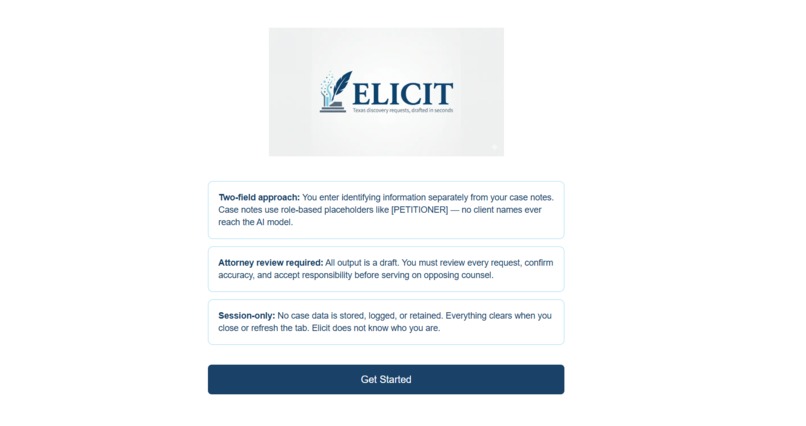
home
-
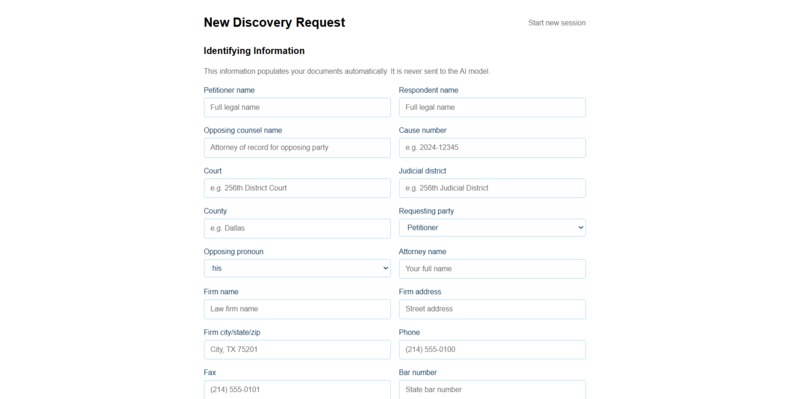
form
-
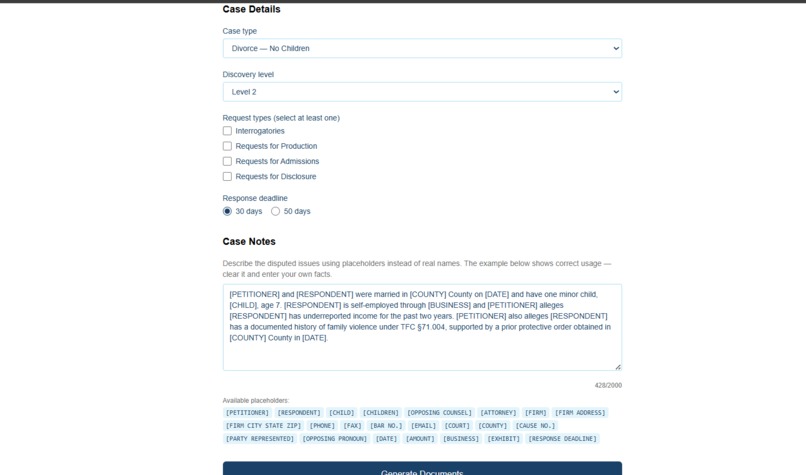
form
-
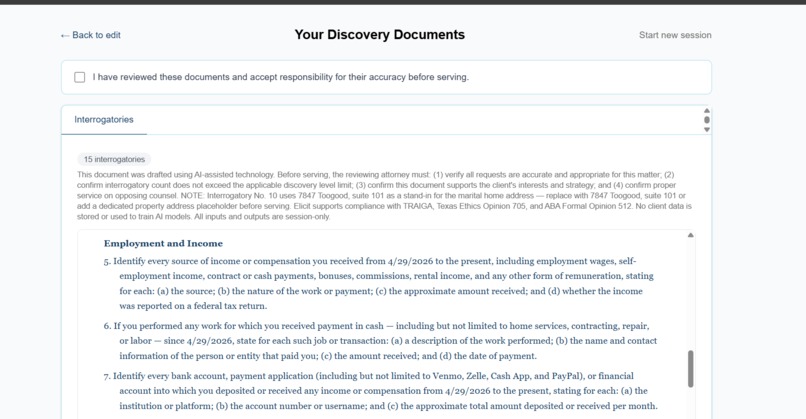
result
-
result
-
results

Elicit: Discovery Drafting, Simplified
Inspiration
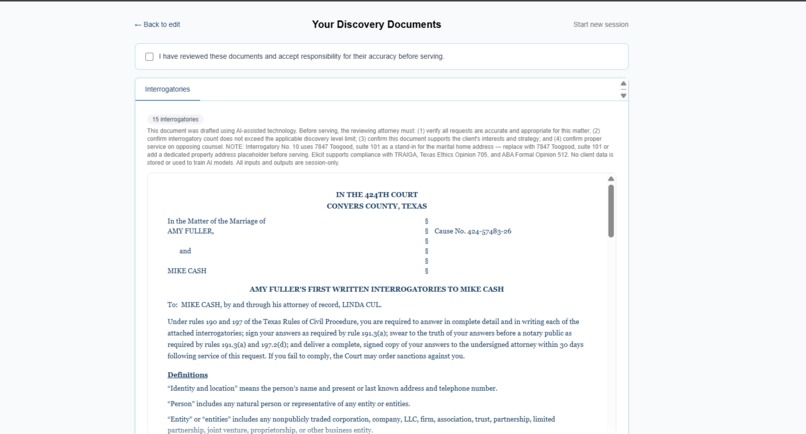
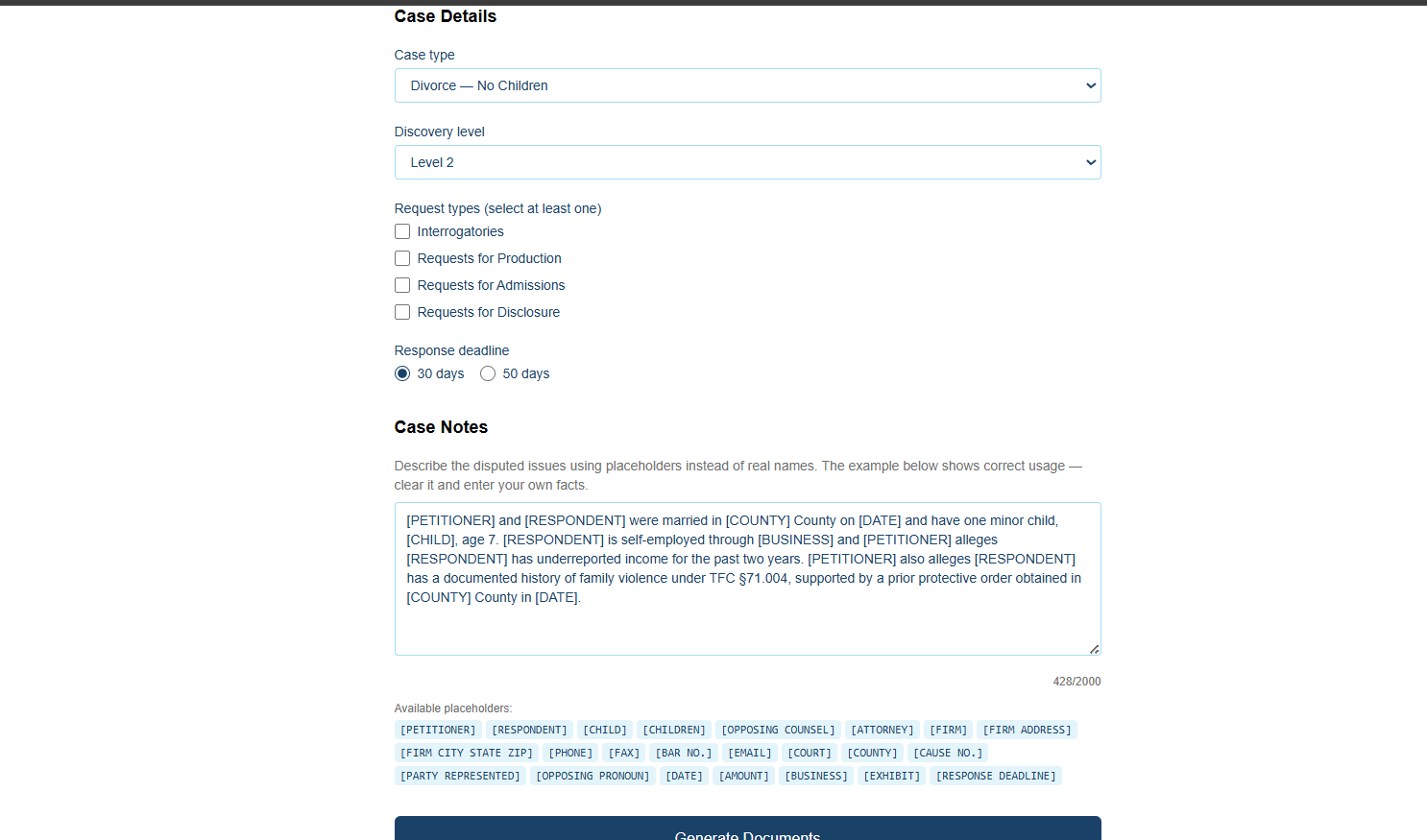
In Texas family law, manually drafting discovery requests is a repetitive, high-stakes task where precision matters. I wanted to build a tool that helps attorneys compel evidence without fighting off standard boilerplate objections or spending hours on formatting. My goal was to move the attorney's role from "manual drafter" to "strategic reviewer."
What it does
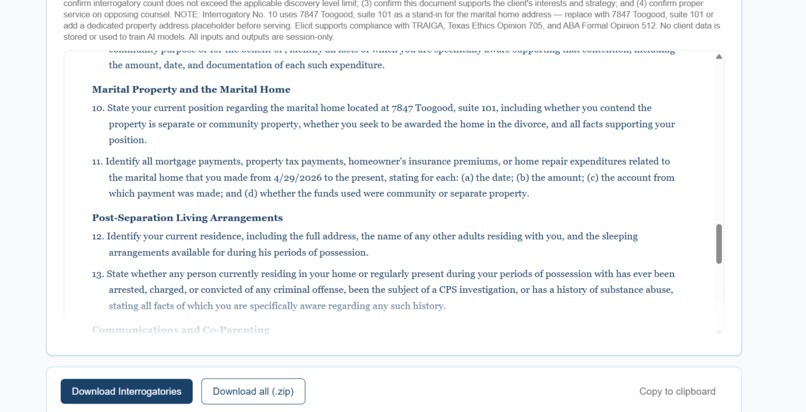
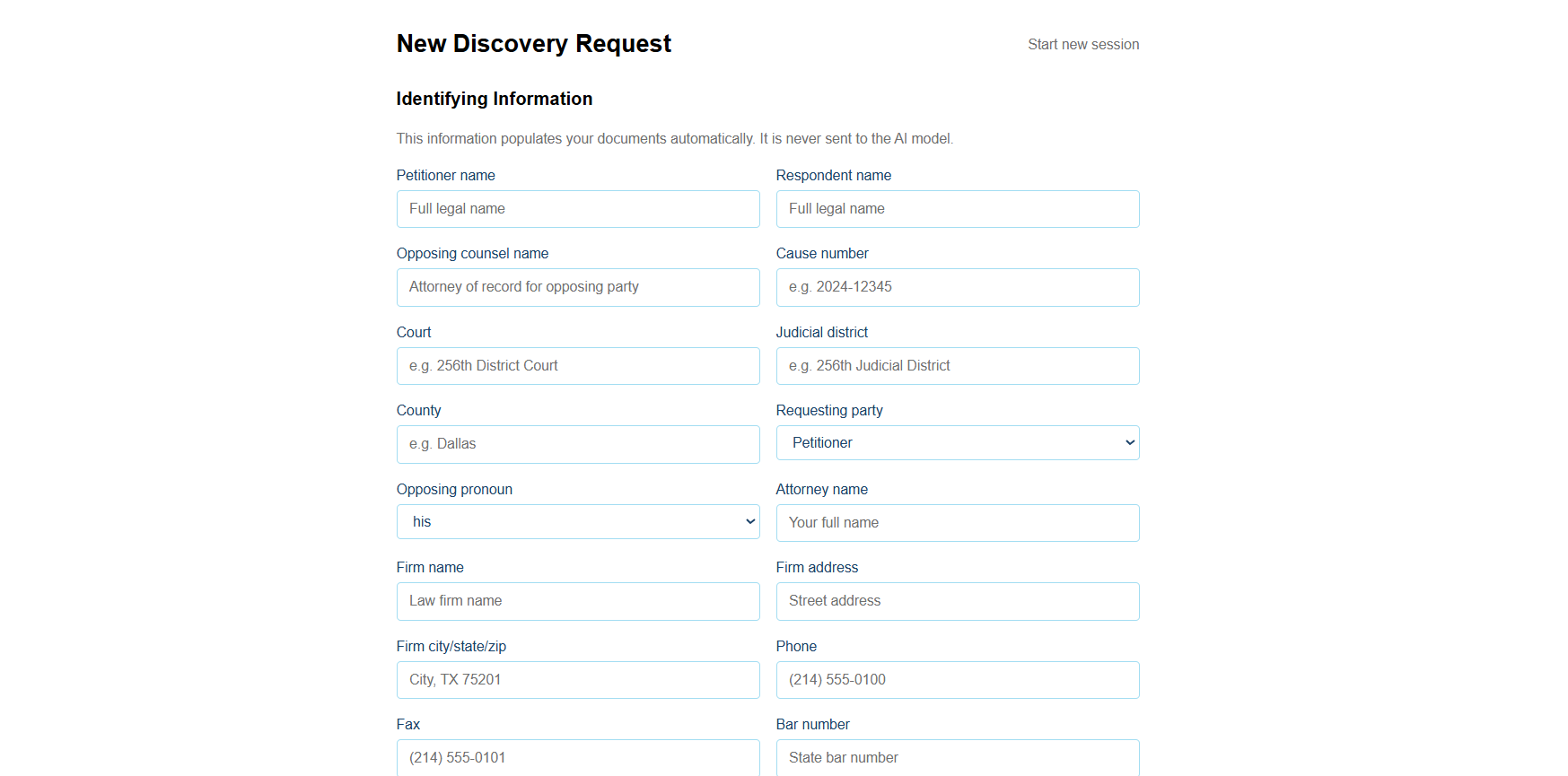
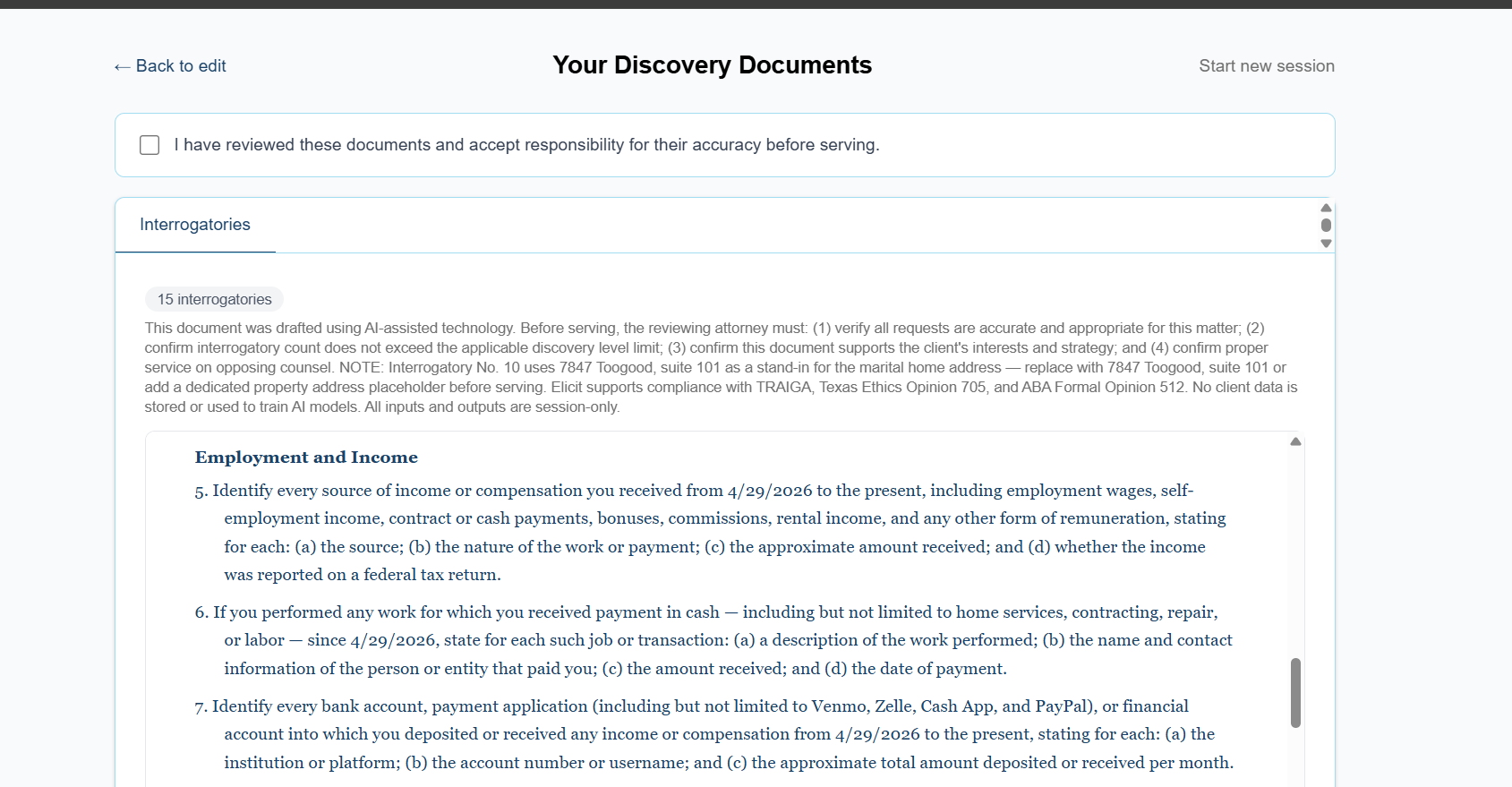
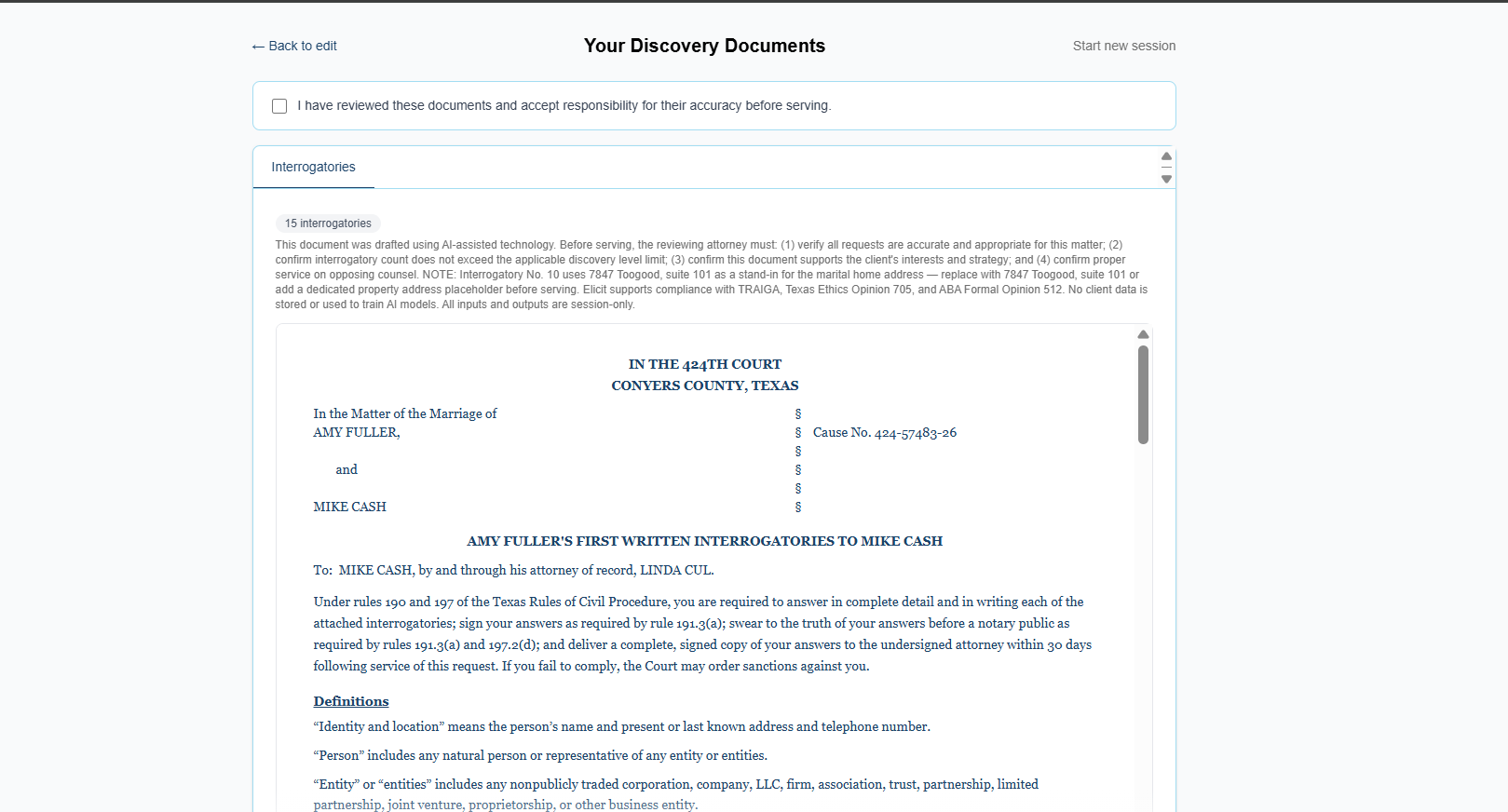
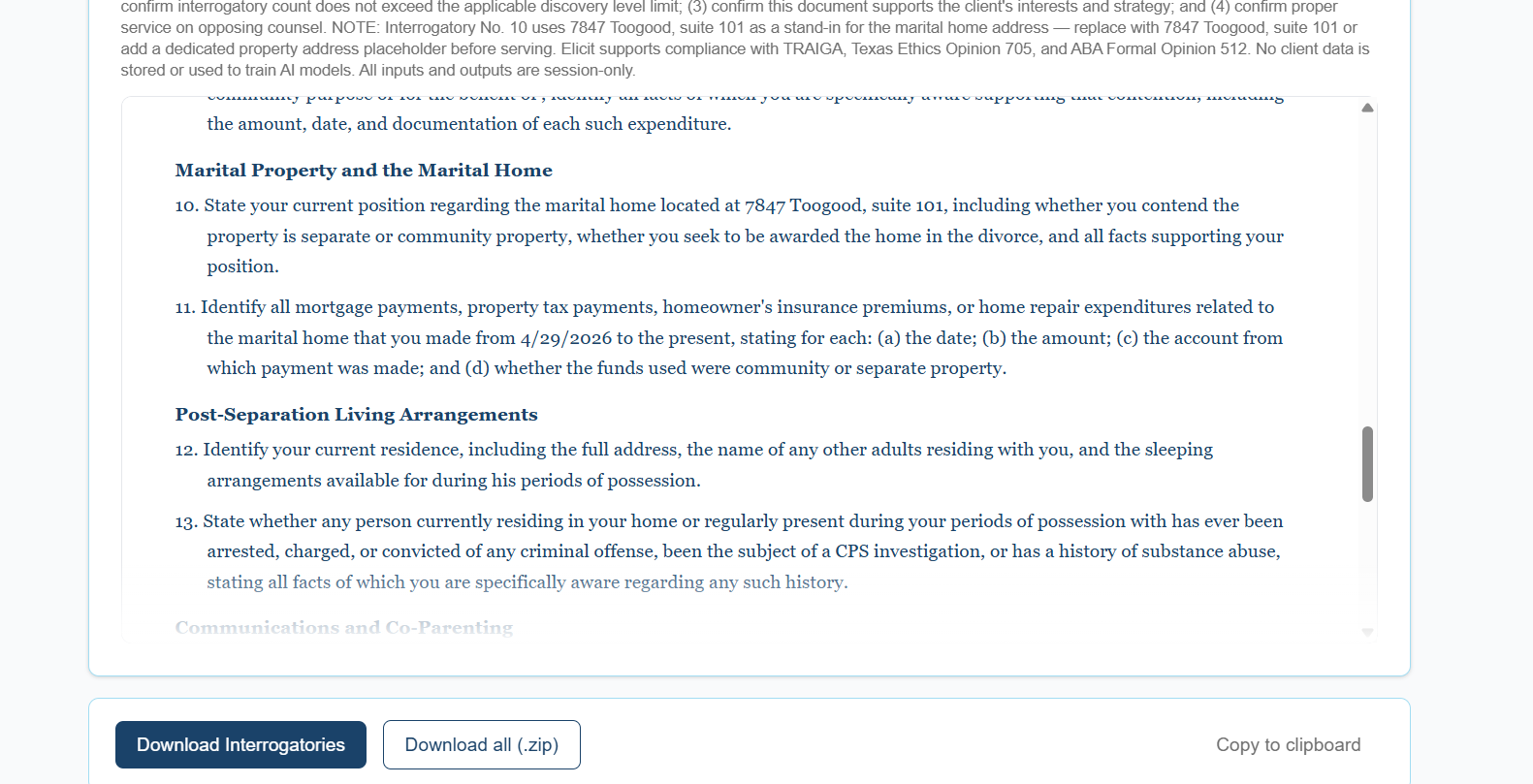
Elicit reads the facts of a specific case and drafts targeted, court-ready discovery requests from scratch — not filled-in templates, but requests written for that case, grounded in the Texas Rules of Civil Procedure and the Texas Family Code. The attorney reviews, downloads a Word document, and serves it — the AI handled the drafting, the attorney owns the work product.
Challenges we ran into
Styling the documents properly. The app was prioritizing Claude's generated text over my hardcoded constants. I became quite frustrated with document formatting. I found it easier to use Kiro for vibe coding as a good prompt creates steering, specs, and tasks that are easier to follow and mange then using claude code in terminal.
Accomplishments that we're proud of
I'm proud that the app logic works properly.
What we learned
For a beginner, the gap between planning a well-architected app and executing it through an AI coding agent is real and steep. The process of creating is easy, refining it is a whole different beast. Having clean data helped the agent to get a clear picture of what I was trying to accomplish.
What's next
Word document formatting polish, caption layout fixes, and UI refinements are the remaining items before production use.
Built With
- anthropic-claude-api
- bun
- cloudflare-pages
- docx
- jszip
- next.js
- react
- tailwind-css
- typescript
