Inspiration
We were inspired by the essential human need to understand complex ideas quickly and clearly. In an age of information overload, a tool that can instantly cut through jargon to provide a single, accessible explanation is invaluable. Our goal was to create a solution that not only simplifies topics but also makes that clarity instantly portable and sharable with others.
What it does
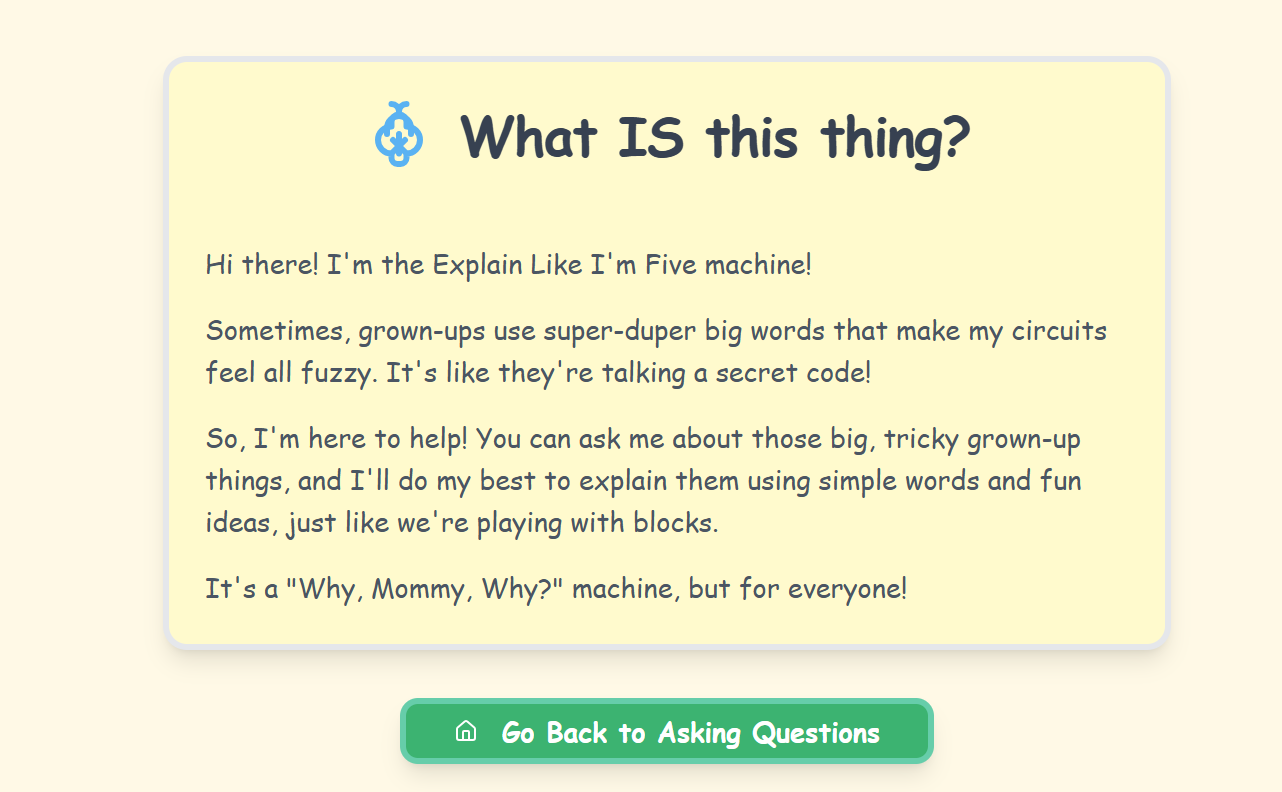
ELI5 is a tool designed to solve the problem of complexity with elegant simplicity. It provides immediate, beginner-friendly explanations for any subject, ensuring knowledge is never a barrier.
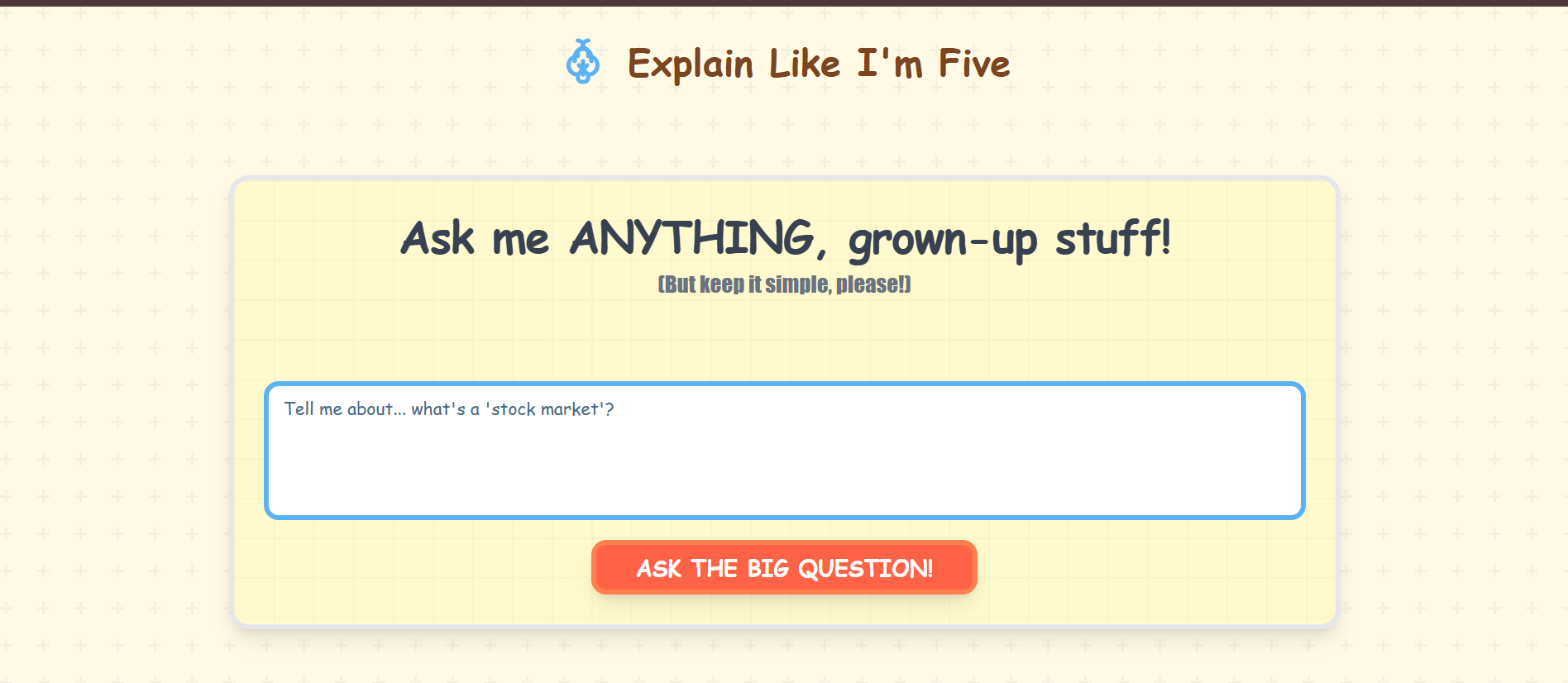
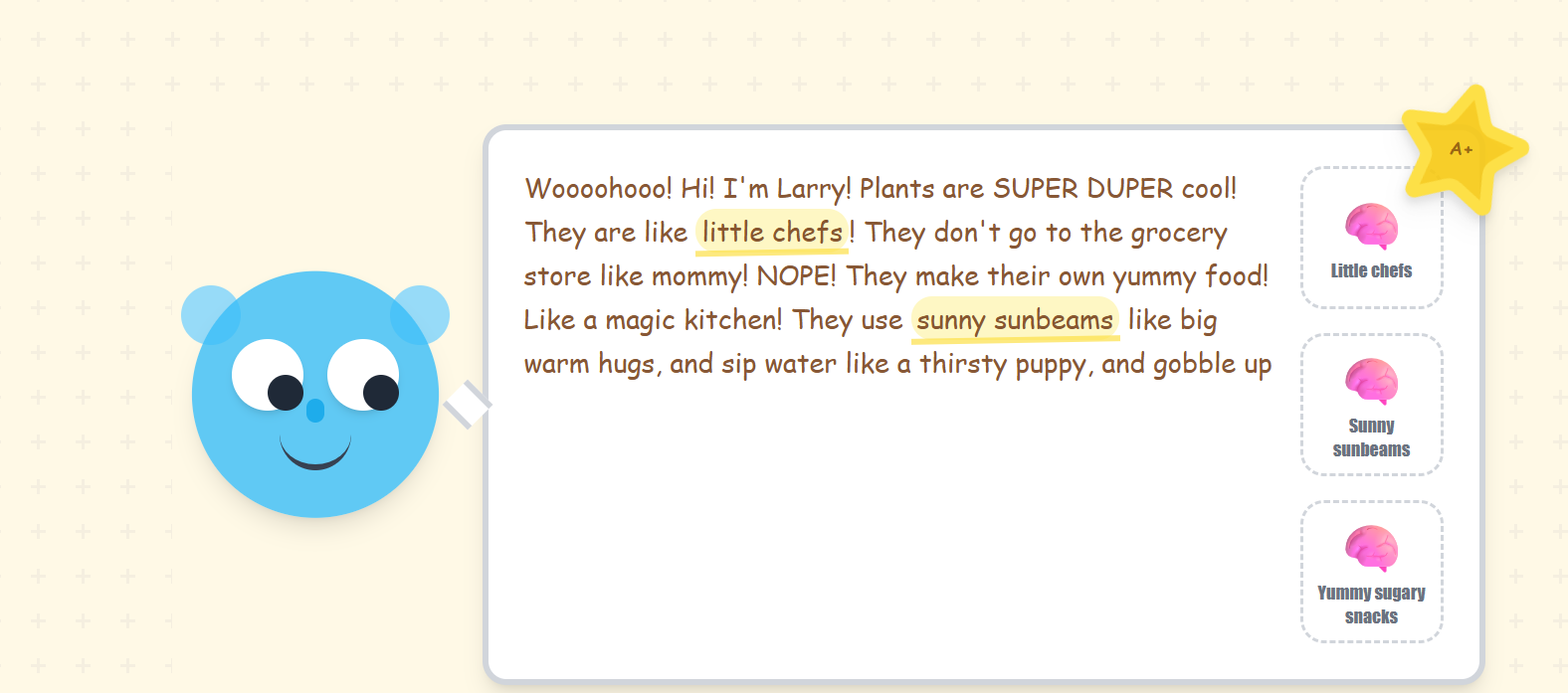
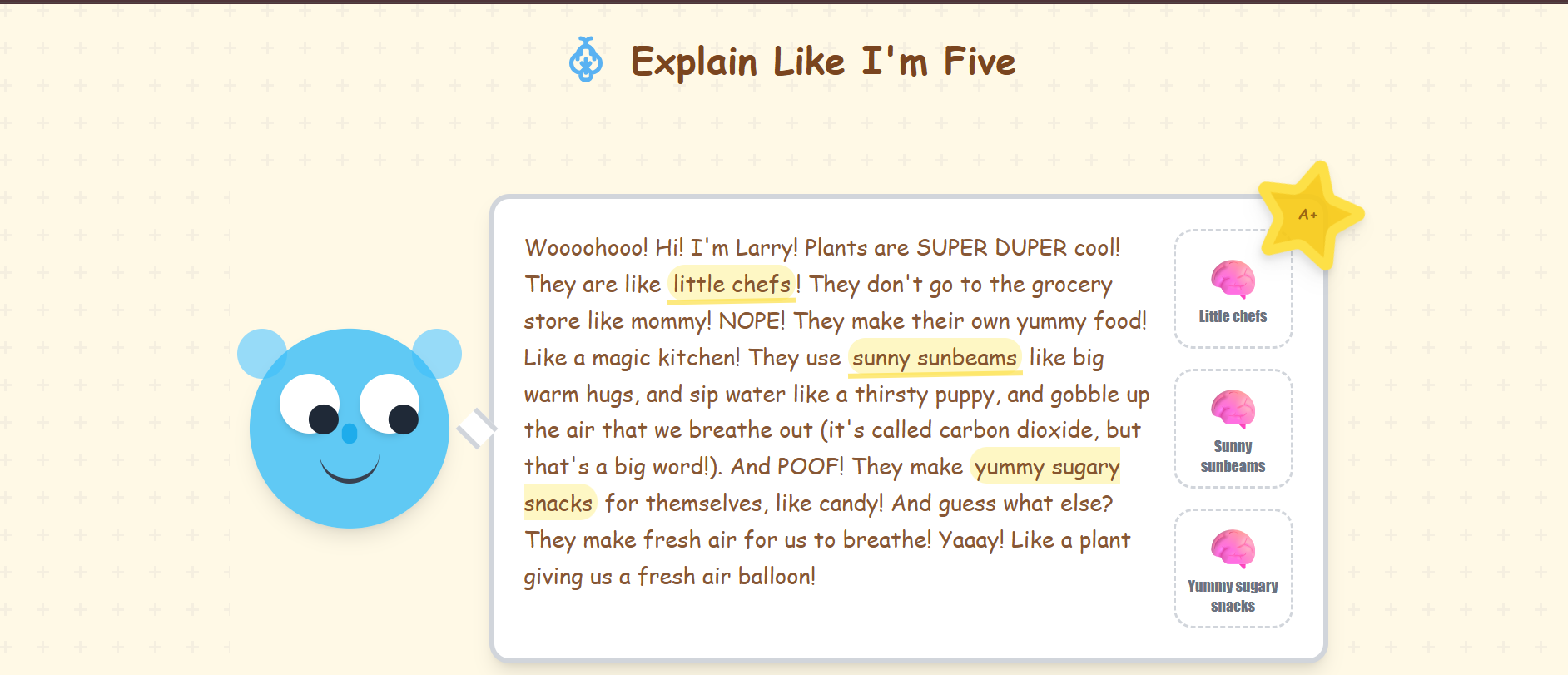
Core Function (ELI5): Users input any complex topic. The AI delivers a single, concise explanation using straightforward language and relatable analogies. The focus is on one perfect, non-layered summary.
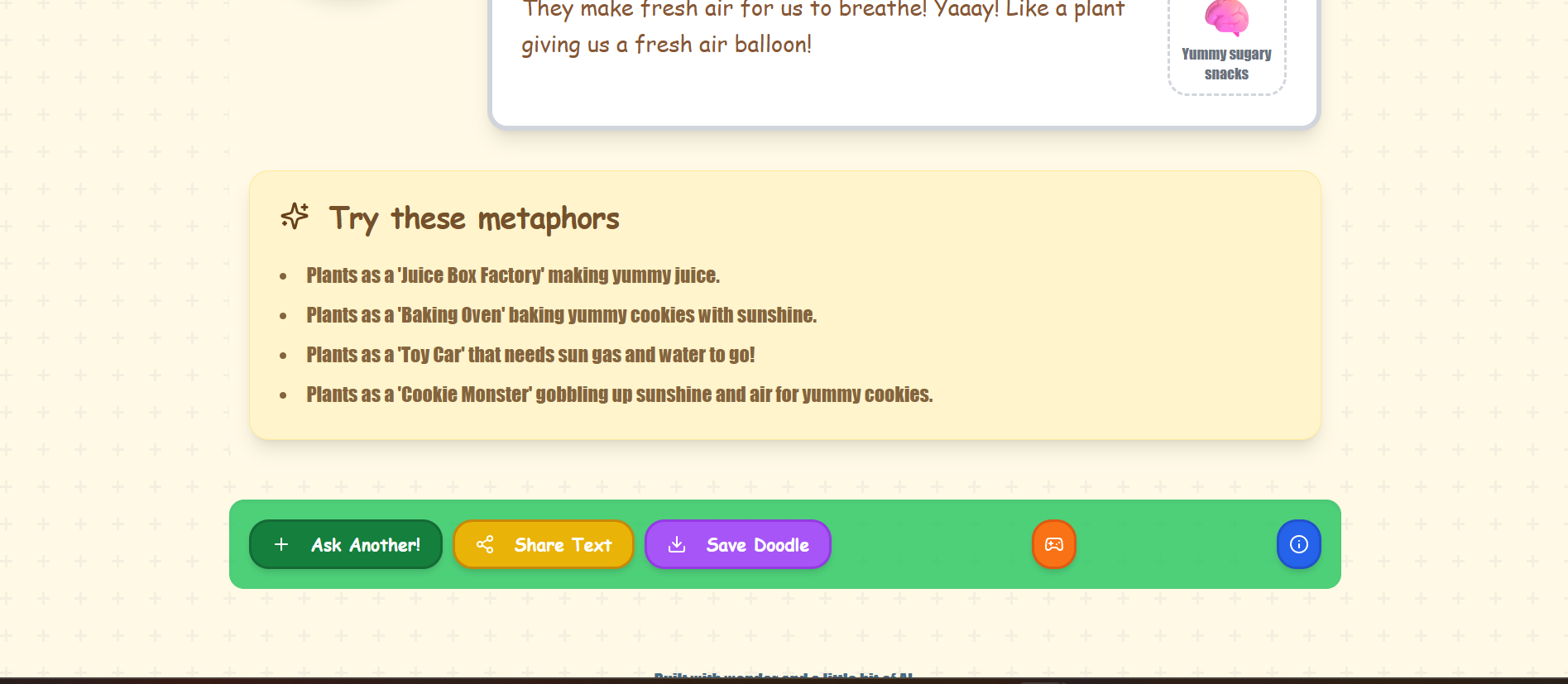
Instant Portability (Share/Save):
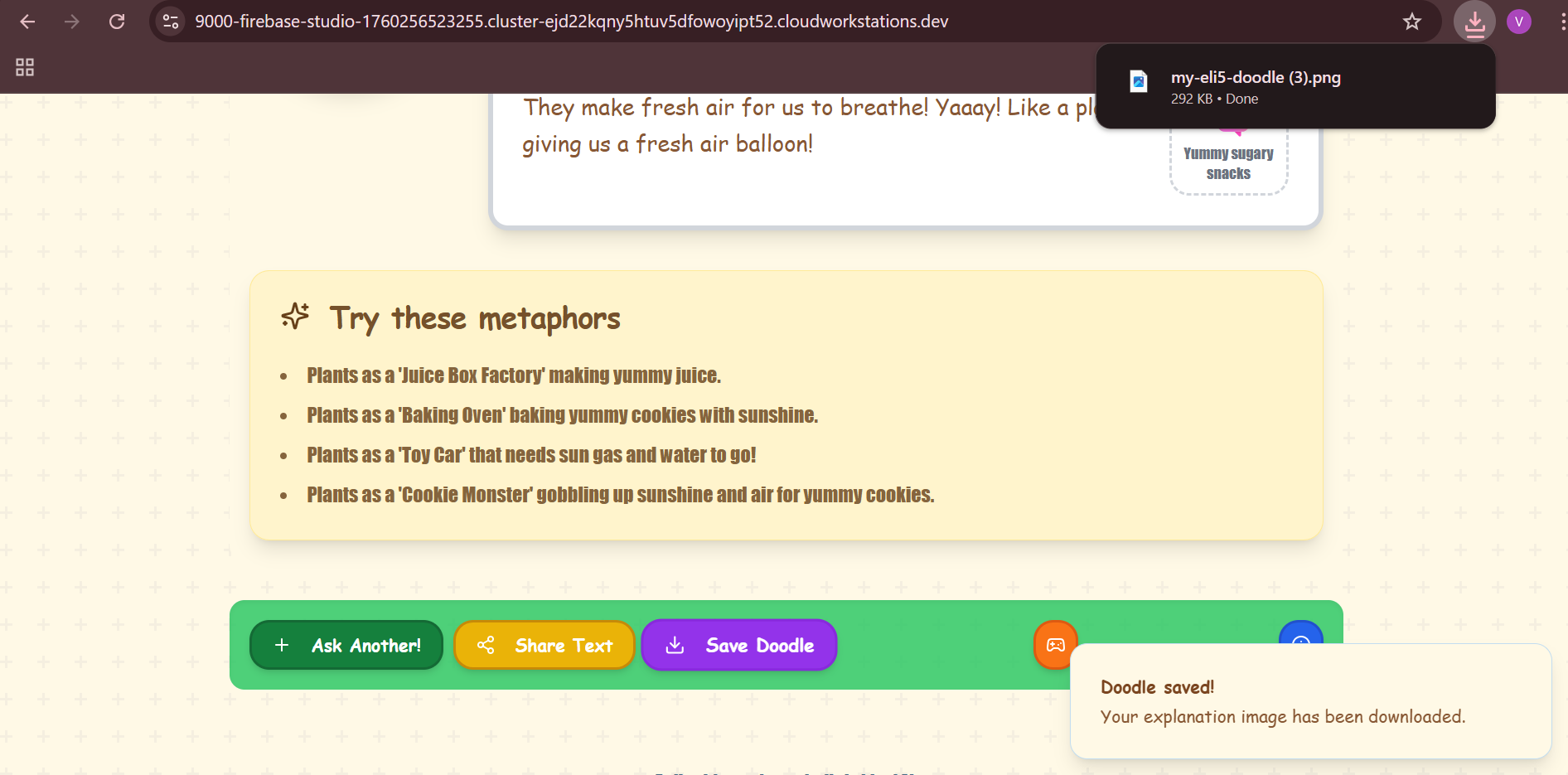
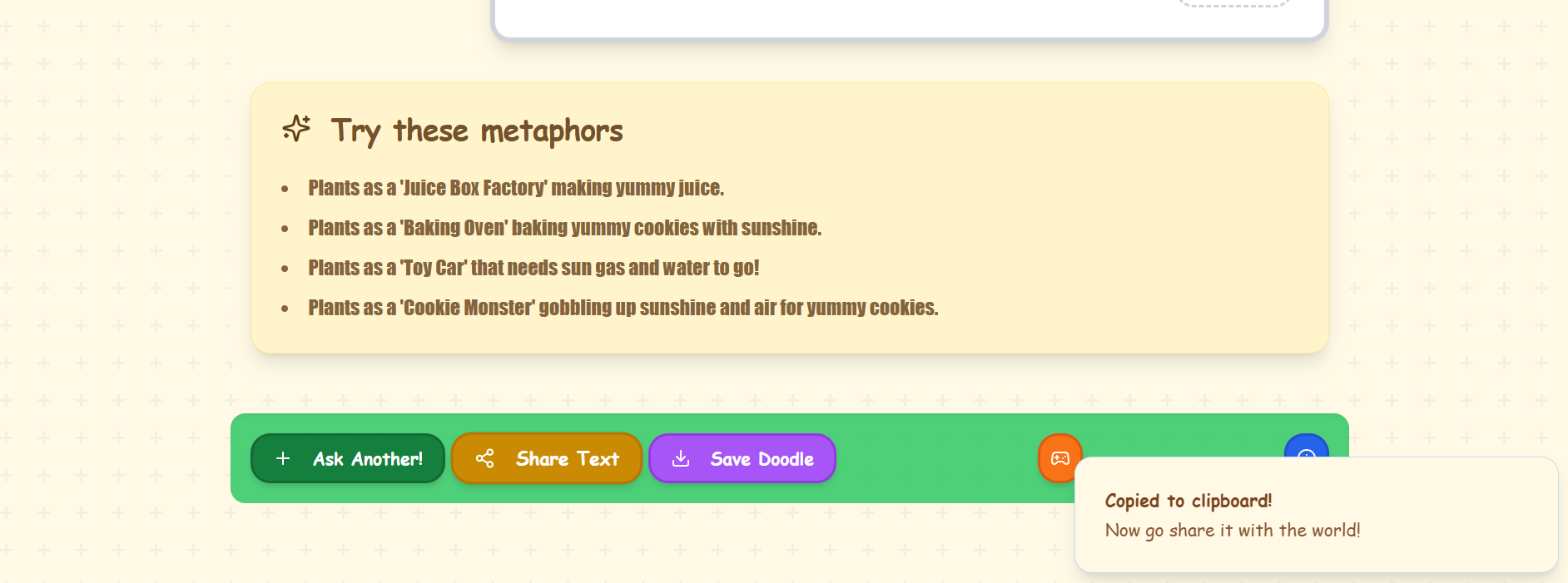
The "Share" button instantly copies a short link of the explanation to the user's clipboard, making it ready for immediate pasting into any chat or document.
A "Save" button allows the user to download the explanation text, cleanly formatted, as a high-quality PNG image.
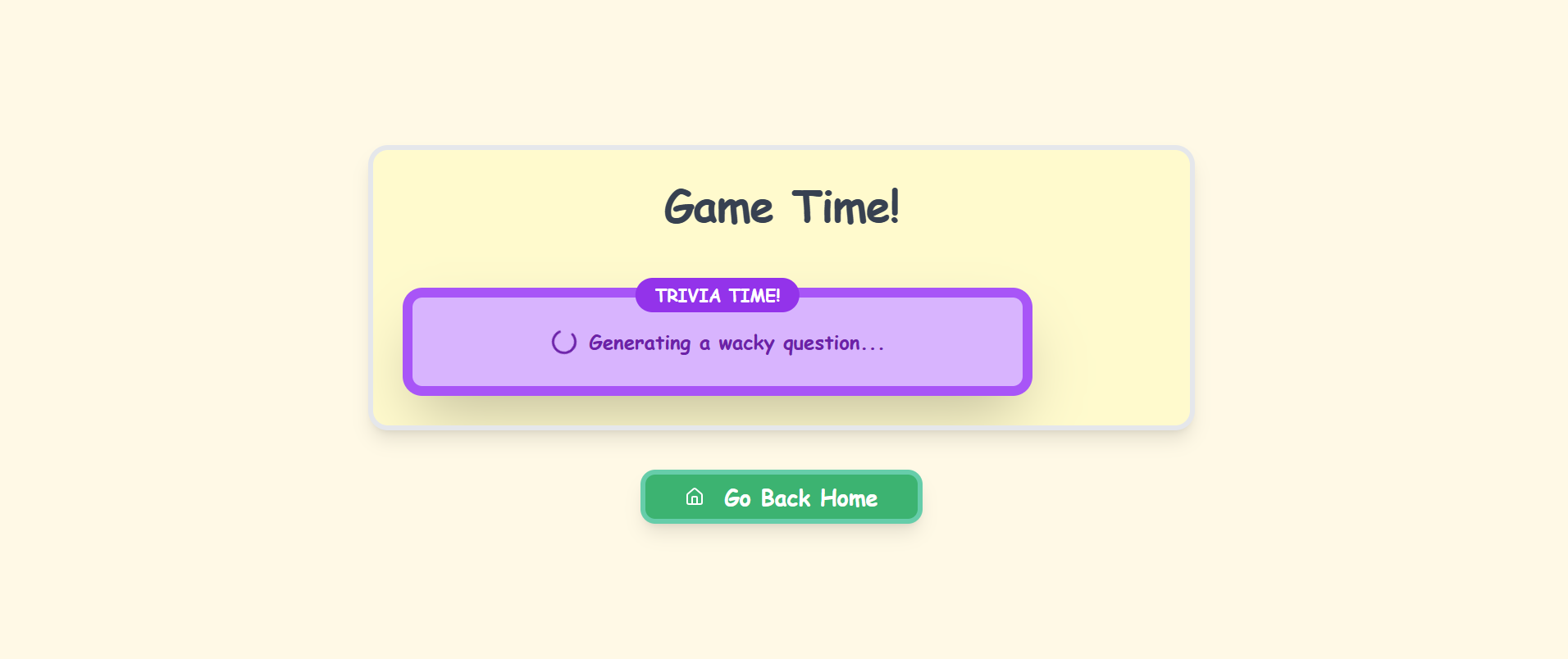
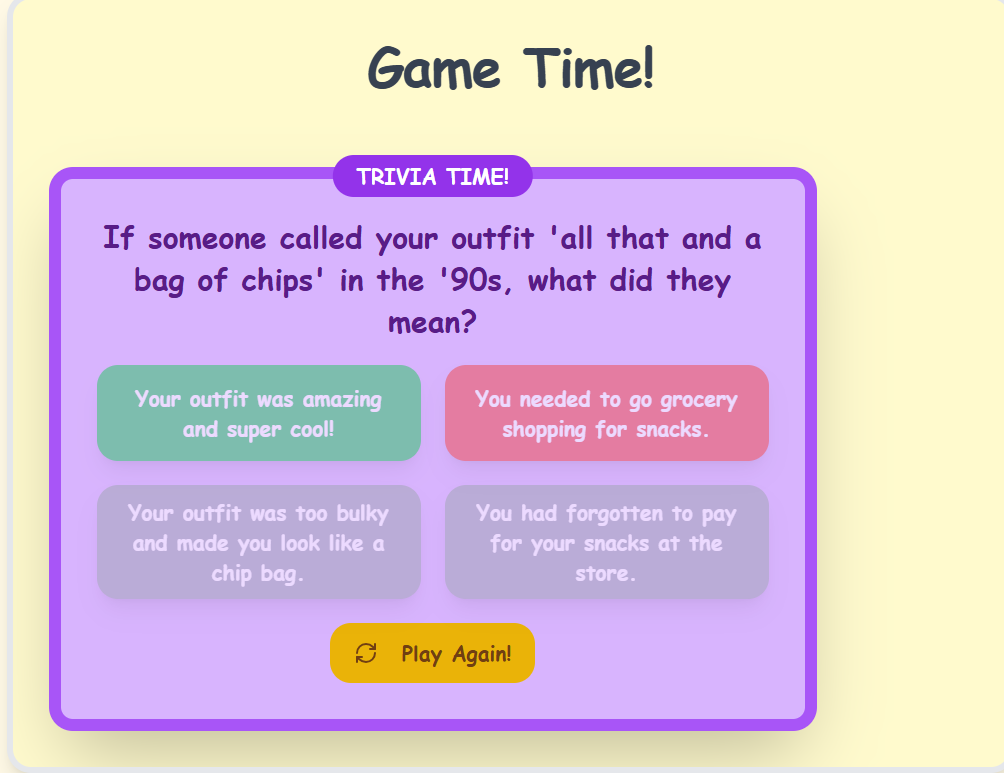
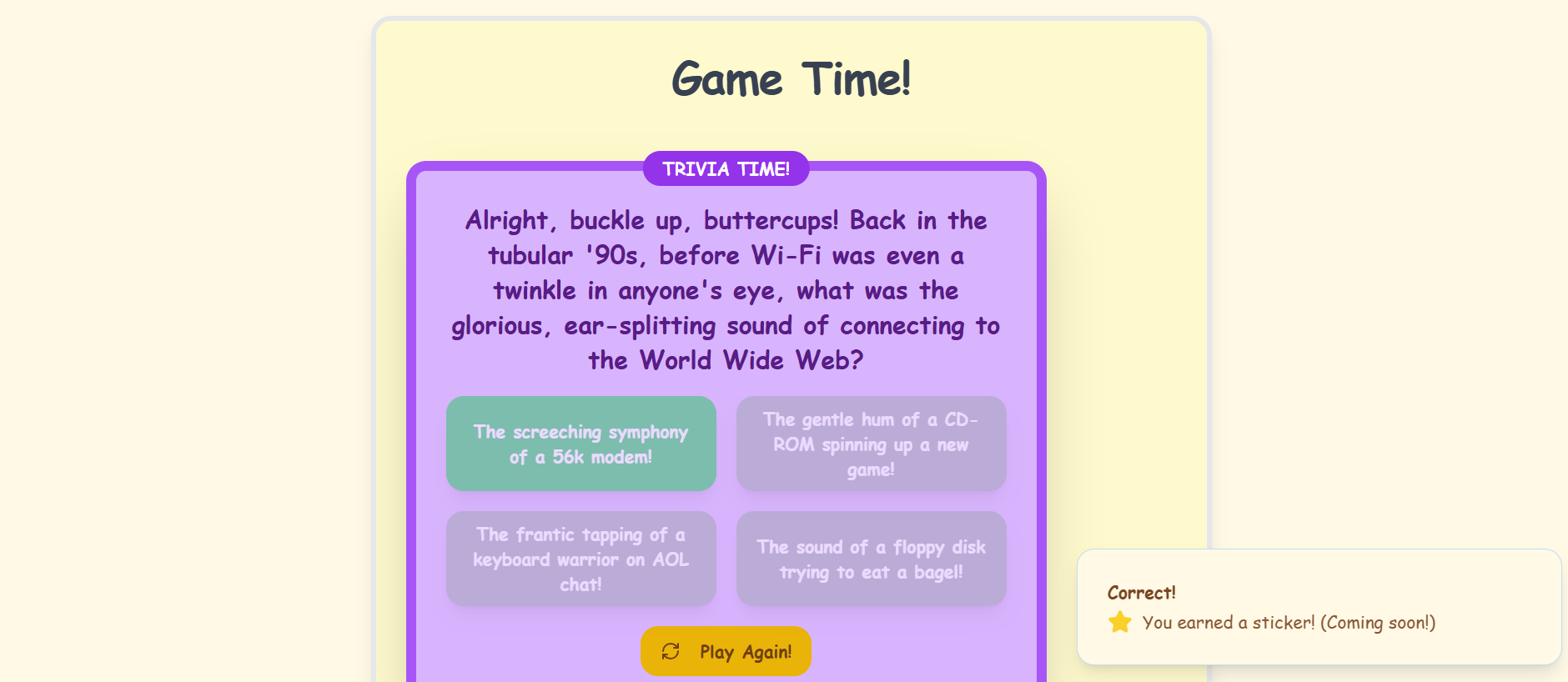
Learning Game: To reinforce understanding, a "Test Your Knowledge" game appears after each explanation, challenging the user with questions based only on the answer they just received.
How we built it
AI Backend: Built on the Gemini API. We used precise prompt engineering to strictly enforce the "Explain Like I'm 5" persona and a single-paragraph response format for absolute clarity and conciseness.
Frontend & Utility: Developed using, React with a focus on modern, minimalist UI/UX.
Clipboard Integration: The Share button uses the modern Navigator Clipboard API for instantaneous, one-click copying of the short explanation URL.
PNG Generation: We implemented the html-to-image library (or a similar technique) to capture the text container and render it as a downloadable PNG file, maintaining high-fidelity formatting.
Game Module: The game is a simple, dynamically generated quiz. The AI generates 3-5 multiple-choice questions based only on the preceding explanation text, creating a powerful, self-referential test of immediate comprehension.
Challenges we ran into
Consistent Single-Layer Output: The main challenge was fine-tuning the AI's prompt to be reliably concise—to stop after the perfect explanation without adding extra context or disclaimers, essential for the "single-layer" requirement.
Clipboard API Compatibility: Ensuring the one-click copy functionality was robust and provided clear user feedback across different browser environments
Accomplishments that we're proud of
High-Utility Workflow: The final application is designed for a rapid, efficient workflow: Ask → Read → Copy/Save/Test. This clean design demonstrates strong UX planning.
Flawless PNG Generation & Instant Sharing: Successfully creating the functionality to make the AI's output instantly portable through a high-quality image download and a one-click clipboard copy.
What we learned
We learned the importance of output utility—that a great AI answer is only as valuable as its simplest delivery method. By focusing on a single, clear explanation and powerful, modern export options, we realized how much user empowerment comes from making complex information instantly shareable and testable.
What's next for ELI5
Explanation Formatting Options: Introduce simple options to change the PNG output theme (e.g., light mode/dark mode) or font style.
Multilingual Support: Allow users to request the ELI5 explanation in various languages.
Topic Tracking: Implement a light user feature to log past questions and quiz scores, allowing users to track their learning progress over time.

Log in or sign up for Devpost to join the conversation.