-
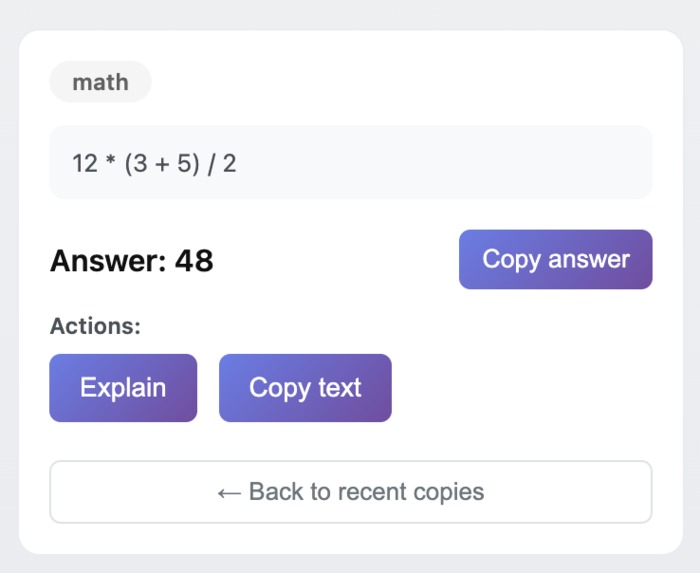
Just Copy the Question and Get the Answer
-
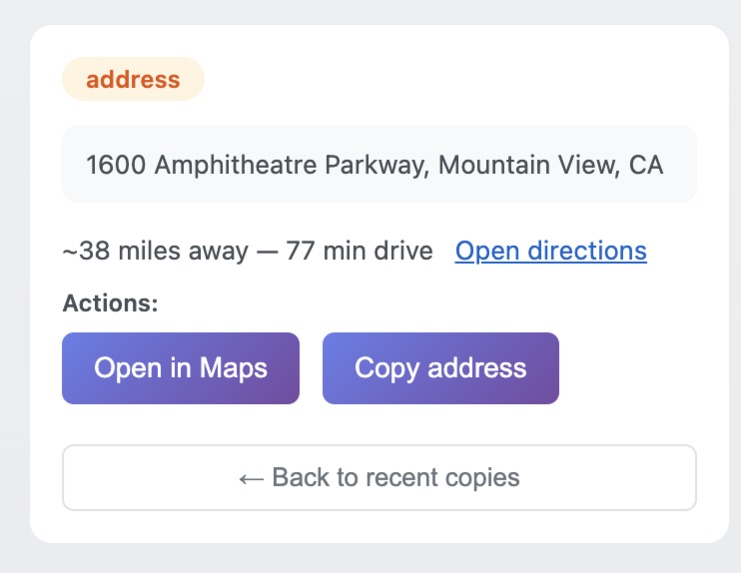
Copy a Address and get the distance.
-
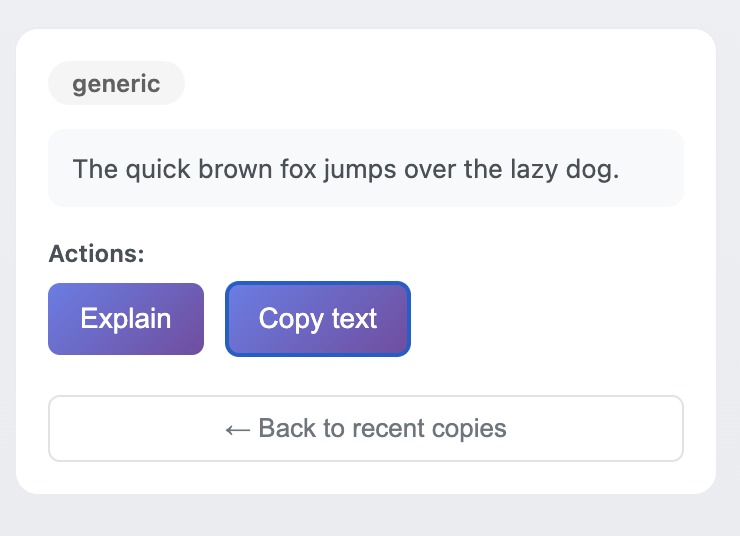
Explain Anything!
-
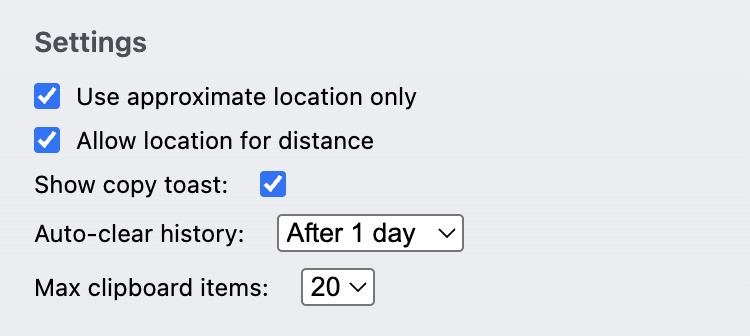
Settings!
-
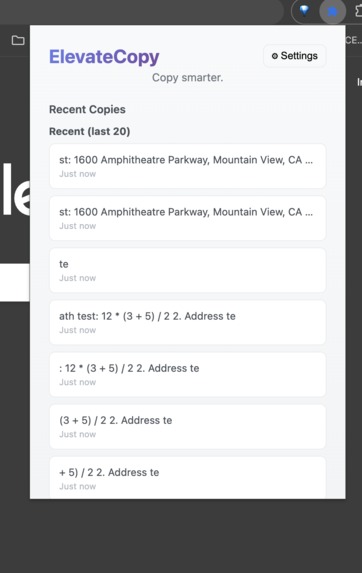
Extension Menu
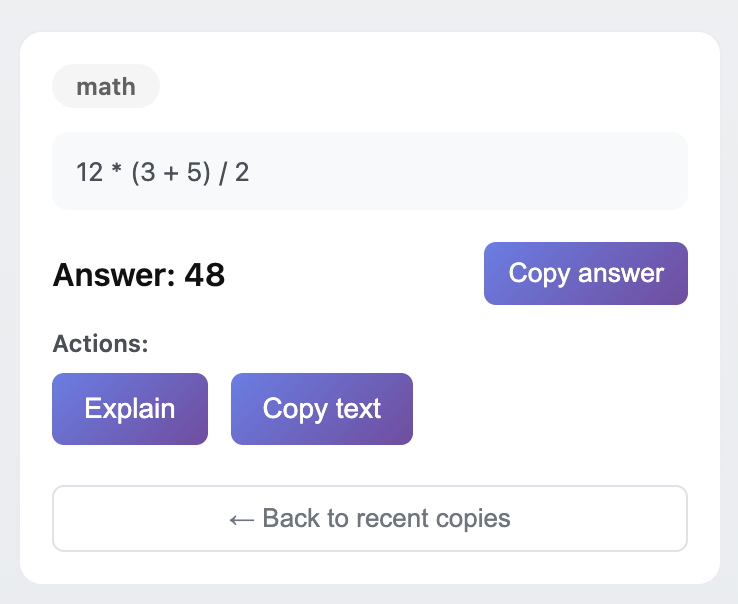
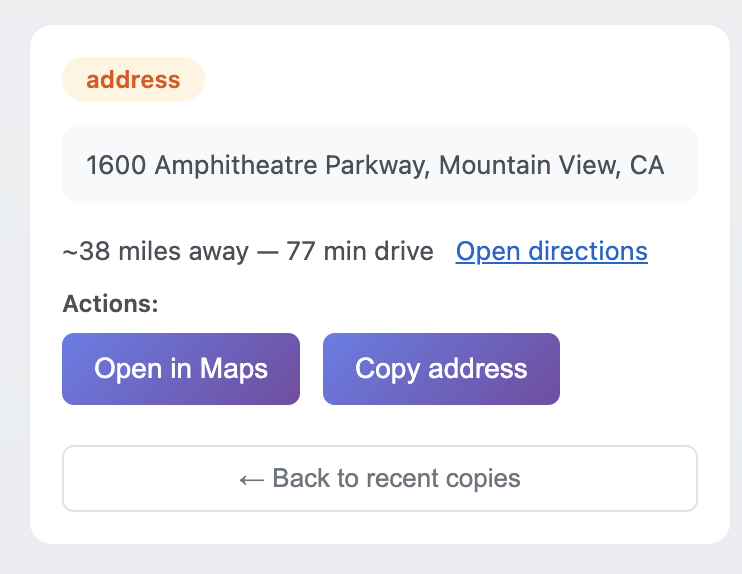
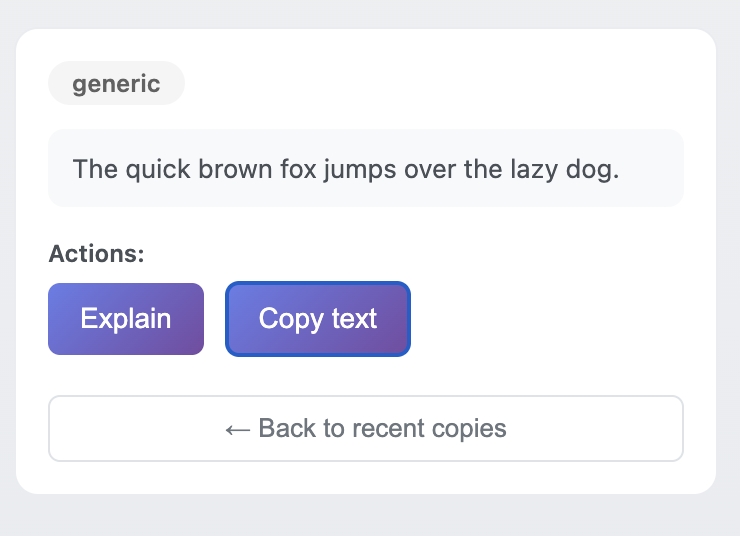
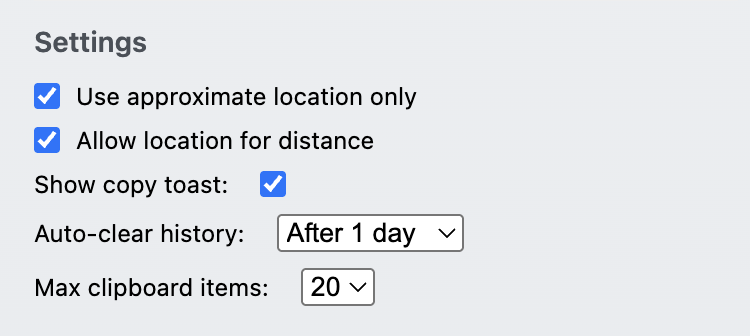
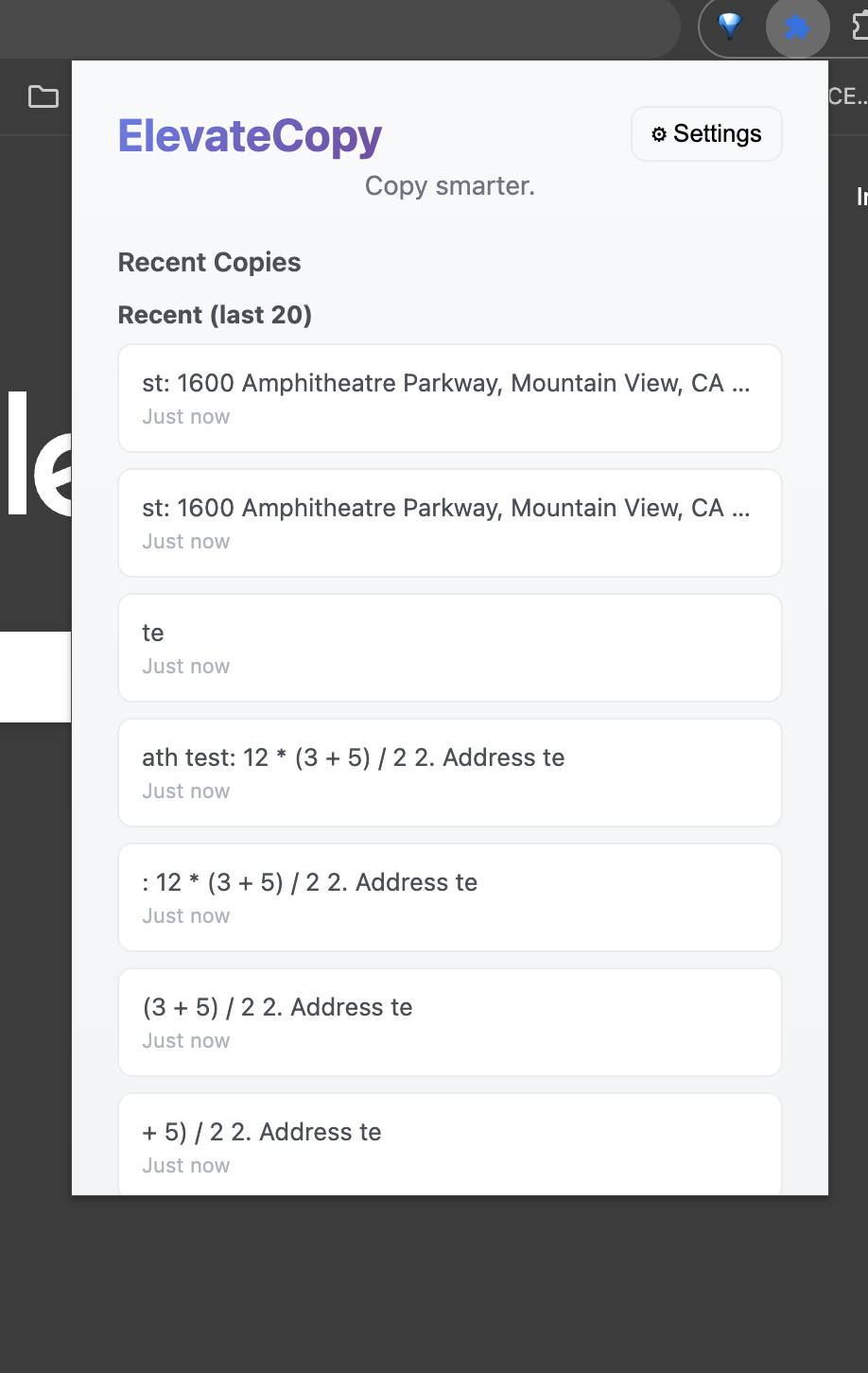
Inspiration Traditional copying and pasting on Chrome OS is static and limited, users can only store one copied item at a time and get no help from context. We wanted to elevate that ordinary action into something intelligent and dynamic.
What it does ElevateCopy turns copy and highlight actions into smart, real-time helpers. When a user highlights or copies text, the extension instantly recognizes what it is and shows contextual actions inline. It solves math expressions, shows distances for addresses, provides quick link options, and saves general text with summaries or explanations. It also keeps a searchable clipboard history with auto-clear, approximate-location, and privacy controls.
How we built it We built a Manifest V3 Chrome Extension using JavaScript, HTML, and CSS. A content script listens for highlights and injects a floating “Elevate” bubble. A background service worker manages local storage through chrome.storage.local. We used the Navigator Geolocation API to calculate distances and implemented a safe inline math evaluator for expressions.
Challenges we ran into We had to securely manage geolocation permissions under Manifest V3, prevent multiple floating bubbles from appearing simultaneously, and safely evaluate math expressions without exposing eval injection risks. Designing a minimal yet readable UI that works across all webpage styles was also a key challenge.
Accomplishments that we’re proud of We built a fully functional contextual clipboard that works across any website. The inline UI appears within milliseconds of highlighting text, making the experience seamless. We also extended clipboard functionality far beyond Chrome OS’s native limitations, turning a basic feature into an intelligent assistant.
What we learned We learned how Chrome Extensions under Manifest V3 handle permissions and storage, how important latency is for user experience, and how simple interactions like copying can become meaningful when context is added.
What’s next for ElevateCopy Next steps include integrating AI-powered summarization and translation, adding OCR for copied images, syncing clipboard data across devices, and implementing safety checks for URLs alongside local LLM reasoning capabilities.


Log in or sign up for Devpost to join the conversation.