

The problem
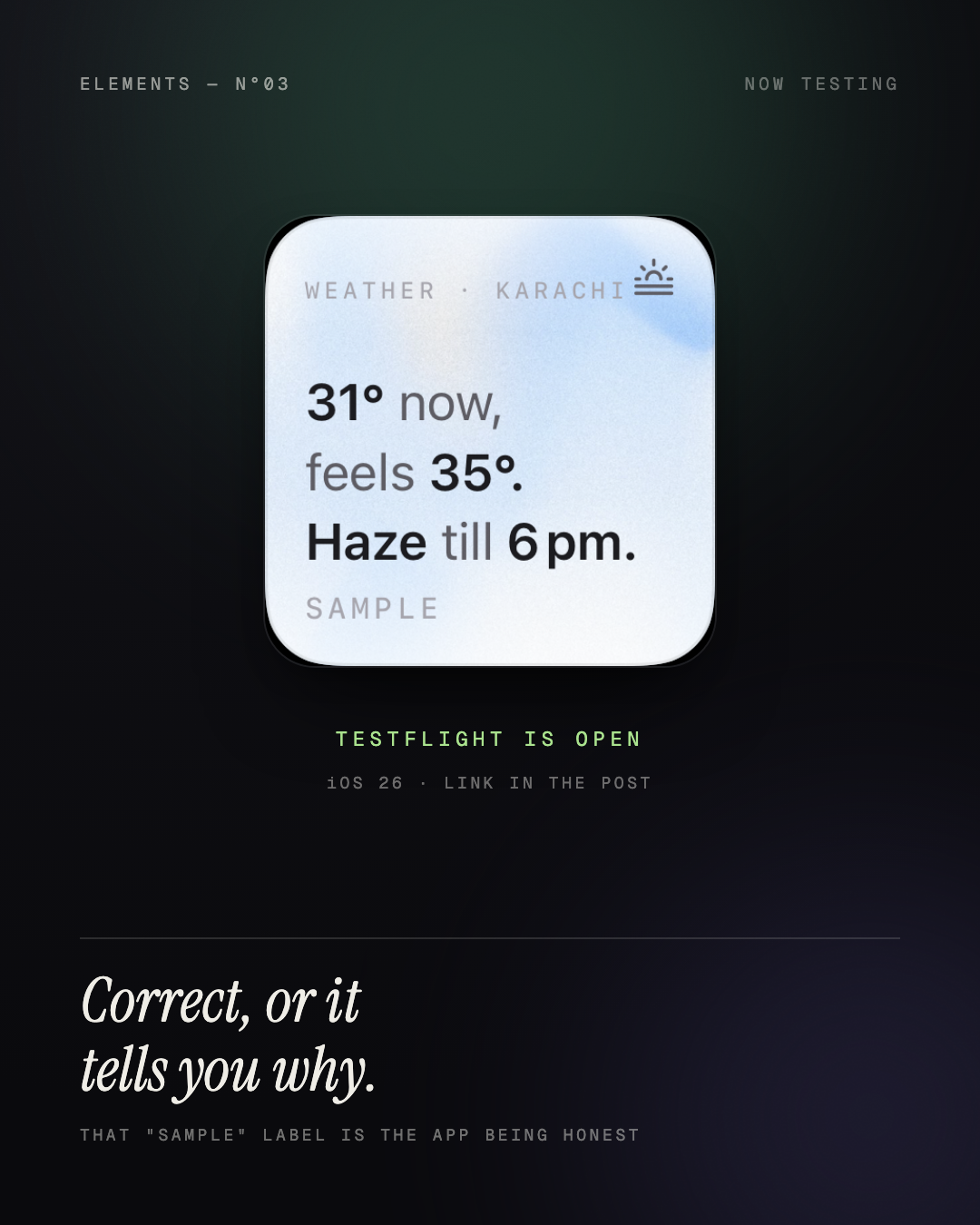
Widget customization is a crowded category with a six-year-old unfixed complaint: widgets go stale, blank, or quietly wrong, and no app tells you why. It is also consolidated — pre-2020 apps hold 69% of subscription revenue, 2025+ launches hold 3% — and Apple's guideline 4.3(b) now explicitly rejects new commodity aesthetic apps. "Prettier widgets" is not a product.
What Elements does
Three things no incumbent does together:
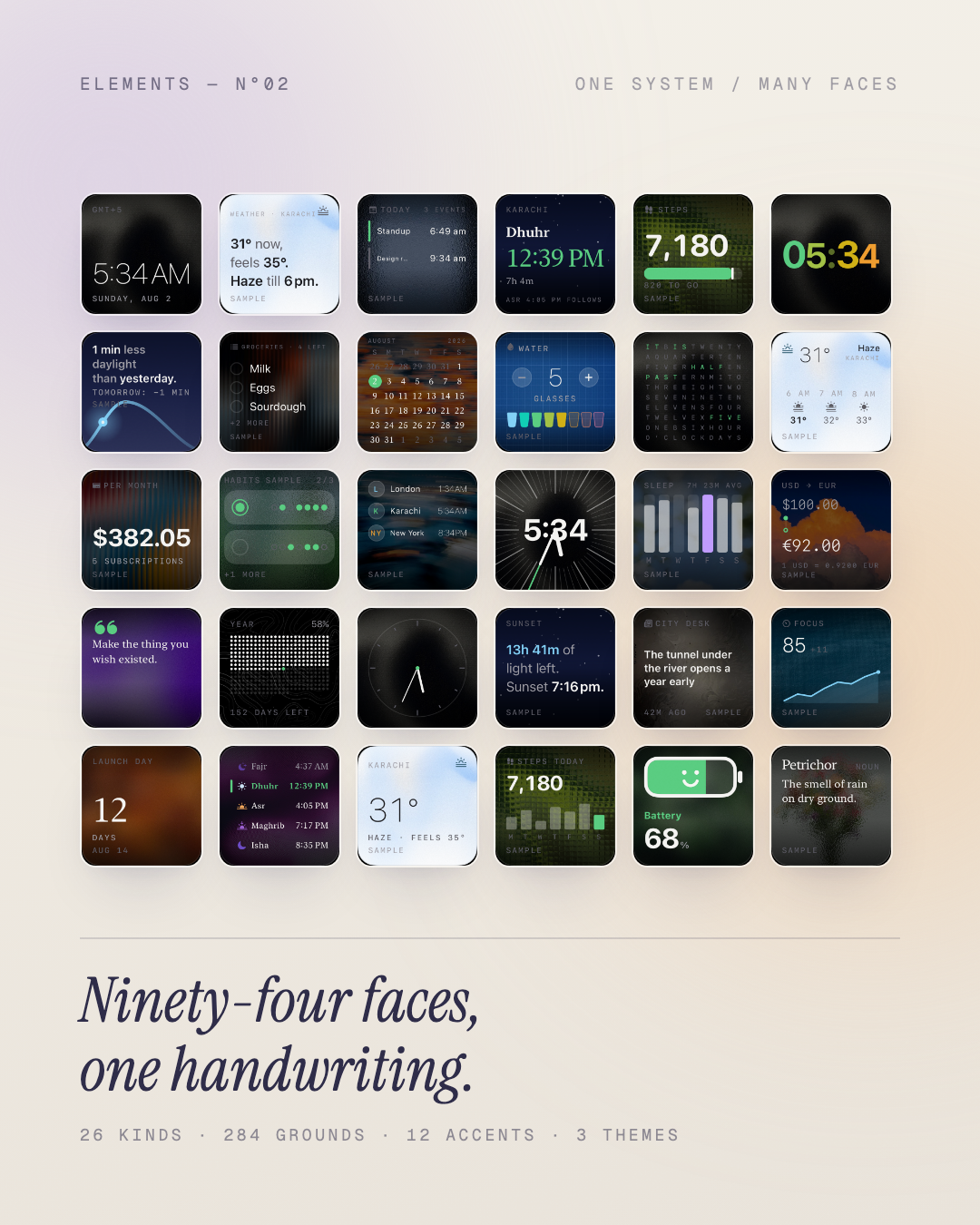
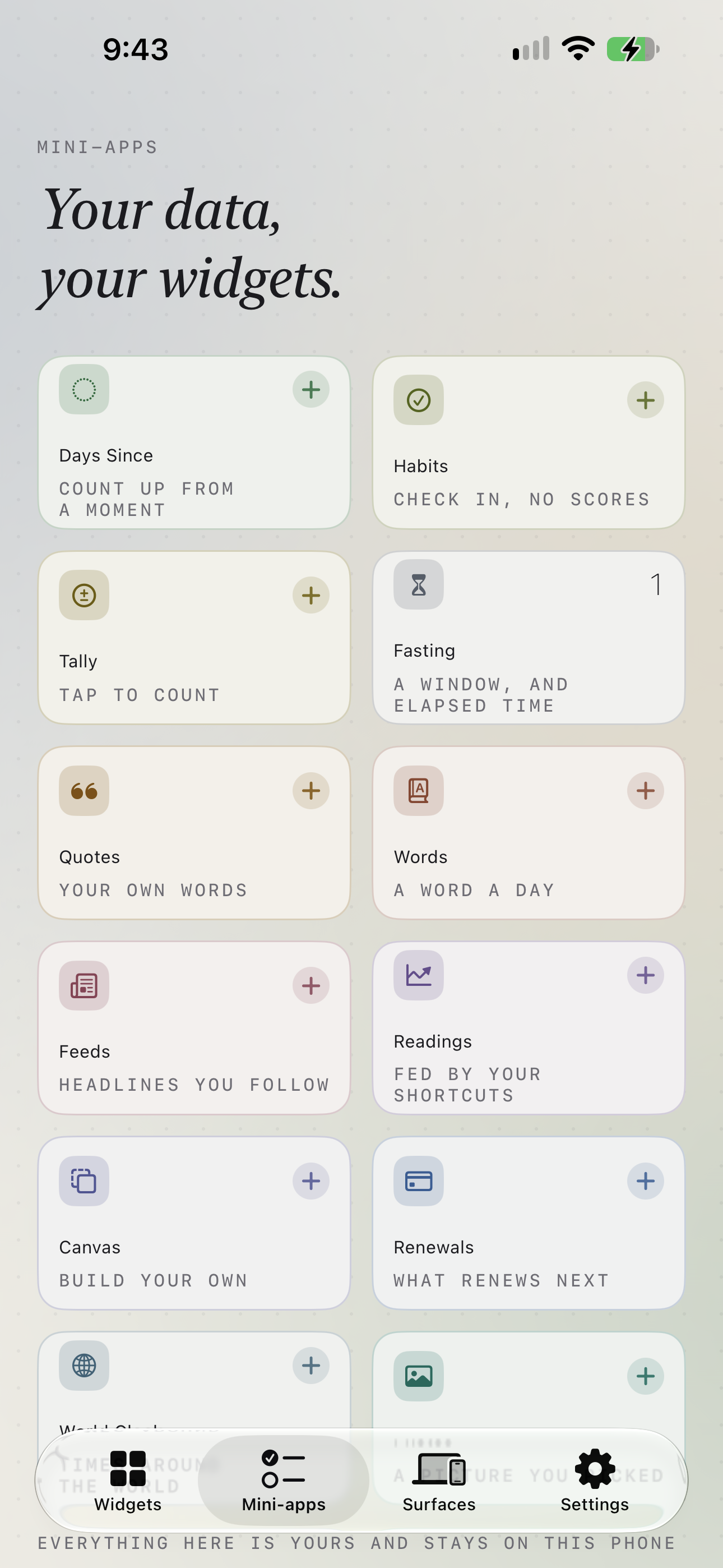
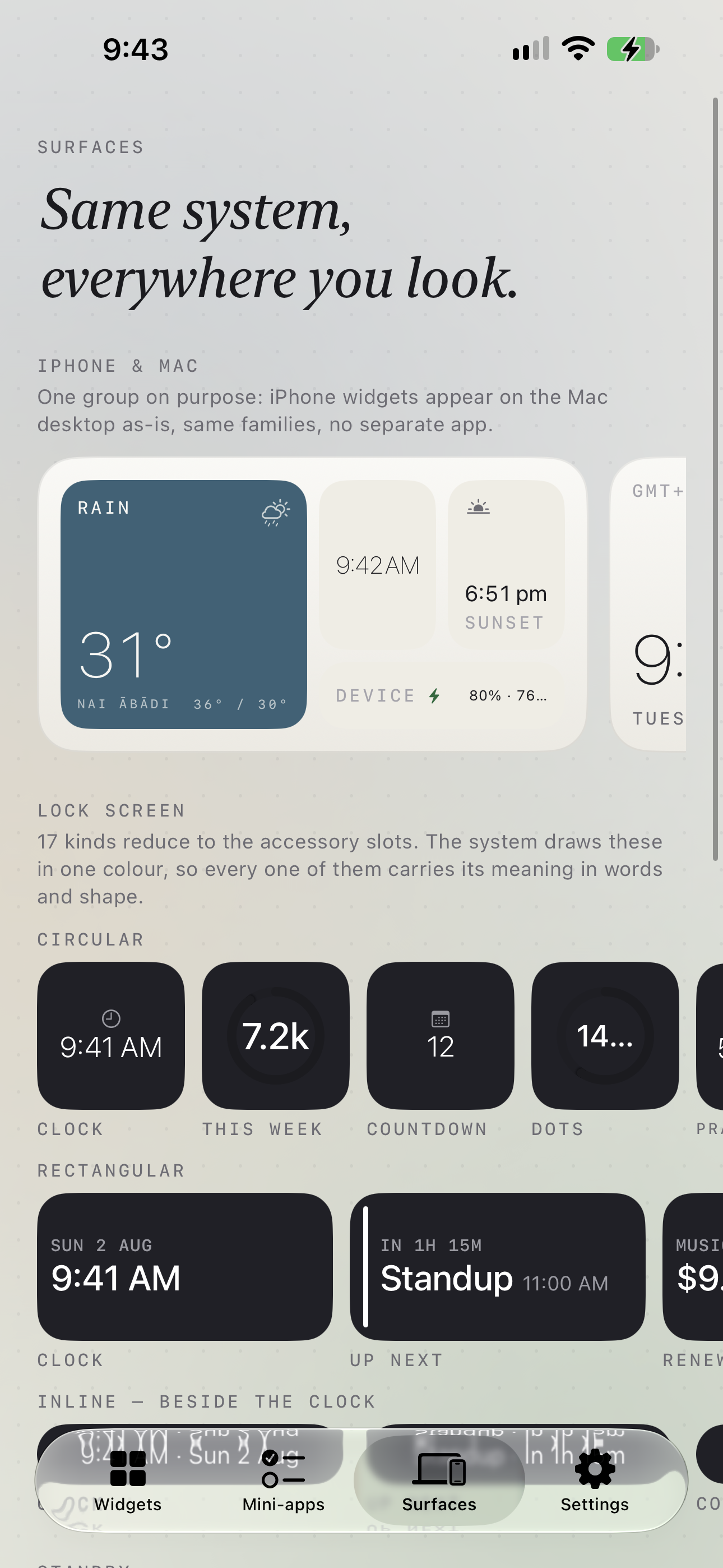
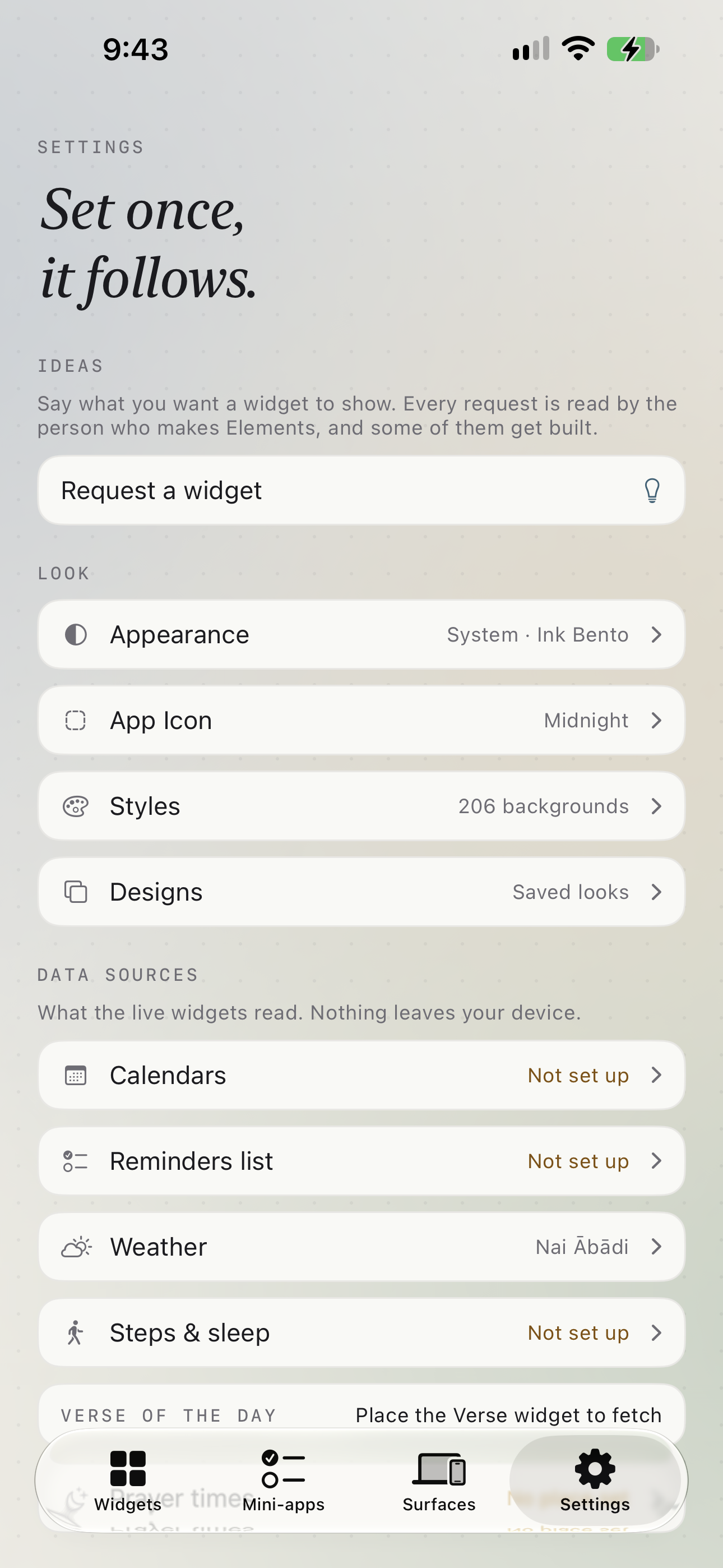
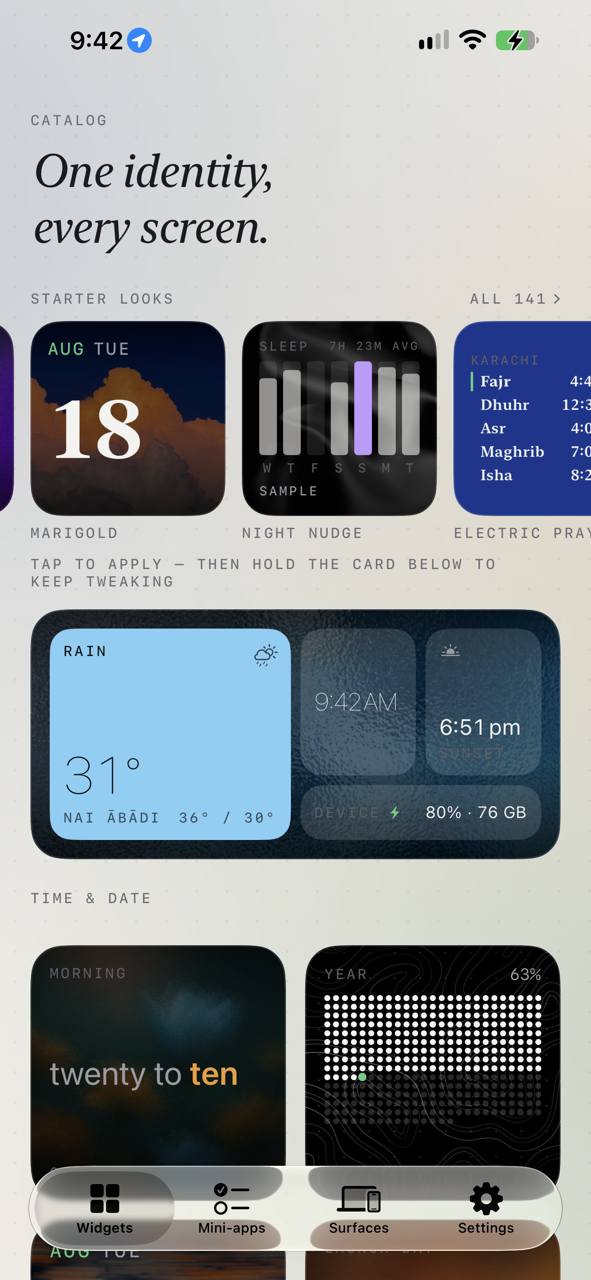
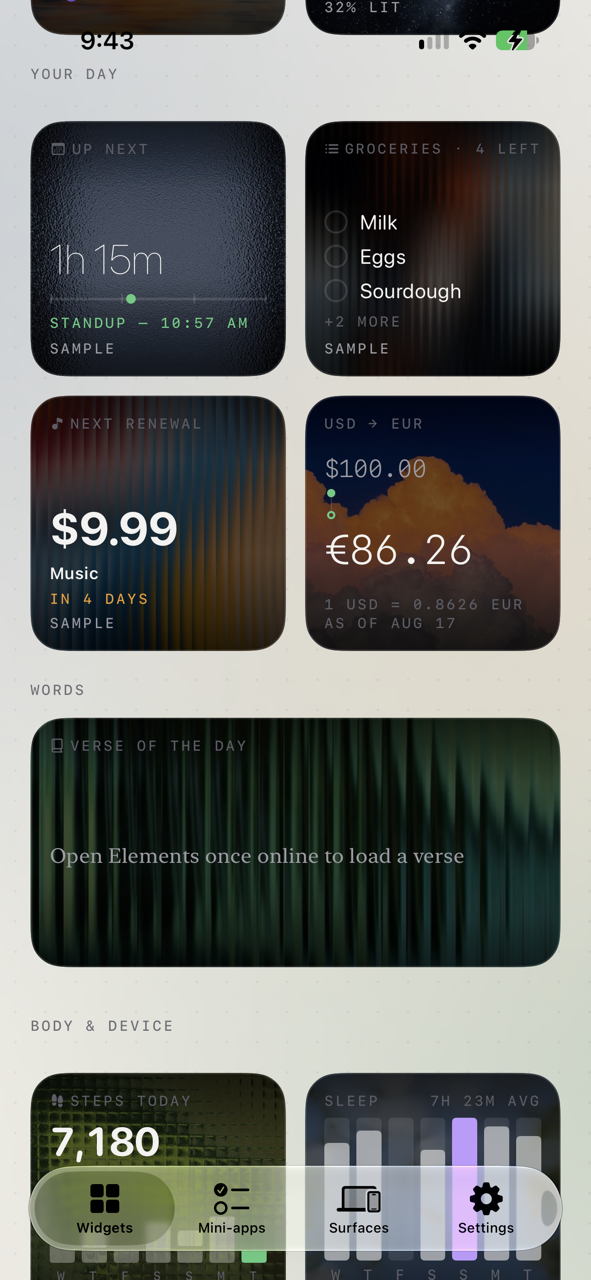
A design system, not a pile of widgets. You style once — palette, type scale, corner treatment, density, glyph set, backdrop — and every widget follows. Change the theme and the whole set moves with it. Live data, honestly. 29 kinds, 106 faces, most of them showing something that actually changes: weather, calendar, Reminders check-off, health rings, sleep, prayer times, currency, RSS, battery, storage, moon phase. Plus mini-apps whose data you own — habits, tallies, subscriptions, fasting windows, quotes, a Shortcuts-fed reading. Reliability as a feature. Every timeline reload is logged locally and surfaced in a Widget Health screen: reloads today against the 40–70/day budget, the typical gap, and whether the last timeline asked to reload immediately. When data is stale the widget dates it rather than lying. Across Home Screen, Lock Screen, StandBy, CarPlay (uncontested — new in iOS 26) and Mac.
How RevenueCat is used Purchases SDK (purchases-ios-spm) drives the entitlement, the offering and restores. Three SKUs — yearly, monthly and a lifetime one-off — behind a single Elements Pro entitlement. RevenueCat UI renders the remote paywall when the current offering carries one; a native paywall is the fallback so a dashboard outage still shows a correct, guideline-compliant screen rather than nothing. Customer Center handles cancellation, refunds, plan changes and "I already paid" in-app. Two architectural constraints worth calling out, because they are the interesting part:
The widget extension links no billing code at all. A widget has milliseconds and no purchase context at timeline time, so a network round-trip on the render path is unacceptable. The app resolves the entitlement and writes it to a shared App Group; the extension only ever reads. It defaults to free in both directions — an unreadable value must not unlock the catalog, and must not lock anyone out of the free tier. A network failure never downgrades anybody. A refresh that fails names the error and leaves the entitlement alone. Locking a paying customer out because their train went into a tunnel is the worst bug this app could have. Business model Hard paywall with a genuinely free tier: four finished widgets — three of them live-data — fully styleable, no ads, no watermarks. Pro gates the rest of the catalog and saved designs.
Paywall rules are held in code, not left to a dashboard: visible close button, Restore as the close button's peer, real prices upfront, no fake urgency, no pre-selected weekly toggle, and no invented savings — the "best value" badge is computed from the products' own prices per month, and when the lifetime SKU wins it discloses the break-even ("cheaper than the yearly plan from your 3rd year") rather than just nudging. That last one is a UK/EU consumer-law requirement as much as a taste one.
How we built it Swift 6 with strict concurrency, SwiftUI + WidgetKit, iOS 26. Five local SPM packages: WidgetSpec (pure models, no UI), RenderKit (renderers), DataProviders, TimelineEngine, Paywall. XcodeGen generates the project so the build is reproducible.
The core idea is one spec, many renderers: a single declarative WidgetSpec + StyleTokens resolves to a ResolvedStyle, and no surface ever invents layout. That is what makes "style once, everything matches" true rather than aspirational — and it is why the same design renders identically on Home, Lock, StandBy, CarPlay and Mac.
Challenges Contrast that is proved, not eyeballed. Every accent, backdrop and photo ground is solved against WCAG gates by test — 12 accent roles × 3 themes × 206 backdrops. Photos ship the least veil that puts body text past 4.5:1 against their own darkest and lightest regions. The image proposes; the test disposes.
Widgets are a hostile runtime. 30 MB memory ceiling, 40–70 reloads a day, and rendering modes you cannot opt out of that flatten your colour to a silhouette. Every design token has to survive the system recolouring it.
Tests that cannot see what they certify. The hardest bugs this project hit were not wrong code — they were correct code no test could observe. A control gated behind a sample flag that 588 snapshot references never drew. Hit areas that pixels cannot measure. A stack overflow that only exists on a device, because a simulator's main thread has 8 MB and a phone's has 1 MB. Each one produced a new kind of test rather than a patch.
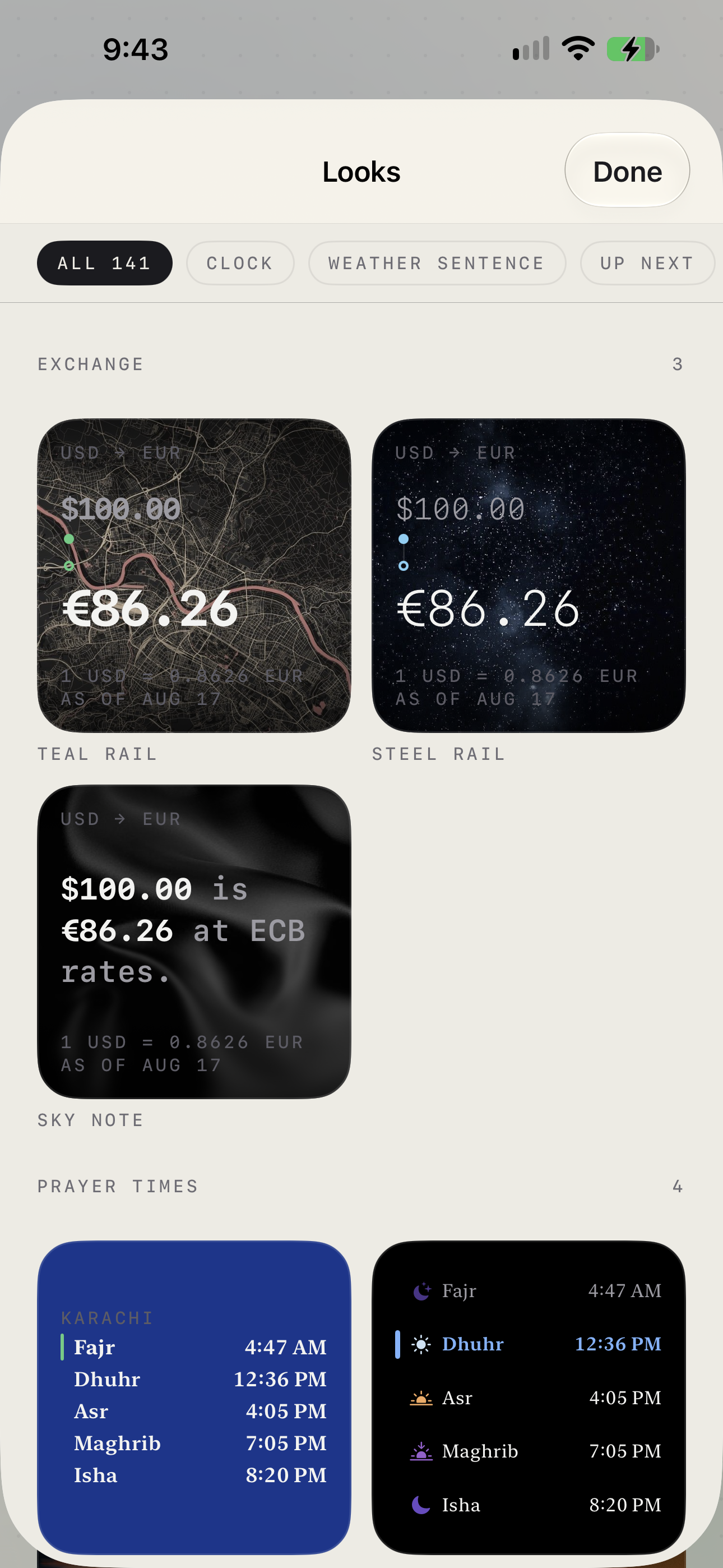
Accomplishments 29 widget kinds, 106 faces, 141 ready-made looks, across five surfaces. ~600 snapshot references covering every face × theme × rendering mode × size. A reliability story that is measurable rather than marketing. Six languages. Zero third-party UI dependencies. What we learned Measure, don't reason. Nearly every wrong turn in this project came from concluding something plausible instead of rendering it and looking. The counter-discipline — magnify at native resolution, sample the process, diff the composite, put the picture in front of a human — caught what argument didn't.
What's next CarPlay is the reviewer-visible differentiator and the least contested surface in the category; it gets the most attention next. Then Vision Pro, a native Mac target, and Android — deferred deliberately, because the design system's WidgetSpec package is UI-free and is the part that carries over.

Log in or sign up for Devpost to join the conversation.