-
-
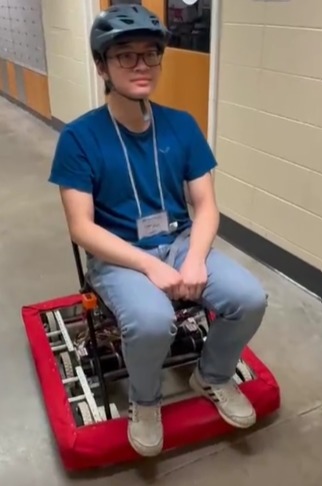
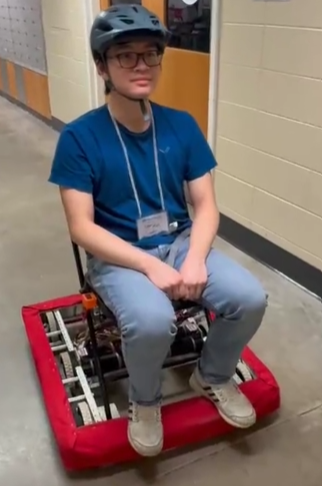
Ethan riding the robot
-
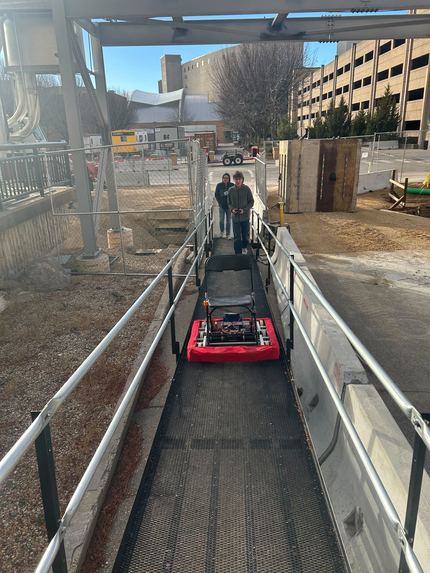
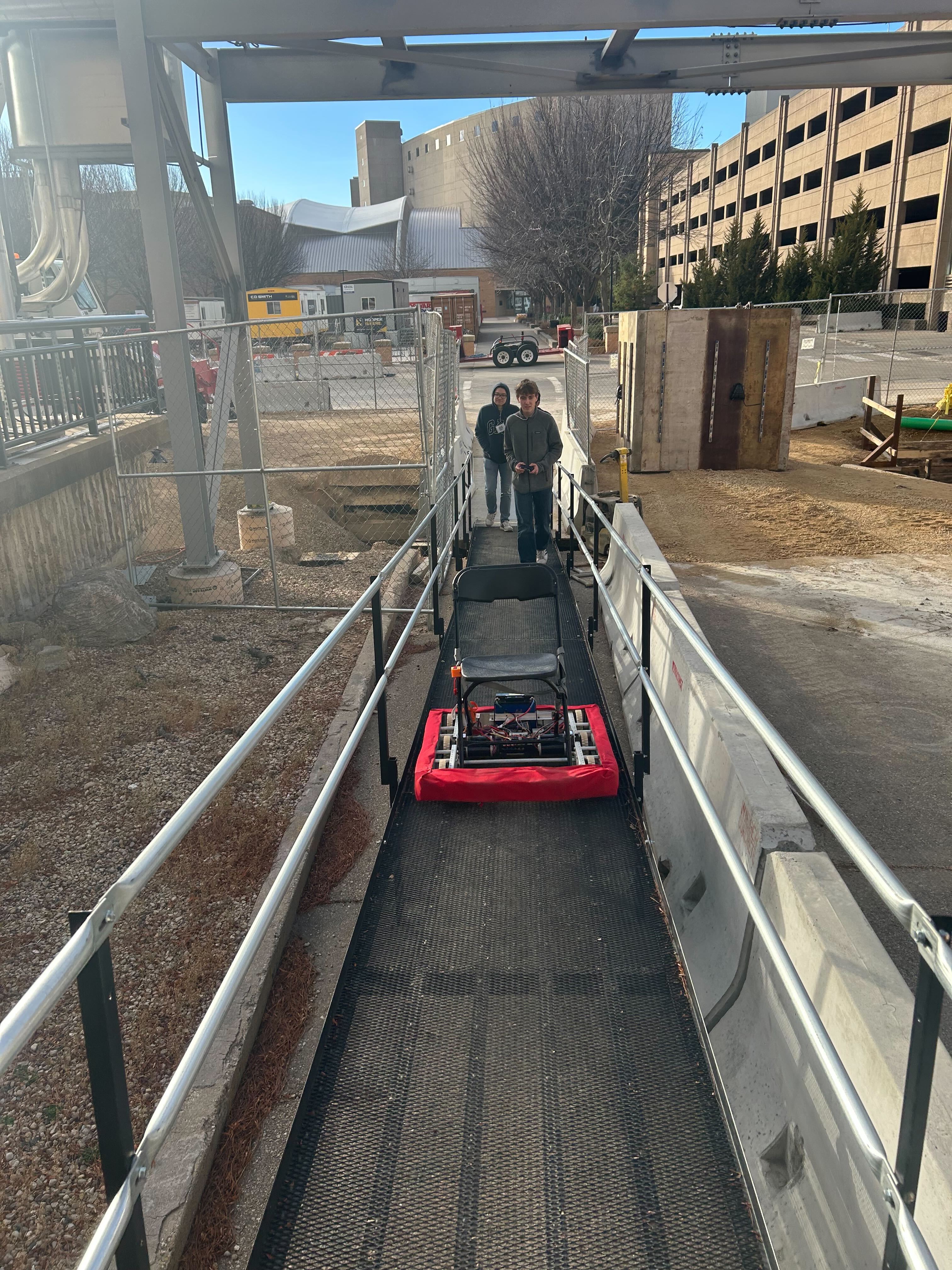
Driving back from Morgridge
-
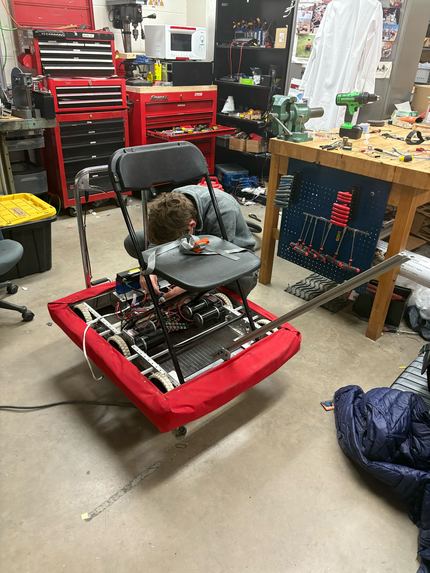
Scrapped Idea of putting Kinect on Rover
-
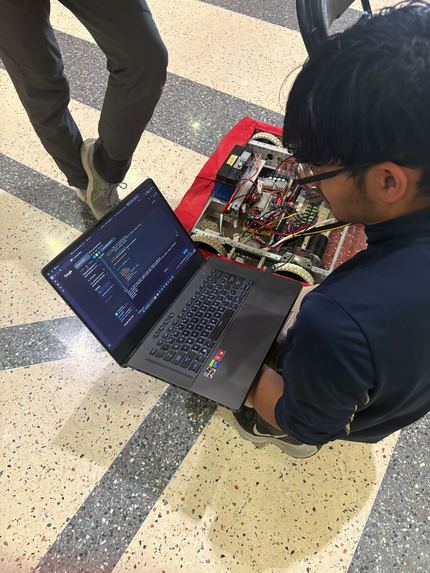
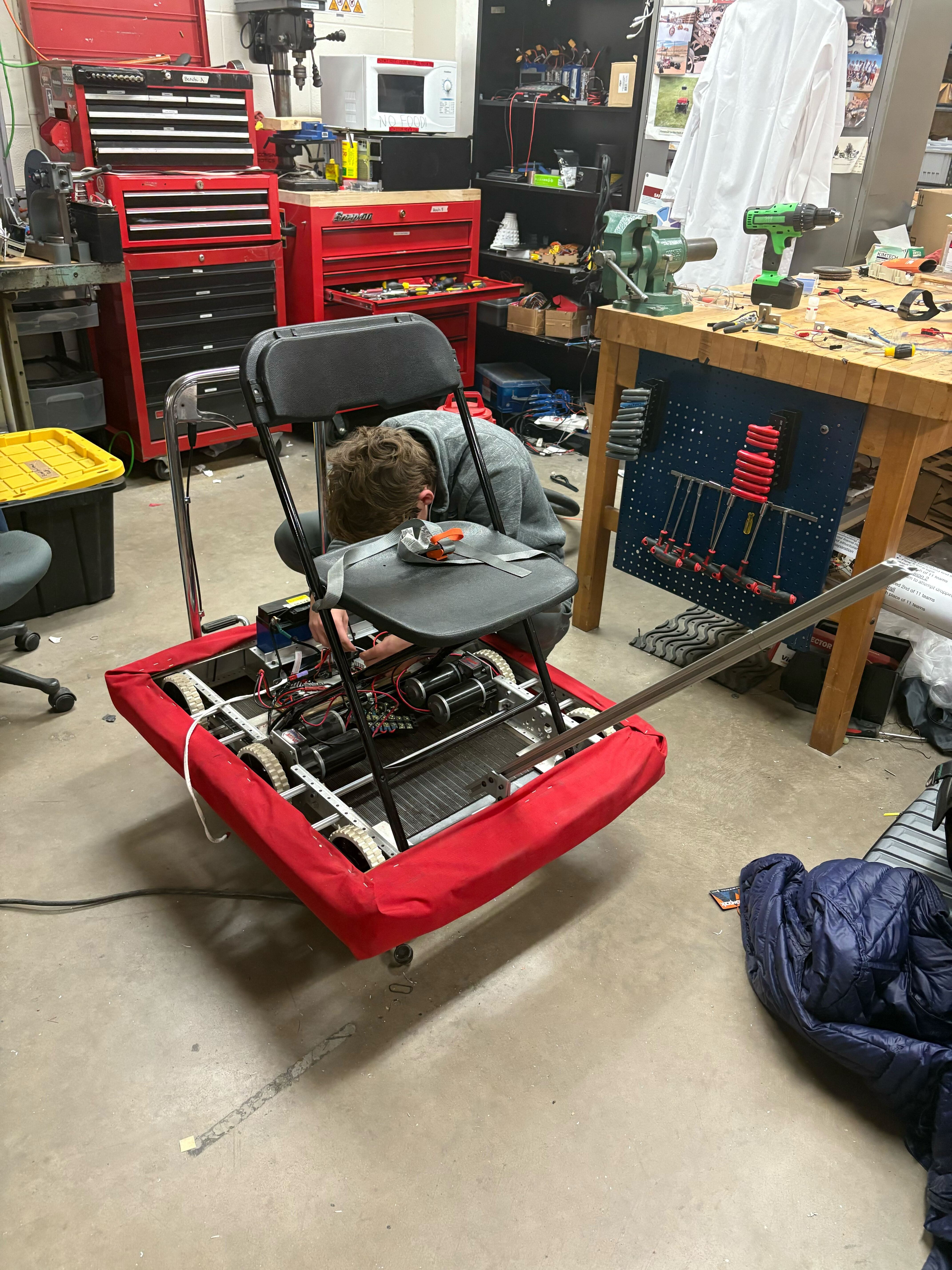
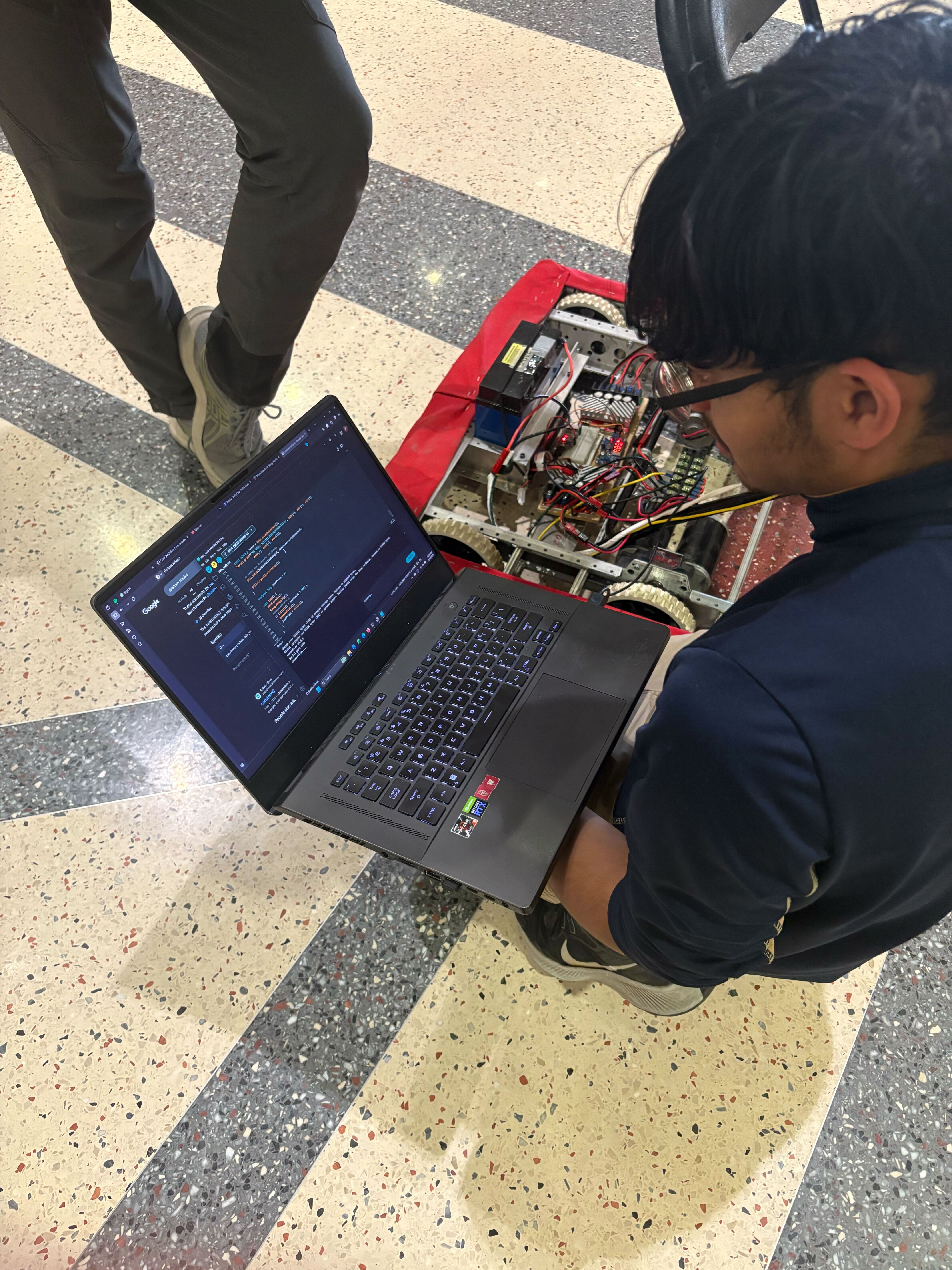
Debugging Motor Controller
-
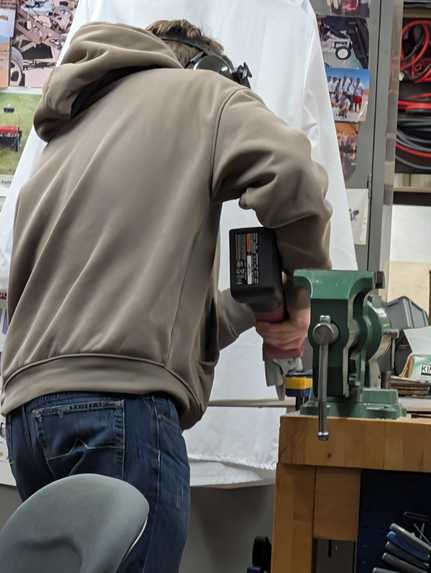
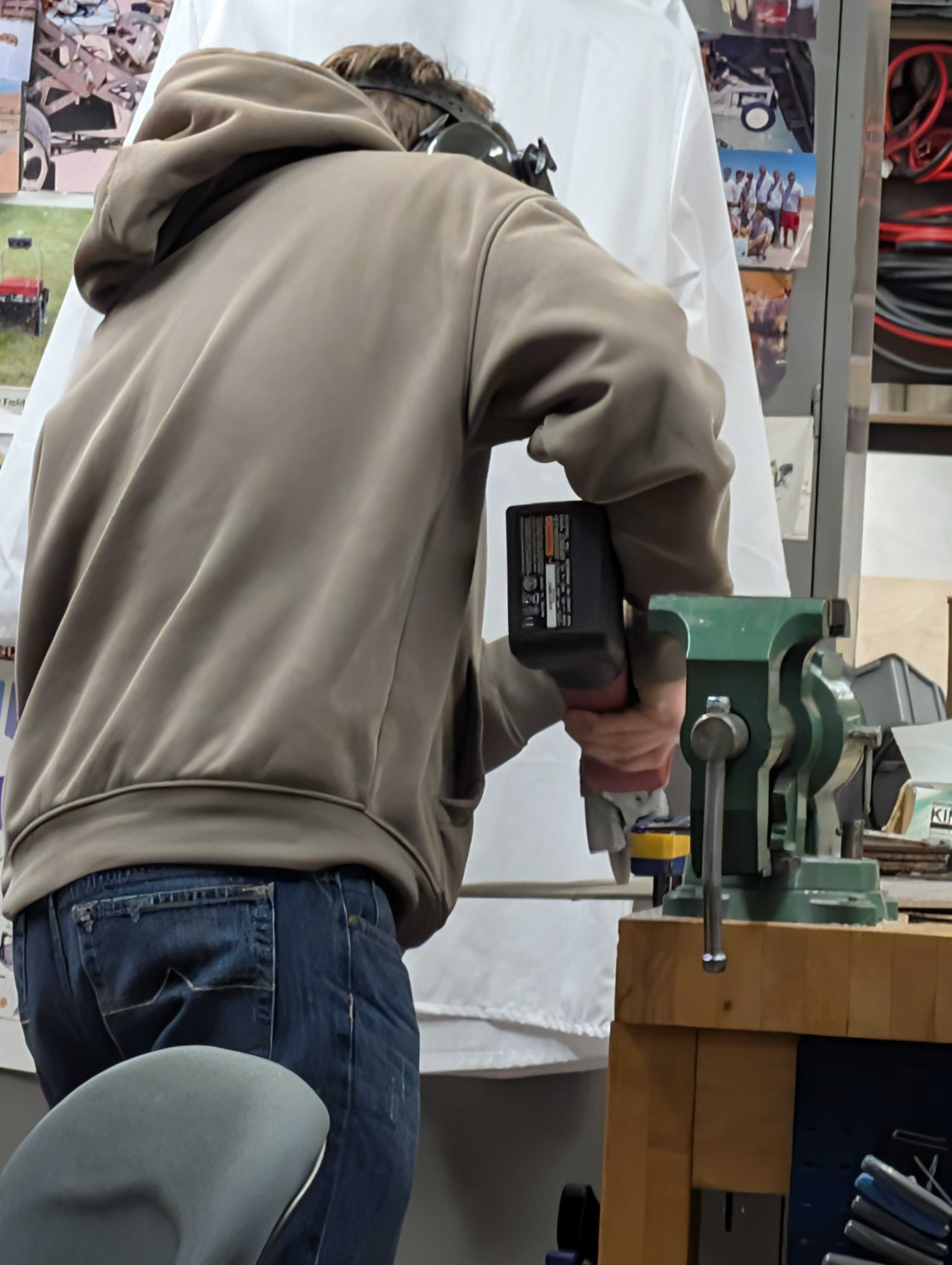
Angle Grinding
Inspiration
As a group of four mechanical engineers in a mostly computer science-focused competition, we wanted to build something that leaned heavily into hardware, since that’s not something you see very often at events like this. Being part of Wisconsin Robotics club, we also liked the idea of creating a project that could serve as a fun outreach demo. Using spare parts in our lab, we were inspired to challenge ourselves by attempting to create a motorized chair controlled by an xbox kinect within the time frame of the hackathon. Not only would this idea challenge our knowledge of engineering fundamentals but it would also force us to deal with software issues that arise from using an unique form of input to control a robot.
Challenges we ran into
One of the biggest challenges we encountered during this hackathon was integrating our motor controllers with our microcontroller. Since they were random spare parts we found they used incredibly outdated firmware and we struggled to make sure the serial addresses did not change. We were able to address this issue through trial and error and finding the right settings to prevent our serial addresses from being overwritten after a shutdown. Another software issue was observed when we pushed the motors to max speed, as they would suddenly stall. We fixed this by constraining our motor speeds. We had a really fun experience working on this project and we learned a lot (from integrating hardware and software, as well as some bluetooth communication).
Working with the Xbox Kinect presented its own kind of challenge. The specific Kinect we had was a legacy model with no supported documentation. It only ended up working on one of our computers. We would call it picky. We also had to search deep within the library to understand how to get positions of the joints. Eventually, through a lot of trial and error, we were able to understand how the KinectSDK library worked and use it to control our robot.
How we built it
The first thing we decided was to determine what microcontroller we were using, because we wanted bluetooth support we decided to use an ESP32 and the Bluepad library to use an Xbox controller as well as a Microsoft kinect to control our robot remotely through bluetooth. We also had to select a motor controller to control our brushed dc motors. We decided on using the Pololu RoboClaw 2x60A motor controllers in order to provide the most power to our motors. Then we designed our circuit using a separate battery and buck converter to provide a stable 5V power supply. We used screw terminals to distribute the 12V battery power to our motor controllers and included an emergency stop switch.
Designing the physical robot was a unique challenge in that there wasn’t enough time to design and fabricate complex components. Because of this, we utilized a chassis from an old FRC robot which cut down on the complexity and time it would take to finish the build. We also had access to limited tools. Therefore, we had to make due with what we had for quick and rapid prototyping tools: 3d printing, powered tools like angle grinders, and a drill press were tools that we utilized to the fullest extent to help finish our build.
Accomplishments that we’re proud of
Overall, there were ups and downs, as any hackathon. Yet, we set a goal for ourselves and were able to accomplish it in the time we wanted. It was, in the end, a really good fricking time.
What's next for Electric Chair
For the future of the electric chair it would be nice to provide the Kinect its own Raspberry Pi and power supply such that it can be mounted to the current robot. This is so we can use gestures to control the robot while riding it, instead of having one passenger and a different operator.


Log in or sign up for Devpost to join the conversation.