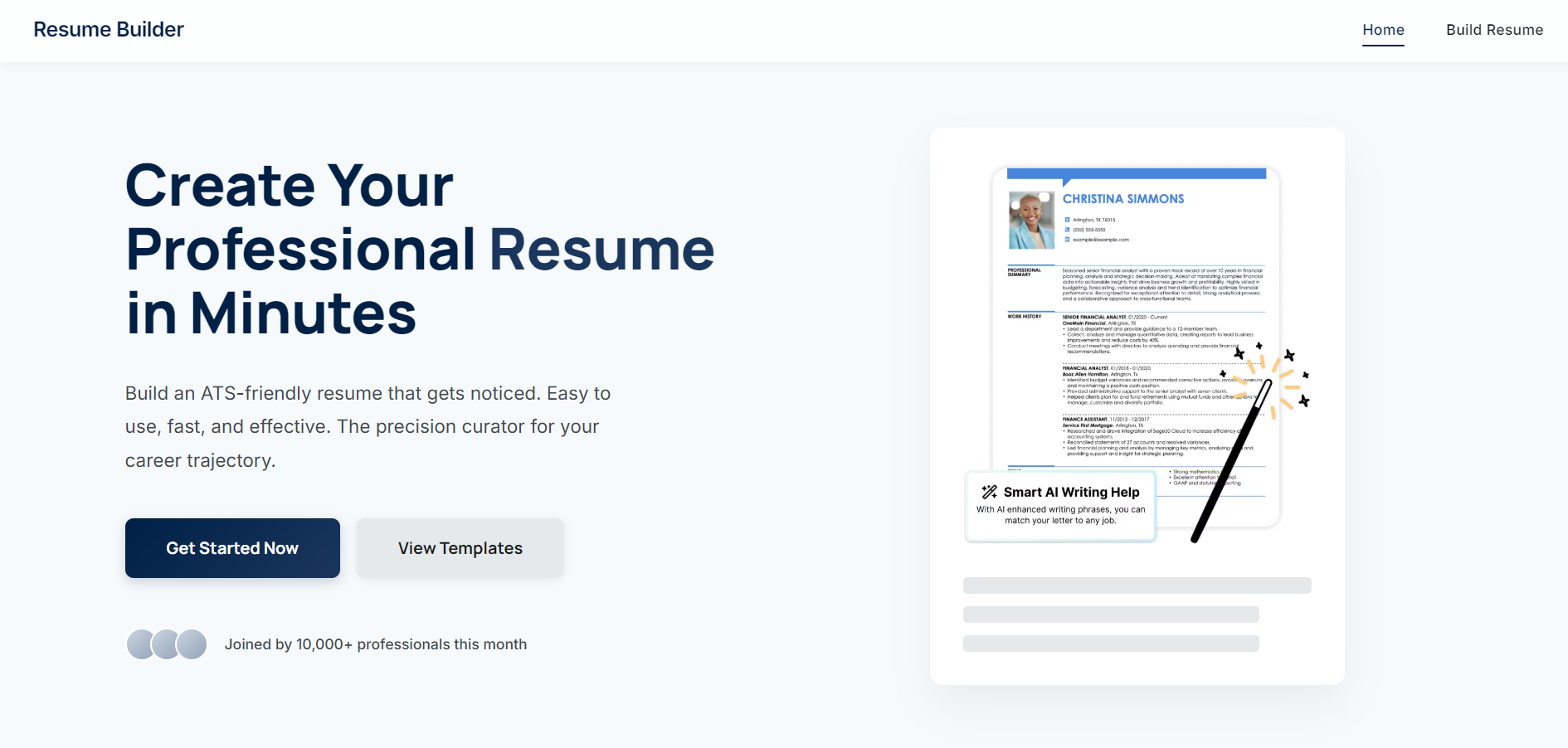
Resume Builder A web application to create, preview, edit, and download ATS-friendly resumes as PDF using Node.js, Express, MongoDB, EJS templates, and Puppeteer.
Features Interactive form to enter personal, education, experience, projects, skills, certifications, awards, address, social links, and hobbies. Preview resume in HTML with a clean, printable design. Generate PDF on demand via Puppeteer. Edit existing resumes. Dynamic form enhancements (add/remove entries) with vanilla JS. Logic & Stack Server: Node.js + Express DB: MongoDB (Mongoose ODM) Views: EJS templates for HTML preview and PDF rendering PDF: Puppeteer (headless Chrome) renders an EJS template and streams PDF Client: Vanilla JS for dynamic form sections Styling: Responsive CSS
Getting Started Prerequisites Node.js ≥ 14 MongoDB connection URI (Optional) Puppeteer env vars: PUPPETEER_EXECUTABLE_PATH Installation
Fork this repo on GitHub
git clone https://github.com/Saurabhtbj1201/ResumeBuilder.git cd resume-builder npm install Configuration Create a .env file in the project root directory:
Environment Configuration
NODE_ENV=development PORT=3000
MongoDB Configuration - Replace with your MongoDB URI
MONGODB_URI=mongodb+srv://username:[email protected]/database_name?retryWrites=true&w=majority
Application Settings
LOG_LEVEL=debug Important: Never commit .env to version control. Use .env.example as a template.
For detailed production setup, see PRODUCTION.md
Optional Environment Variables PUPPETEER_EXECUTABLE_PATH: Path to Chrome/Chromium binary (defaults to system Chrome) LOG_LEVEL: Logging level - debug, info, warn, error (default: depends on NODE_ENV) Run
Development
npm run dev # Uses nodemon for auto-restart
Production
npm start # Sets NODE_ENV=production automatically Visit http://localhost:3000
Usage Build: Navigate to /build to fill in your details. Preview: After submitting, view at /resume/:id. Download: Click “Download Resume” to get a PDF. Edit: Click “Edit Resume” to update entries.

Log in or sign up for Devpost to join the conversation.