-
-

ElderMed Logo
-
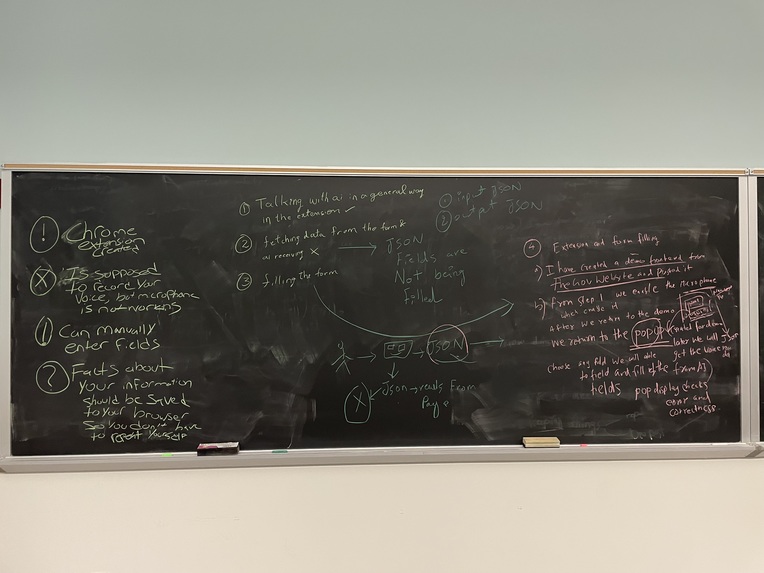
Brain_storming_sessions
-
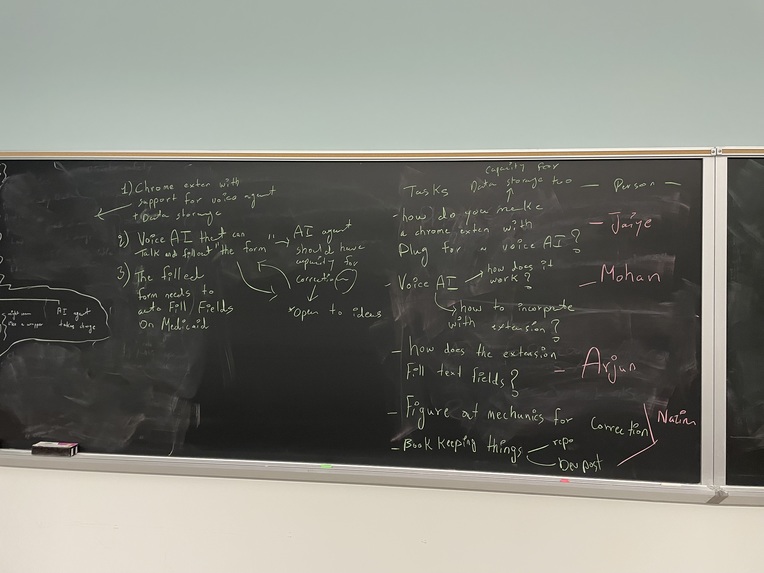
Brain_storming_sessions

Inspiration
Filling out government benefit forms — Medicaid applications, in particular — is one of the most common challenges Seniors face when trying to access care they're entitled to. The forms are long, use unfamiliar bureaucratic language, require a variety of information, and assume comfort with a keyboard and web browser that many elderly users simply don't have. We wanted to remove that barrier entirely: instead of typing, the user just talks, the way they'd talk to a person helping them at a benefits office.
What it does
ElderMed is a Chrome extension that lets an elderly user complete a real government-style Healthcare benefits form (modeled here on Virginia's CommonHelp Medicaid application) entirely by voice. A floating assistant in the form of a simple Chrome Extension reads the visible form, asks the user one question at a time, confirms their spoken answer, and only then fills in the field — never guessing, never submitting anything without explicit confirmation.
How we built it
Over 36 hours, we went through an Odyssey of our own, from "the Voice AI can't recognize the modeled webpage's Document Object Model (DOM) " to a fully diagnosed, test-covered fix. We built a pipeline that started with User interactions with a Voice AI (supported on the backend by the ElevenLabs API) living inside a polished Chrome Extension (written using the usual suspects of TypeScript, JS, HTML, CSS) and Form-filling mechanisms supported by API calls to the ElevenLabs system.
Challenges we ran into
We were not familiar with:
- The field of voice AI
- Integration of Voice AI inside a Chrome Extension
- Front-end development using TypeScript
Rigorous requirements of a 36-hour Hackathon
Accomplishments that we're proud of
We are proud of the fact that we have a functioning Demo, given HopHacks's fast pace. Early, when we decided on our idea, there were doubts about its feasibility. Should we have driven it safe? We decided to explore an idea that resonated with us. And we are proud to have built a solution to it.
We are proud of the UI design of our prototype. Despite using AI tools, we did not want a flashy and cheap design. Minimizing chaos and inefficiency was always our goal. Thus, our extension has a polished and accessible design.
What we learned
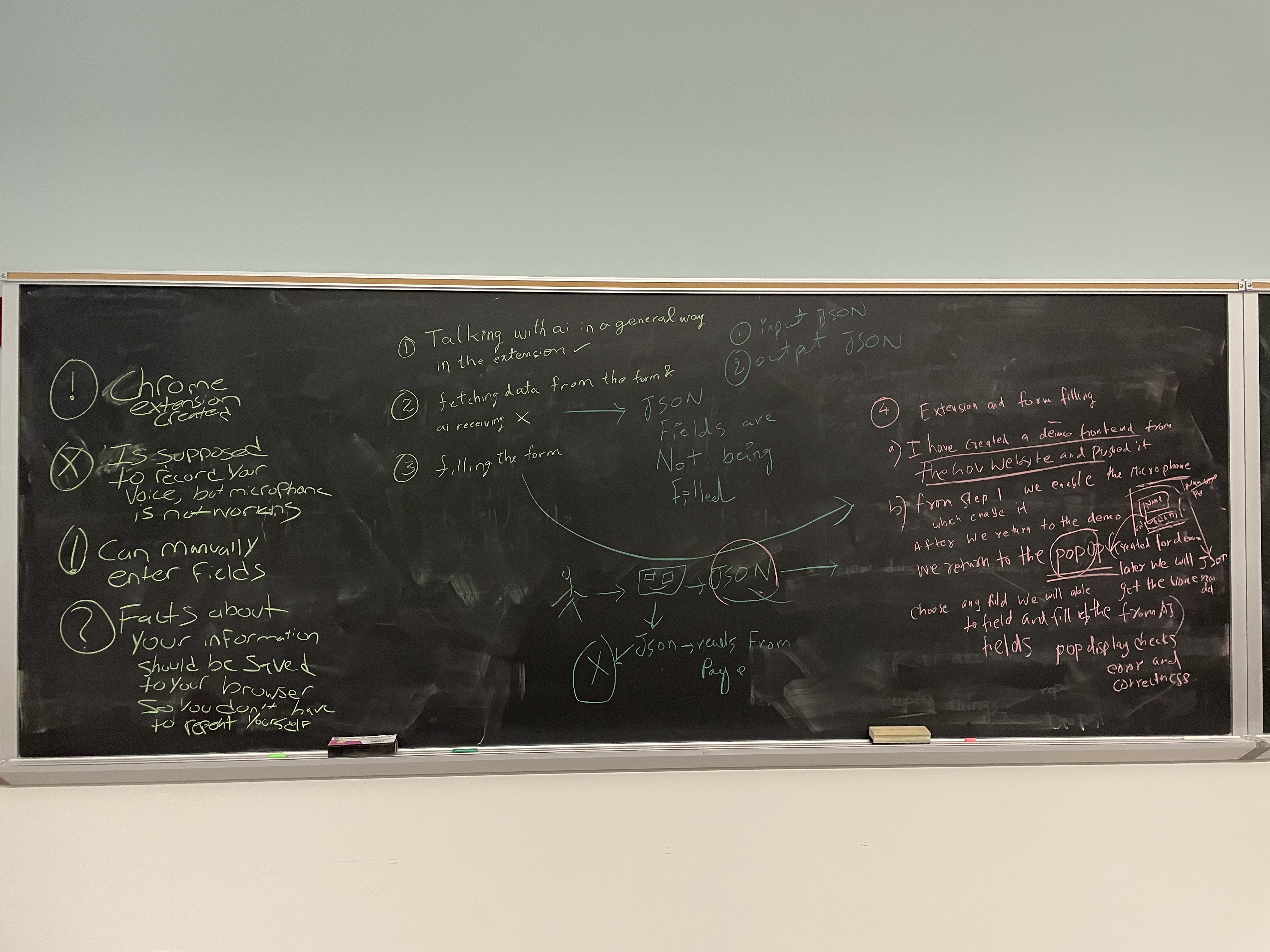
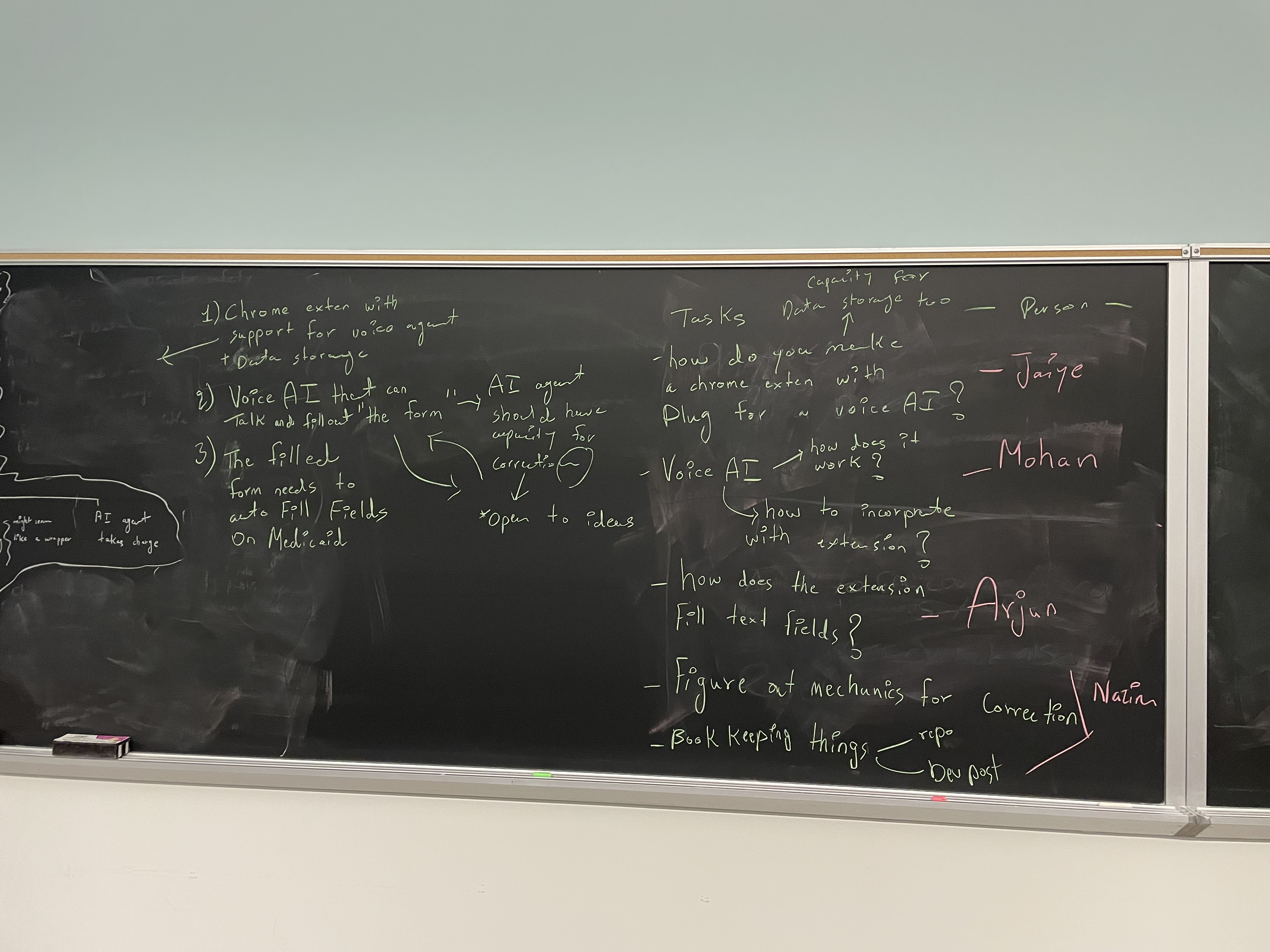
We learned that in Hackathons, teamwork and brainstorming sessions are as important as the tools in our hands, if not more. Furthermore, the hardest bugs in a voice-AI product often aren't in the AI itself. The agent's own system prompt documented an exact JSON schema; the code silently sent a different one. The tool call always reported success, so there was no error to chase. We also learned that real-world government-form HTML is much messier than any HTML we'd write ourselves and that label-detection logic has to be built for that mess, not for clean textbook markup.
What's next for ElderMed
We want to expand beyond a single demo form to a general-purpose assistant for any Medicaid/benefits-style application. We want to add multi-language support for non-English-speaking elderly users. We want to build an audit trail so a caregiver or family member can review exactly what was filled in and why before anything is ever submitted.
Disclamir
The rigorous and demanding nature of HopHacks required us to use any tool at our disposal. Thus, AI development tools like Cursor, Co-pilot, and Claude were utilized in delivering the final prototype.
Built With
- chrome
- claude
- cursor
- elevenlabs
- fastapi
- https
- jsdom
- pydantic
- python
- react
- react19
- typescript
- typescript-eslint
- uvicorn
- vite
- vitest

Log in or sign up for Devpost to join the conversation.