-
-
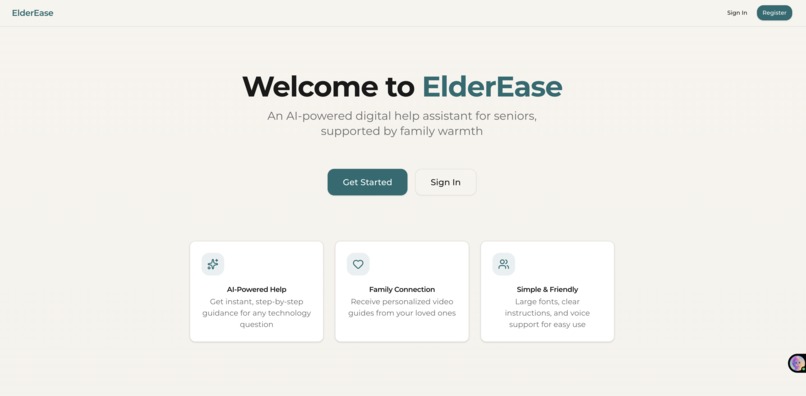
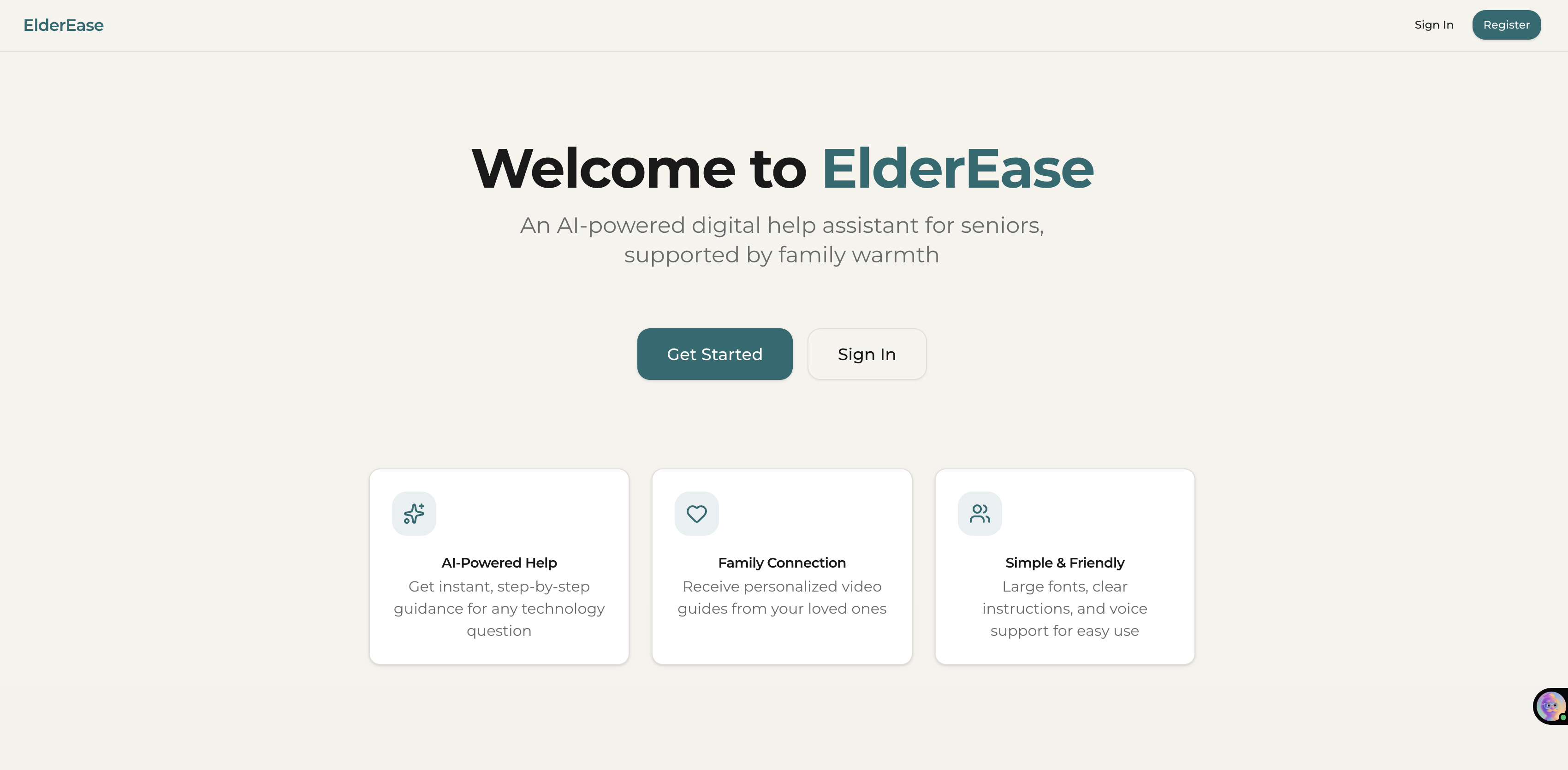
Landing Page UI
-
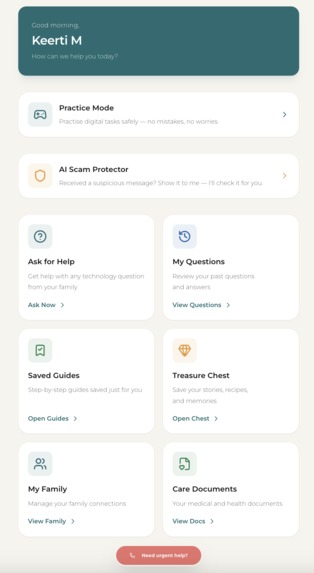
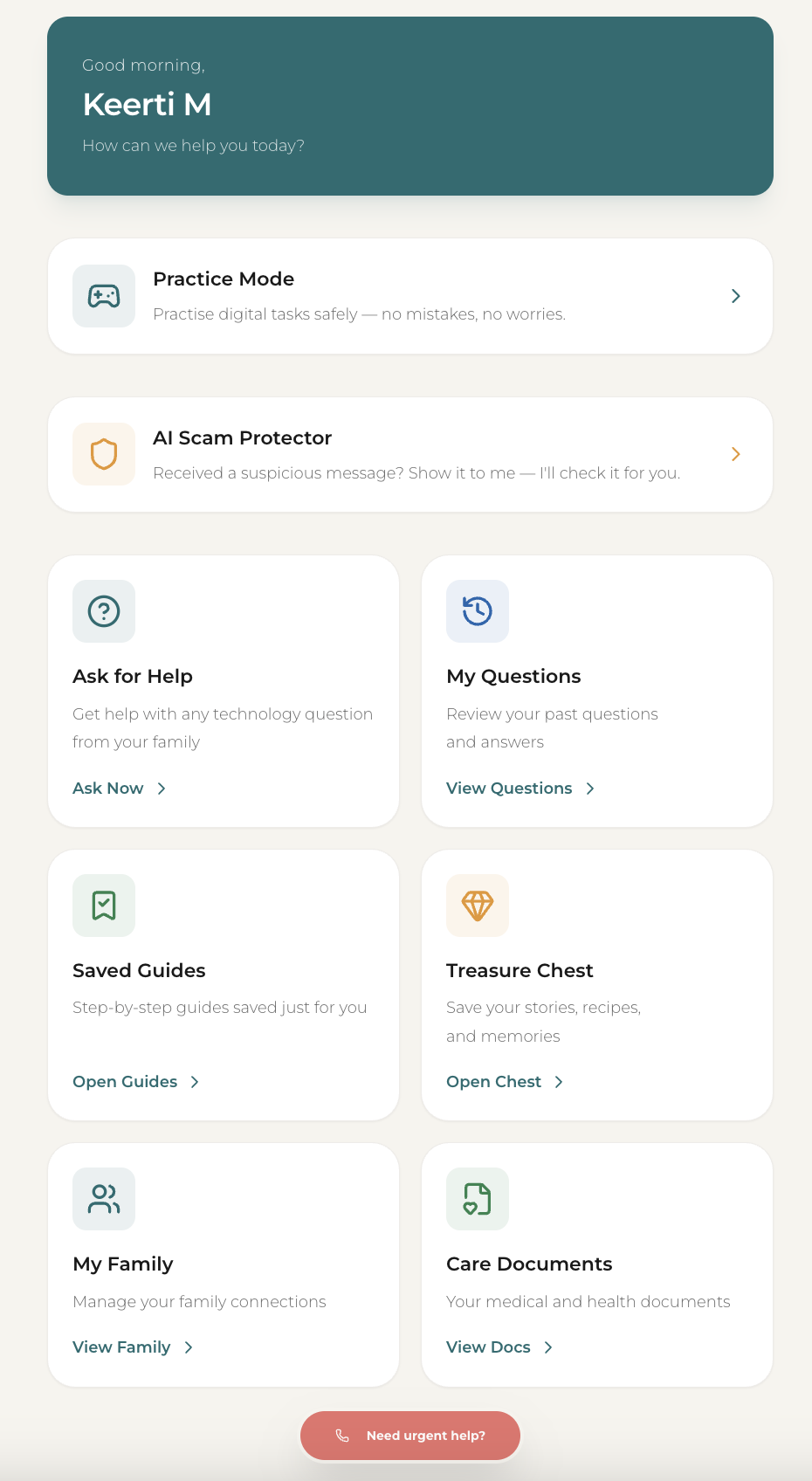
Dashboard UI
Inspiration
Watching my parents struggle with the simplest technology tasks — sharing a live location on WhatsApp, making a UPI payment, booking a cab — made me realise how big the gap really is. Kids are almost always the first call a parent makes when something doesn't work, but that help is scattered, inconsistent, and hard to repeat.
ElderEase was built to make that help structured, warm, and always available.
Beyond tech support, it solves a quieter problem: families rarely have one organised place for a senior's medical records, emergency contacts, or prescriptions. And as a bonus, the Treasure Chest turns the app into something more lasting — a place where grandparents can preserve heirloom recipes, stories, and memories for the generations that come after them.
What it does
ElderEase is a dual-portal web application that bridges the technology gap between seniors and their families.
For Seniors
- Ask for Help — Record a voice message or take a screenshot to ask about any tech issue, from sharing live locations to making digital payments
- Visual Guides — Receive step-by-step photo and video guides with AI-generated annotations that highlight exactly which buttons to tap
- Care Documents — A secure, centralised space for medical records, prescriptions, and emergency contacts
- Treasure Chest — A private vault to save family recipes, stories, photos, and voice memories for future generations
- Emergency Help — One-tap access to emergency contacts and critical information
For Family Members
- Answer Requests — View annotated screenshots from seniors and respond with video walkthroughs or photo guides
- Create Guides — Upload screenshots or record videos; AI automatically annotates and highlights interactive elements
- Manage Care — Organise medical documents, track medications, and stay on top of senior health details
- Preserve Memories — Contribute to the family Treasure Chest with reactions, comments, and new entries
- Tone Analysis — AI learns a family member's communication warmth and vocabulary to generate guides that feel personal, not robotic
How we built it
Frontend  → React, TypeScript, Vite, Tailwind CSS, shadcn/ui
Backend   → Supabase (Auth, PostgreSQL, RLS, Edge Functions)
AI & ML   → Anthropic Claude + Google Gemini (vision, tone analysis, transcription)
Voice     → Whisper (speech-to-text), LemonFox (text-to-speech)
Storage   → Supabase Storage (images, videos, audio)
Realtime  → Supabase Realtime (notifications, presence, family updates)
The senior and family portals share the same Supabase backend but present data completely differently based on the authenticated user's role. All AI processing runs through serverless Edge Functions so no heavy computation touches the client. Claude and Gemini handle vision-based annotation and tone profiling, while Whisper transcribes voice messages into searchable text.
Challenges we ran into
AI annotation accuracy — Getting AI-generated bounding boxes to reliably target the correct buttons across different screen sizes required significant prompt engineering and post-processing
Senior-friendly UX — Designing an interface that is minimal, high-contrast, and forgiving — a true "no mistakes" philosophy — while still feeling modern took many design iterations
Dual-portal architecture — Building two completely distinct experiences that share the same underlying data but present it differently based on user role was architecturally complex
Voice and media workflows — Achieving consistent audio recording, transcription, and playback quality across both mobile and desktop browsers was harder than expected
Accomplishments that we're proud of
Built a true intergenerational bridge where seniors feel empowered, not embarrassed, to ask for tech help
Delivered an AI-powered annotation system that turns a confusing screenshot into a clear, step-by-step visual guide in seconds
Designed the Treasure Chest, which transforms ElderEase from a utility tool into a legacy-preserving family platform
Achieved a zero-friction senior experience across every screen — large text, gentle contrast, clear hierarchy, and no decorative clutter
What we learned
Technology should adapt to the user, not the other way around.
- Seniors first — Removing complexity is far more valuable than adding features
- AI as a translator — Vision AI can turn a confusing screenshot into an instant guide, but only when the presentation is carefully designed for the target audience
- Family dynamics matter — The best tech solutions for seniors bring families closer together, not just fix isolated problems
- Accessibility is universal — Designing for seniors improves the experience for everyone; clarity, contrast, and simplicity benefit all users
What's next for ElderEase
- Community guide library — A crowd-sourced repository of tech guides so families can benefit from solutions others have already created
- Offline mode — Download guides and emergency documents for access without internet connectivity
- Multilingual AI — Expand tone analysis and voice features to regional languages and dialects for non-English-speaking seniors
- Memory books — Auto-generate printable family memory books from Treasure Chest entries as physical keepsakes
Built With
- anthropic-claude
- google-gemini
- lemonfox
- postgresql
- react
- shadcn/ui
- supabase
- supabase-storage
- tailwind-css
- typescript
- vite
- whisper


Log in or sign up for Devpost to join the conversation.