-
-
App Icon
-
-
-
-
-
-
-
-
Inspiration
In this era of rapid tech evolution, we have seen many senior citizens struggling to use smart phones and they often feel frustrated to ask their children or grandchildren. Many senior citizens avoid using smartphones simply because they feel uncomfortable to ask repeated questions to their family members. Therefore, we have decided to help them by solving their questions and teaching them patiently no matter how many times they ask repeatedly.
What it does
ElderAsk_AI acts as a personal smartphone assistant for senior citizens.
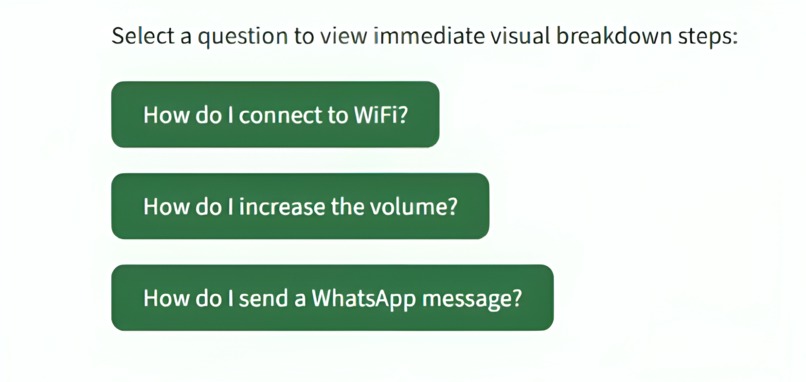
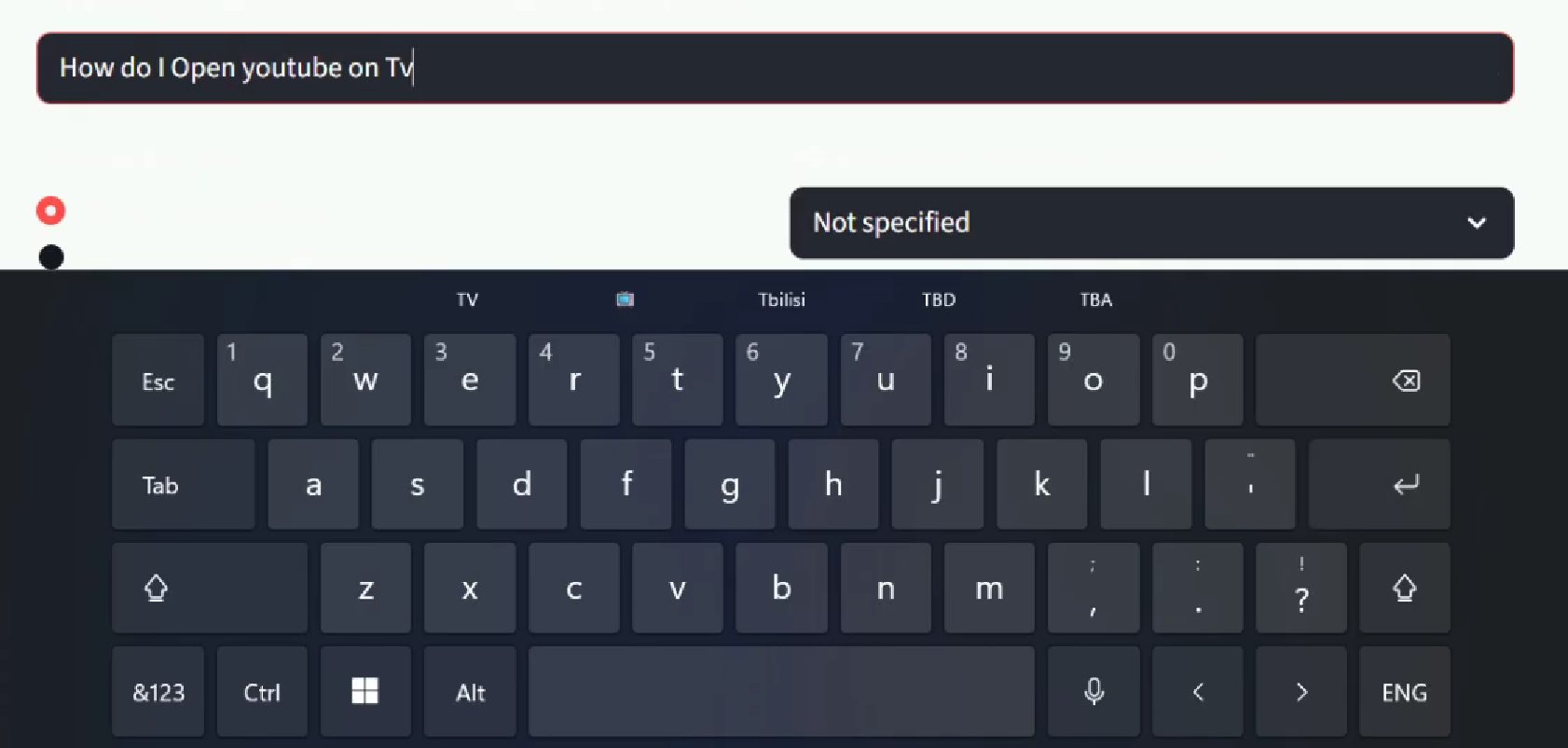
Users can ask questions such as:
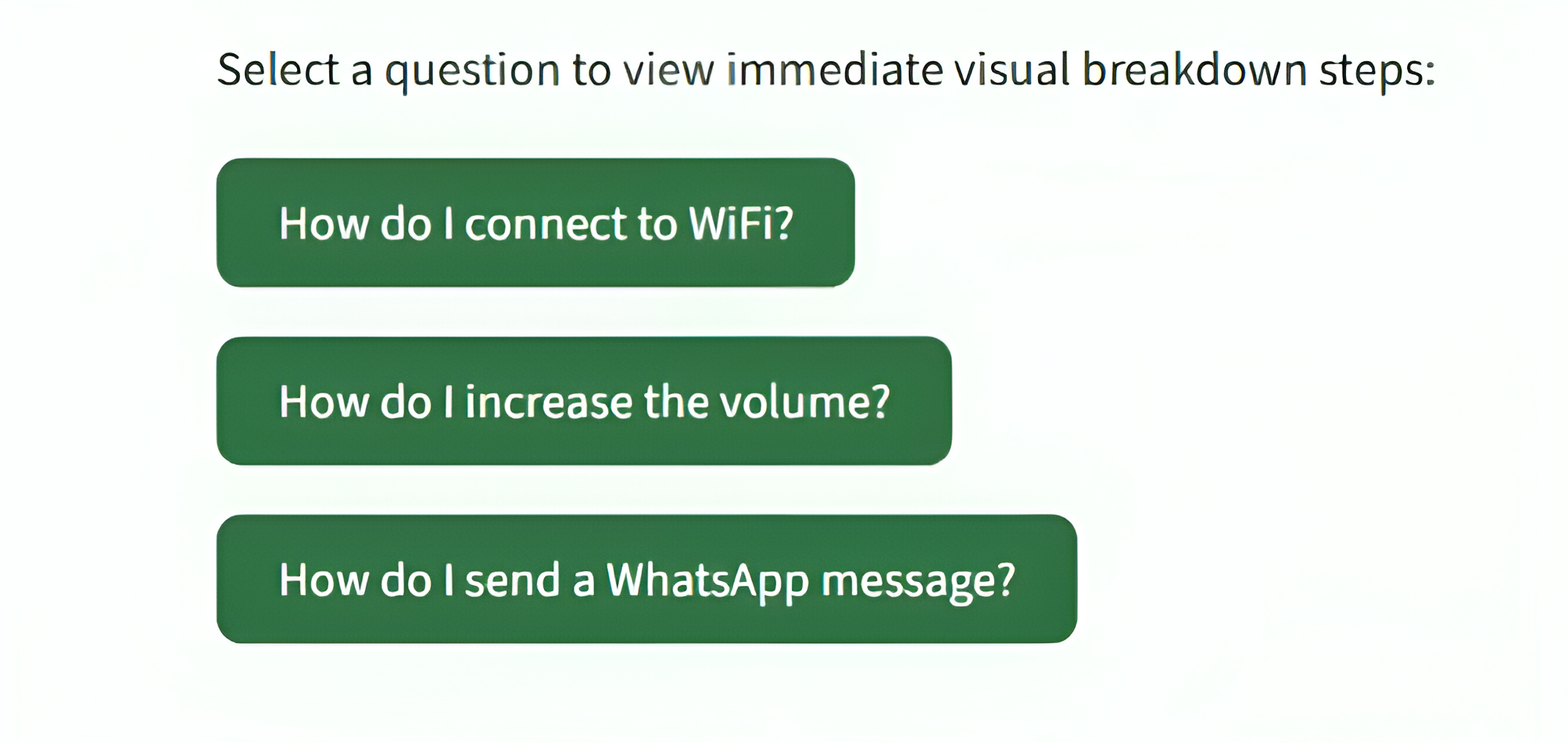
- "How do I connect to Wi-Fi?"
- "How do I increase the font size?"
- "How do I send a WhatsApp message?" or even some very basic stuff like
- "How do I turn up the volume/brightness?"
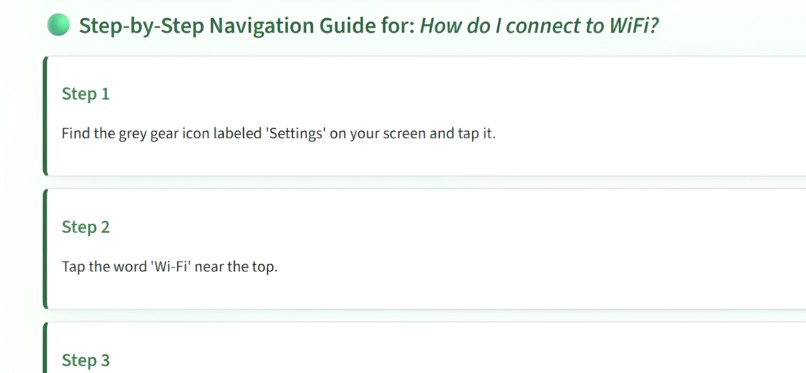
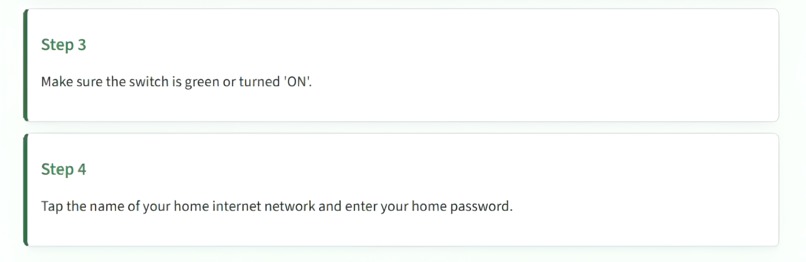
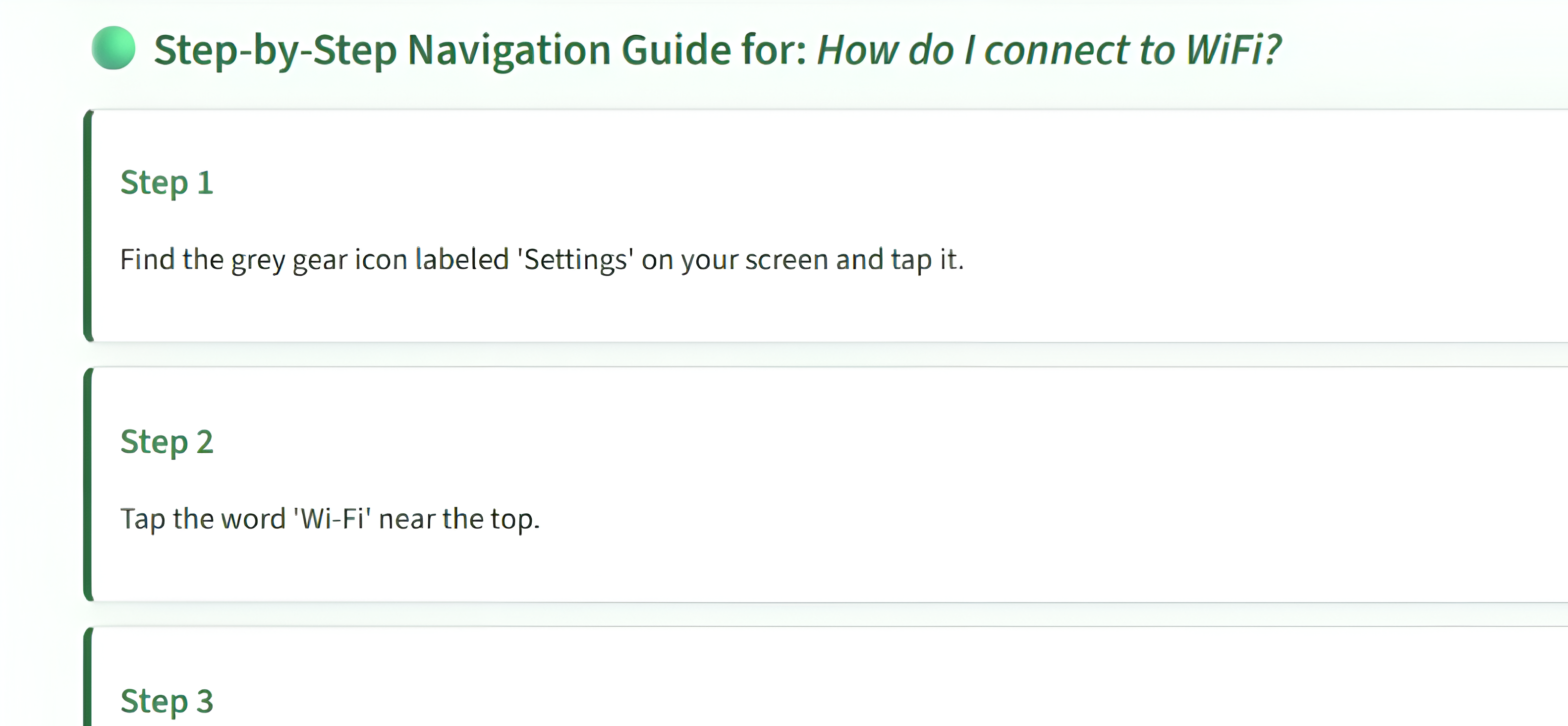
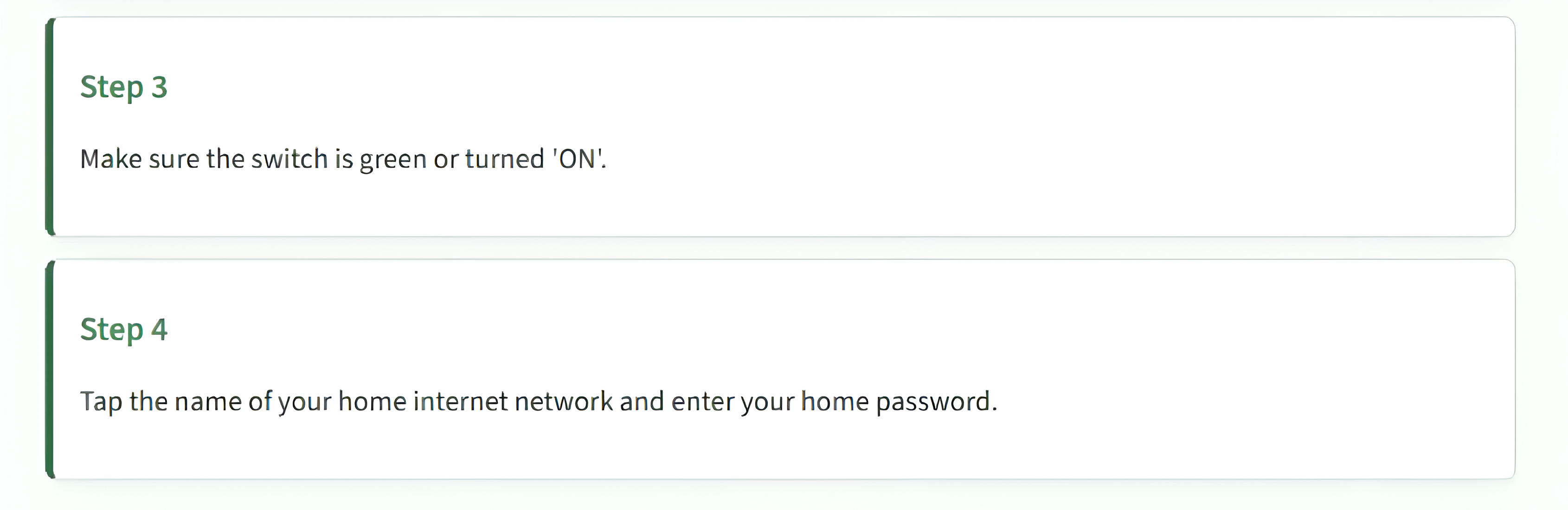
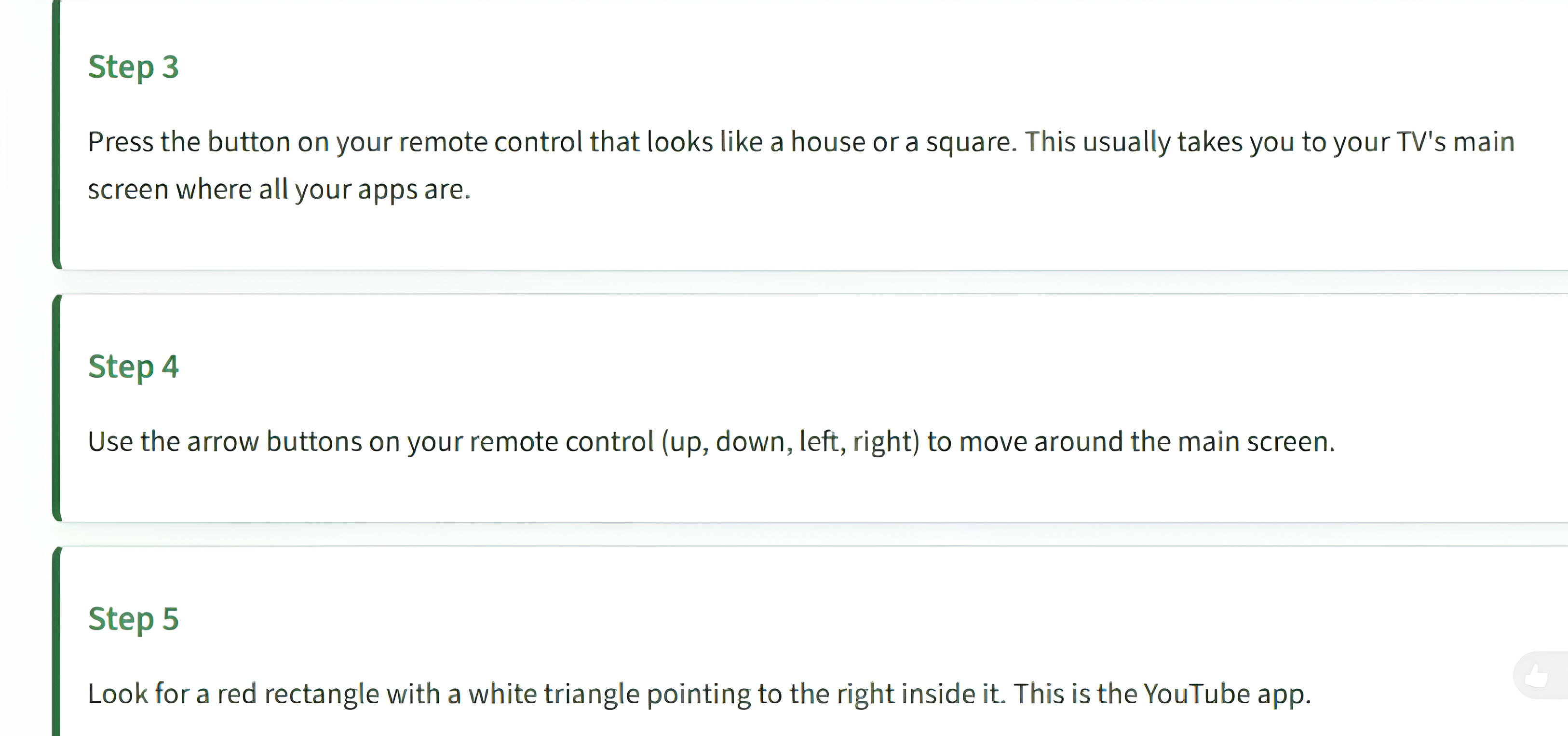
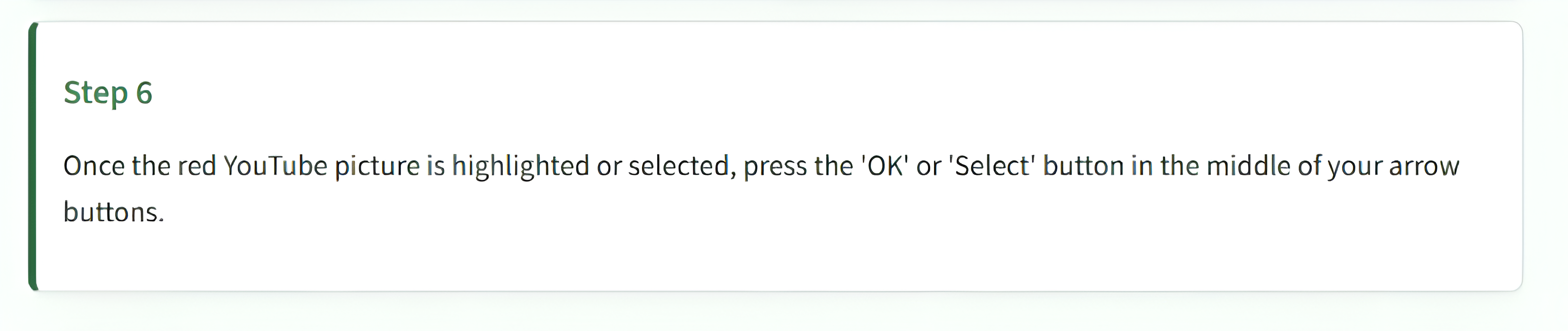
The AI provides simple, step-by-step instructions tailored for beginners, especially for senior citizens. If a user finds an explanation confusing and gives negative feedback, the application learns from that feedback and automatically provides an even simpler explanation the next time a similar question is asked.
How we built it
We built ElderAsk_AI as a single Python application using Streamlit for the user interface and Google Gemini 2.5 Flash for intelligent assistance. Our goal was to create a simple, accessible platform that senior citizens can use without navigating complex menus.
Application
- Built entirely using Python
- Developed the user interface with Streamlit
- Integrated Google Gemini 2.5 Flash to generate simple, step-by-step guidance for smartphone and computer tasks
- Used python-dotenv to securely manage API keys
- Designed a clean, high-contrast interface with large fonts and simple controls for improved accessibility
- Implemented an interactive FAQ section for commonly asked questions
- Added multiple explanation modes, allowing users to choose between quick guidance or detailed step-by-step instructions
- Included support for different device types such as Android phones and iPhones
Intelligent Features
- Implemented a lightweight feedback system using JSON storage to improve future responses
- Adapted AI prompts automatically when previous feedback indicated that an explanation was confusing
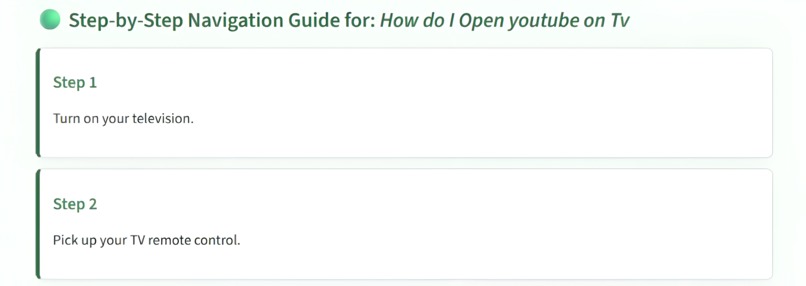
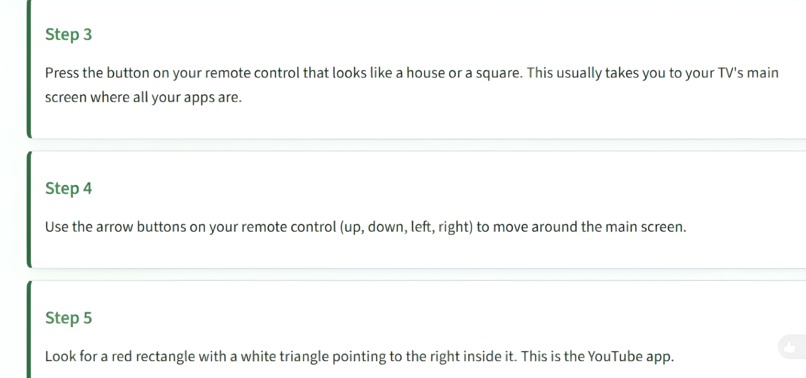
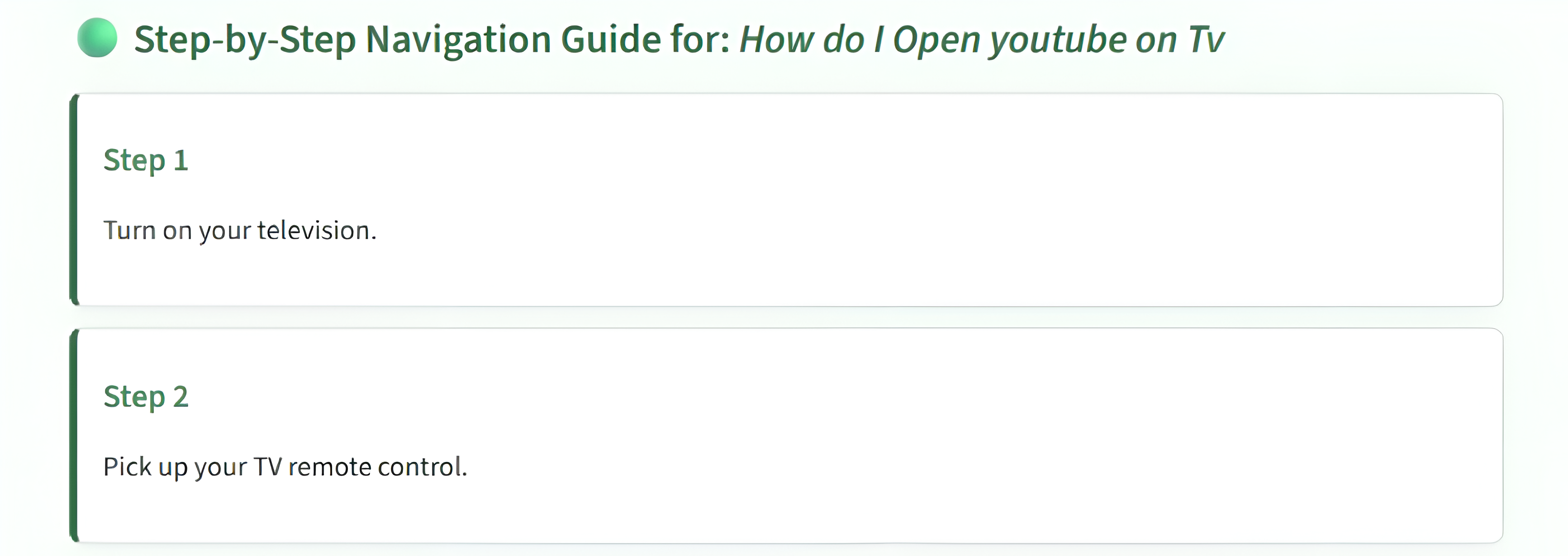
- Generated structured step-by-step instructions specifically tailored for senior citizens
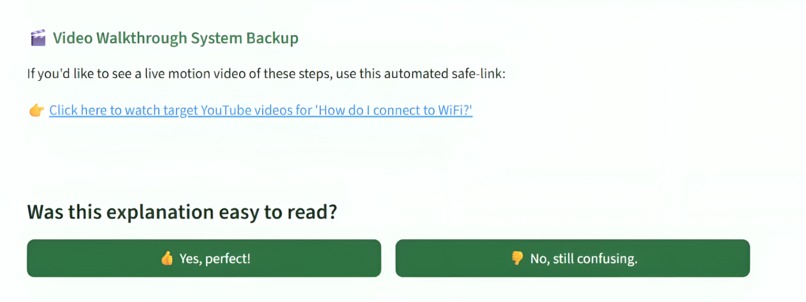
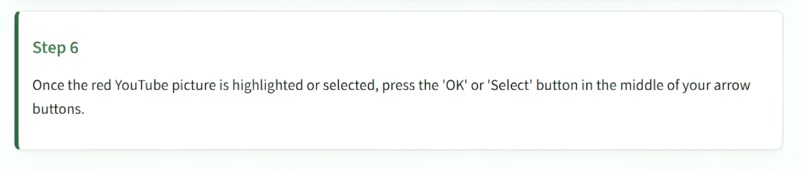
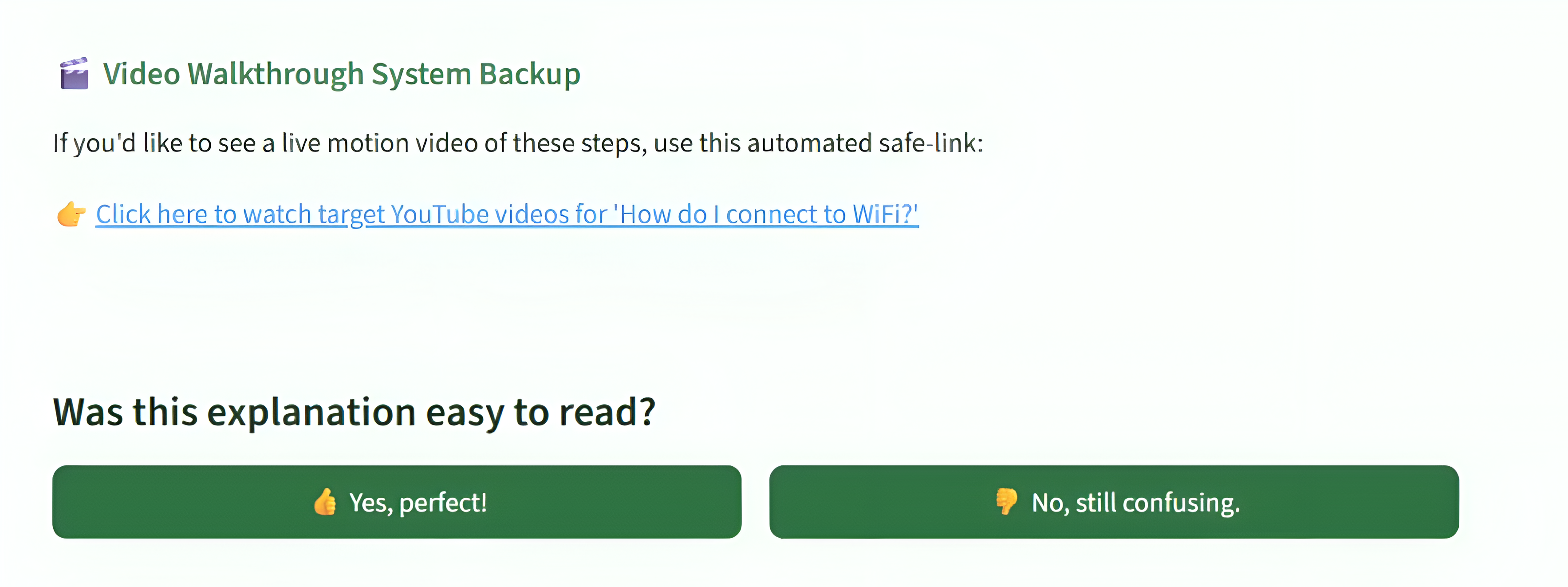
- Added automatic YouTube tutorial recommendations as an alternative visual guide
- Included a built-in screen recording feature to easily capture and demonstrate the application's workflow
AI Workflow
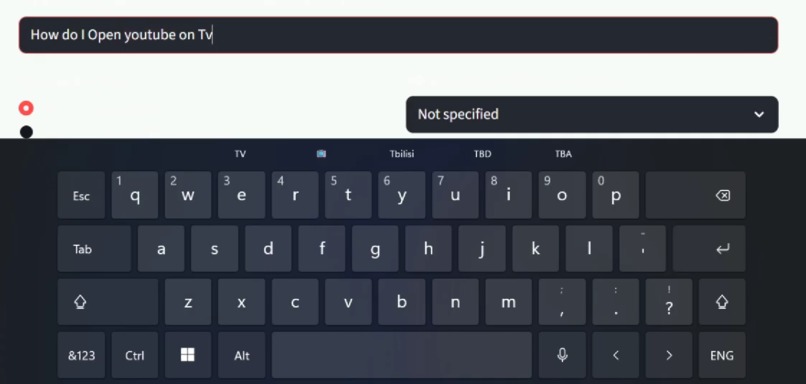
- The user enters a question.
- ElderAsk_AI analyzes the request and the selected device type.
- Google Gemini generates a simple, structured explanation.
- The application displays easy-to-follow steps in a clean, senior-friendly format.
- Users provide feedback on the explanation.
- Future responses are adapted to become even clearer for similar questions.
Challenges we ran into
One of the biggest challenges was designing an interface that would be comfortable and easy for senior citizens to use. We focused on creating a clean layout with larger fonts, simple navigation, and step-by-step guidance while avoiding technical jargon.
Another challenge was ensuring that AI-generated responses were easy to understand. Large language models sometimes provide overly detailed or technical explanations, so we spent considerable time refining our prompts to generate concise, structured instructions suitable for elderly users.
We also faced challenges in implementing a feedback mechanism that could improve future responses. We developed a lightweight JSON-based feedback system that allows the application to identify when previous explanations were confusing and automatically simplify future responses for similar questions.
Finally, integrating the Streamlit interface with Google's Gemini API while maintaining a smooth user experience required careful testing, particularly for handling response formatting, JSON parsing, and ensuring reliable error handling.
Accomplishments that we're proud of
We successfully built an AI-powered assistant that can answer smartphone related questions in a simple and friendly manner for senior citizens. We integrated Google's Gemini AI with a Flask backend and connected it to an Android application through Retrofit.
We are also proud of implementing a feedback-driven learning system that adapts future explanations when users indicate that previous responses were not helpful.
What we learned
This project helped us gain practical experience in full-stack mobile application development. We learned how to integrate an Android frontend with a Python Flask backend, communicate using REST APIs, and use Retrofit for networking.
We also learned how prompt engineering significantly affects AI-generated responses and how user feedback can be incorporated to improve the quality of future interactions. Most importantly, we learned the importance of designing technology with accessibility and simplicity in mind.
What's next for ElderAsk_AI
We plan to continue improving ElderAsk_AI by adding several new features that make smartphone assistance even more accessible for senior citizens. Future updates include:
- Voice input, allowing users to ask questions without typing.
- Text-to-speech responses, enabling the assistant to read answers aloud.
- Multi-language support, making the app accessible to users who prefer their native language.
- Offline assistance for common smartphone tasks, ensuring help is available even without an internet connection.
- A feature that helps senior citizens discover and join trusted online communities, hobby groups, and social clubs where they can interact with peers, participate in discussions, attend virtual events, and build meaningful friendships.
- Enhanced accessibility features, including larger text, improved contrast, and a more senior-friendly interface.
Our long-term vision is to make ElderAsk_AI a trusted digital companion that empowers senior citizens to use smartphones confidently and independently.


Log in or sign up for Devpost to join the conversation.