-
-
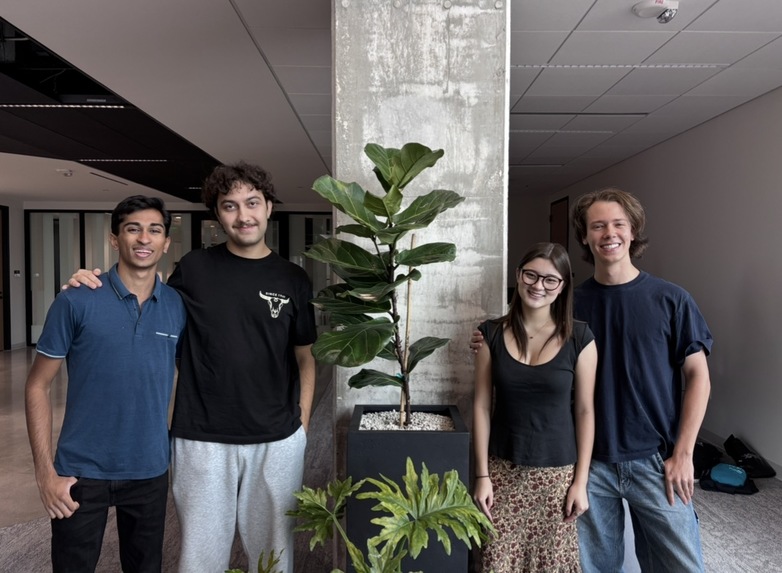
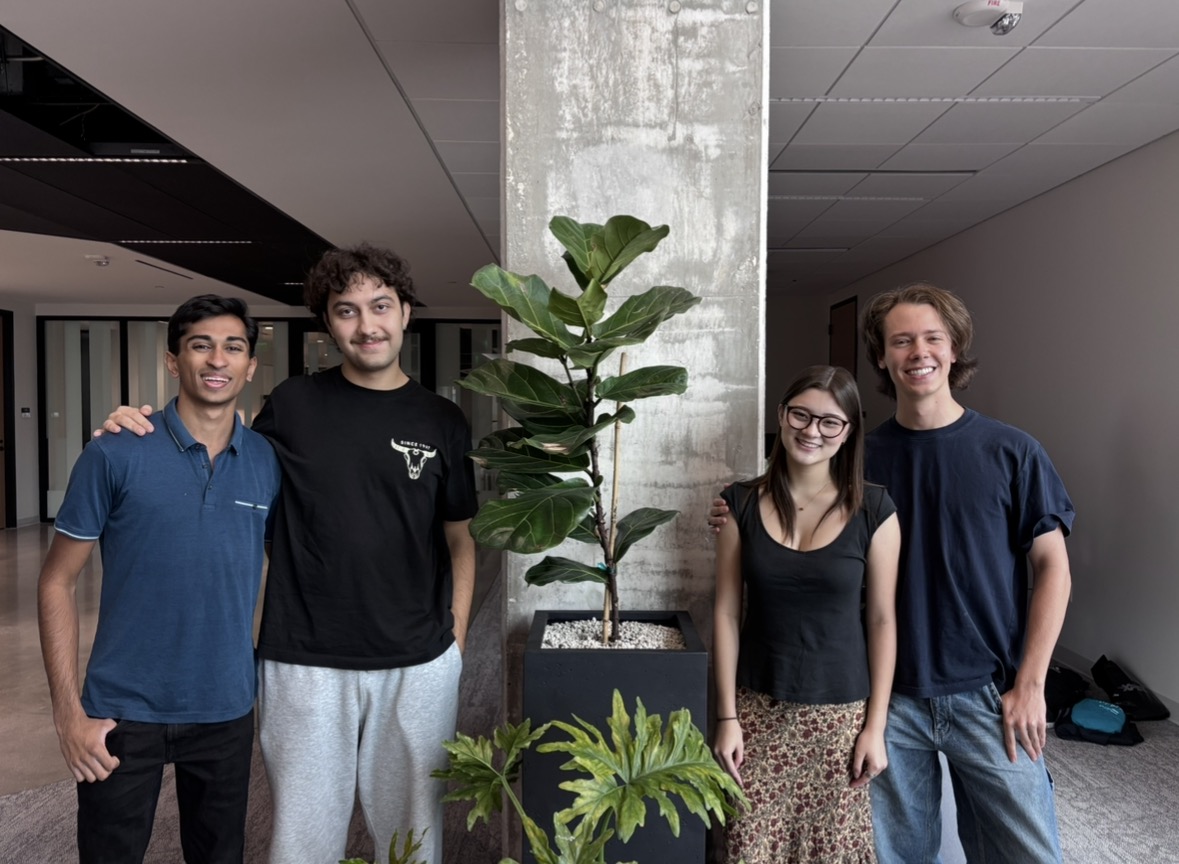
Team Photo
-
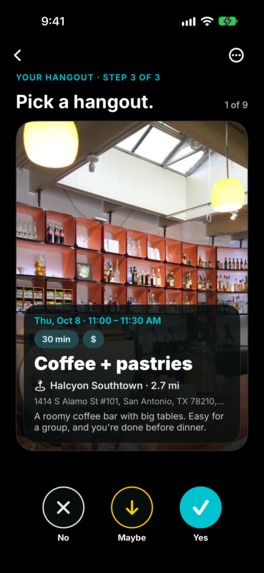
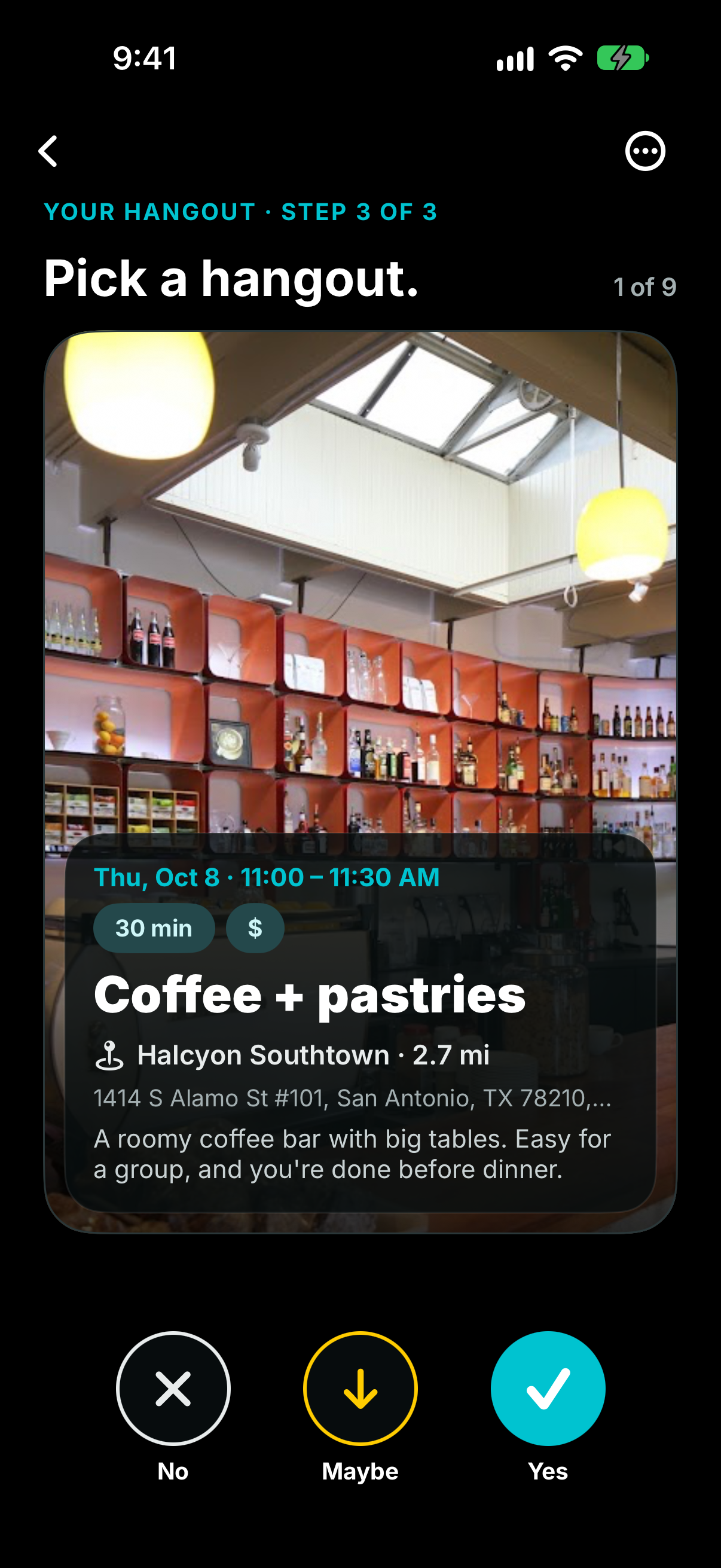
Swipe on Real Locations
-
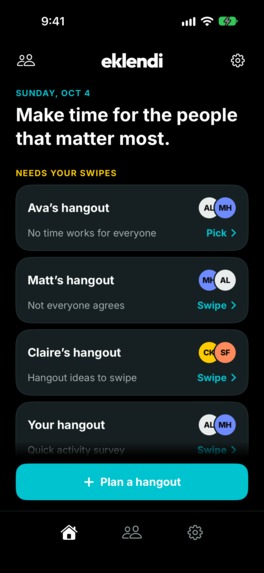
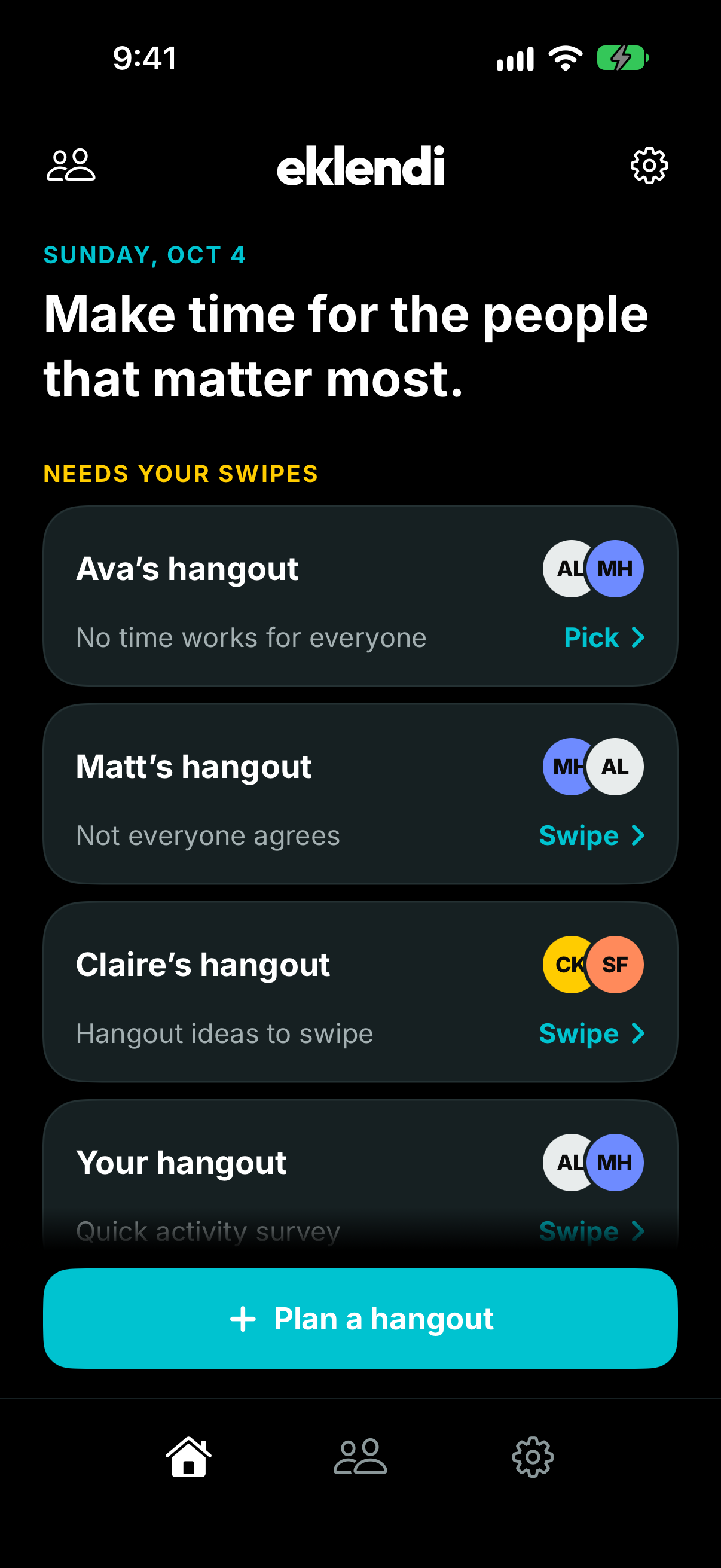
Home Page
-
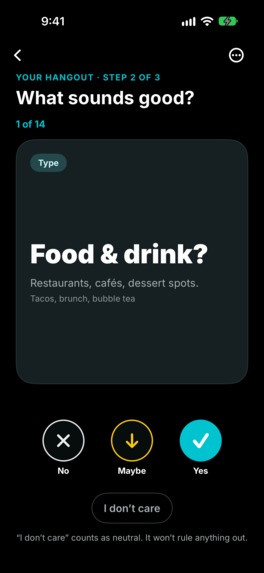
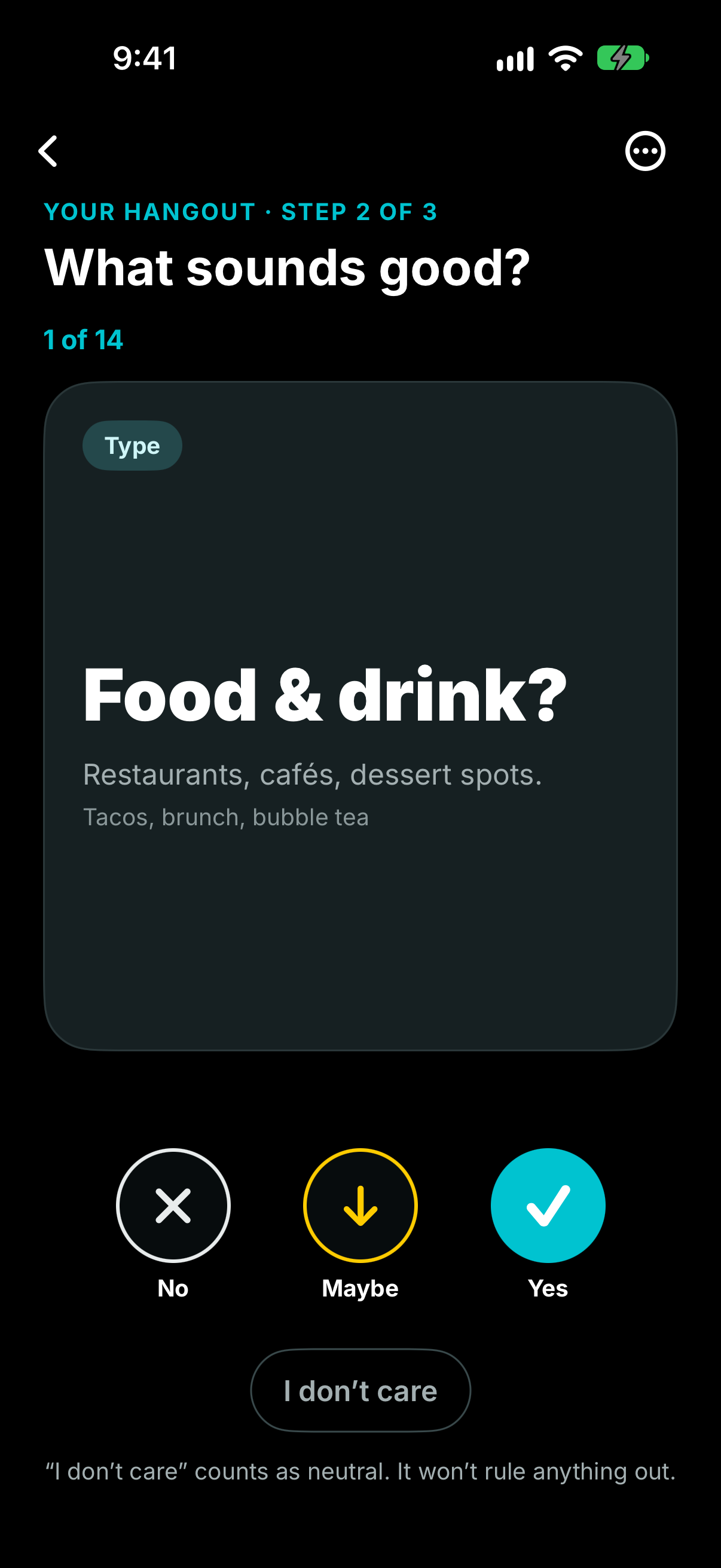
Swipe on Genre of Activity
-
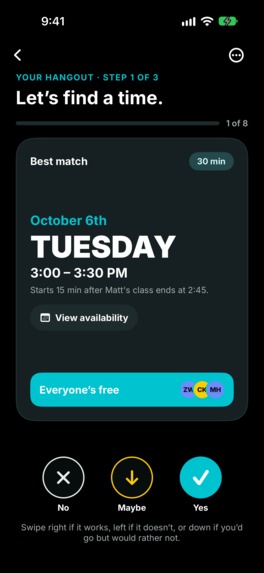
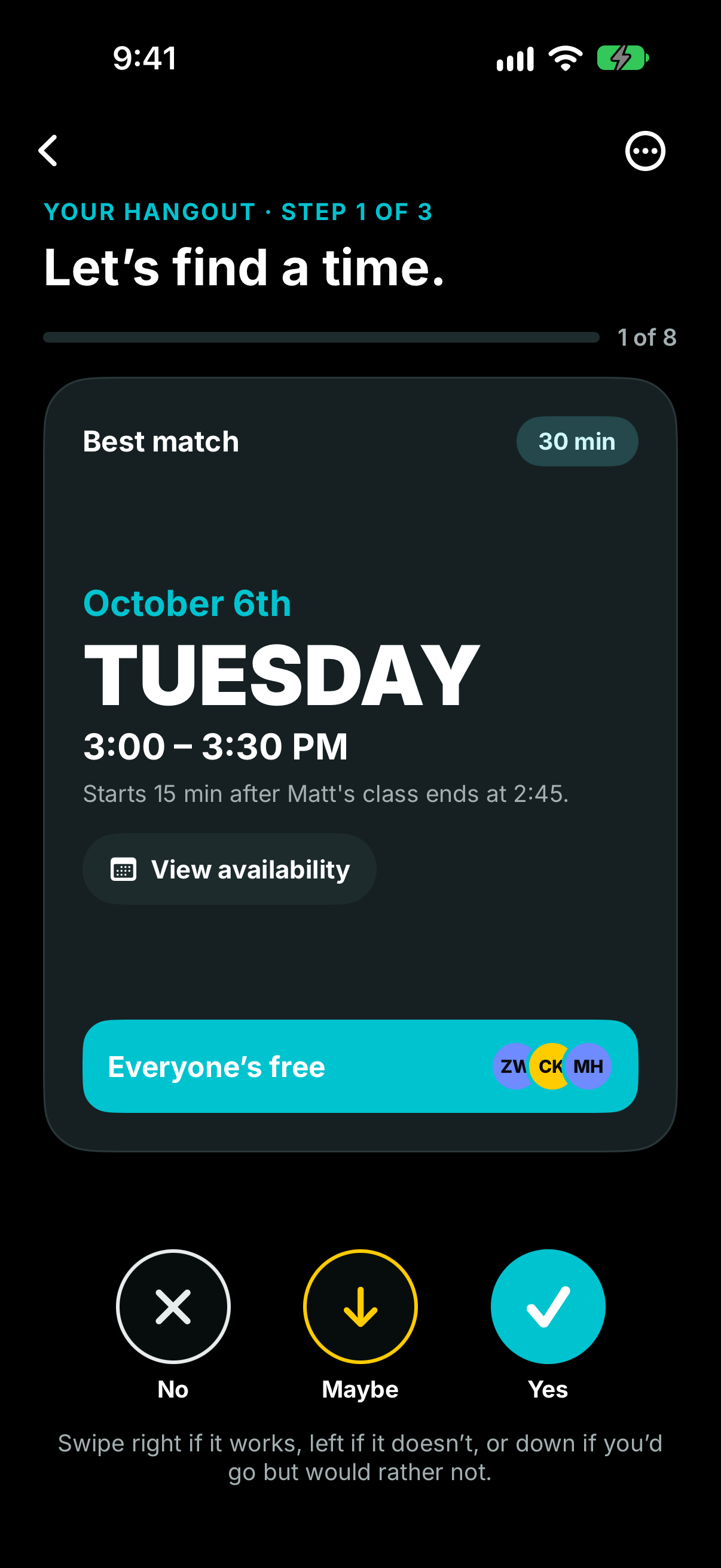
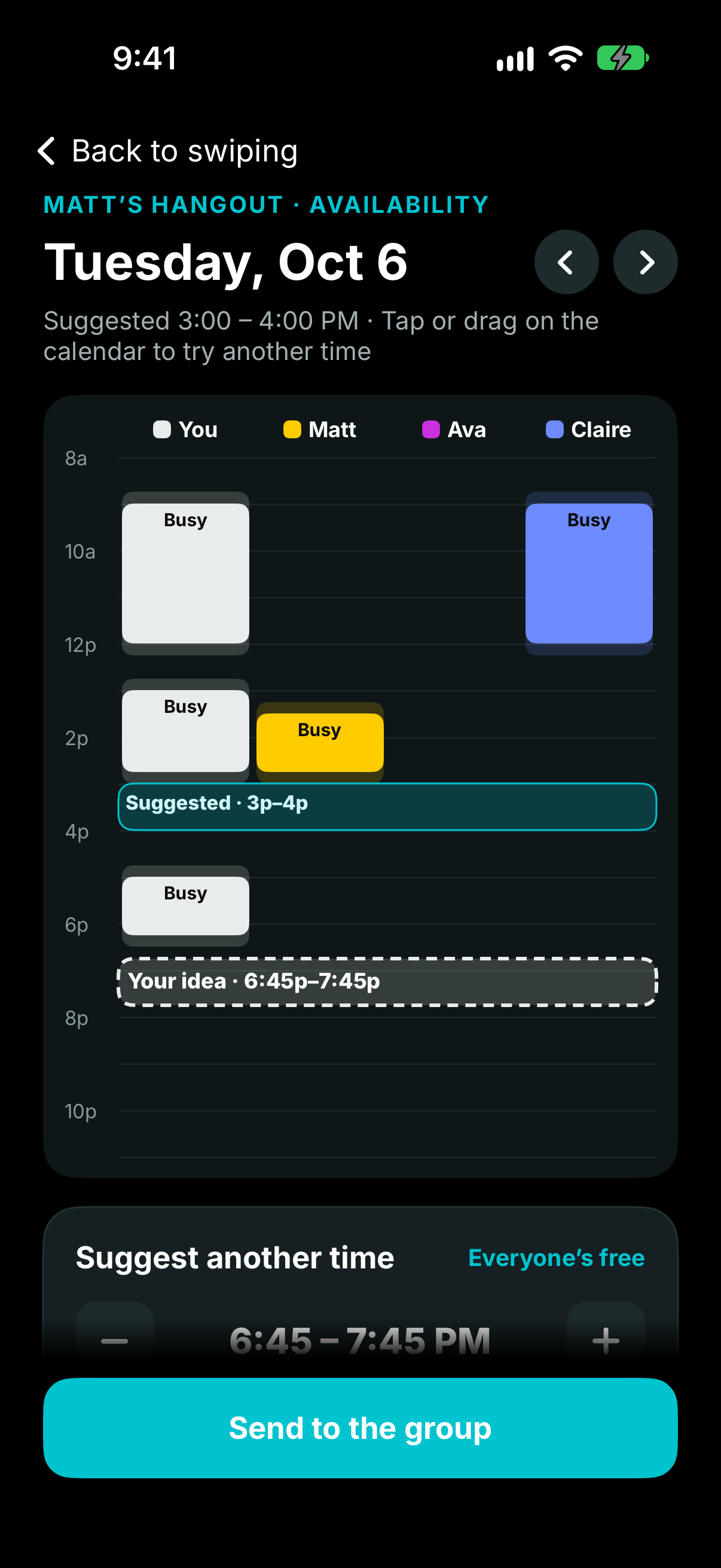
Swipe on Times
-
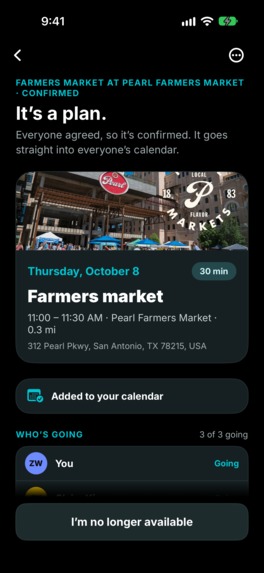
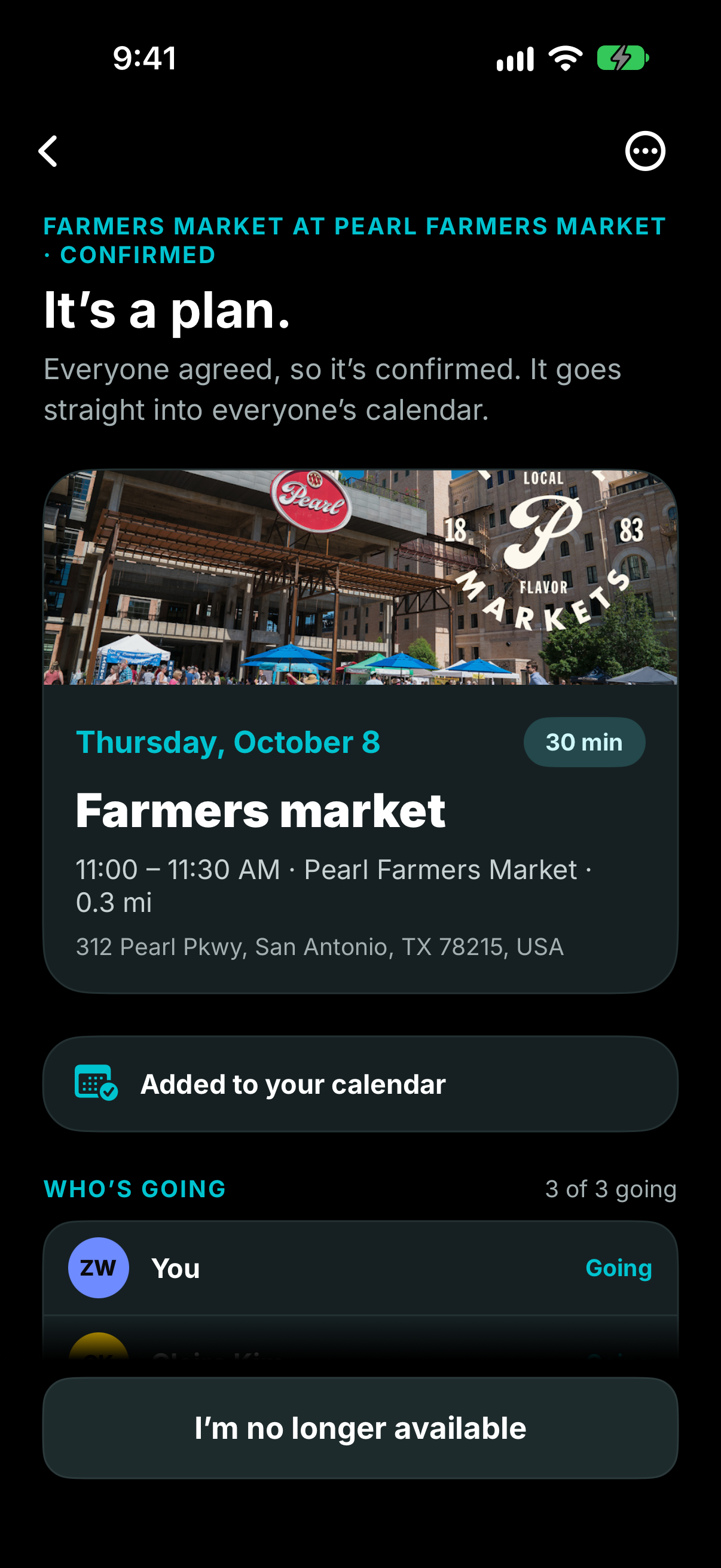
Confirmed Event
-
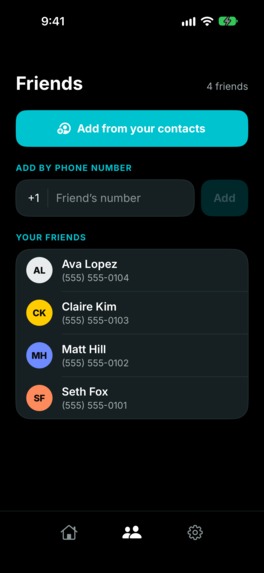
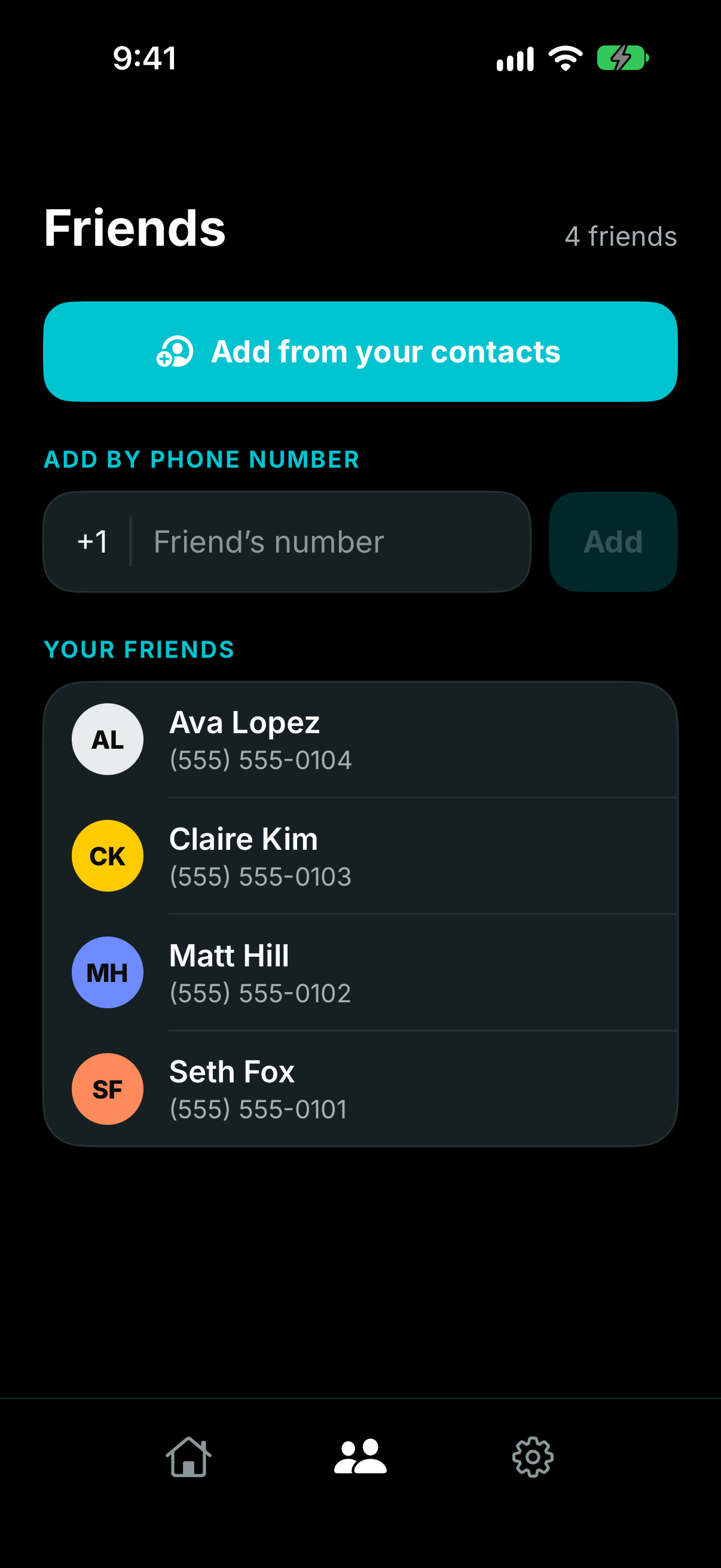
Friends Page
-
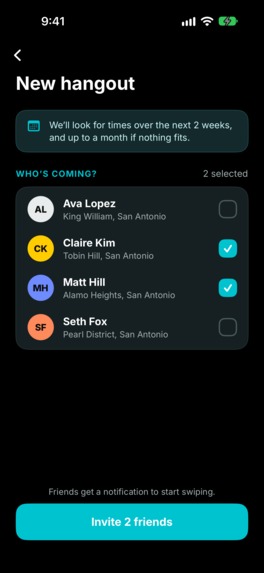
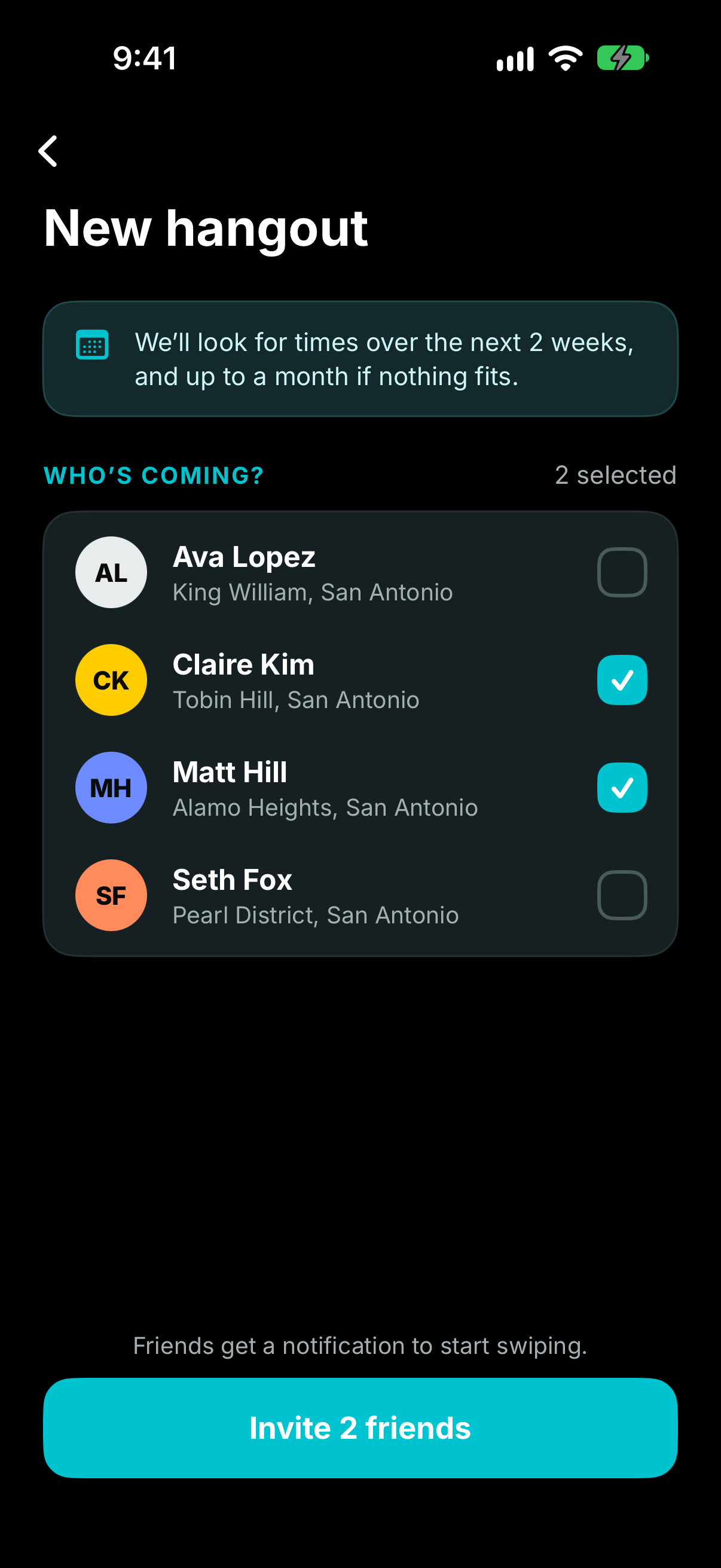
Create Event - Add Friends
-
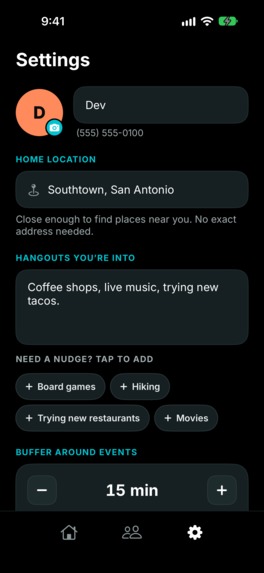
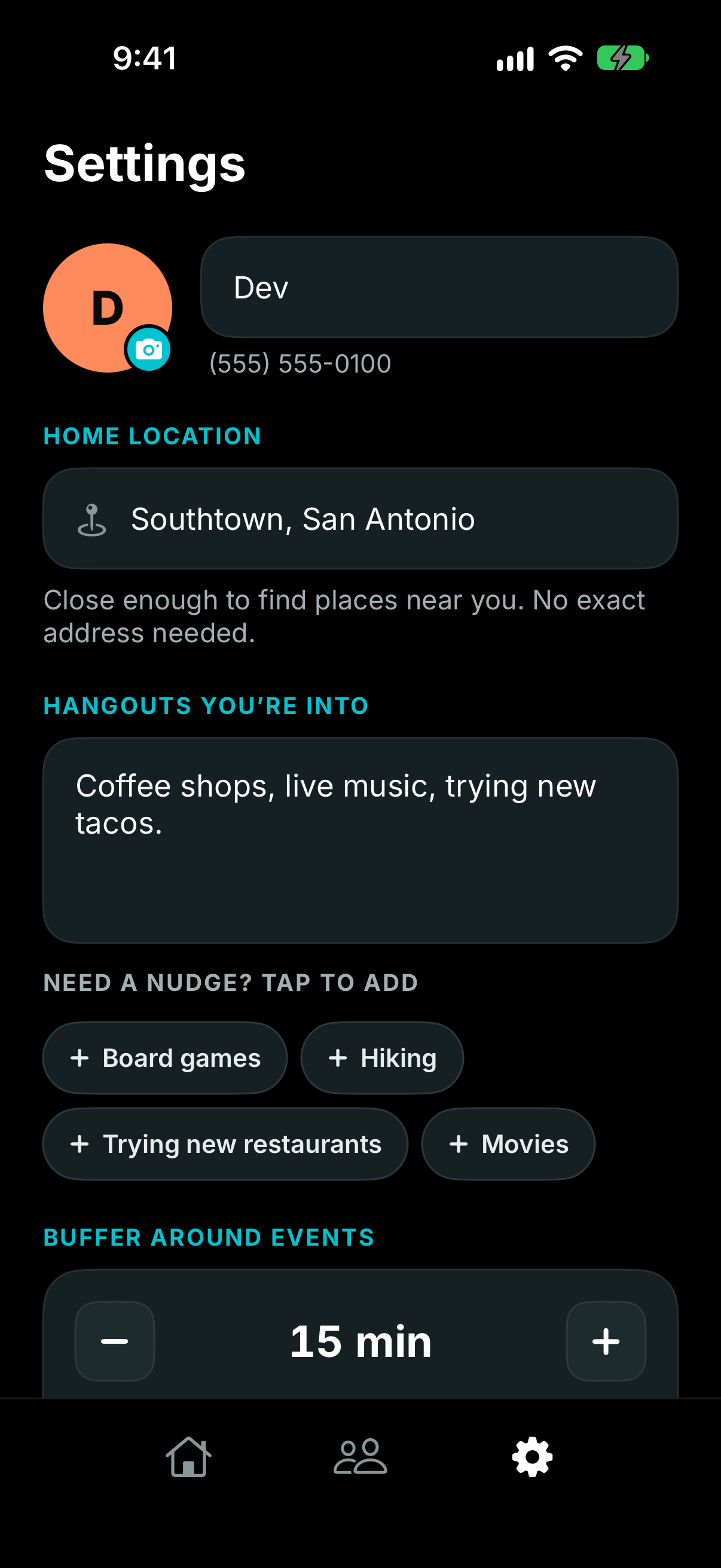
Edit Profile Page
-
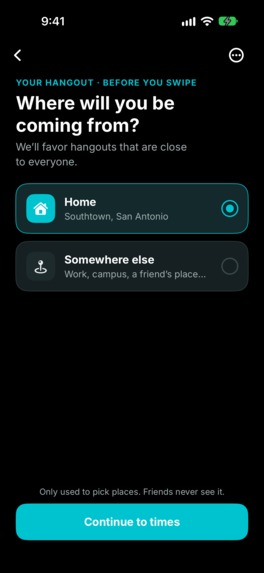
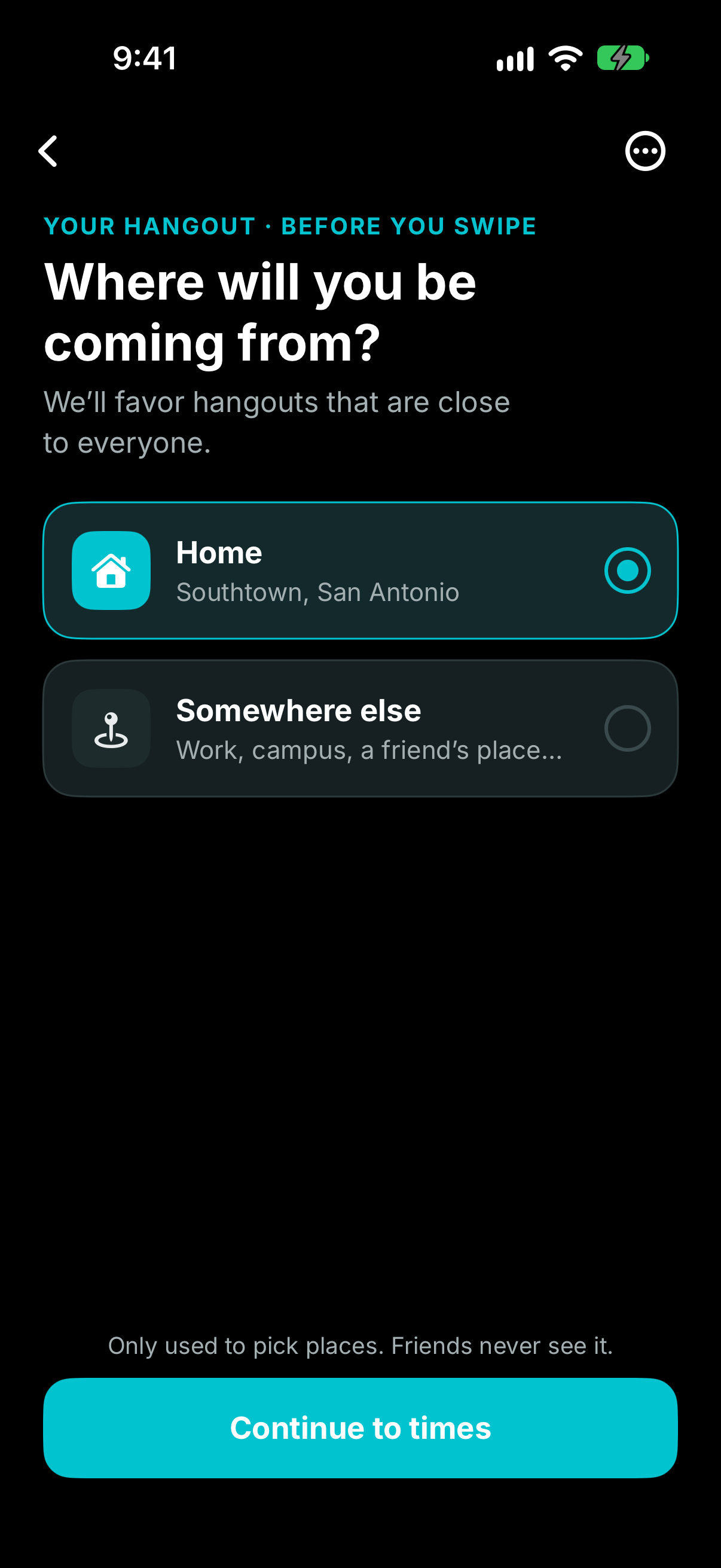
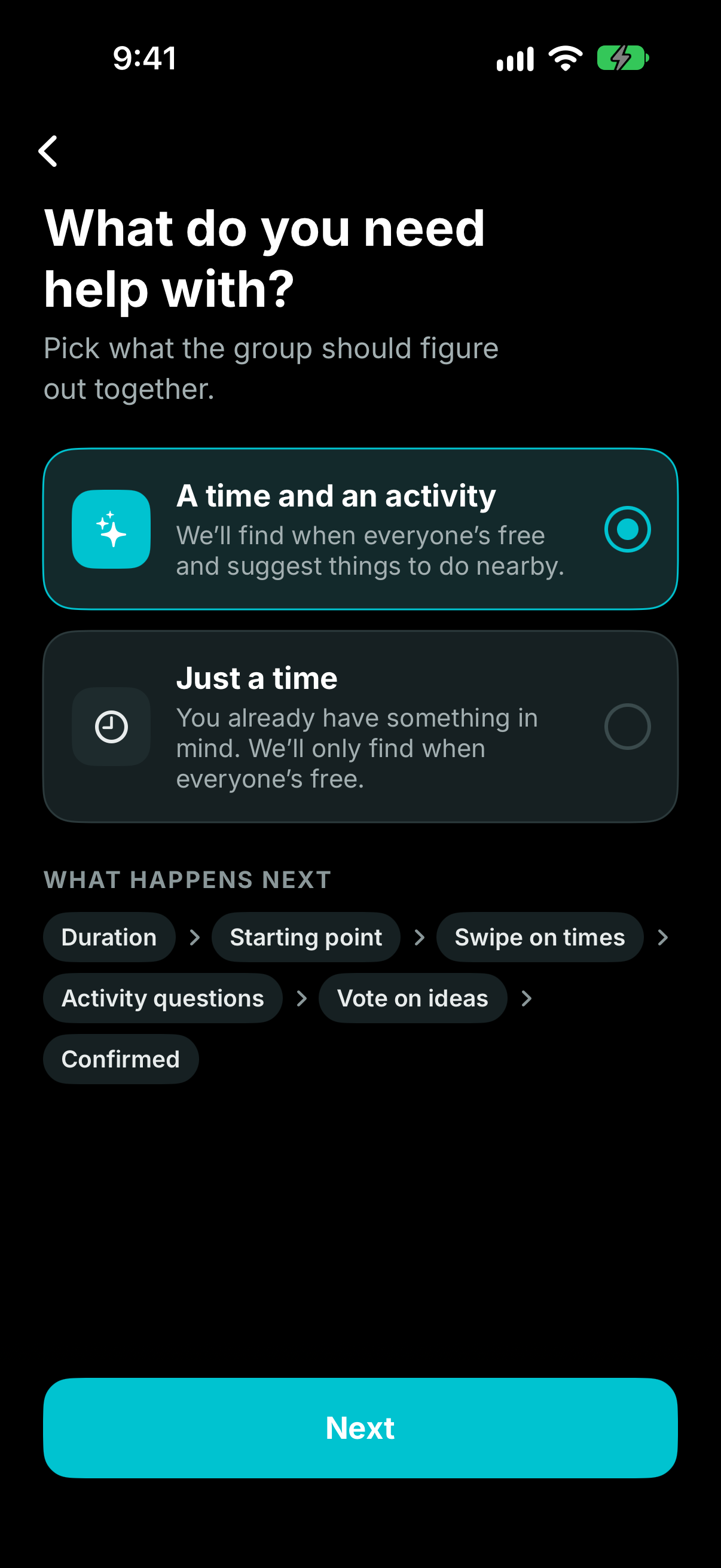
Decide on Staying in or Going Out
-
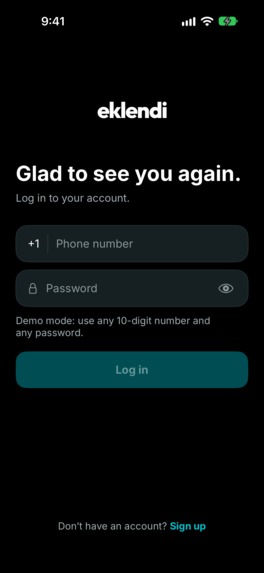
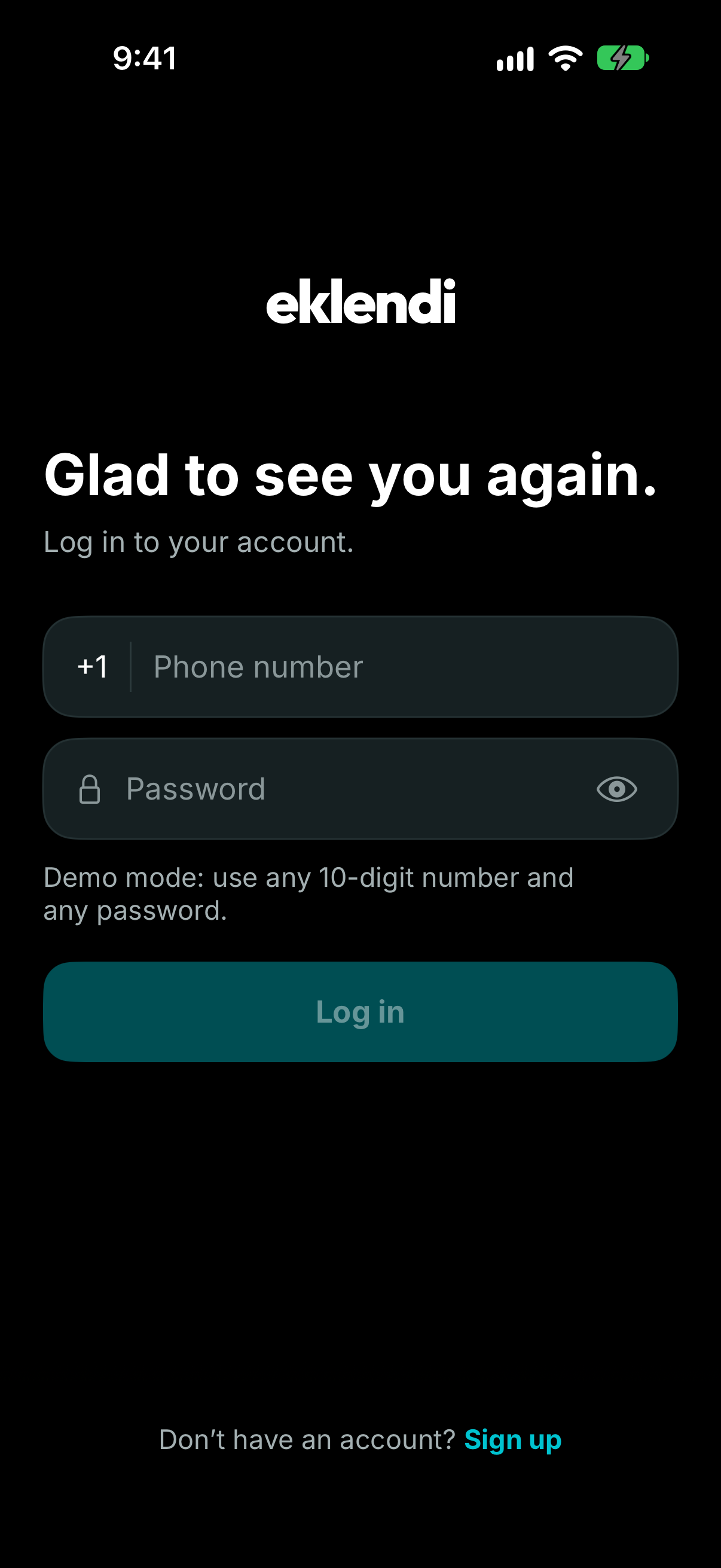
Login
-
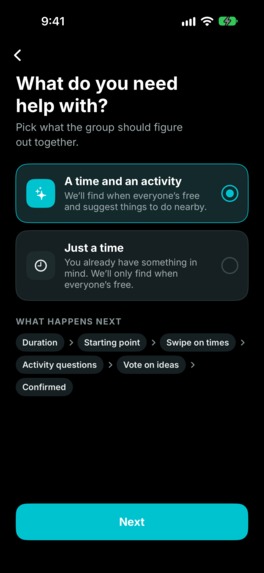
Decide on Time/Activity or Just Time
-
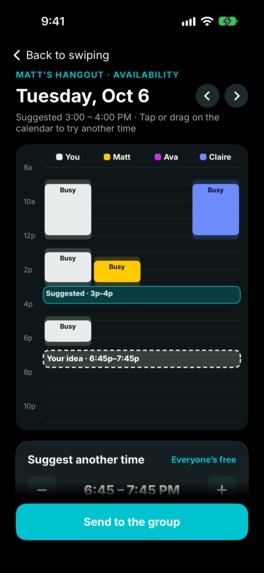
Propose Alternative Event Time
Eklendi
Inspiration
Eklendi solves an issue we face every day, and an issue so many of our friends can relate to as well.
In between the busy schedules of college students and working adults, it can be hard to find times to hang out with friend groups and get everyone's schedules aligned. In addition, it's hard to come up with an activity to do or place to go that everyone will be happy with.
Eklendi cuts out the hassle and decision fatigue of getting everyone on the same page — so that you and your friend group can skip to the fun part!
What it does
When first signing up for Eklendi, you:
- Link your Google/Apple Calendar.
- Fill out preferences about what kinds of activities you enjoy.
- Create hangouts and invite friends.
Finding a time
The app first suggests a series of meeting times to each friend to find options that work for everyone.
Each friend votes asynchronously by:
- Swipe right — support
- Swipe left — deny
- Swipe down — maybe
This continues until a time that works for everyone is found.
Choosing an activity
Once a meeting time is selected, users swipe through a series of general activity types.
Finally, Eklendi suggests specific hangouts (ex: Bowling @ Dave's Bowling Alley, 6pm 10/23) to each friend, conditioned on:
- Their location
- The selected meeting time
- The group's general activity preferences
Everyone swipes through these suggestions until a match is found.
Why is it called Eklendi?
Eklendi means "added" in Turkish, as in: you've been added to the plan. You shouldn't have to wrangle your friends to schedule an activity; you should just get to hang out with them.
How we built it
Planning
First, we wrote a detailed requirements document covering exactly what functionality we wanted the app to have (and made sure to stick by this scope).
After that, we built detailed mockups on Figma of how we envisioned each screen in the app to look.
Design
We then plugged both the requirements and the mockups into Claude and had it expand the Figma into a full design.
We spent the first half of the hackathon building and iterating on these mockups and ensuring that the project requirements were clear and watertight.
Development
Once we were happy with the requirements, we had Claude turn our requirements and mockups into a series of actionable tickets on Linear.
Then, we created a multi-agent Claude workflow to build out the app using the Linear tickets.
Once we got the prototype working, we worked on fine-tuning the user experience.
Challenges we ran into
The main implementation of the app took place in a Claude session on Zach's laptop, but the app could only be tested on a Mac, and Zach has a PC. Since we spent so long in the design and requirements analysis phases, we had to wake Claire up when we wanted to test the prototype.
When Zach ran out of credits, we moved the session to Claire's laptop, and with both the development and testing happening on the same machine, we were able to move faster.
Accomplishments that we're proud of
We were able to include all of the major features that we originally envisioned for the app, which was extremely satisfying. Also, everyone we pitched the idea to during development said that this was an app that they would want to use with their friends, which we found encouraging.
What we learned
Before this event, we all had some experience vibe-coding, but not to make anything at this scale, or at this speed.
We'd also never made a mobile app or used firebase before. With the advent of Claude, though, none of this took too long to learn.
The biggest lesson we're taking away from this project is the importance of taking time to fully scope out requirements and design mockups.
We spent over half of the hackathon iterating on designs and specifying requirements, and this made the actual development process extremely straightforward.
Built With
- firebase
- swift
- swiftui
- typescript


Log in or sign up for Devpost to join the conversation.