-
-
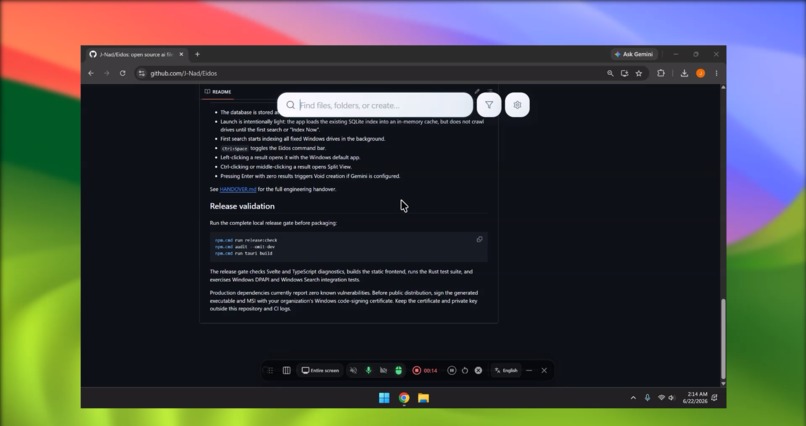
overall view
-

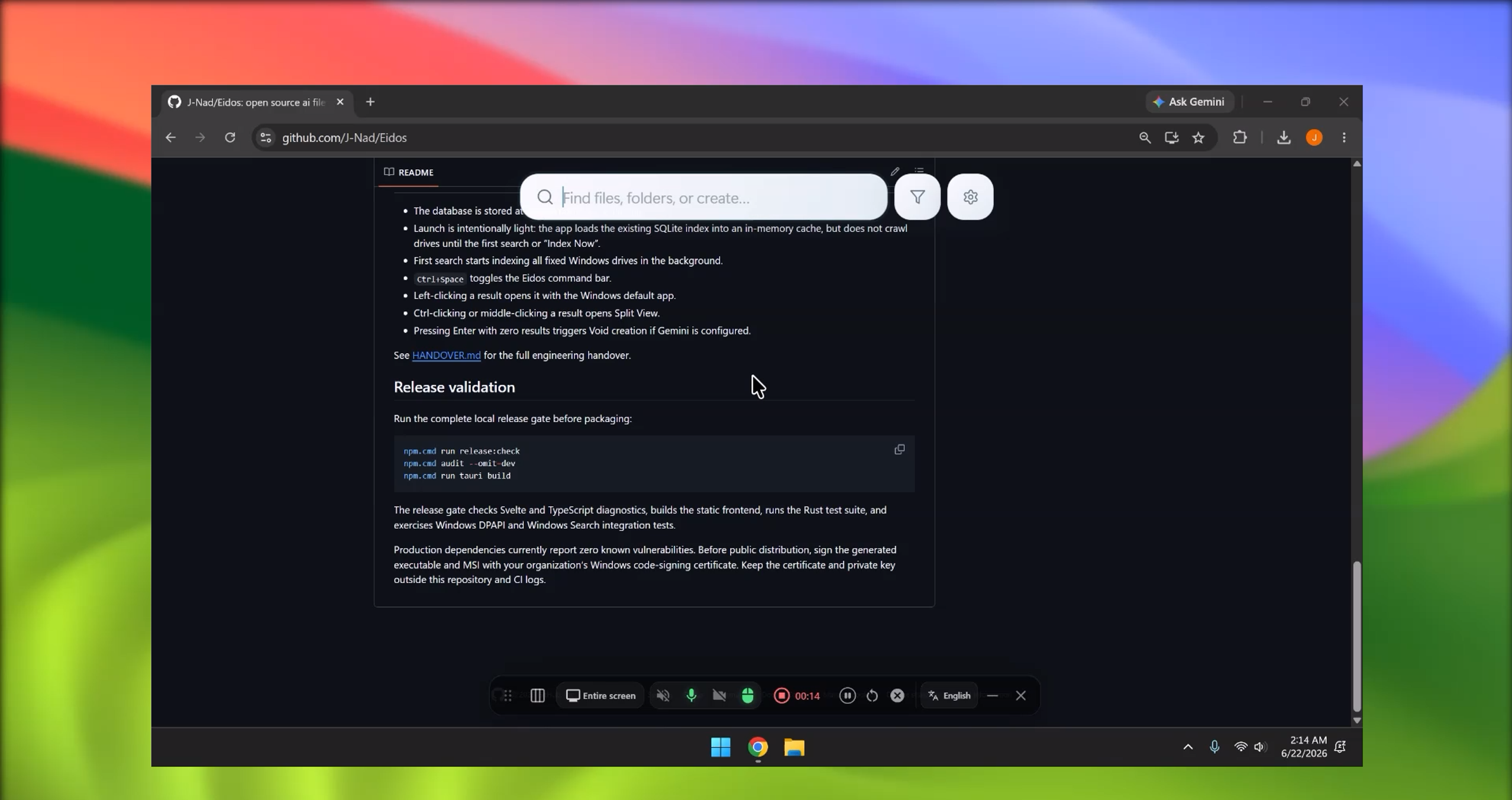
search tool

Inspiration
I built Eidos because I kept running into the same small problem every day: working with files takes more time than it should.
Sometimes I know the file exists, but I do not remember the exact name or folder. Other times I want to make a new file quickly, but I have to stop, open File Explorer, choose a folder, name the file, pick the extension, open it, and then finally start writing. None of that is hard, but it breaks focus.
Eidos started from that idea: what if finding or creating a file felt as quick as typing what you mean?
What it does
Eidos is a Windows desktop app that gives you a fast command bar for working with local files. You can open it with a shortcut, search your files, apply natural language filters, and create new files when nothing is found.
For example, instead of manually filtering through folders, you can type things like:
- files created in the past two weeks
- PDF files modified this week
- documents containing budget
- create a Python file for a CSV script
Eidos tries to understand the request and turn it into a real file action. If the file already exists, it helps you find it. If it does not exist, it helps you create it.
The Gemini part is used inside the file workspace. After opening or creating a file, Gemini can help write content, explain the file, rewrite text, or generate a starting point. The goal is not to make AI replace the file system. The goal is to make it faster to get useful content into actual files that the user controls.
How I built it
I built Eidos as a native Windows app using Tauri, Rust, and SvelteKit. Rust handles the local file indexing, searching, file creation, Windows file opening, and backend commands. SvelteKit handles the command bar, results dropdown, file workspace, and chat interface.
The app uses a local file index so search can feel fast without sending file names to an external service. For natural language filters, I built a parser that can understand common phrases like dates, file types, size filters, and content search requests. Gemini is used for the assistant experience inside files, where it can help generate or improve file contents.
Challenges
The hardest part was making natural language search feel simple without making it slow. If someone types “find me all files created in the past two weeks,” the app should not literally search for a file with that whole sentence as its name. It needs to understand that the important part is the date filter.
Another challenge was keeping the app lightweight. I wanted search to feel instant, so I had to separate fast local search from slower AI features. Gemini should help when it is useful, but the app still needs to work as a file tool on its own.
I also spent a lot of time polishing the desktop experience: making the command bar feel clean, avoiding clutter, handling empty results, and making file creation feel like a natural next step instead of an error.
What I learned
I learned a lot about building desktop apps with Tauri, working with Rust from a frontend app, indexing local files, and designing AI features that do not get in the way. I also learned that the best use of AI here is not just answering questions. It is helping people move faster inside a real workflow.
What is next
I want to keep improving Eidos into a file workspace where different file types can open in better views, and Gemini can help manipulate the content more directly. For now, the prototype shows the core idea: search faster, create faster, and use Gemini to turn blank files into useful ones without leaving the flow.
Built With
- cargo
- css
- gemini-api
- html
- msi
- npm
- rust
- sqlite/fts5
- sveltekit
- tauri-2
- typescript
- webview2
- windows-search-api
- windows-shell-apis


Log in or sign up for Devpost to join the conversation.