Inspiration
Education today often feels static—textbooks are one-size-fits-all, and online videos lack interactivity. We realized that while students have access to information, they lack a personalized guide that adapts to their specific curriculum and learning style.
We wanted to bridge the gap between rigid syllabi (like CBSE/School Boards/Engineering) and dynamic AI learning. Our goal was to create not just a learning app, but a "Companion" that rewards consistency, provides instant help, and gamifies the struggle of studying complex topics. We were inspired to build a platform where a student studying "Thermodynamics" or "Data Structures" can instantly get a personalized tutor, a quiz master, and a real-world simulator all in one tab.
What it does
EdVibe is a comprehensive, AI-powered learning ecosystem designed for students from Grade 6 to Engineering.
- ⚡ AI-Generated Study Material: Instantly converts any syllabus topic into structured Study Notes, interactive Flashcards, and Quizzes using the Gemini API.
- 🧪 AI Sandbox: A unique feature where students apply concepts to real-world scenarios. The AI generates a practical problem (e.g., "Design a bridge using these stress values") and grades the student's typed solution on Accuracy, Creativity, and Clarity.
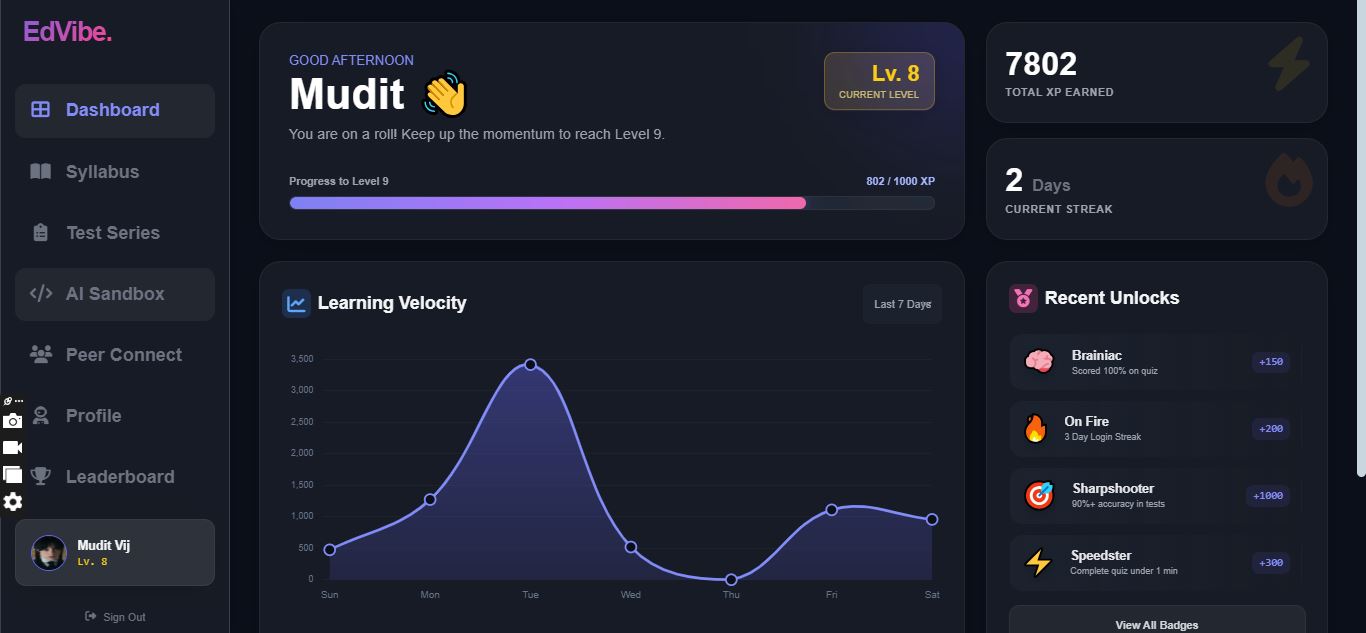
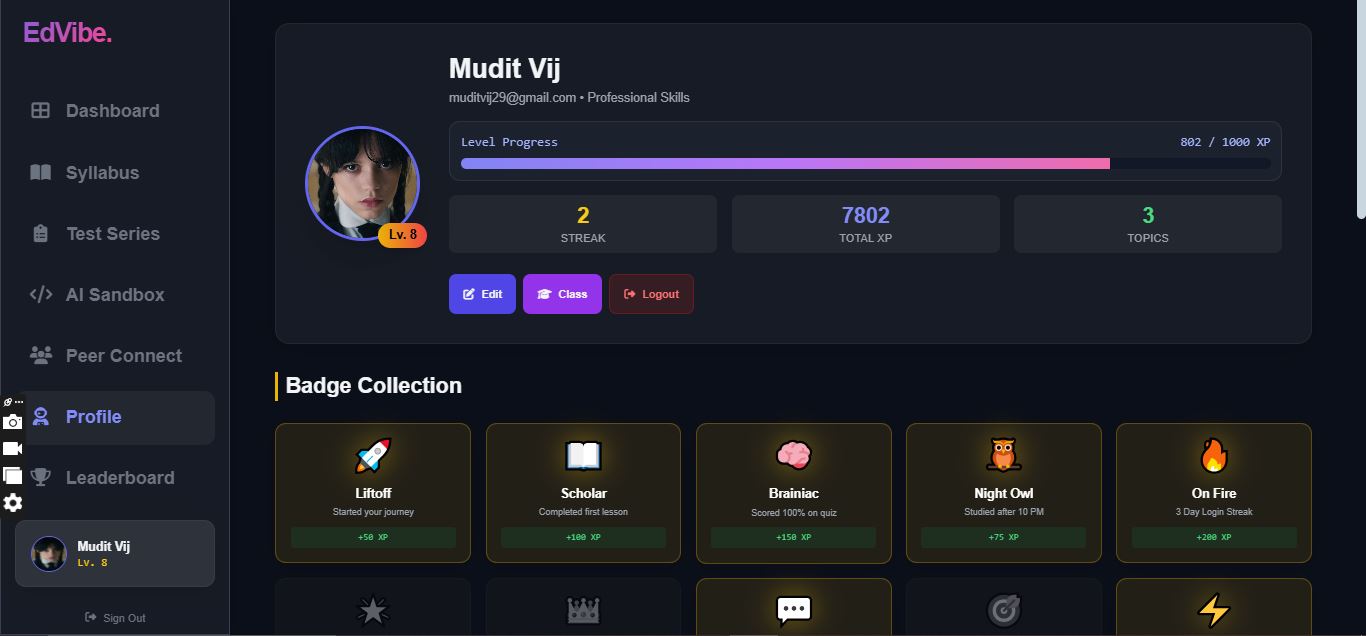
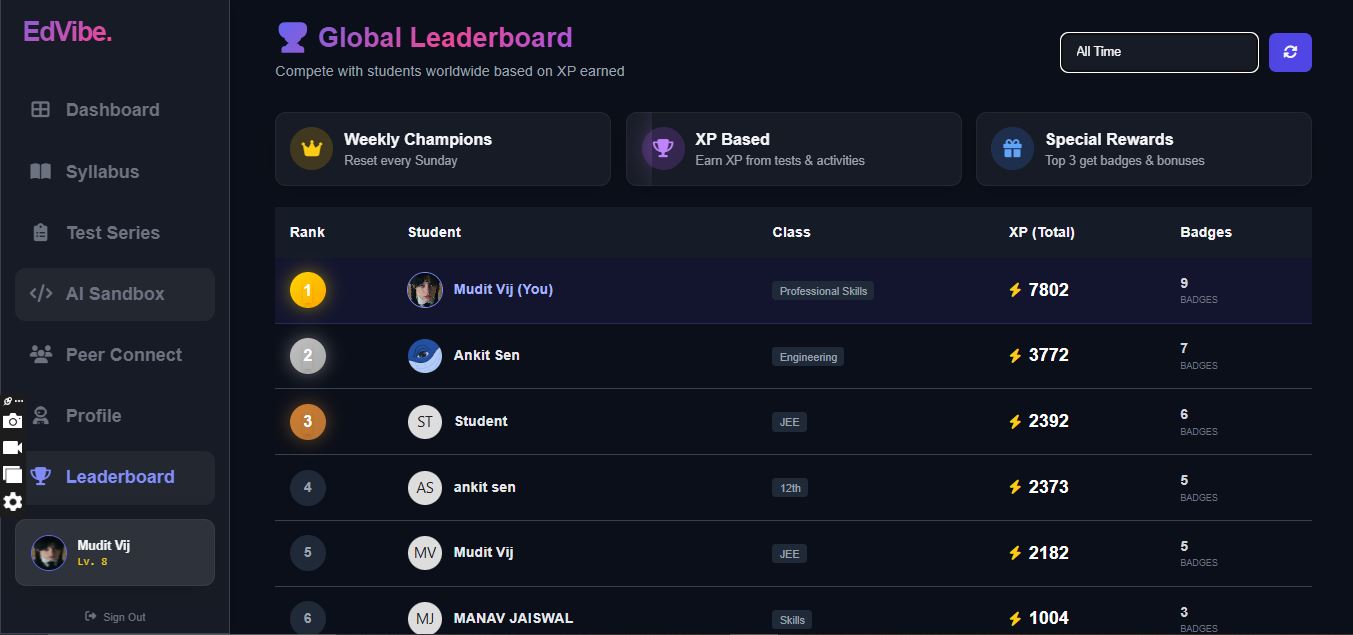
- 🎮 Deep Gamification: Keeps students addicted to learning with a robust XP system, Daily Streaks, tiered Badges (e.g., "Night Owl", "Speedster"), and a real-time Global Leaderboard.
- 📺 Curated Video Content: Automatically fetches the best YouTube lectures for the specific topic selected, filtering by duration (Short/Long/Full Course).
- 🤖 24/7 Doubt Engine: A dedicated "Clear Doubt" chat that acts as a context-aware tutor for the specific lesson currently open.
- 📄 PDF Export: Students can export their AI-generated notes into professional, formatted PDFs for offline study.
- 🤝 Social Learning: Features a "Class Chat" and "Peer Connect" system to discuss topics with other students in the same standard.
How we built it
We prioritized performance and accessibility, building EdVibe as a lightweight Single Page Application (SPA).
- Frontend: Built with Vanilla JavaScript and HTML5. We avoided heavy frameworks to ensure the app loads instantly on any device.
- Styling: We used Tailwind CSS to create a modern "Glassmorphism" aesthetic (translucent panels, gradients) that feels futuristic and engaging.
- AI Core: We integrated Google's Gemini API (
gemini-1.5-flashandgemini-pro) to handle all generative tasks—from creating JSON-formatted quizzes to analyzing student answers in the Sandbox. - Backend & Real-time: Firebase Firestore handles the database (users, chats, leaderboards), while Firebase Auth manages secure login/signup. We used Firestore listeners for real-time chat and leaderboard updates.
- Utilities: Used
Chart.jsfor the visualization of learning velocity andhtml2pdf.jsfor the note export feature.
Challenges we ran into
- AI Hallucinations & Formatting: Getting the AI to consistently return valid JSON for quizzes and flashcards was difficult. We had to implement robust error handling and "clean-up" functions to parse the AI's response even if it included markdown or extra text.
- State Management: Managing complex user states (Current Topic, XP, Badges, Chat History) without a framework like Redux was tricky. We built a custom central
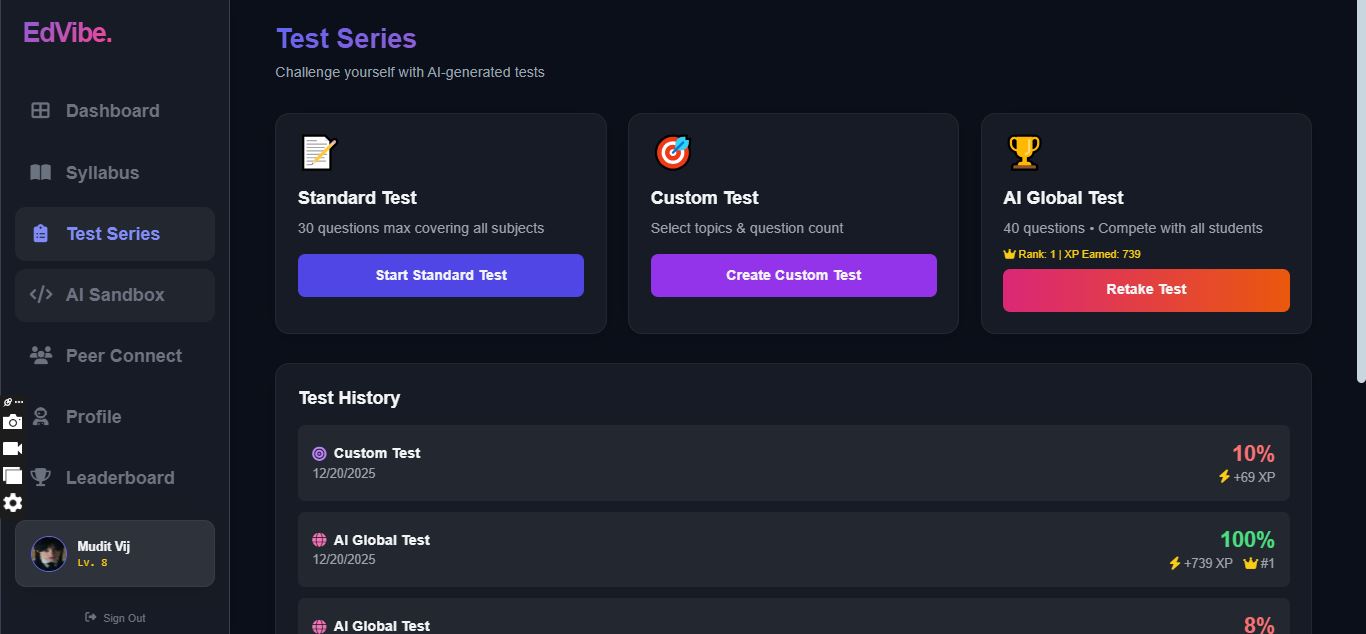
storeobject to manage the application state globally. - Real-time Leaderboard: Calculating ranks and percentiles for the "Global AI Test" in real-time without overloading the database required careful structuring of Firestore collections.
- CSS Glassmorphism: Achieving the "frosted glass" look that works consistently across different browsers and dark/light backgrounds required fine-tuning backdrop-filters and opacity layers.
Accomplishments that we're proud of
- The AI Sandbox: We are particularly proud of the prompt engineering behind the Sandbox. It doesn't just say "Correct/Incorrect"—it acts like a human teacher, giving nuanced feedback on how the student explained their answer.
- Zero-Lag Interface: Despite being rich in features, the app feels incredibly snappy because we optimized the DOM manipulation manually.
- The Badge System: Implementing the logic to award badges (e.g., "Award 'Night Owl' if studying after 10 PM") makes the platform feel alive and responsive to user behavior.
- Seamless Syllabus Navigation: Creating a nested data structure that handles everything from "6th Grade Science" to "Engineering Web Development" within a single UI.
What we learned
- Prompt Engineering is Key: The quality of the app depends entirely on how well we instruct the AI. We learned to treat prompts as code—modular, specific, and robust.
- Gamification Works: During testing, we found that seeing the "XP" bar go up genuinely motivated us to test more features.
- Firebase Capabilities: We gained a deep understanding of Firestore security rules and efficient querying to minimize read/write costs.
What's next for EdVibe, AI companion for students
- Voice-Activated Tutor: Adding Speech-to-Text so students can verbally ask doubts and hear explanations while solving math problems.
- Image Recognition: allowing students to upload a photo of a math problem for the AI to solve and explain.
- Teacher Dashboard: A tailored view for educators to monitor class progress, assign specific AI tests, and view analytics.
- Mobile App: Porting the logic to React Native for a dedicated mobile experience with push notifications for study reminders.

Log in or sign up for Devpost to join the conversation.