-
-
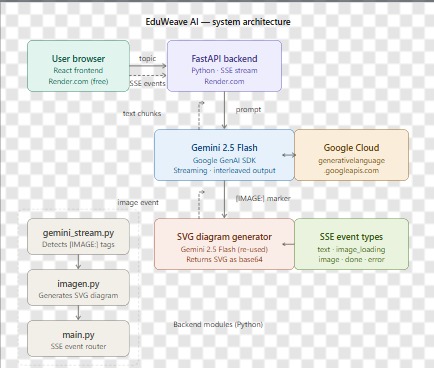
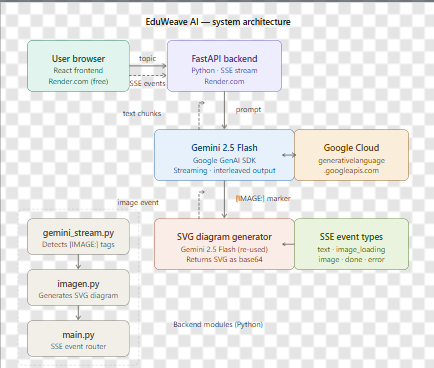
Architecture Diagram
-
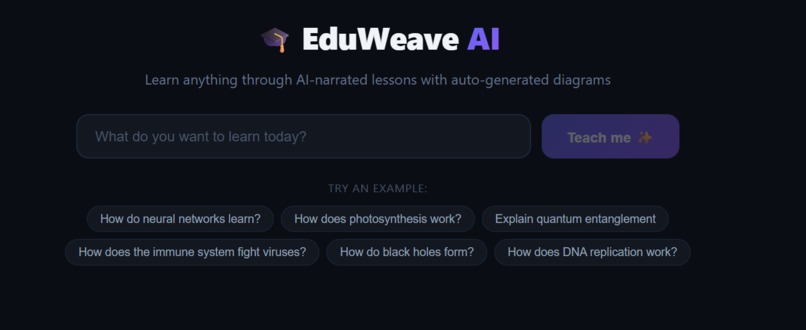
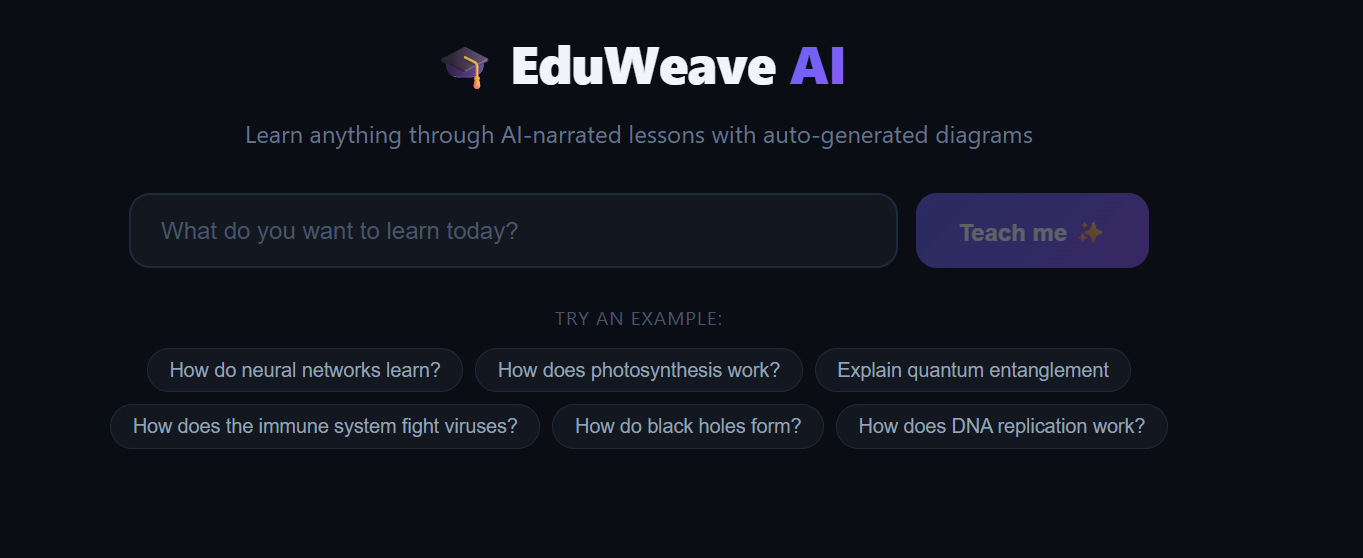
Application UI
-
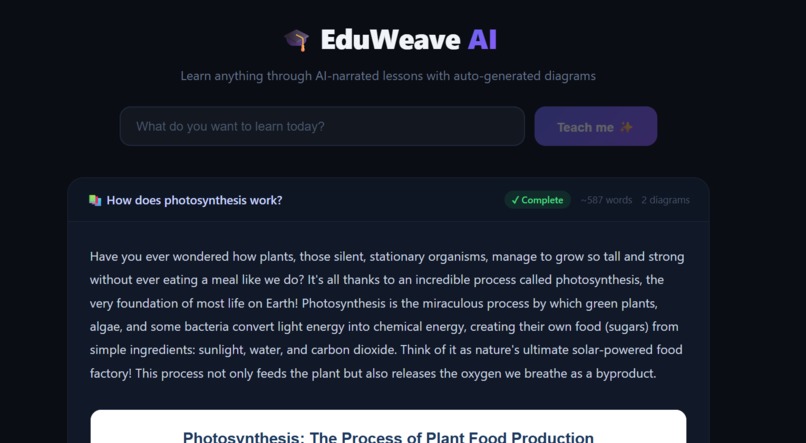
Response start
-
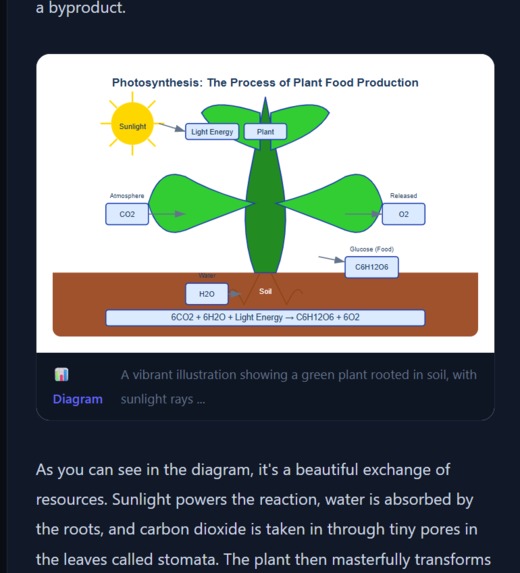
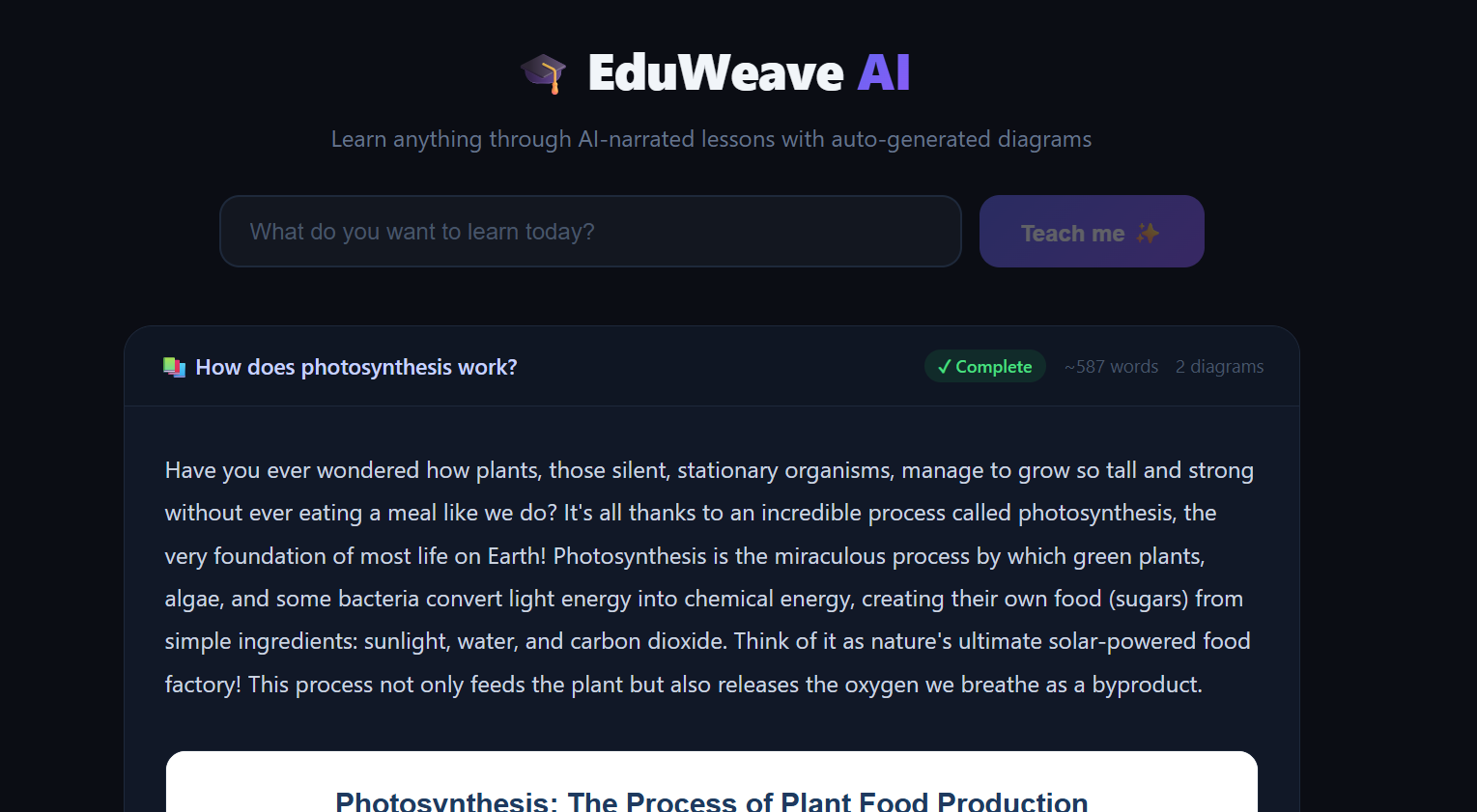
Response ongoing with image
-
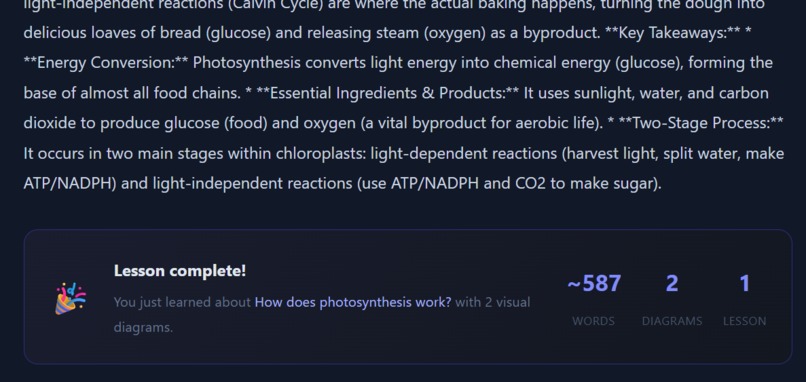
Response end
Inspiration
I've always felt that AI responses to learning questions are disappointing — you ask "how does photosynthesis work?" and get a wall of bullet points. No visuals, no flow, no feeling of being taught. I wanted to build something that felt like a real professor — one who explains while drawing on the board at the same time.
The hackathon's interleaved output requirement was the perfect trigger. What if the AI could narrate a lesson and generate diagrams at the exact moment they're needed, all in one live stream?
What it does
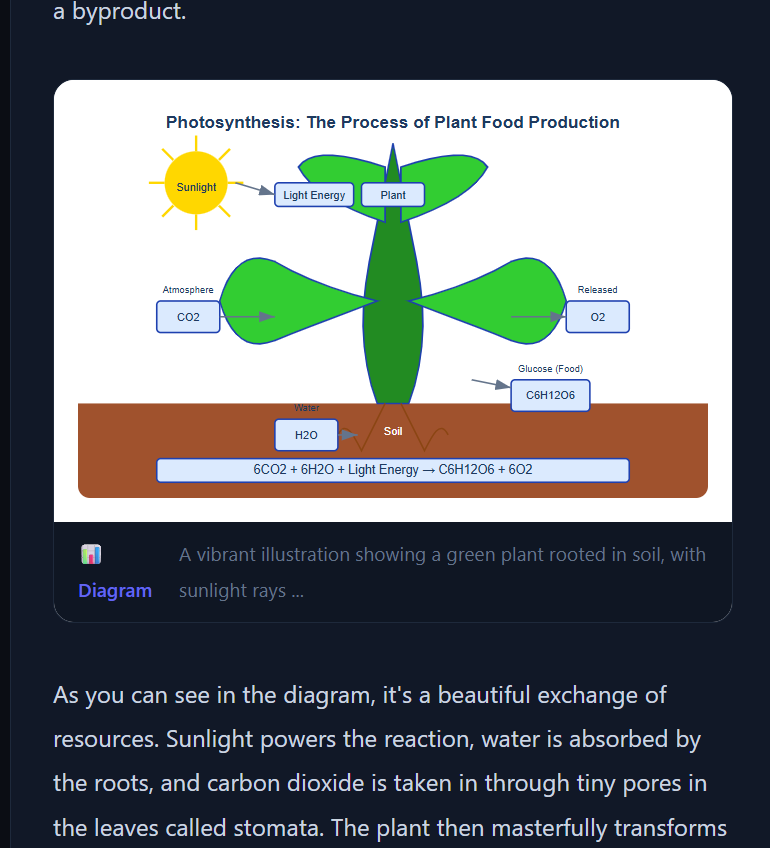
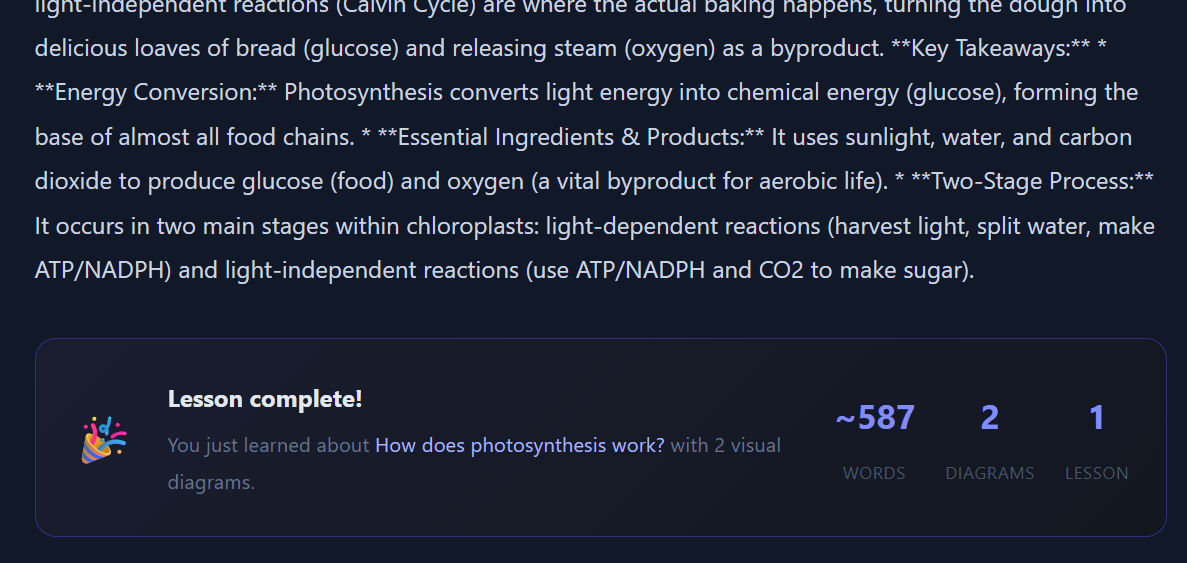
EduWeave AI takes any topic and streams a full illustrated lesson in real time. Text flows in chunk by chunk like a professor speaking, and at natural teaching moments, a diagram automatically appears inline — generated on the fly and rendered right where it belongs in the explanation.
The result feels genuinely different from a regular AI chat: it's a live, visual, structured lesson rather than a text dump.
How I built it
Backend (FastAPI + Python):
I prompt Gemini 2.5 Flash to embed [IMAGE: description] markers inline within the lesson text — at the exact points where a diagram would help. The backend streams this via Server-Sent Events, buffering chunks to detect complete markers. When one is found, it fires a second Gemini call to generate an SVG diagram from the description and returns it as a base64 data URL in a separate SSE event.
Frontend (React): The frontend consumes the SSE stream and renders text and image blocks interleaved in real time — text flowing in with a live cursor, spinners appearing where diagrams are generating, then diagrams popping in inline once ready.
Google Cloud:
Both the lesson generation and diagram generation use Gemini 2.5 Flash via the Google GenAI SDK, calling generativelanguage.googleapis.com. The backend is deployed on Render.com with automated deployment via render.yaml.
Challenges
Partial marker detection was the hardest part. SSE streams text in arbitrary chunks — a [IMAGE: ...] marker might arrive split across 3 or 4 chunks. I had to build a buffer that holds back text whenever a [ appears, waiting until the full marker is complete before deciding whether to emit it as text or fire an image trigger.
Model availability was tricky — gemini-2.0-flash, gemini-1.5-flash, and gemini-2.5-flash-image all returned quota errors on the free tier. After running list_models(), I found gemini-2.5-flash was the only one that worked freely, and it turned out to be excellent for both text and SVG generation.
Imagen 3 requires Vertex AI billing which wasn't available. I pivoted to having Gemini itself generate clean SVG diagrams — this actually worked better for educational content since SVGs are precise, labeled, and perfectly readable at any size.
What I learned
- Gemini's streaming API is powerful but requires careful buffer management for interleaved output patterns
- SVG generation via LLMs produces surprisingly high-quality educational diagrams
- Server-Sent Events + React is an underrated stack for real-time AI UX — simpler than WebSockets and perfectly suited for one-way streaming
- The "interleaved output" paradigm is genuinely new UX territory — text and visuals co-generating in a single flow feels fundamentally different from chat
What's next
- Voice narration using Gemini's TTS capabilities for true audio + visual lessons
- Quiz generation at the end of each lesson
- Topic graph — letting students navigate between related concepts
- Saving lessons as shareable PDFs
Built With
- fastapi
- google-gemini-2.5-flash
- google-genai-sdk
- google-generative-language-api-(generativelanguage.googleapis.com)
- javascript
- node.js
- python
- react
- render.com
- rest
- server-sent-events-(sse)
- sse-starlette
- svg-generation


Log in or sign up for Devpost to join the conversation.