-
-

-
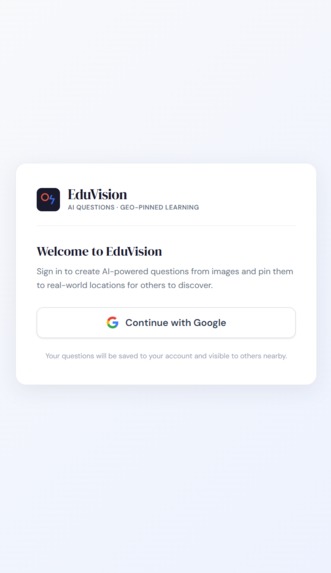
sign_in
-
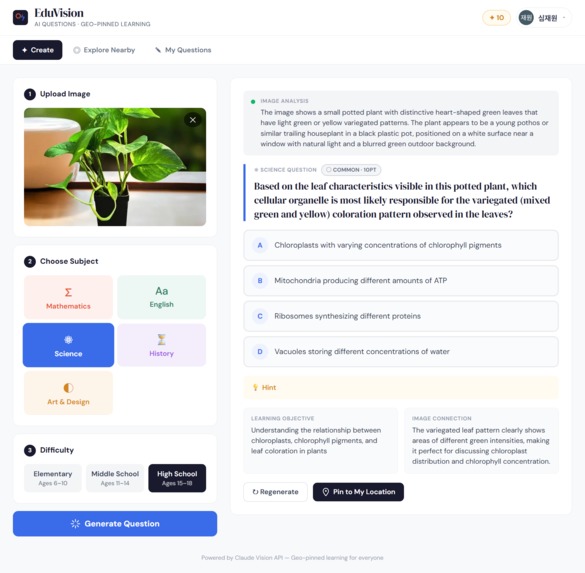
main_question_generator
-
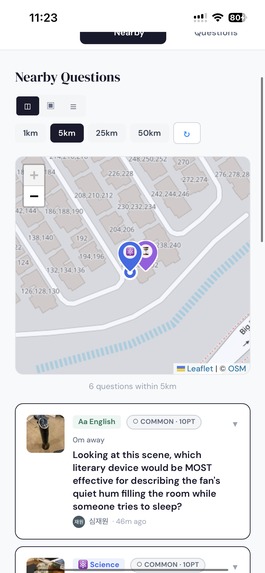
nearby_questions
-
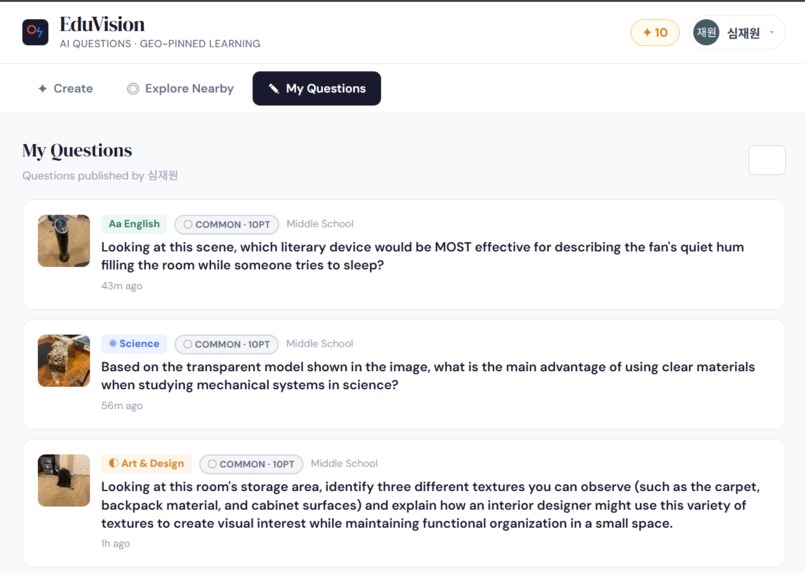
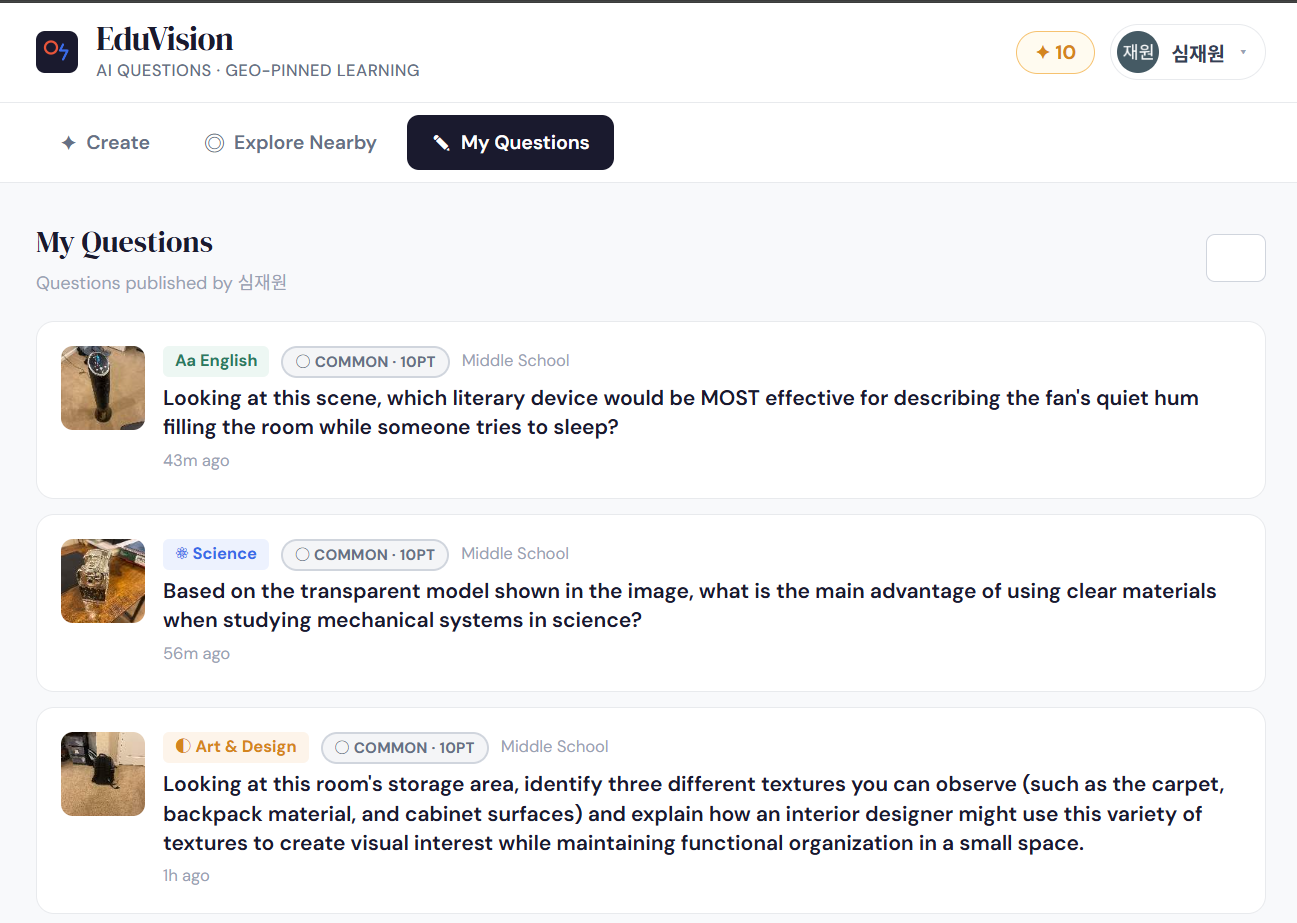
my_questions
Inspiration
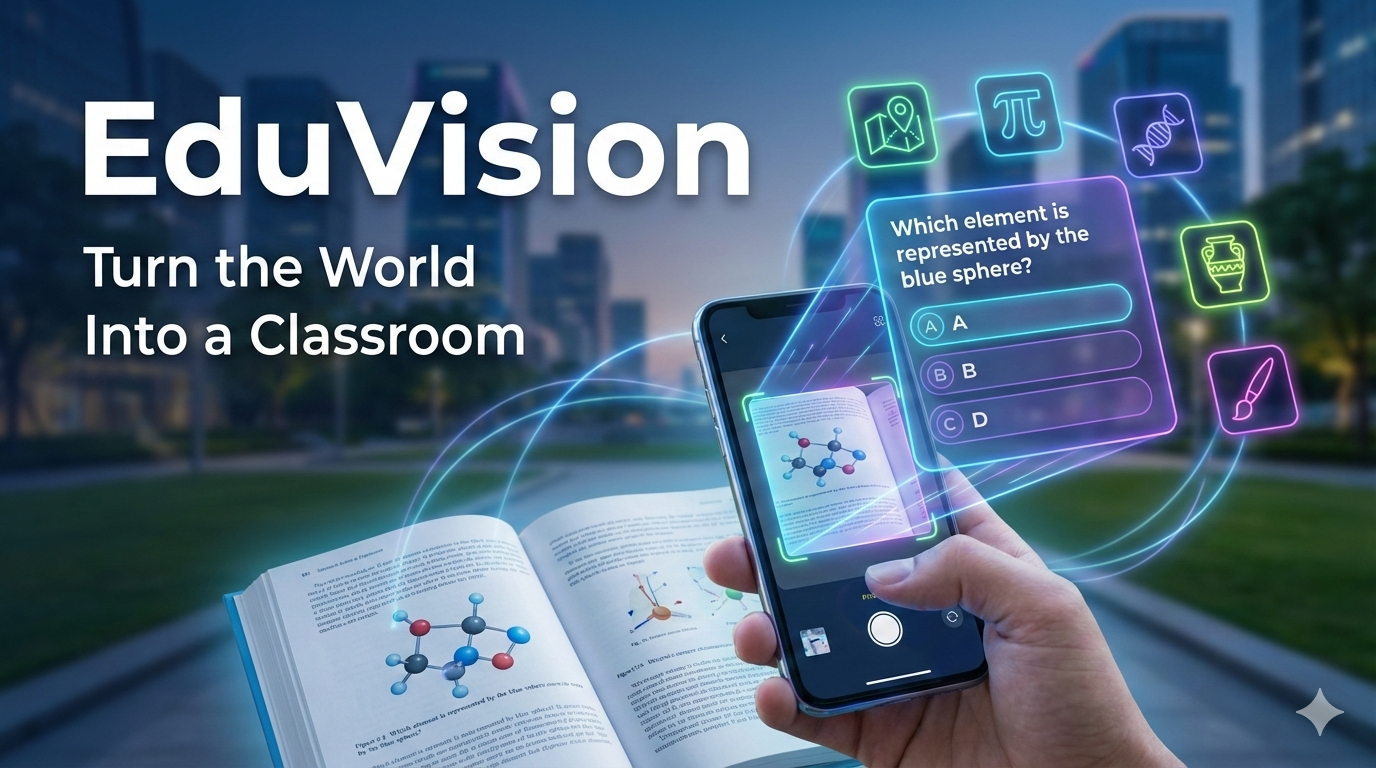
For centuries, school was where students went to learn because it bundled everything they needed: textbooks, teachers, and peers. But that model is changing — the internet already gives people access to endless resources, and AI can act like a private tutor. That made me ask: In what ways can people learn outside of school? To answer it, I made an app that brings learning into the real world. Take a photo of a problem, diagram, or passage, and the AI analyzes the image, detects the subject (math, science, history, etc.), and generates academic questions matched to the content and level. Users can solve those questions, post their answers, and share them so others can attempt, comment, and learn together. My goal is to make learning more relevant, social, and useful — a simple way to practice real-life skills anytime, anywhere.
What it does
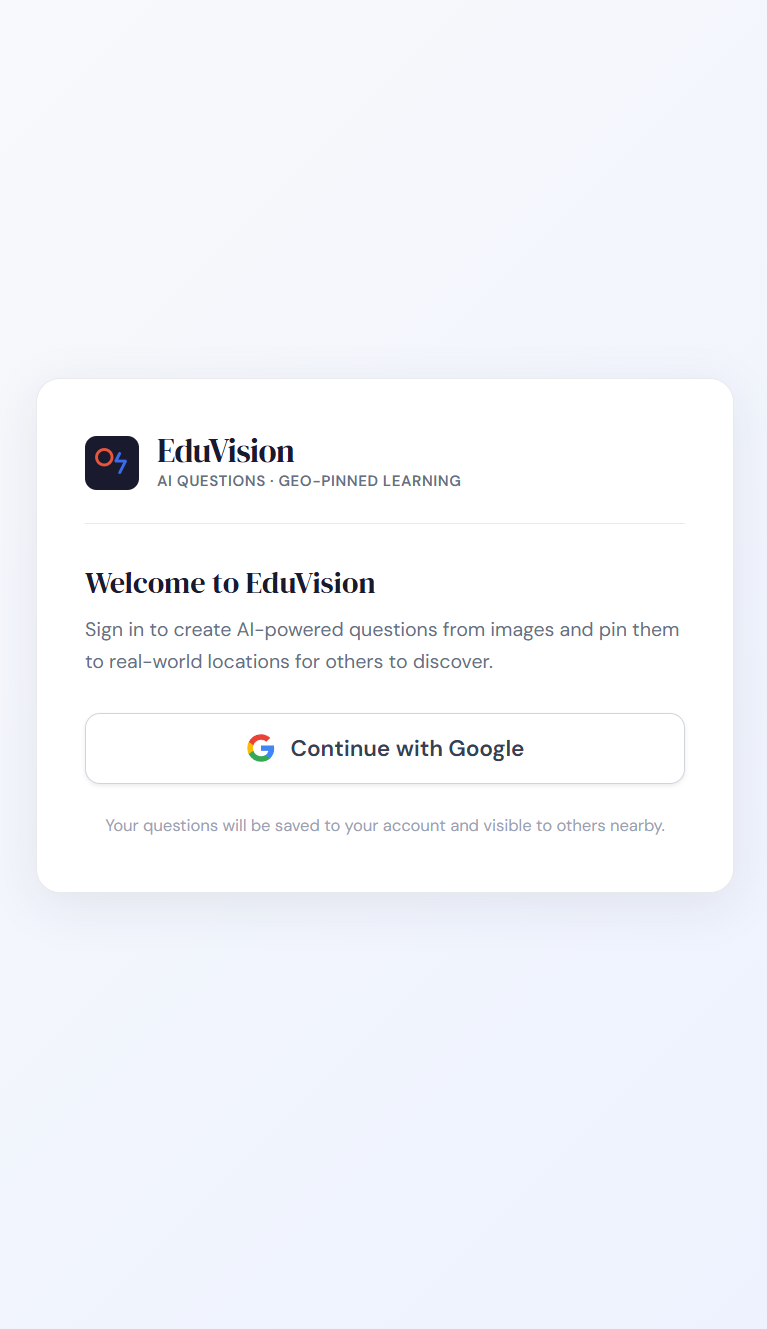
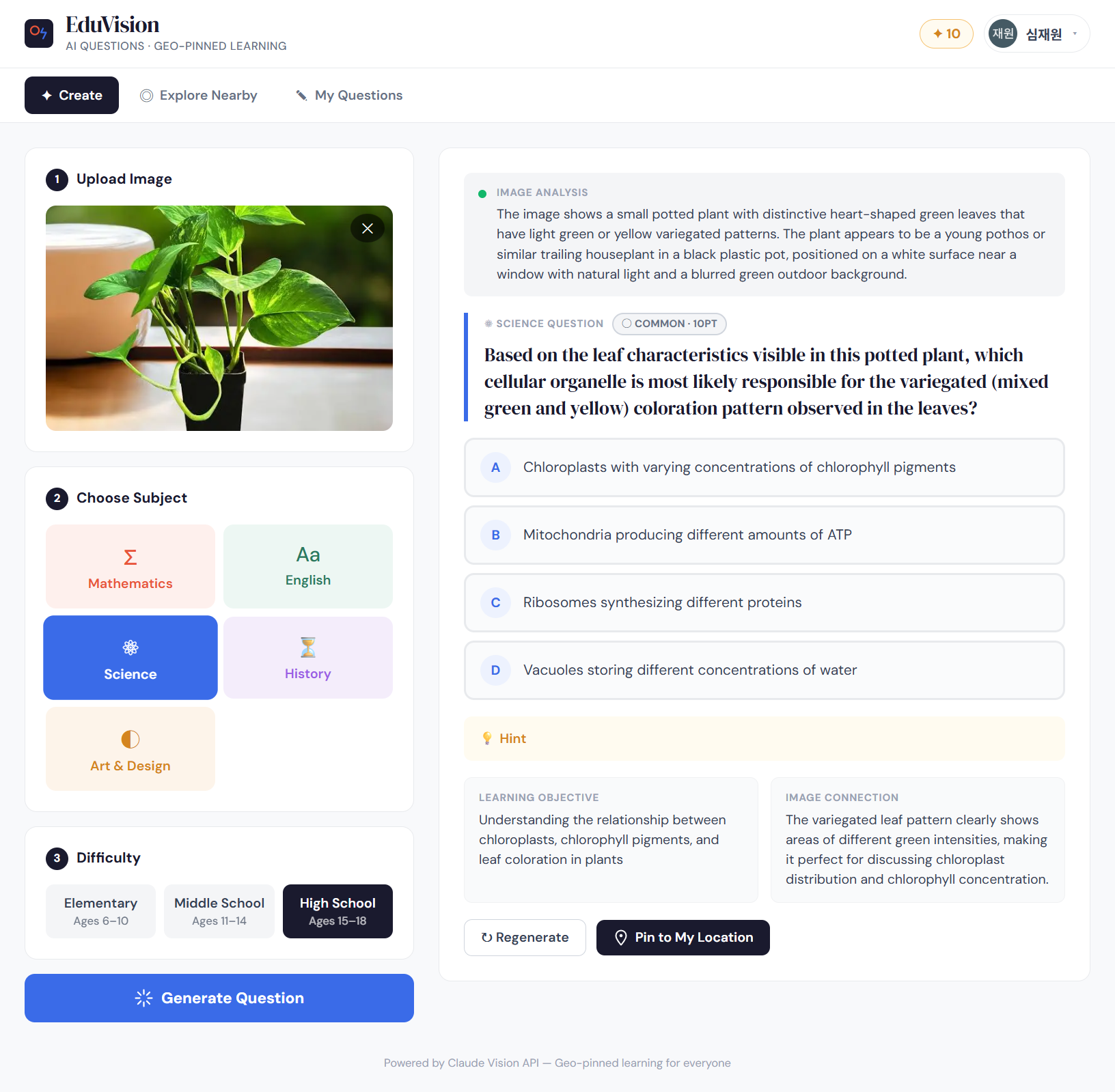
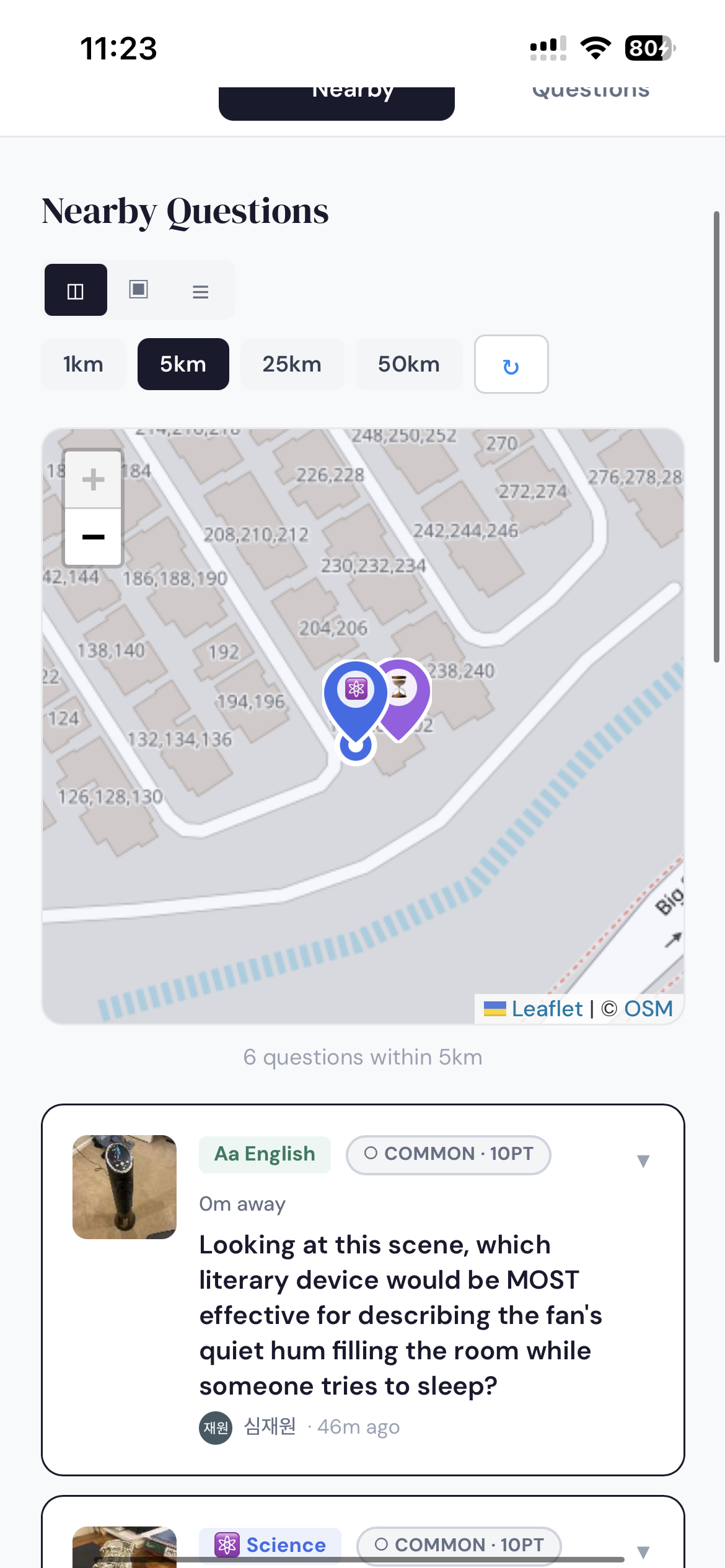
Snap a photo with your camera, choose the subject (Math, English, History, Science, or Art), and the app’s AI generates a tailored multiple-choice question based on the image and subject you picked. You can post that question — it’s geo-tagged to your location, so nearby users can discover and solve it, letting people learn together in a location-based feed. Each question has a rarity level that controls how many points solvers earn, and the app includes sign-up and log-in so users can track their points, progress, and contributions.
How we built it
We built the app as a lightweight, scalable stack that ties proven services together: images are analyzed (OCR and object detection) with Google Cloud Vision API, then the extracted content, plus the user’s selected subject, is sent to Anthropic to generate tailored multiple-choice questions. User accounts, question storage, geo-tags, and scoring data are handled in Firebase, so authentication and real-time updates are fast and secure; question rarity and point calculations live in that same database. For the location feed and interactive map, we use Leaflet to display geo-tagged questions and nearby activity, and the frontend is deployed on Vercel for instant CDN delivery and easy CI/CD. The result is a responsive, maintainable system that focuses on accuracy (Vision + Anthropic), real-time collaboration (Firebase + Leaflet), and simple deployment (Vercel).
Challenges we ran into
One of the biggest challenges was implementing the GPS-based question system, since I initially had no experience with how location data is captured, stored, and displayed for other users. I had to research multiple resources and experiment with different approaches to correctly upload, tag, and retrieve questions based on user location. Another challenge was finding the right balance between simplicity and usefulness — keeping the interface clean while still offering meaningful features required several design iterations. I also ran into repeated deployment issues on Vercel, as I was more accustomed to running everything locally, which required debugging environment variables, build settings, and production-specific errors. Working through these challenges helped strengthen both the technical foundation and overall usability of the app.
Accomplishments that we're proud of
We are proud to have developed a fully functional, end-to-end website that runs reliably without errors. The GPS-based system was successfully implemented, allowing questions to be created, geo-tagged, and discovered by other users in real time. We also completed a secure sign-up and log-in flow, along with the full question creation pipeline, from image input to AI-generated multiple-choice questions. Despite the technical complexity behind the scenes, the platform remains intentionally simple and intuitive, making it accessible to a broad audience. By lowering the barrier to entry, the project increases access to educational opportunities and encourages more inclusive, location-based learning.
What we learned
Through building this project, I learned how to design and integrate a full-stack system that connects multiple services into a single, cohesive product. I gained hands-on experience working with AI APIs for content generation, computer vision tools for image analysis, and GPS-based features for location-aware applications. I also learned the importance of balancing technical complexity with simplicity in user experience, ensuring the platform remained intuitive while still being powerful. Debugging deployment issues and moving from a local environment to production taught me how real-world applications differ from prototypes. Overall, this project strengthened my problem-solving skills, research ability, and understanding of how modern technologies can be combined to make learning more accessible and engaging.
What's next for EduVision
I’ll build a standalone mobile app so the platform isn’t limited to a browser, and introduce a subscription model to sustainably cover API and operational costs. I’m also adding a leaderboard and rewards system tied to the points users earn, to encourage regular participation and healthy competition. Finally, I’ll implement a geofenced access feature so users can only attempt questions published within a configurable radius of their GPS location — a move that encourages local discovery and prevents abuse while keeping the learning experience relevant.
Built With
- anthropic
- claude
- cloud-vision-api
- css
- firebase
- github
- javascript
- json
- leaflet.js
- node.js
- react
- typescript
- vercel
- vite

Log in or sign up for Devpost to join the conversation.