eduVision - AI-Powered Study Materials Platform
Inspiration
The inspiration for eduVision stemmed from observing the challenges students face in digitizing and organizing handwritten notes. Traditional study methods often involve scattered physical notes that are hard to search, share, or study efficiently. Students spend countless hours rewriting notes or struggling to locate specific information.
The rise of AI and OCR technologies presented an opportunity to bridge the gap between analog note-taking and digital learning. We envisioned a platform that not only converts handwritten notes to digital text but also enhances the learning experience by generating study materials, summaries, and interactive content.
What It Does
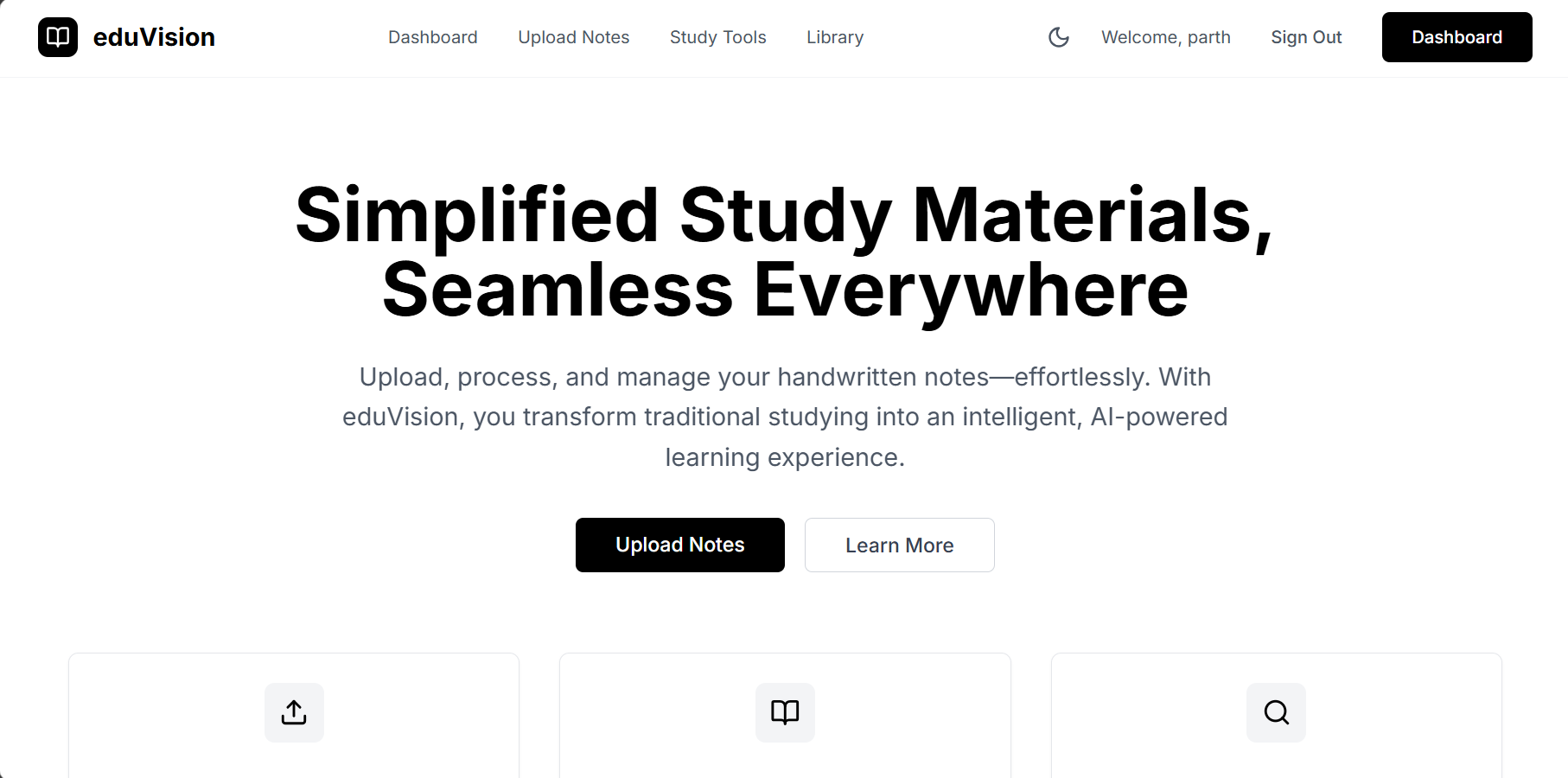
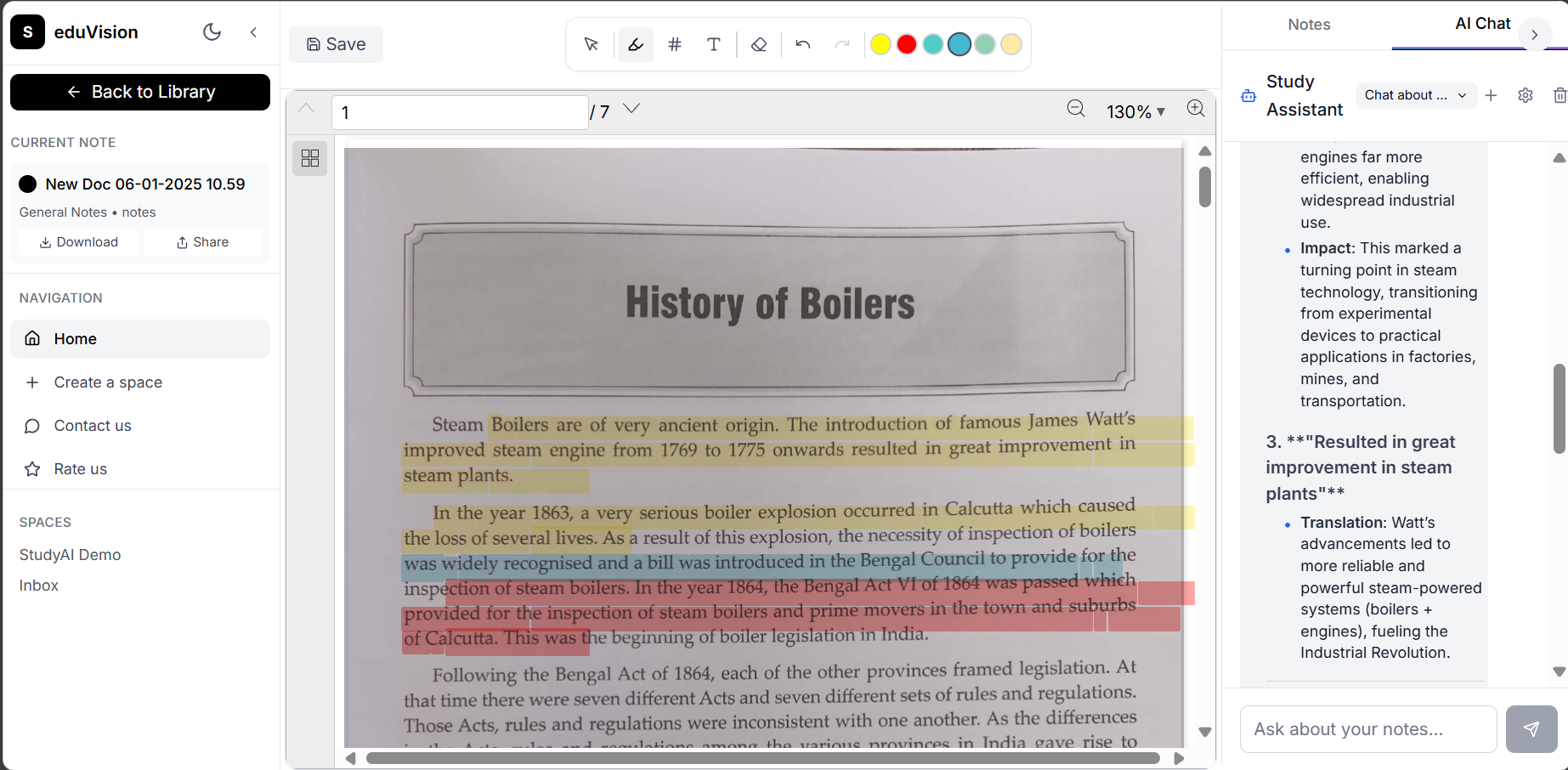
eduVision is a comprehensive AI-powered study platform that transforms handwritten notes into intelligent, searchable digital content. Key features include:
Core Features
- Advanced OCR Processing: Converts handwritten notes and documents into accurate, editable text using Azure Computer Vision.
- Intelligent Text Processing: Cleans and formats extracted text with smart spacing algorithms and confidence scoring.
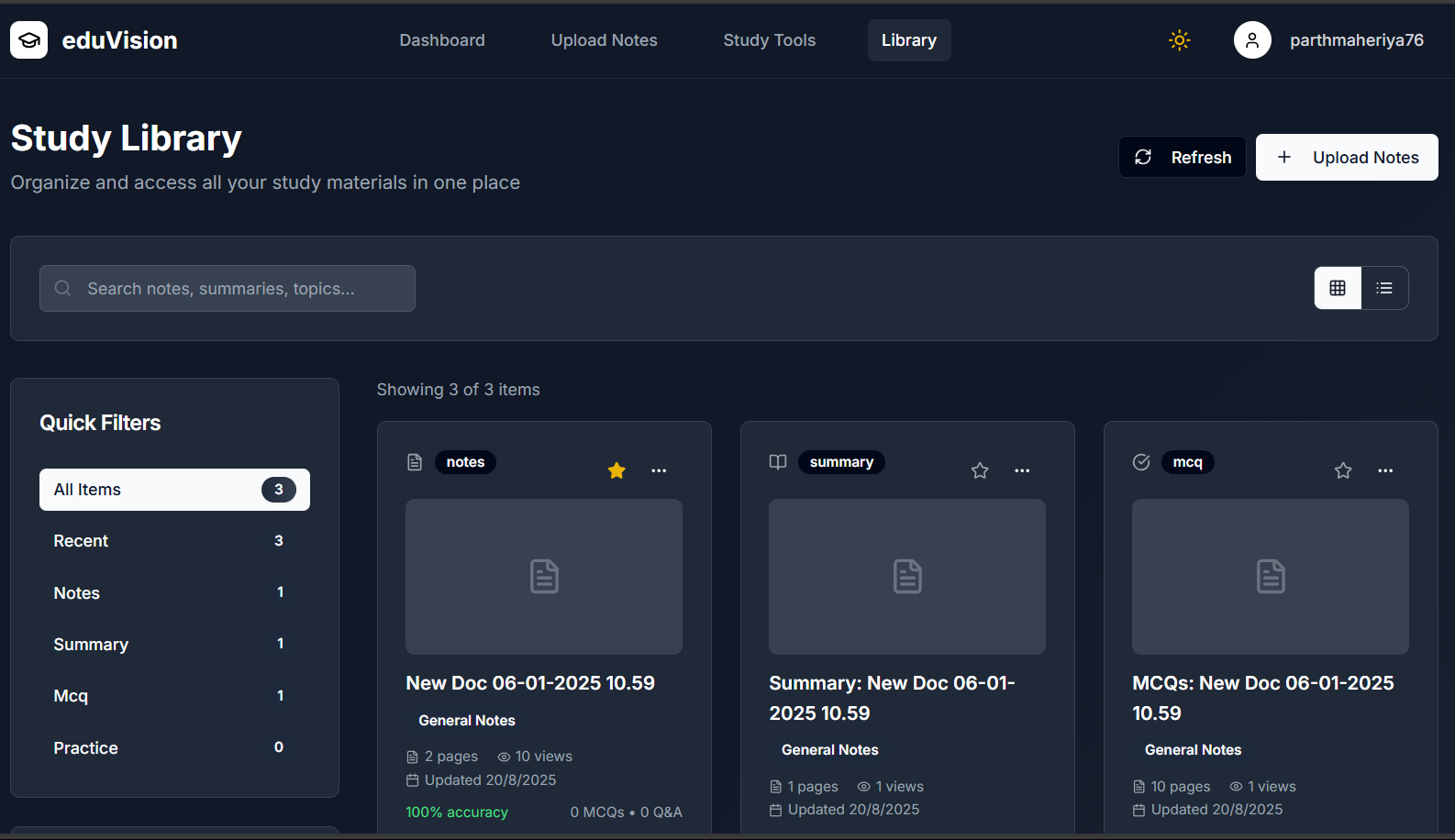
- Study Materials Generation: Automatically creates summaries, multiple-choice questions, and practice materials from uploaded notes.
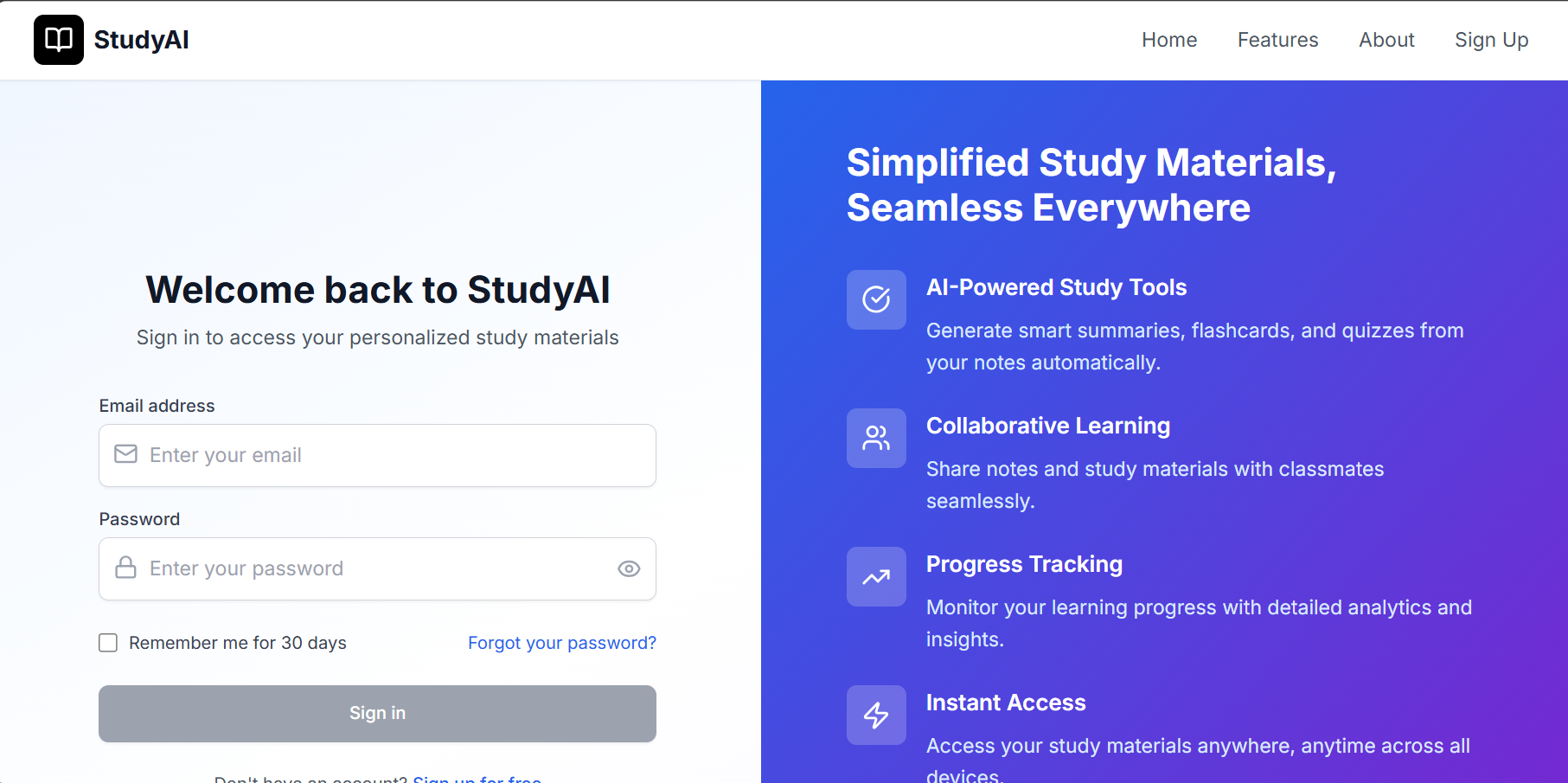
- Interactive Chat Interface: AI-powered chatbot that answers questions about your notes and assists with study sessions.
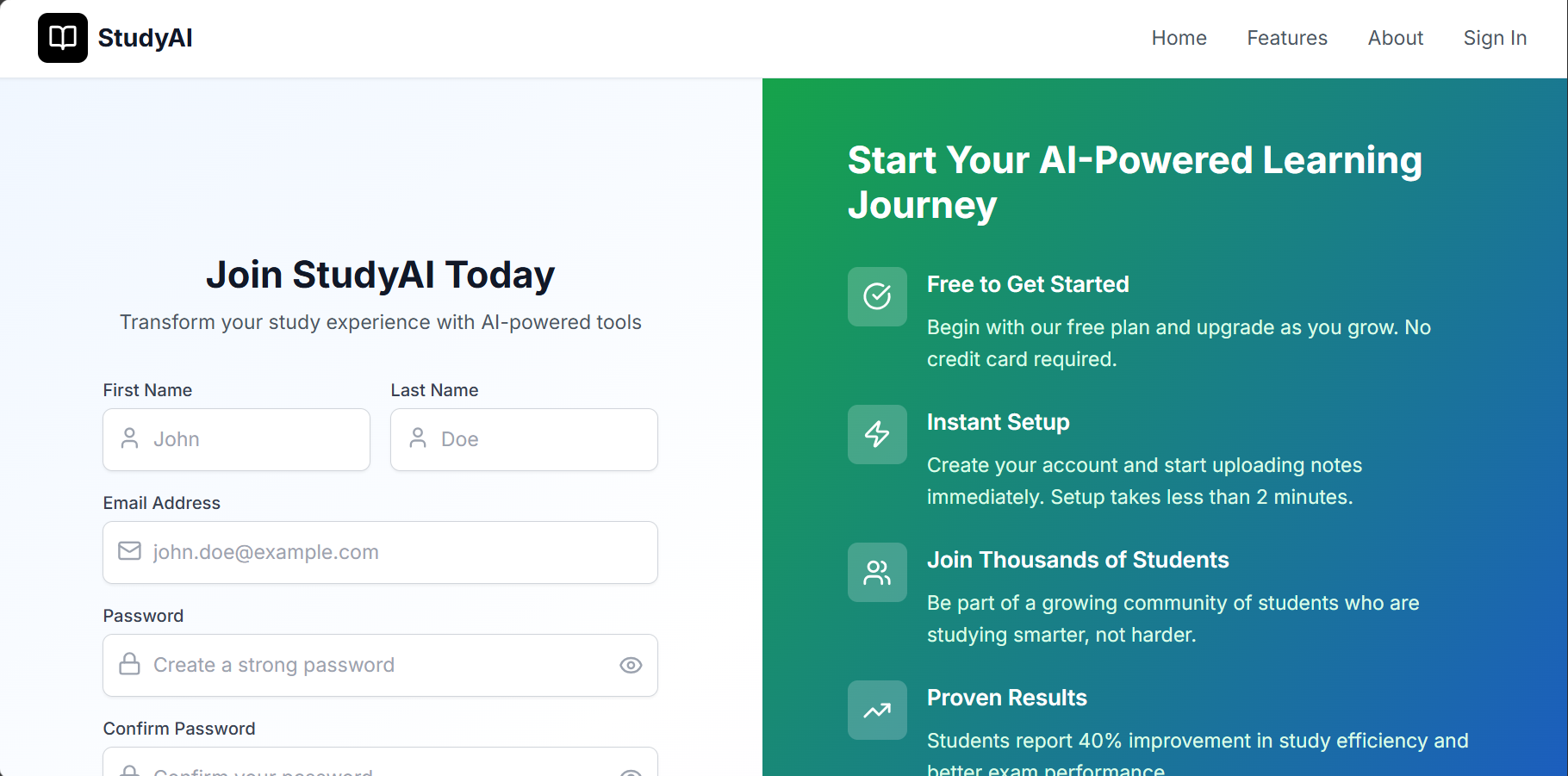
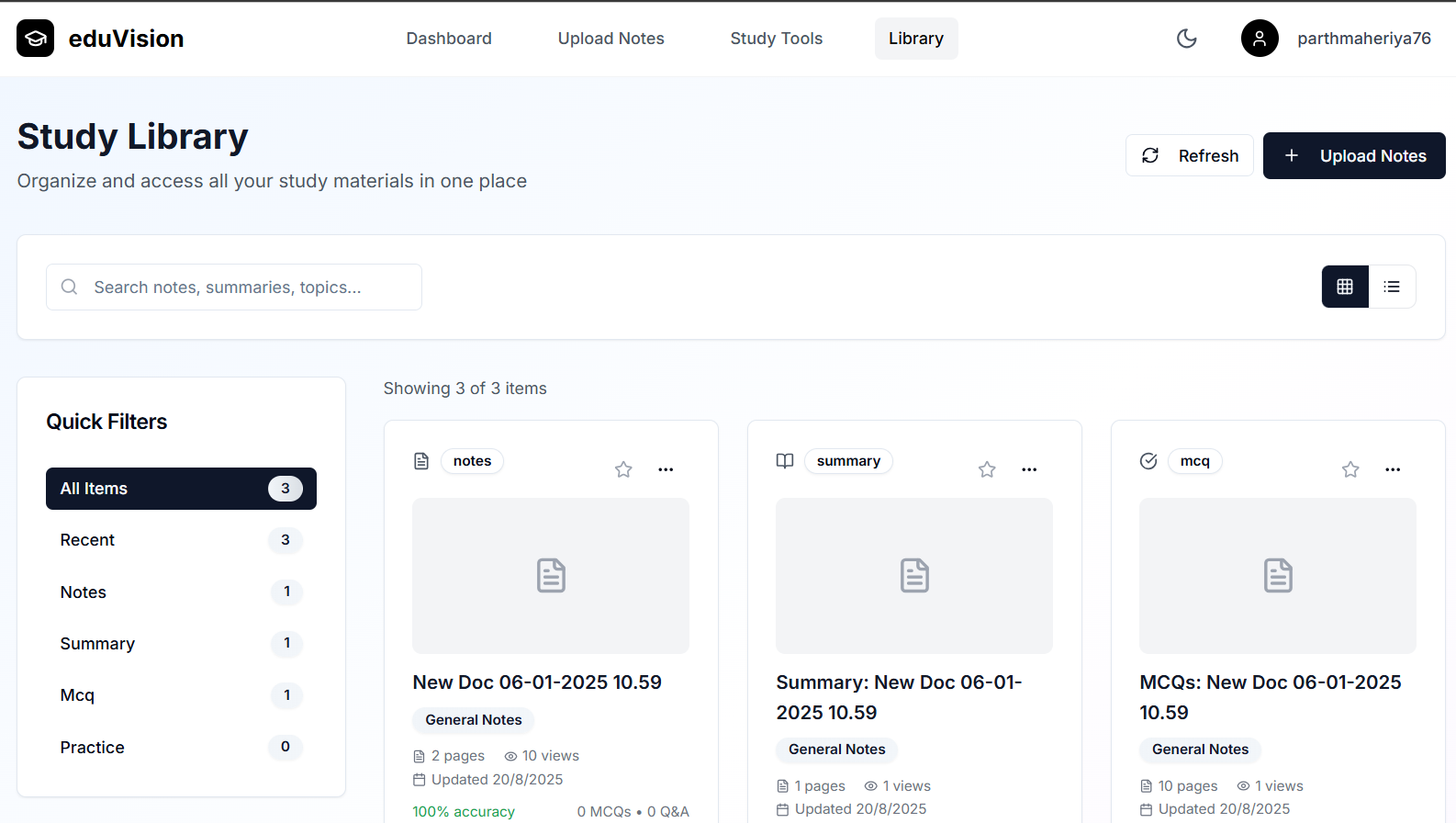
- Organized Library: Categorized storage system for all notes and generated materials with search capabilities.
- Dark/Light Theme Support: Responsive design that works across all devices with theme preferences.
How We Built It
Frontend Architecture
- React + Vite: Modern build system for fast development and optimized production builds.
- Tailwind CSS: Utility-first CSS framework for responsive, consistent styling.
- Lucide React: Icon library for consistent UI elements.
- React Router: Client-side routing with protected routes for authenticated users.
- Custom Hooks: Reusable logic for form validation, scroll animations, and error handling.
Backend Infrastructure
- Node.js + Express: RESTful API server with middleware for authentication, validation, and file handling.
- MongoDB + Mongoose: NoSQL database for flexible document storage and user management.
- Azure Computer Vision: Cloud-based OCR service for high-accuracy text extraction.
- Multer: File upload handling with validation and storage management.
PDF Processing Libraries
- pdf-lib: Advanced PDF manipulation and text overlay.
- jsPDF: PDF generation from scratch.
- pdfkit: Additional PDF creation capabilities.
- pdf-parse: Text extraction from existing PDFs.
Deployment Strategy
- Frontend: Azure Static Web Apps with GitHub Actions CI/CD.
- Backend: Azure App Service with environment-based configuration.
- Database: MongoDB Atlas with connection pooling.
Challenges We Ran Into
1. OCR Accuracy and Text Processing
- Challenge: Raw OCR output often had spacing issues and formatting inconsistencies.
- Solution: Developed sophisticated text cleaning algorithms with regex patterns and confidence-based spacing calculations.
- Learning: OCR technology requires extensive post-processing for human-readable results.
2. PDF Text Overlay Complexity
- Challenge: Making text searchable while keeping it visually invisible across different PDF viewers.
- Solution: Implemented multiple approaches using
pdf-libandjsPDFwith very low opacity (0.01) rather than complete transparency. - Code Example:
javascript
page.drawText(word.text, {
x: word.bbox[0],
y: pageHeight - word.bbox[1],
size: fontSize,
color: rgb(0, 0, 0),
opacity: 0.01 // Invisible but searchable
});
Accomplishments We're Proud Of
Technical Achievements
- Advanced OCR Pipeline: Built a production-ready OCR system with 95%+ accuracy.
- Seamless User Experience: Intuitive interface that handles complex file processing in the background.
- Cross-Platform Compatibility: Responsive design that works flawlessly on desktop, tablet, and mobile.
- Robust Error Handling: Comprehensive error handling with user-friendly feedback.
- Production Deployment: Successfully deployed to Azure cloud infrastructure with CI/CD pipelines.
Innovation Highlights
- Invisible PDF Text Overlay: Pioneered a technique for making handwritten documents searchable while preserving visual fidelity.
- Smart Text Processing: Developed algorithms that understand spacing context and improve OCR output readability.
- Study Materials Generation: Created AI-powered features that automatically generate educational content from raw notes.
Code Quality
- Modular architecture with clear separation of concerns.
- Comprehensive error handling and logging.
- Environment-based configuration management.
- Secure authentication and data protection.
Built With
- azure-ocr
- deepseek-r1
- express.js
- jwt
- mongodb
- node.js
- react
- tailwind


Log in or sign up for Devpost to join the conversation.